

Voltron
High Rollers
-
Joined
-
Last visited
Everything posted by Voltron
-
Land of Giants, and then a little more McCoy/Bobby collaborations.
-
Happy birthday Bonnie! CheersRIP McCoy Tyner. This is really sad news. But he's one of the greats who I got to see play many times and I have a lot of memories. It was especially awesome when McCoy and Bobby Hutcherson played together, which they did as recently as 2016. With both of them gone, we're getting awfully low on jazz legends. 😢 https://www.google.com/amp/s/www.nytimes.com/2020/03/06/arts/music/mccoy-tyner-dead.amp.htmlWhat he said! CheersHave a great one Nate! Cheers!
 Enough with Vegas, it's time to get back to work! Have a great one while you can. Cheers!
 Agree with JP that the amp/DAC is gorgeous. I've liked the look of T + A for awhile, but haven't heard any of this gear.Have a great one Dan! Cheers!Have a great first birthday of retirement Al! Cheers!
 Have a great day! Cheers!
 Have a great one Ed! Cheers!
 Some people like that amateur stuff. Different strokes, so to speak.I quite liked Dark as well. I might have to rewatch some stuff to prep for season three (which is supposed to come out sometime later this year).Seems like a good day to start a biography of Pliny the Elder and Younger that Claire got for me at Christmas.
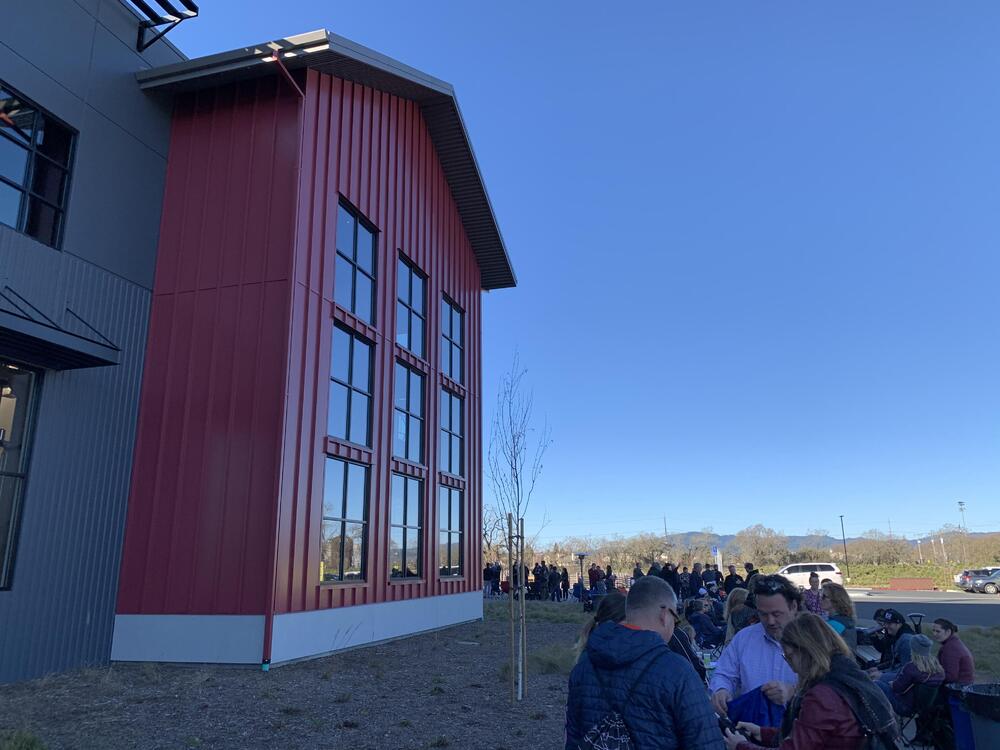
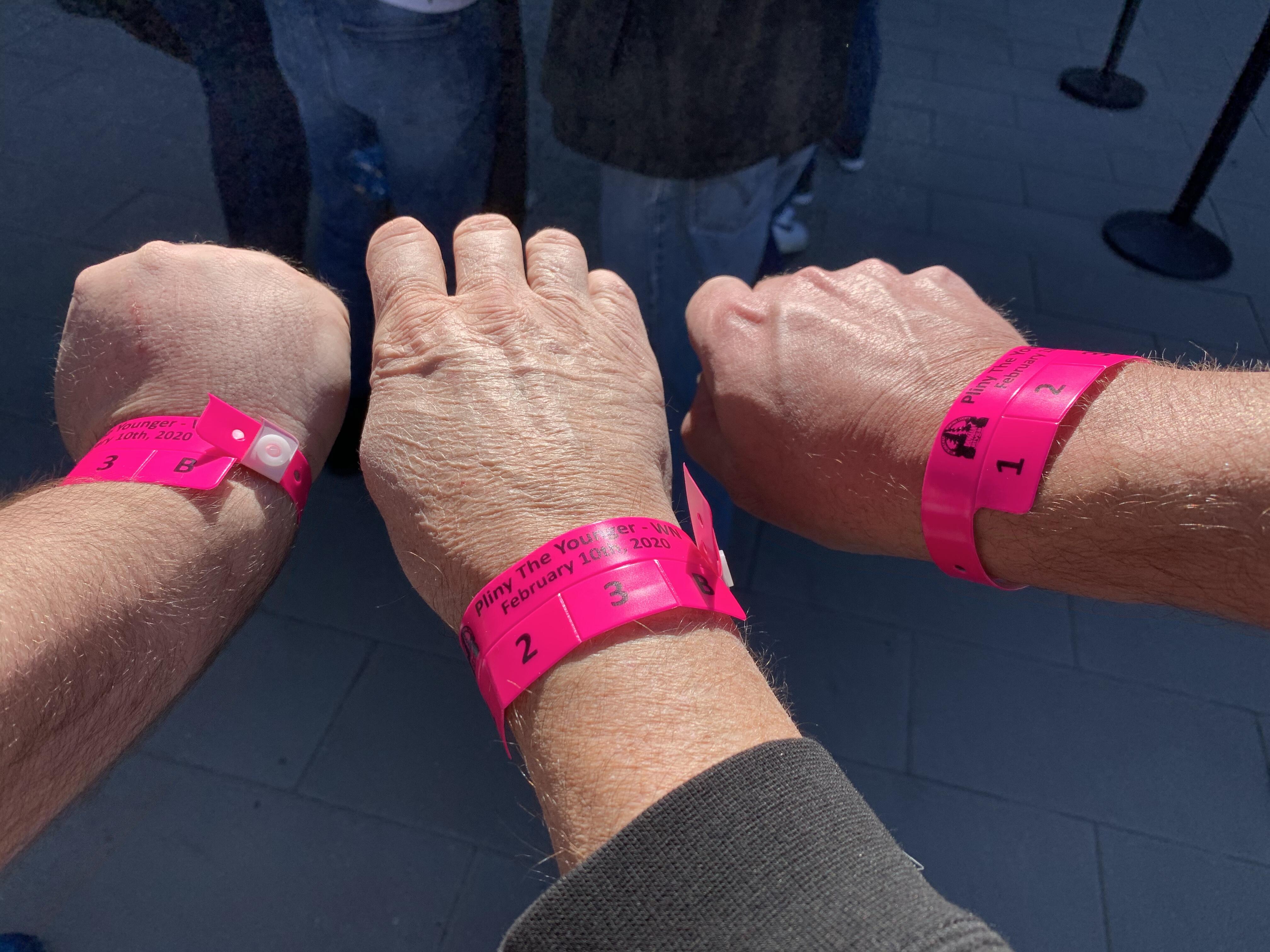
 Younger 2020 with Stretch and TMoney. First time in Windsor. In the first wave, happily.
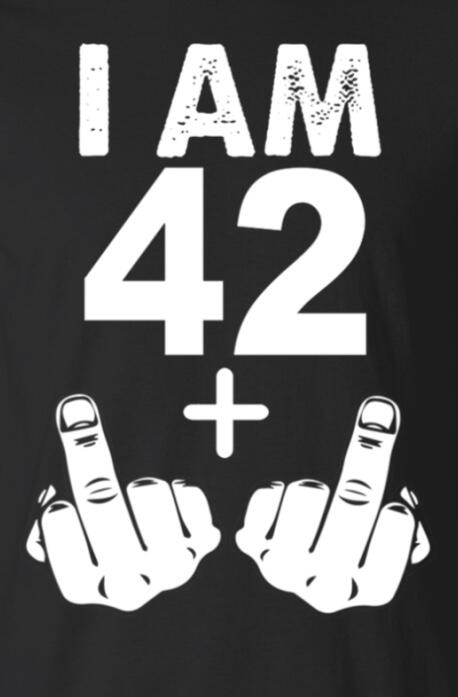
 Have a great one Jeff! Cheers!
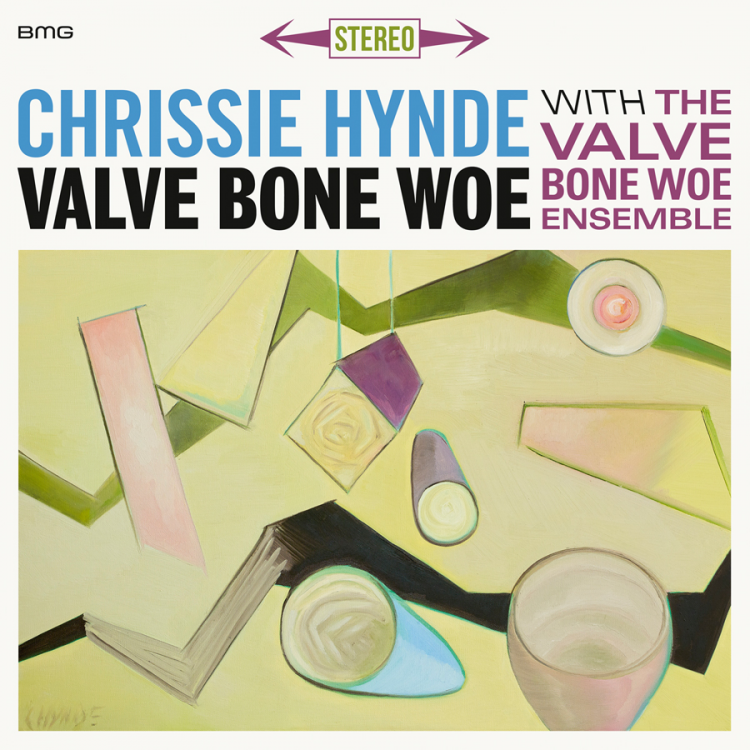
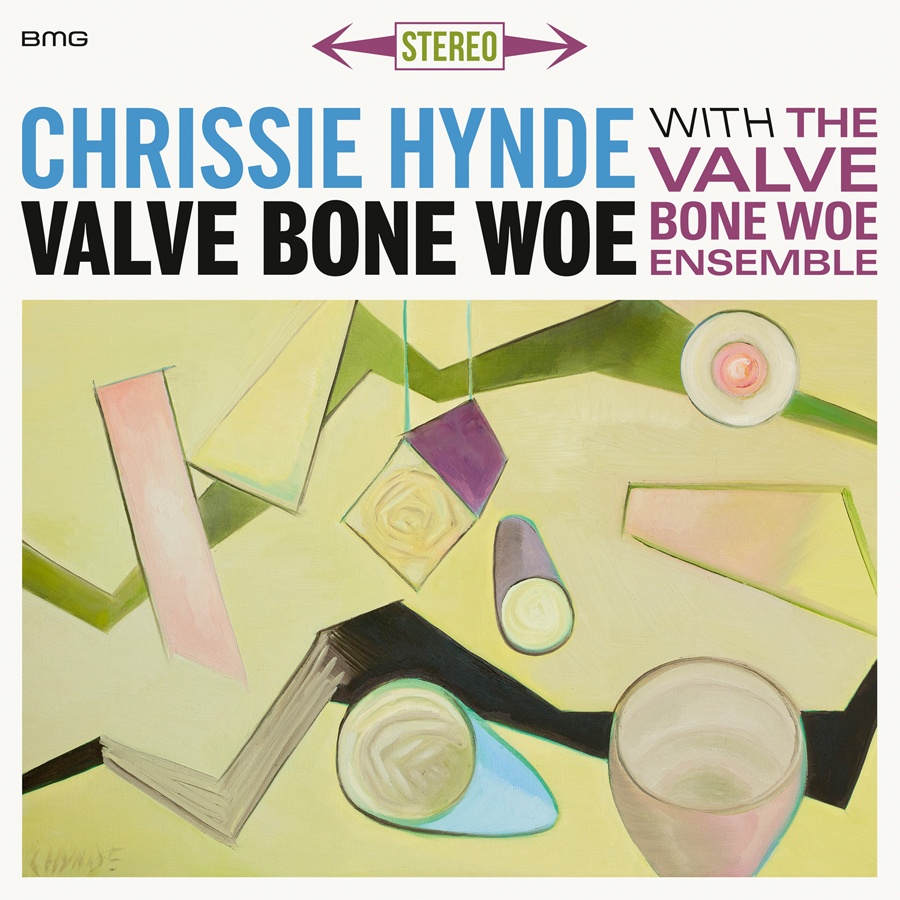
 RIP Andy Gill of Gang of Four at age 64. Of pneumonia. Fuck that. https://www.google.com/amp/s/www.nytimes.com/2020/02/01/arts/music/andy-gill-dead.amp.htmlMore thanks!Chrissie Hynde's new jazz record. Recommended!
 I really like Steve McCormack's stuff.RIP Kobe and Gianna.









Important Information
By using this site, you agree to our Terms of Use.
Account
Navigation
Search
Configure browser push notifications
Chrome (Android)
- Tap the lock icon next to the address bar.
- Tap Permissions → Notifications.
- Adjust your preference.
Chrome (Desktop)
- Click the padlock icon in the address bar.
- Select Site settings.
- Find Notifications and adjust your preference.
Safari (iOS 16.4+)
- Ensure the site is installed via Add to Home Screen.
- Open Settings App → Notifications.
- Find your app name and adjust your preference.
Safari (macOS)
- Go to Safari → Preferences.
- Click the Websites tab.
- Select Notifications in the sidebar.
- Find this website and adjust your preference.
Edge (Android)
- Tap the lock icon next to the address bar.
- Tap Permissions.
- Find Notifications and adjust your preference.
Edge (Desktop)
- Click the padlock icon in the address bar.
- Click Permissions for this site.
- Find Notifications and adjust your preference.
Firefox (Android)
- Go to Settings → Site permissions.
- Tap Notifications.
- Find this site in the list and adjust your preference.
Firefox (Desktop)
- Open Firefox Settings.
- Search for Notifications.
- Find this site in the list and adjust your preference.