n_maher
Administrators
-
Joined
-
Last visited
Everything posted by n_maher
-
Clipless. I can't imagine riding, even MTB, without being clipped in. The times I've been able to save things because of the power able to be generated far outweighs the few crashes the pedals might have caused. Now if I finally get a fat bike this year that'd be something I'd ride on flats just because of wanting to have warm feet.
-
-
Awesome news, Todd. I cant believe he's gpong to college...
-
Happy Birthday!
-
Kerry, Sadly a quick google leads me to believe that you wont get enough out of the maggies to make a trade possible. I came across a couple adds for pairs in the $500 range... Given you skills, Kerry, I'd have a look a Selah Audio.
-
Happy Birthday!
-
So I've been playing with a Surface Pro 3 all week and I have to say, generally I'm very impressed. Windows 10 is way less awful than expected and the Surface itself is pretty awesome. I haven't reached for my iPad once. The real test will be upcoming travel where the plan is to only take the surface with me and see if I can survive a short trip. I think for content consumption it's more than adequate and the typecover is something I'd tried to implement on tablets before with terrible results. Granted, it's not a perfect solution but my #1 surprise is how much I like the hybrid experience of browsing with a touch screen but still having a trackpad for other things. Based on this I'll be eyeing the release of the rumored Surface 5 with interest.
-
Jesus H look at that track pad.
-
Went out early for a nice 8+ mile blast through the woods with another friend. The weather was near perfect for MTB. Approaching 50, light wind, occasional sun.
-
Only required on the roof up here, Steve. Anchor bolts every 4' or so is enough to keep the walls of most residential stuff pinned to the ground. Sent from my iPad using Tapatalk
-
Yeah, the garage is coming along at a snail's pace. Things are supposed to get cracking again next week. Here's to hoping.
-
Finally found the system of trails less than a mile from my house. I'm in heaven.
-
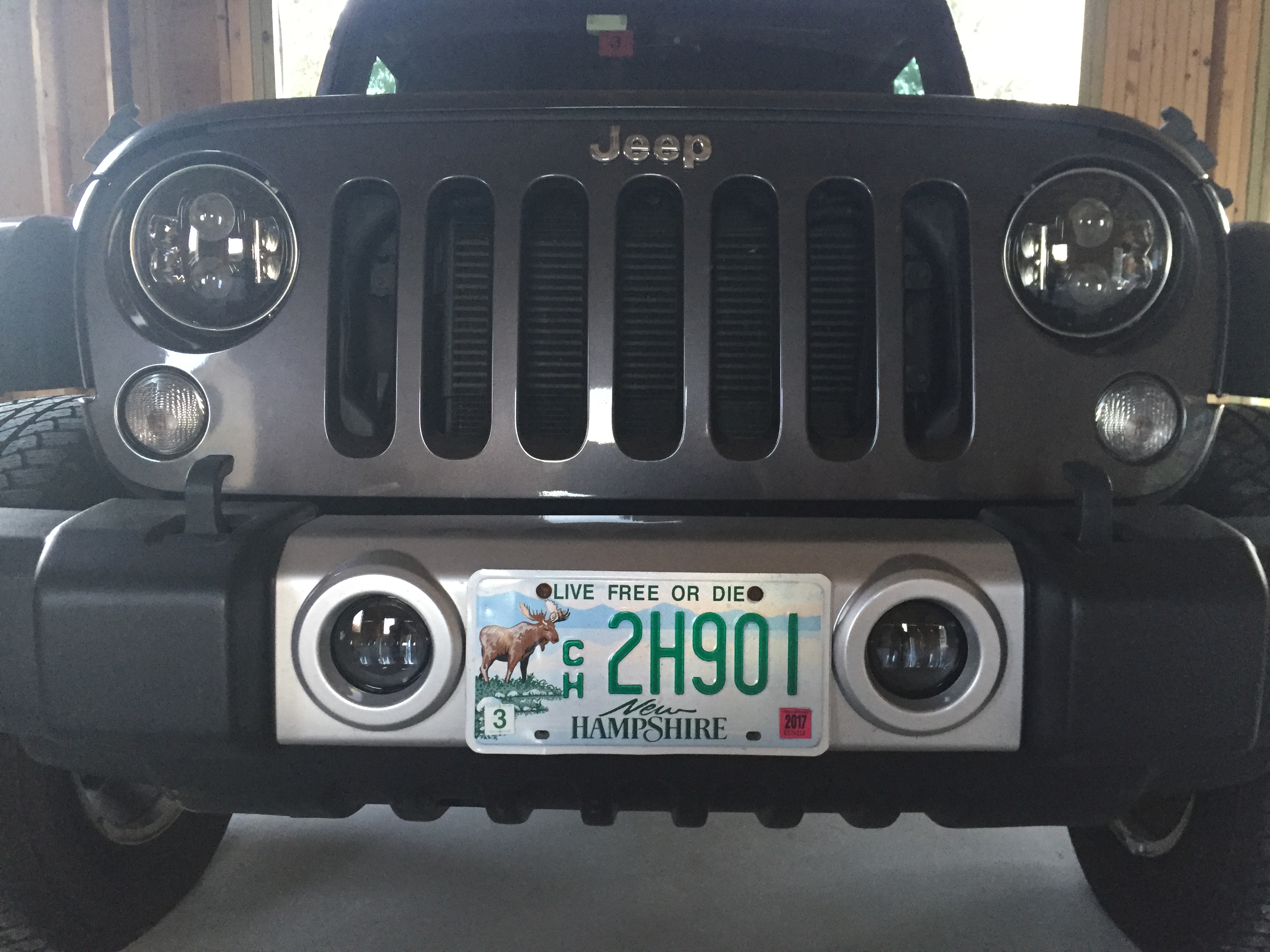
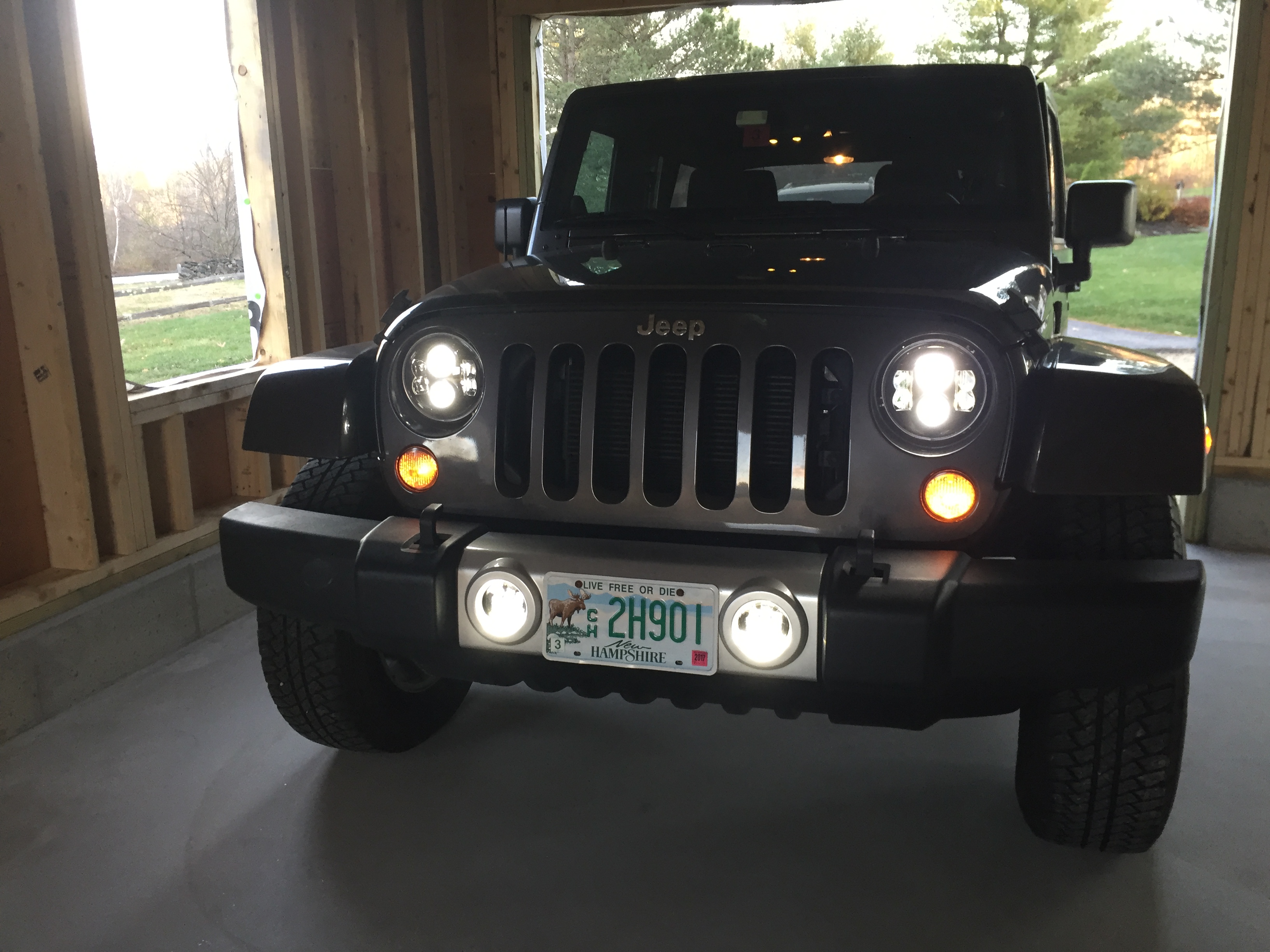
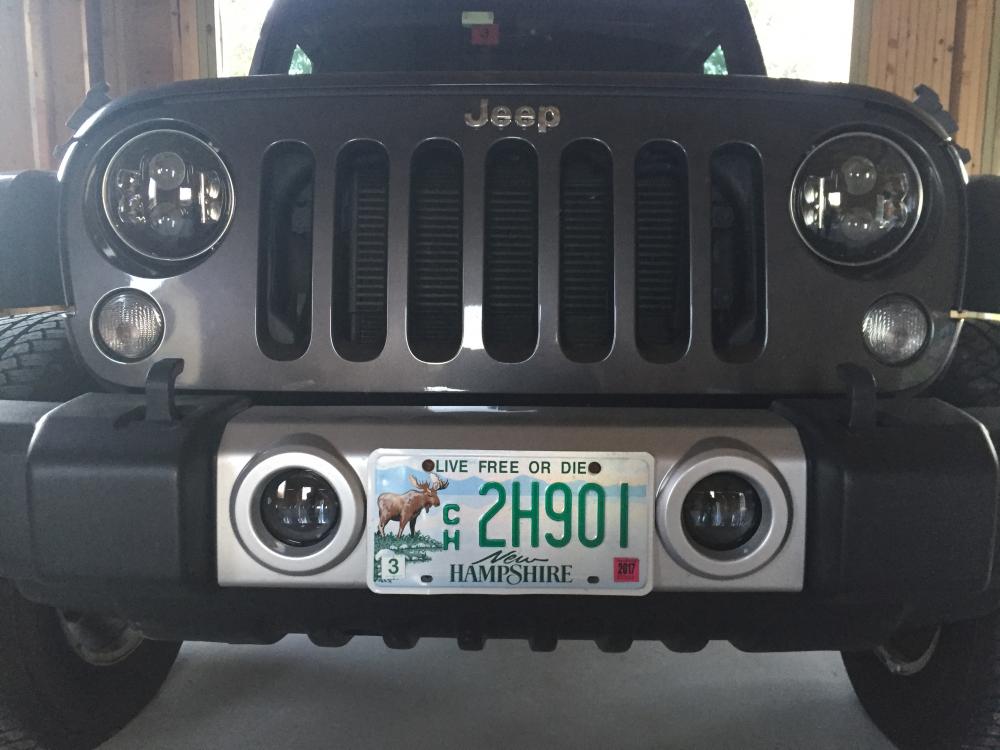
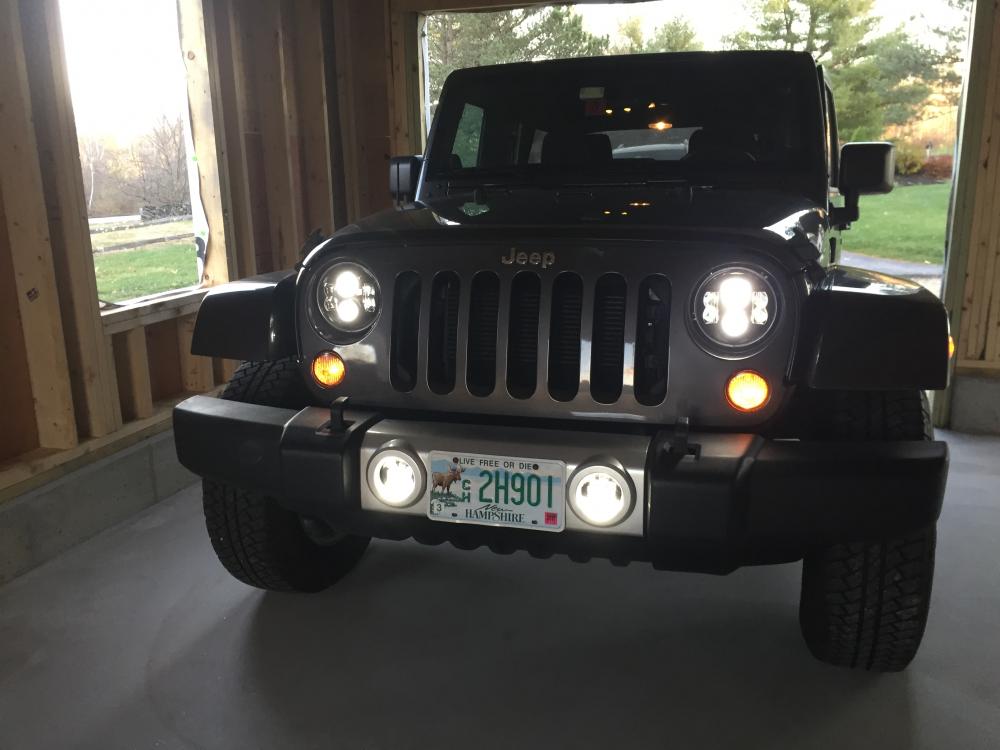
Installed LED headlights and fogs in the Jeep.
-
Cheers to another year, Mikey.
-
Happy birthday, Chris. Don't let the recent news get you down.
-
^^ This. Ordered 2lbs today since I just opened my last pound from OBR.
-
This, but mostly because I've already got a pair of 650s which are good enough and sound fantastic with the current dynamic amp, veil be damned.
-
Voted. In a town of 2400 or so it was surprising to see a line of 100 or more at 8am. It took about a half hour to work my way through the line and based on conversations overhead the crowd was pretty evenly split.
-
-
I swear to Christ, Stretch, your stories are the best.
-
This and WTF?
-
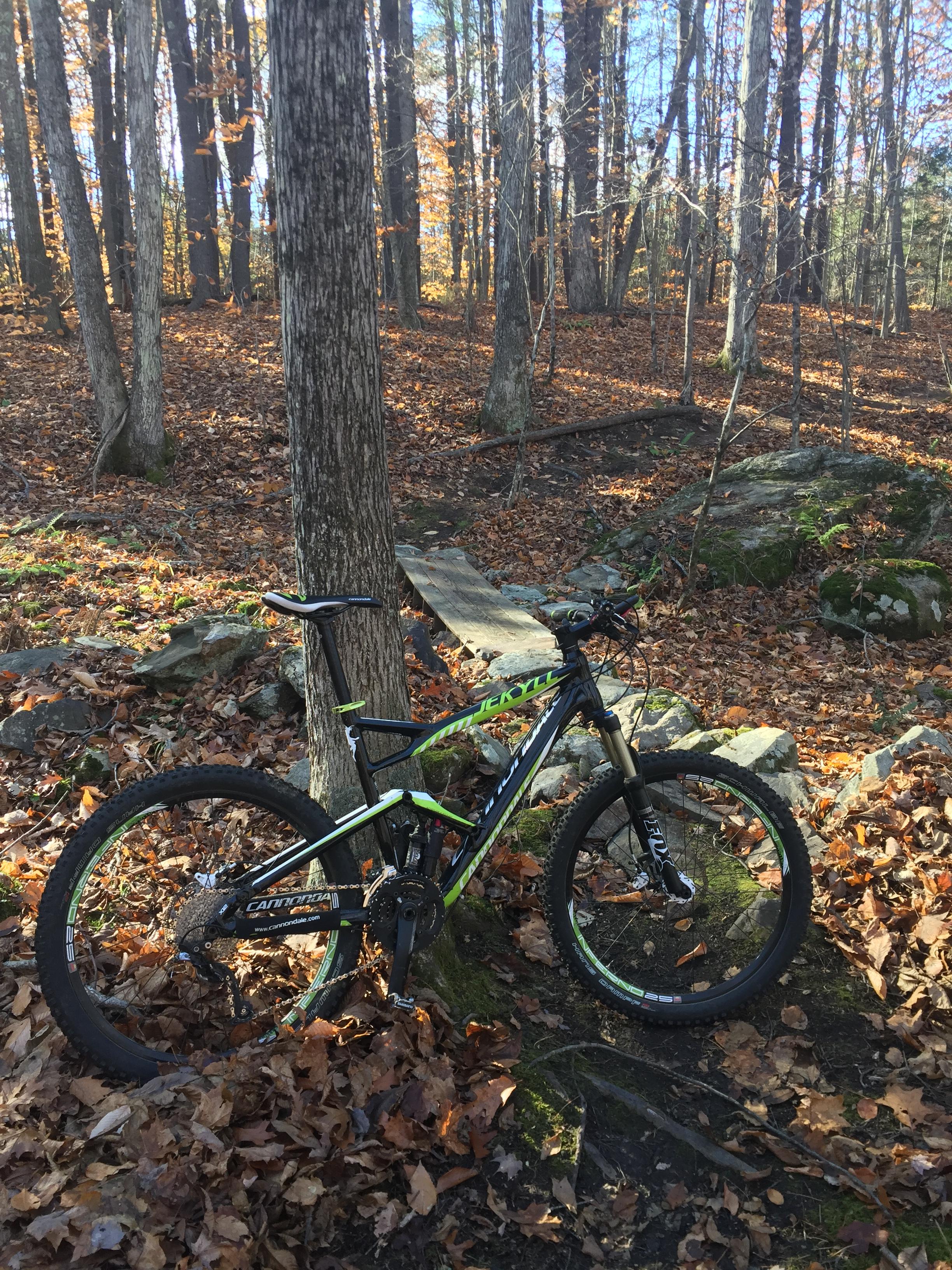
Jeff, I honesty choose bikes based on whether or not they look like something I'd ride. Honestly. I look at the Jekyll, giggle like a little kid and go hit the trails. Based on that sophisticated analysis method my $$ would go towards the CC. In actual riding news I got out on a very nice, 7.5mi MTB ride this afternoon after work. I'm not sure there's a better way to end a work day.
-
Touch bar is interesting and I trust Apple, if anyone, to have it be stable and reliable. Other computers with touch sensitive buttons have been less than stellar but obviously touch-based interfaces have come a long ways in the last 5 years.
-
What's funny is that two hours north it simply rained.
-
Wow. Can't wait to see the enclosure, Doug.