


naamanf
High Rollers
-
Joined
-
Last visited
Everything posted by naamanf
-
Sorry for the loss, best wishes to you and your family.
-
Happy birthday! I'll give you your spankings on Friday [emoji6]
-
That's a lot of words for a cigar
-
Happy birthday to the both you!
-
I like mine as well
-
Yes, yes they are.
-
I liked my HE 1.2 or whatever they were called way moar that the 007. Admittedly they were built like shit.
-
Apparently I have been promoted.
-
Yum. I'm about to make buffalo chicken dip to add to our unquestionably unhealthy appetizers.Should be done by the time you get here.Happy Birthday!Brisket Fairies are required by Brisket Fairy code to stay current on brisket cooking. Brisket.25 lbs of prime brisket is prepped.That looks like it should be amazing. Hopefully you do pork better than you do eggs.Looks a little gassy. I would prefer a little more T&A (tomato and arugula).I think you meant to post a picture of the Cask Flight. Please fix this.Full Body Shot
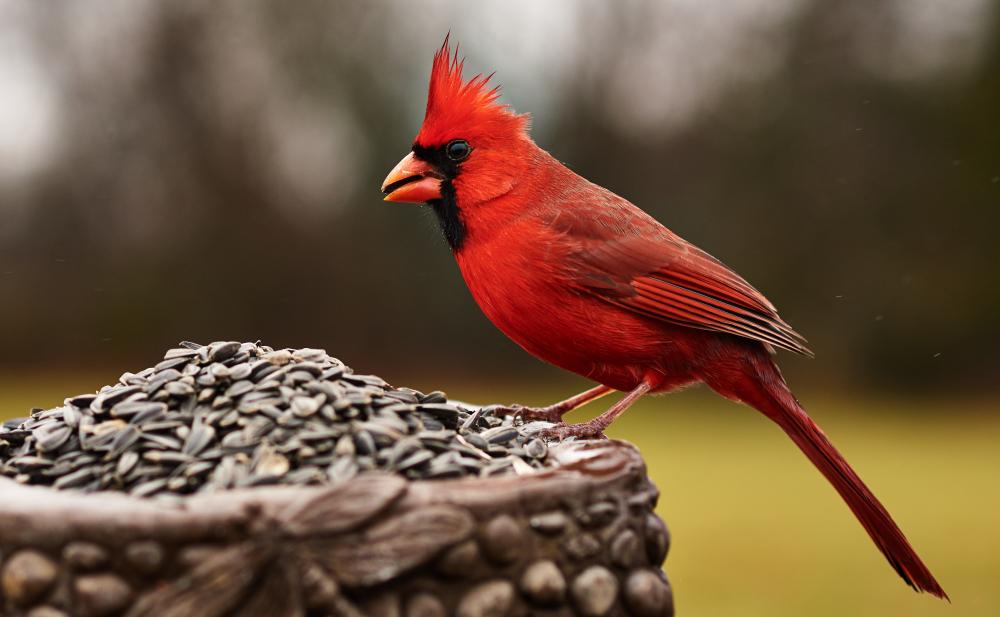 I need to find a model that will stay still.
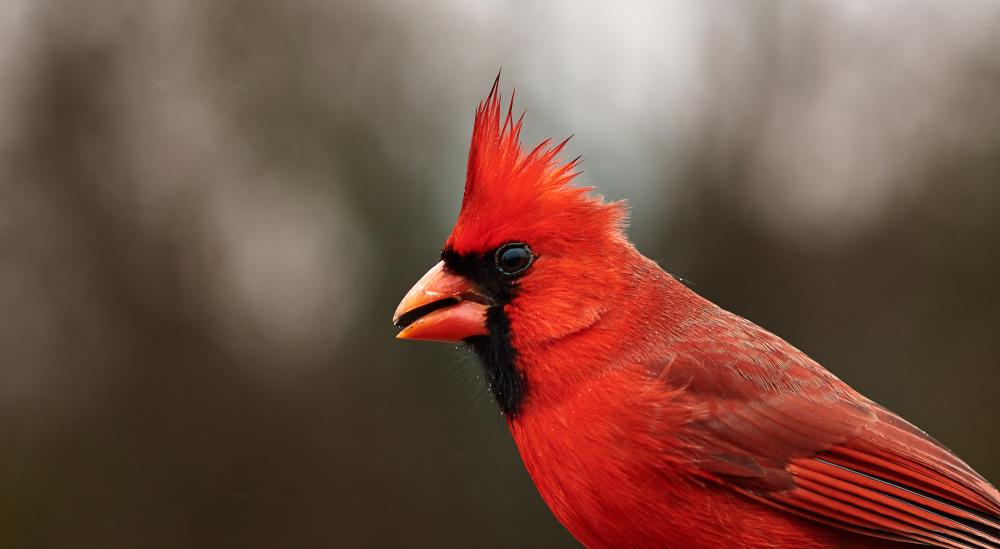 Merry Christmas and Happy Holidays from down on the farm!Added to my cooking wish list. I have always wanted to build a nice outdoor wood fired pizza oven. One of these days.View of my drive across Oklahoma. My vacations suck.

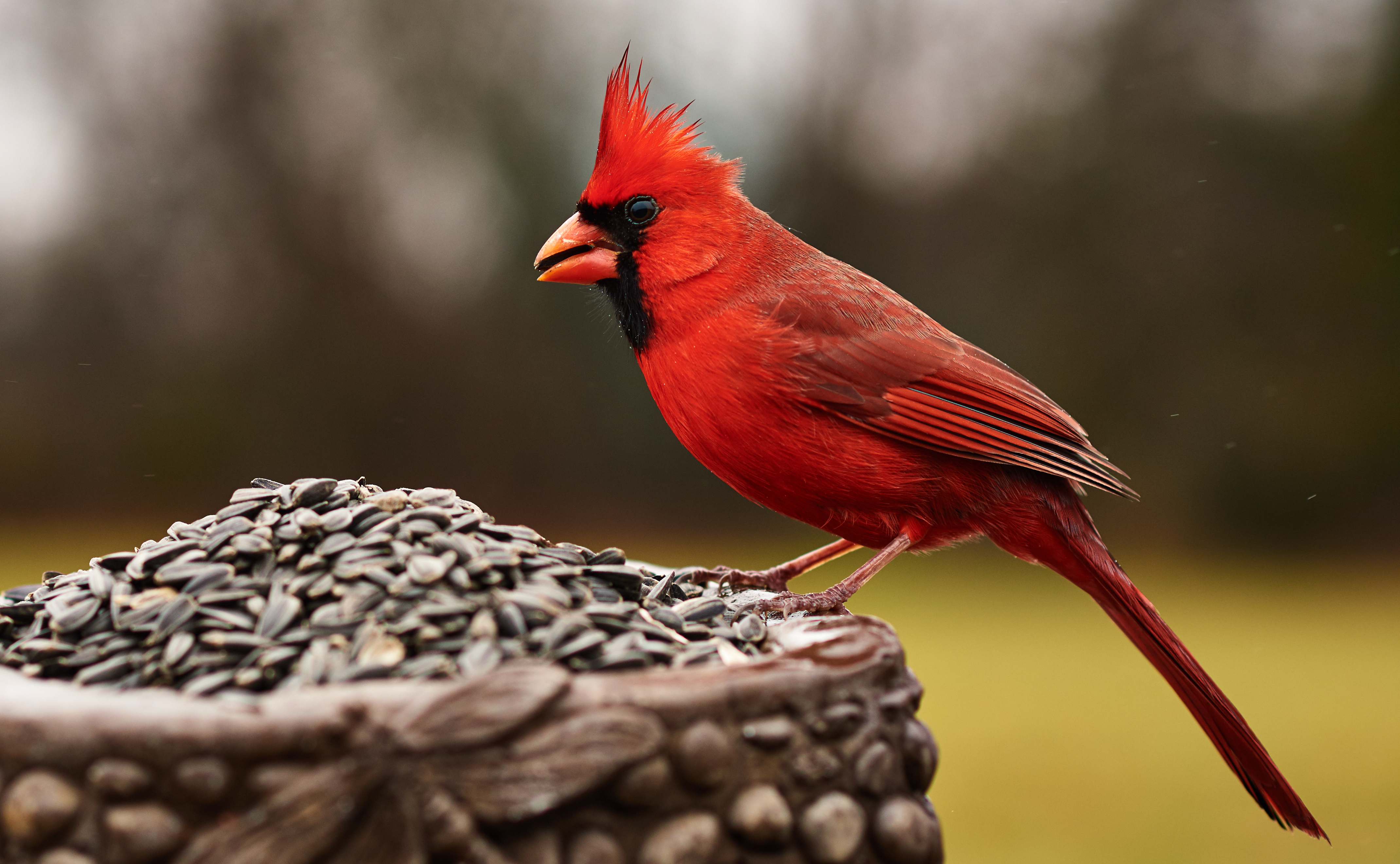
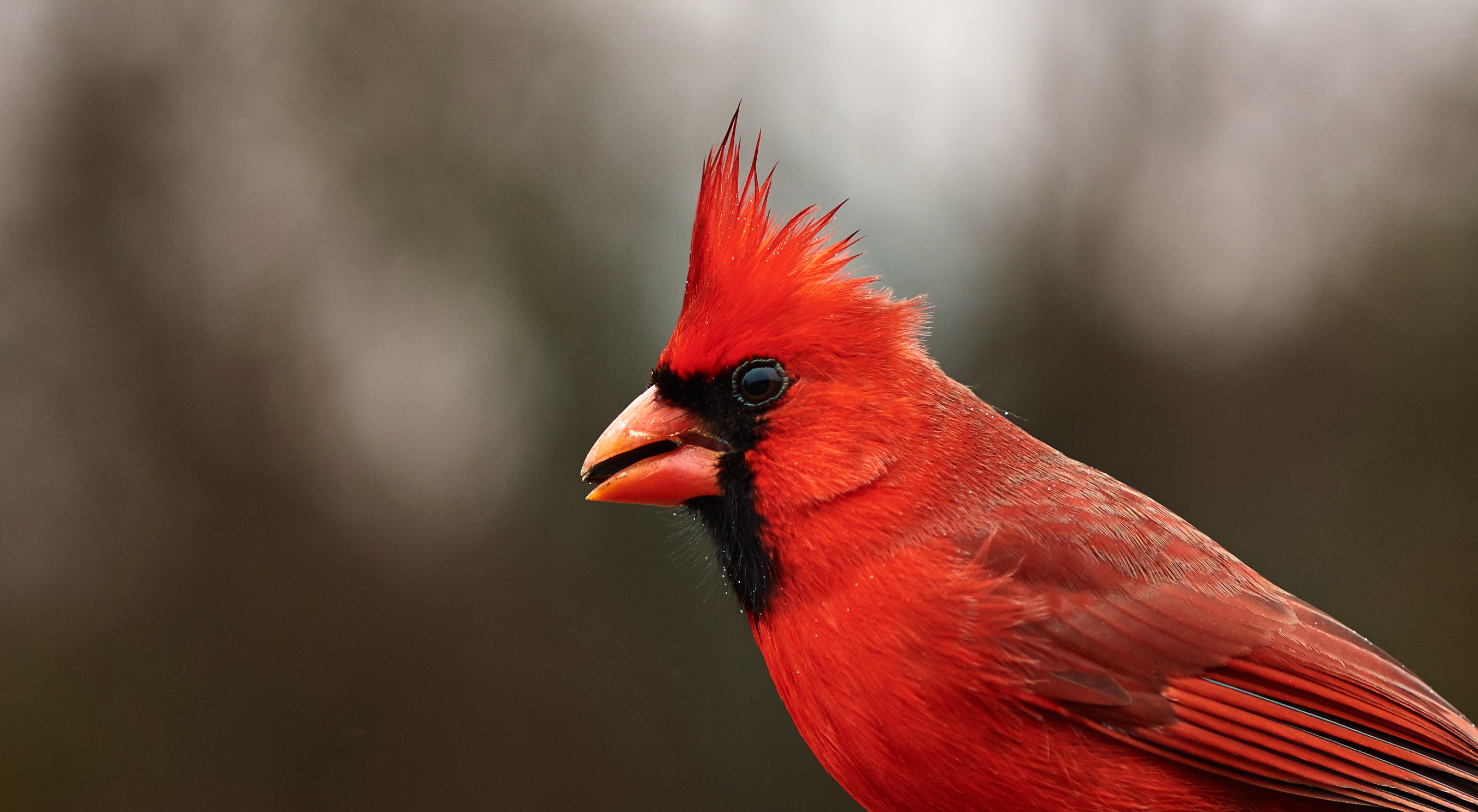
Important Information
By using this site, you agree to our Terms of Use.