


Dusty Chalk
Moderators
-
Joined
-
Last visited
Everything posted by Dusty Chalk
-
Honestly, yellows >> greens
-
...and just as legally.
-
That's my fault. I love/LOVE/LURV everything Sheena Ringo/Tokyo Jihen, so that's probably why it showed up on your feed. LOL, never mind, I was confused. Unrelated:
-
Trump would repeat that we could until you made it true.
-
Okay, but the oil is still there and ours for the taking, isn't it? @naamanf you can fly a helicopter on crude oil? I thought you said we can do that./T
-
Yeah, shawarma is good stuff. I've had the Wegmans pre-marinated stuff, restaurant made (today, even!), and it would have disappeared faster than light with me around, too. Yum yum yum, gnosh gnosh gnosh, yum yum yum
-
Interesting that he has abandoned his trademark plain black leather jacket in favor of a snakeskin (?). I wonder if he will use the word, "molt".
-
Yeah, he's really just a shill for Skynet our soon-to-be-bot-overlords. That said, I was still very interested in everything he said about Vera Rubin. (The hardware platform that he just introduced.) Their usual rule is only change one or two things. They threw that out with this iteration and completely redesigned everything. My theory: they == AI. I don't think they actually were directly involved with the design. Having spent most of my life working in the cleared sector, no-one in the government that I knew would let this pass muster. Additional editorial note: The only way we are going to be able to defeat Skynet AI-used-for-evil is AI-used-for-good. And we are way behind with that. We are so fucked as a planet.
-
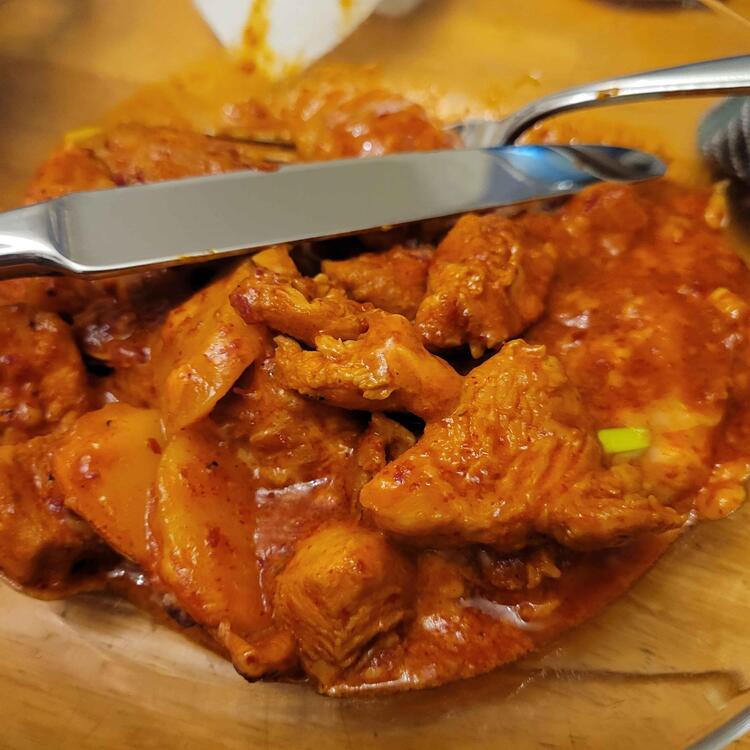
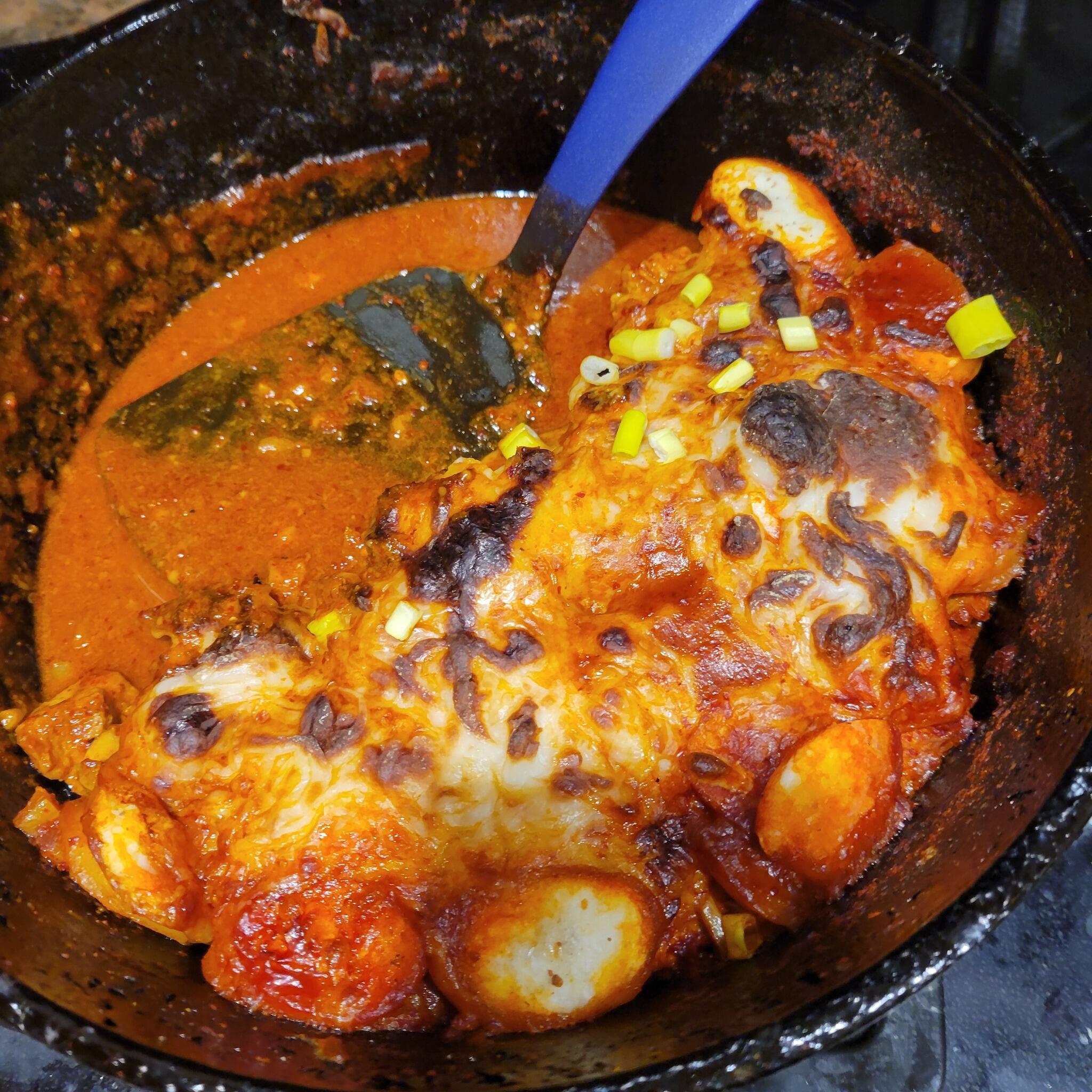
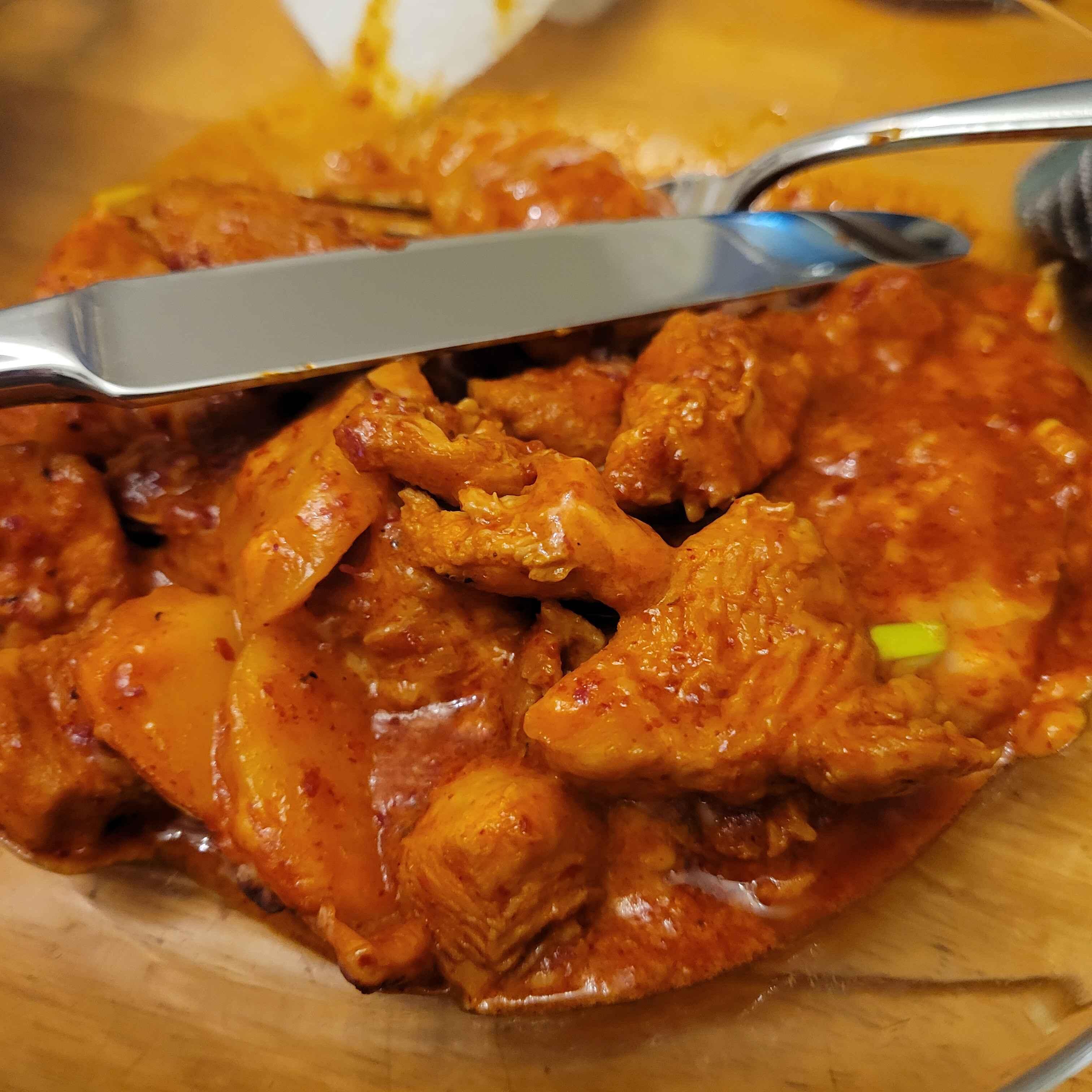
...it's getting good? I've got some bad news for you... 🙃Happy birthday, Renato! (party favour noise)Happy birthday, Dan! (party favour noise)I don't think we need to declare war. I think if the world perceives the US as committing an act of war against a country, then we're at war. And the world will definitely perceive this as an act of war. Yay, we elected a total villain for president. Well done, MAGAts.I endorse this message. https://www.maangchi.com/recipe/buldakLate picture, and a little burnt, but it was delicious.
 Buldak with cheese (which I made)
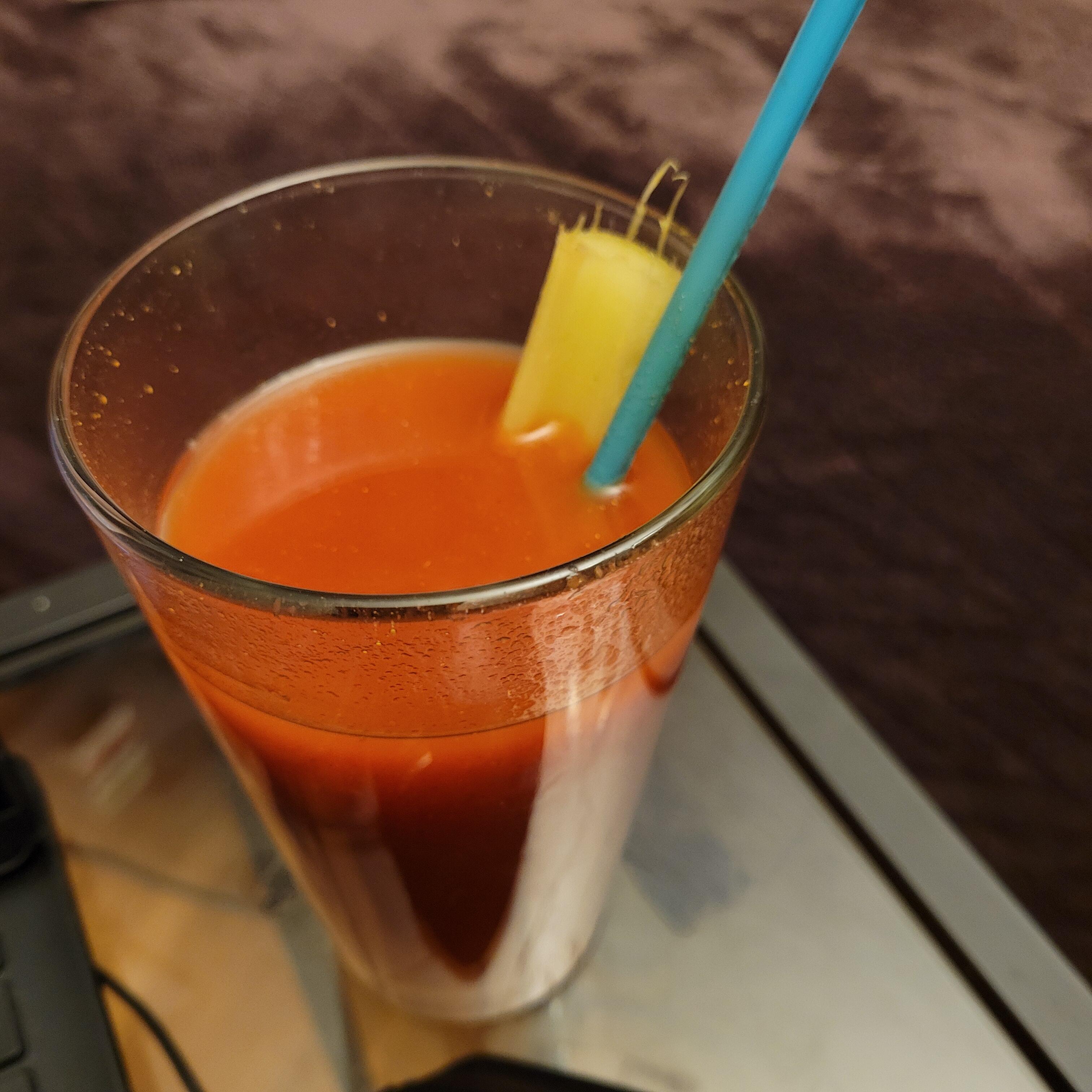
 Aw, too fucking hip, that's amazing! Yay science and your nephew!(sends airhugs) Condolences, both about your aunt and your veganism. No, seriously, you're a better man than I.@Knuckledragger I'm sure you've heard this before, but I was triggered by this video to listen to the whole songThis would never happen at a Waffle House. No, seriously, RIP IHOP person.Celery





Important Information
By using this site, you agree to our Terms of Use.
Account
Navigation
Search
Configure browser push notifications
Chrome (Android)
- Tap the lock icon next to the address bar.
- Tap Permissions → Notifications.
- Adjust your preference.
Chrome (Desktop)
- Click the padlock icon in the address bar.
- Select Site settings.
- Find Notifications and adjust your preference.
Safari (iOS 16.4+)
- Ensure the site is installed via Add to Home Screen.
- Open Settings App → Notifications.
- Find your app name and adjust your preference.
Safari (macOS)
- Go to Safari → Preferences.
- Click the Websites tab.
- Select Notifications in the sidebar.
- Find this website and adjust your preference.
Edge (Android)
- Tap the lock icon next to the address bar.
- Tap Permissions.
- Find Notifications and adjust your preference.
Edge (Desktop)
- Click the padlock icon in the address bar.
- Click Permissions for this site.
- Find Notifications and adjust your preference.
Firefox (Android)
- Go to Settings → Site permissions.
- Tap Notifications.
- Find this site in the list and adjust your preference.
Firefox (Desktop)
- Open Firefox Settings.
- Search for Notifications.
- Find this site in the list and adjust your preference.