Grahame
High Rollers
-
Joined
-
Last visited
Everything posted by Grahame
-
Happy Birthday, Chris!
-
Meanwhile ... https://www.macrumors.com/2020/11/02/apple-november-event/ "Third event in 3 months, Apple. There better be some Arm-powered Macs this time Just One More Thing, eh?" https://www.theregister.com/2020/11/03/apple_announces_next_event_which/
-
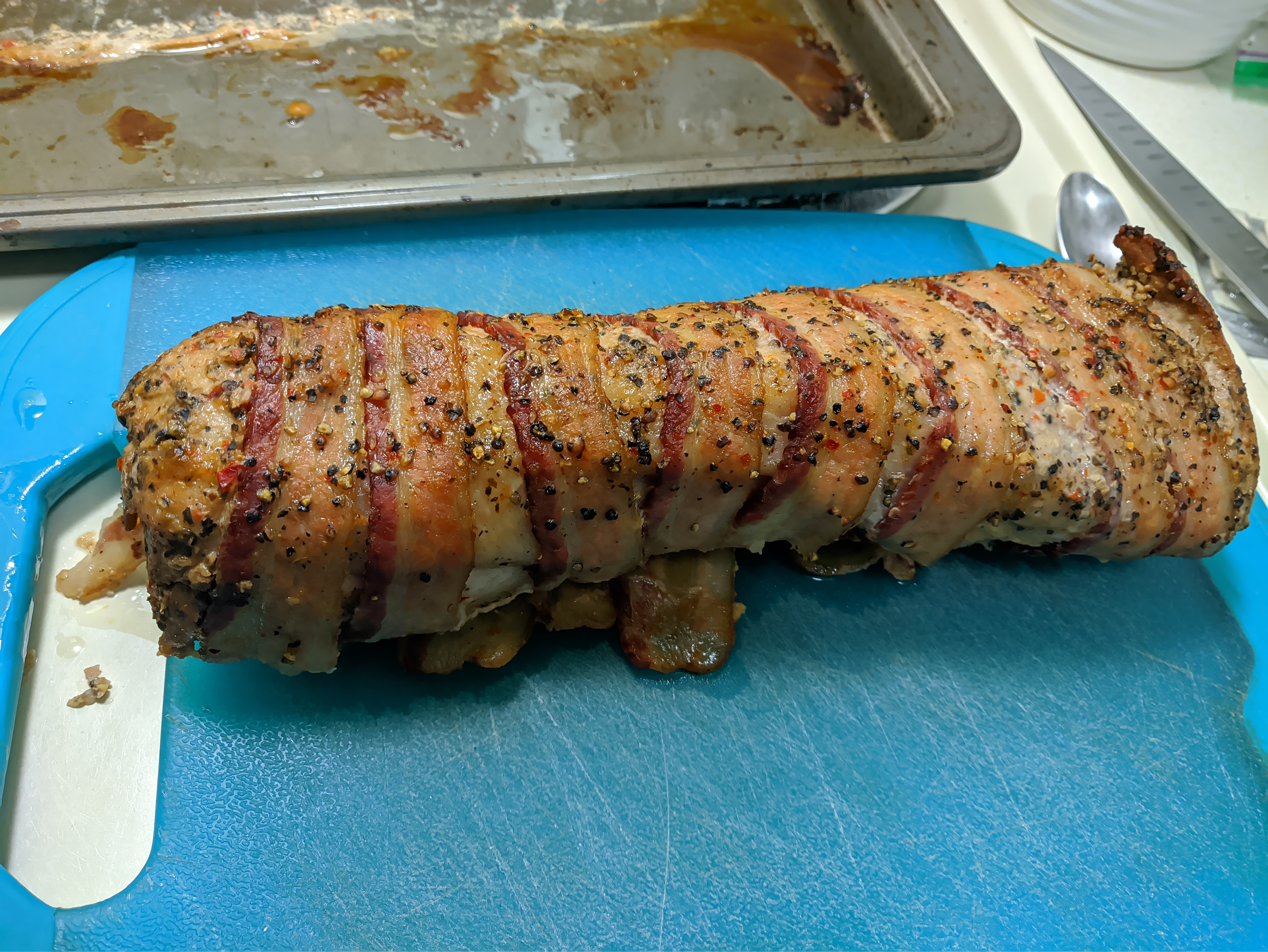
I remarked to Joanne that it reminded me of a Bacon caterpillar.
-
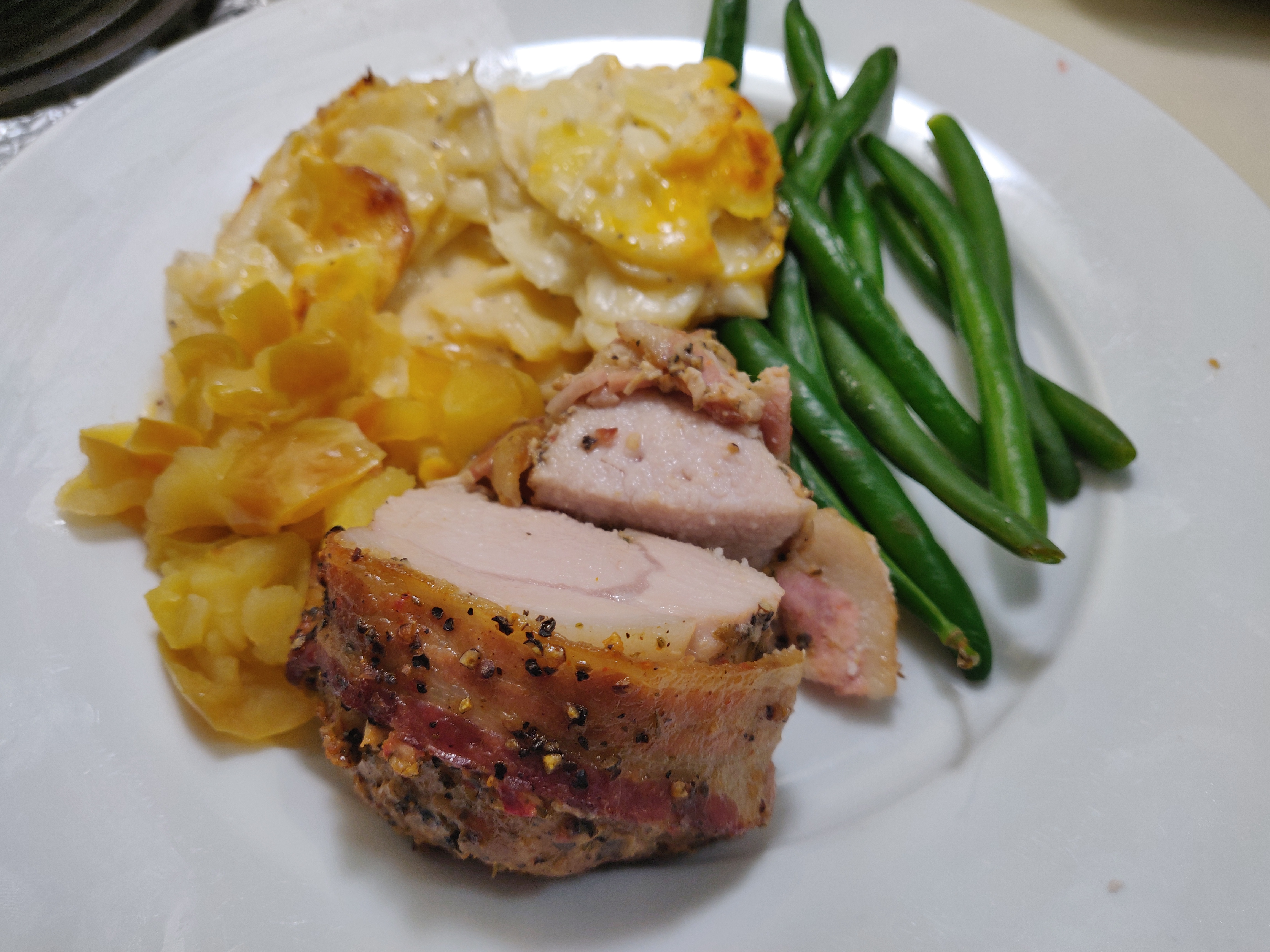
Pre Election Spectating Sustenance Costco Bacon Wrapped Pork Loin
-
Do you have something like this locally to you? https://renewcomputers.com/data-security/ They will go into a chipper / shredder, but are vulnerable up to that point. Drilling through the platters would "fix" that.
-
RIP Connery ... Sean Connery.
-
When it doesn't snow I guess people have more time to prep for Halloween
-
-
Nice. Did you feel the need, the need for ... ?
-
d-_-b appropriate ? https://www.indiegogo.com/projects/m1-caliber-a-better-way-to-measure#/
-
And with the afterburners on?
-
Condolences, Fitz. RIP Matilda.
-
If you had a dollar ...
-
https://www.wkyufm.org/post/ohio-valley-coal-mine-executive-bob-murray-dead-80#stream/0
-
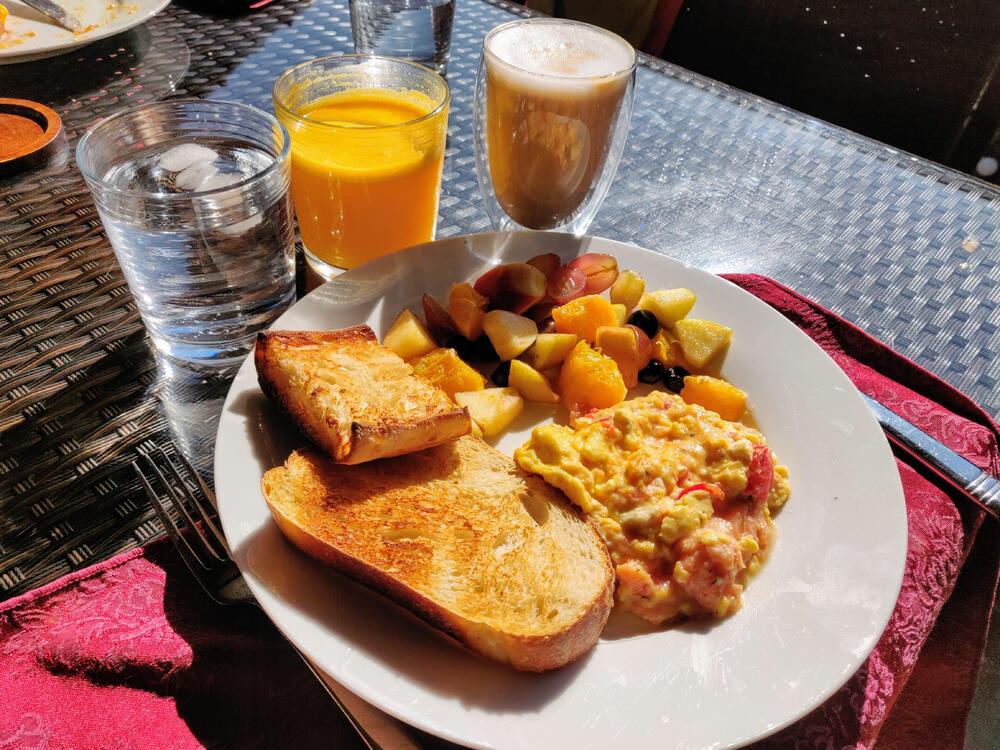
Deck Brunch
-
Single serve portion of quince jam?
-
486170707920426972746864617921, Happy Birthday, Marc!
-
Given the source was Tangential maybe but how much did that table set you back by level 2 FloatingOverThere 2 points·1 day ago mmmmmm about 1500 EUR. I bought it used. The brand is Dencon. https://dencon.eu/desks looks like it's the DELTA Seems suitably d-_-b
-
Happy Birthday, Dusty!
-
-
Happy Birthday!
-
Happy Birthday, Carl!
-
Happy Birthday!
-
Happy Birthday, Vicki!
-
Tidal? Roon?