


Everything posted by Grahame
-
Happy Birthday, Rob
-
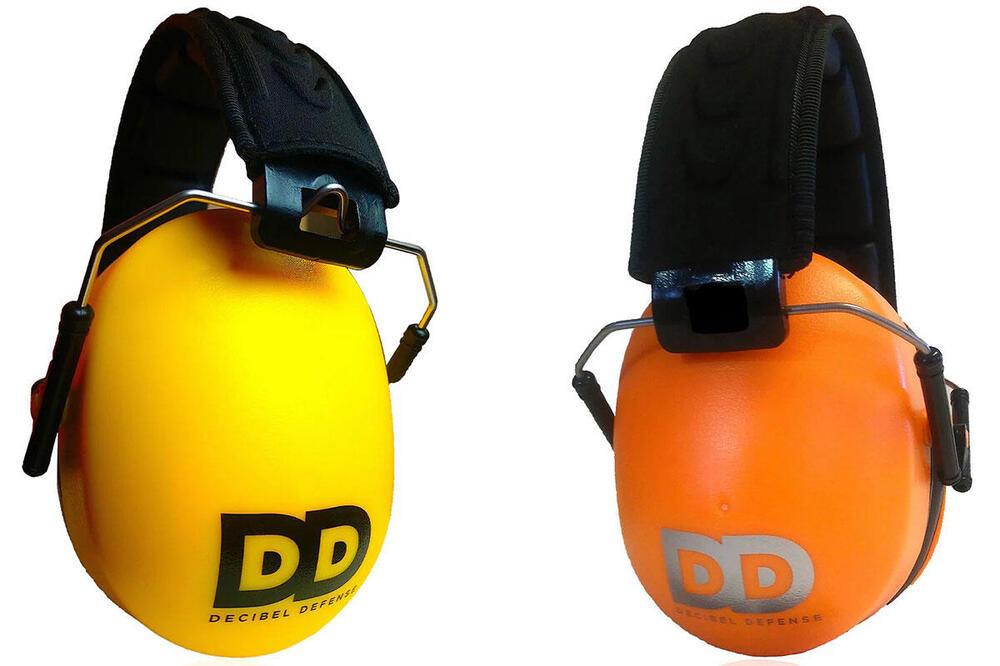
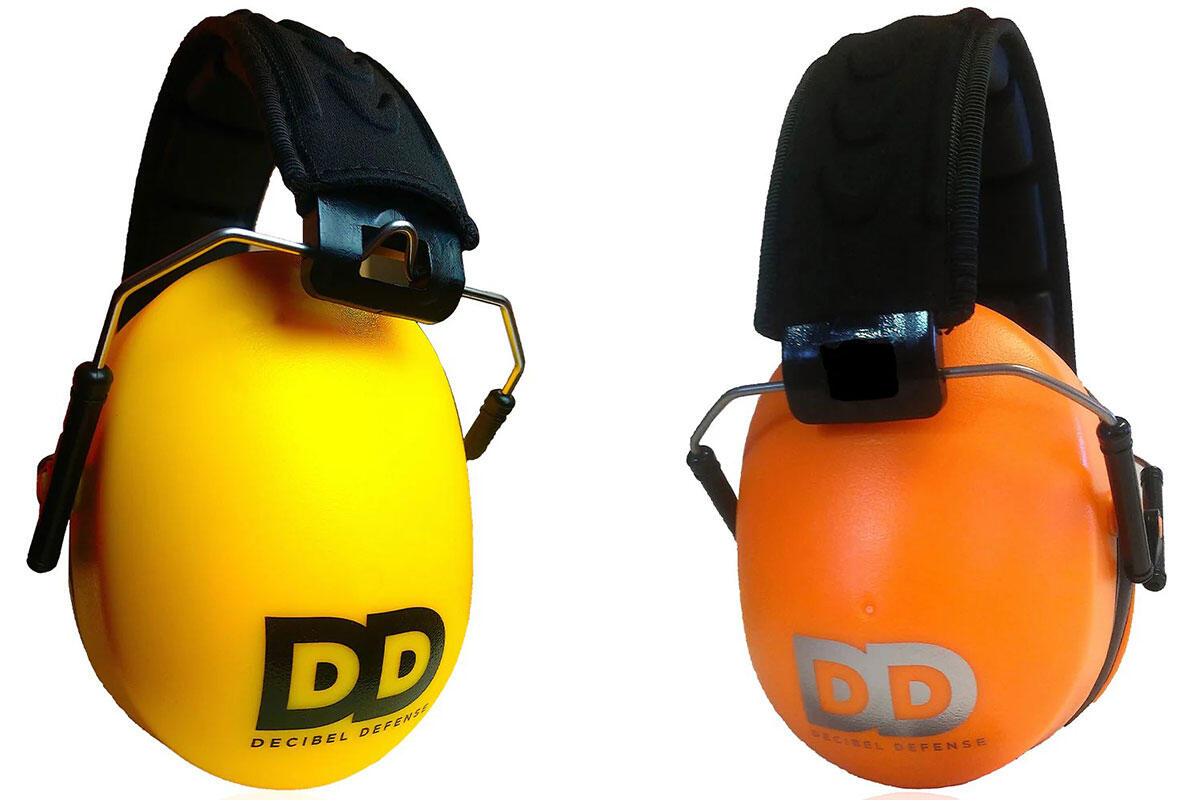
JH-13's under DD's? (Ooerrr) https://www.amazon.com/stores/DECIBELDEFENSE/page/3DF6DE3B-9897-4E80-BBEA-640FED62A29A
-
Just in case anyone here still listens to headphones. The Marketing The Review No USB-C audio? am dissapoint. An apple airpod max pro 2 ultra or whatever they are called rival? Well, it has the premium pricing, vs the XM6 (relatively) pleb version.
-
So How proud did the Grand Final make you feel @blessingx You're Welcome
-
Happy Birthday, Chris!
-
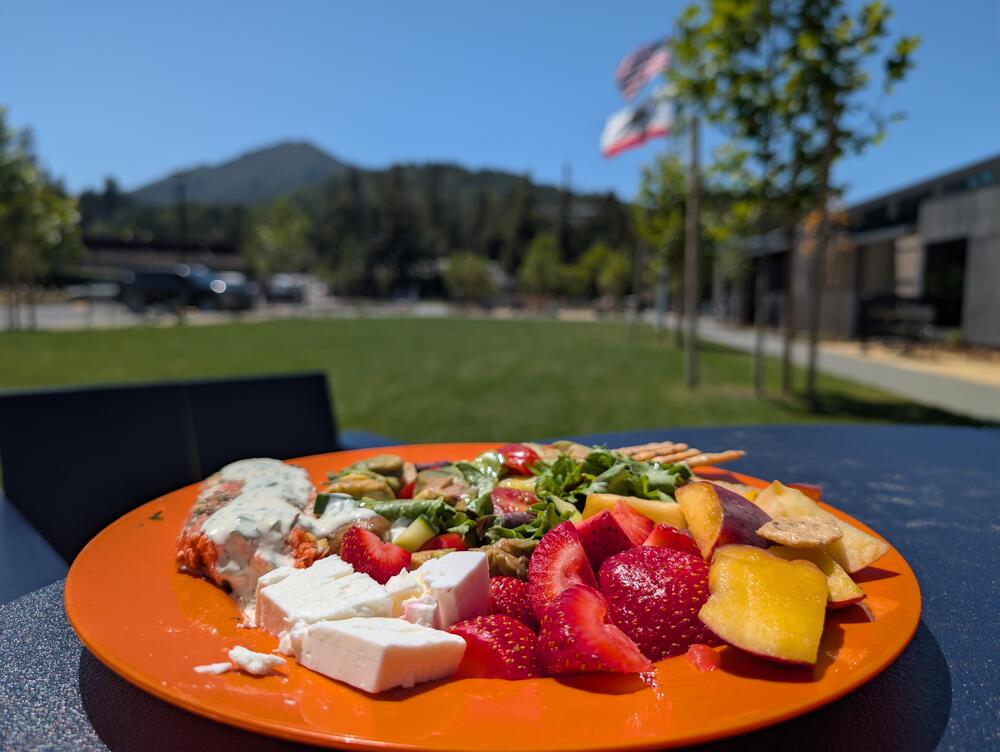
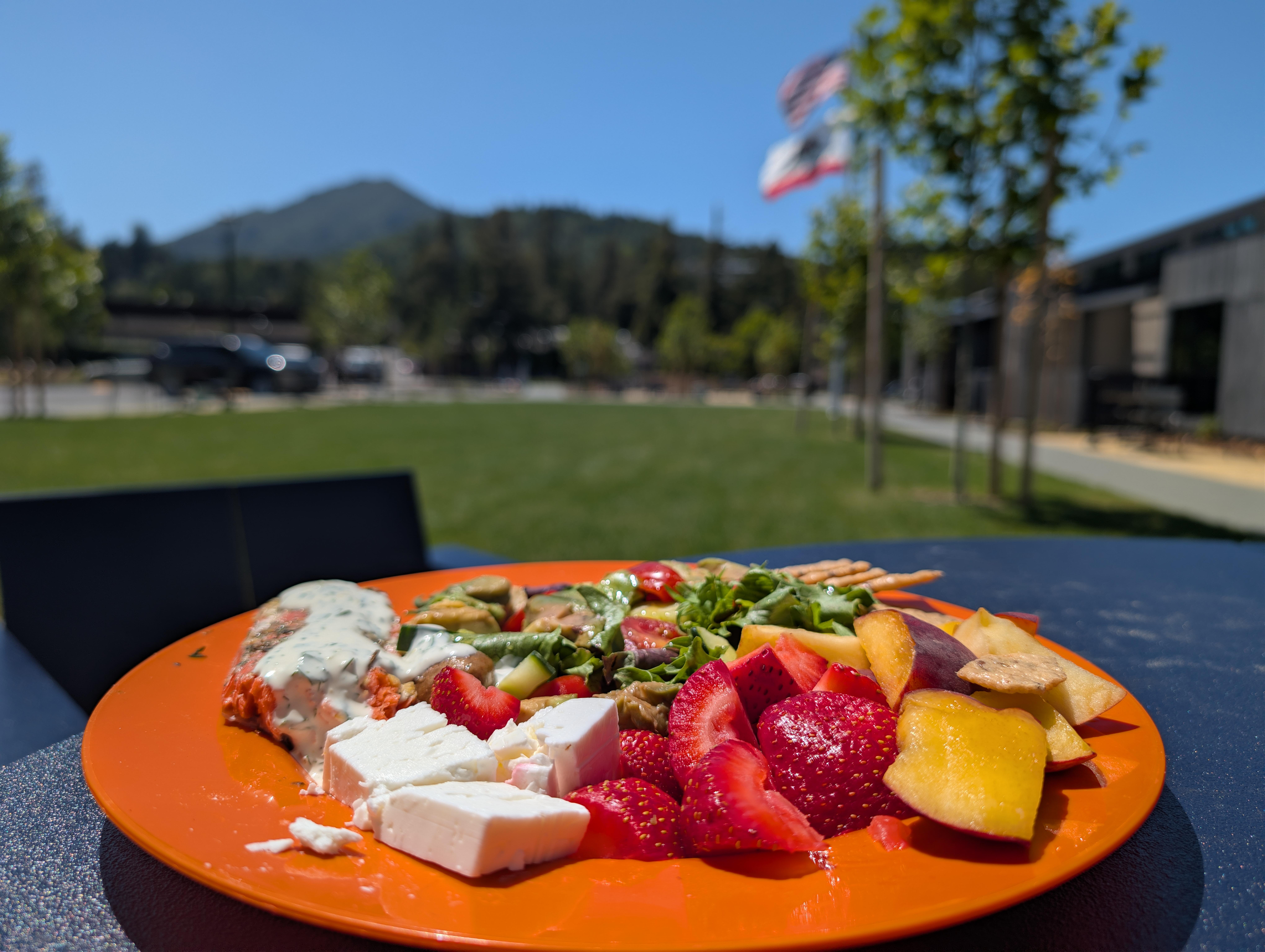
Post Brit Meetup, (The New, $19.7M) Larkspur Library, Mt. Tam View, Picnic.
-
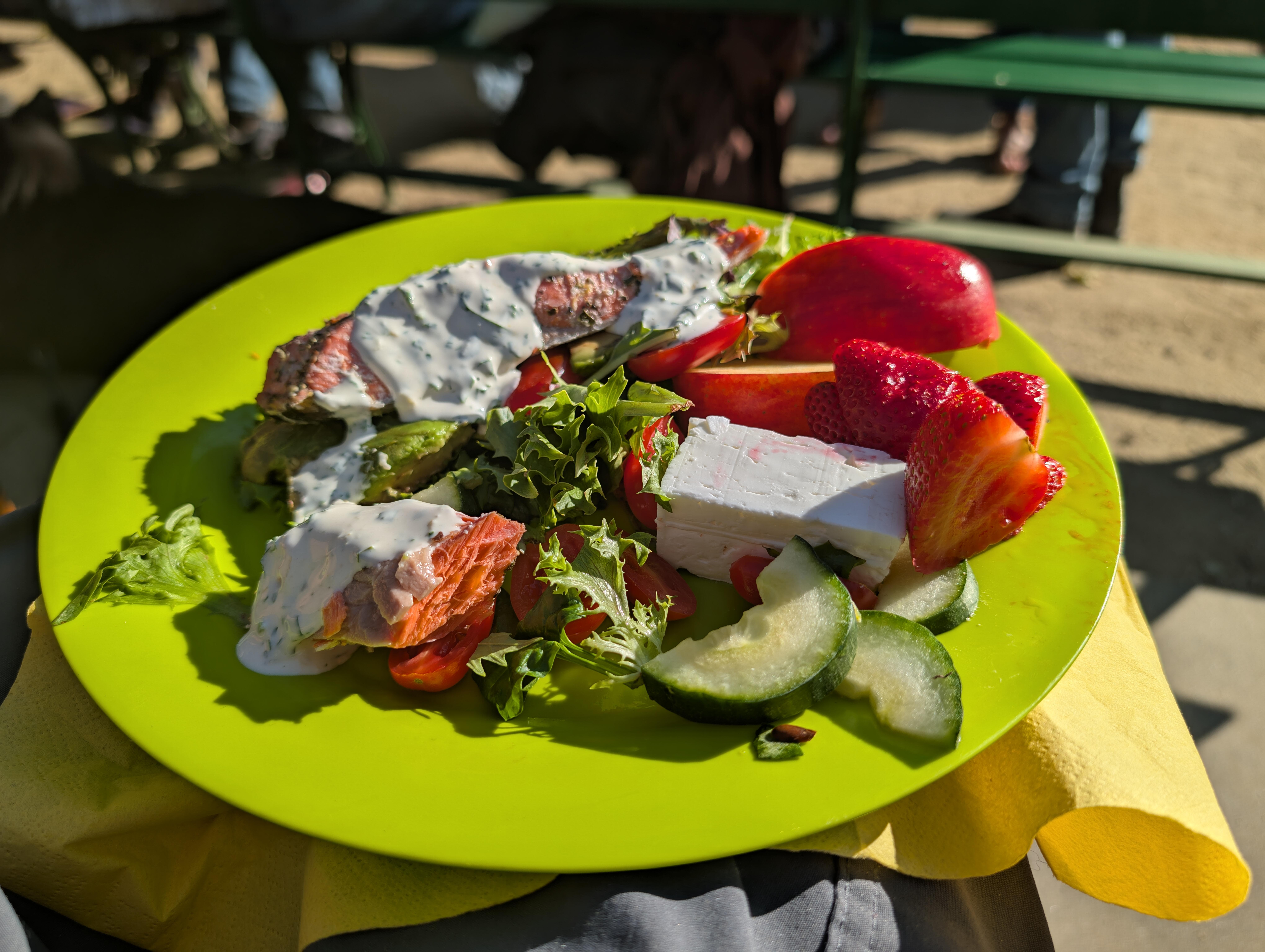
Golden Gate Park Picnic

-
Speaking of which A.I. “Gingery Wonton & Prawn Dumpling Noodle Soup"

-
My Condolences.
-
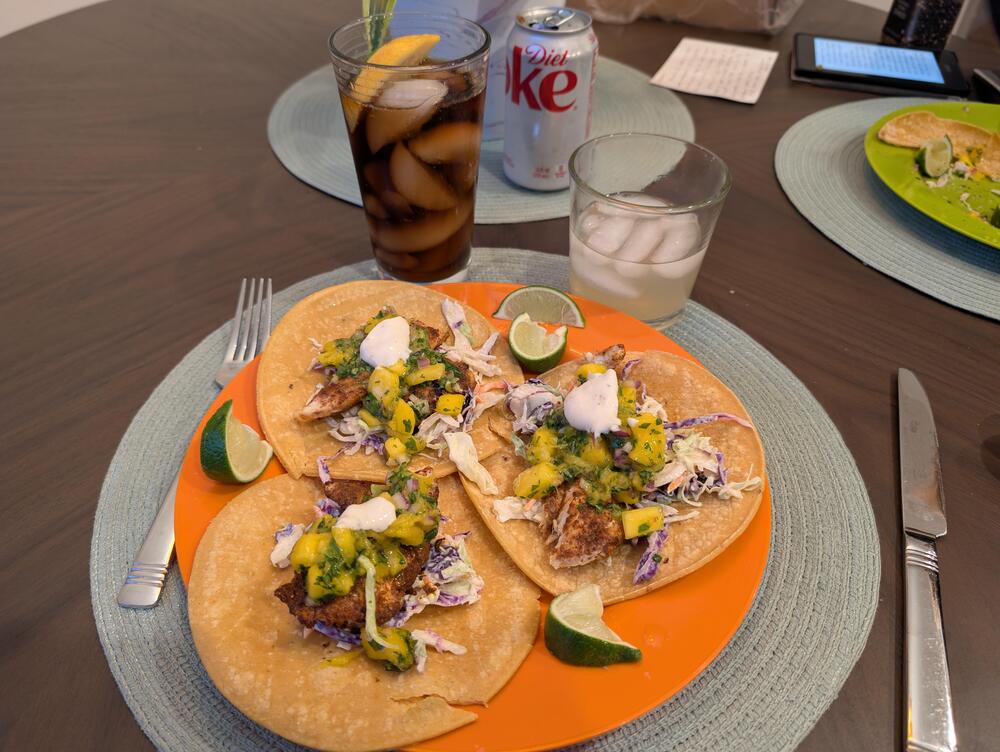
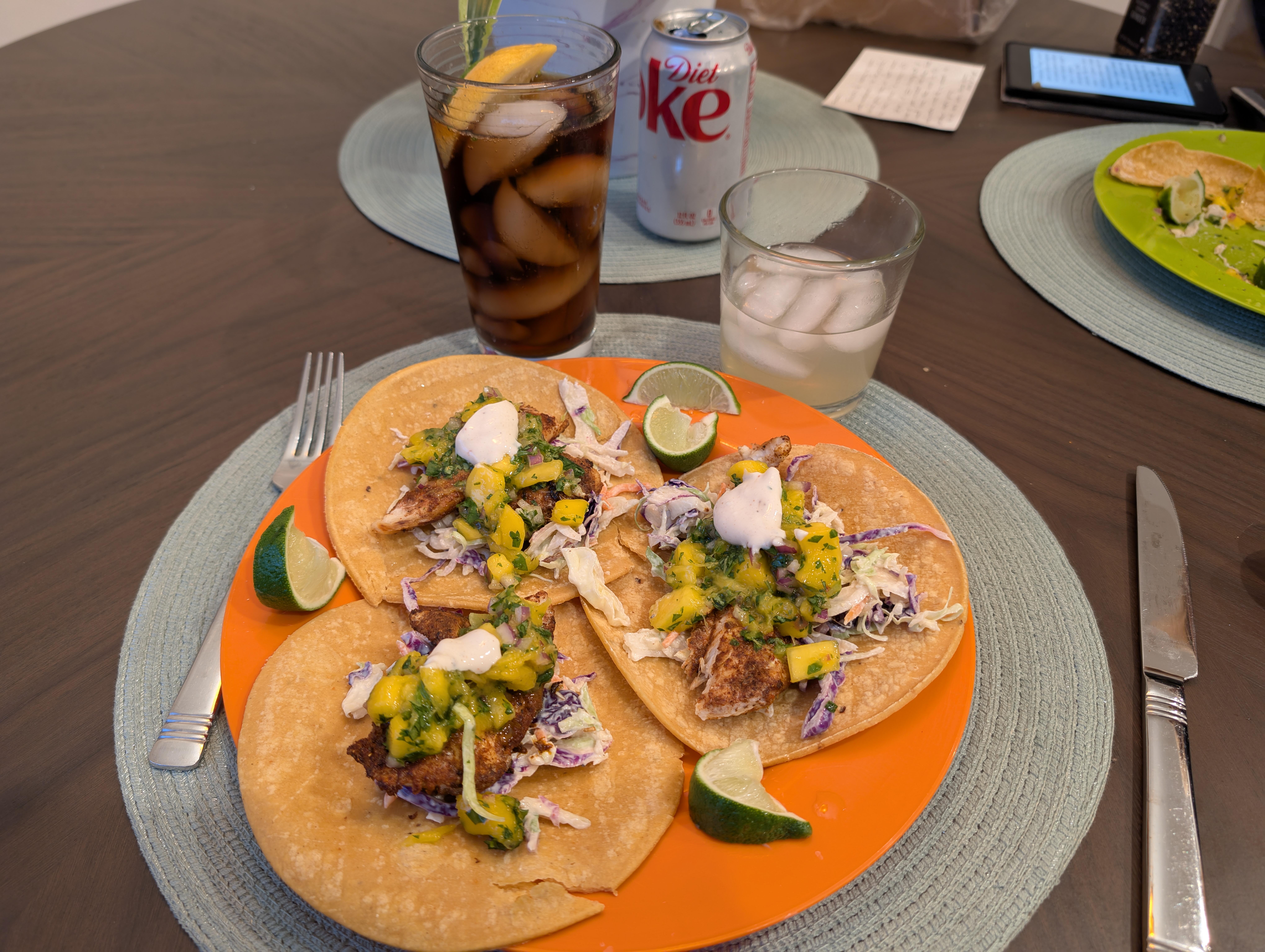
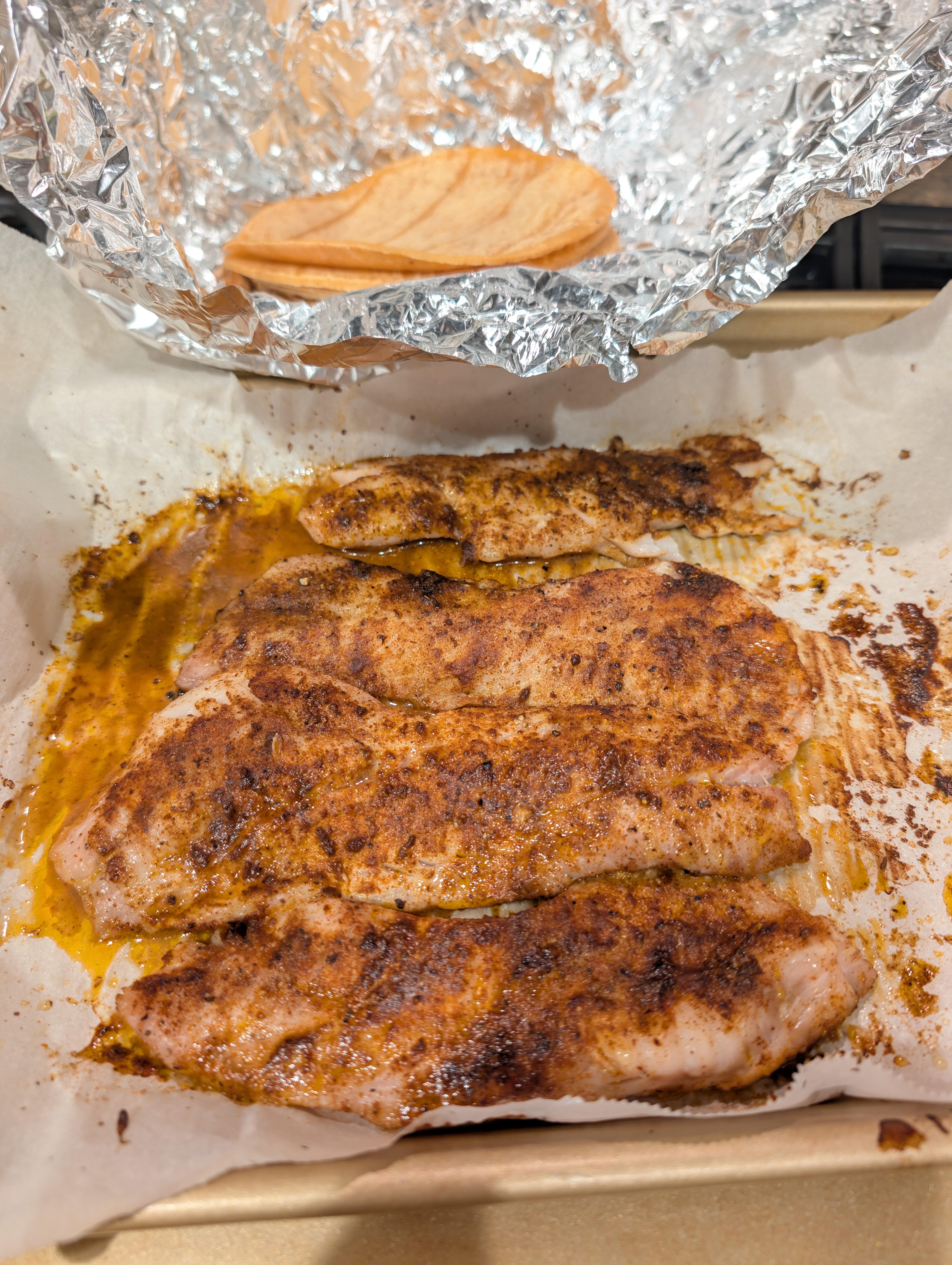
🐠 🌮 🌮 speaking of TACO/NACHO Tuesday, https://www.perplexity.ai/search/aece1583-dd4c-4a3a-bbdb-f70a193ddebb
-
@blessingx, what are her views on magnets?
-
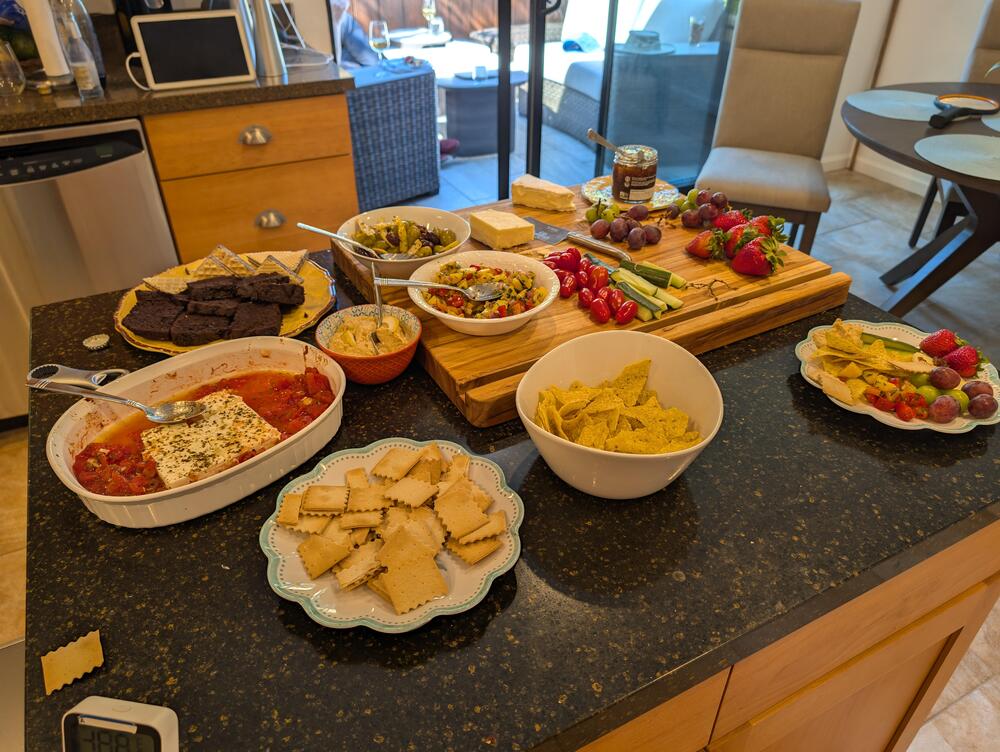
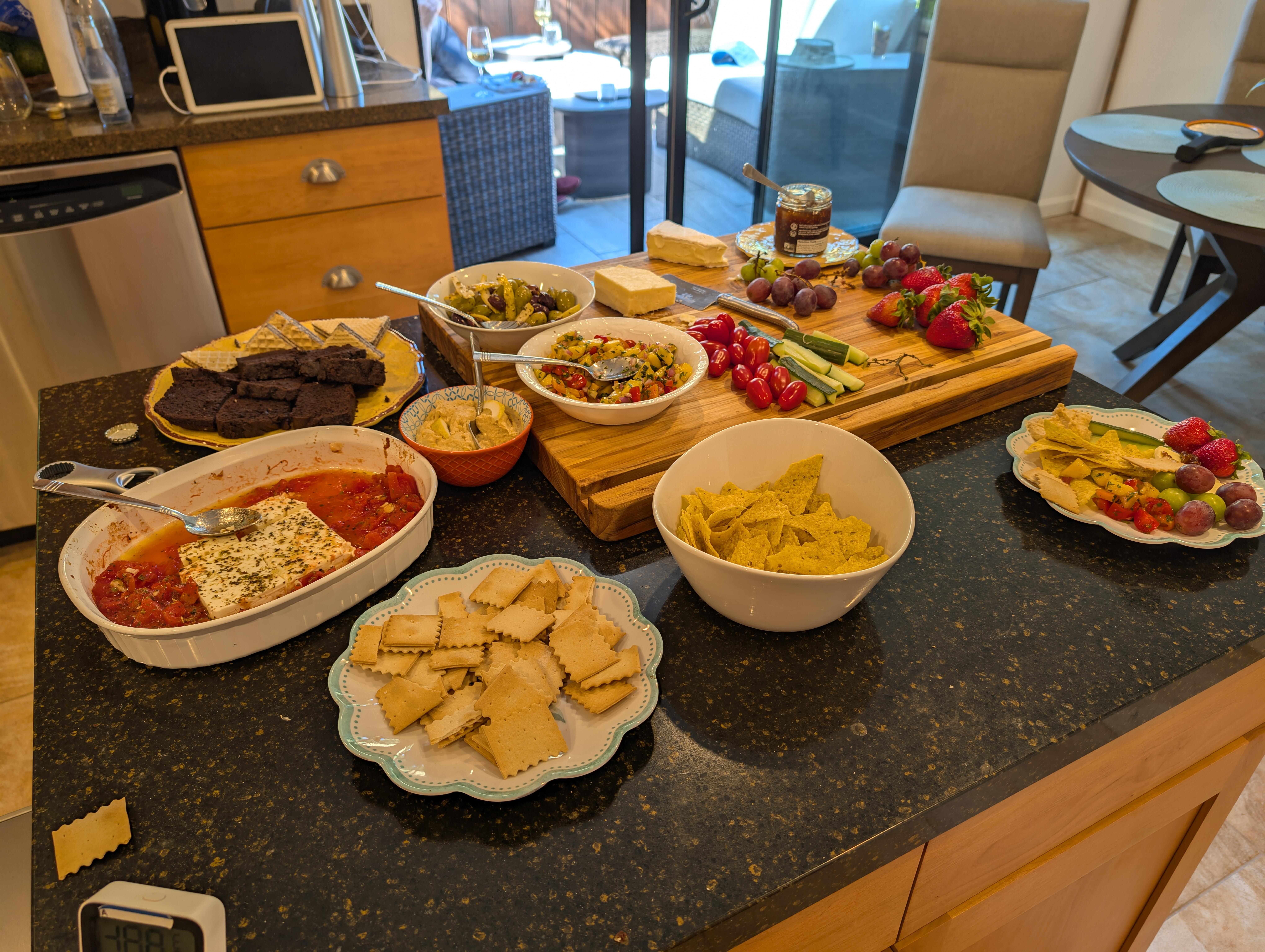
Nibbles for / with the neighbors

-
Happy Birthday, Shelly!

-
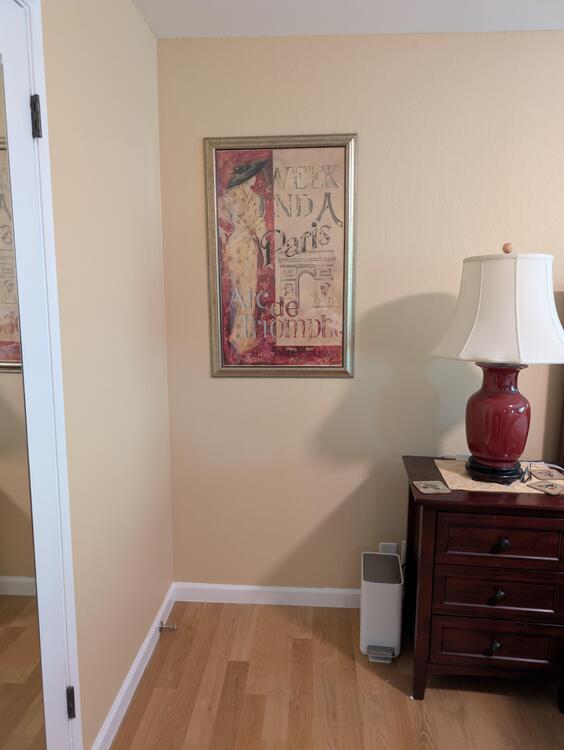
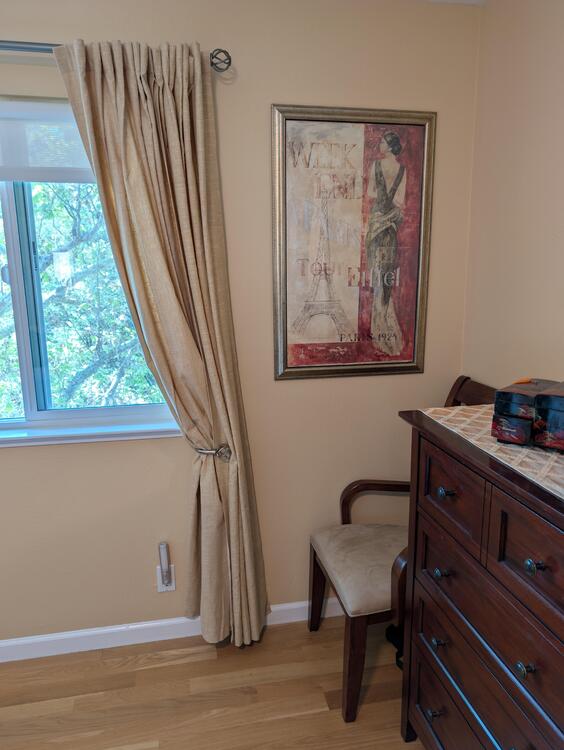
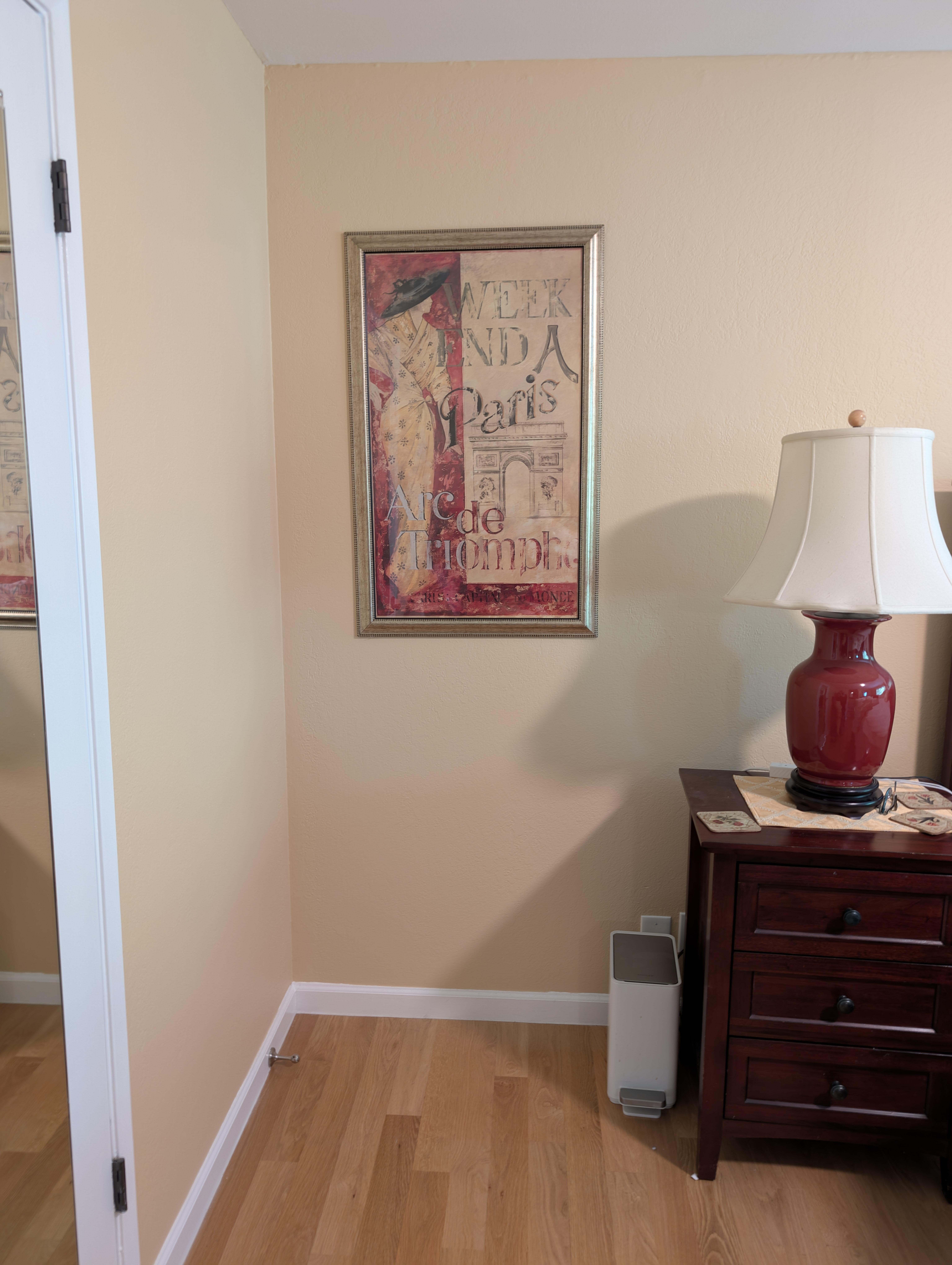
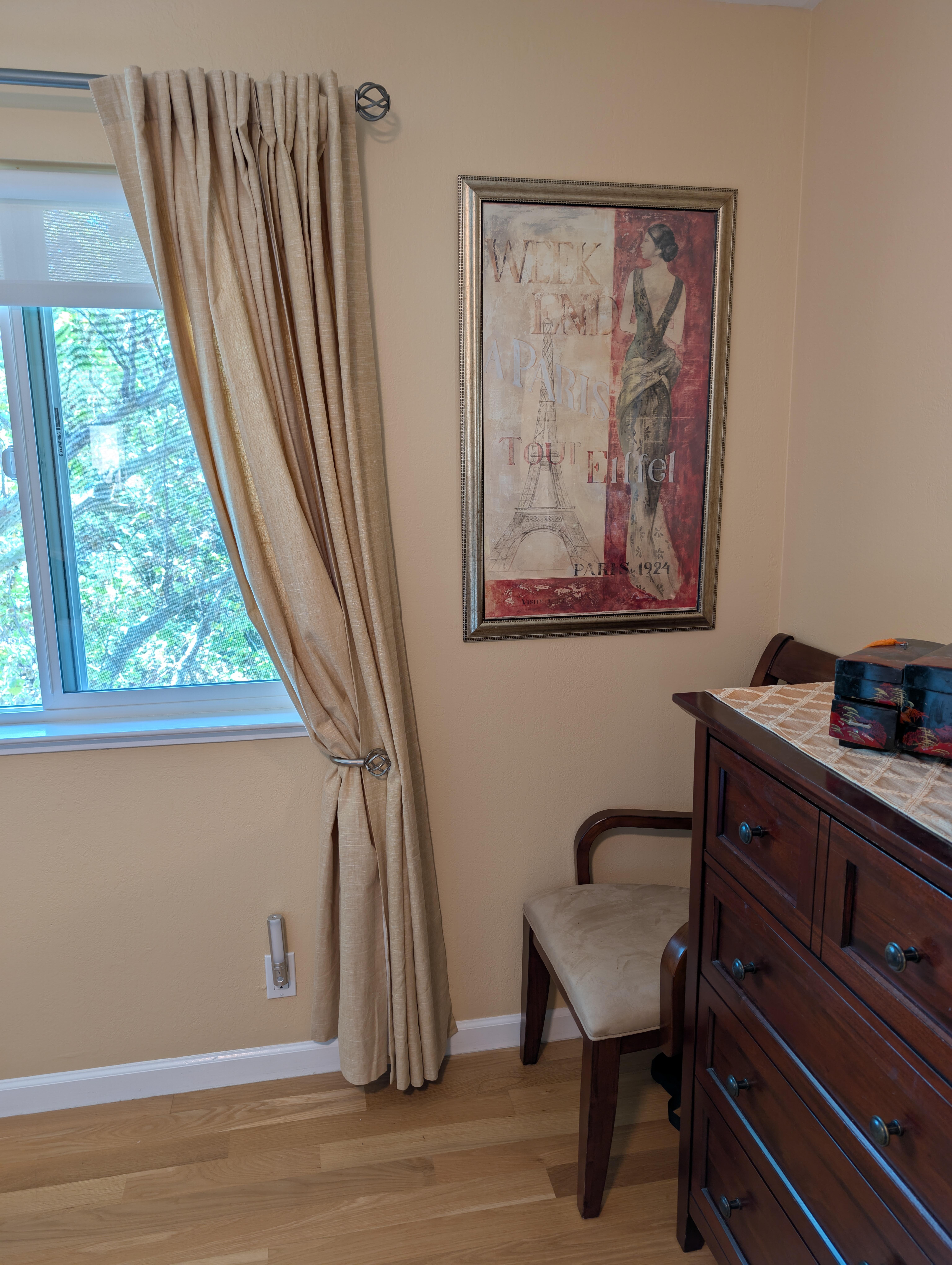
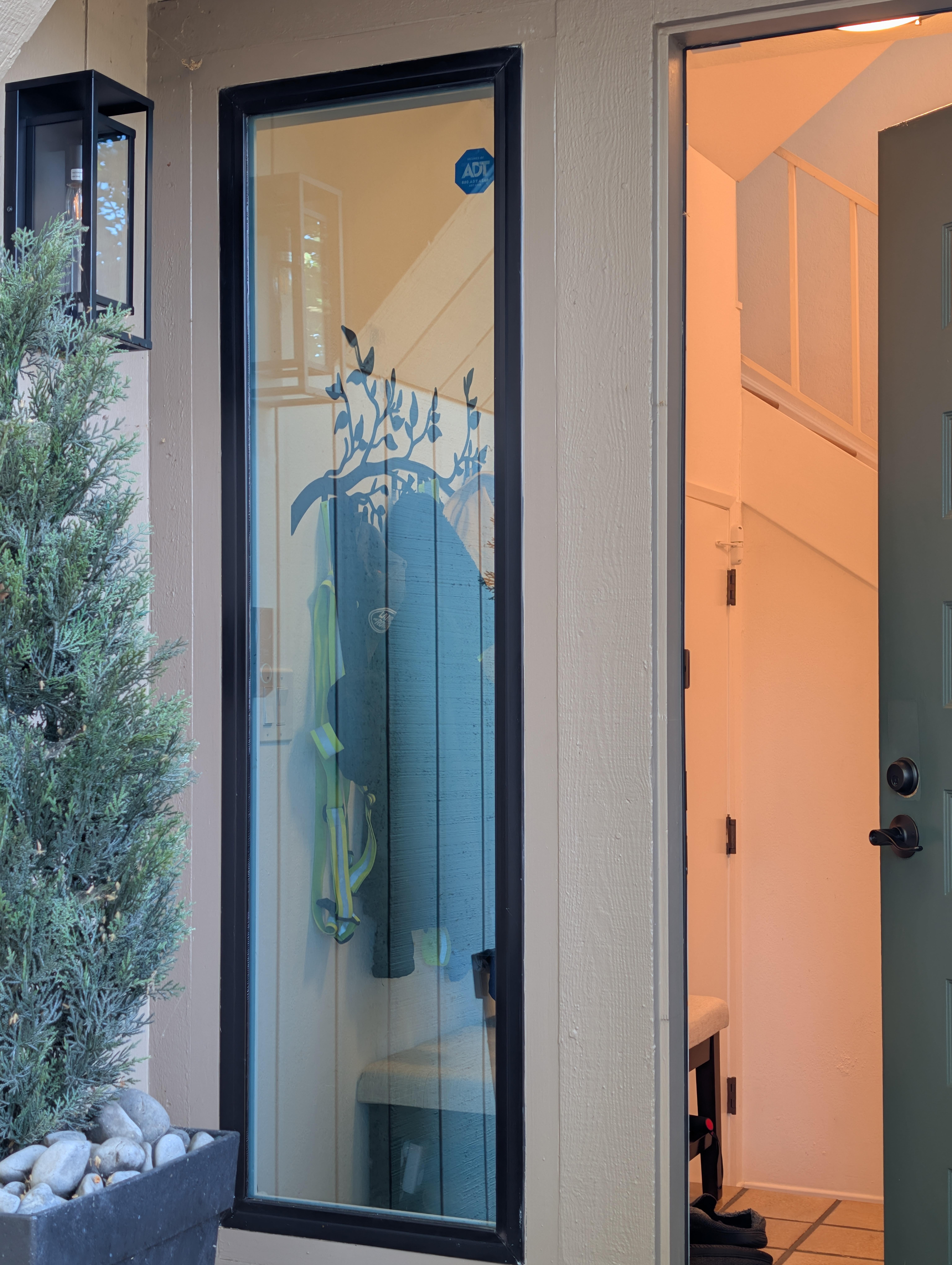
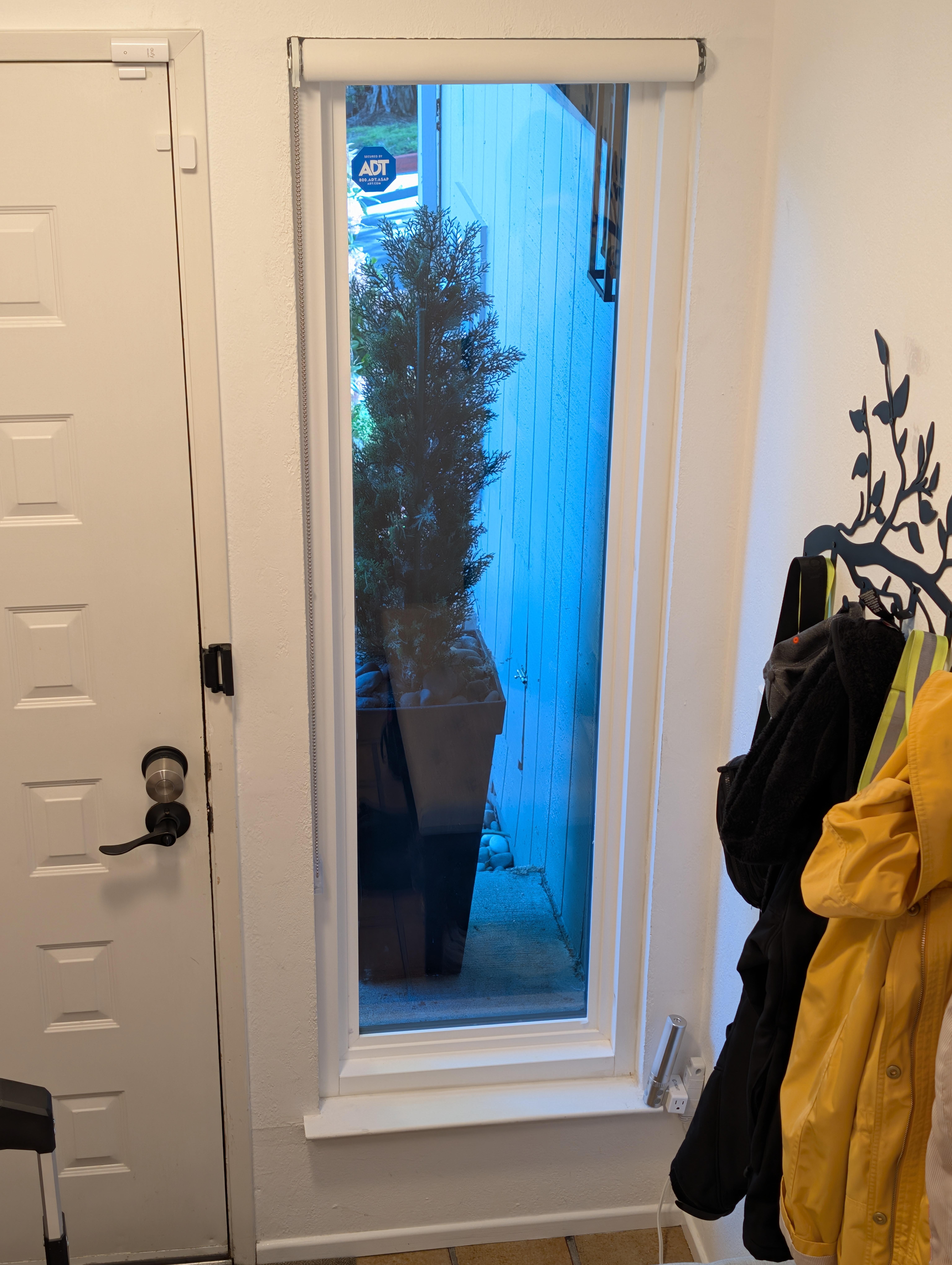
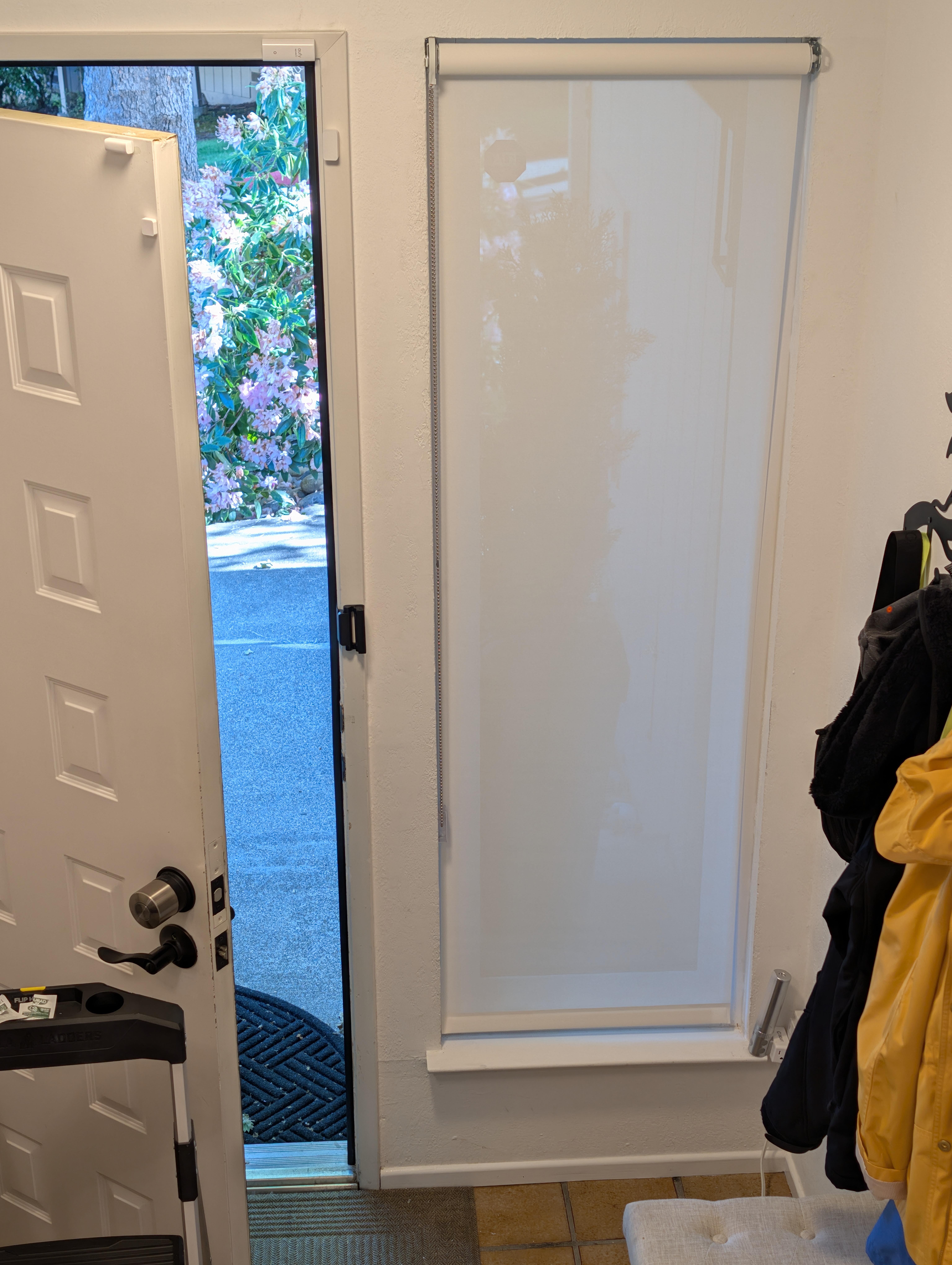
Hung some prints, that Joanne found at Goodwill, for less than the price of a frothy coffee, in the bedroom. Using AI's advice for the positioning https://www.perplexity.ai/search/7a3f16fd-4297-48d3-b5ff-dac7e352388f The prints are level. Maybe the room, like the lounge below, is no longer true / square. Split the difference?
-
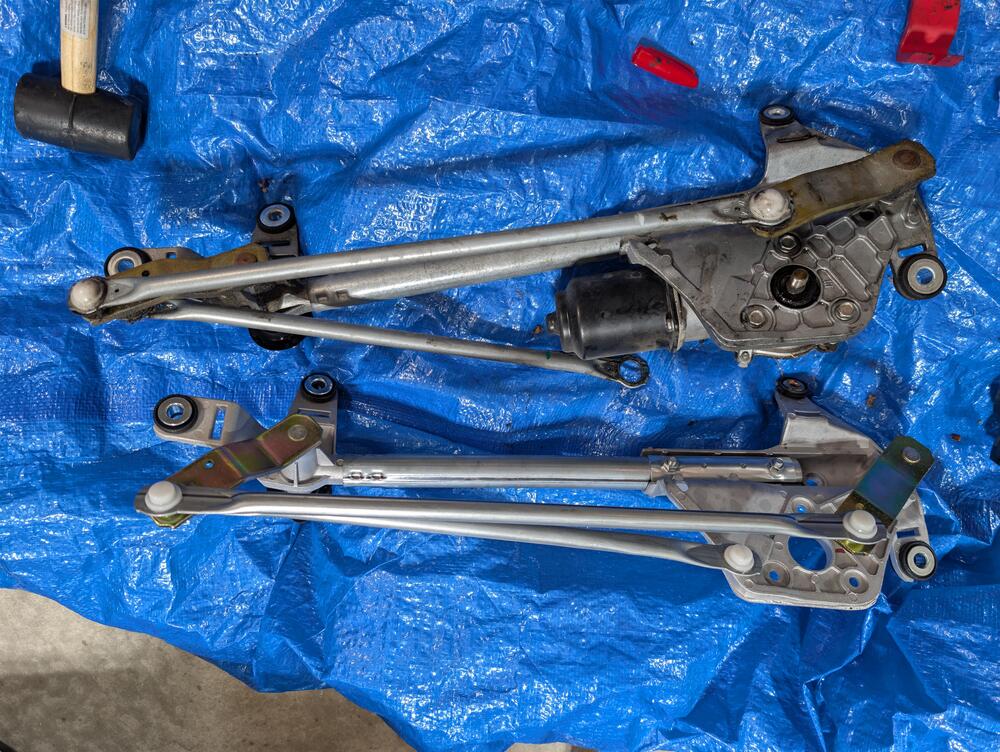
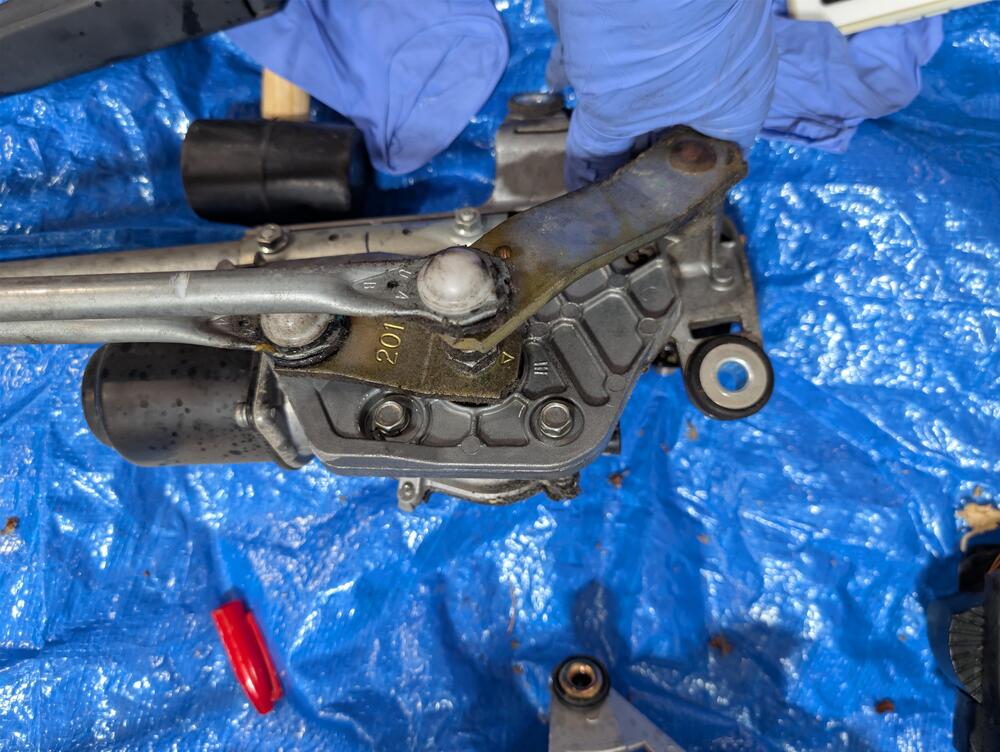
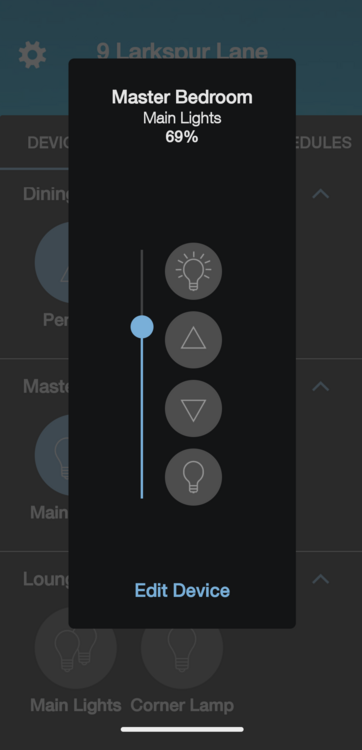
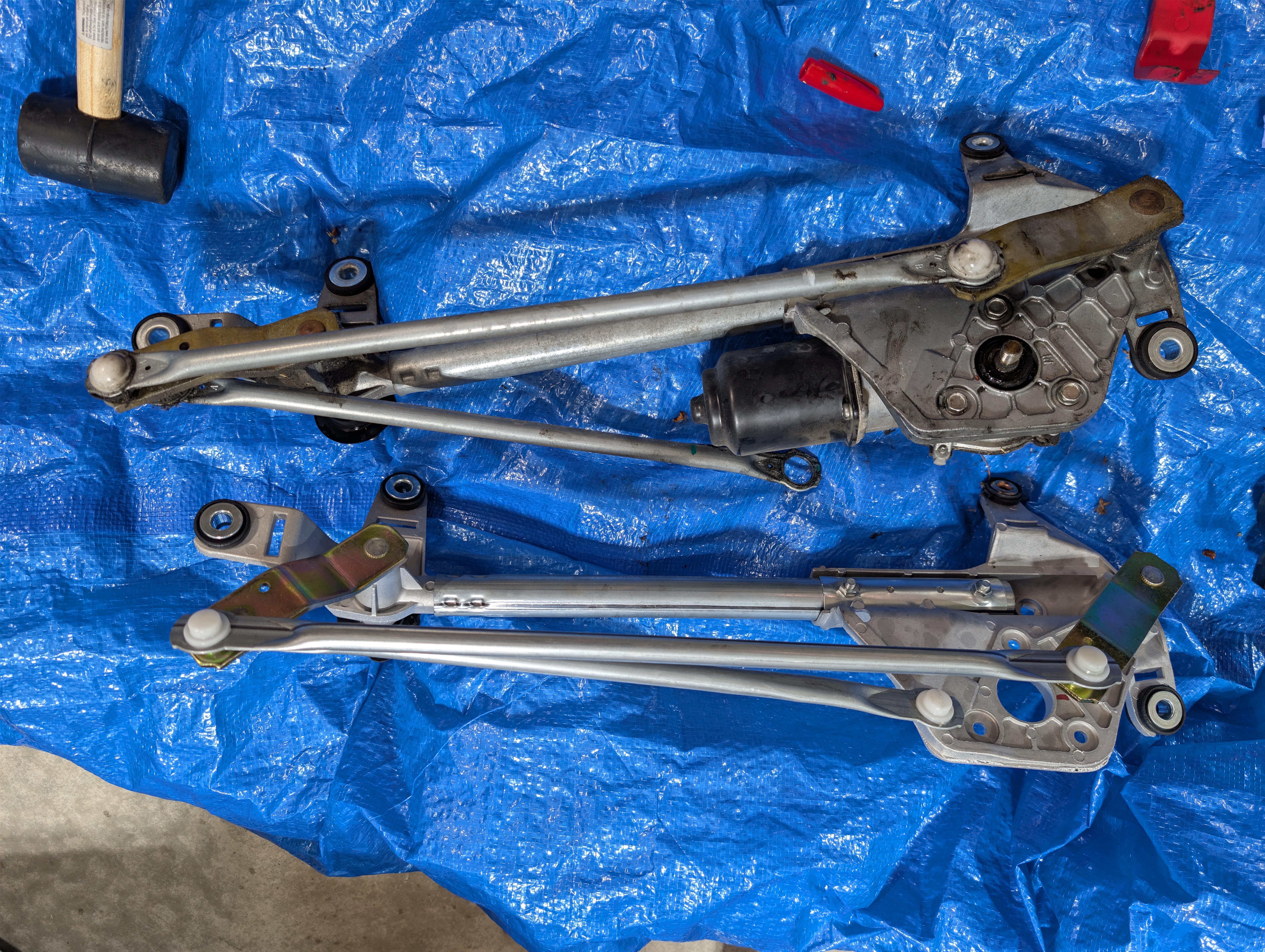
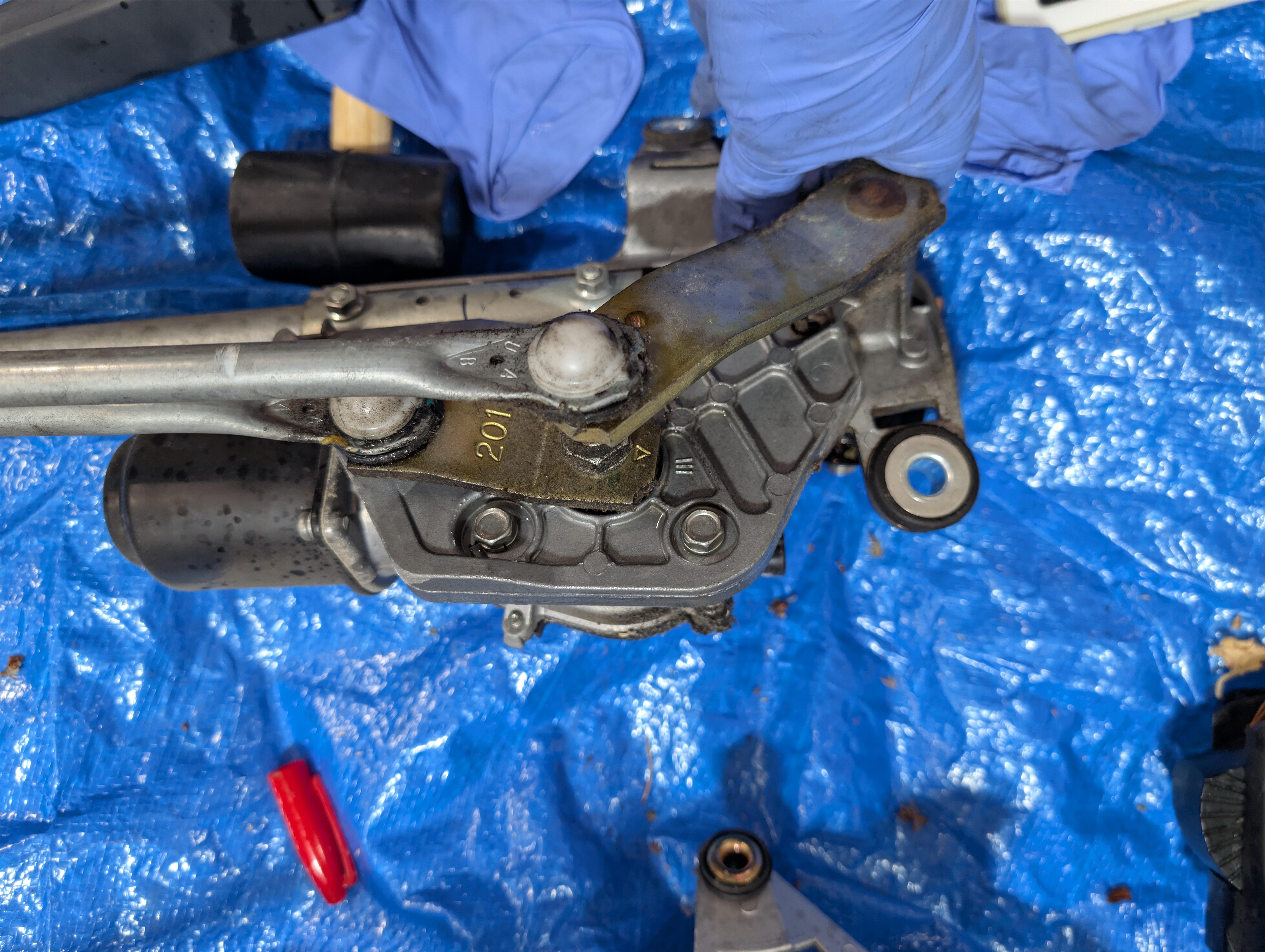
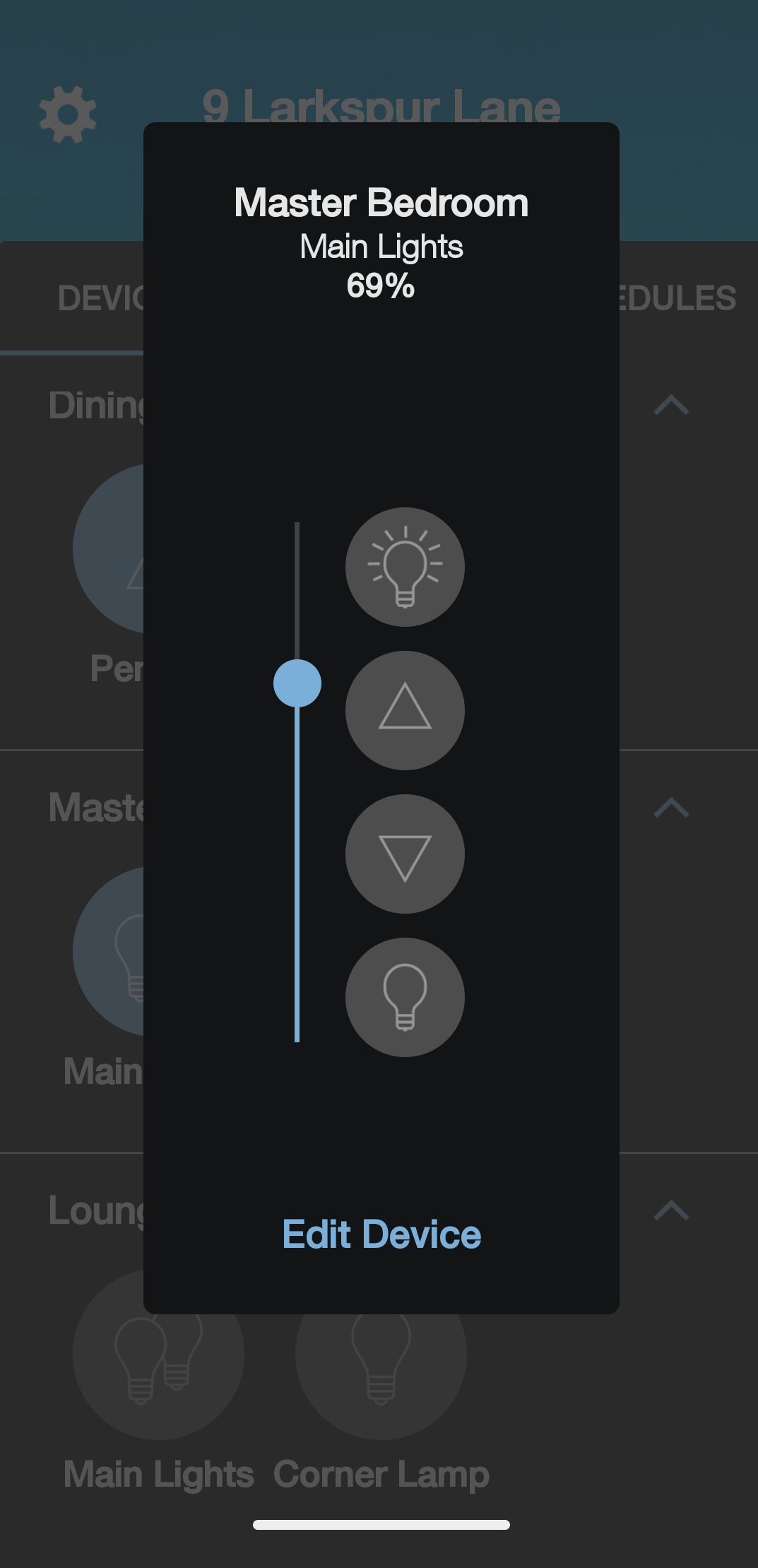

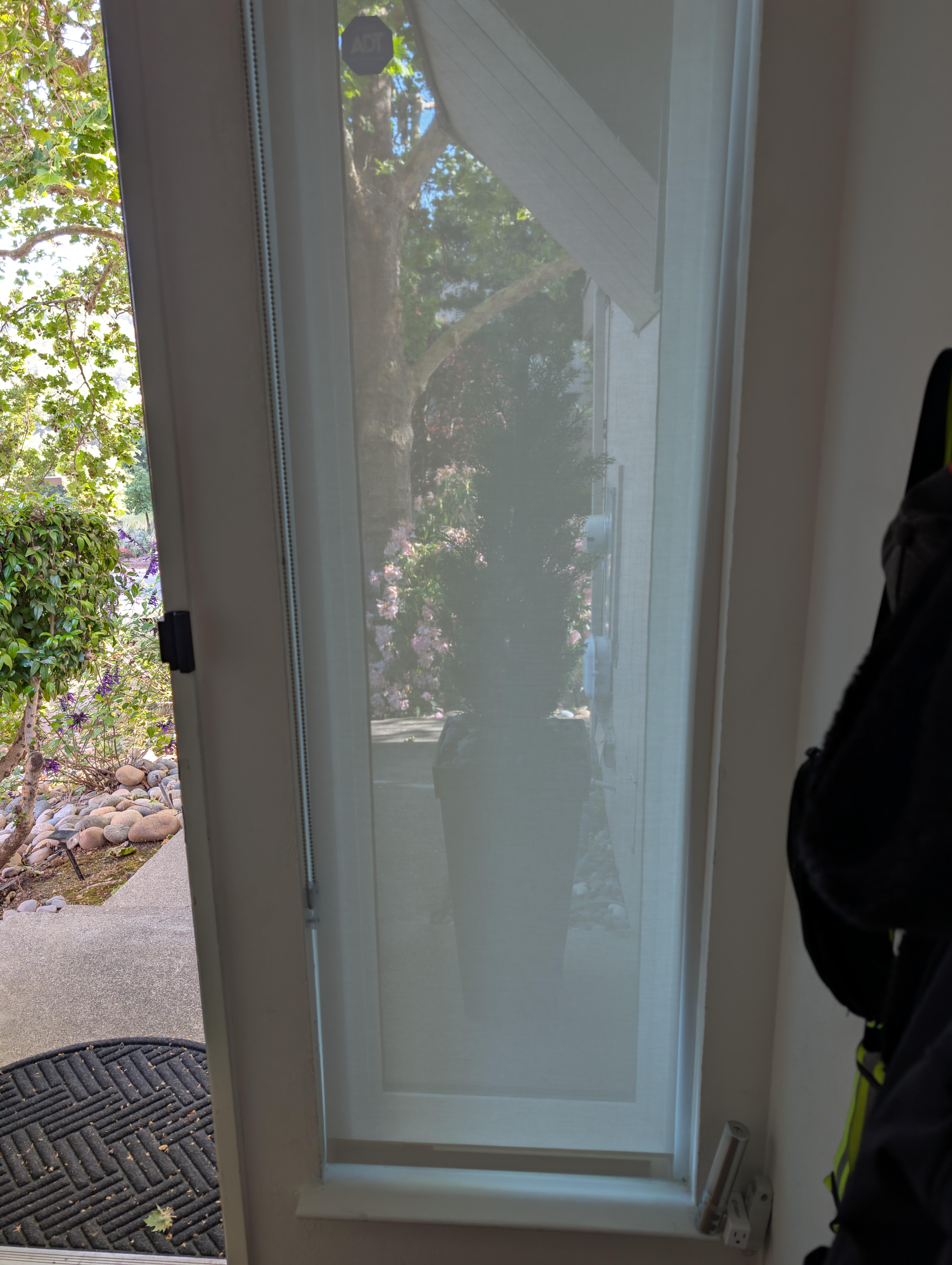
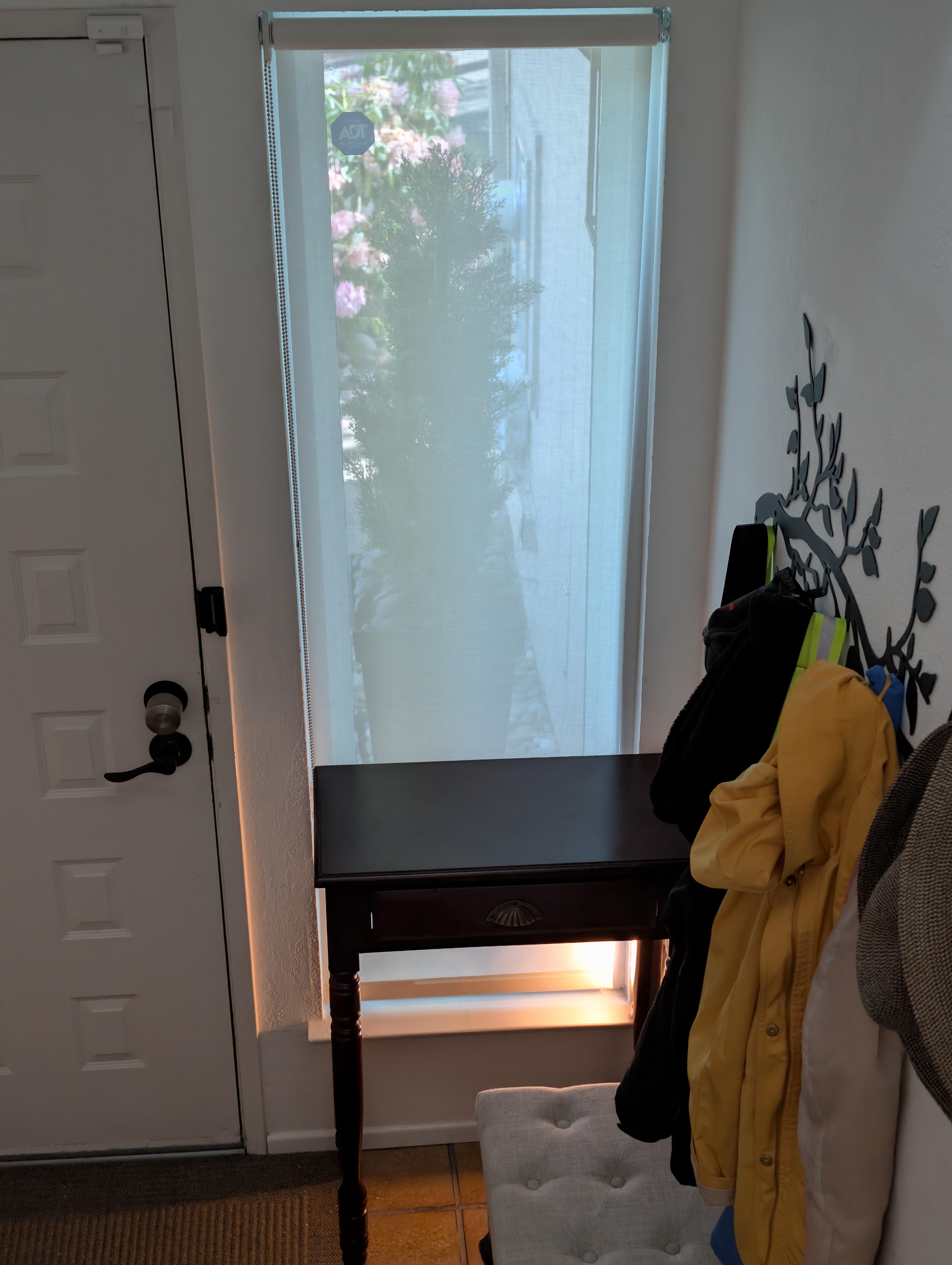
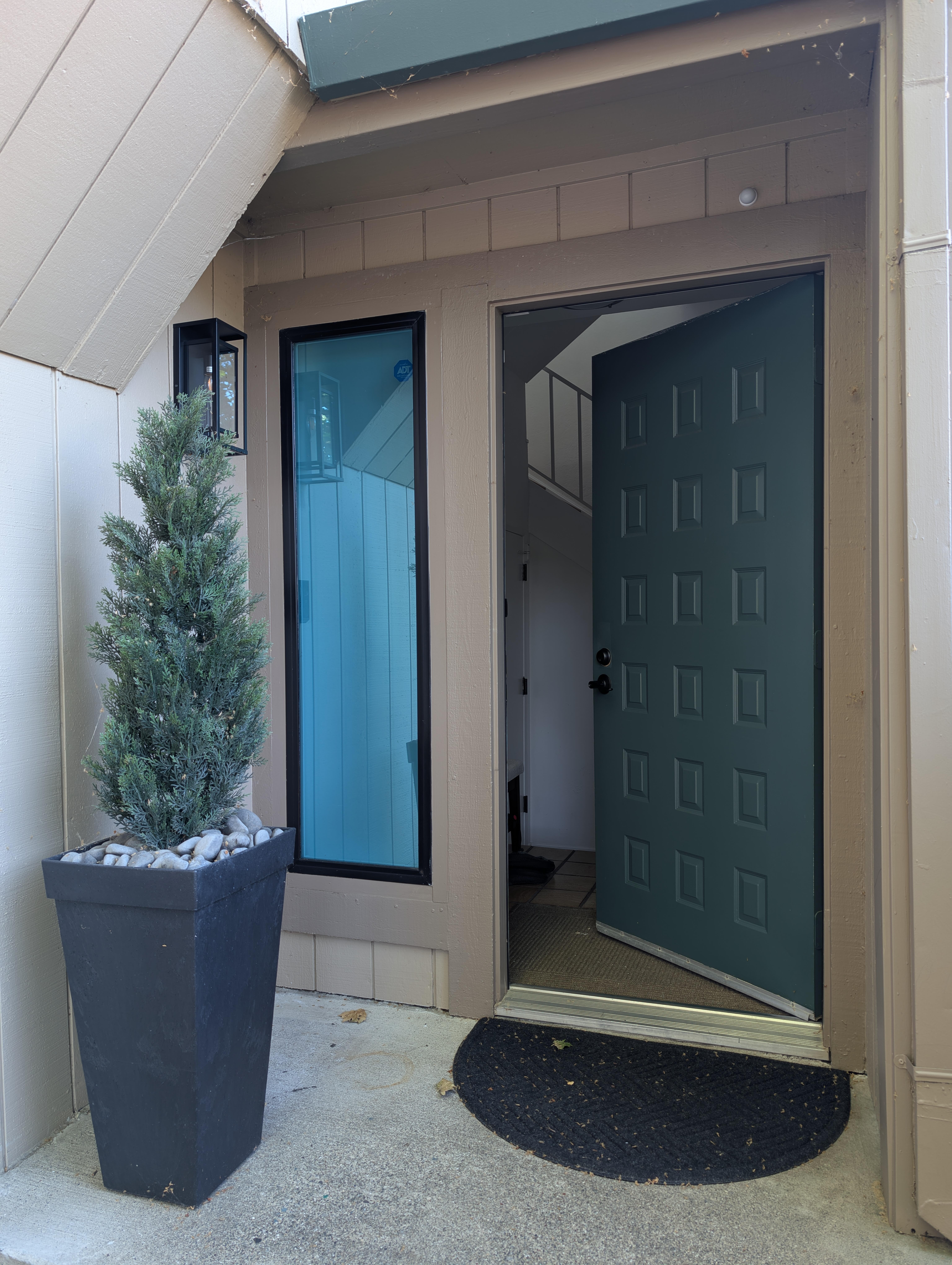
And in related "Yes, Dear" news; Joanne said the wipers on the gold car had started to "Clunk". Investigation showed slaved play on both wipers, and that they now traveled below the edge of the windscreen/windshield at the bottom of their cycle. Hence the "Clunk". Known root cause was excessive play due to worn bushings in the linkage - thanks Perplexity and the internet. Understandable after 20+ years. Solution: "Just" replace the worn linkage / mechanism. So for the price of 2 OEM arms with bushings you could get an entire 3rd party mechanism to swap. No assembly required (other than swapping the electric motor) So that's what I did. Just like this. Only slightly slower, and 2 attempts, as although the wipers were in the correct position at the end of their travel, the motor wasn't for some reason on the first attempt. Fixed on the second attempt and much easier 2nd time around. The guilty party. And it's replacement. (Impact drivers FTW) After all that an, Oil Change, some new wipers from Costco, and rain-x for the windows. Joanne reported it all worked on her next commute. As for me? Proof of concept validated adding dimming / smart switch Voice Automation to the Master Bedroom Main Light. So added the same to the office and guest bedroom. And the switch for the front outside lights is now smart, so can be turned on/off if required. And discovered some better TV automation syntax!
-
Or just your food?
-
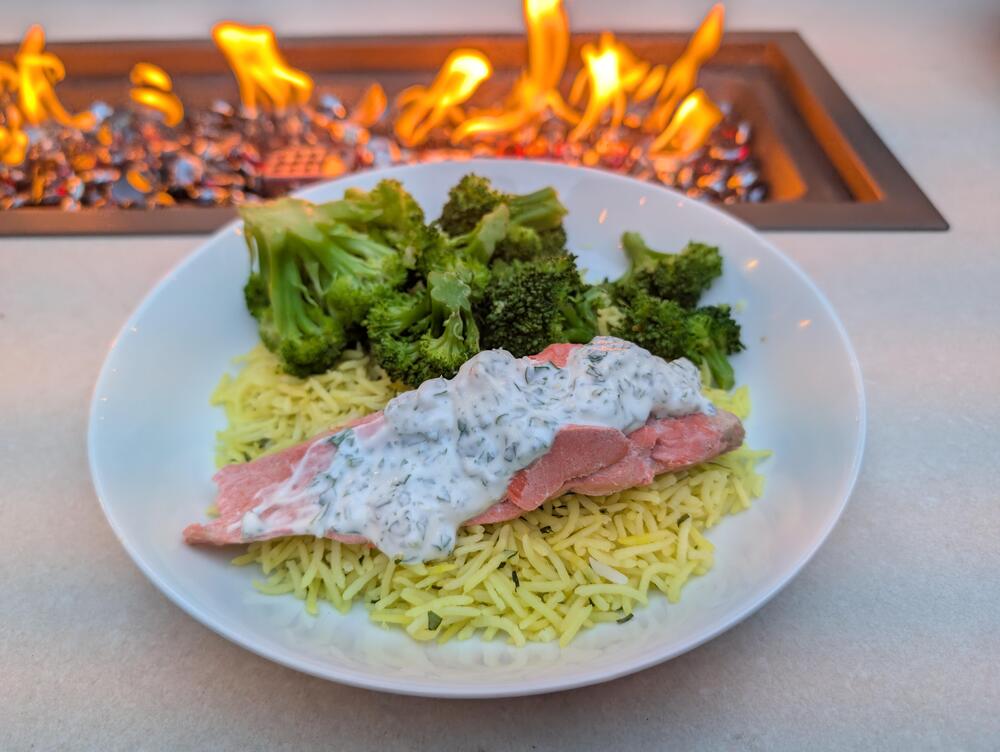
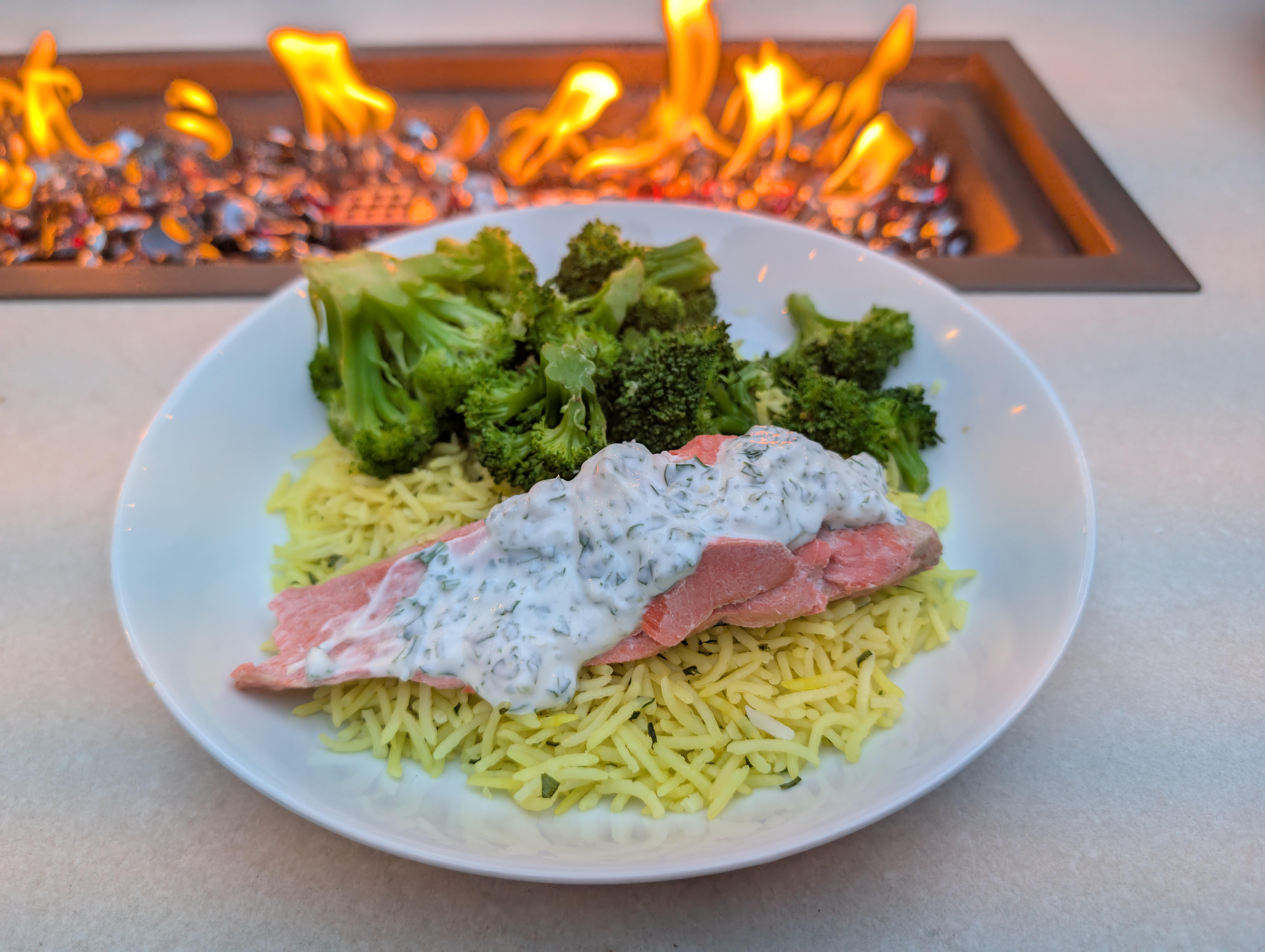
Fireside dinner, Comrades!
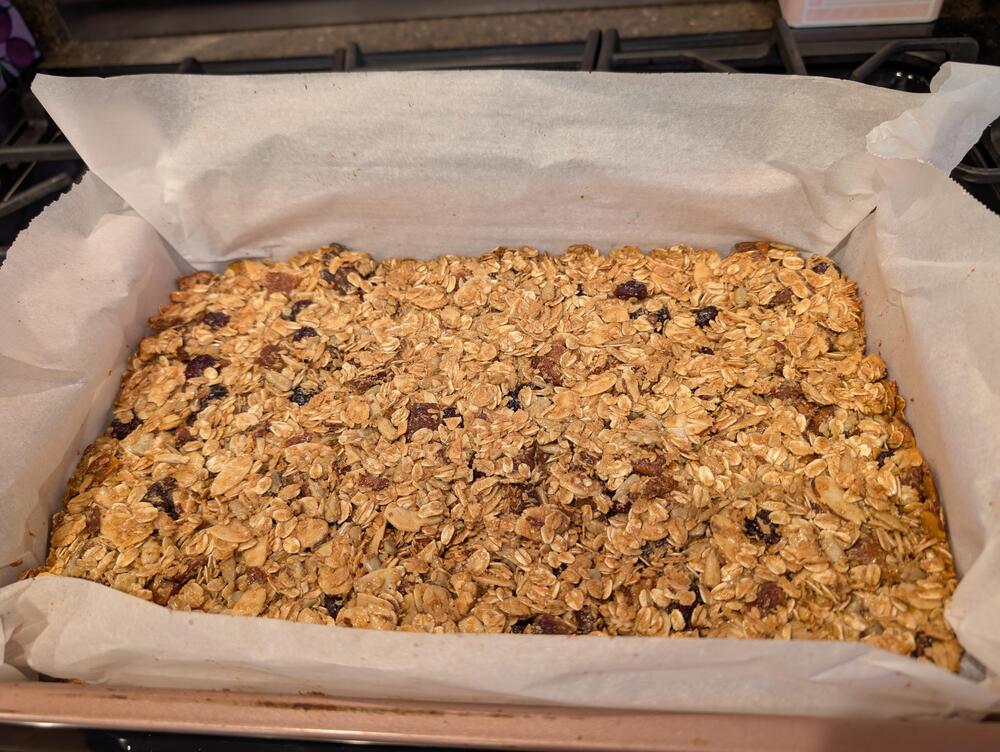
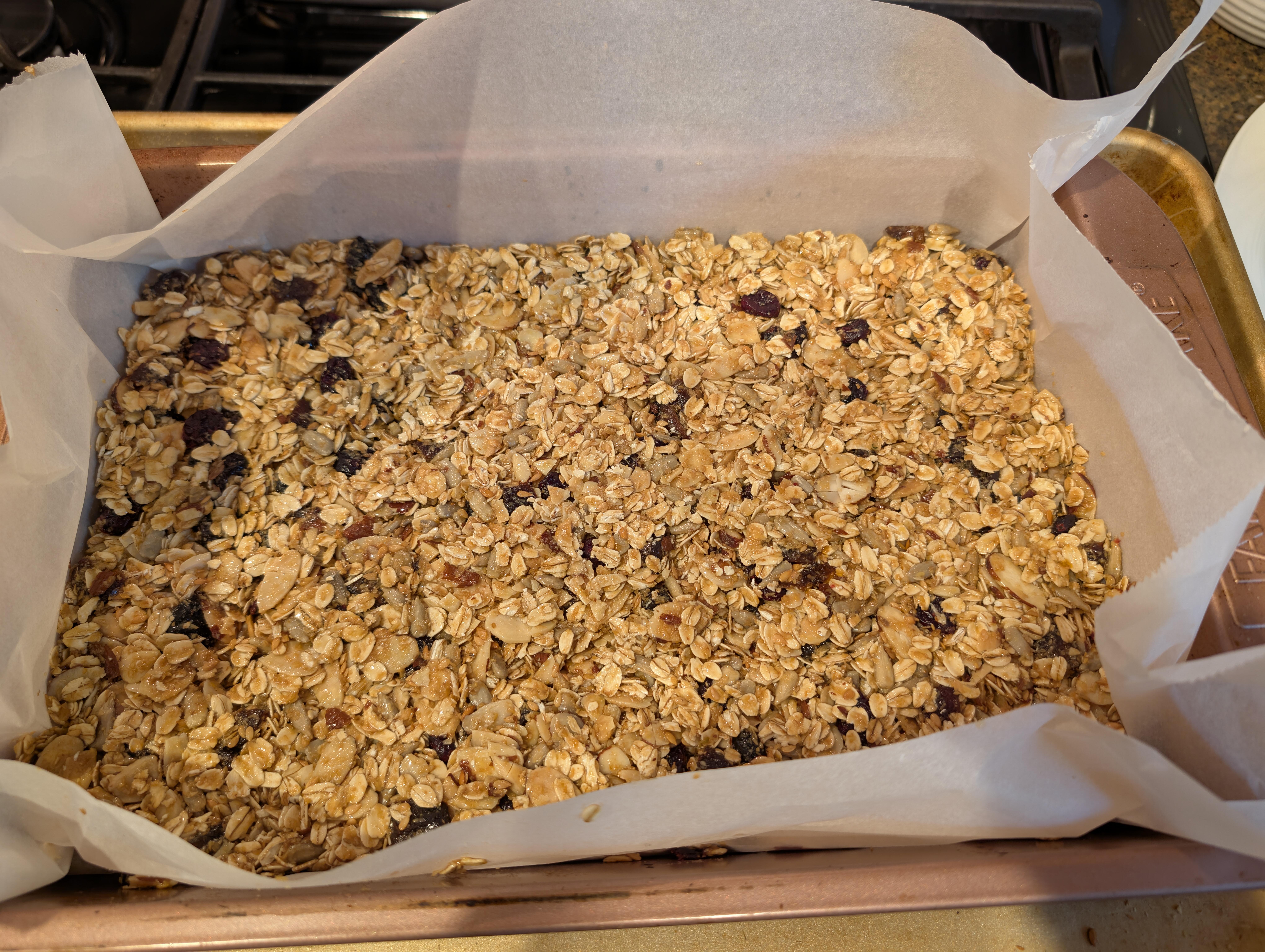
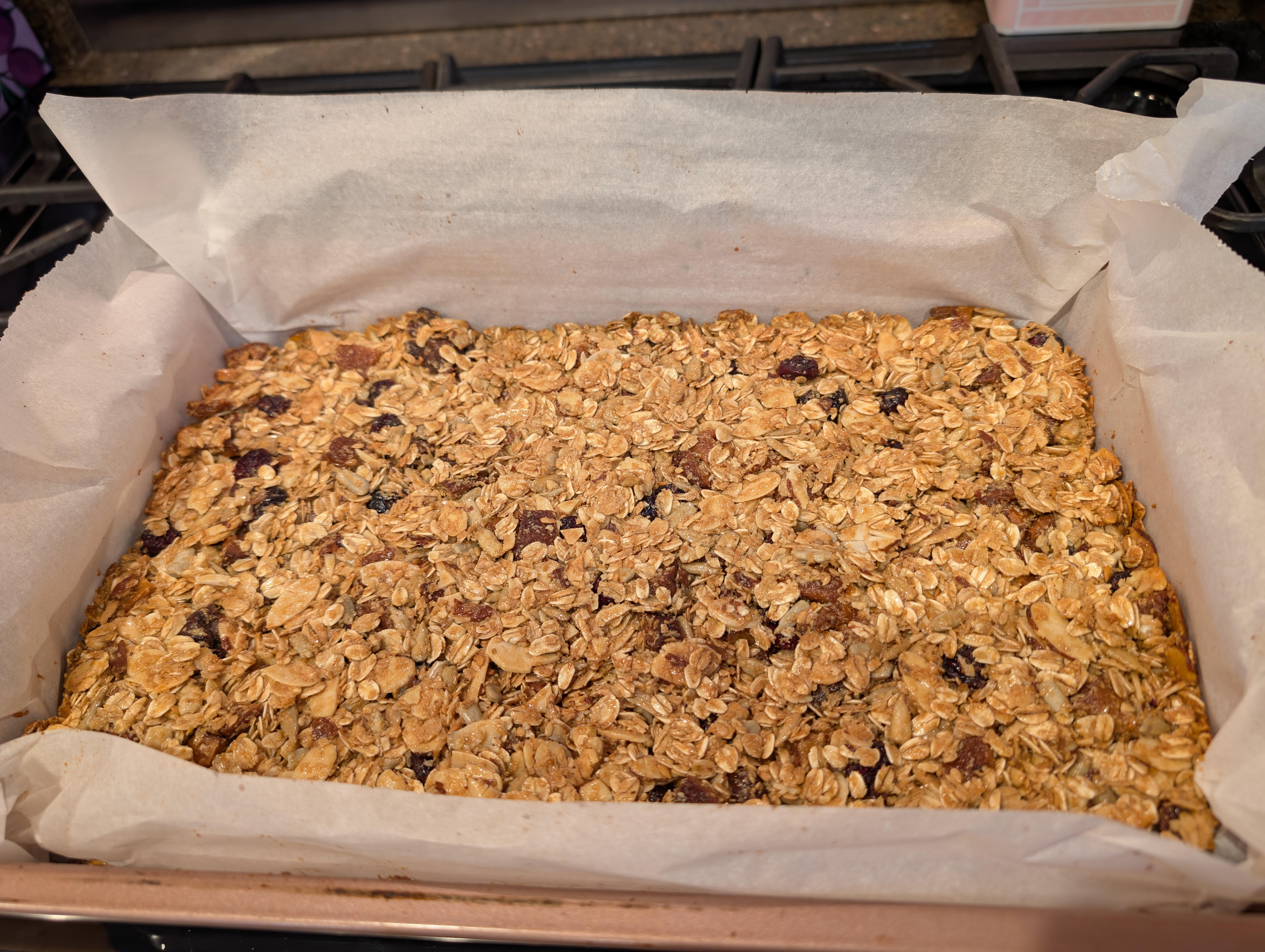
 https://altonbrown.com/recipes/homemade-granola-bars/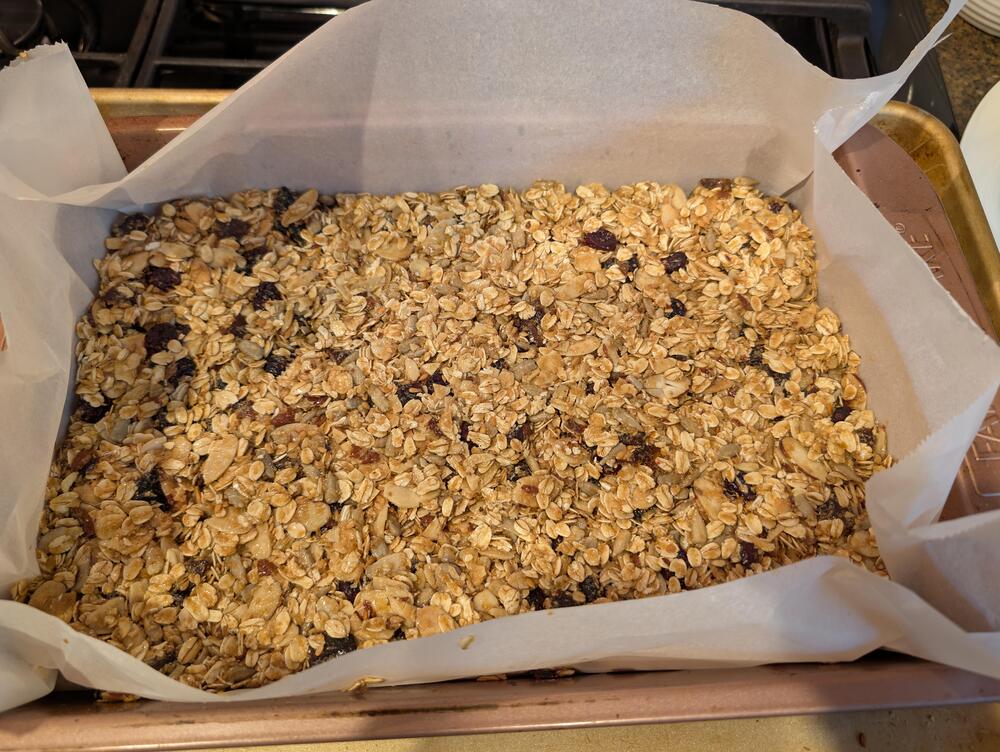
 🐠 🌮 🌮
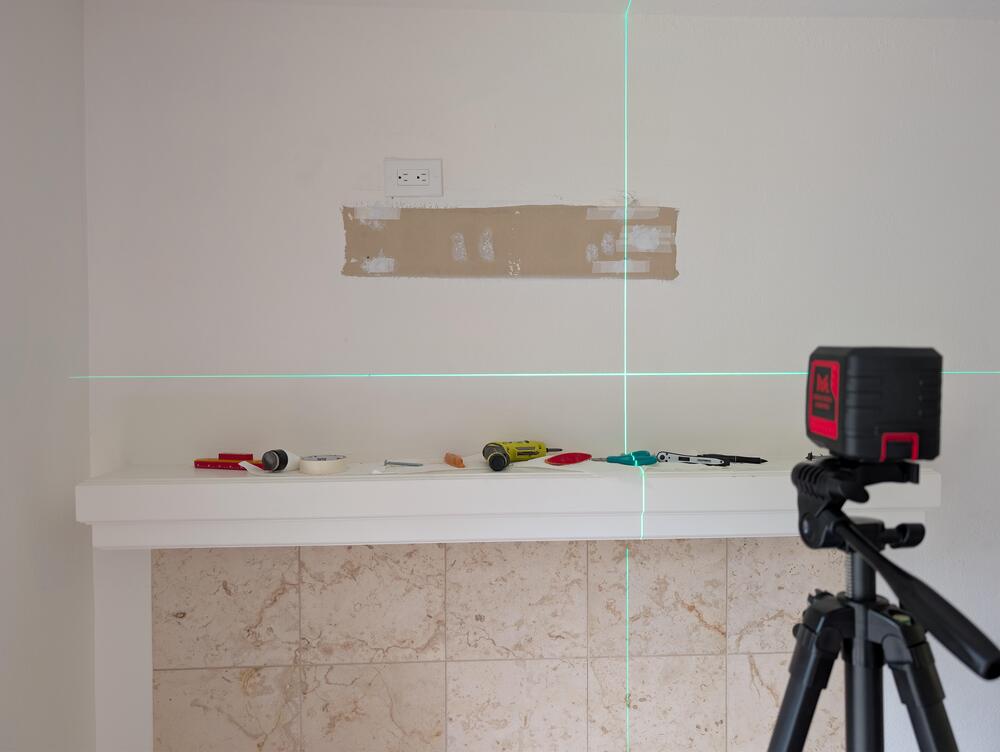
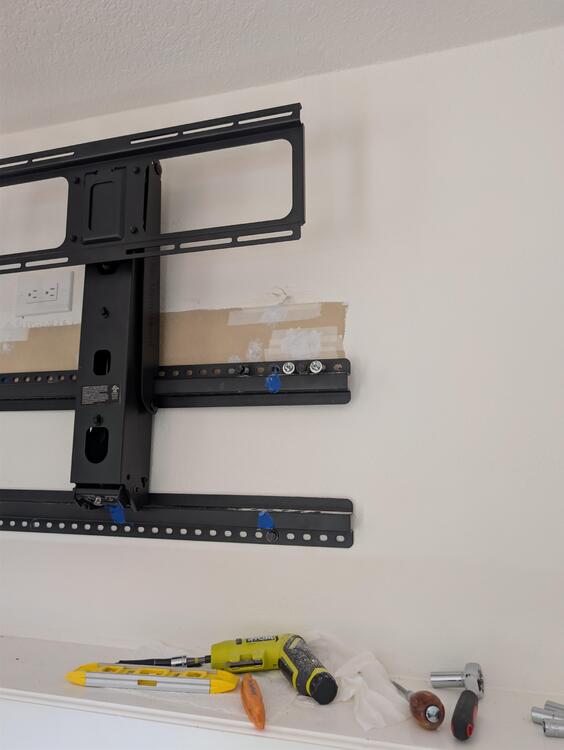
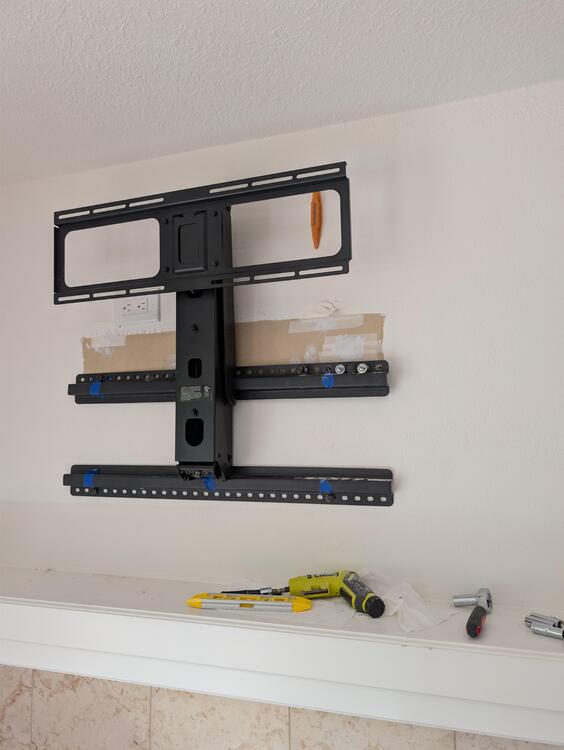
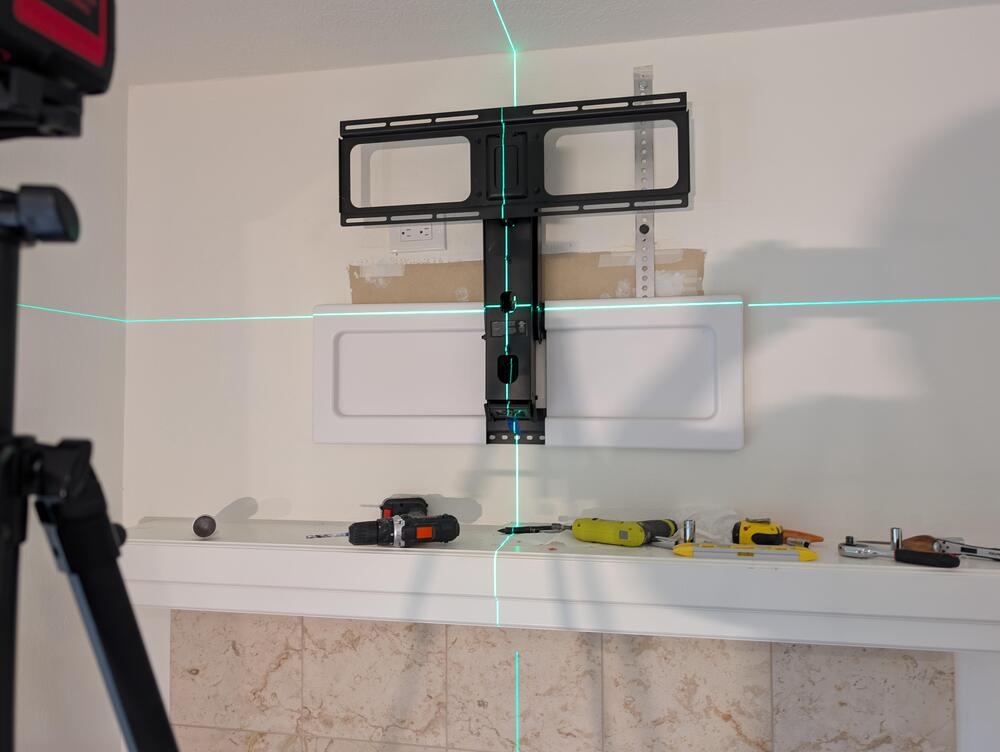
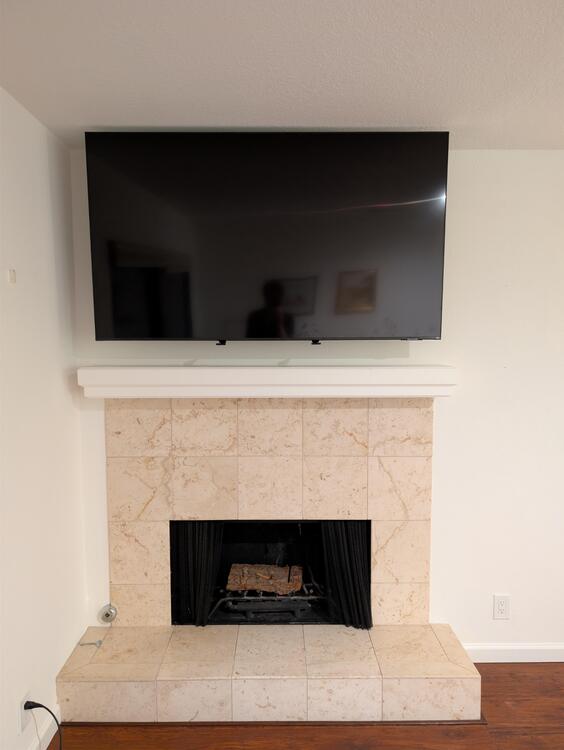
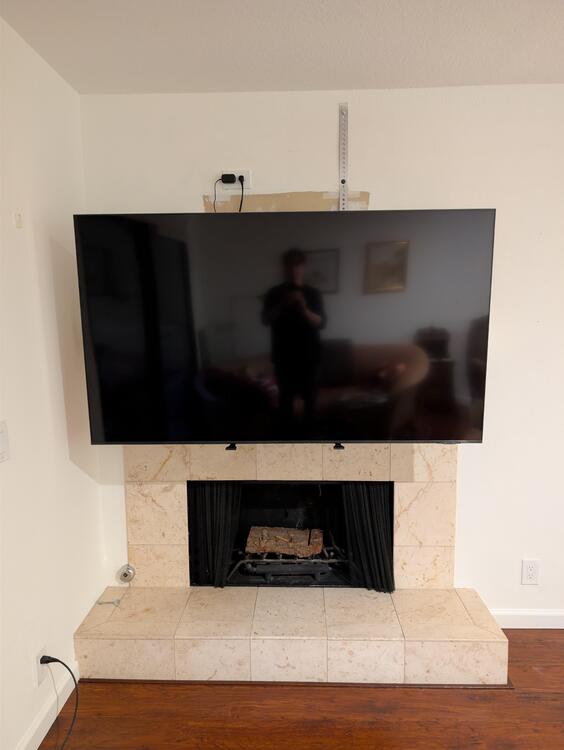
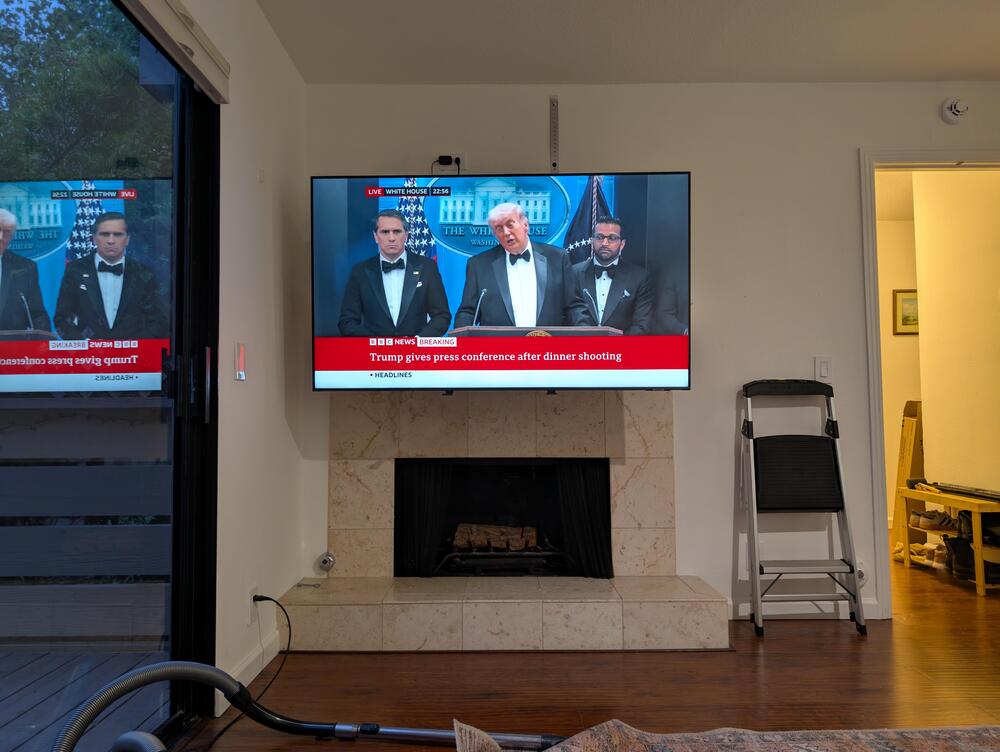
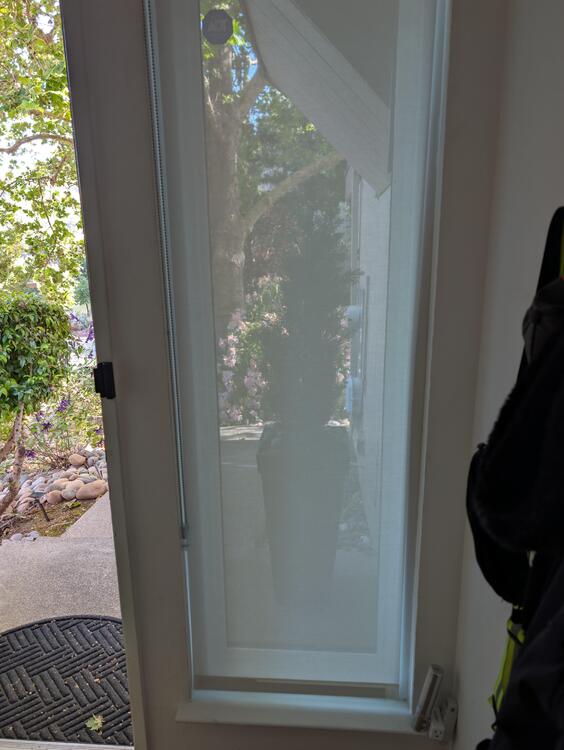
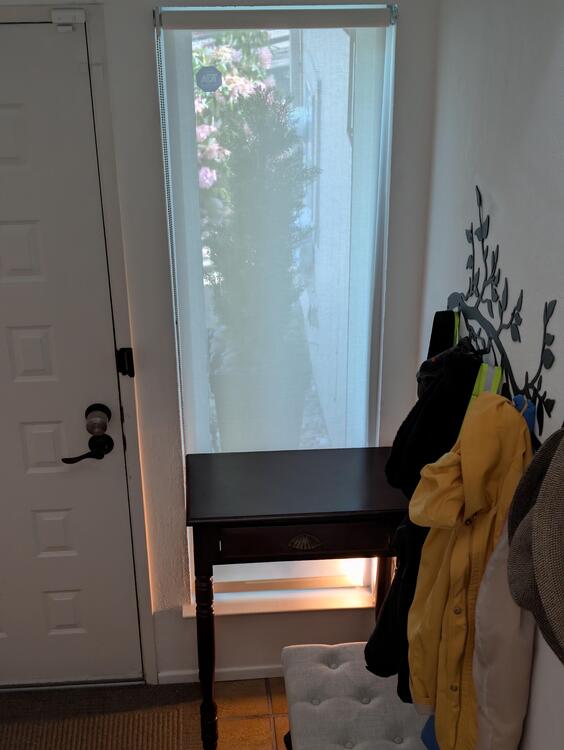
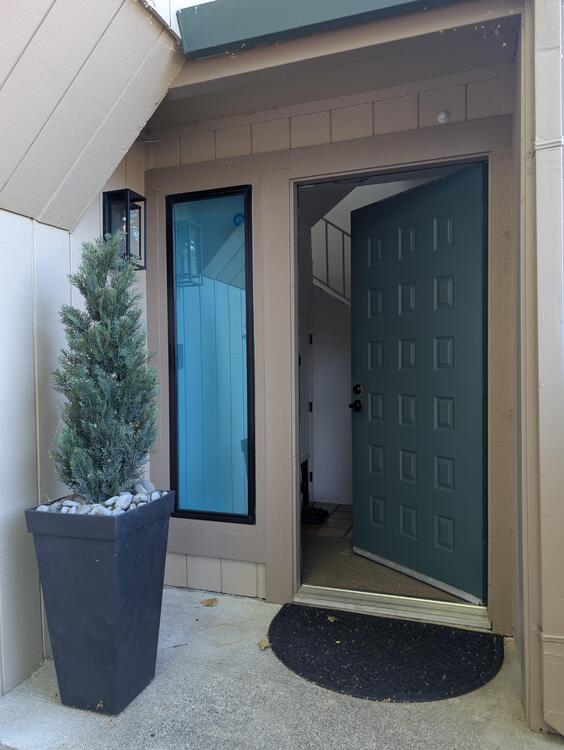
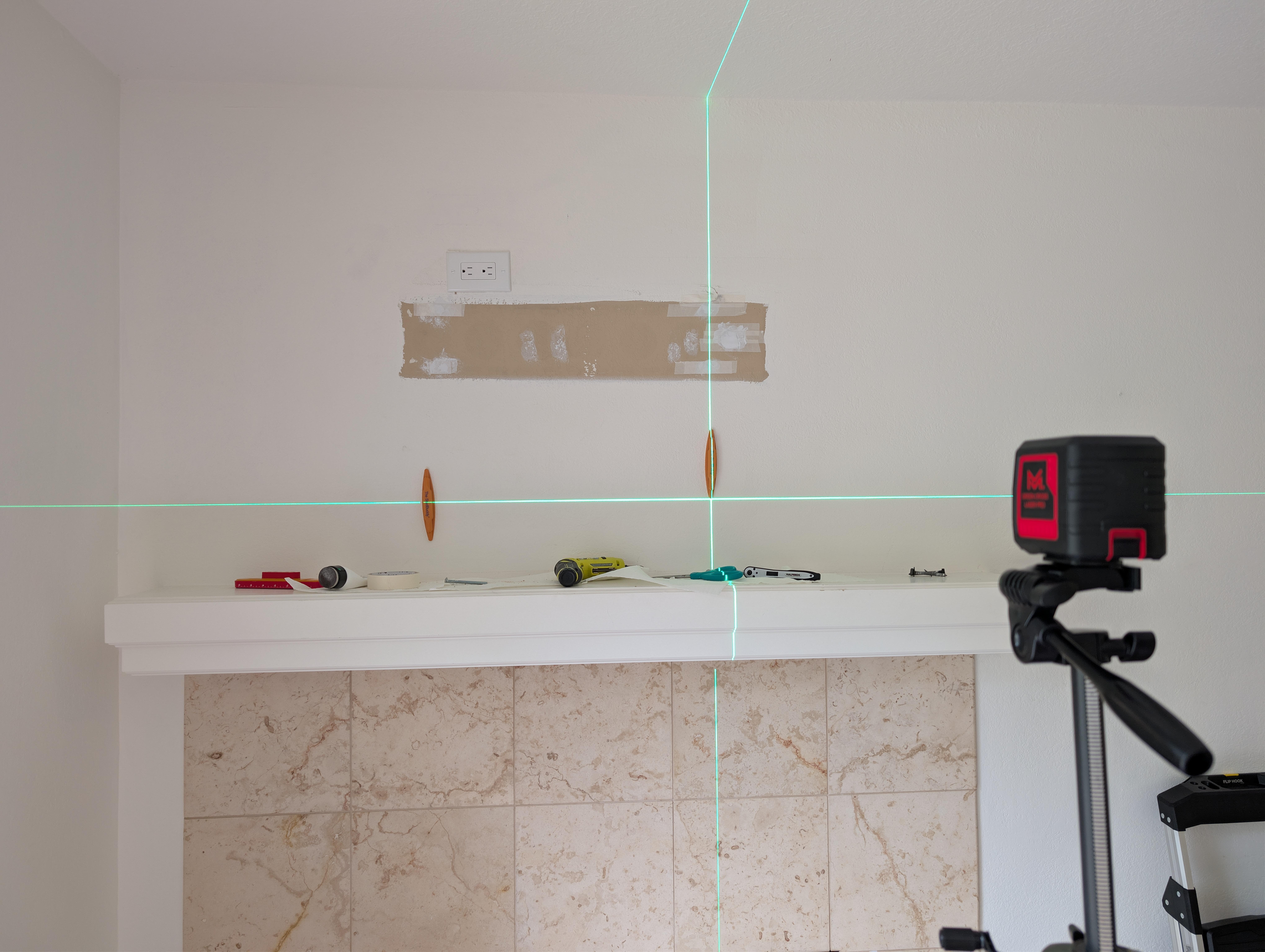

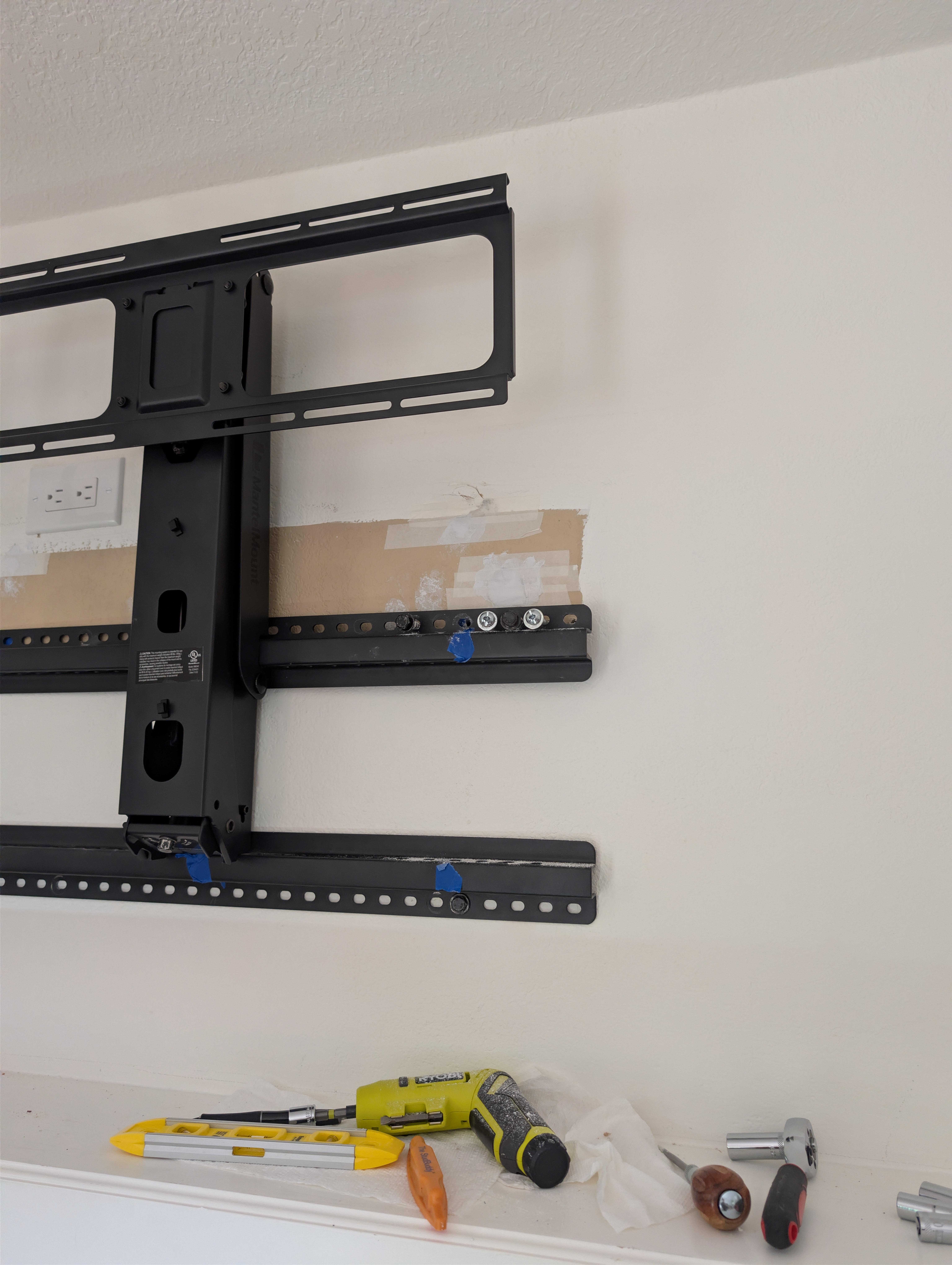
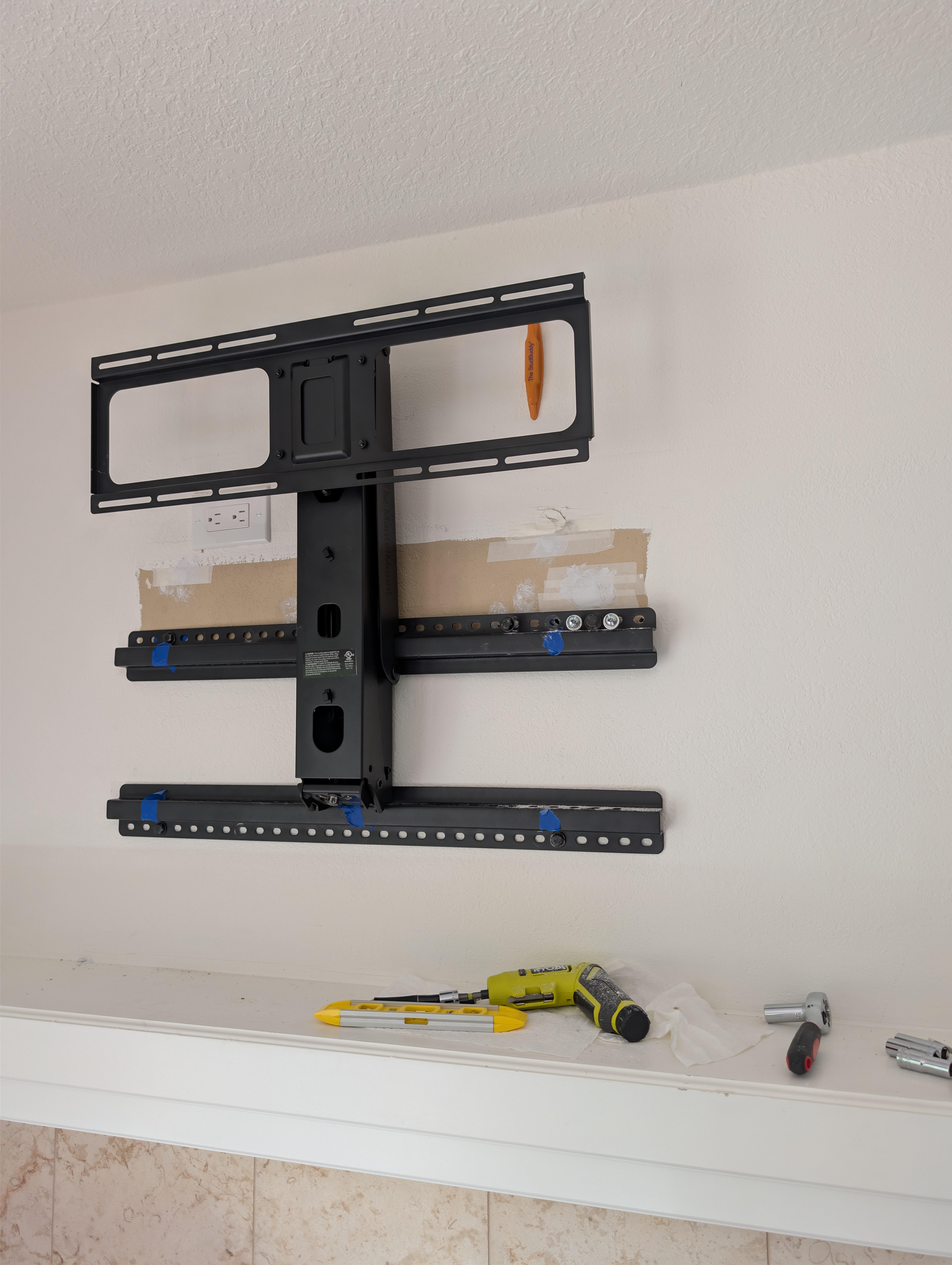
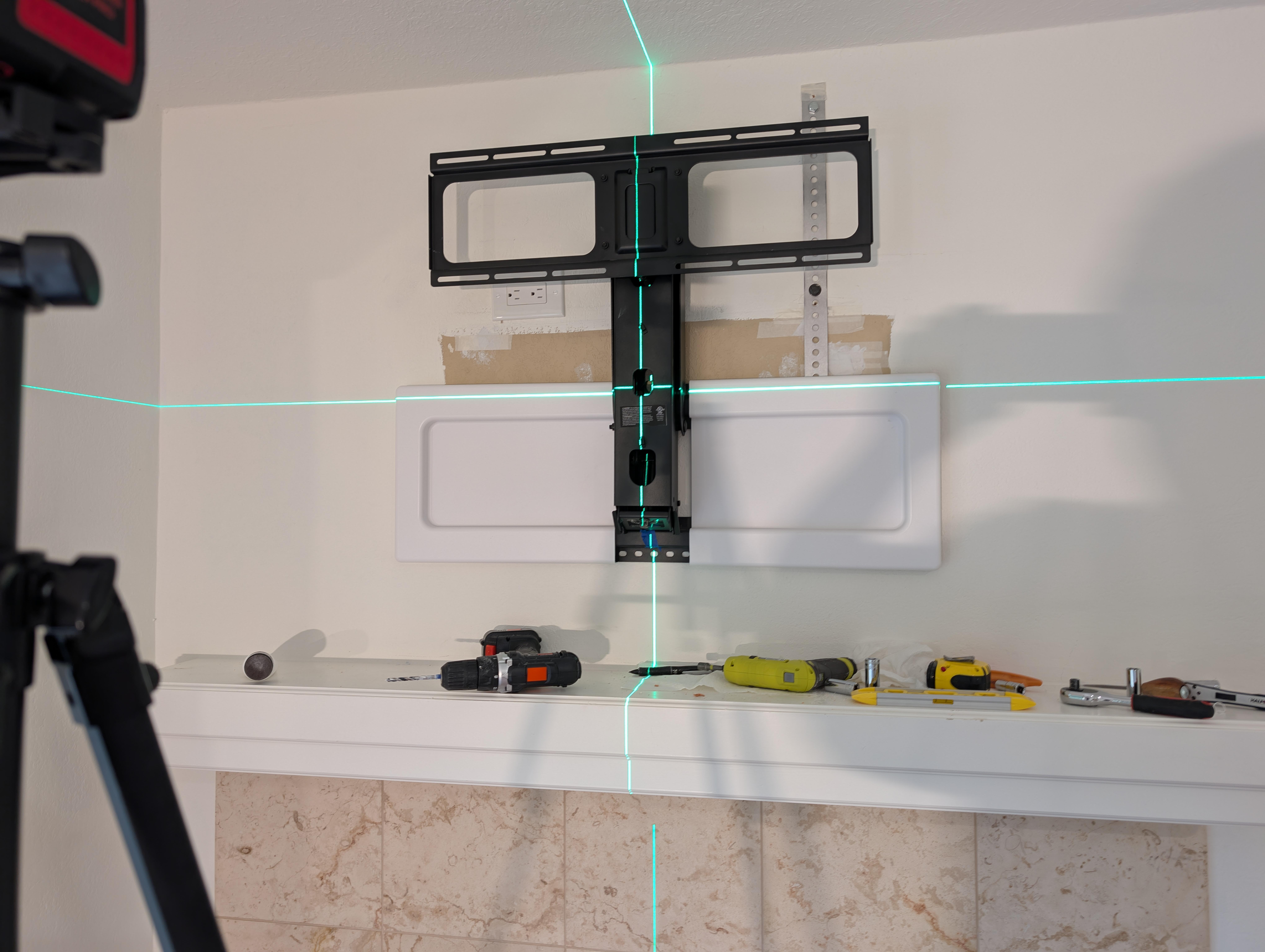
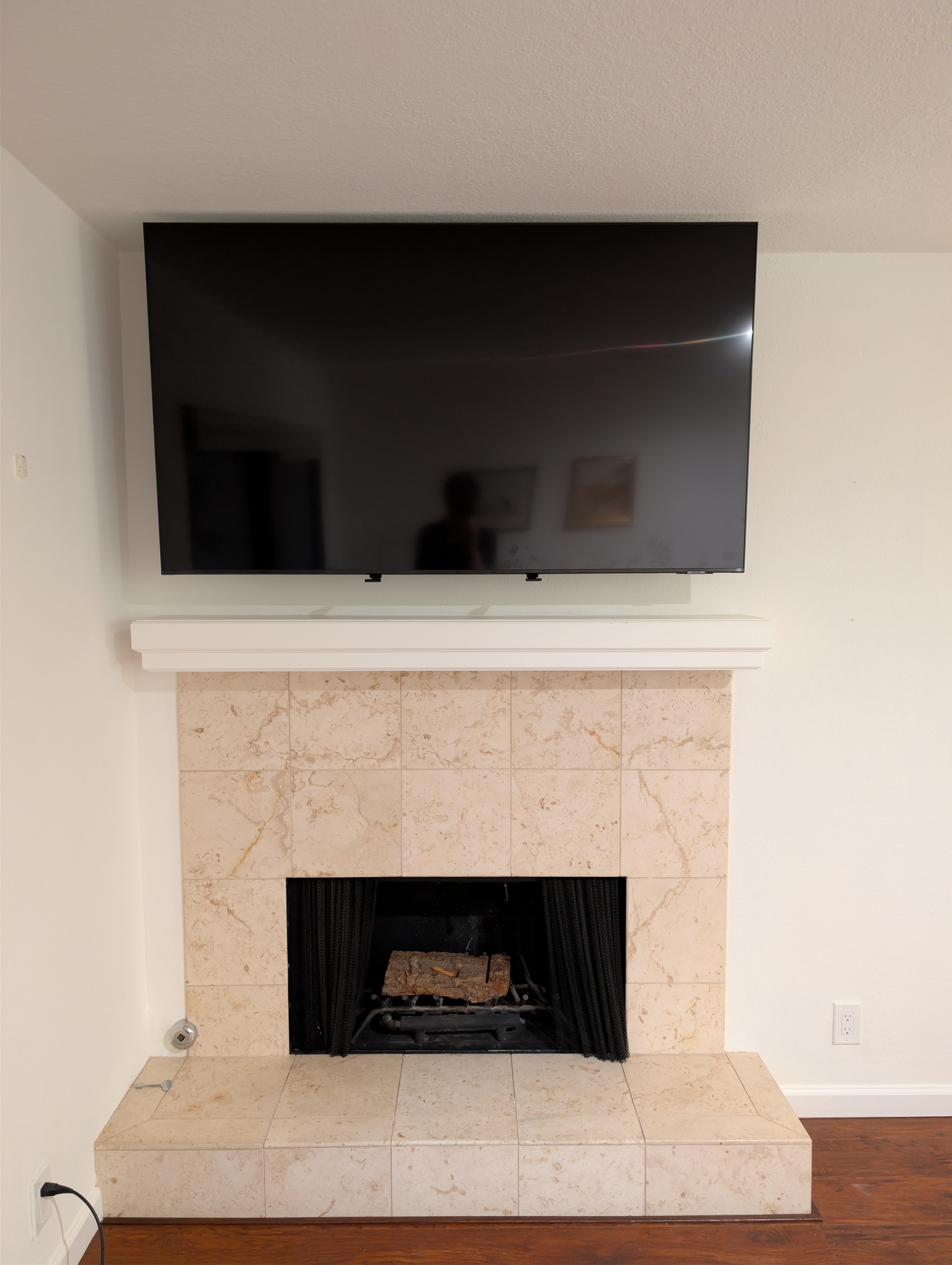
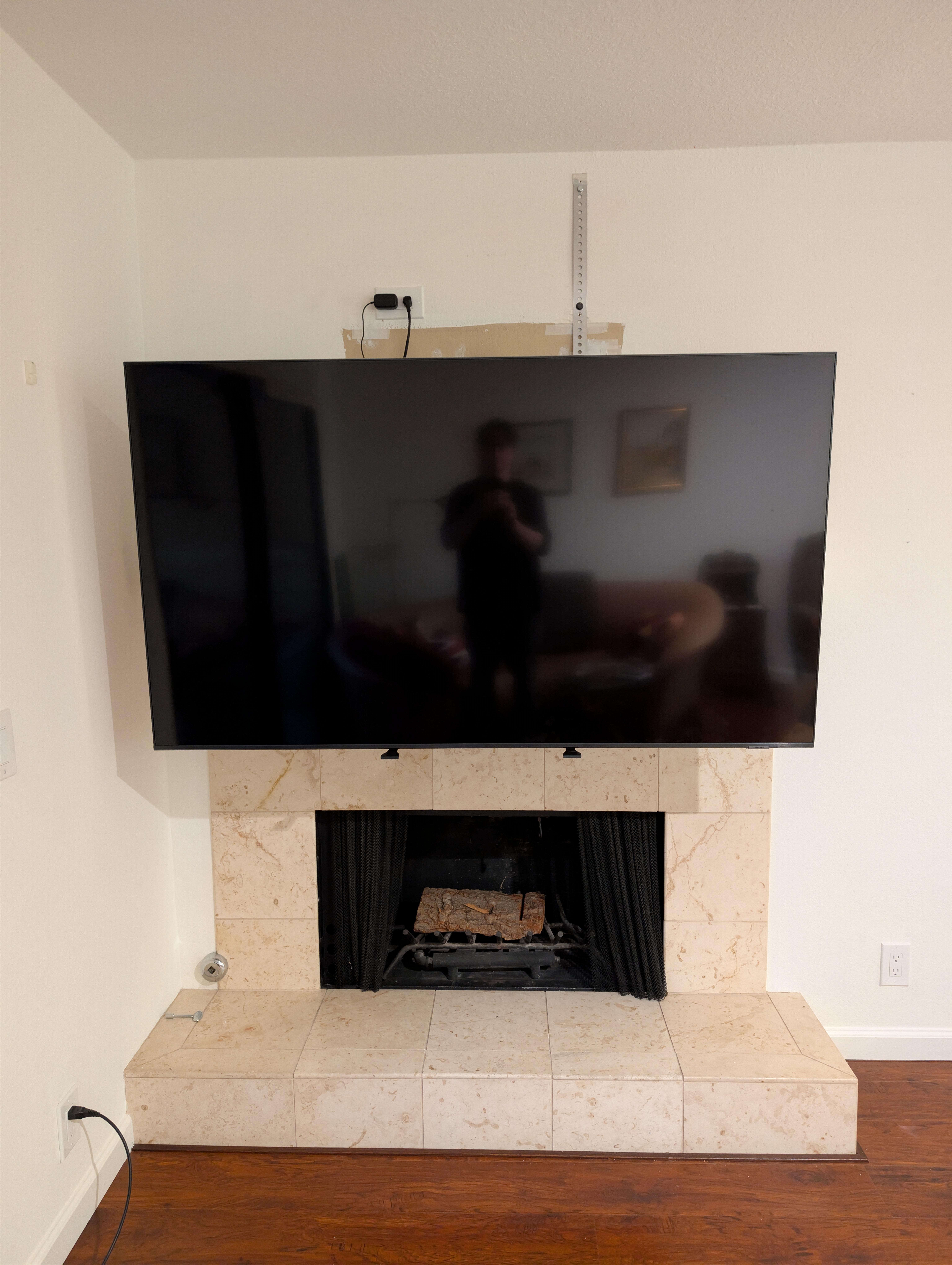
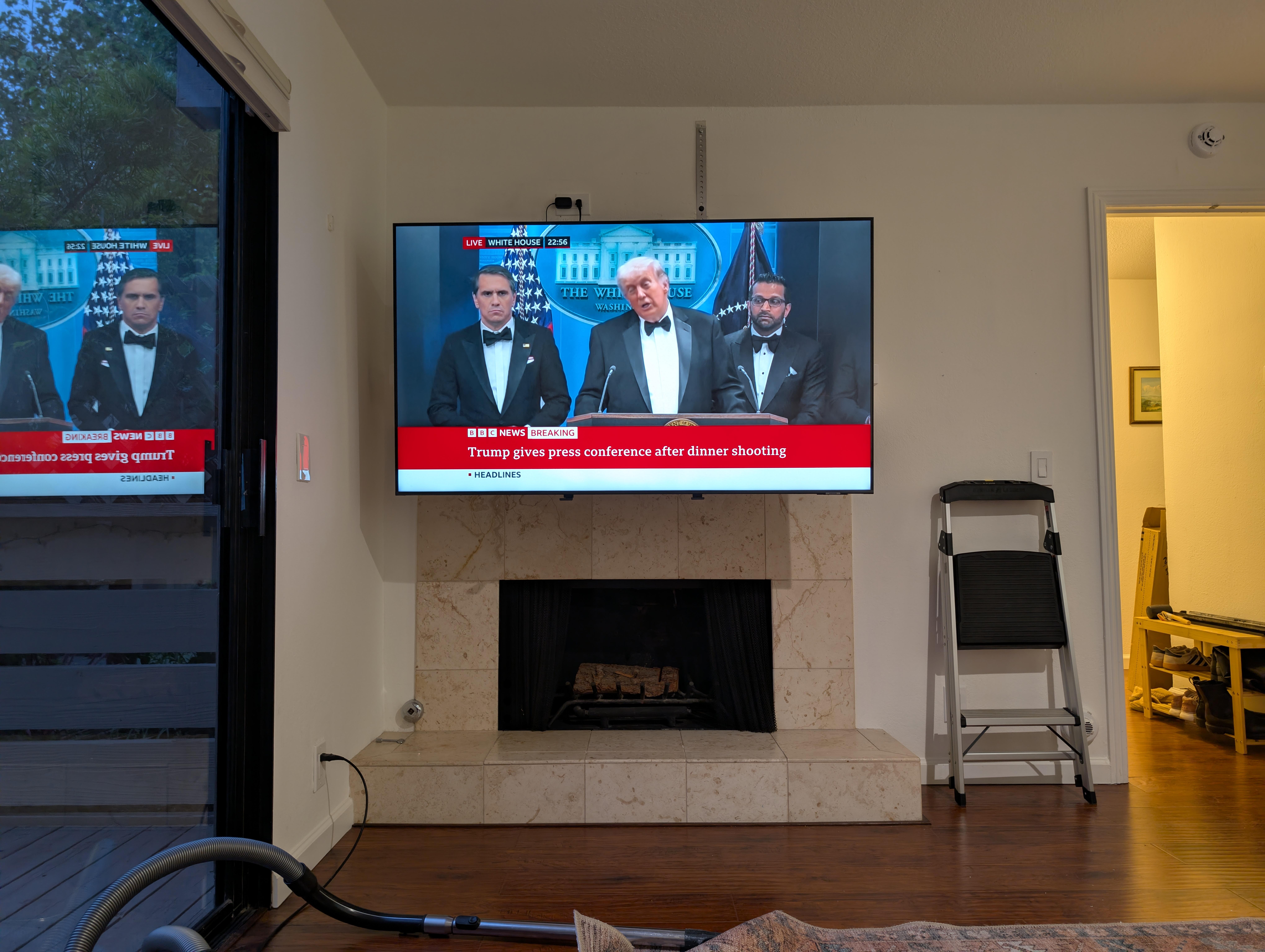
🐠 🌮 🌮 Having delivered Margaritas, yesterday to our Brit Mother and daughter neighbors, Today I made good on our offer of the previous owners TV and mount, starting at a civilized time. So out with their previous owners old TV and mount (not shown). It was so old it was small, thicc, 1080, and had composite inputs on the back. So off it came Lasing ... Ok Time for lunch, a local Mexican take away plus Usual, and bubbles for the ladies. It all went well until disaster struck The previous occupants when making room for their TV had cut through the wall and studs to run the cables and just replaced / patched the dry wall - the brown area. So no studs / adhesion for any of the top right anchor bolts. 💩 🤬 I couldn't really abandon them, or rebuild the wall that day. What to do? Apparently there were still studs higher up in the wall. Maybe just maybe, A trip to Pini Hardware, and a conversation with some very helpful staff later ... It's like it was meant to be! You can't really tell in the up position. Watching position, just watch the TV, OK Ok, set up Wifi, Xfinity, etc. What's on Telly? WAT? At least I got some cadburys mini eggs and endless cups of tea out of the deal. They seem happy with it.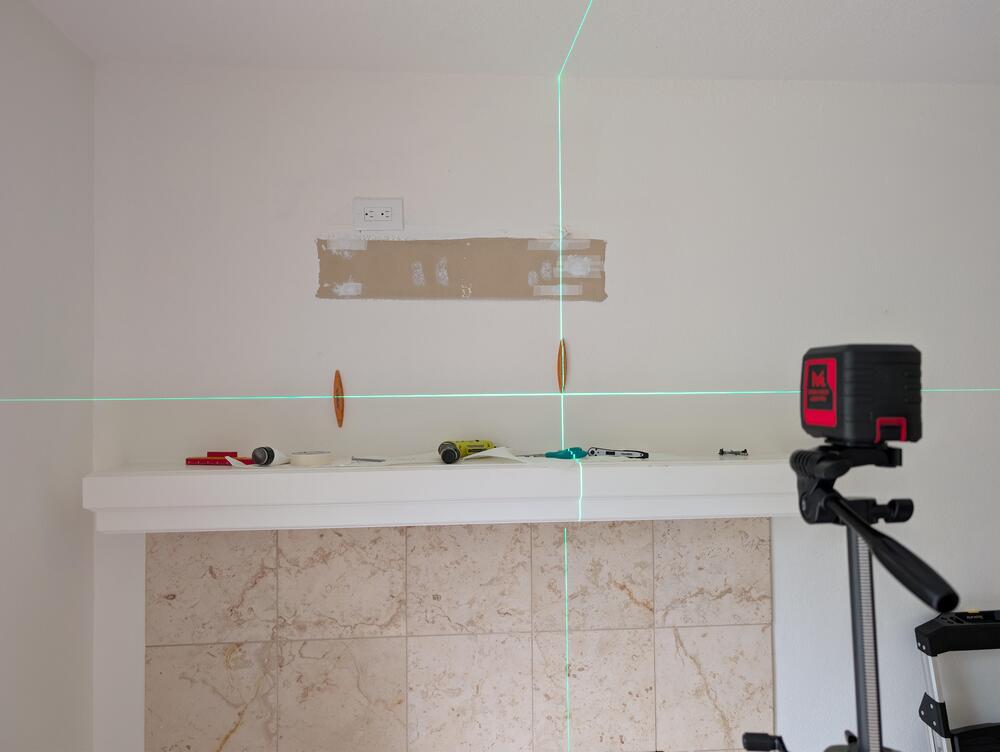

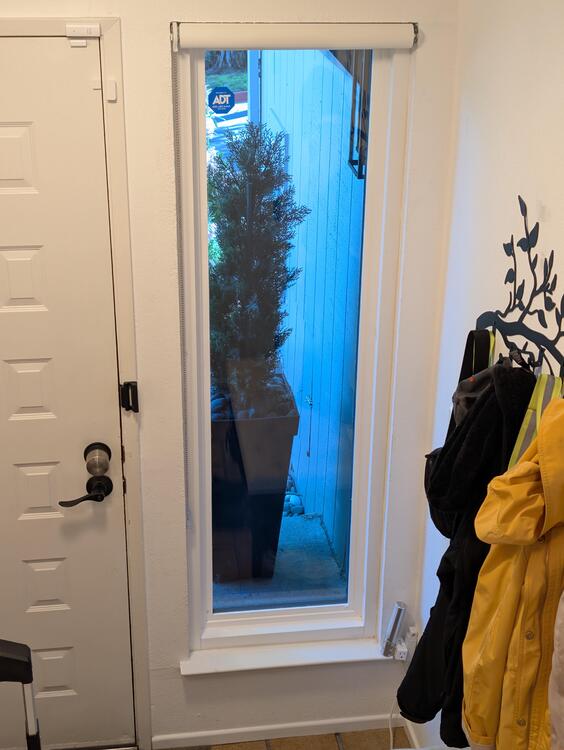
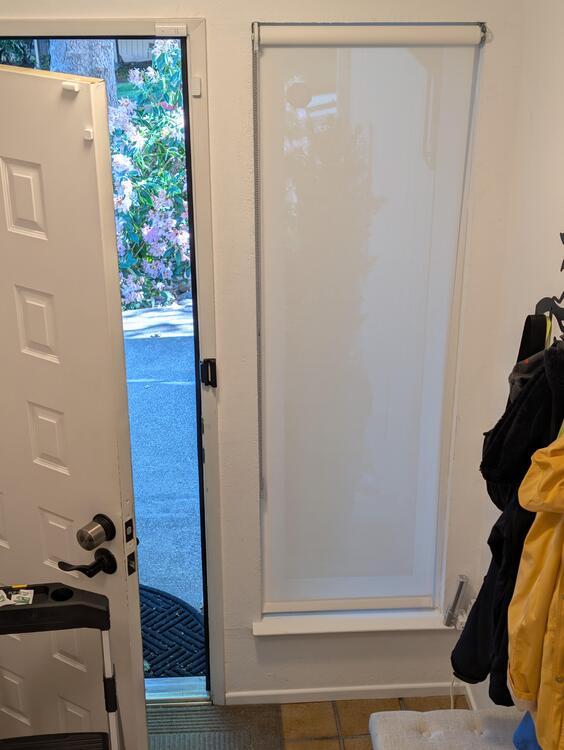
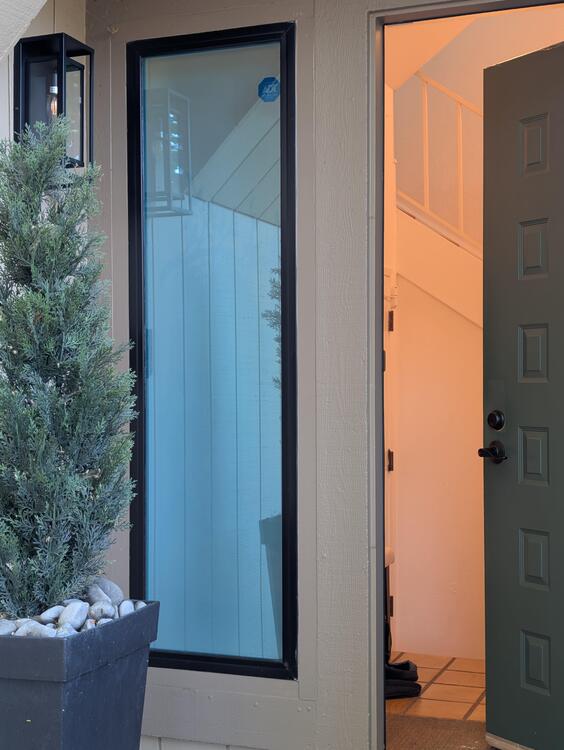
 Yes, Dear.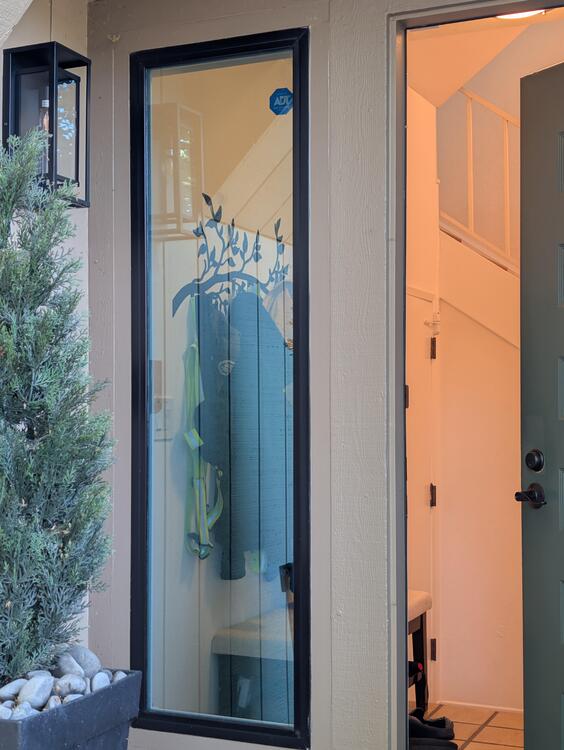










Important Information
By using this site, you agree to our Terms of Use.
Account
Navigation
Search
Configure browser push notifications
Chrome (Android)
- Tap the lock icon next to the address bar.
- Tap Permissions → Notifications.
- Adjust your preference.
Chrome (Desktop)
- Click the padlock icon in the address bar.
- Select Site settings.
- Find Notifications and adjust your preference.
Safari (iOS 16.4+)
- Ensure the site is installed via Add to Home Screen.
- Open Settings App → Notifications.
- Find your app name and adjust your preference.
Safari (macOS)
- Go to Safari → Preferences.
- Click the Websites tab.
- Select Notifications in the sidebar.
- Find this website and adjust your preference.
Edge (Android)
- Tap the lock icon next to the address bar.
- Tap Permissions.
- Find Notifications and adjust your preference.
Edge (Desktop)
- Click the padlock icon in the address bar.
- Click Permissions for this site.
- Find Notifications and adjust your preference.
Firefox (Android)
- Go to Settings → Site permissions.
- Tap Notifications.
- Find this site in the list and adjust your preference.
Firefox (Desktop)
- Open Firefox Settings.
- Search for Notifications.
- Find this site in the list and adjust your preference.