


Grahame
High Rollers
-
Joined
-
Last visited
Everything posted by Grahame
-
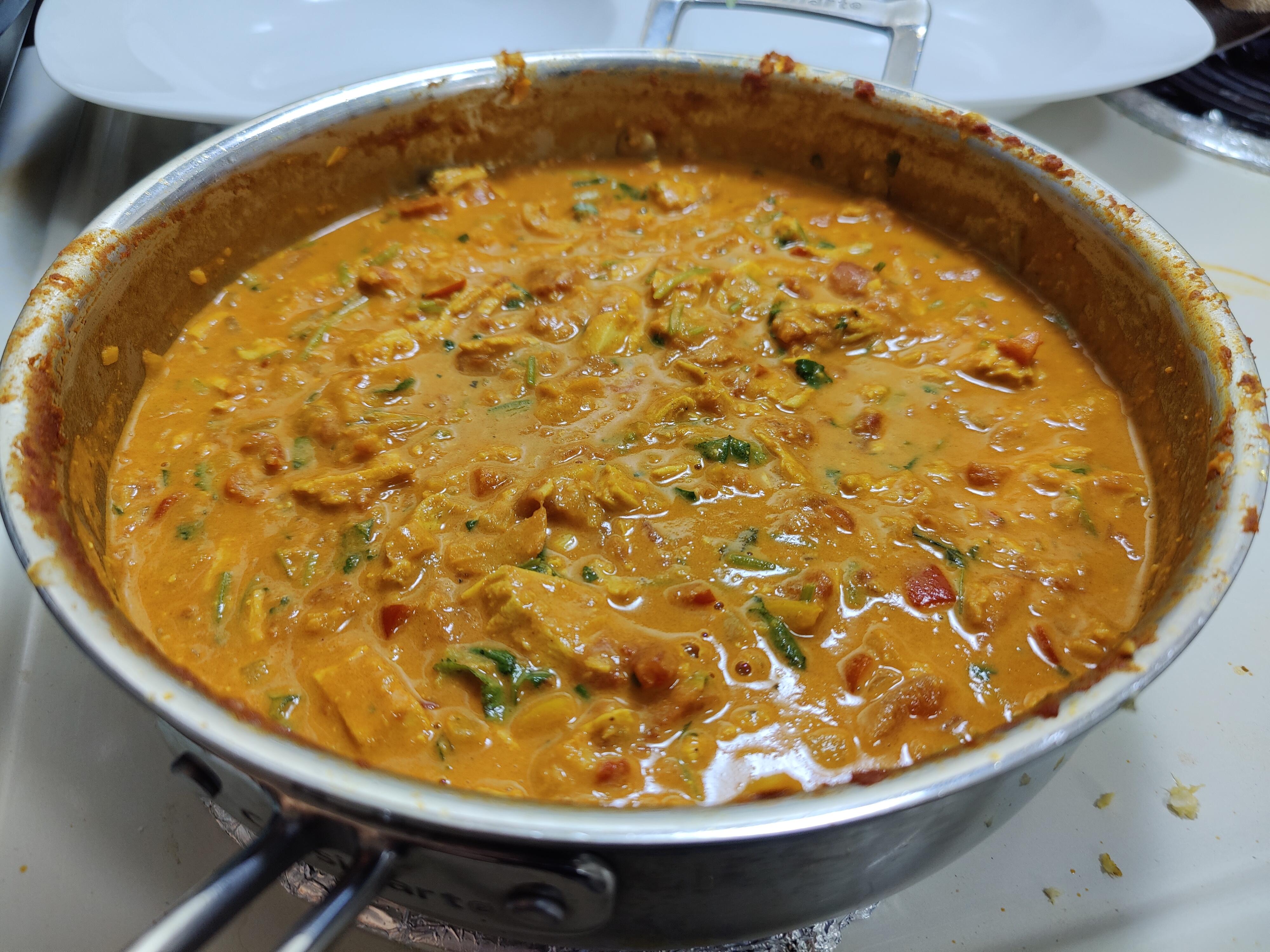
I survived the atmospheric river chicken curry https://patch.com/california/sanrafael/wind-gusts-topped-100-mph-marins-coastal-mountains

-
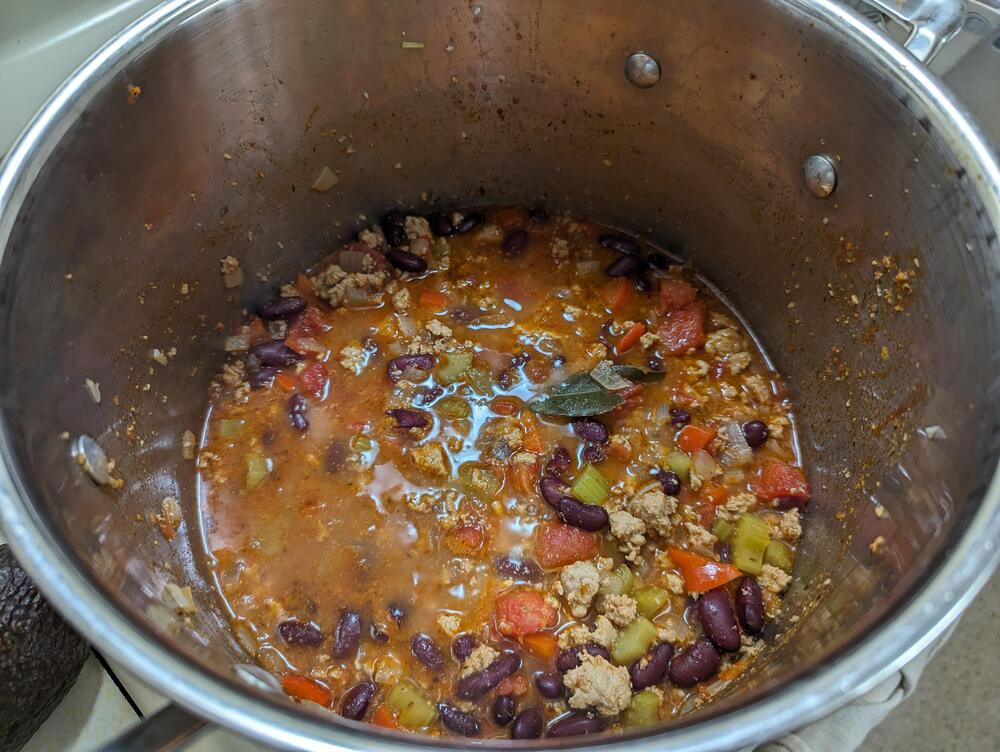
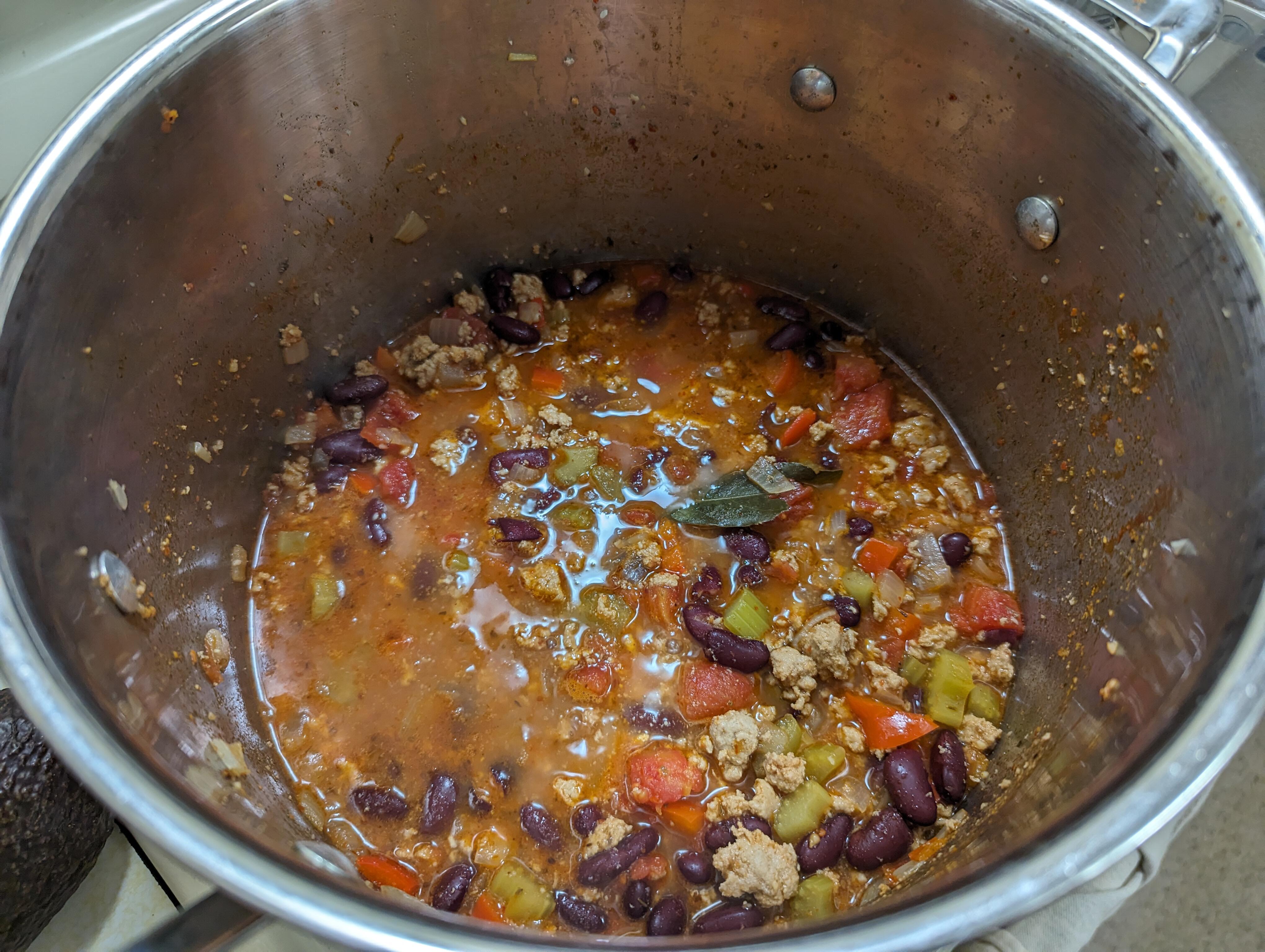
Because we have enough genuine stupidity to go around?Maybe they should just rename it the Apple Darwin.RDT_20240203_154635.mp4 What could possibly go wrong?NYT Turkey Chili
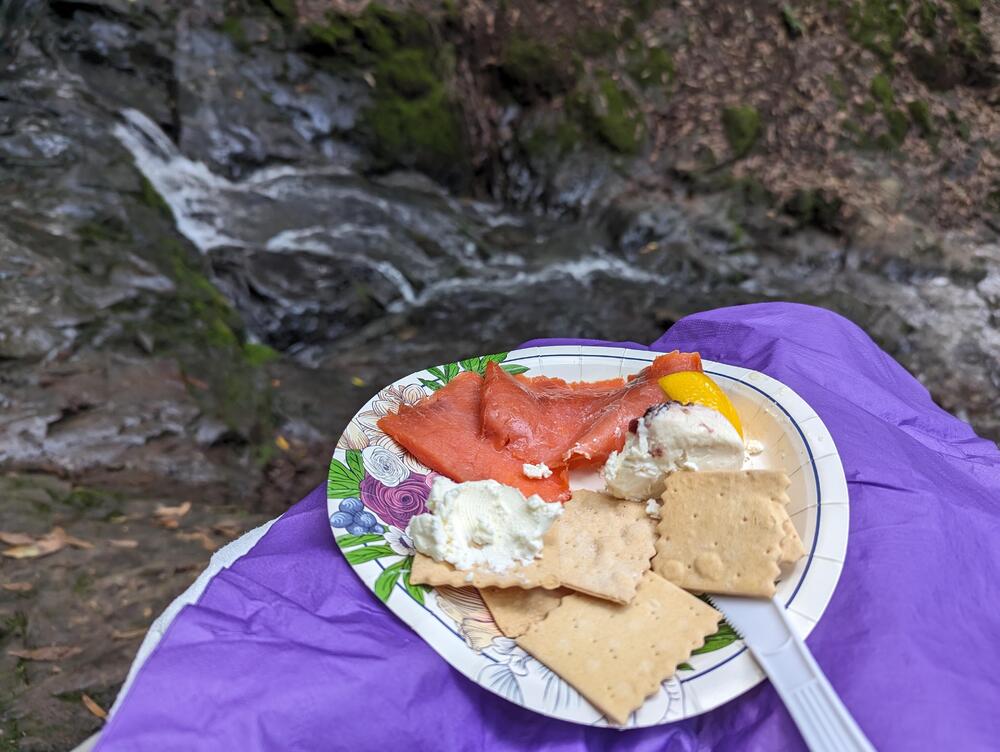
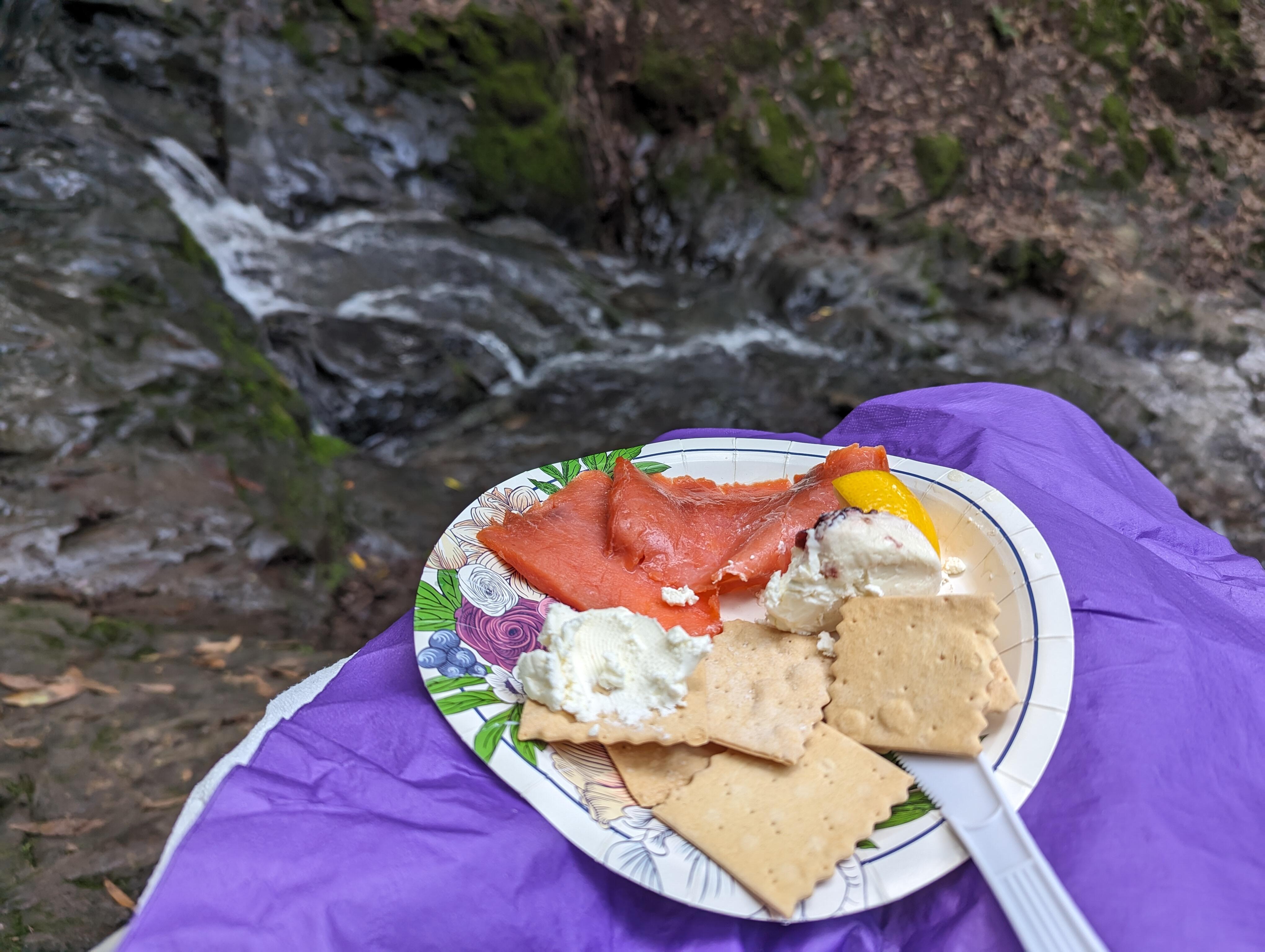
 Dawn Falls provisions
 Happy Birthday, Mike!Happy Birthday, Adam! * * AI Image Prompt: "Adam, who has a Porsche Macan is going racing for his birthday while beating brent, a Mexican who crashes into things. Adam is enjoying his birthday." which then suggested this prompt: "Adam, who shares a passion for driving and adventure on the roads, celebrates his special day on a mission to outpace Brent in an exhilarating race"
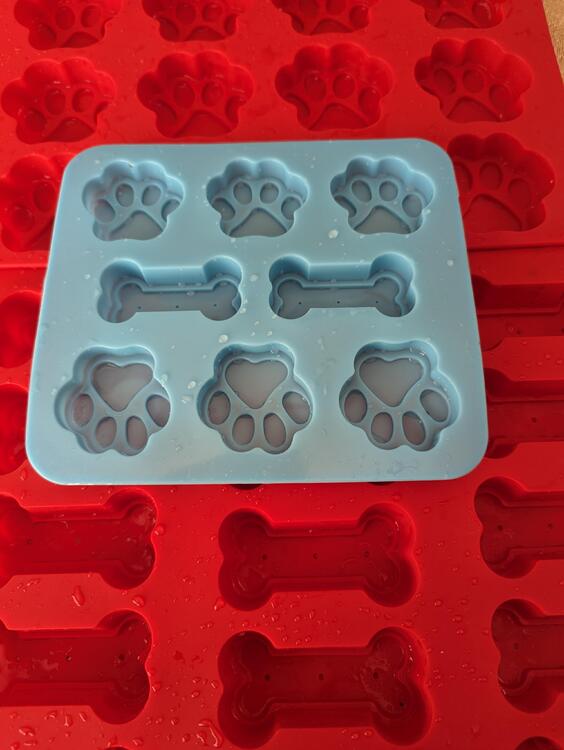
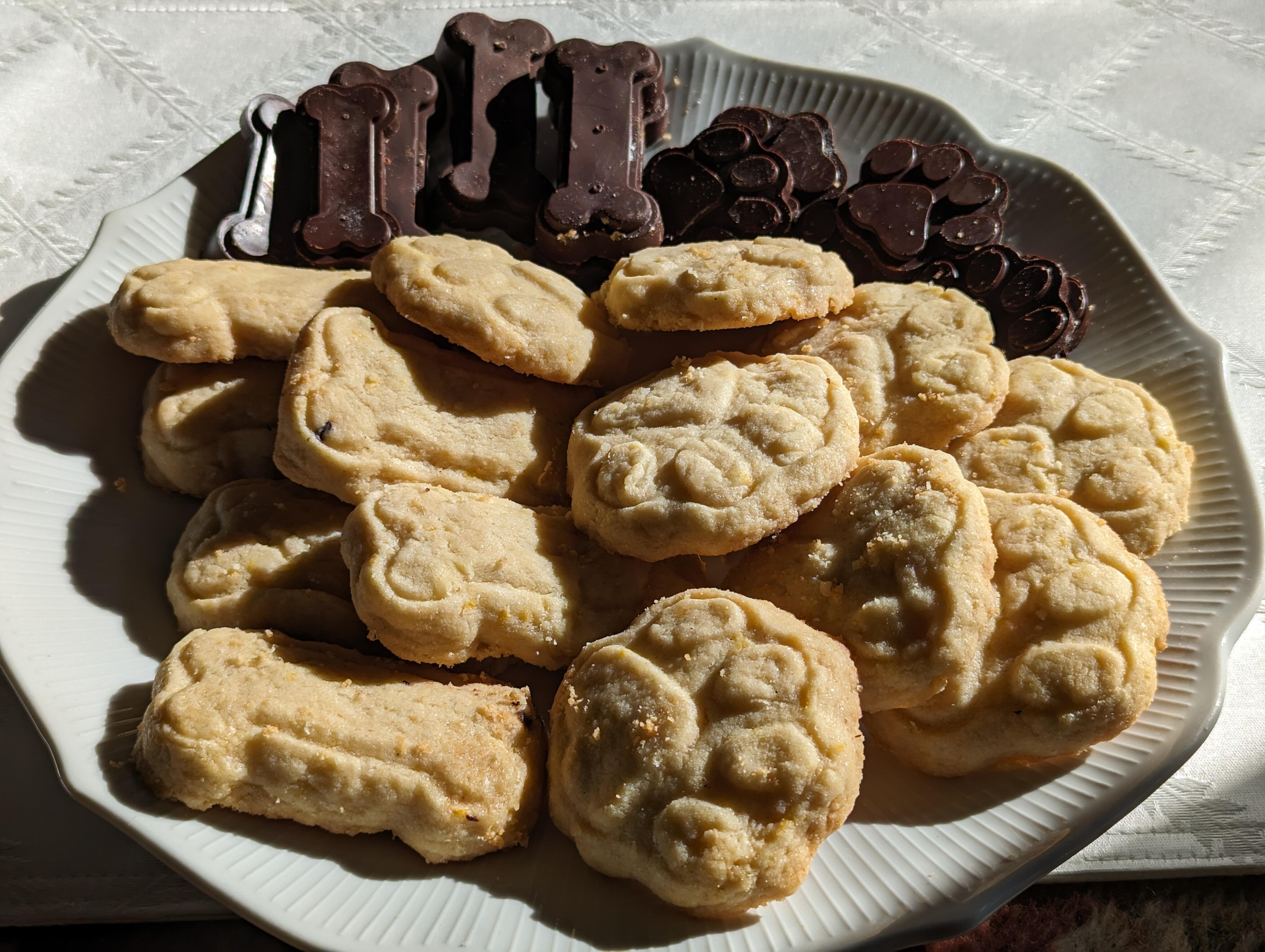
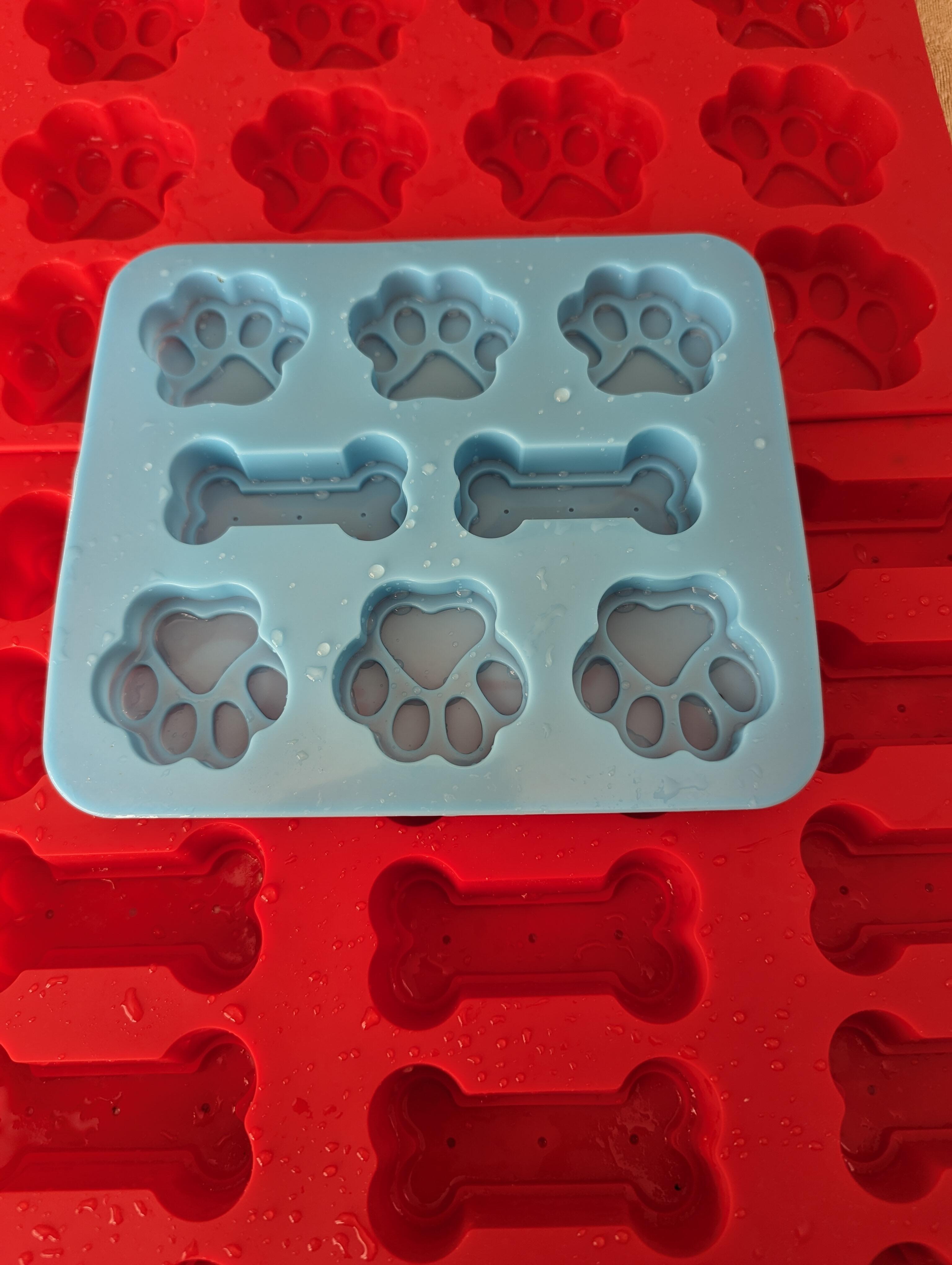
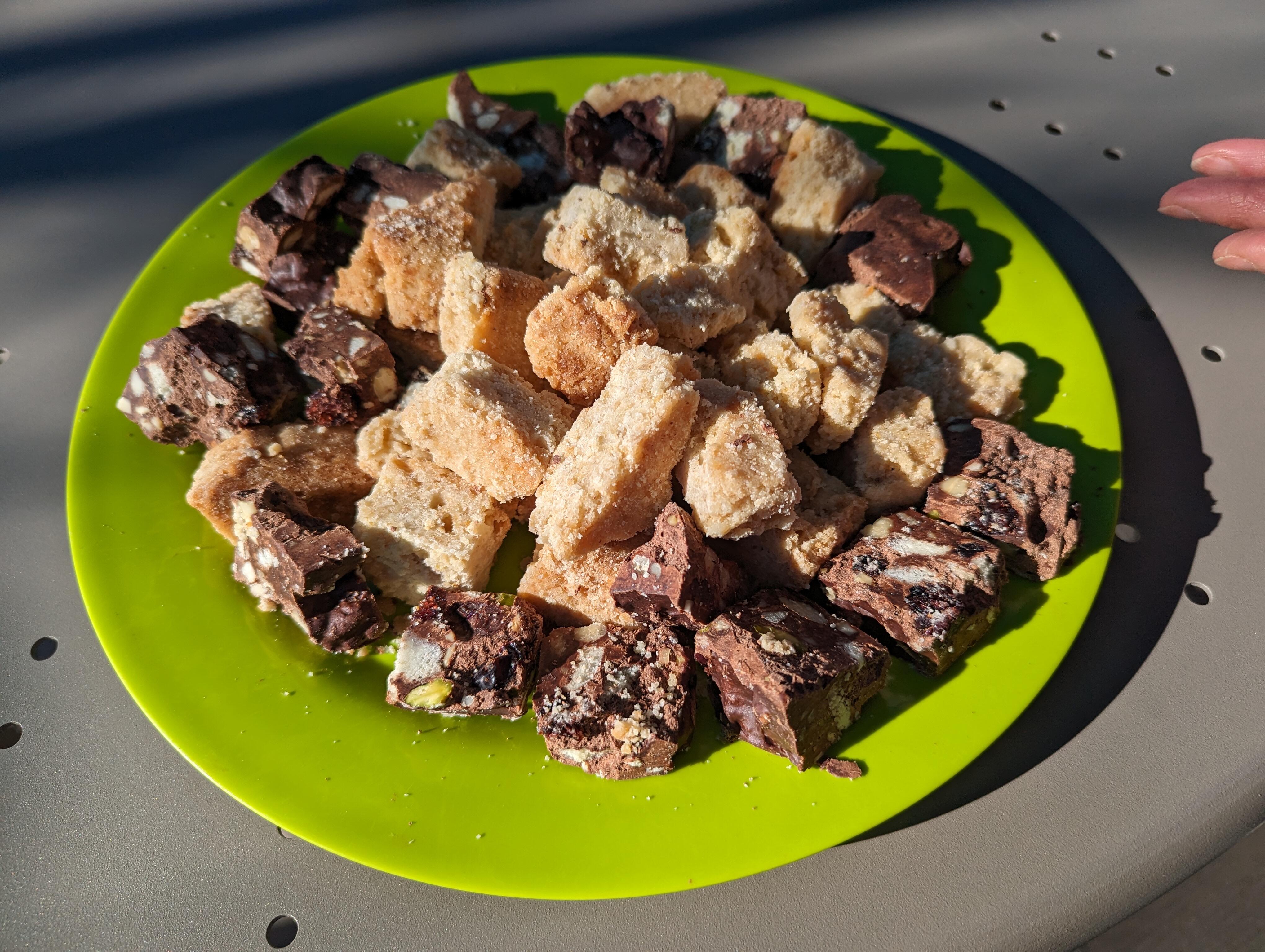
 The Apple Macintosh turns 40 next week. https://computerhistory.org/exhibits/hello-the-mac-at-40/ https://computerhistory.org/events/insanely-great/ " Additional Information The event organizer has provided the following information: None About your tickets Virtual Access Ticket Thank you for registering! You are confirmed to join "Insanely Great: The Apple Mac at 40" online on Wednesday, January 24, 2024, starting at 7 p.m. PST. The event will be livestreamed via the Computer History Museum’s YouTube Channel. https://www.youtube.com/computerhistory/live ""Inventor of NTP protocol that keeps time on billions of devices dies at age 85 Dave Mills created NTP, the protocol that holds the temporal Internet together, in 1985." https://arstechnica.com/gadgets/2024/01/inventor-of-ntp-protocol-that-keeps-time-on-billions-of-devices-dies-at-age-85/ https://www.newyorker.com/tech/annals-of-technology/the-thorny-problem-of-keeping-the-internets-time RIP Dave MillsSpeaking of algo's, SEO of meatspace? https://www.theguardian.com/news/2024/jan/16/the-tyranny-of-the-algorithm-why-every-coffee-shop-looks-the-sameHopefully you check the AI generated product text before submitting it. https://www.theverge.com/2024/1/12/24036156/openai-policy-amazon-ai-listings^ is that 'shopped, or is there really graffiti in your hood, @VPI ?Joanne made some shortbread and chocolate dog biscuits (not dog cookies) for book club. (And why are they dog biscuits not dog cookies?) Spoiler alert, the secret was silicone molds from Amazon.
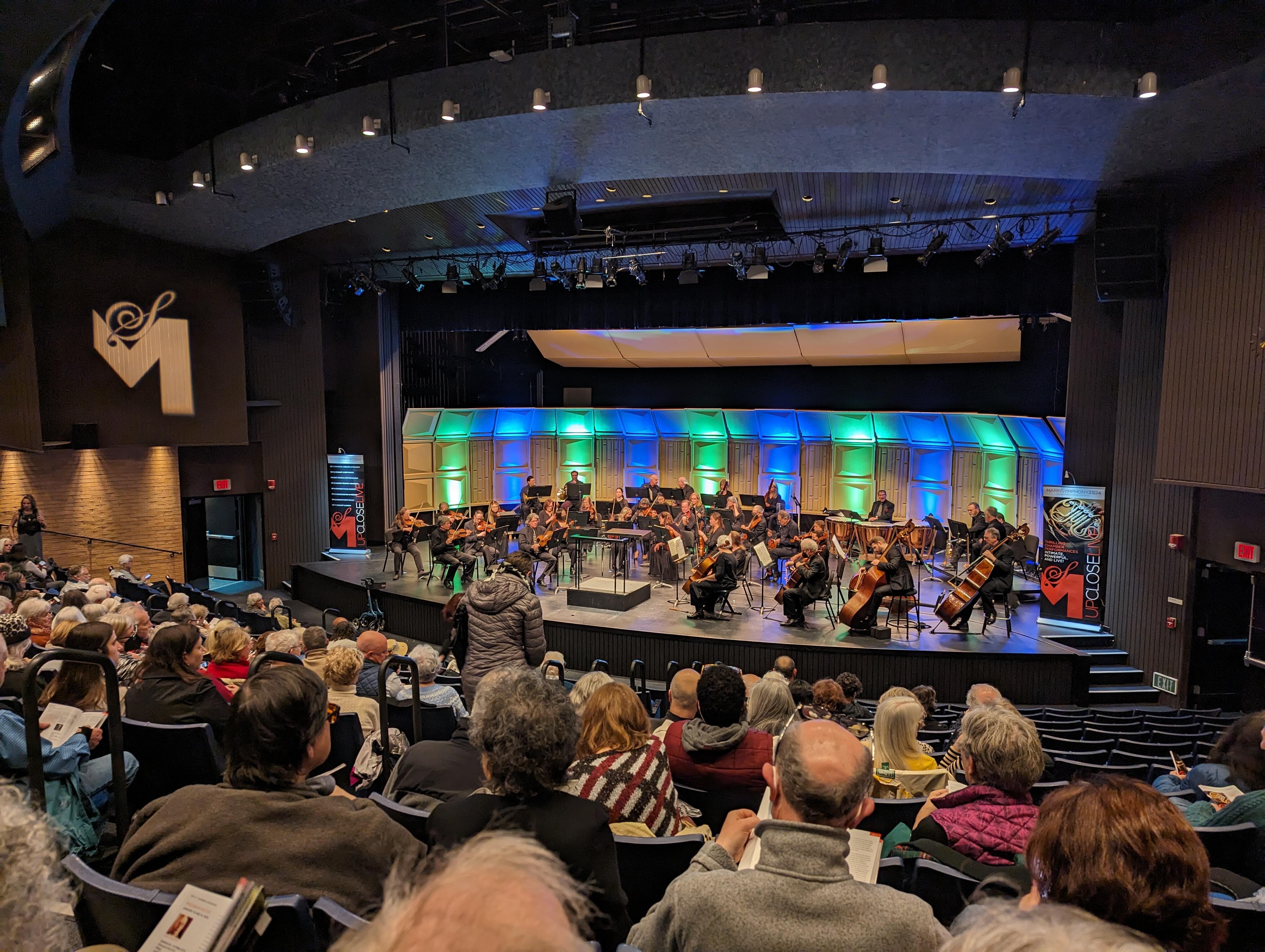
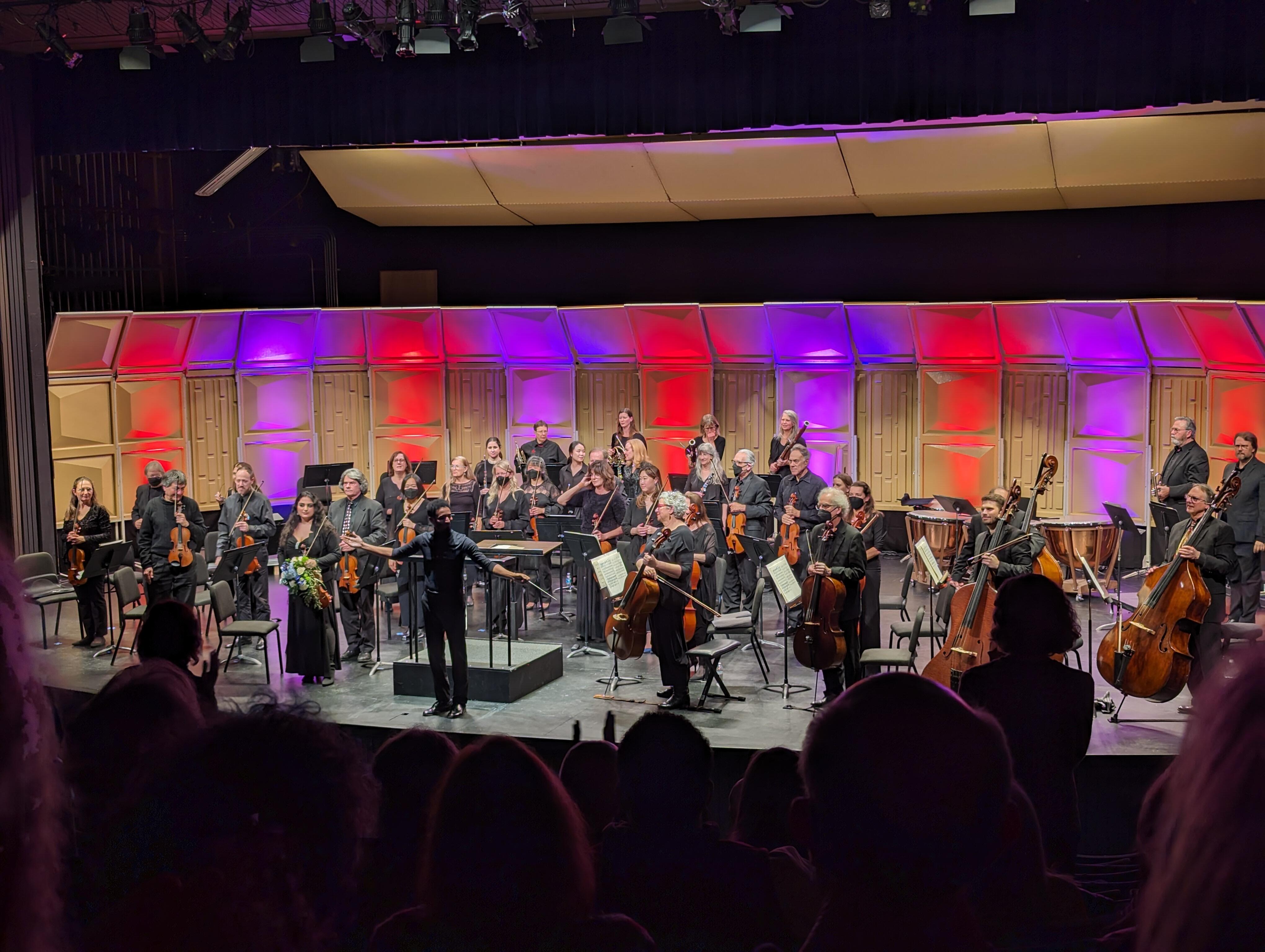
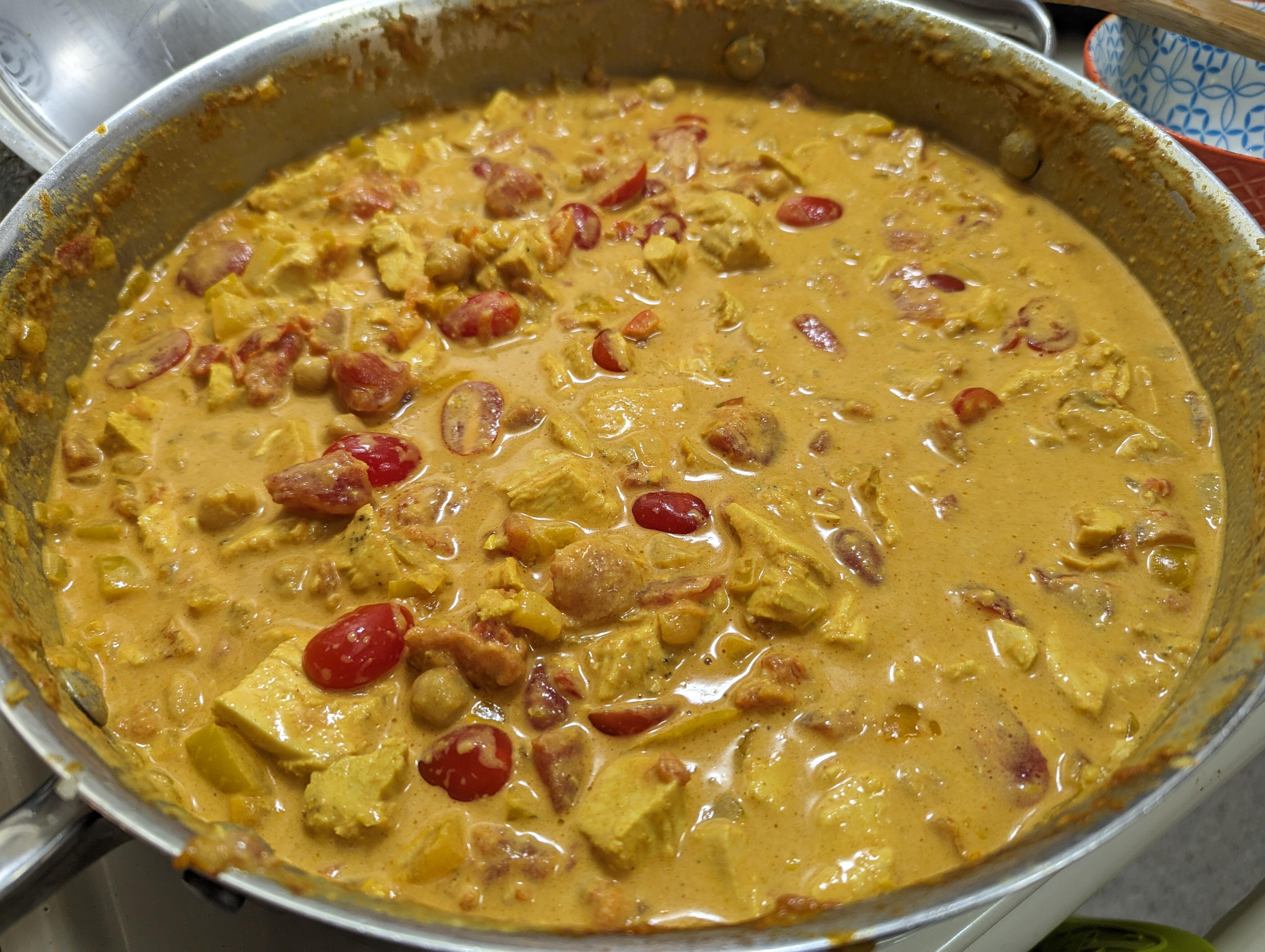
 Thanks for the birthday wishes everyone. Now for a "quiet" evening with a Curry, Usual, and John Wick (the bacon ice cream of action heroes?)Culture. https://marinsymphony.org/tickets-events/2023-24-season/set3/
 Why do a lot of uk tv shows only do 6 episodes a ... " UK shows are written like a novel. American shows are written like a franchise" 13 episode shows would give you a season, four seasons would give you a year-round franchise. A short series makes sense in this case as the source material is a novel. Quality over quantity? Or just what the UK based production is used to?Brit Bites Followed by a waterside walk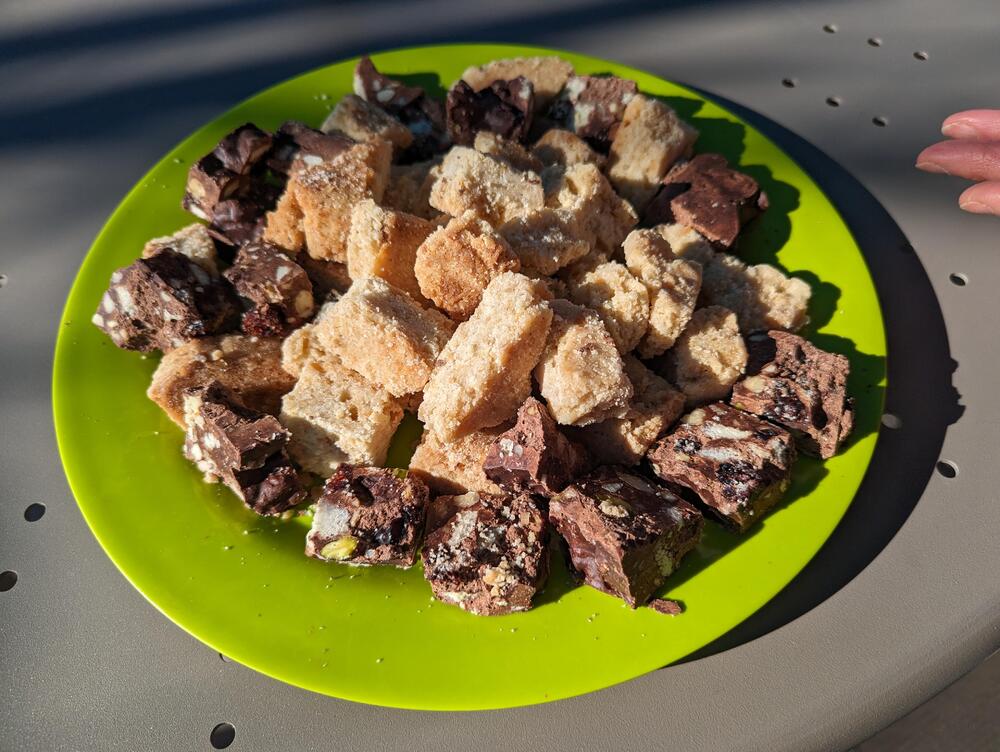
 RIP Niklaus Wirth https://www.theregister.com/2024/01/04/niklaus_wirth_obituary/ https://en.wikipedia.org/wiki/Niklaus_Wirth Much discussion on his impact and legacy. https://news.ycombinator.com/item?id=38858012











Important Information
By using this site, you agree to our Terms of Use.
Account
Navigation
Search
Configure browser push notifications
Chrome (Android)
- Tap the lock icon next to the address bar.
- Tap Permissions → Notifications.
- Adjust your preference.
Chrome (Desktop)
- Click the padlock icon in the address bar.
- Select Site settings.
- Find Notifications and adjust your preference.
Safari (iOS 16.4+)
- Ensure the site is installed via Add to Home Screen.
- Open Settings App → Notifications.
- Find your app name and adjust your preference.
Safari (macOS)
- Go to Safari → Preferences.
- Click the Websites tab.
- Select Notifications in the sidebar.
- Find this website and adjust your preference.
Edge (Android)
- Tap the lock icon next to the address bar.
- Tap Permissions.
- Find Notifications and adjust your preference.
Edge (Desktop)
- Click the padlock icon in the address bar.
- Click Permissions for this site.
- Find Notifications and adjust your preference.
Firefox (Android)
- Go to Settings → Site permissions.
- Tap Notifications.
- Find this site in the list and adjust your preference.
Firefox (Desktop)
- Open Firefox Settings.
- Search for Notifications.
- Find this site in the list and adjust your preference.