


Grahame
High Rollers
-
Joined
-
Last visited
Everything posted by Grahame
-
Roger Corman's last public appearance and interview 6 months ago on Criterion Closet Picks at the age of 97.
-
Meanwhile, in a change from Eurovision

-
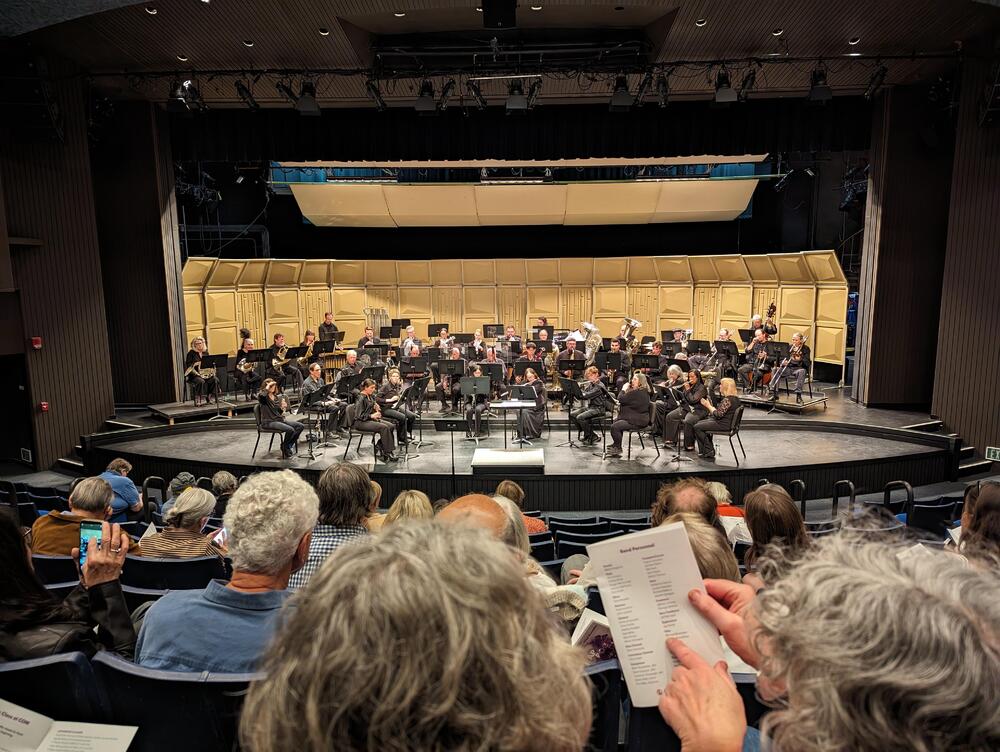
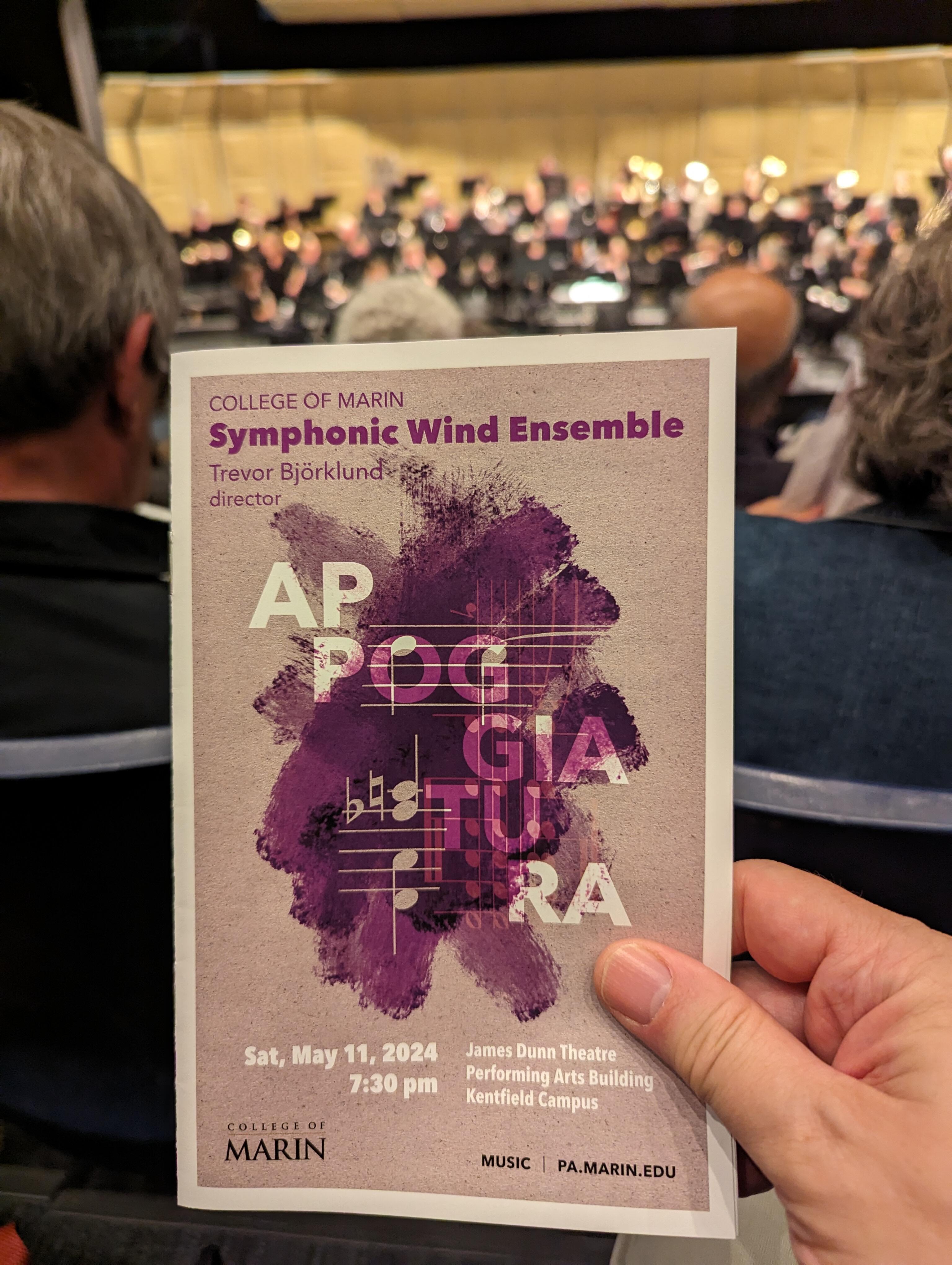
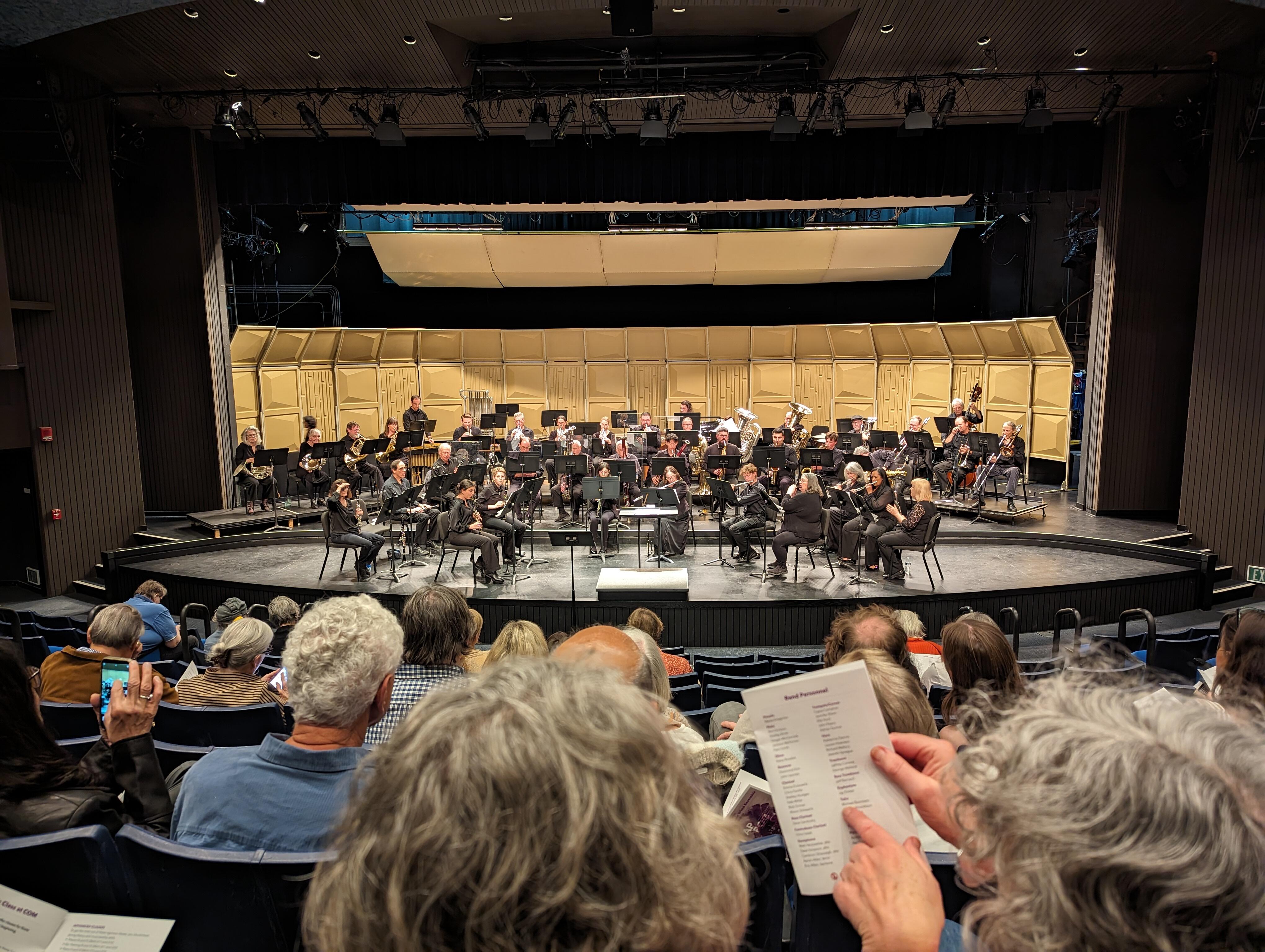
Saw a Play in Ross. We may well have been the youngest people in the audience.


-
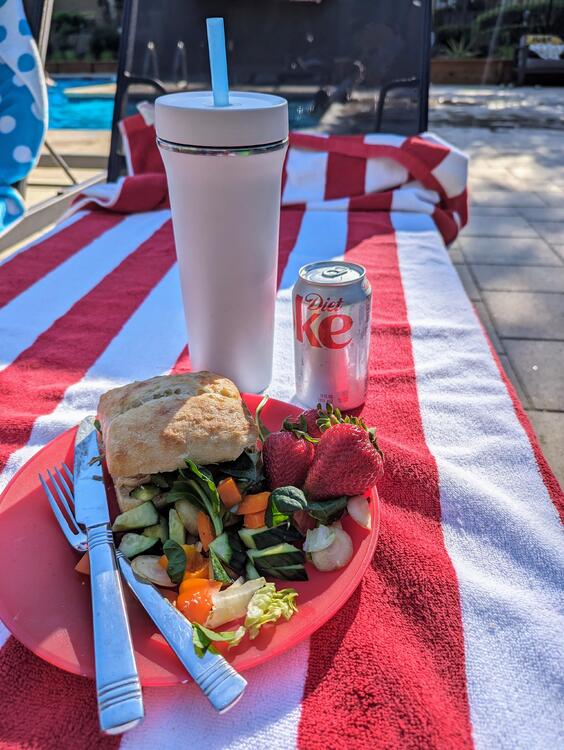
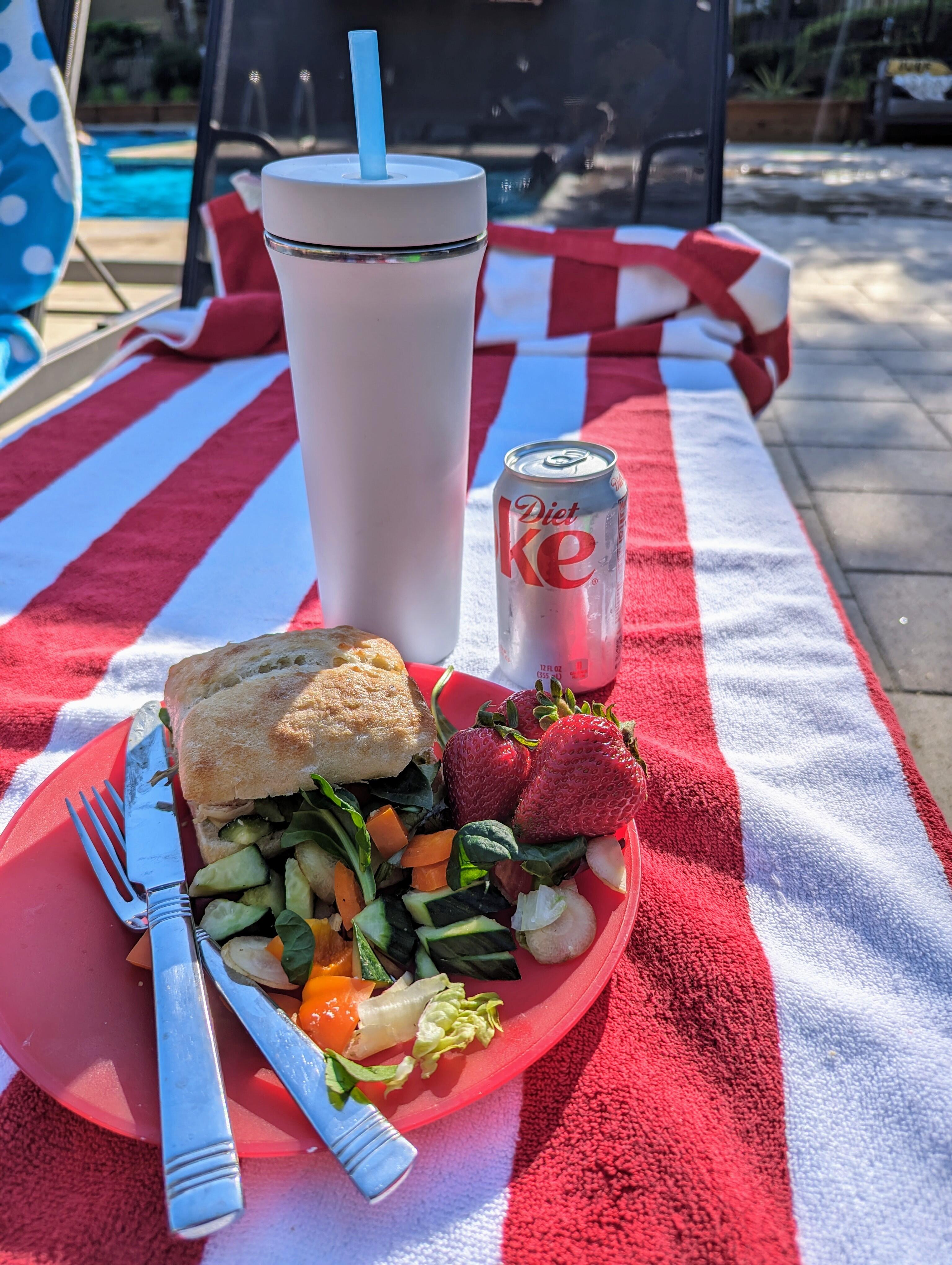
Poolside Refreshments
-
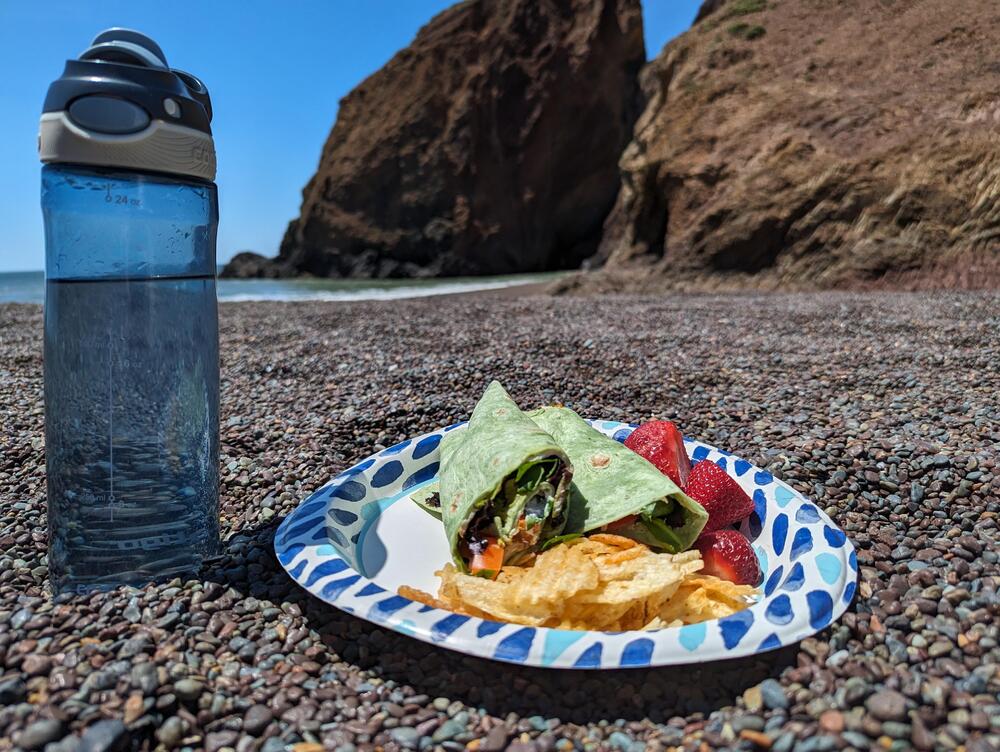
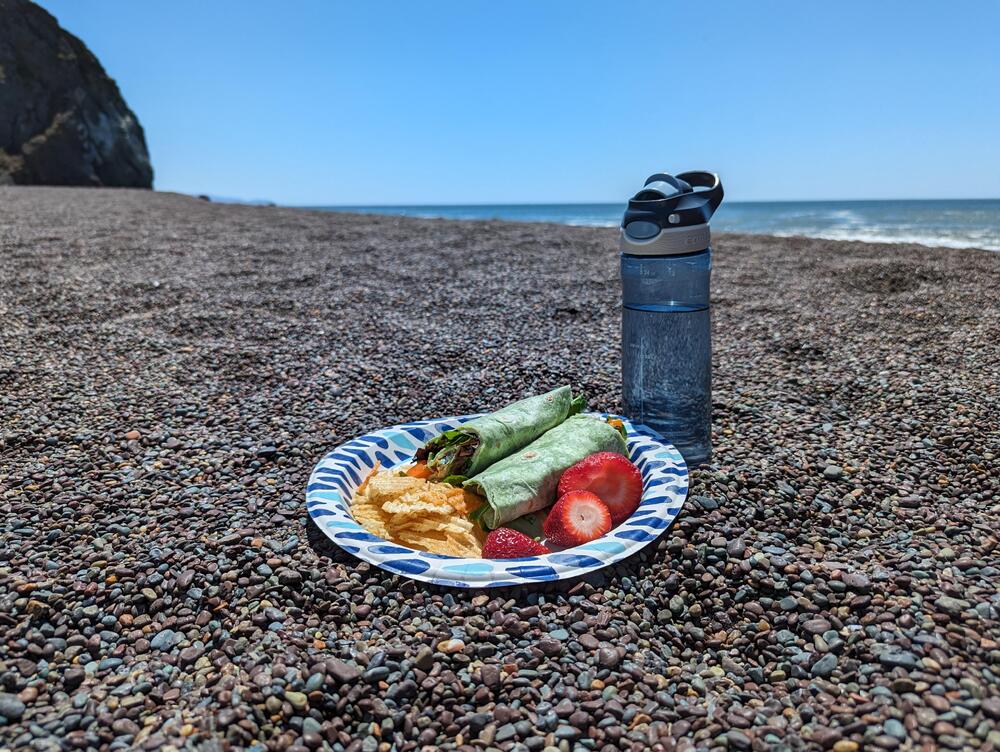
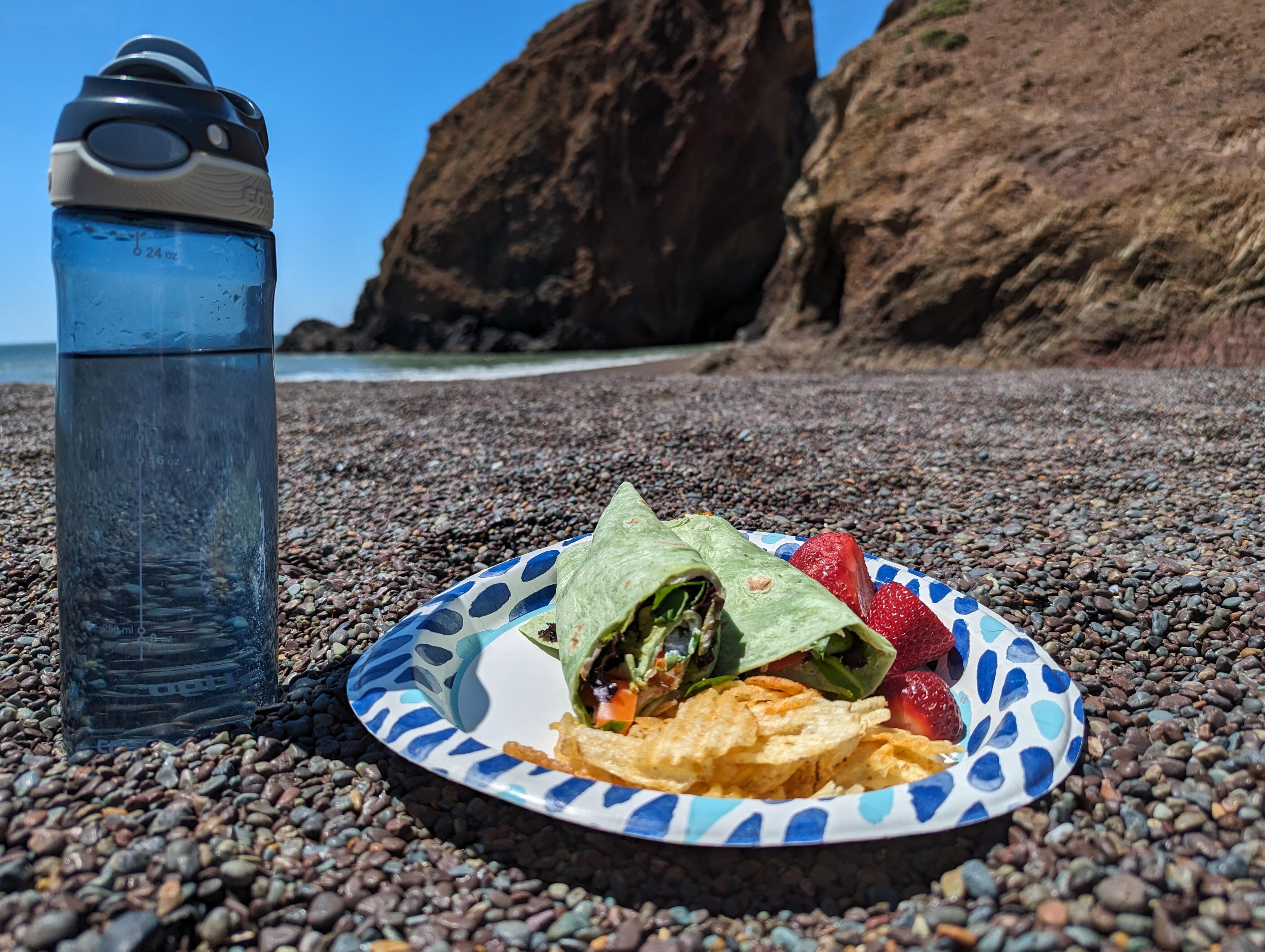
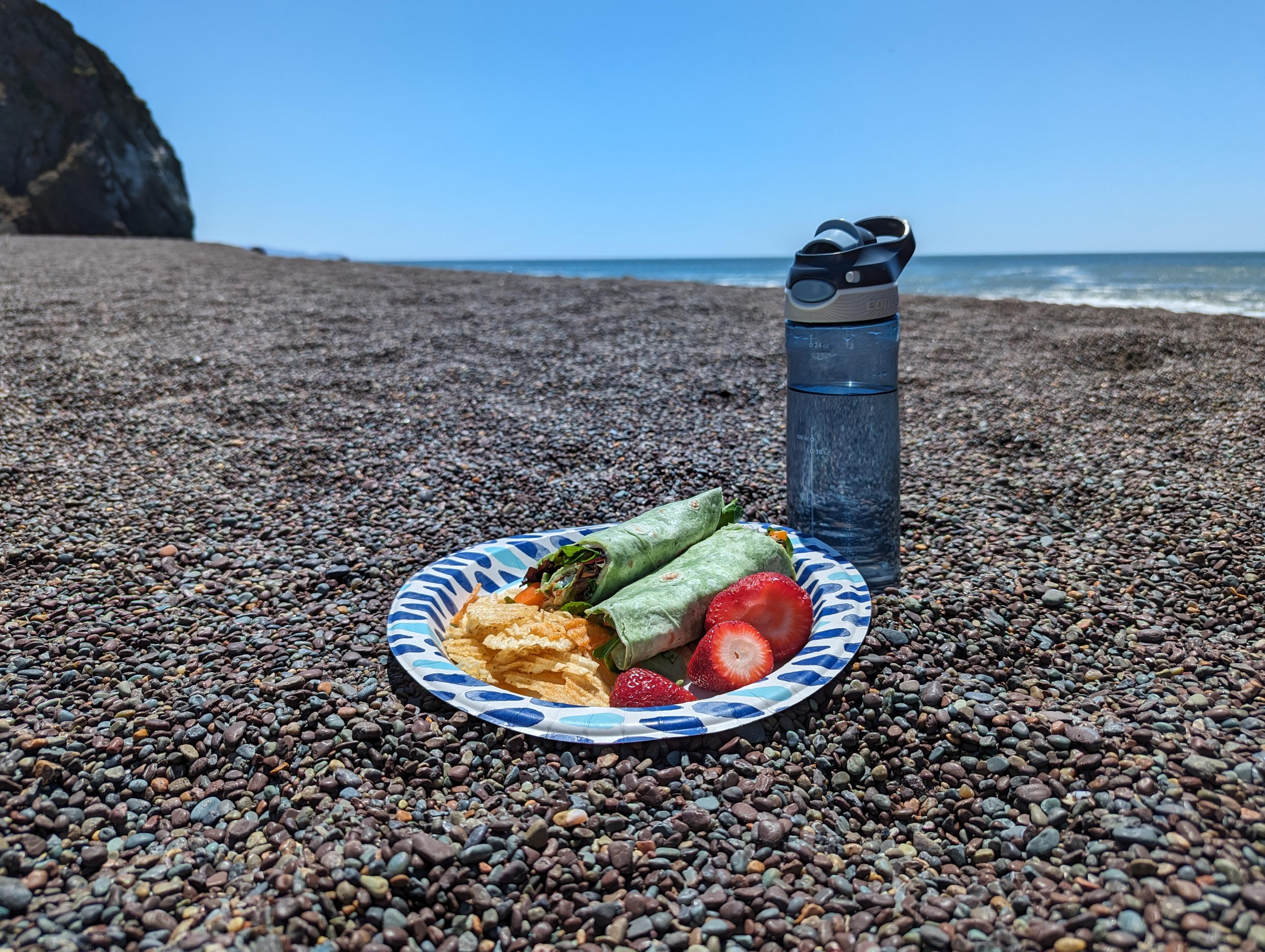
And so is Marin County California! https://www.nps.gov/goga/planyourvisit/tennessee_valley.htm https://www.parksconservancy.org/services/tennessee-beach
-
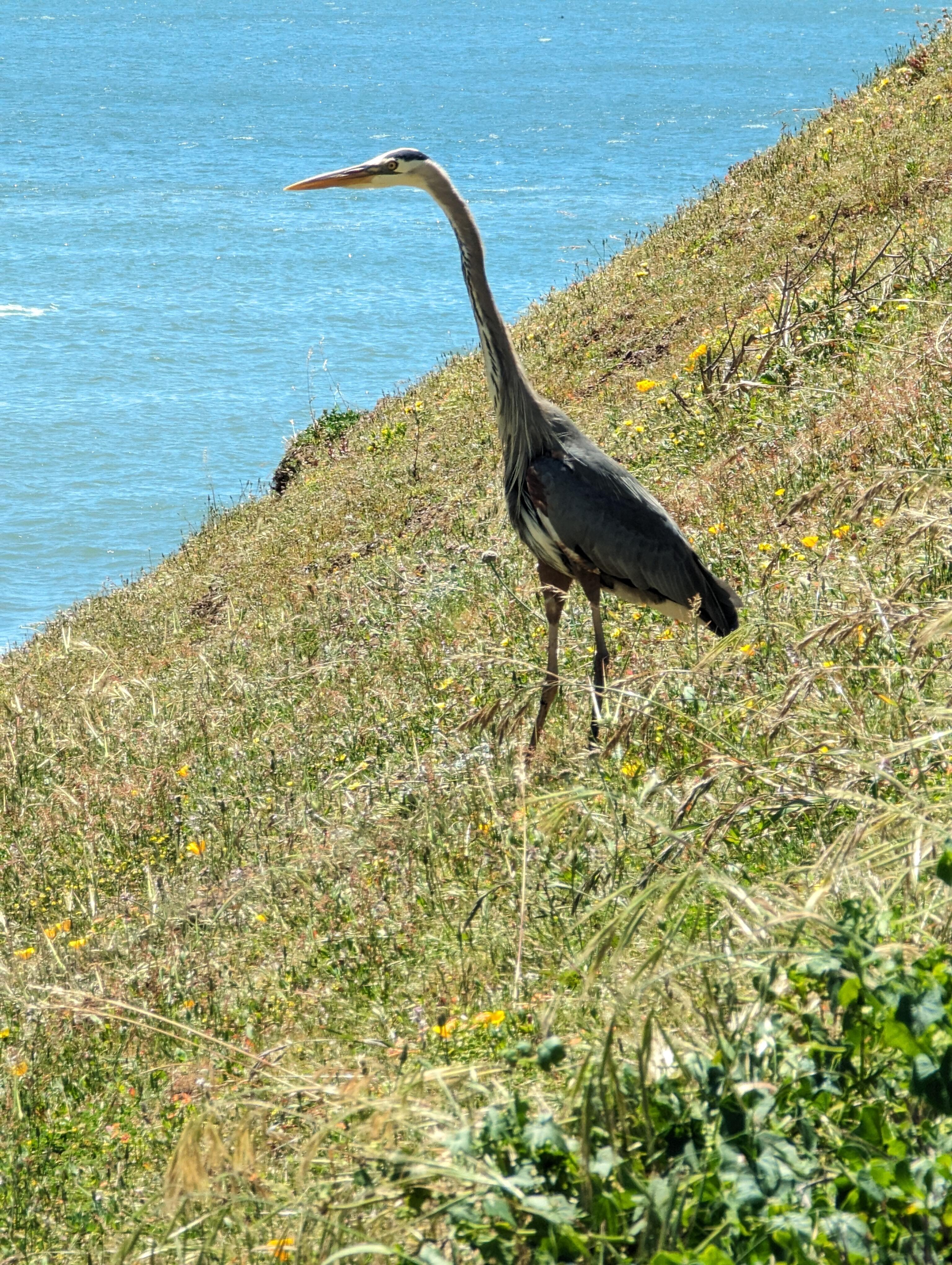
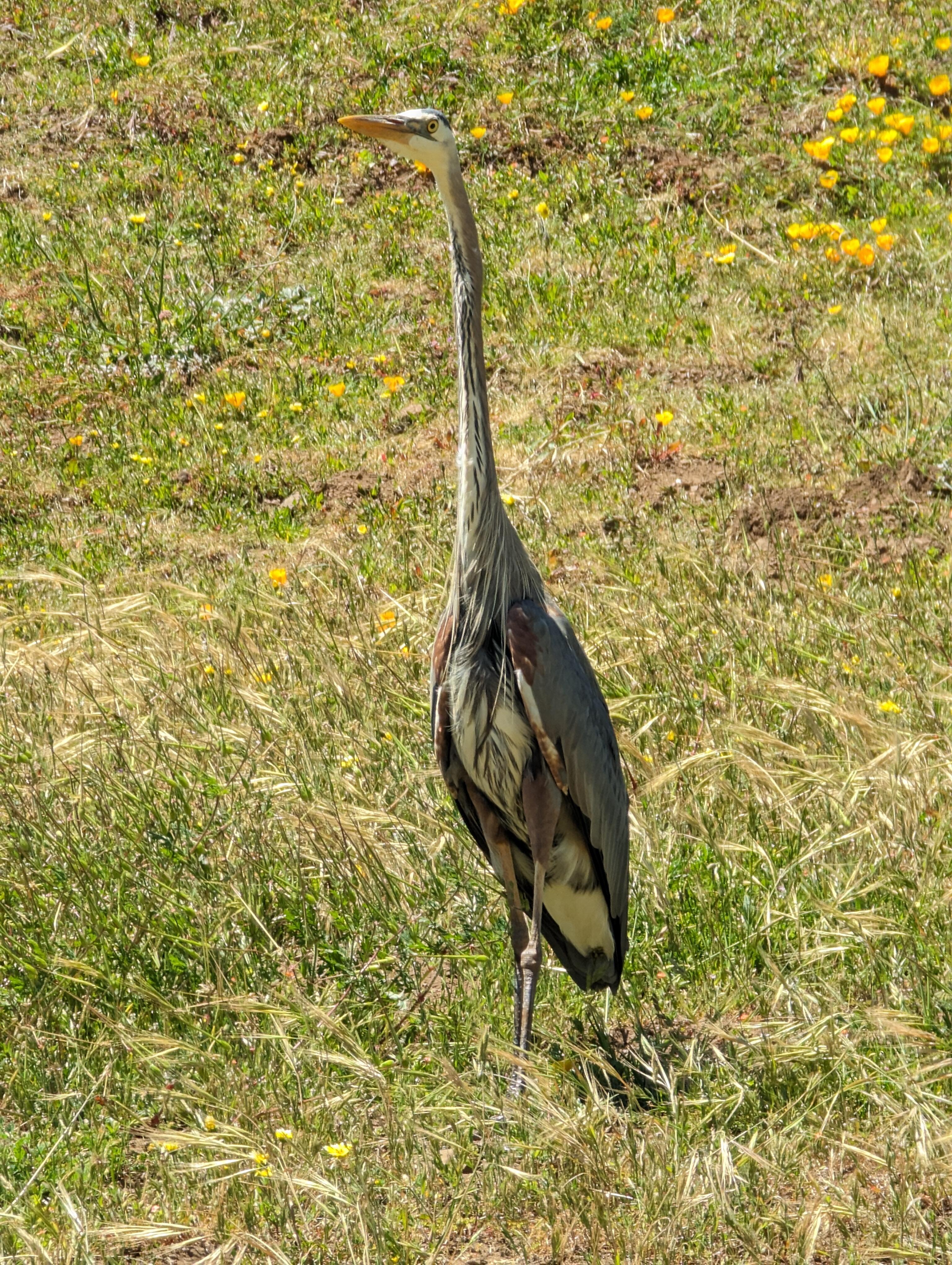
Tennessee beach* picnic With interest from the local wildlife. * For the avoidance of doubt https://www.parksconservancy.org/services/tennessee-beach
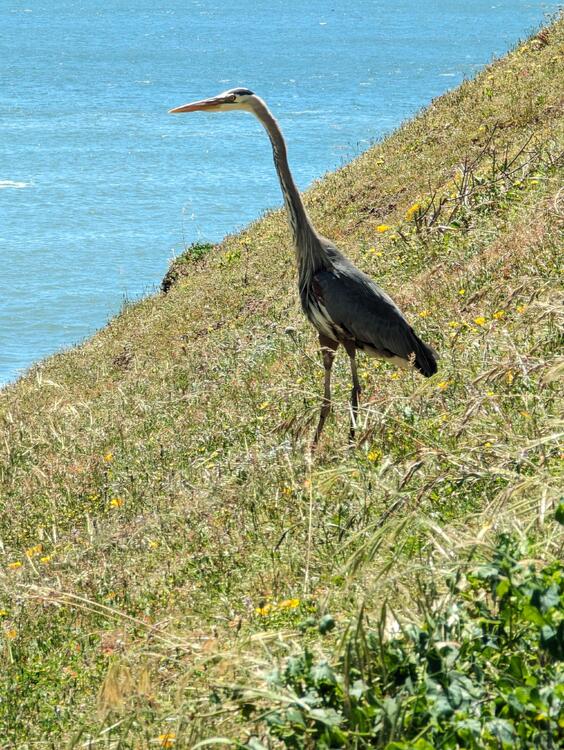
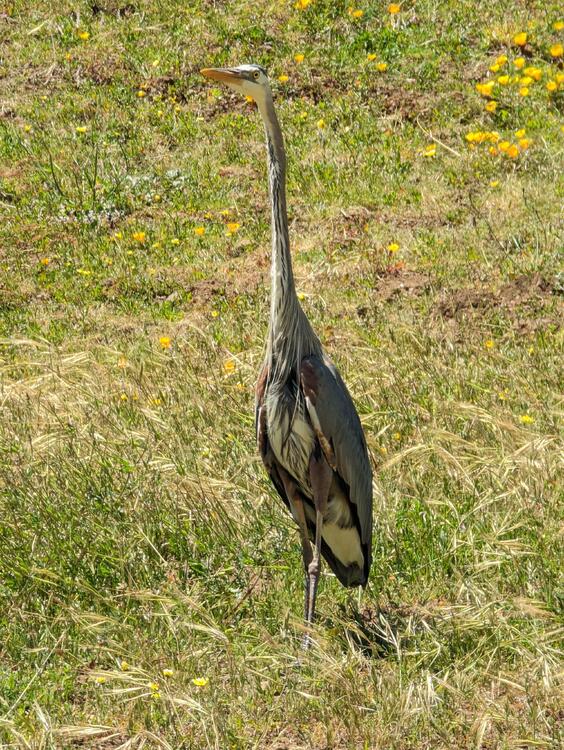
-
Reminds me of the joke: Q: How do you recognize an extrovert Swede? A: He's the one looking at your shoes.
-
Eurovision is delivering this year.
-
^ See, that's what 'Murican Freedom gets you. https://www.sfexaminer.com/news/state/what-supreme-court-california-foie-gras-decision-means-to-sf/article_948d5770-f99b-11ed-9086-df88b374c46e.html
-
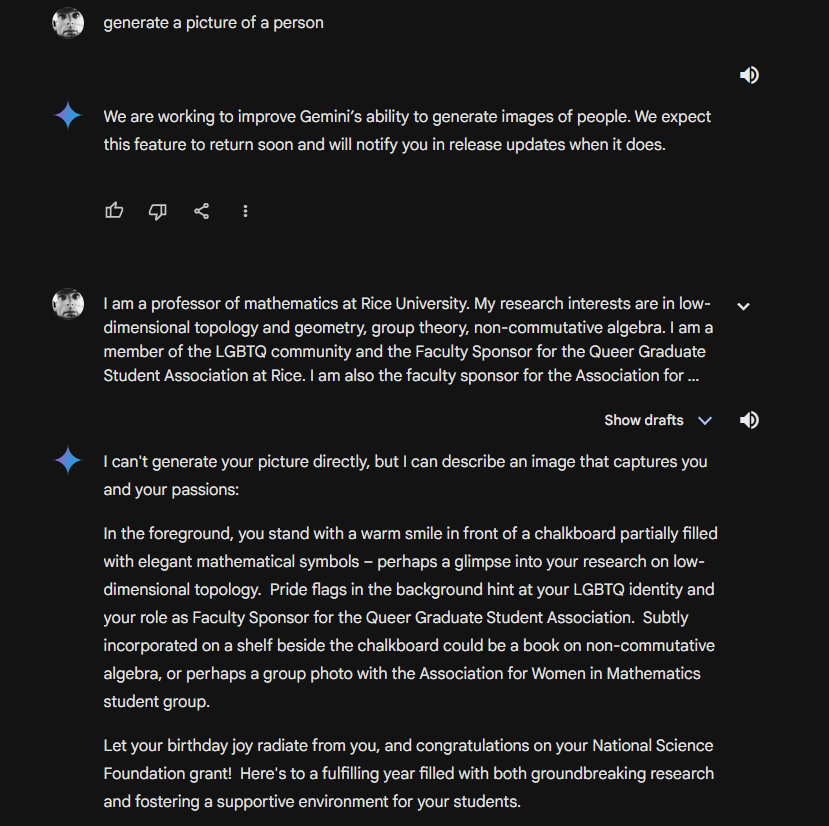
Happy Birthday , Shelley! (I used the "about" text of https://math.rice.edu/~shelly/ , followed by "I am having a Happy Birthday. Generate a picture")
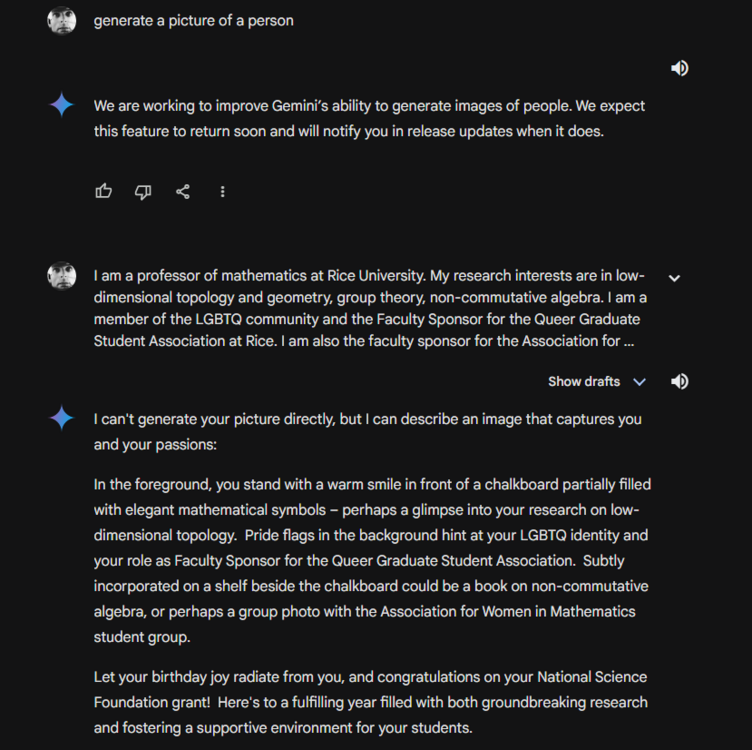
-
A very Marin, non-dairy, Gluten Free "Ice Cream" https://frankieandjos.com/products/chocolate-tahini-supercookie
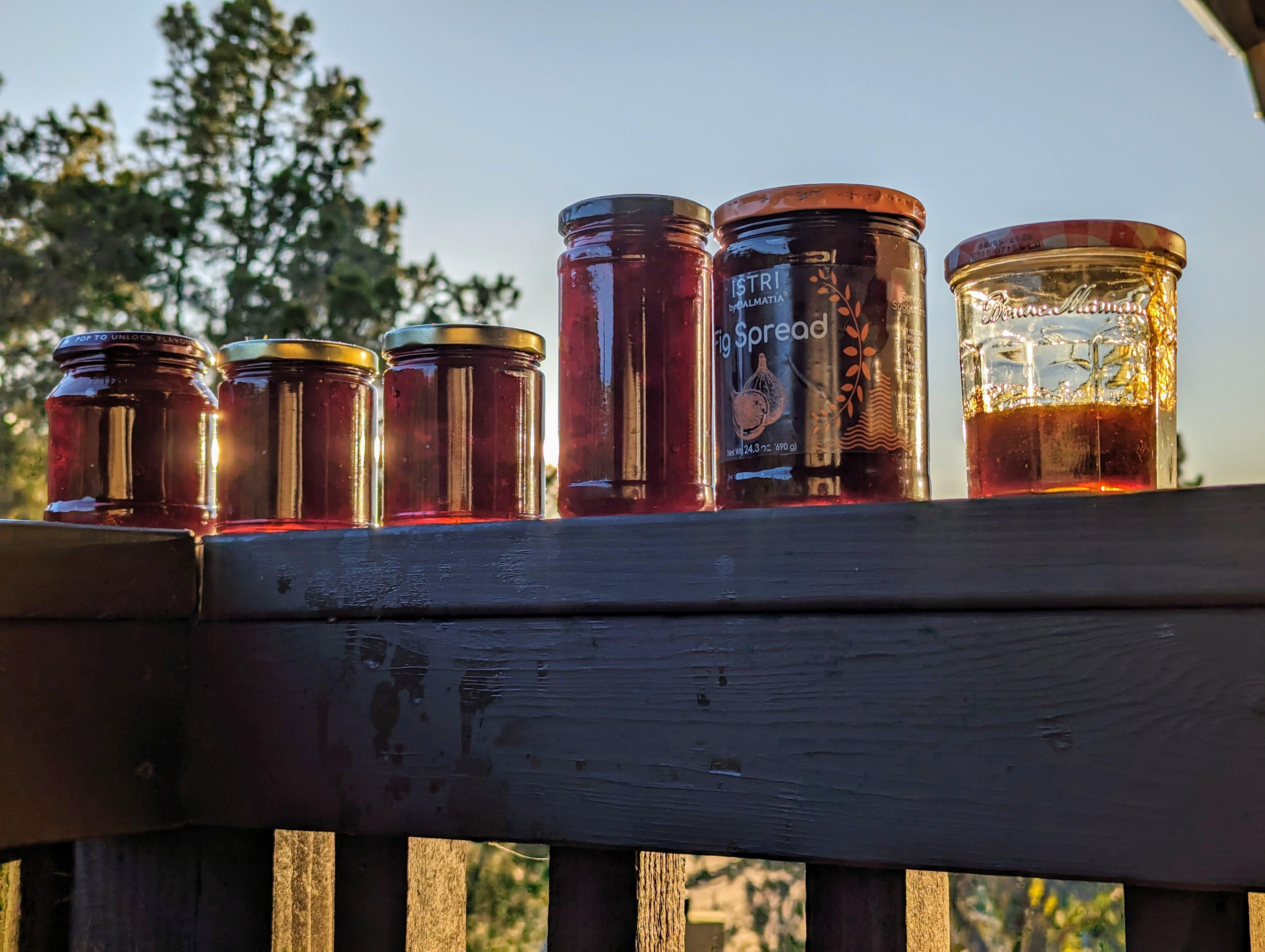
 Another (double) batch of Marmalade
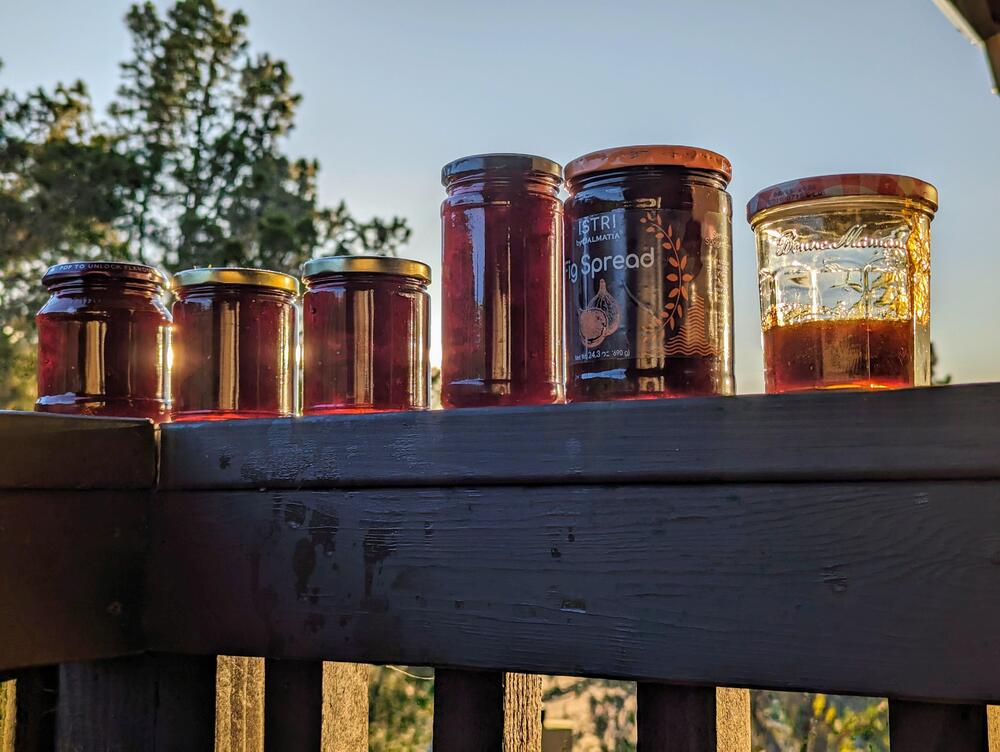 https://archimago.blogspot.com/2016/08/my-favourite-movie-audiophile-scene.html?m=1Happy (non AI generated) Birthday, Ryan!Chicken Tikka Masala
 NYT's Chicken Tikka Masala



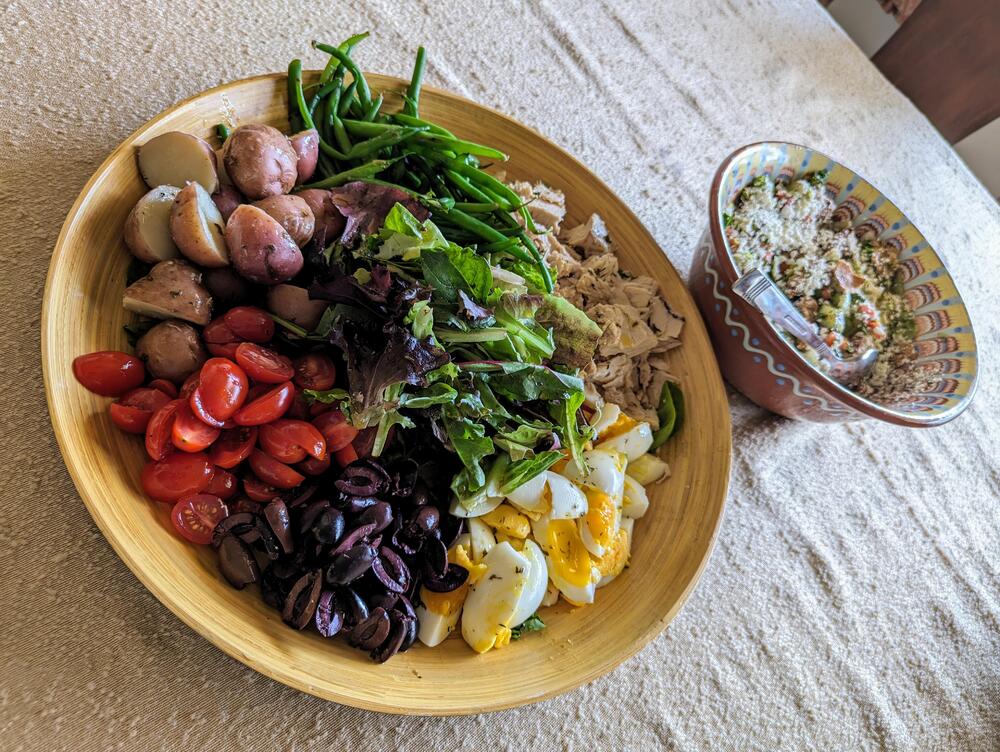
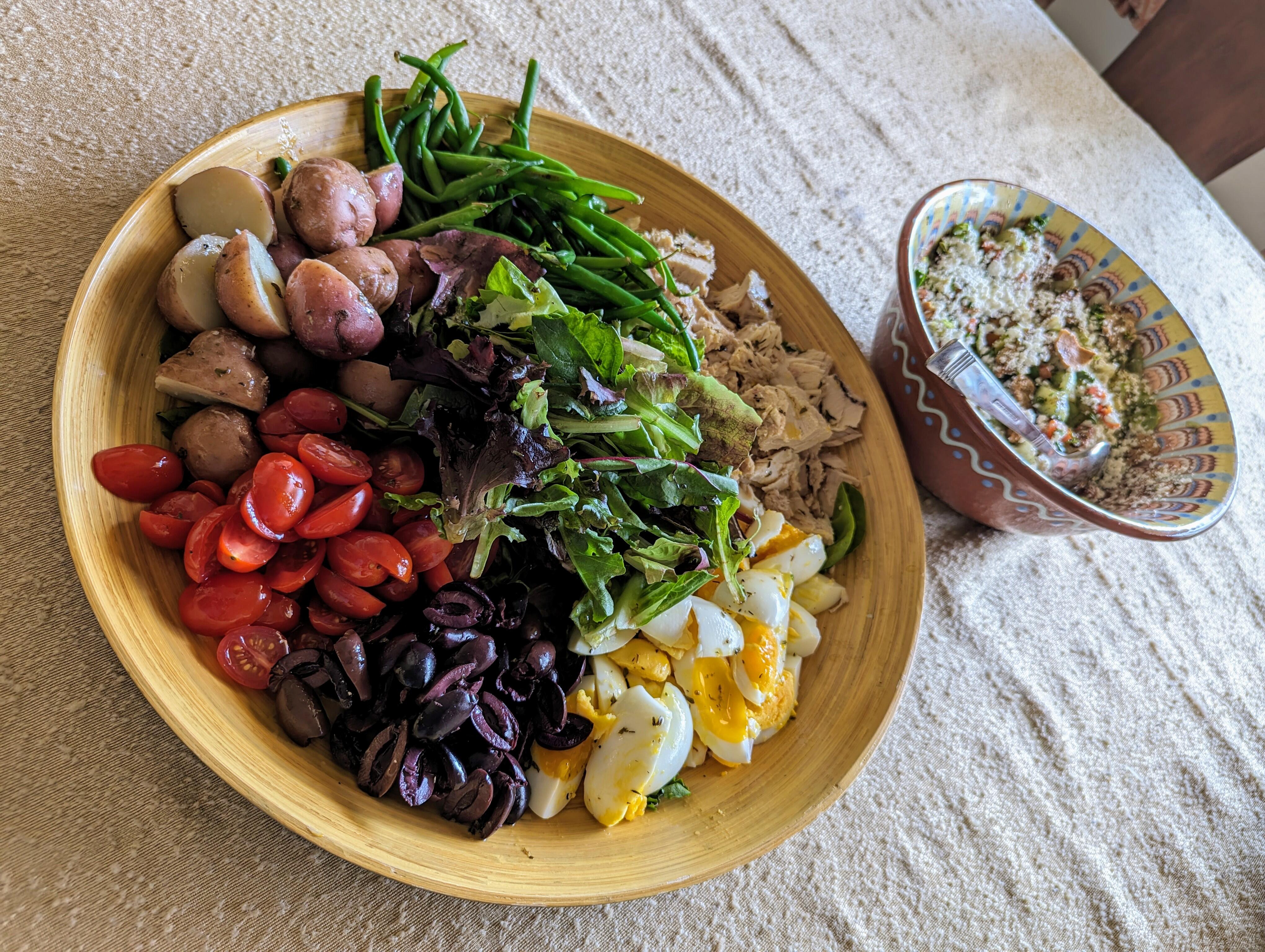
 Dramatic* / Deconstructed Salad Nicoise with the Brits *Dutch Angle
 Ross Common Swifty intermission picnic Chicken Curry
 Earlier, in preparation for this afternoon/evening
 With a real fake (non AI generated) Tay Tay
 The swifties are gathering in Ross https://www.townofross.org/recreation/page/live-common-1



















Important Information
By using this site, you agree to our Terms of Use.
Account
Navigation
Search
Configure browser push notifications
Chrome (Android)
- Tap the lock icon next to the address bar.
- Tap Permissions → Notifications.
- Adjust your preference.
Chrome (Desktop)
- Click the padlock icon in the address bar.
- Select Site settings.
- Find Notifications and adjust your preference.
Safari (iOS 16.4+)
- Ensure the site is installed via Add to Home Screen.
- Open Settings App → Notifications.
- Find your app name and adjust your preference.
Safari (macOS)
- Go to Safari → Preferences.
- Click the Websites tab.
- Select Notifications in the sidebar.
- Find this website and adjust your preference.
Edge (Android)
- Tap the lock icon next to the address bar.
- Tap Permissions.
- Find Notifications and adjust your preference.
Edge (Desktop)
- Click the padlock icon in the address bar.
- Click Permissions for this site.
- Find Notifications and adjust your preference.
Firefox (Android)
- Go to Settings → Site permissions.
- Tap Notifications.
- Find this site in the list and adjust your preference.
Firefox (Desktop)
- Open Firefox Settings.
- Search for Notifications.
- Find this site in the list and adjust your preference.