


Grahame
High Rollers
-
Joined
-
Last visited
Everything posted by Grahame
-
The Commandant's Shadow. Watching with some of the Brit's we saw "The Zone of Interest" with. A thought provoking companion piece, although it stands on its own.
-
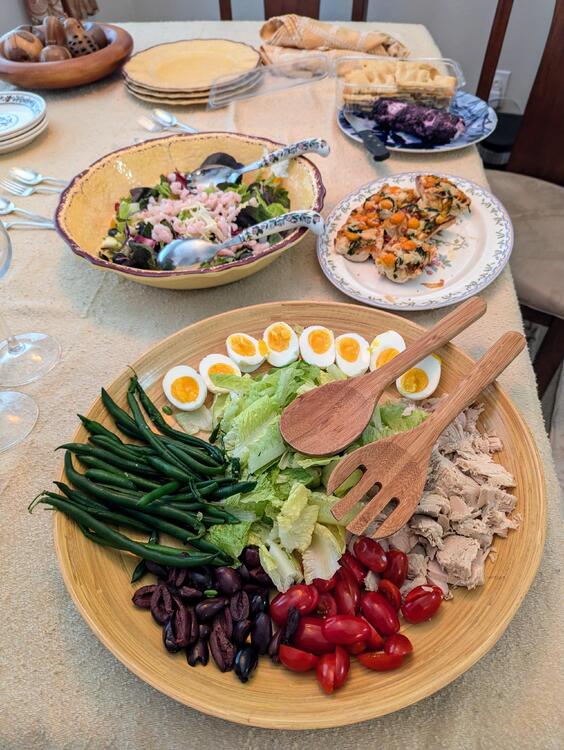
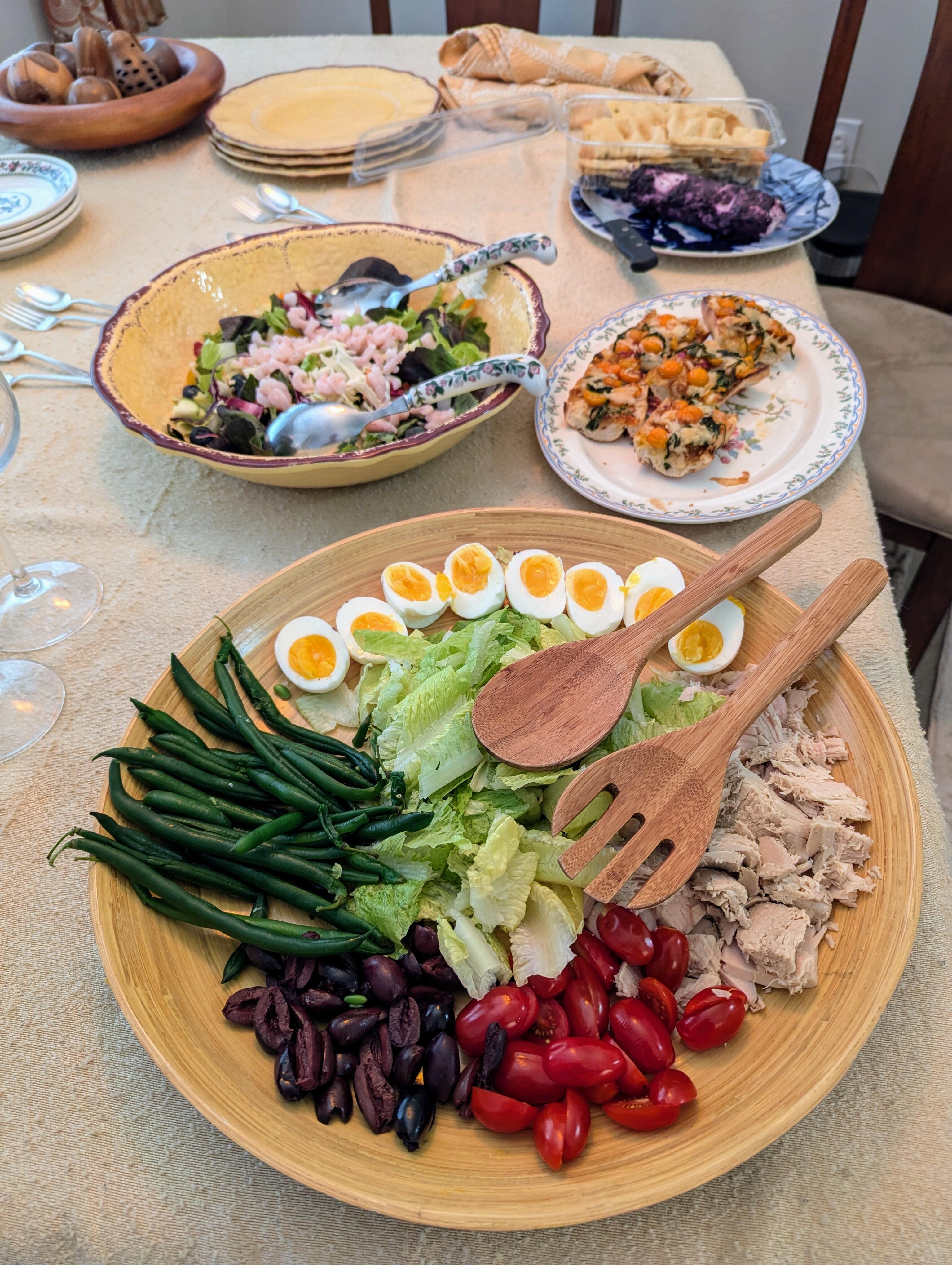
Brit refreshments
-
Happy Birthday, Antonio!
-
With all those lasers, I thought it was For a moment
-
Olympic opening ceremony

-
I bet you say that to all the boys!
-
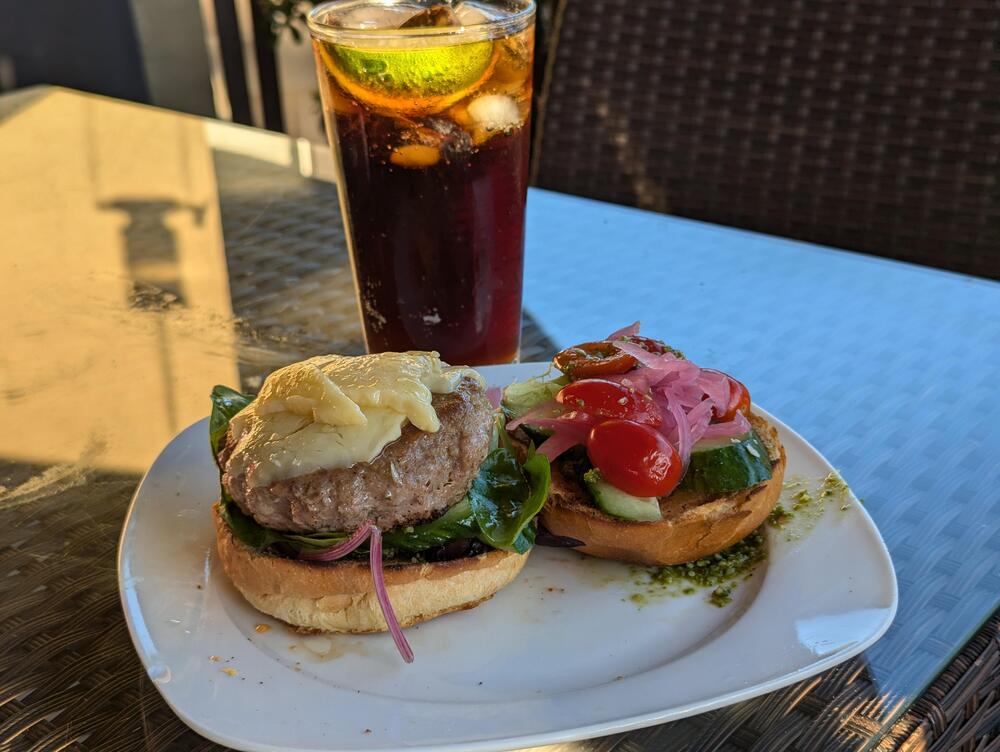
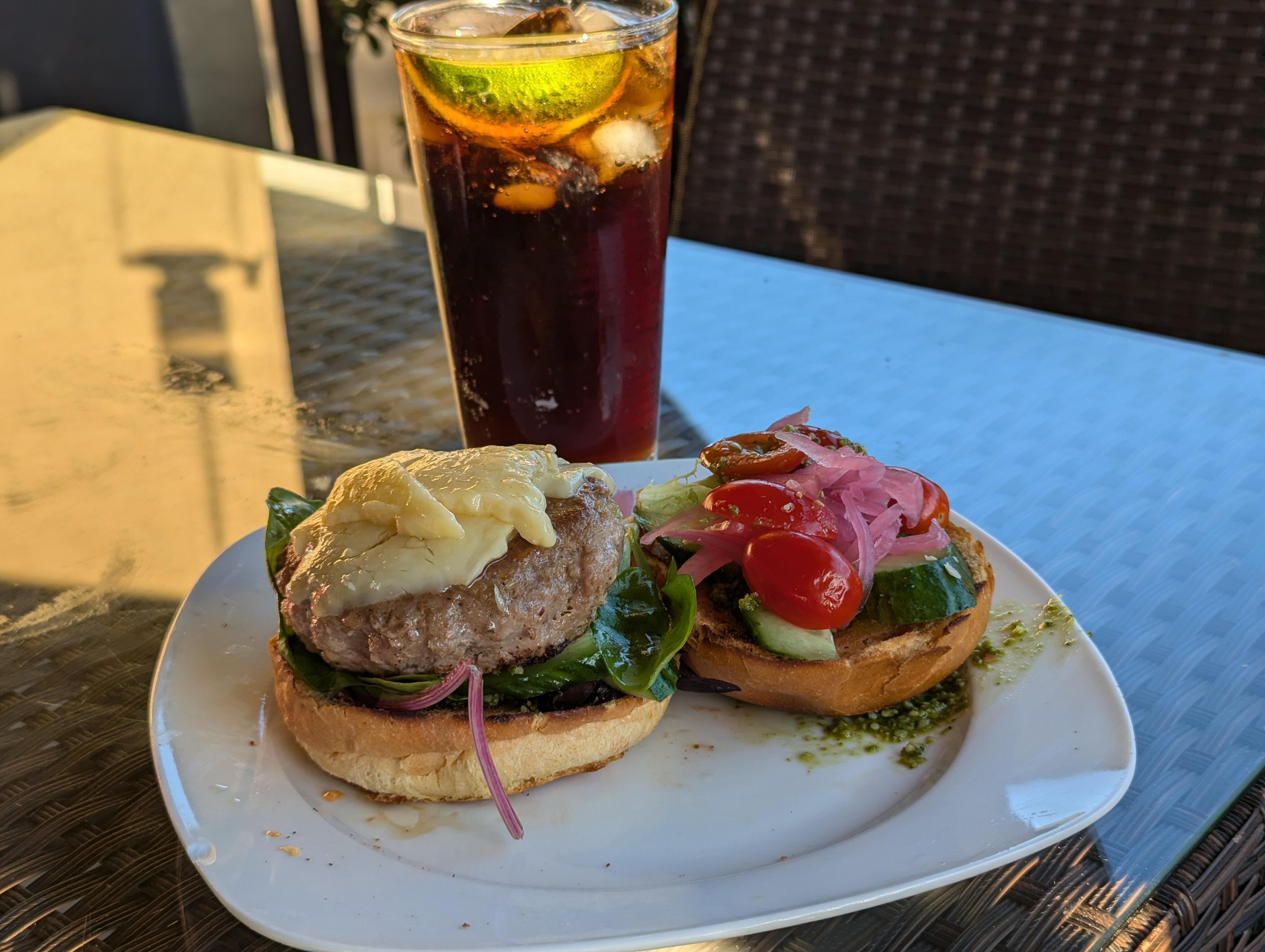
Deck Turkey Burger

-
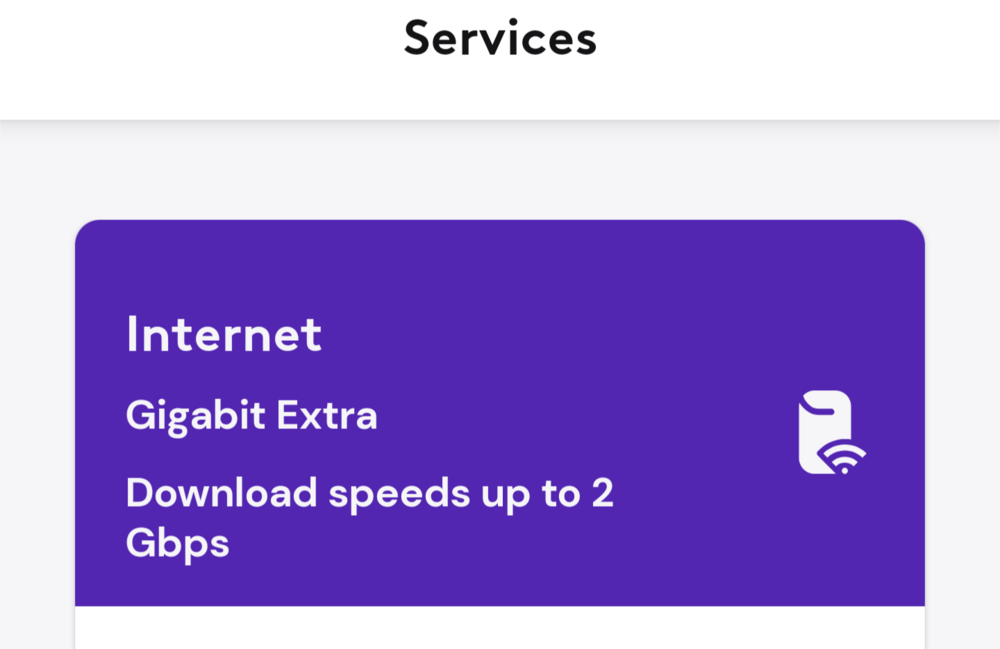
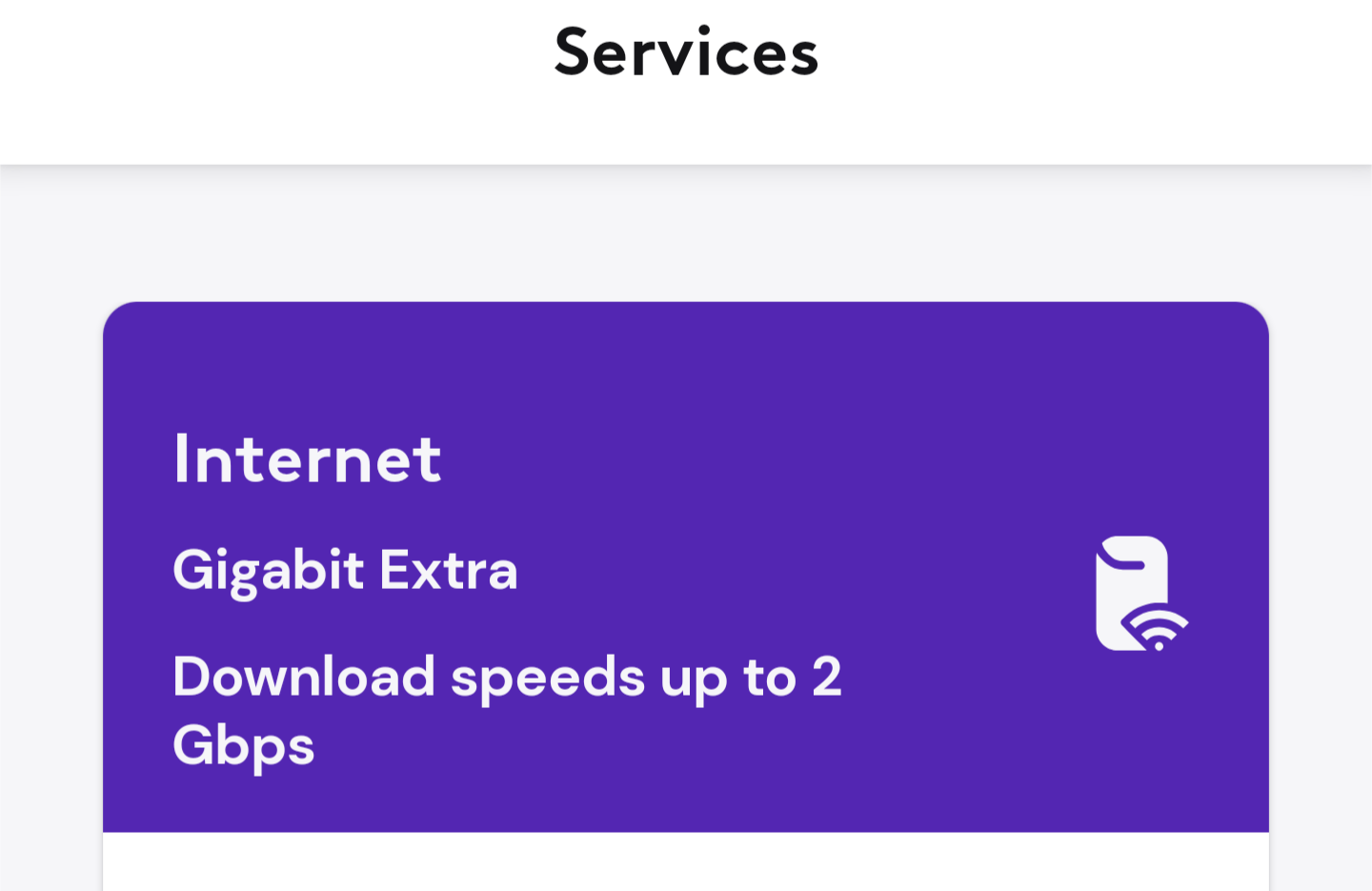
Comcast / Xfinity may have upped their game. Previously ( at 1.2 ...) Now So signs are promising ... And a bit later, we seem to be getting full potential
 Will it come in tangy orange?
 Gemini says ... Here are 10 bulleted suggestions for a catchy and memorable name for your portable Roon amp: RoonPuck: This name playfully combines "Roon" with "Puck," a small and nimble mythical creature, alluding to the amp's portability. RoamRoon: This option emphasizes the freedom to "Roam" with your Roon thanks to the portability of the amp. PocketMaestro: This name combines "Pocket" with "Maestro," signifying that you can conduct the music anywhere you go with this compact amplifier. R-Mini: This keeps it simple and directly references Roon with a designation of its miniature size. RoonRafale: This name is a combination of "Roon" and "Rafale" (French for "burst"), suggesting a powerful and surprising output from a small device. R-Bit: This short and catchy name incorporates "R" for Roon and "Bit" for the digital nature of audio. RoonGo: This straightforward option combines "Roon" with "Go" to highlight the portability aspect. Tiny Maestro: Similar to Pocket Maestro, this emphasizes the small size and control over the music. RoonAmp Mini: This descriptive name clearly states the function and size of the device. StreamMini: This general name indicates a portable streaming device and allows for broader use beyond just Roon.If you have any left over, there are some political rallies that could do with a healthy application.Saw this at a garage sale, and for some reason thought of @mikeymad
 Speaking of which
 https://bacon-novato.com/Close to Rancho Nicasio?Deck turkey burger
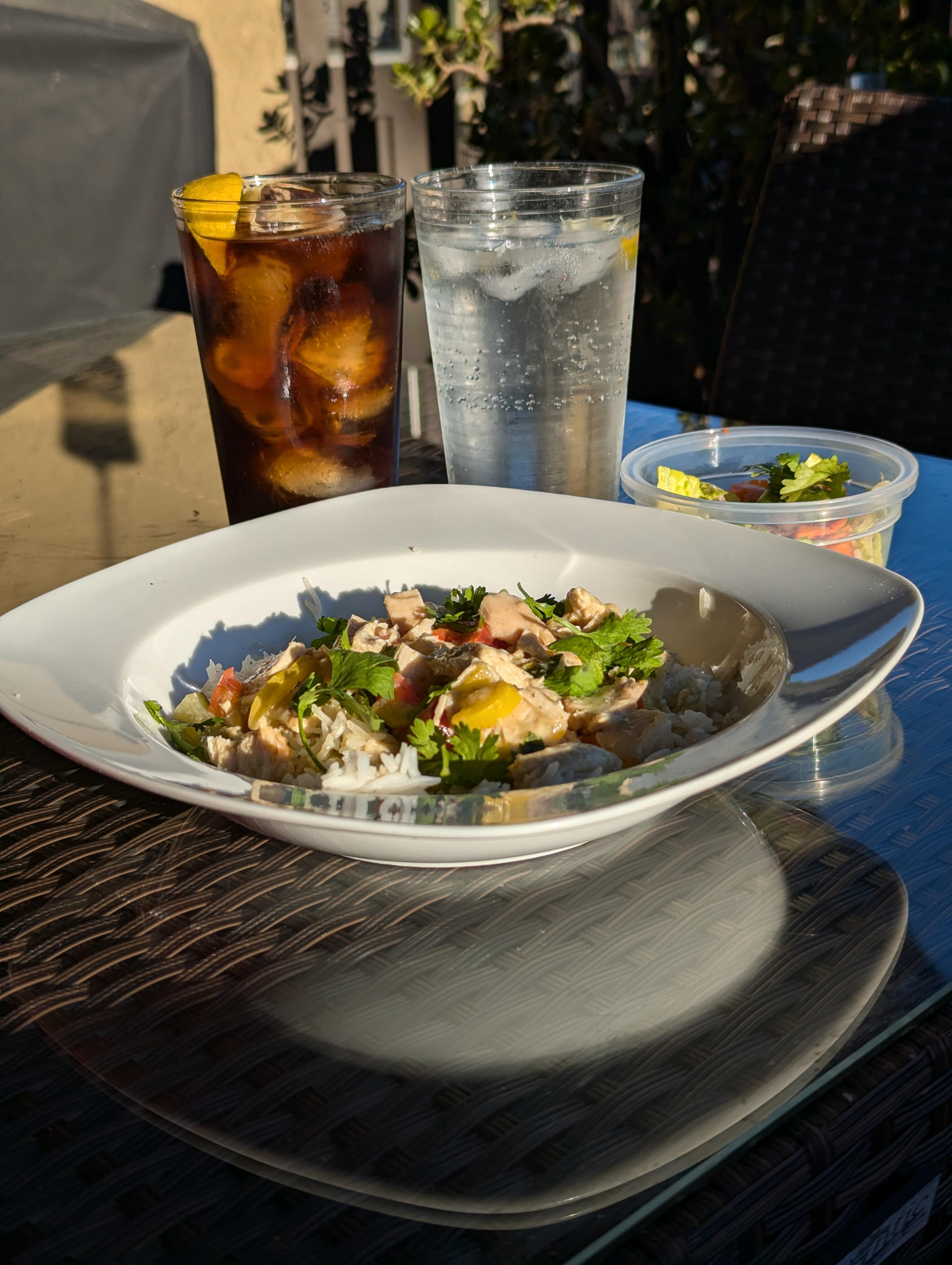
 Browsed the transcript, and that certainly took an unexpected turn. Why do I get the feeling that Republican Education policy aspires to "Harrison Bergeron" ?Deck Thai green curry and side salad
 Lead Story in today's techlinkedA warming deck curry to counter the chilling effect of recent political developments.
 Sweet strawberries, jam and scones to try and take away the bitter aftertaste of defeat.
 Looking at the stats, Not only the best team on the day, but the best team in the tournament had a well deserved win. Next time indeed.












Important Information
By using this site, you agree to our Terms of Use.
Account
Navigation
Search
Configure browser push notifications
Chrome (Android)
- Tap the lock icon next to the address bar.
- Tap Permissions → Notifications.
- Adjust your preference.
Chrome (Desktop)
- Click the padlock icon in the address bar.
- Select Site settings.
- Find Notifications and adjust your preference.
Safari (iOS 16.4+)
- Ensure the site is installed via Add to Home Screen.
- Open Settings App → Notifications.
- Find your app name and adjust your preference.
Safari (macOS)
- Go to Safari → Preferences.
- Click the Websites tab.
- Select Notifications in the sidebar.
- Find this website and adjust your preference.
Edge (Android)
- Tap the lock icon next to the address bar.
- Tap Permissions.
- Find Notifications and adjust your preference.
Edge (Desktop)
- Click the padlock icon in the address bar.
- Click Permissions for this site.
- Find Notifications and adjust your preference.
Firefox (Android)
- Go to Settings → Site permissions.
- Tap Notifications.
- Find this site in the list and adjust your preference.
Firefox (Desktop)
- Open Firefox Settings.
- Search for Notifications.
- Find this site in the list and adjust your preference.