


Everything posted by Grahame
-
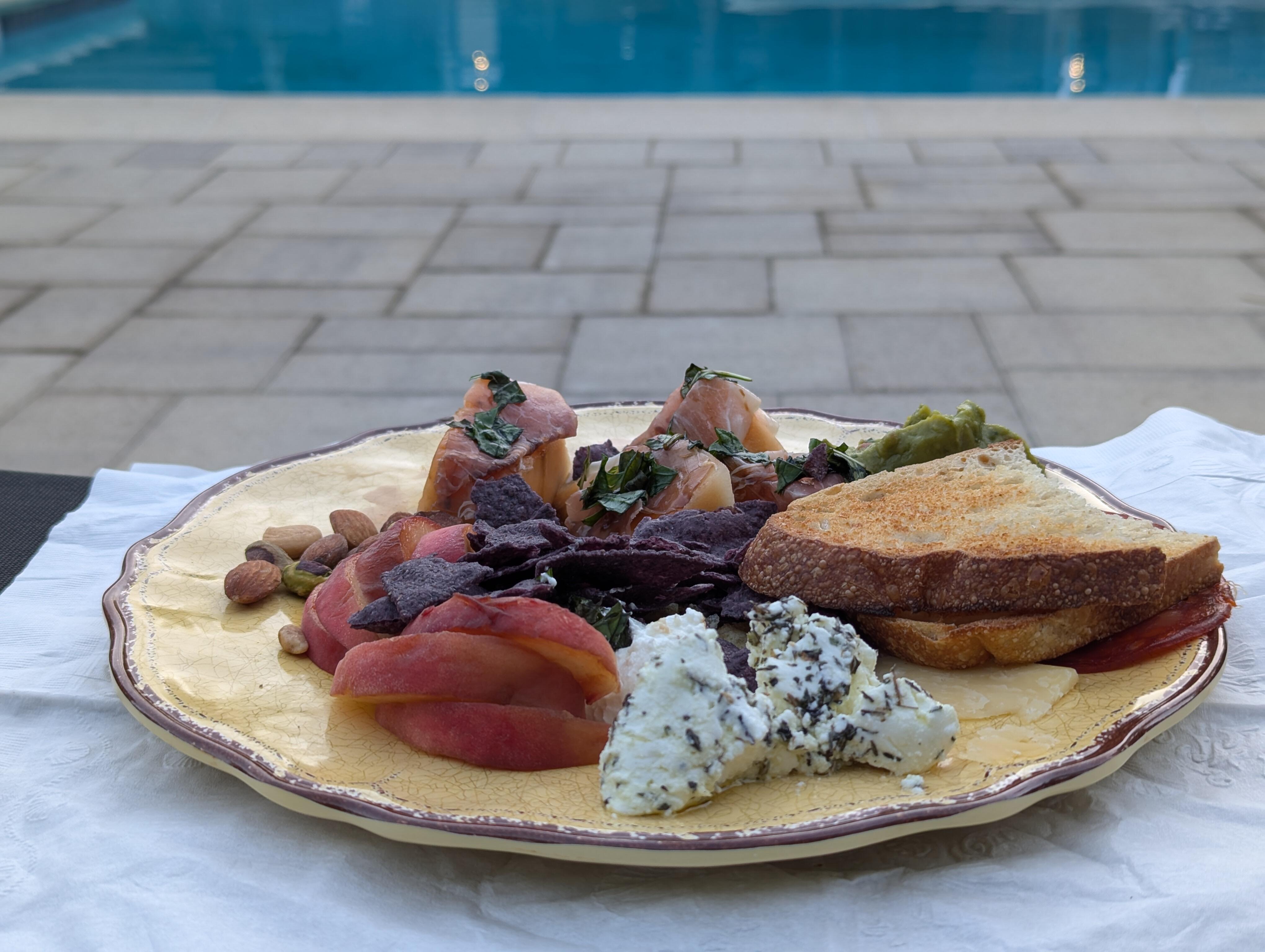
Upper Pool Platter
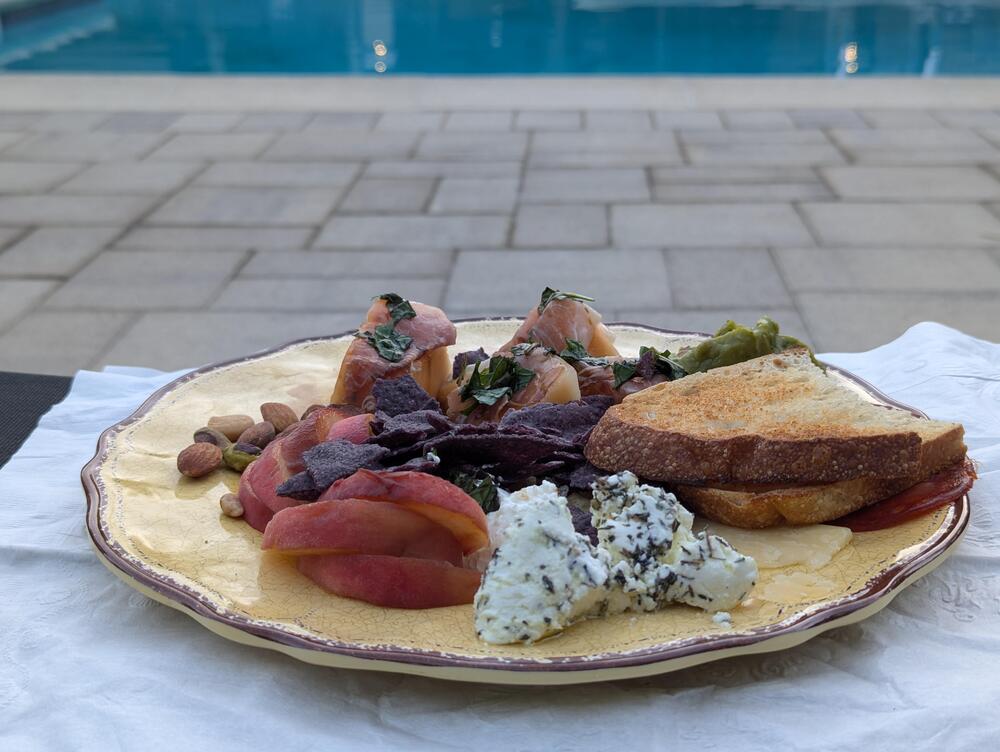
-
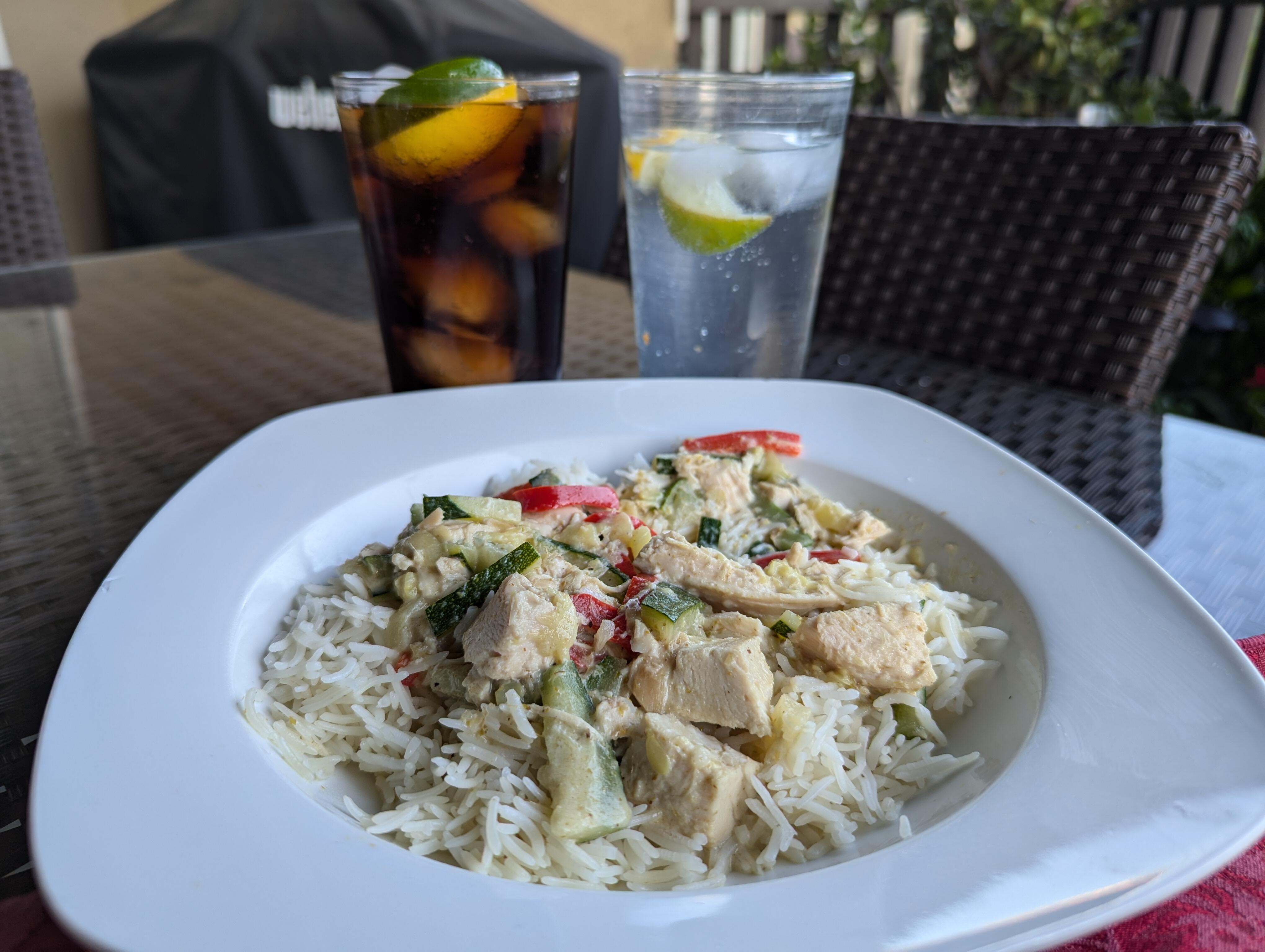
Deck Thai Green Curry.
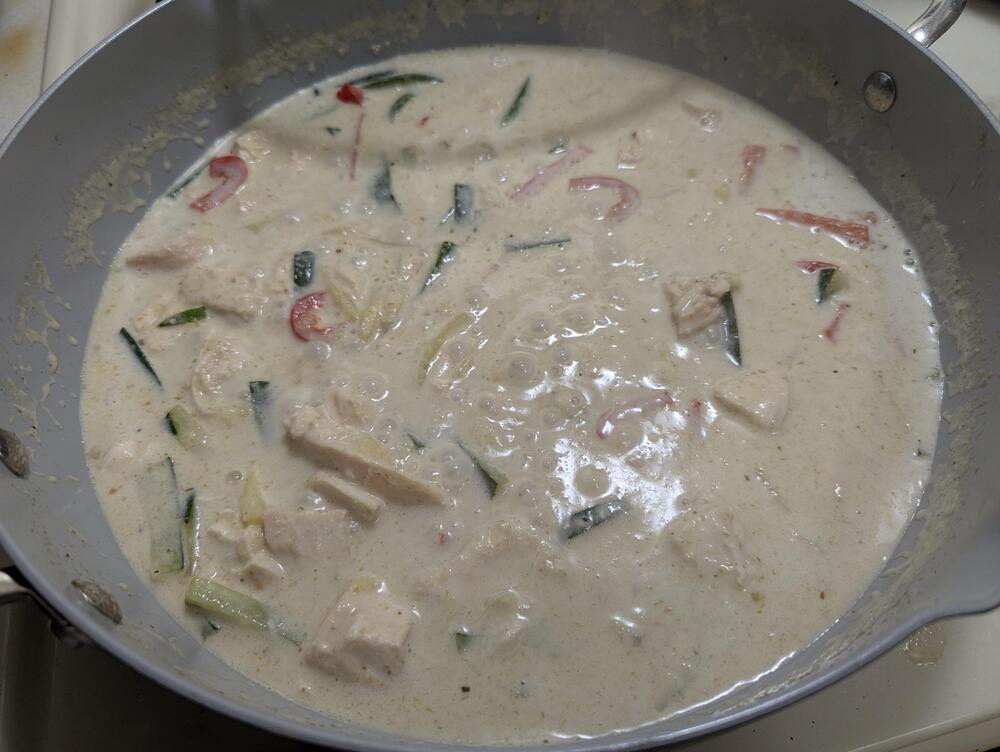
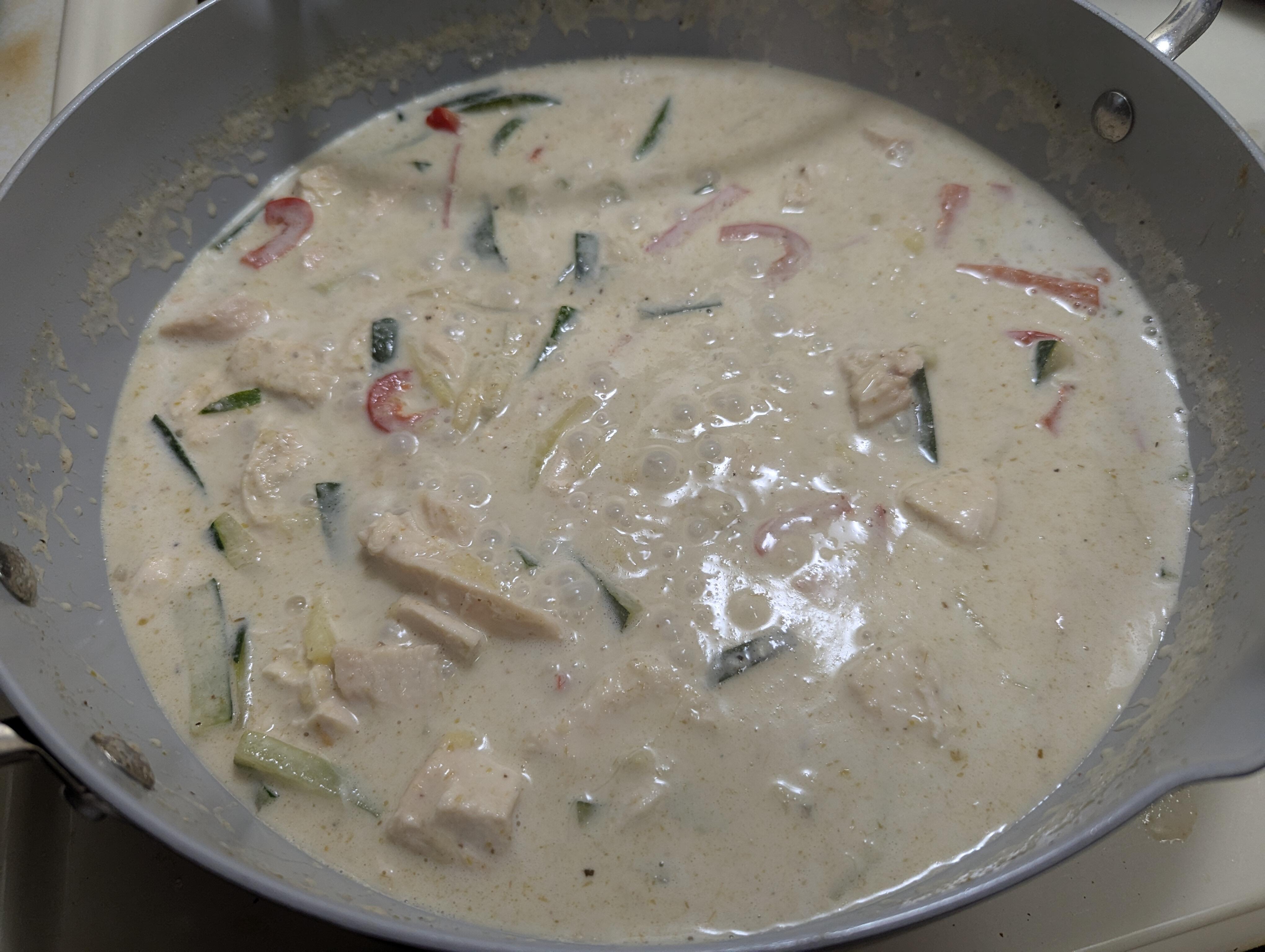
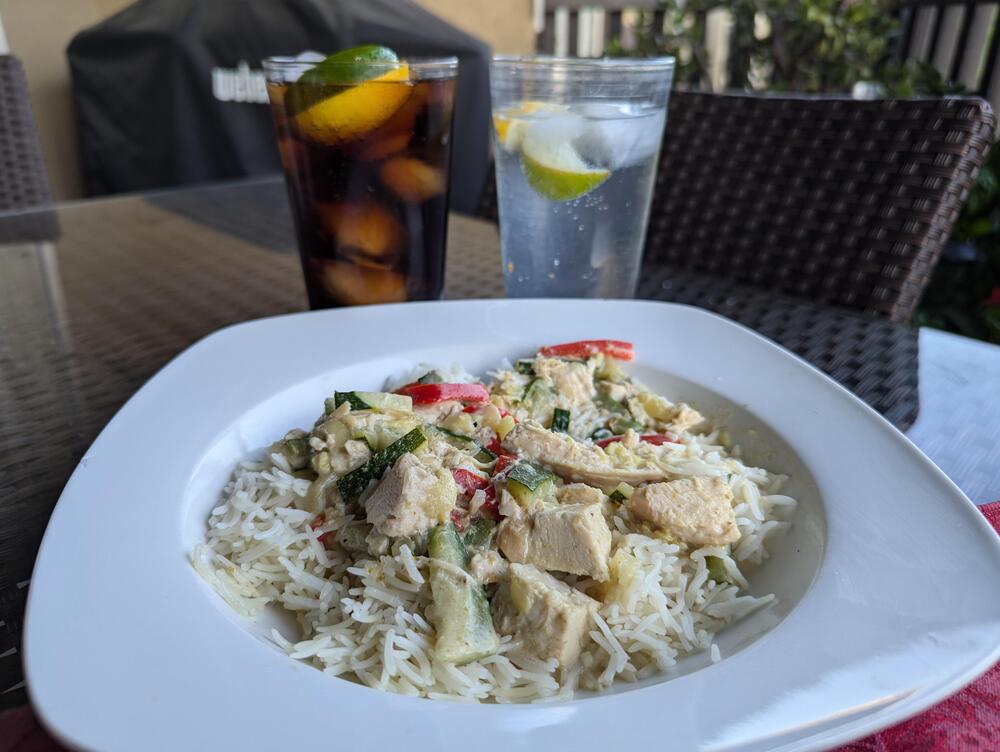 Thai Green Curry
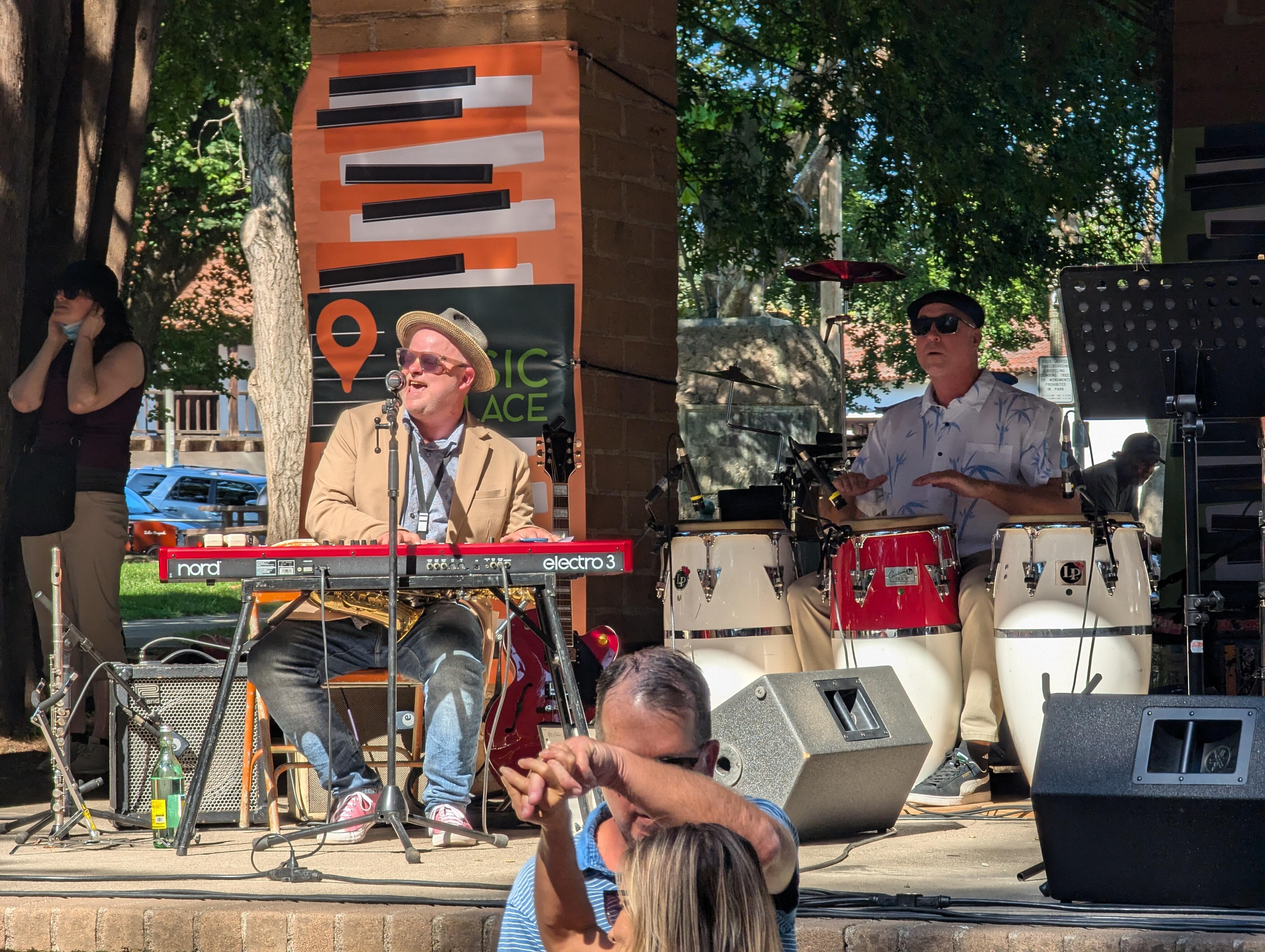
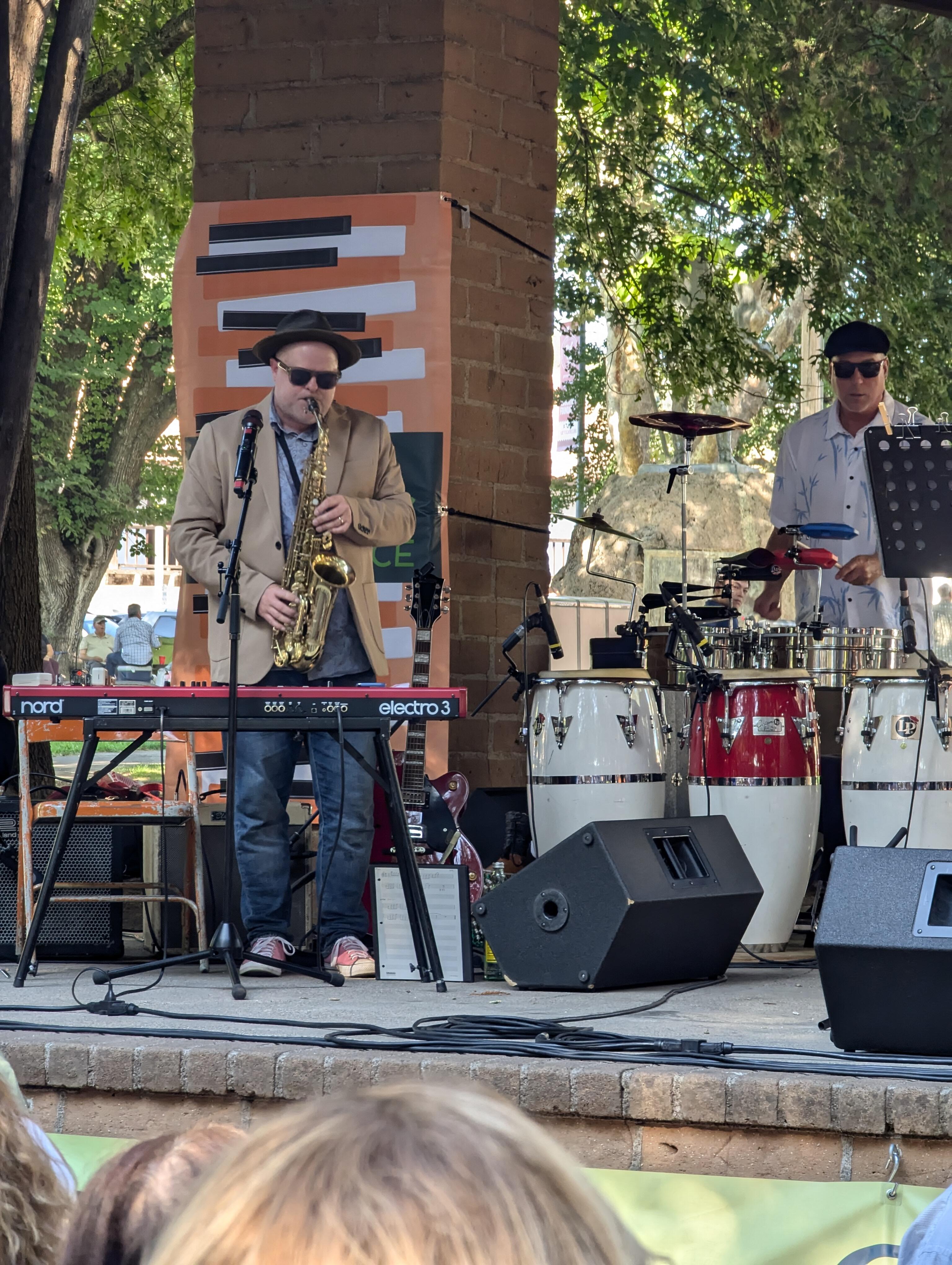
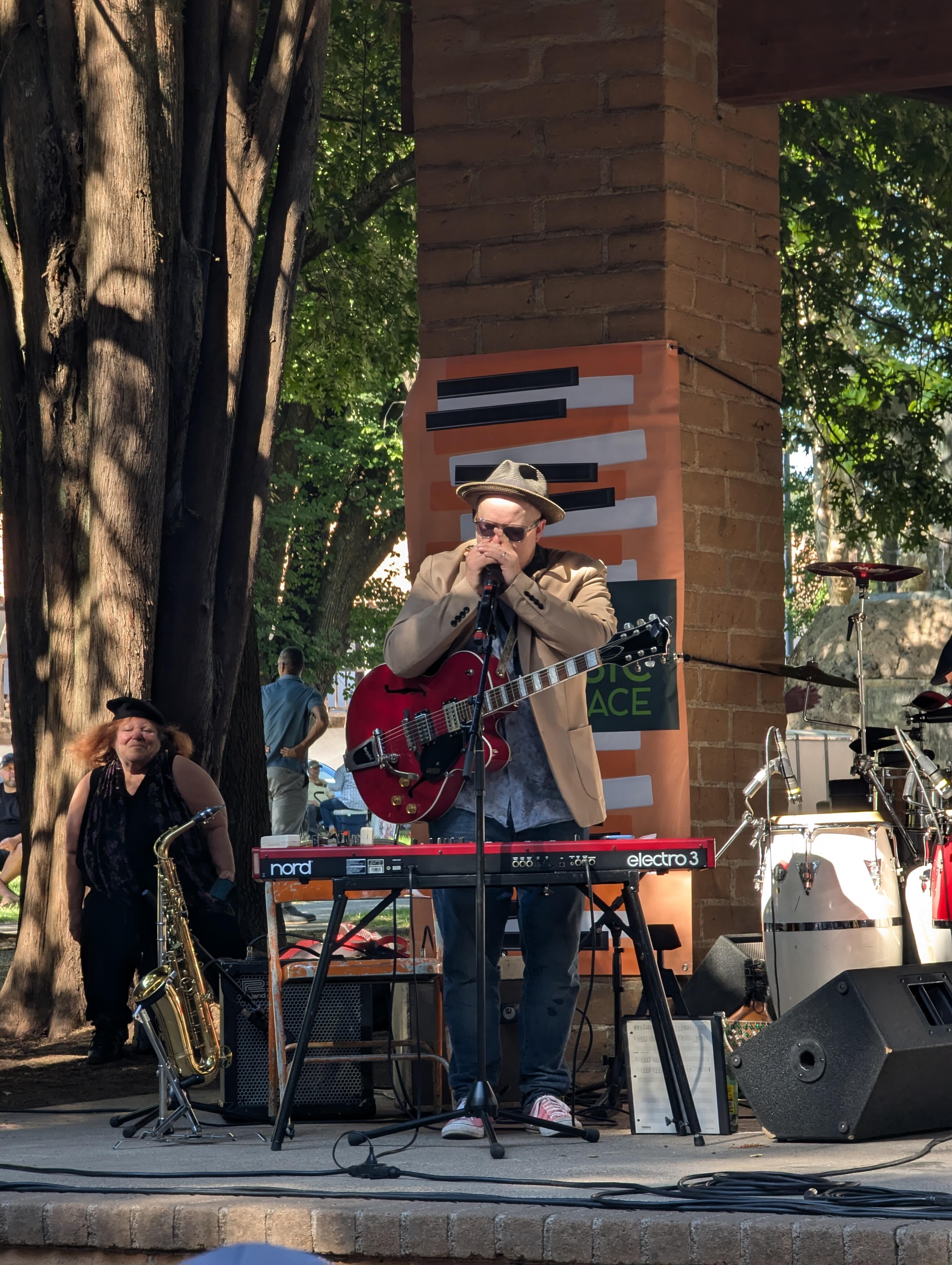
 Apple "Creative Professional" right there.Who knows, maybe they will announce 16GB RAM minimum on M4 macs ? https://www.macrumors.com/2024/08/26/apple-new-macs-16gb-ram-standard/ How "courageous" for 2024.Part Deux, With (multi instrumentalist) Spike Sikes And his awesome hot cakes. https://awesomehotcakes.com/ Dancing is a given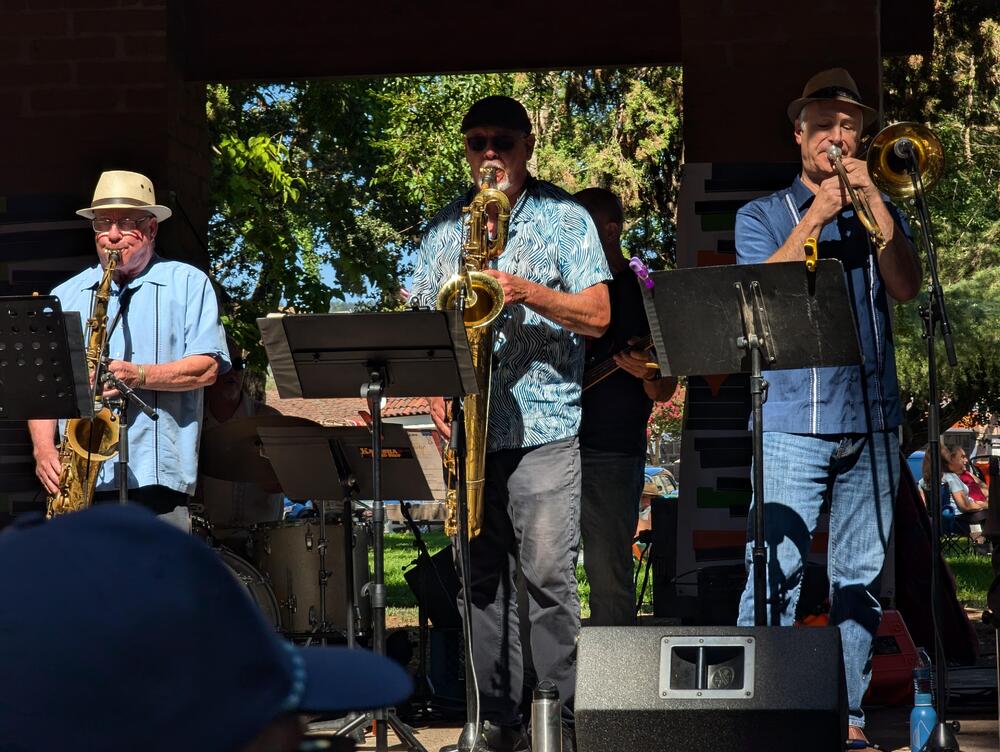
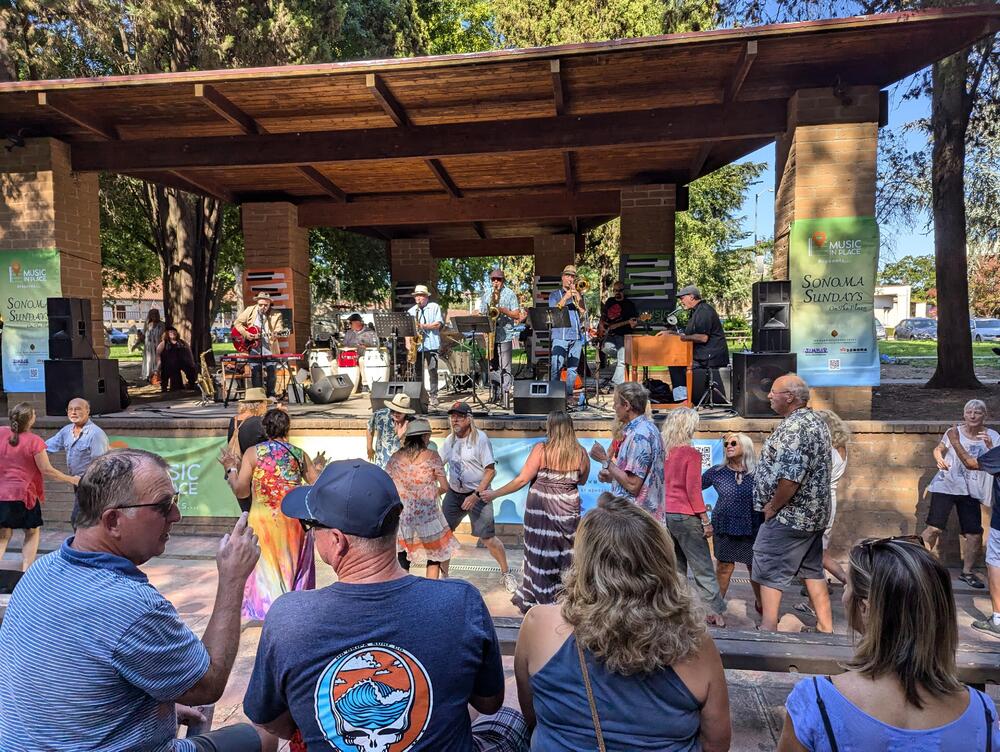
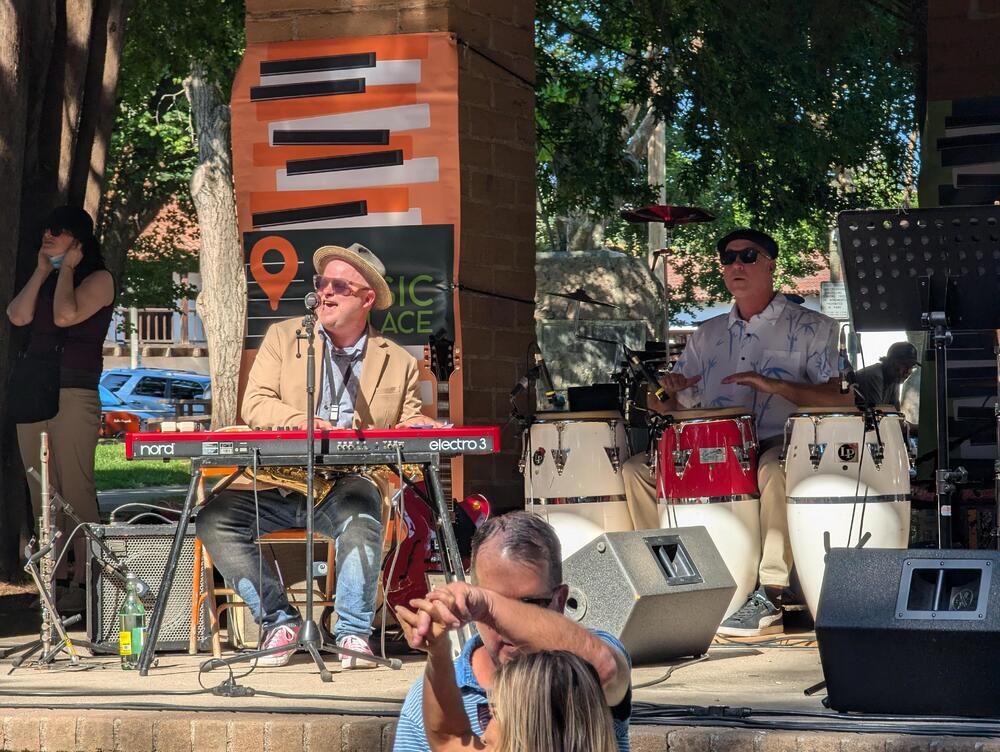
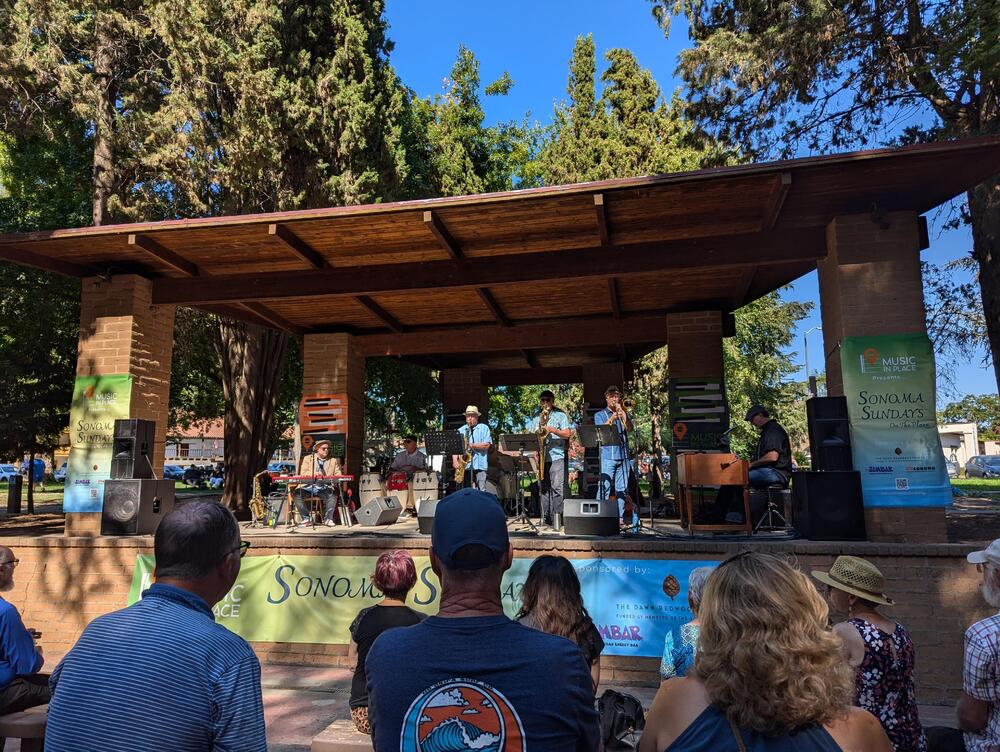
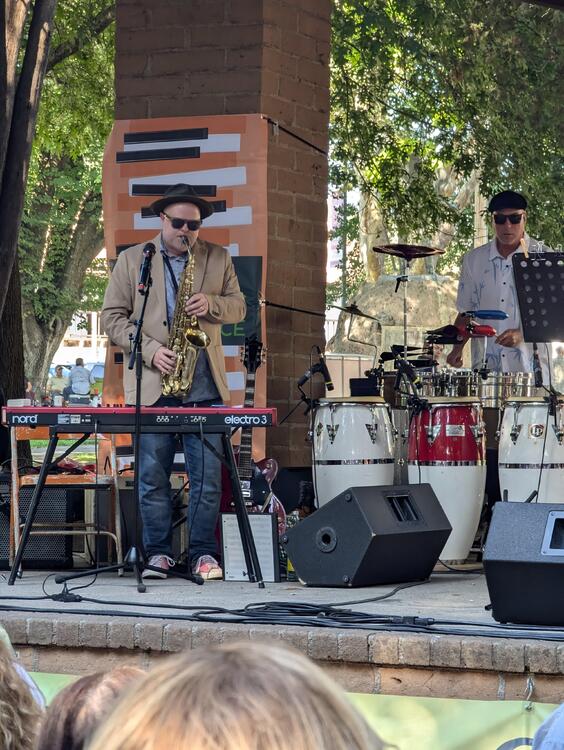
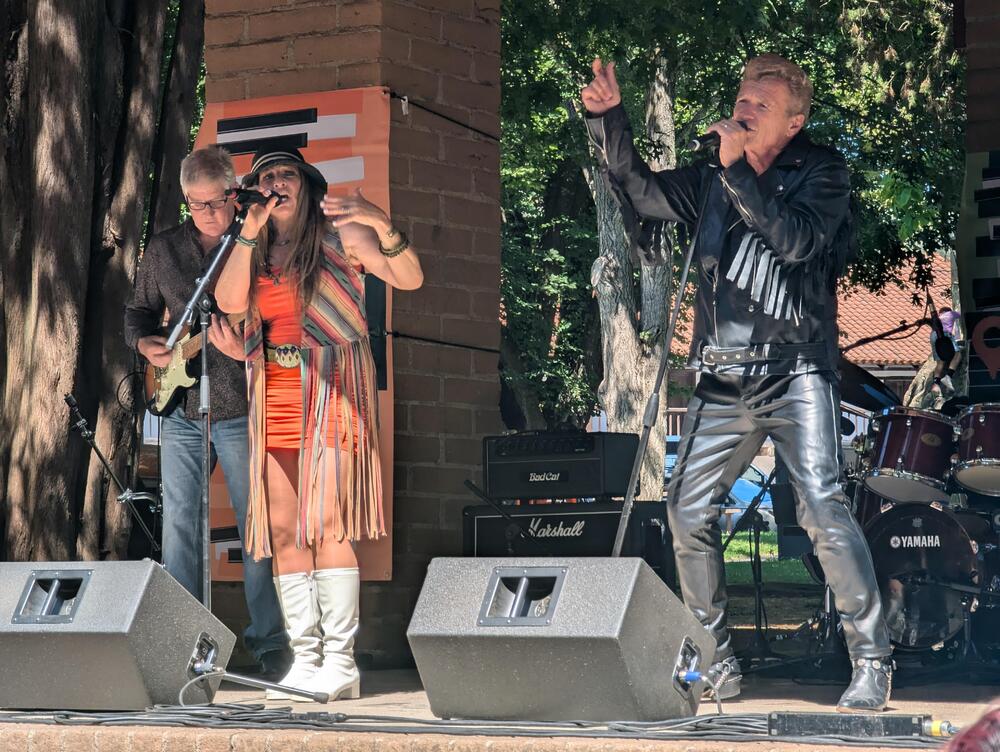
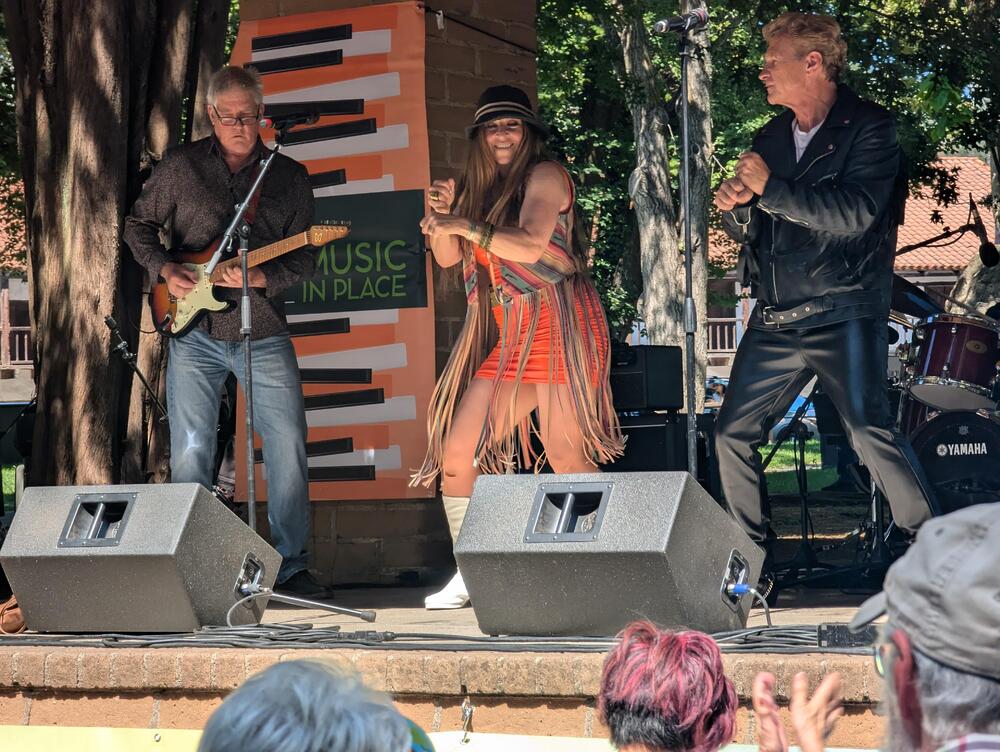
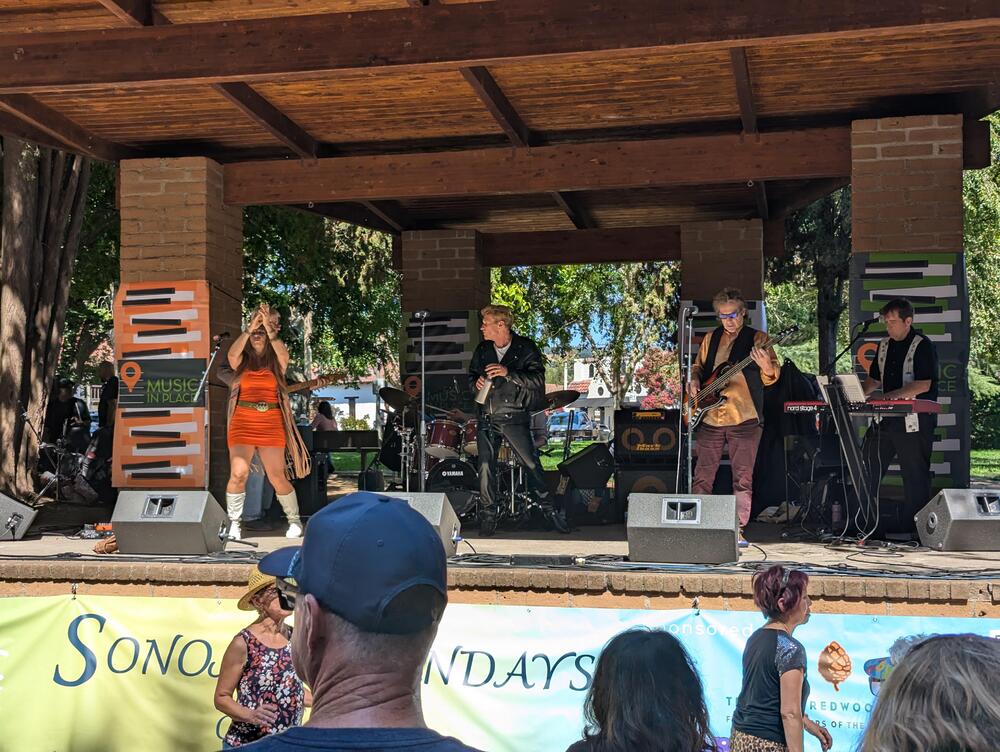
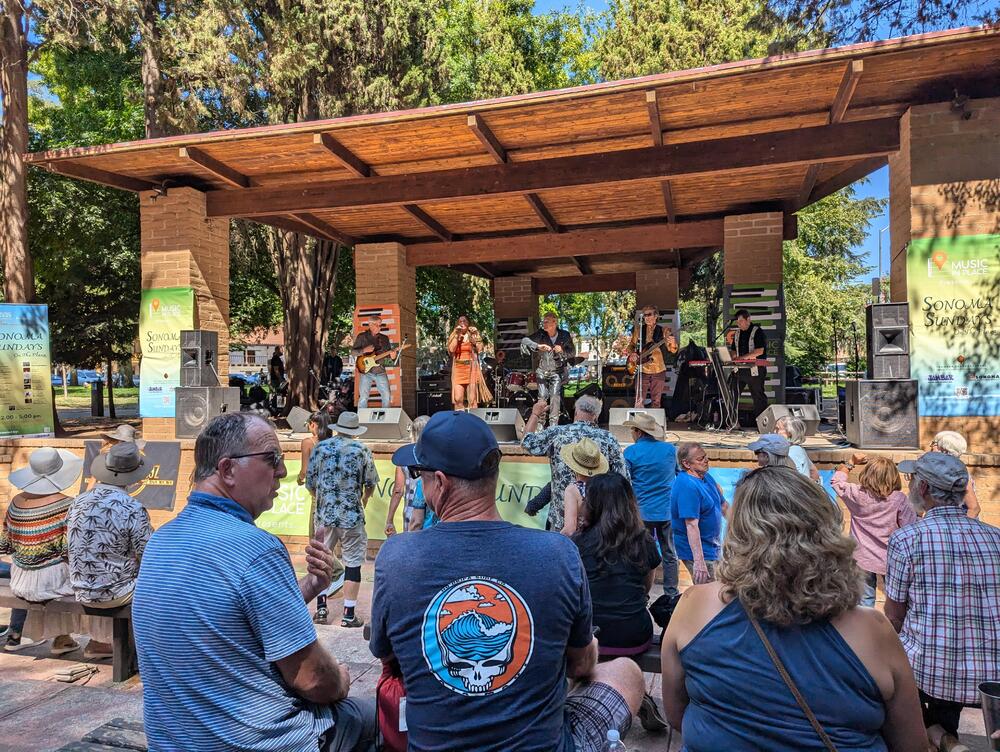
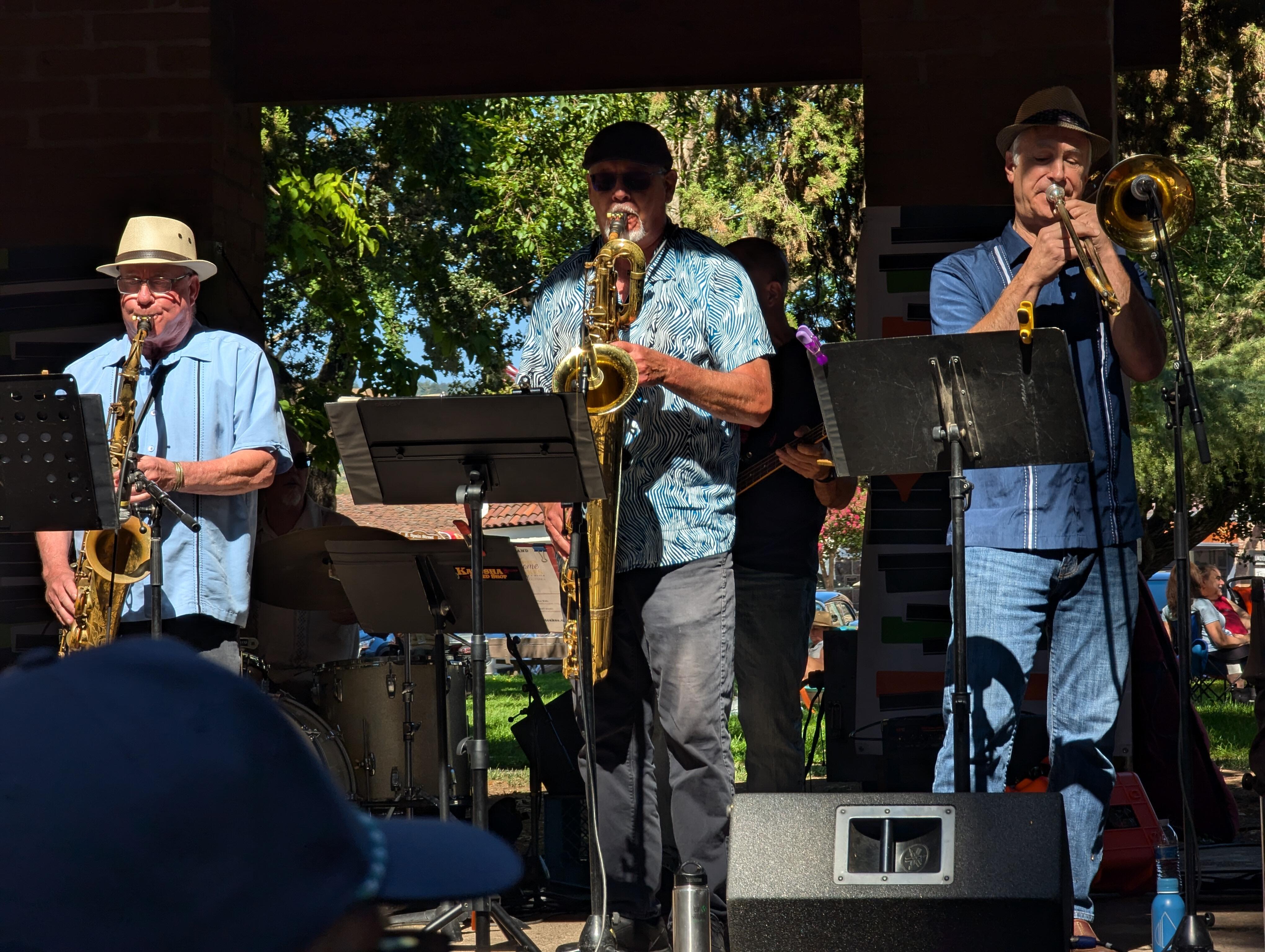
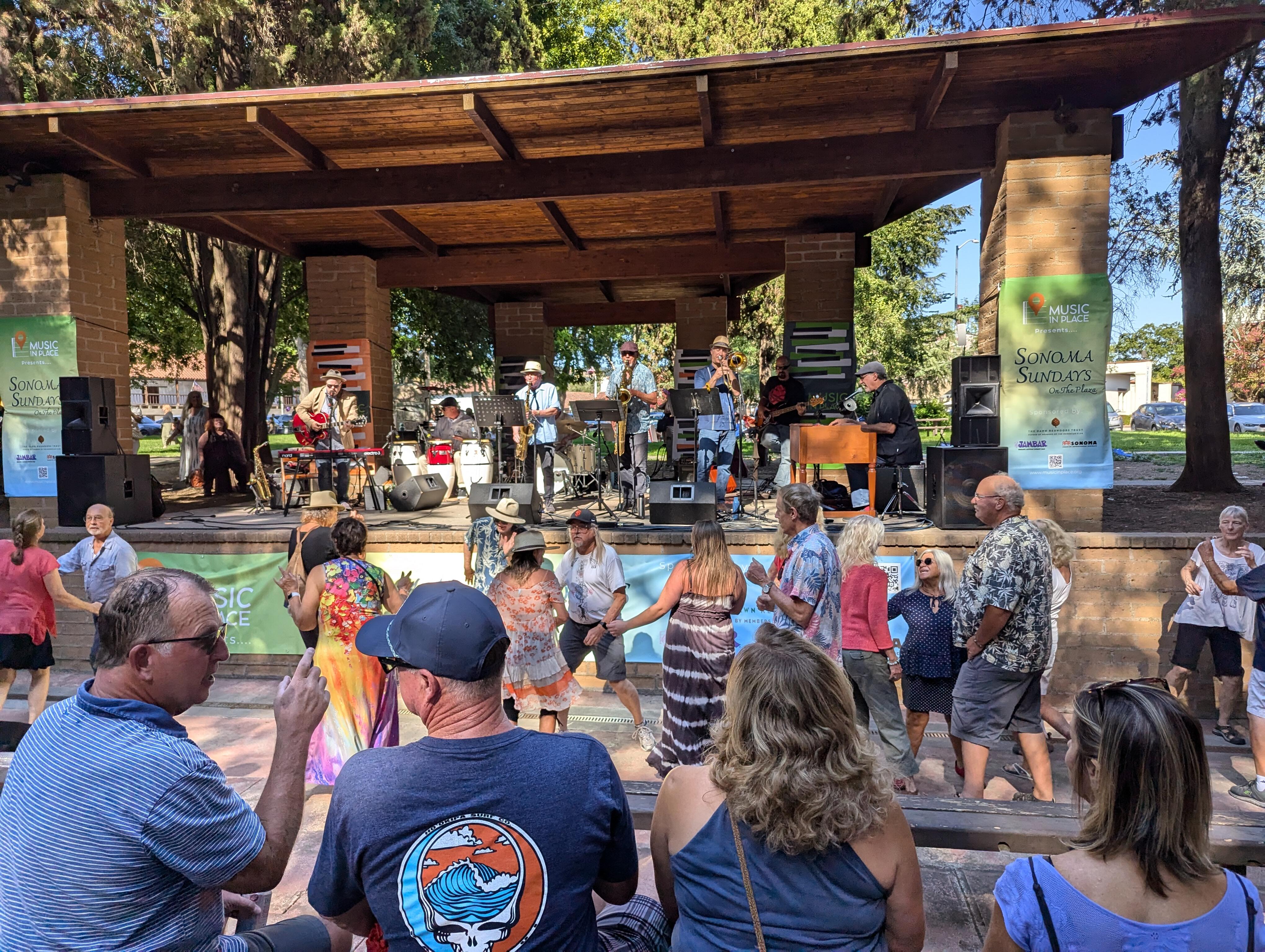
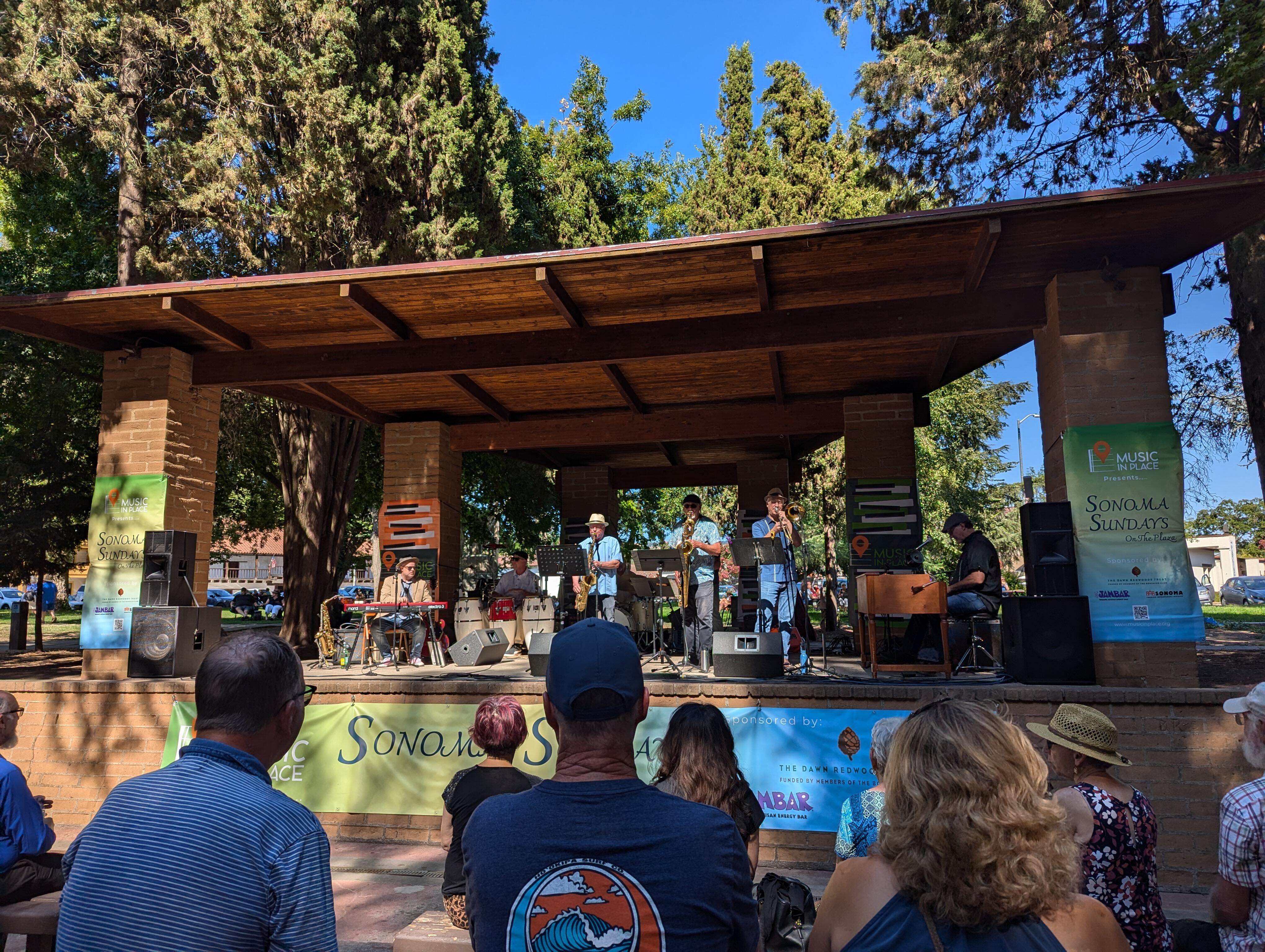
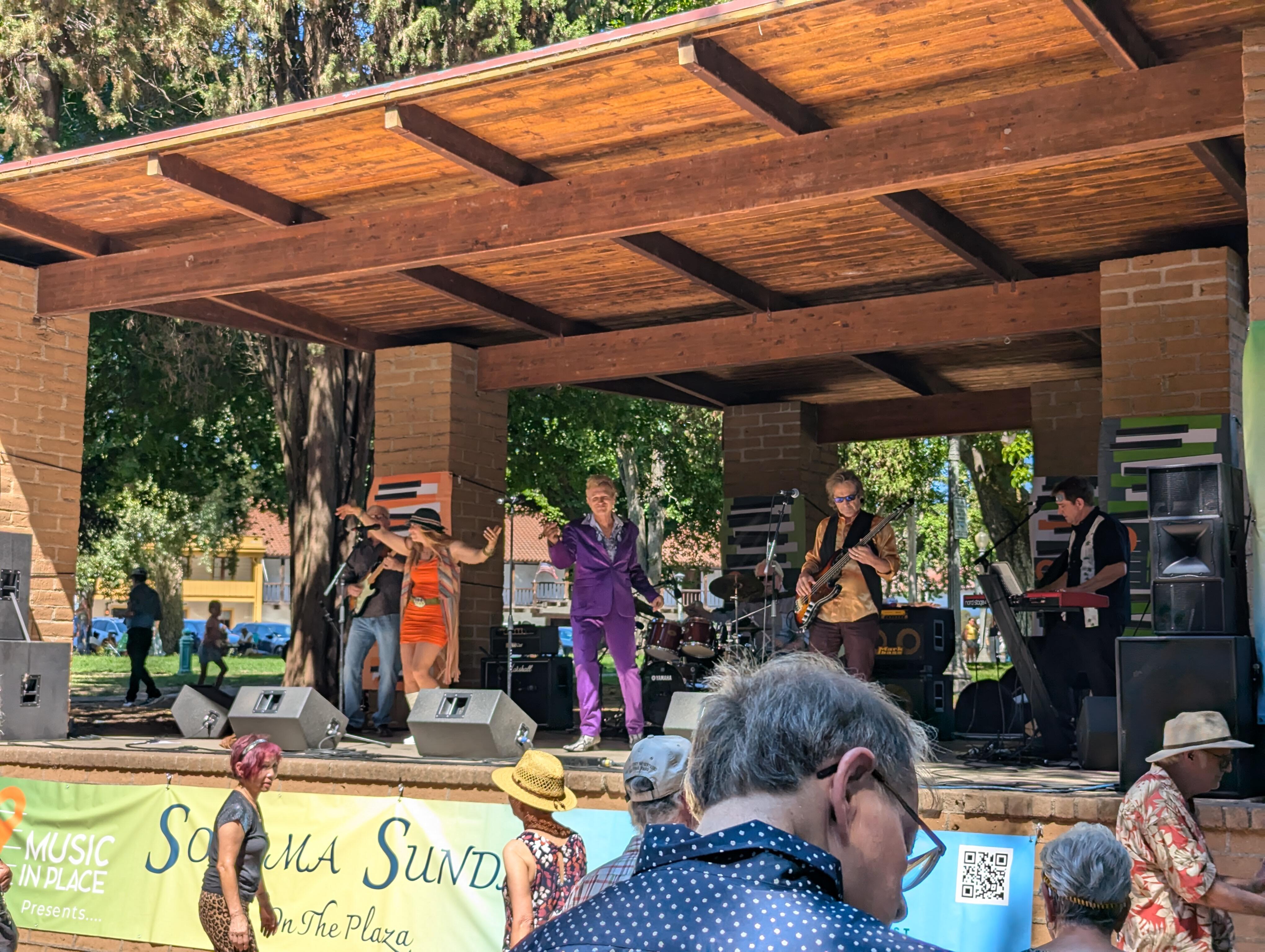
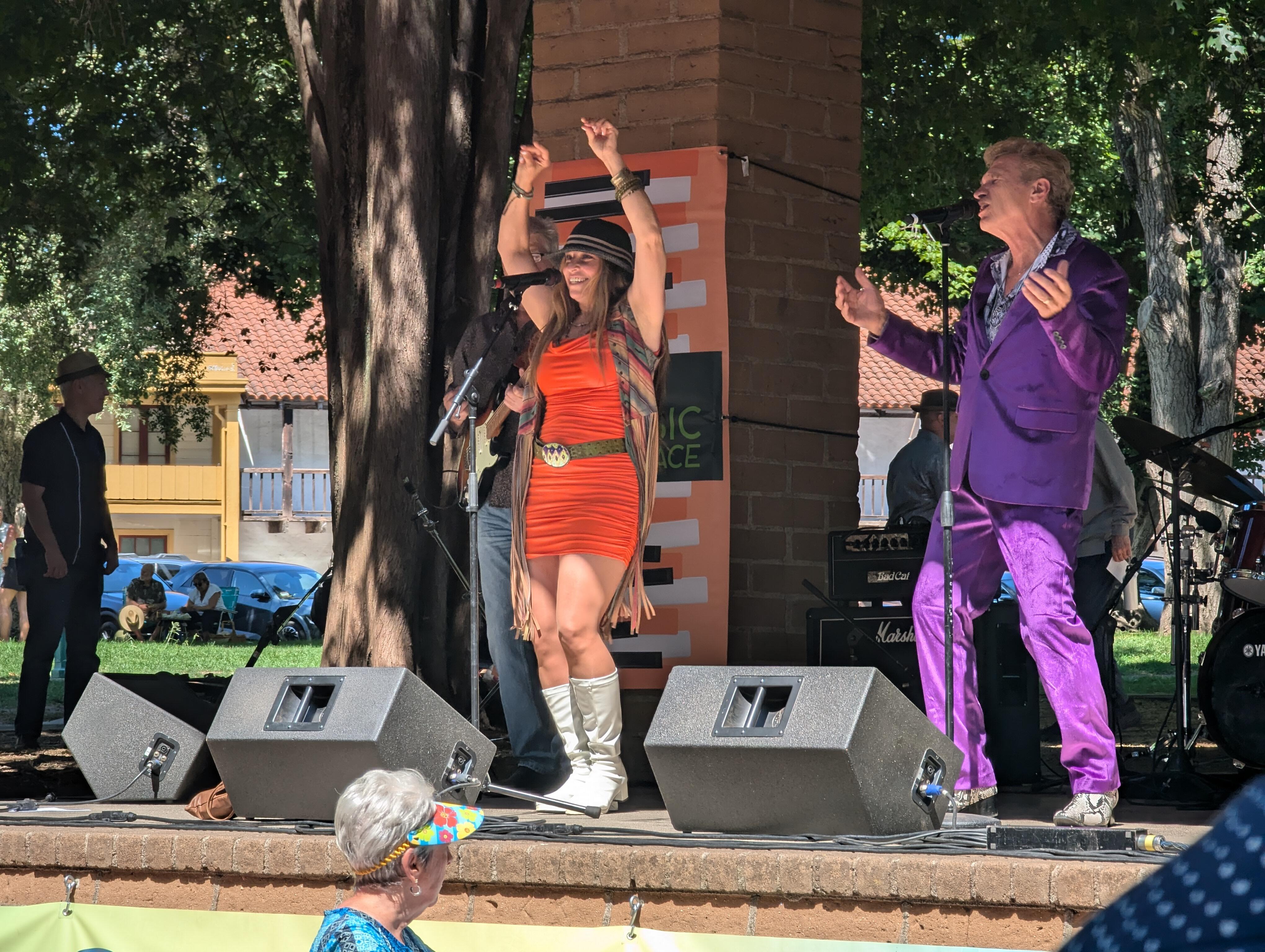
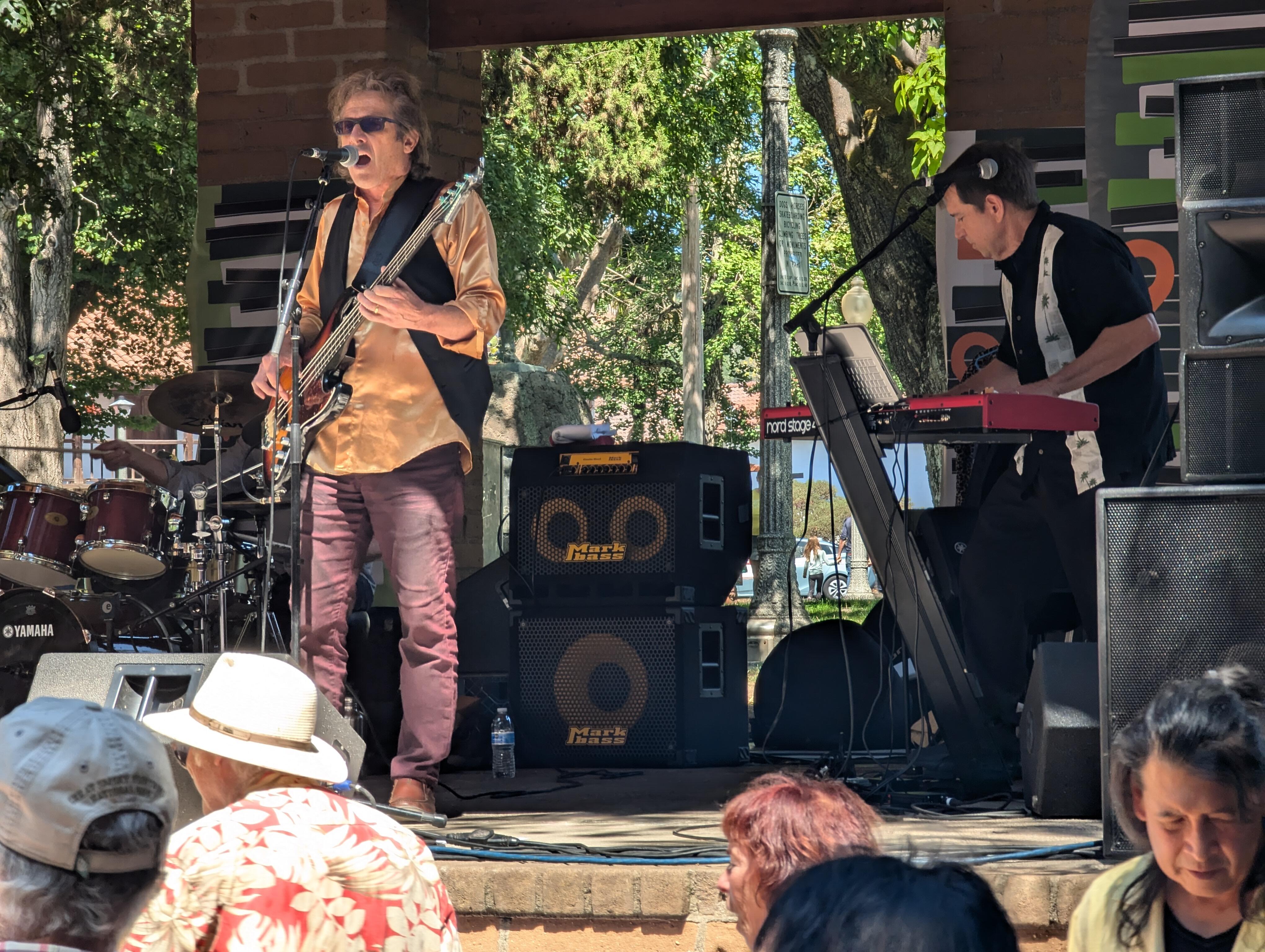
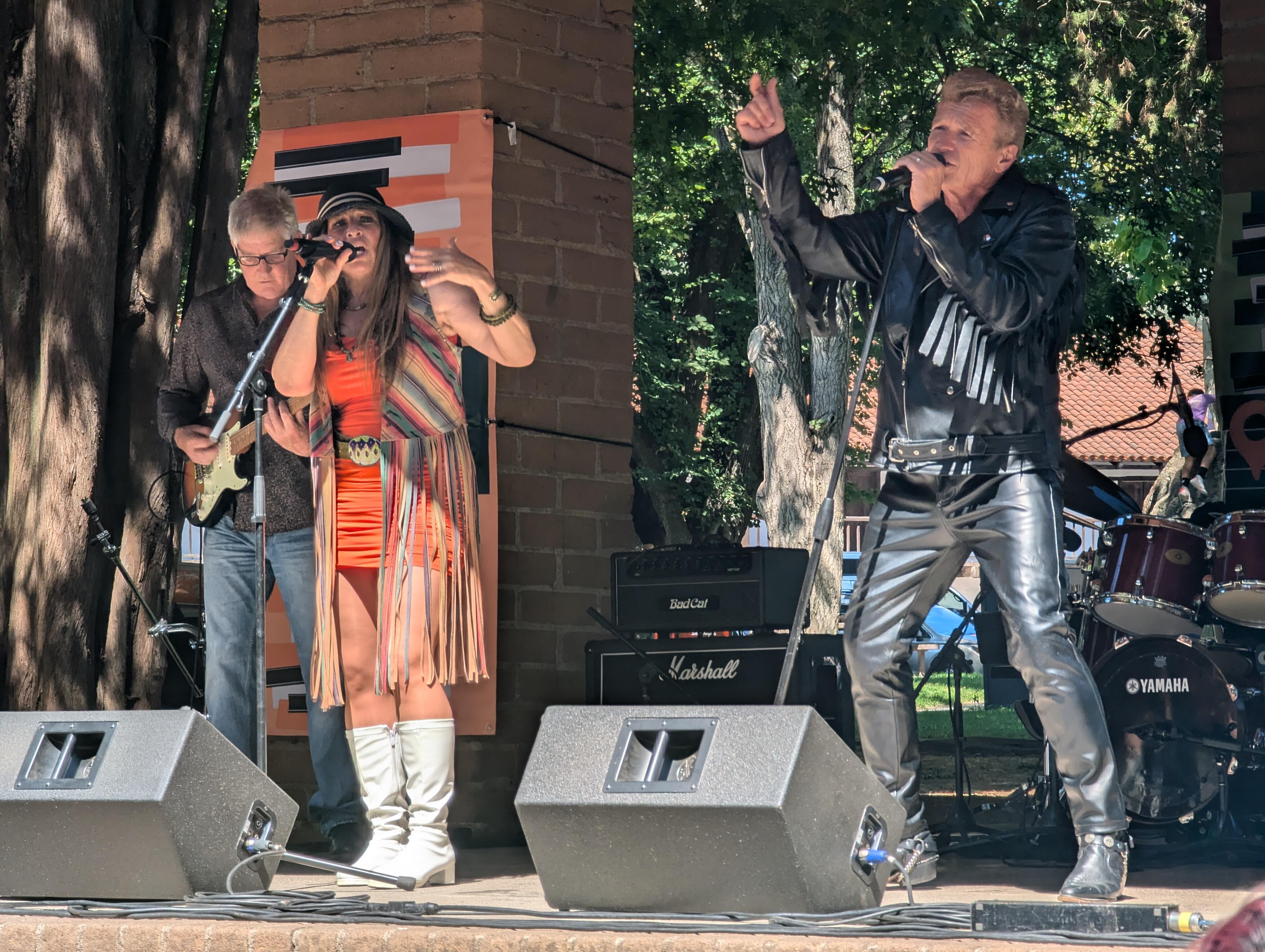
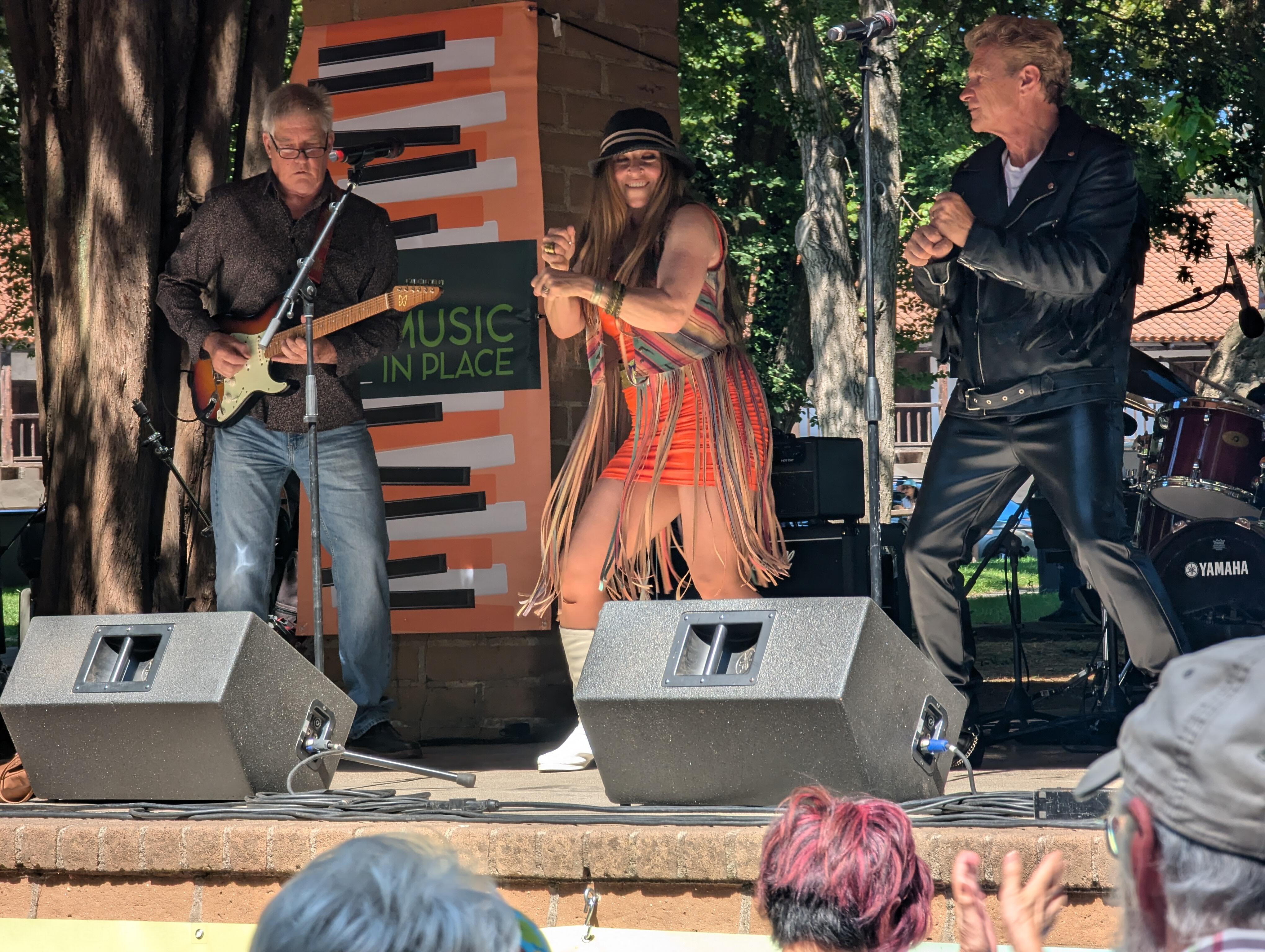
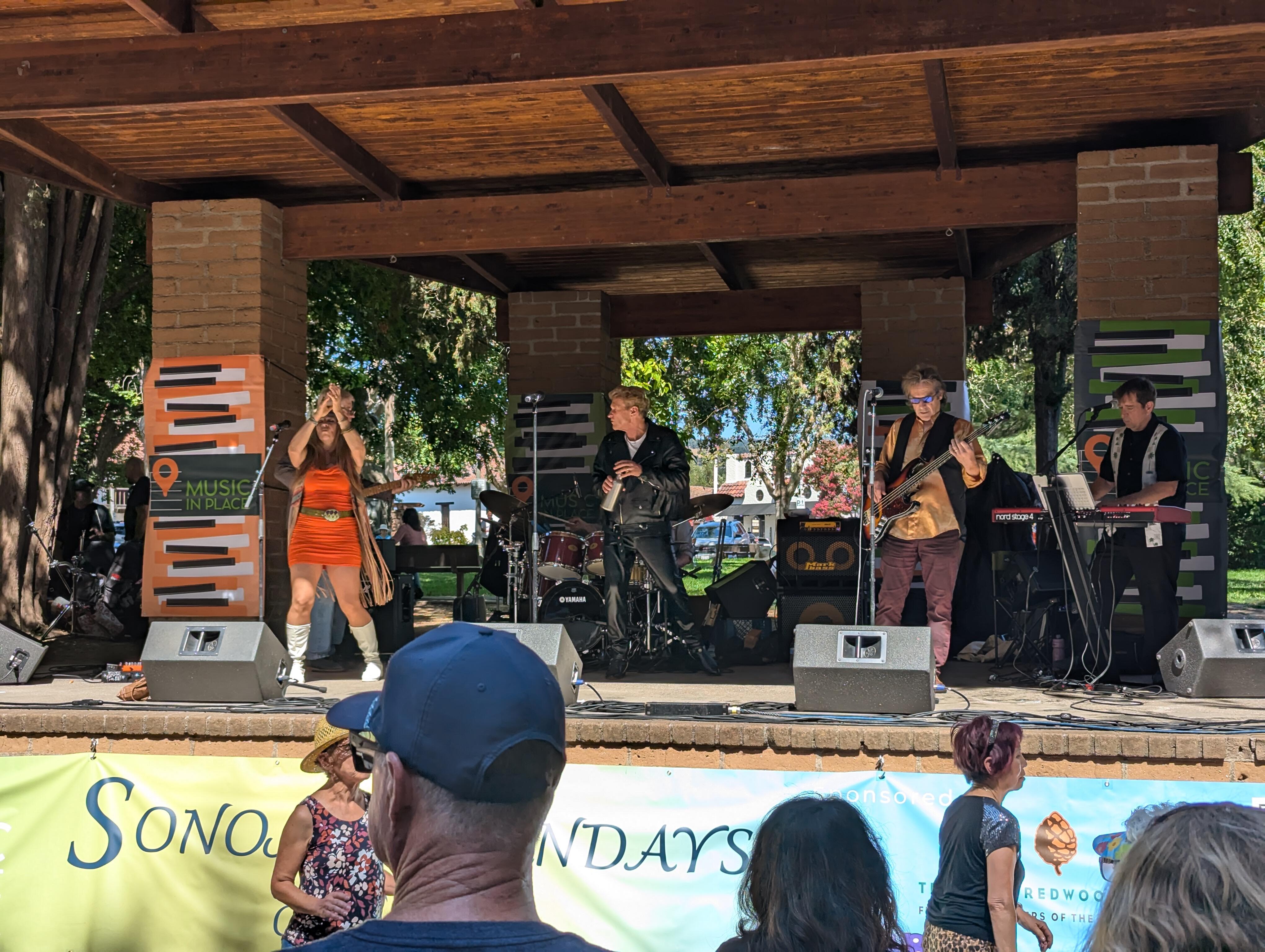
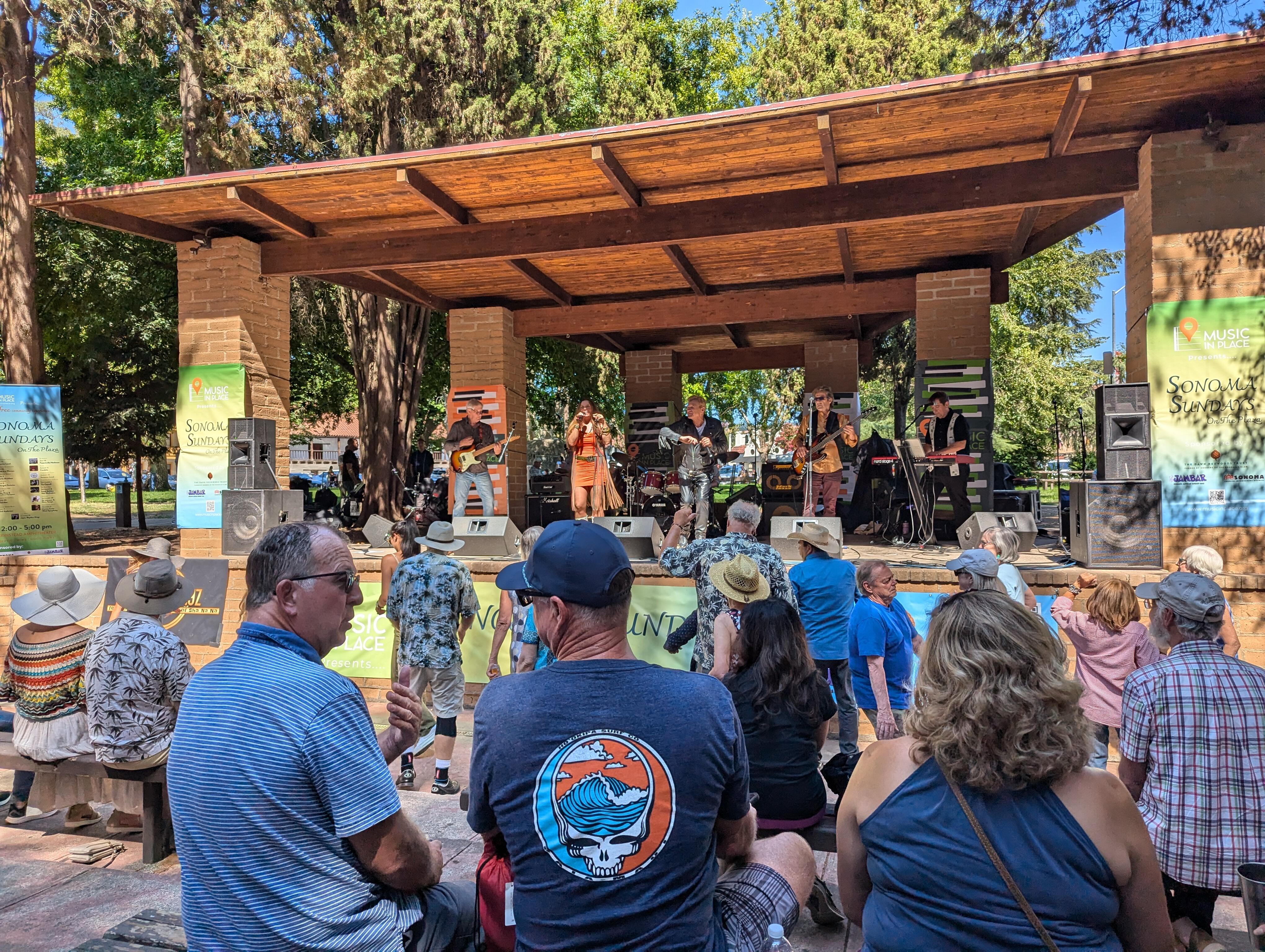
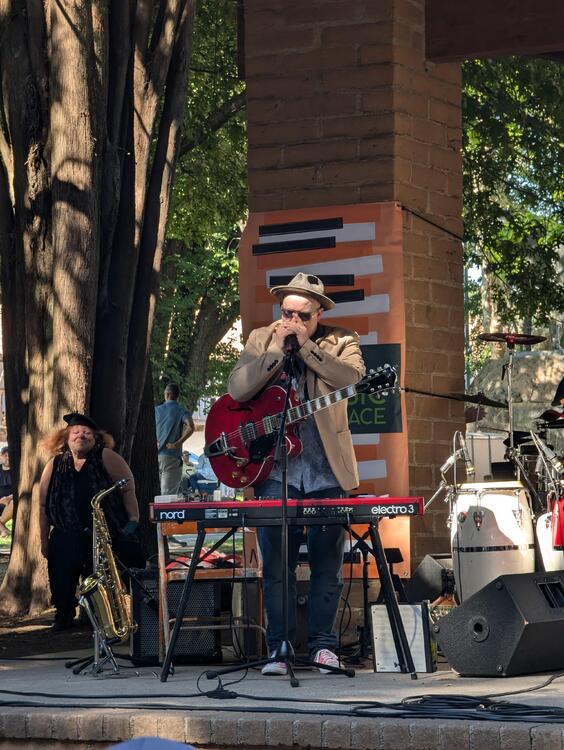 Good (Sunday) Afternoon, Sonoma! https://www.musicinplace.org/sonoma-sundays-on-the-plaza.html It's a double feature today, Starting with Glory Dayz https://www.glorydayzband.com/ Outfit change! Hand Jive! And they got the audience dancing
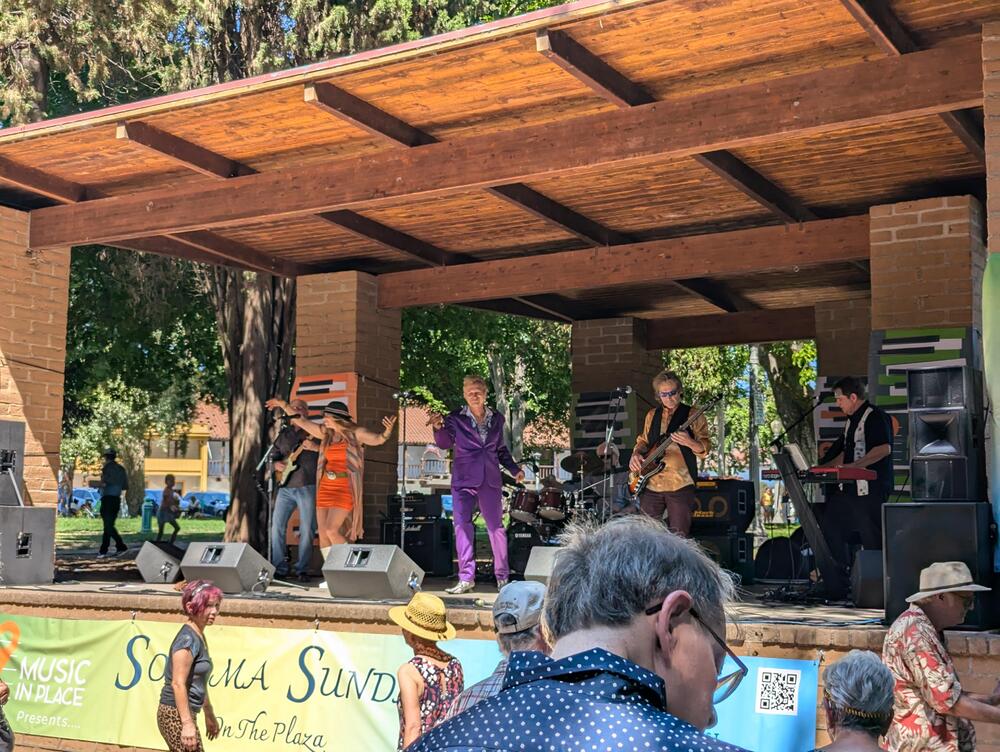
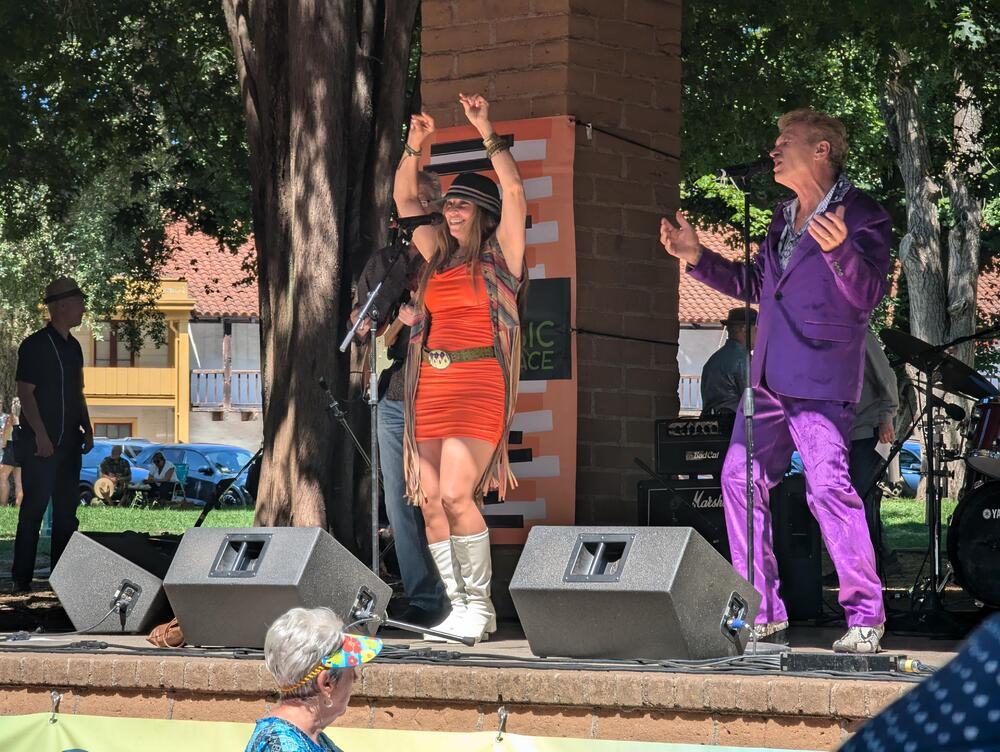
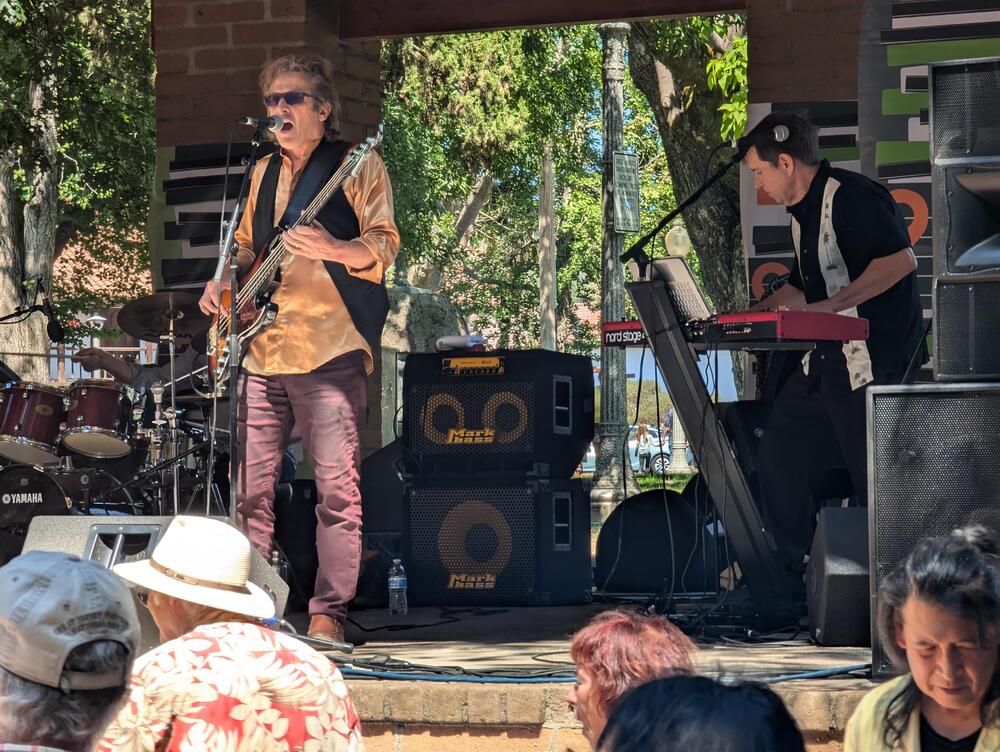
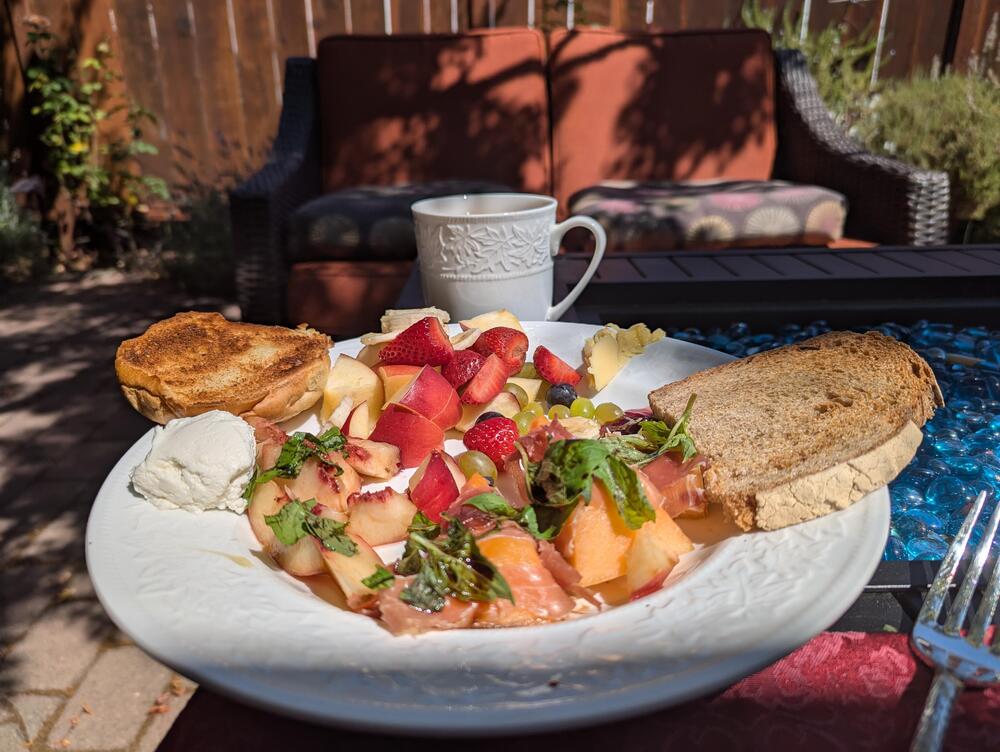
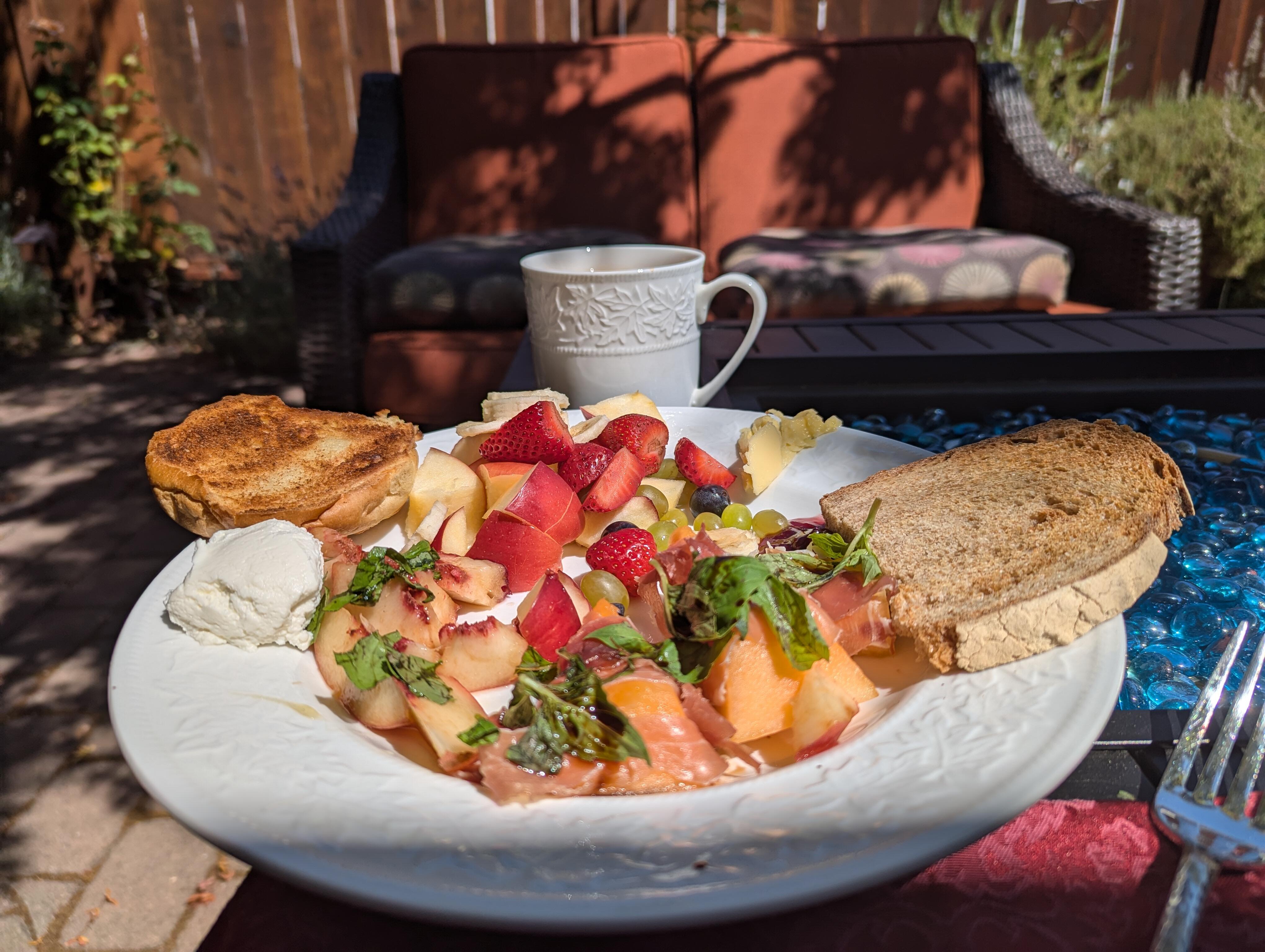
 Last day in Sonoma, Brunch.
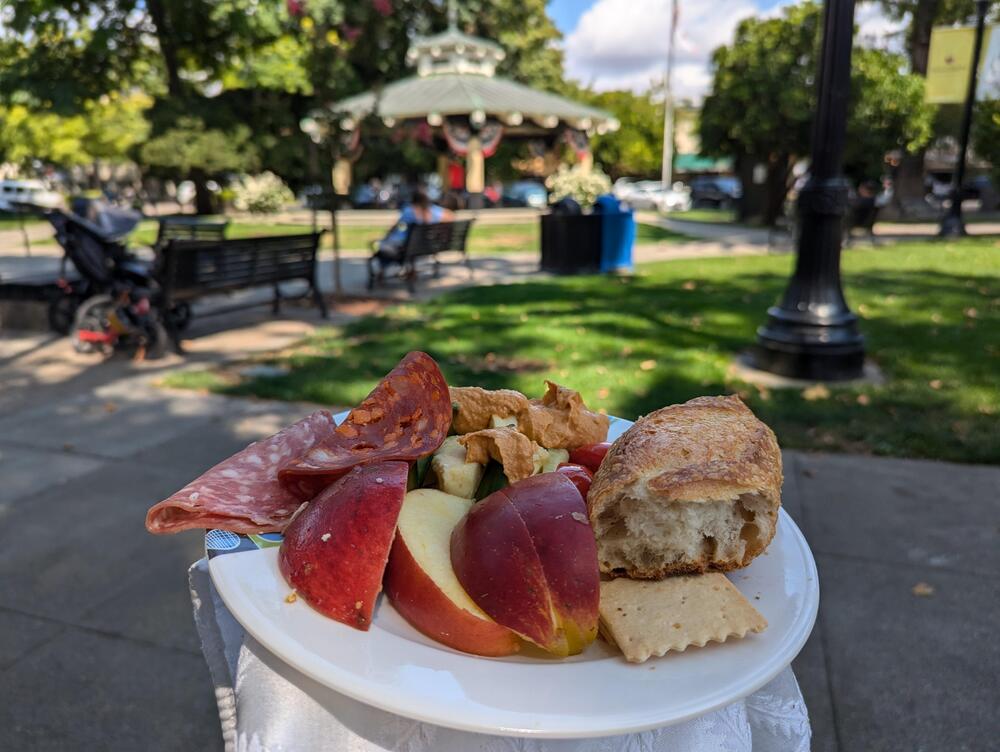
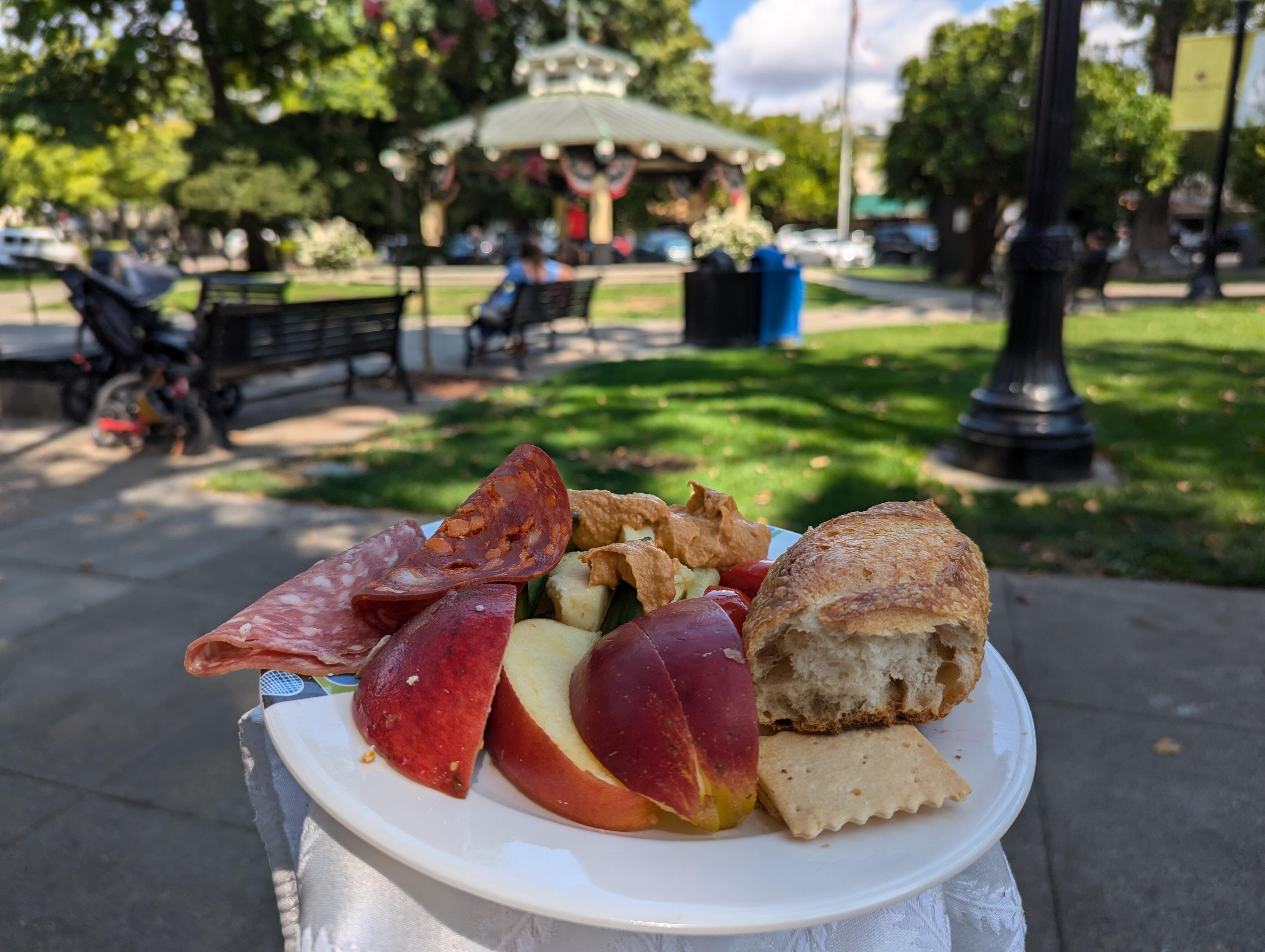
 Healdsburg Plaza picnic platter
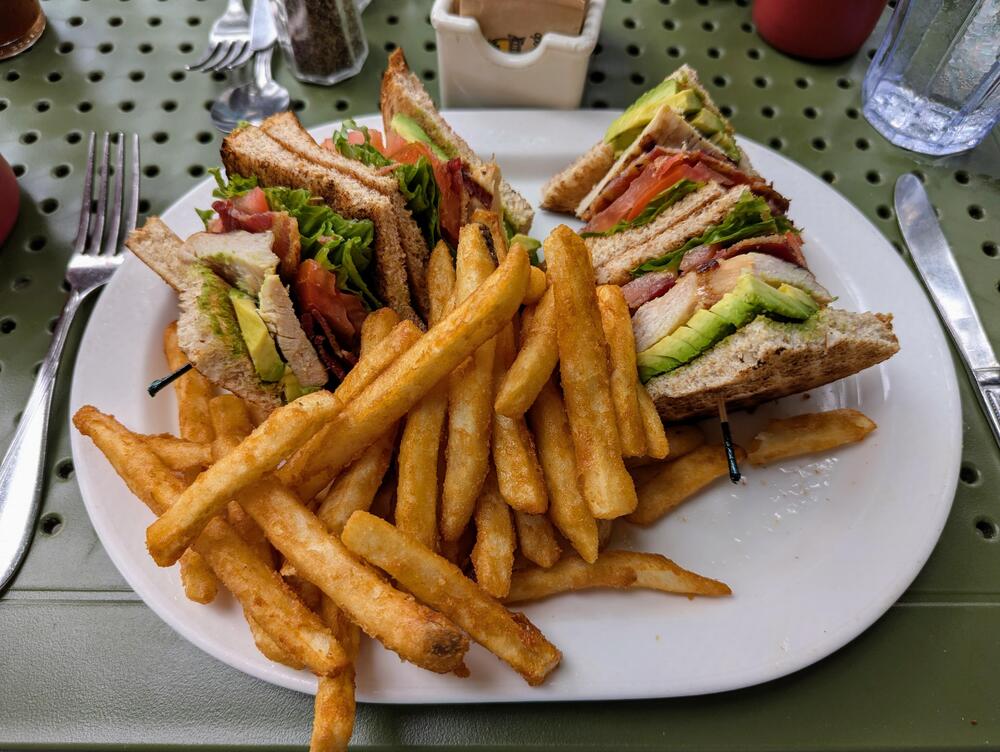
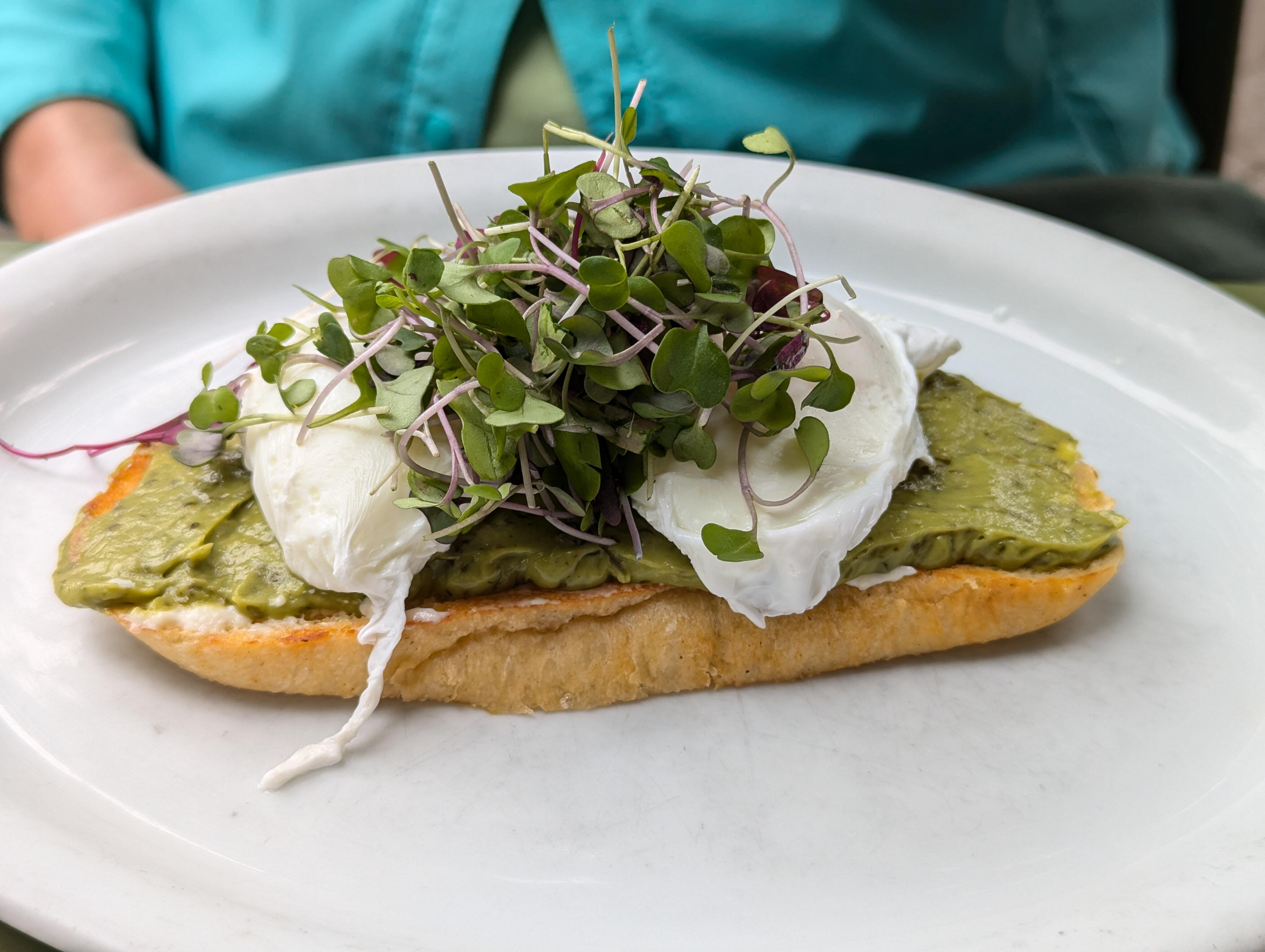
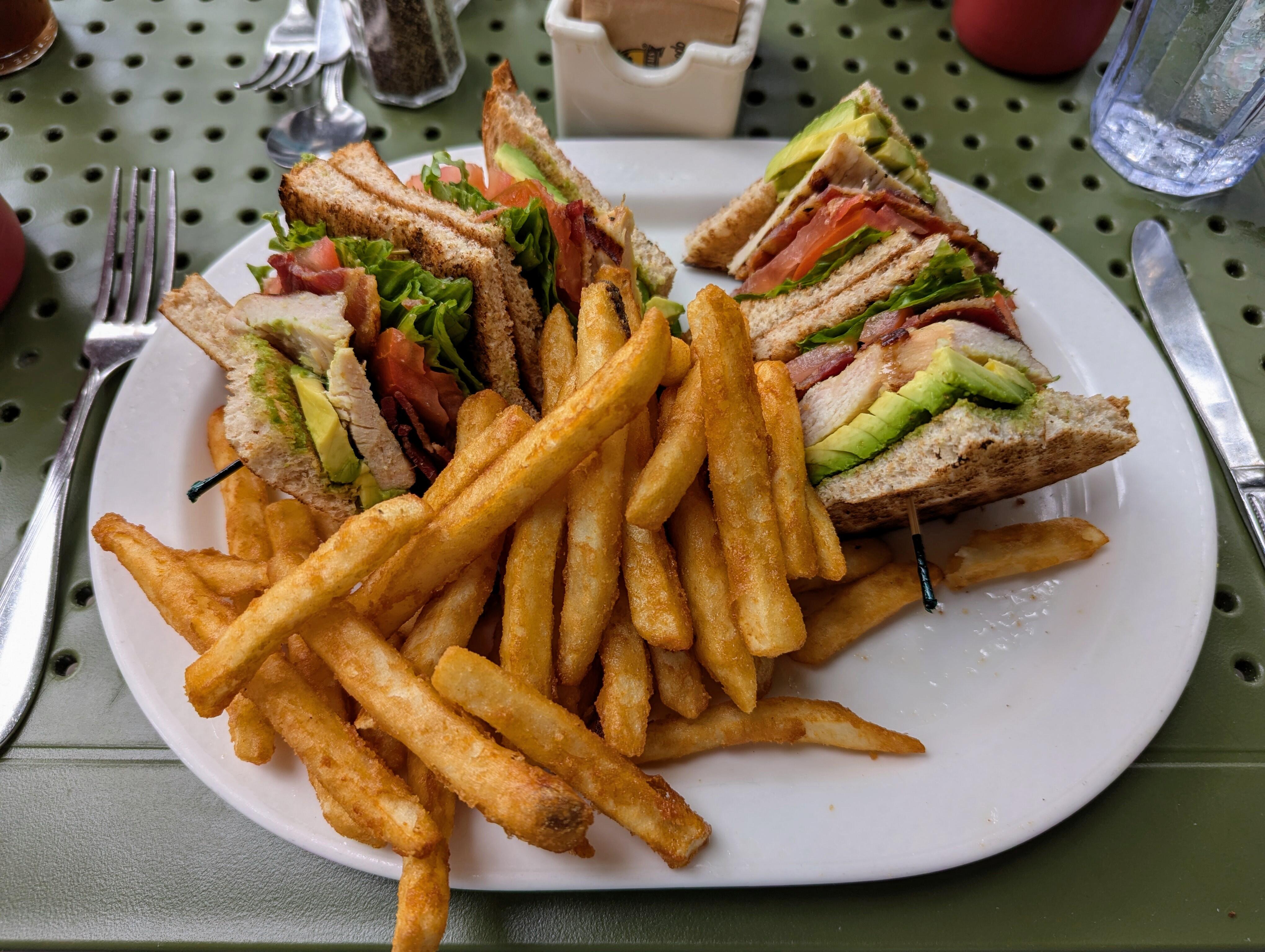
 Maybe a new audiophile shop needs a dependant / tax write off? St. Helena, Avocado Toast (Ricotta mousse spread, avocado cilantro puree, two poached eggs & micro greens on toasted sourdough) Club Sandwich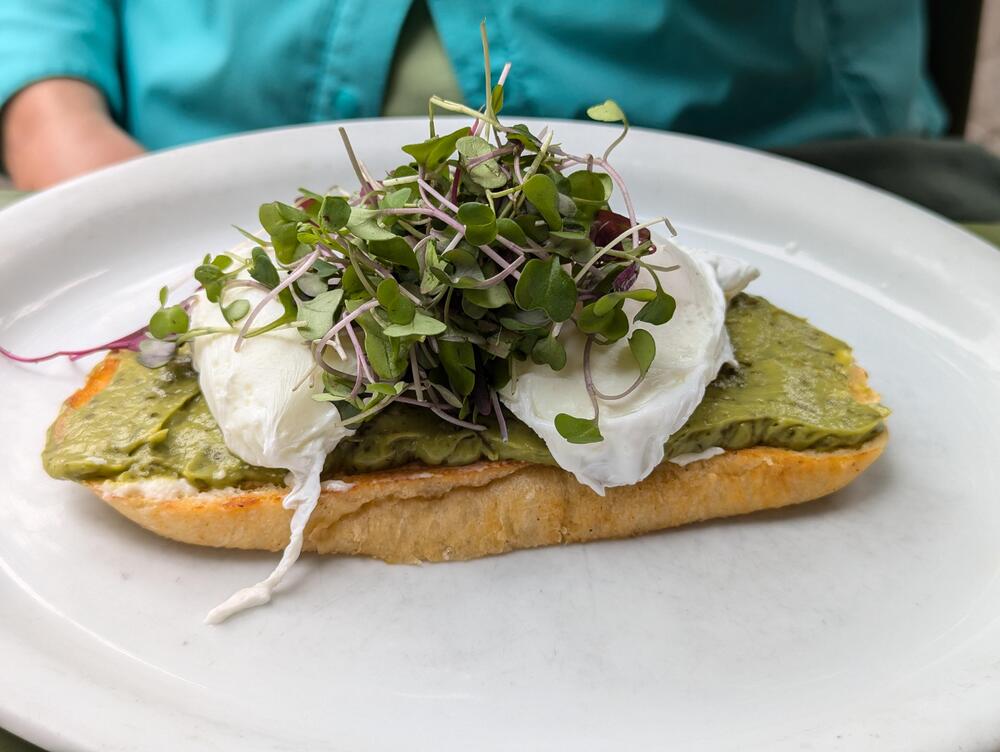
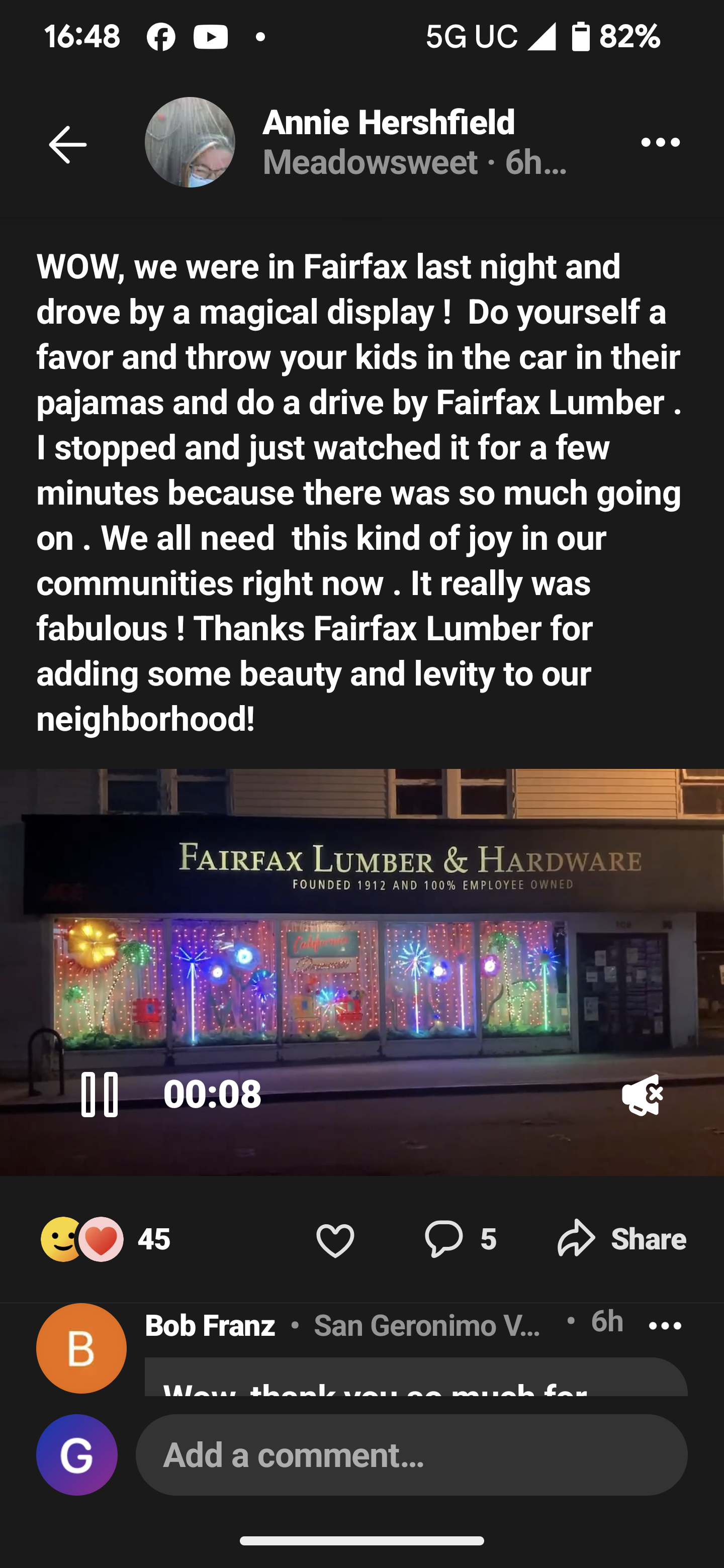
 Exactly how much fairy dust have you been sprinkling around in your new job @swt61 ? https://nextdoor.com/p/CGhHjq78Y3h5?utm_source=share&extras=MTc1NzU5Mzk%3D&utm_campaign=1724370576618
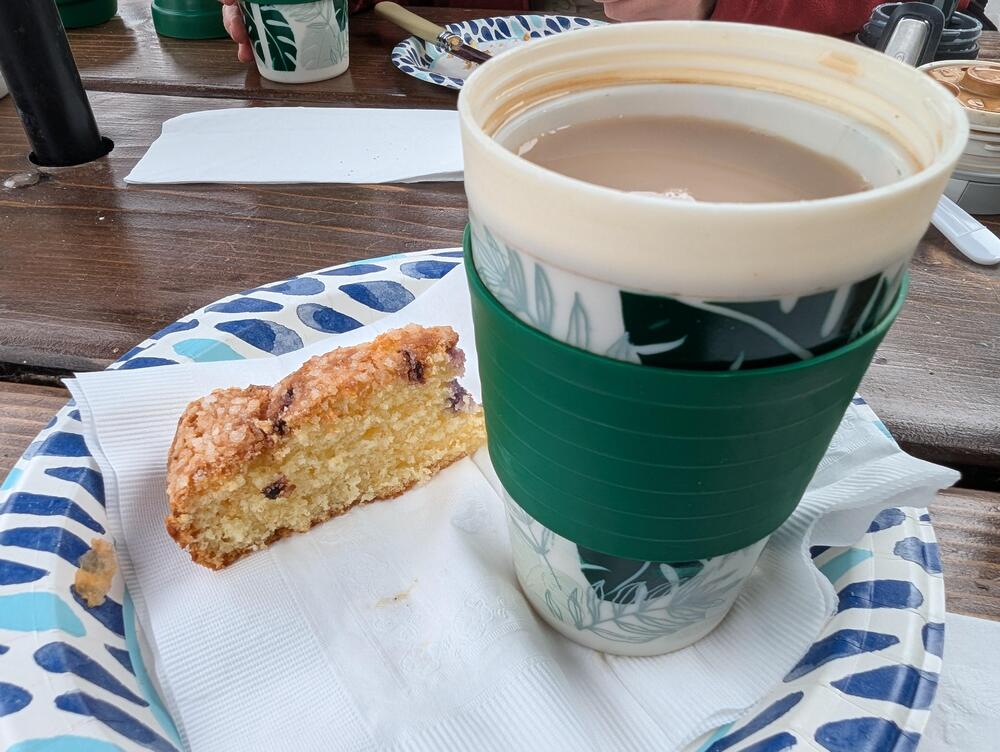
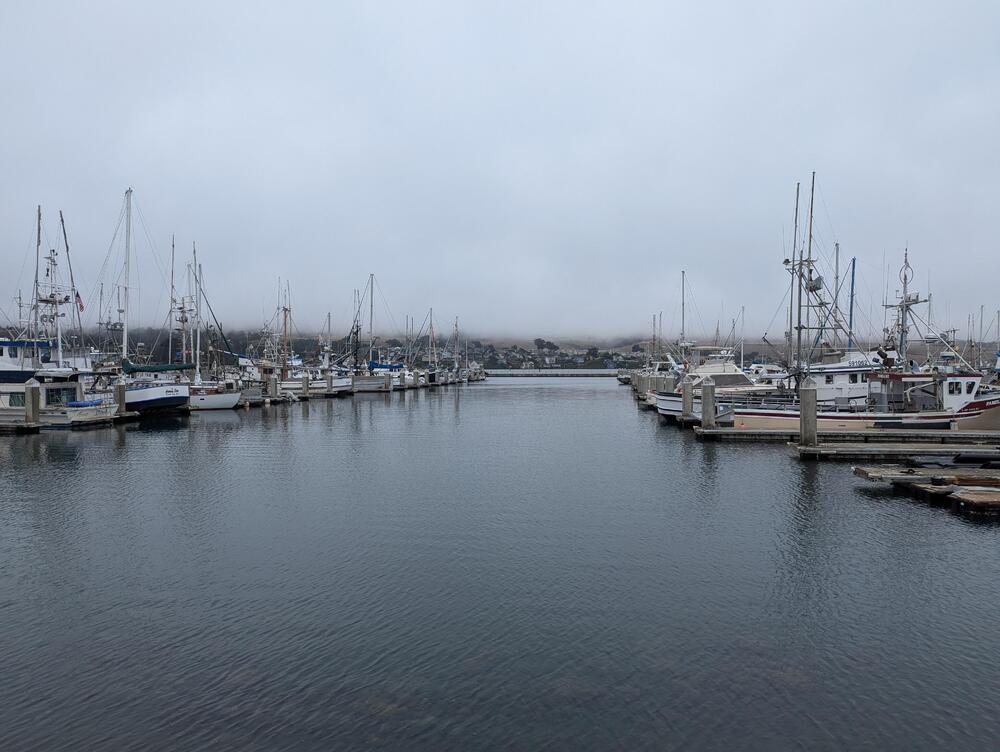
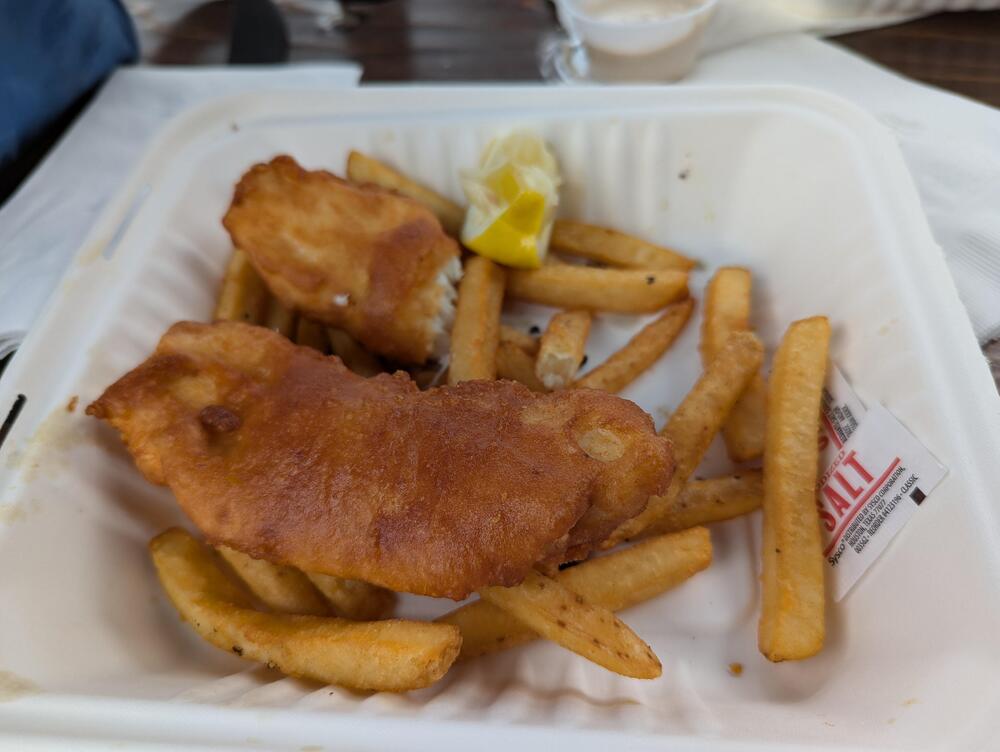
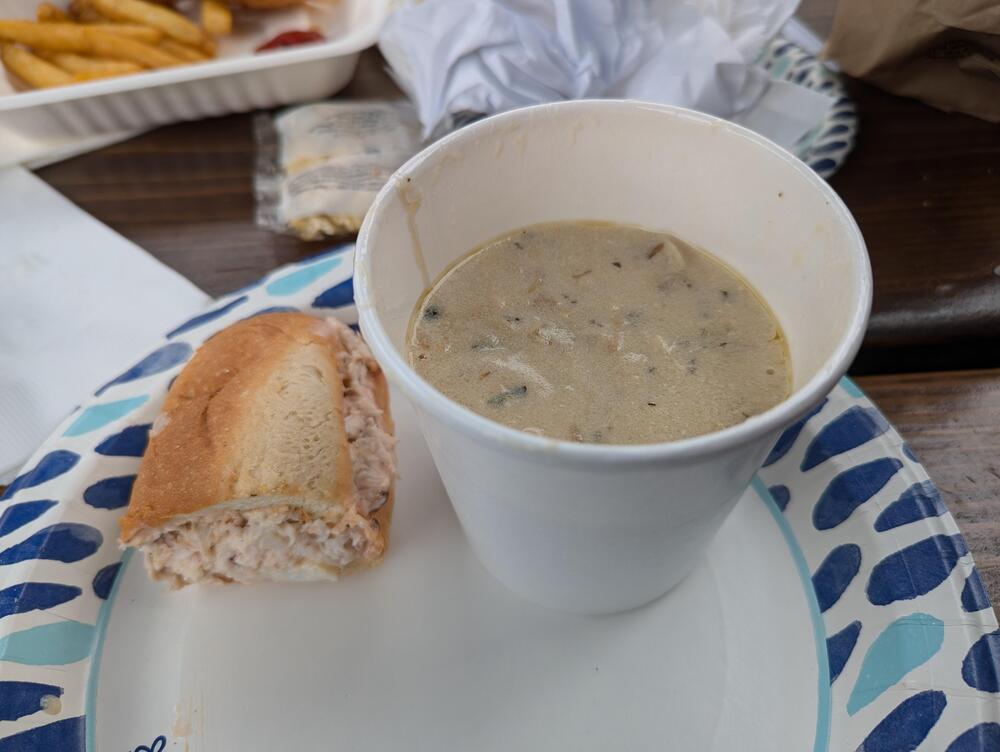
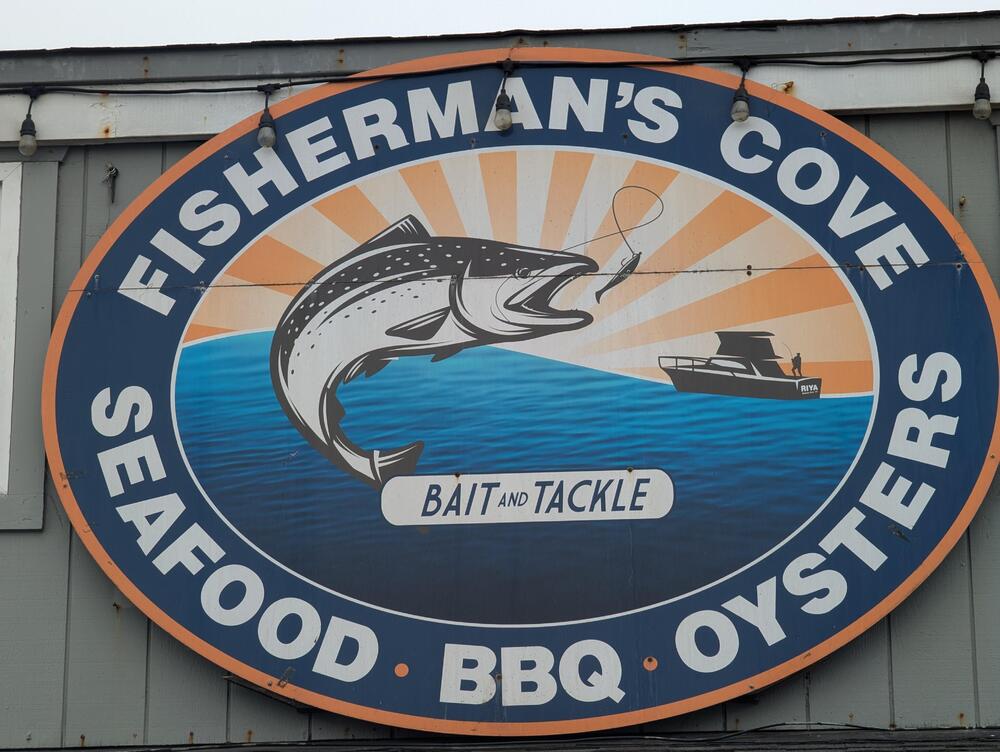
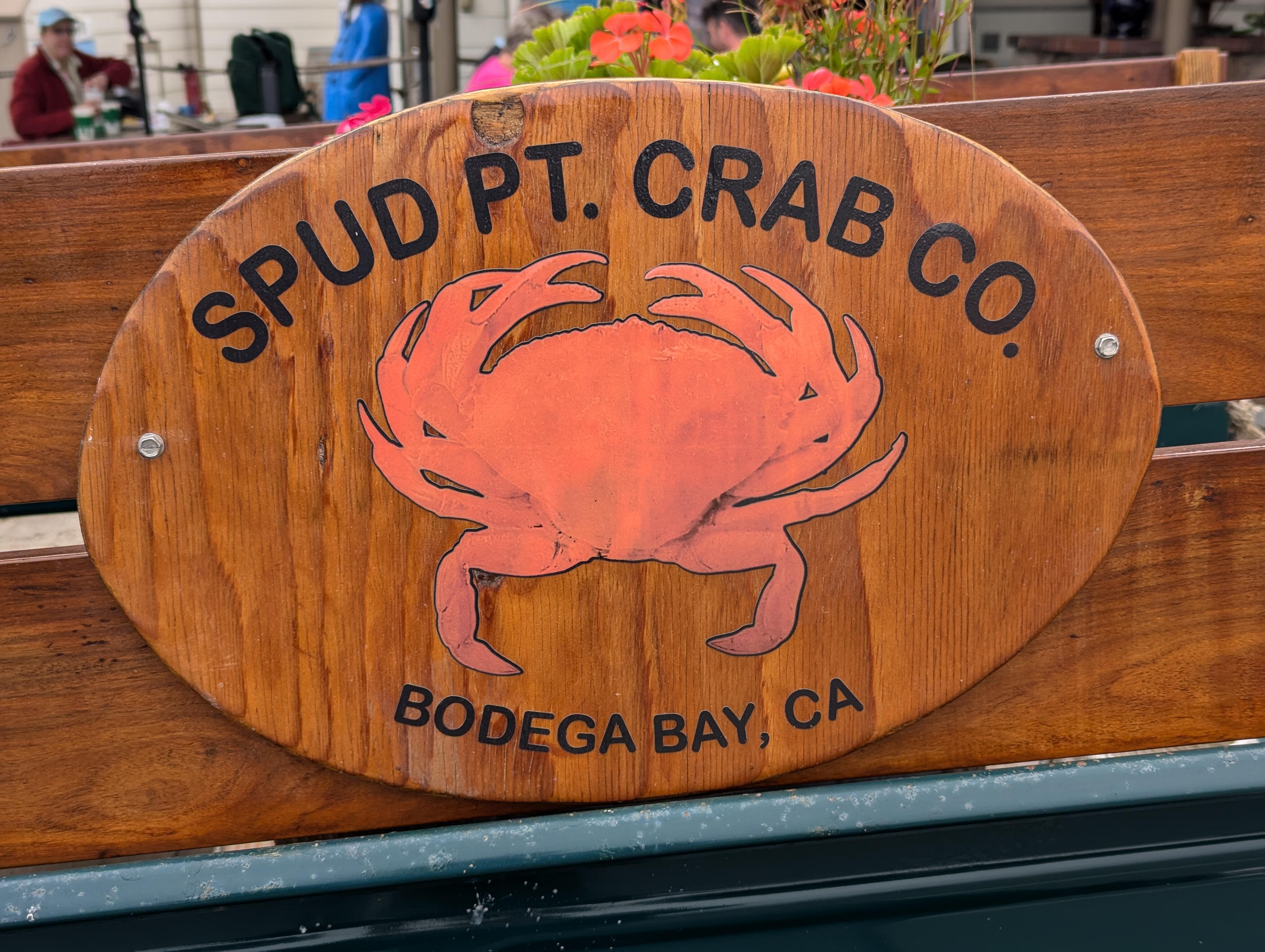
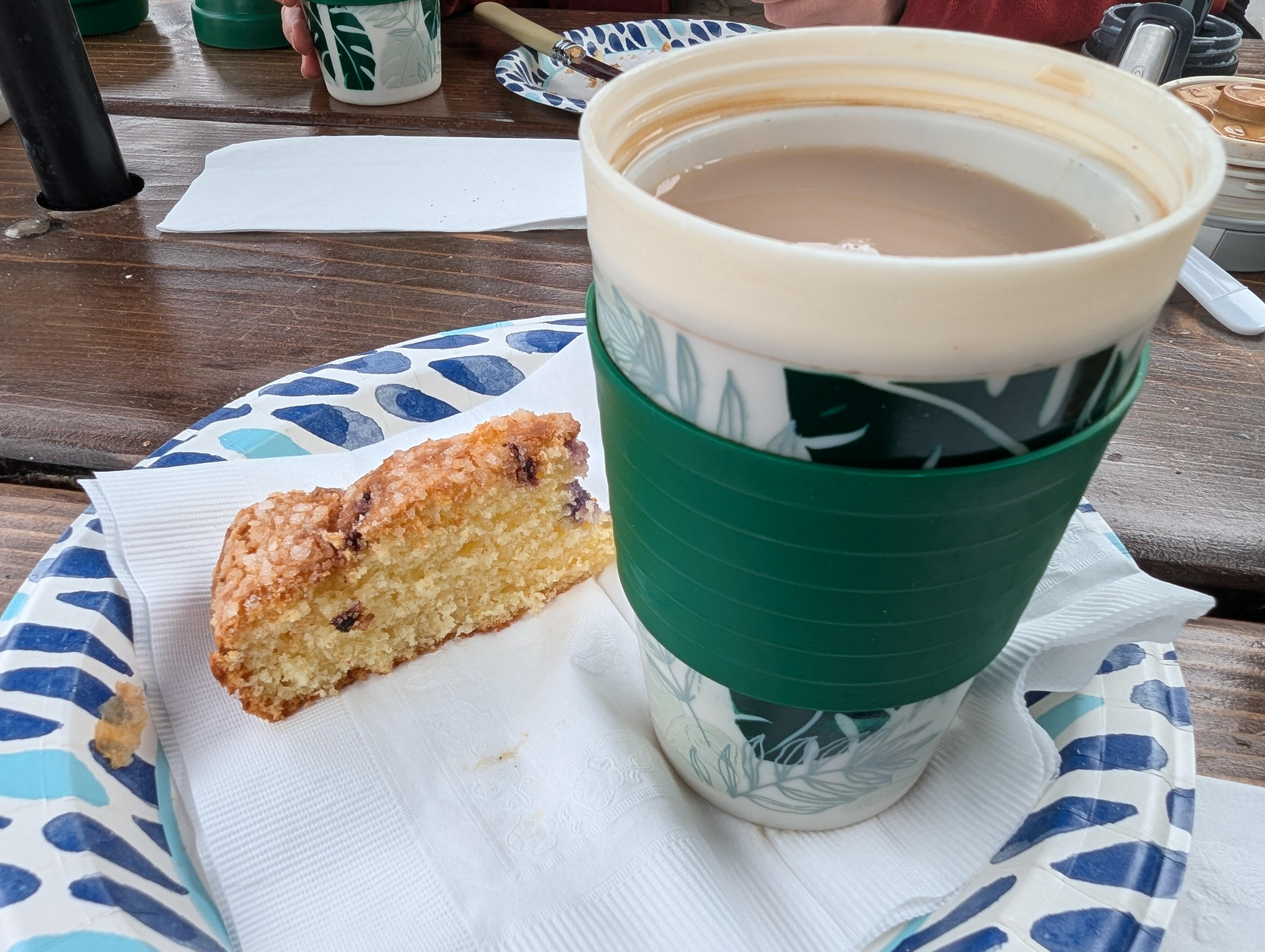
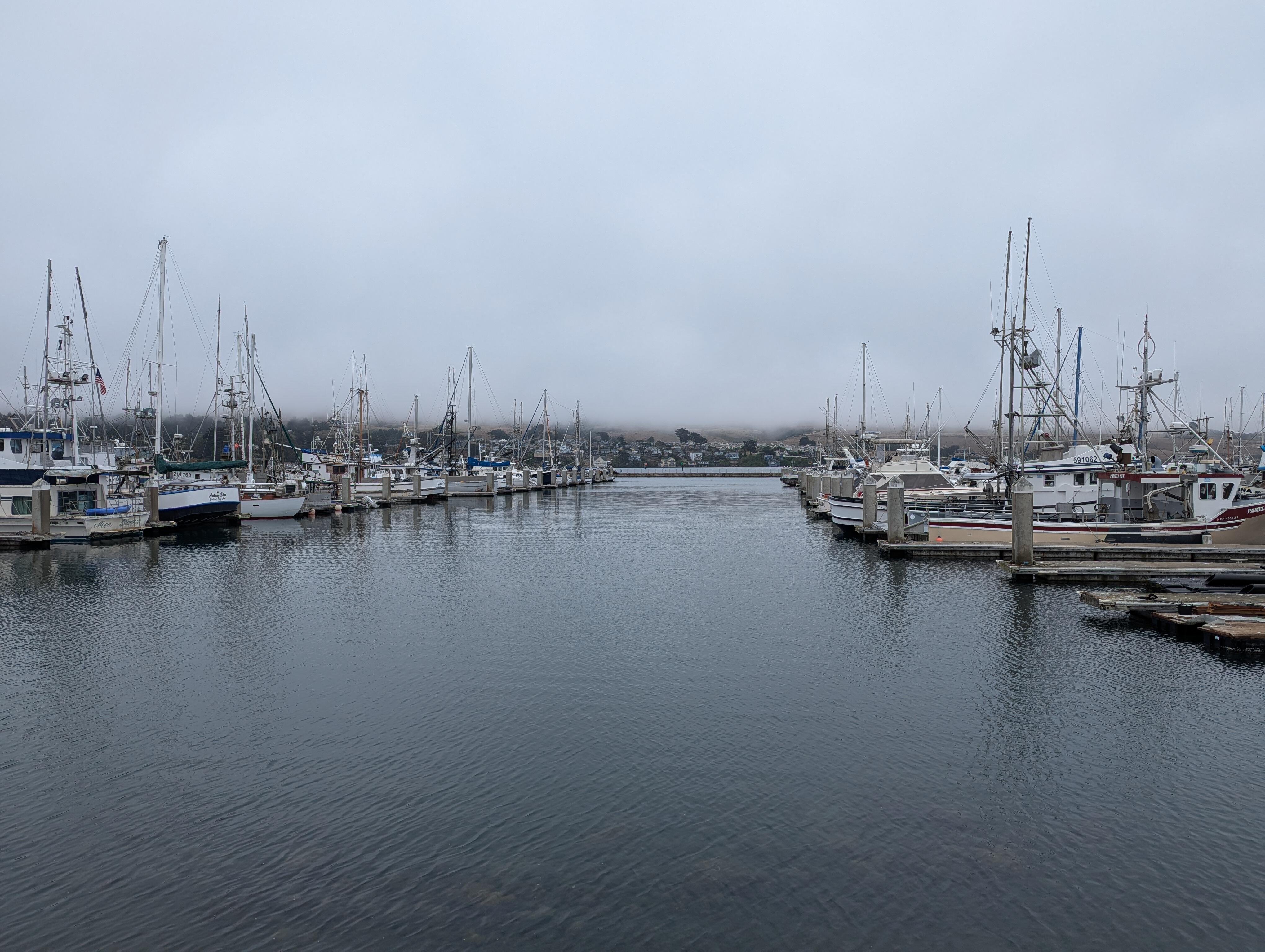
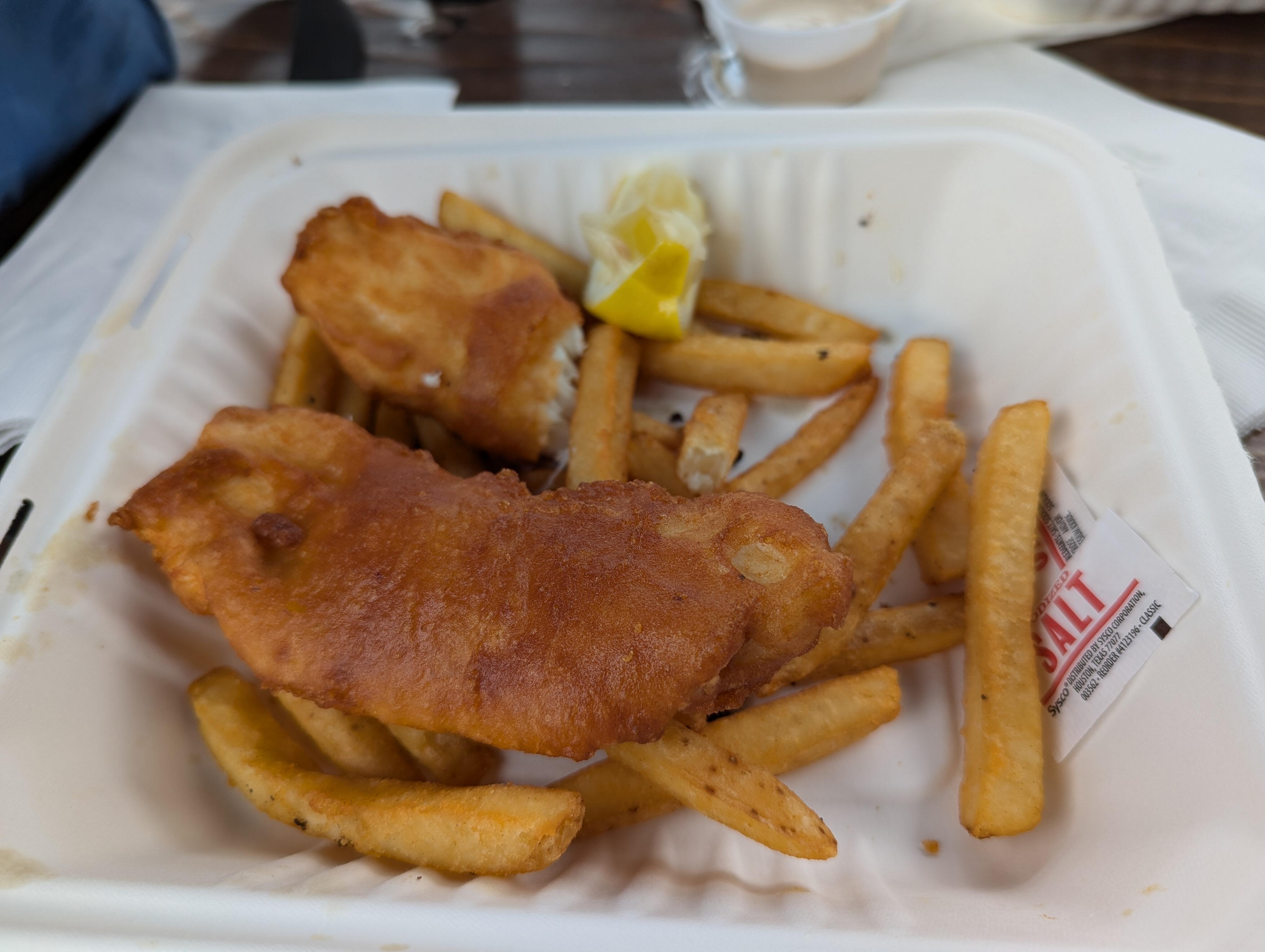
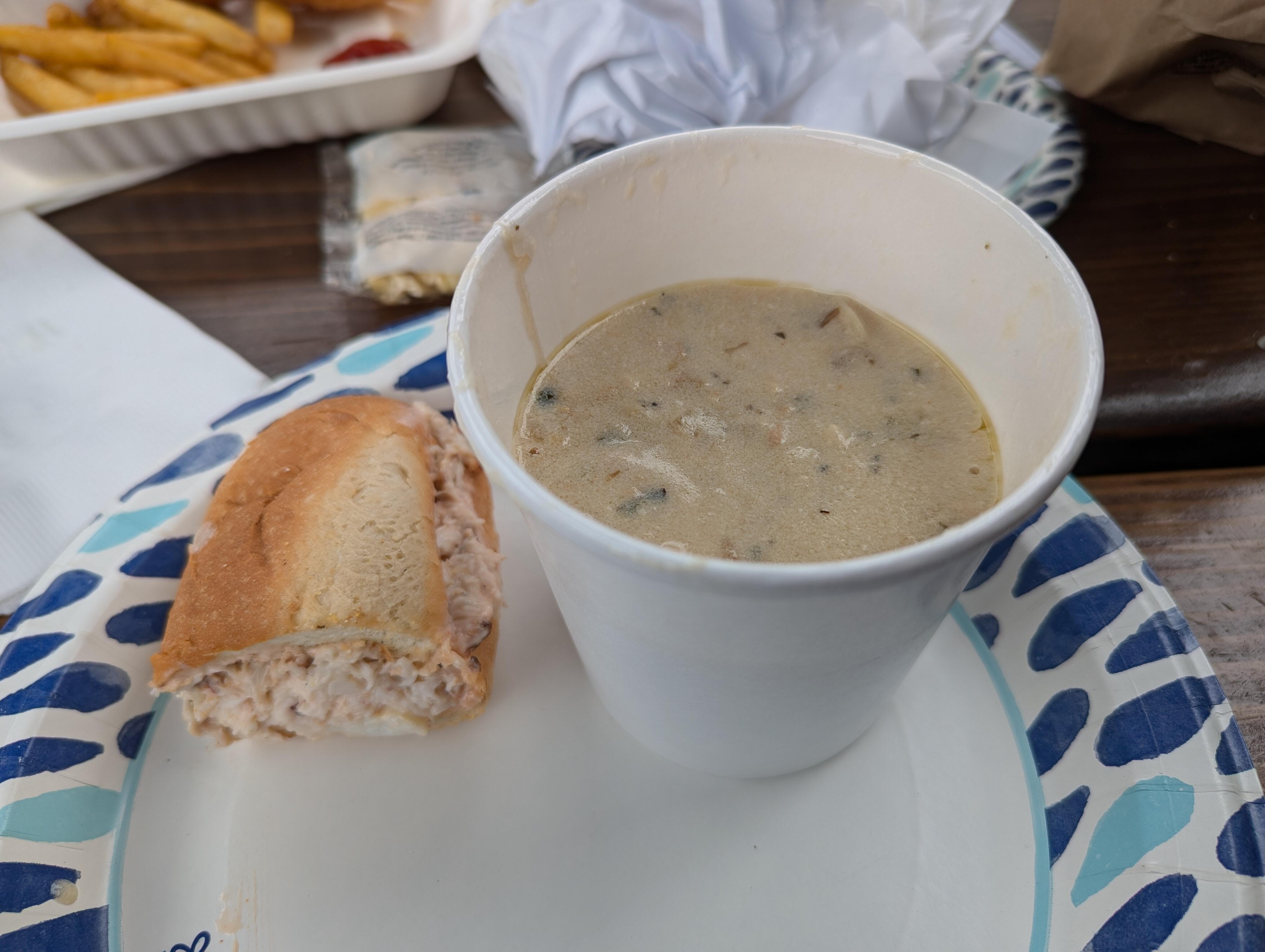
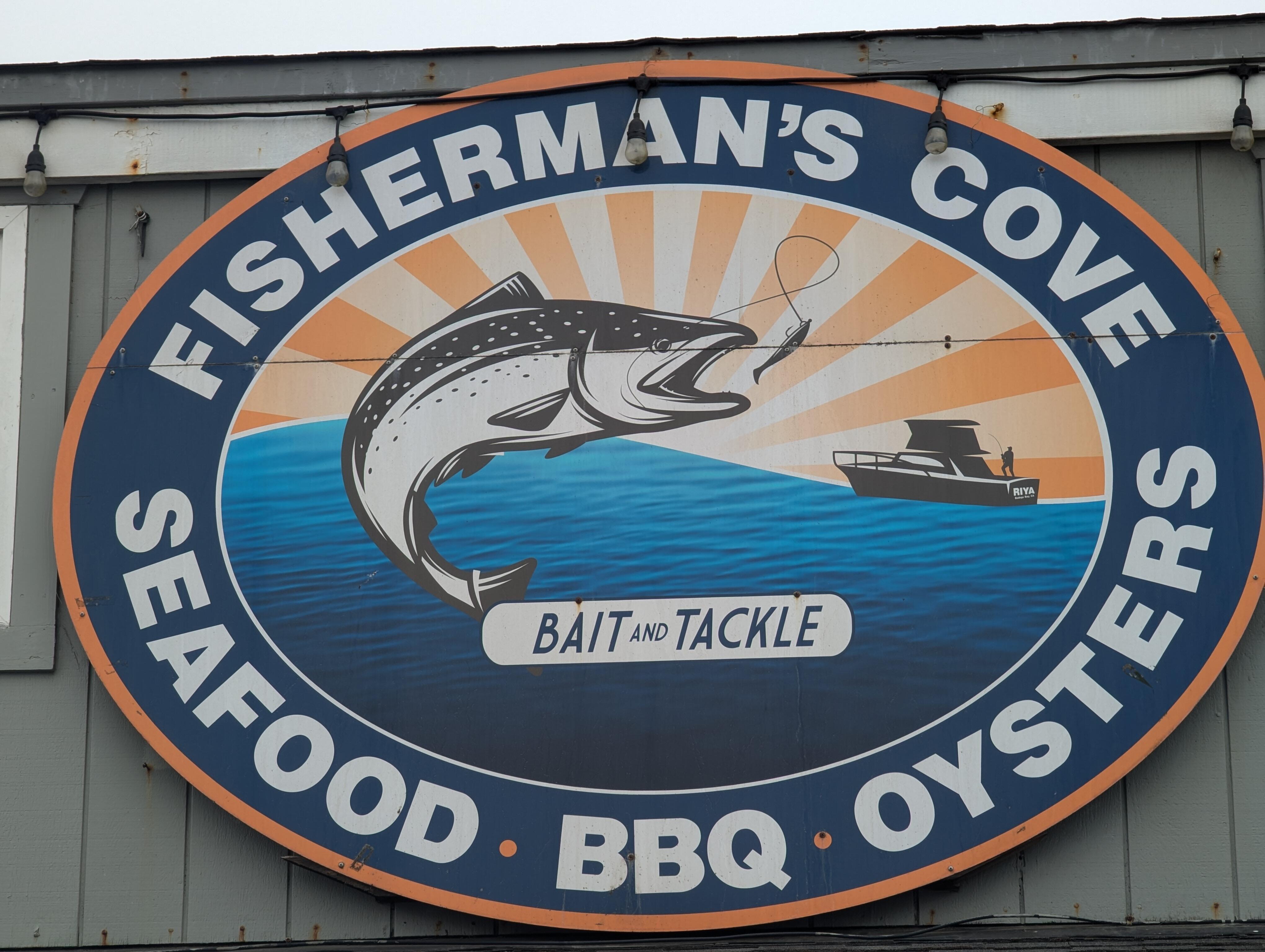
 Clam chowder and crab sandwich From Together with halibut fish and chips (and not shown, garlic bread) From In Bodega Bay, where the weather is ... so the obvious solution is, (A nice cup of) tea and a slice (of lemon berry cake)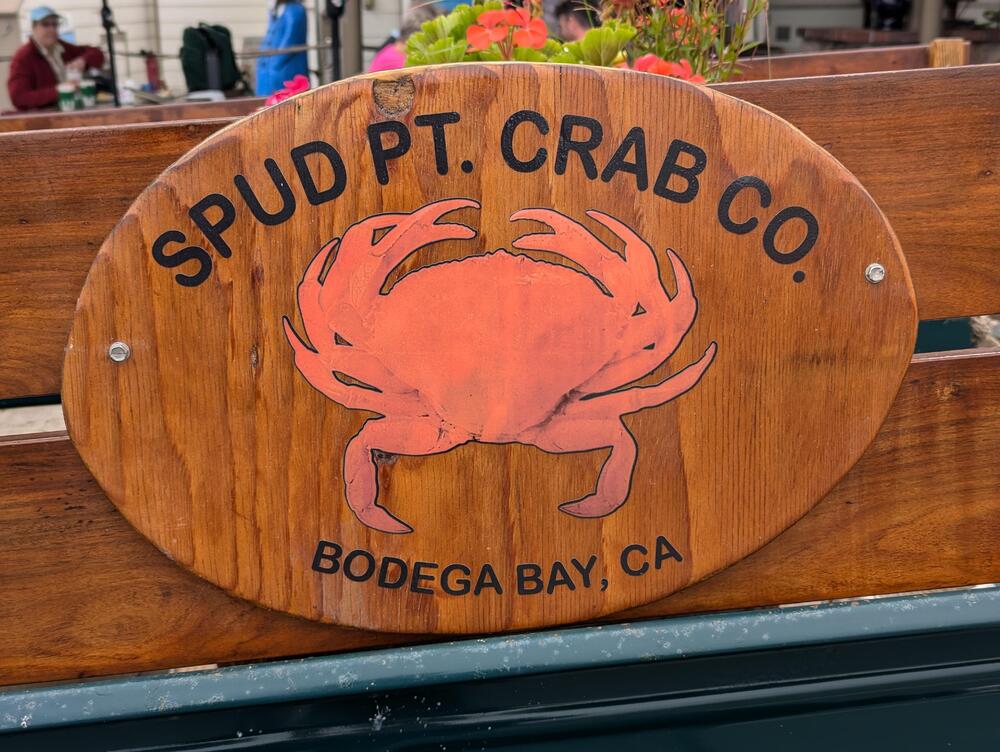
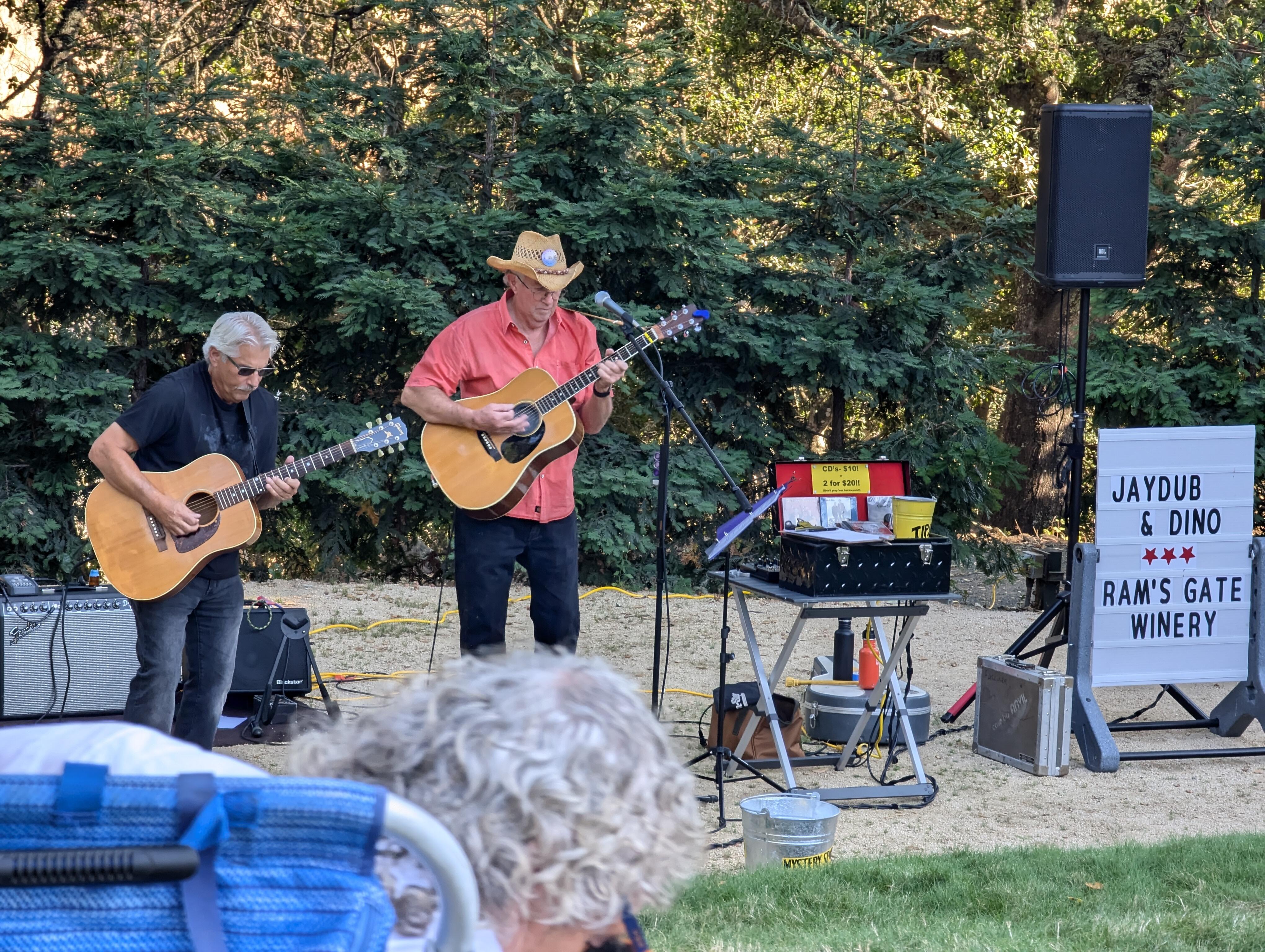
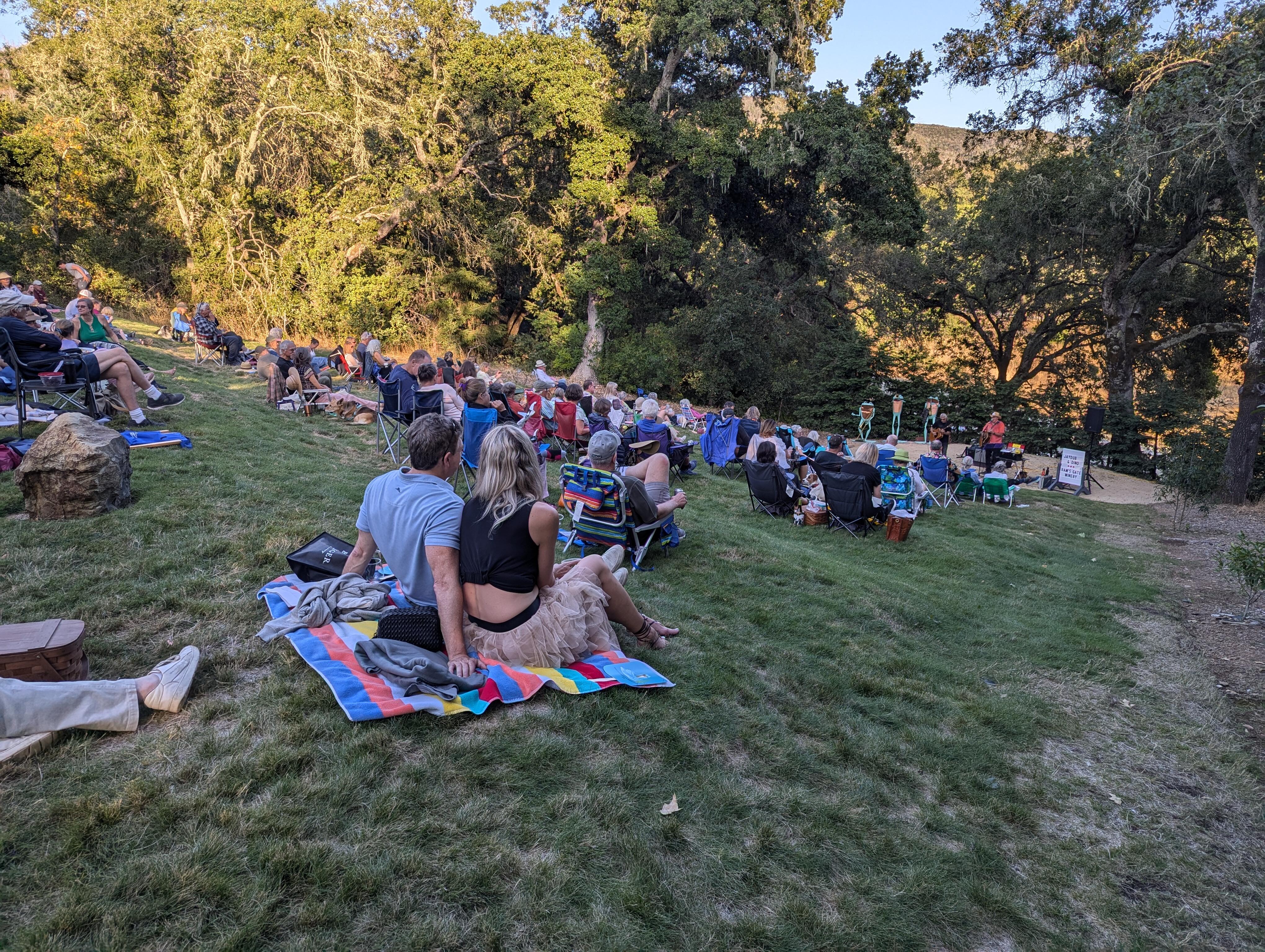
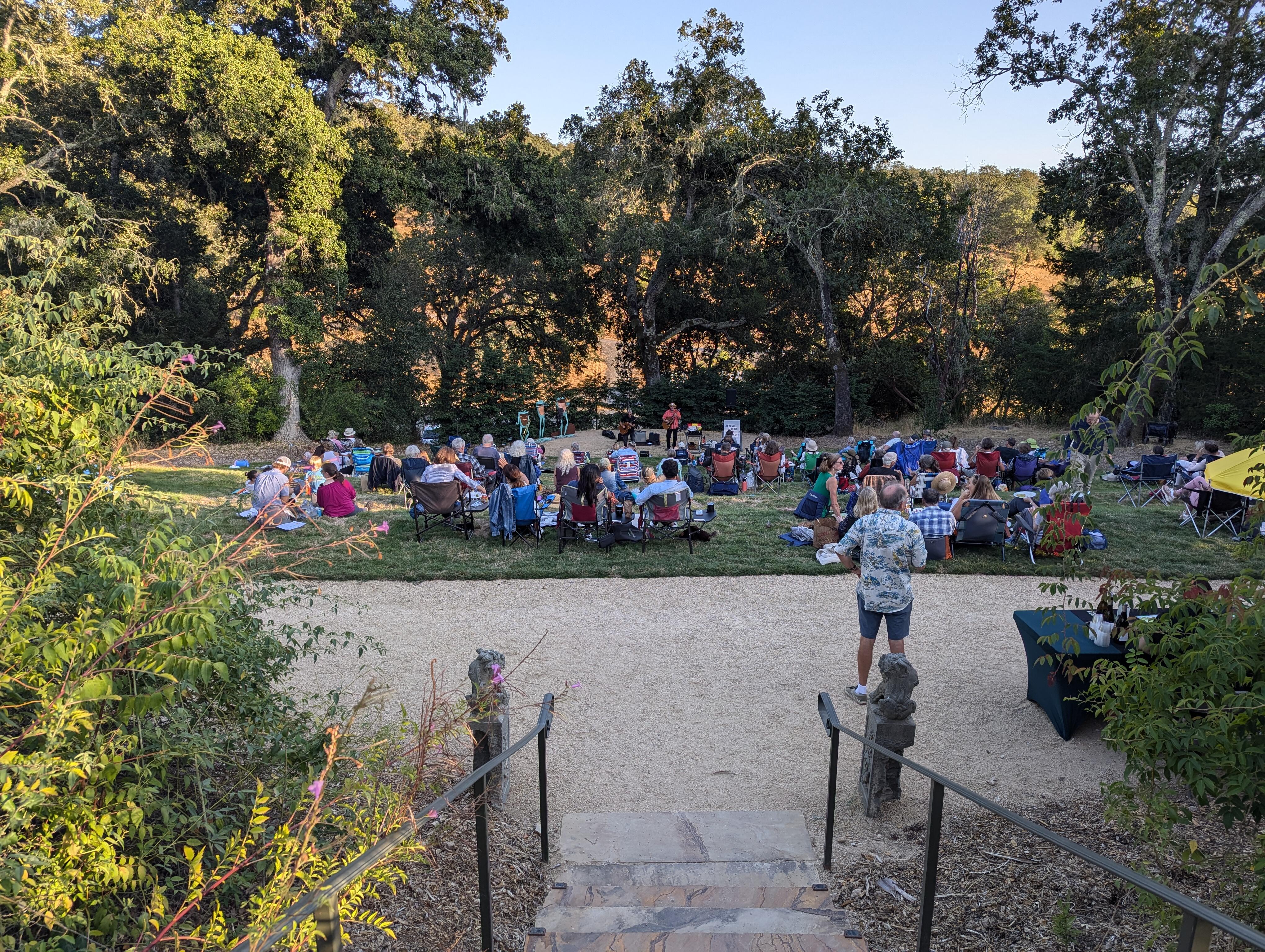
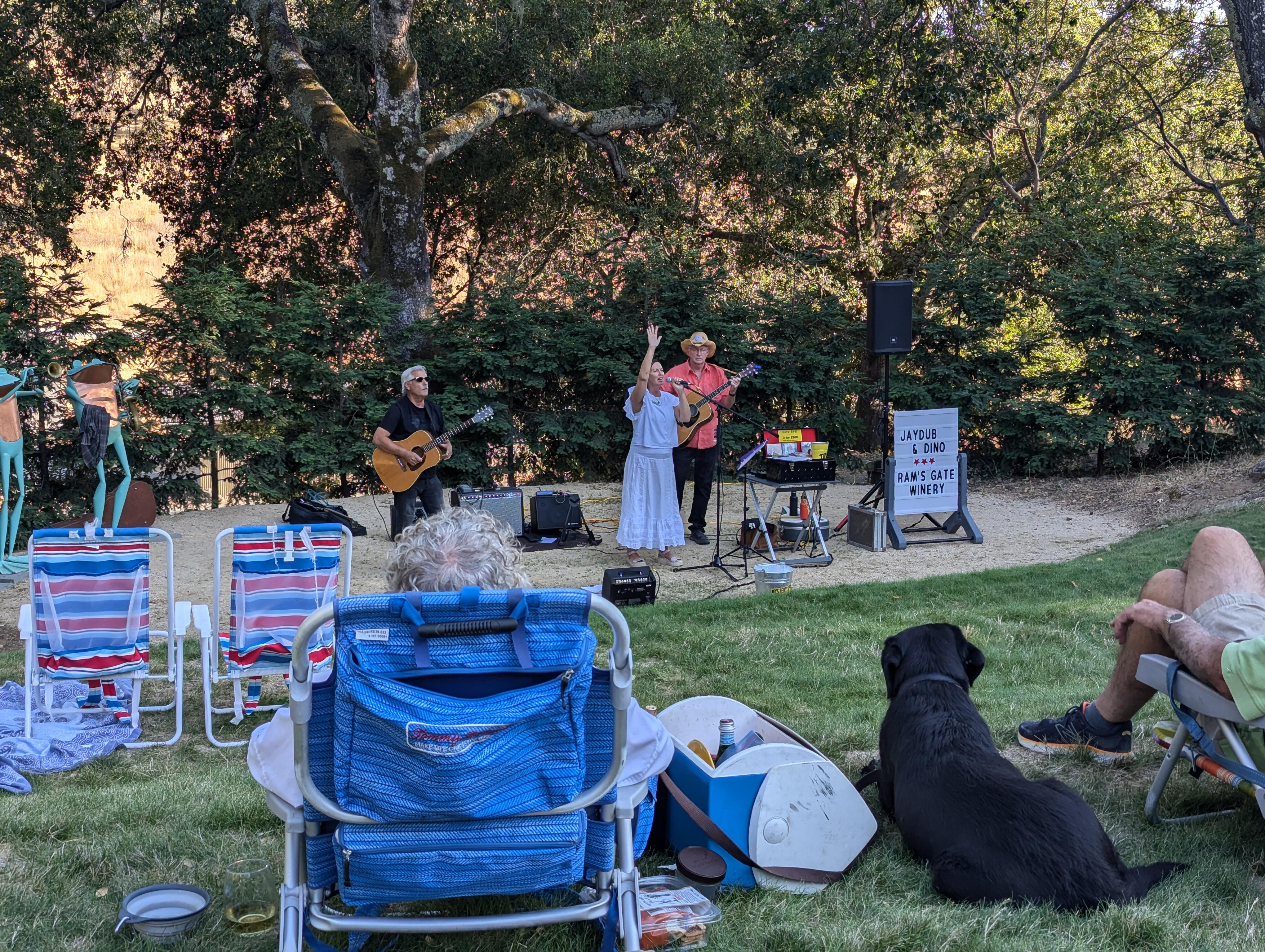
 Also speaking of which https://www.reddit.com/r/nextfuckinglevel/s/krqUzK3aJVGood Evening Sonoma Botanical Gardens JayDub & Dino are playing the SBG Amphitheater On a balmy Sonoma evening And the members of the Sonoma Botanical Garden ( and their dogs) thank you for your support. Take it away guys.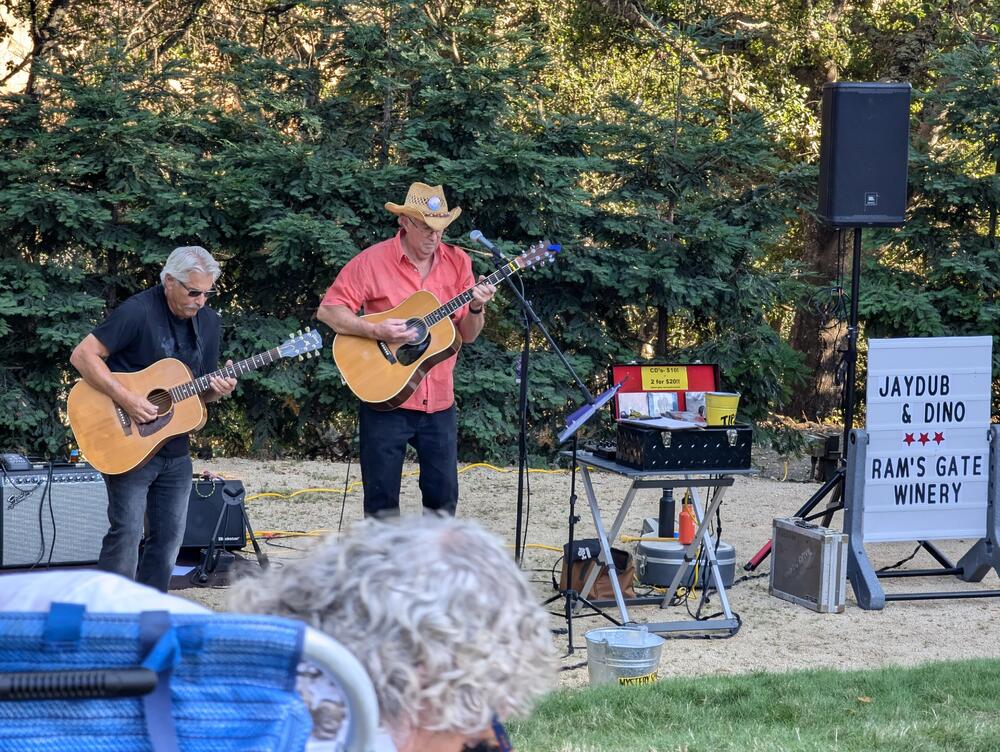
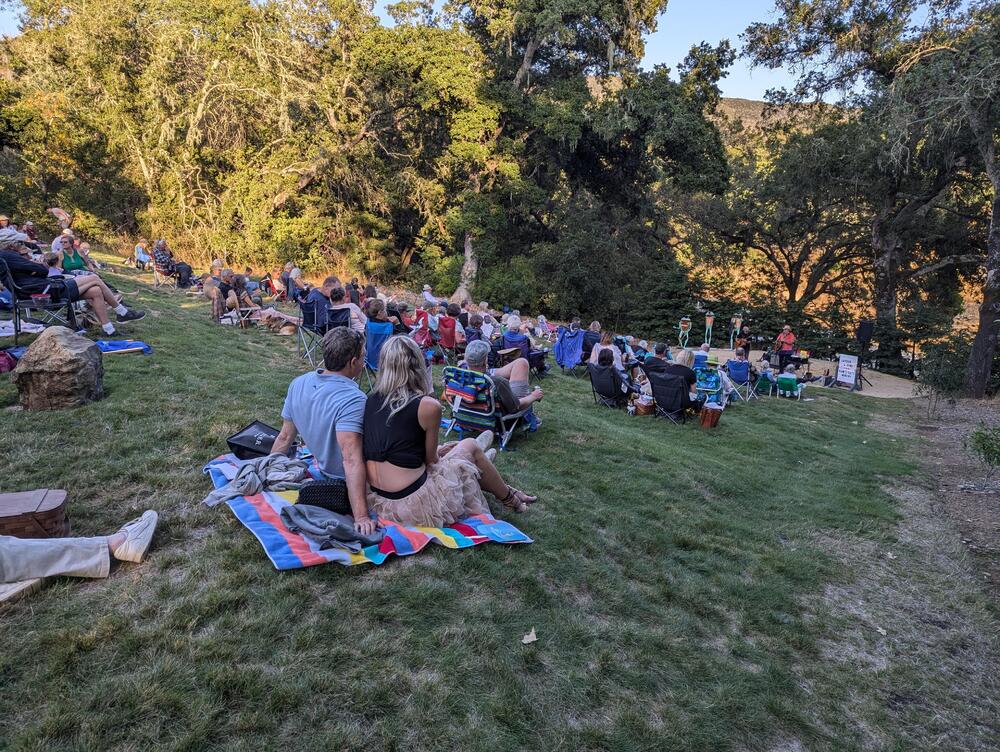
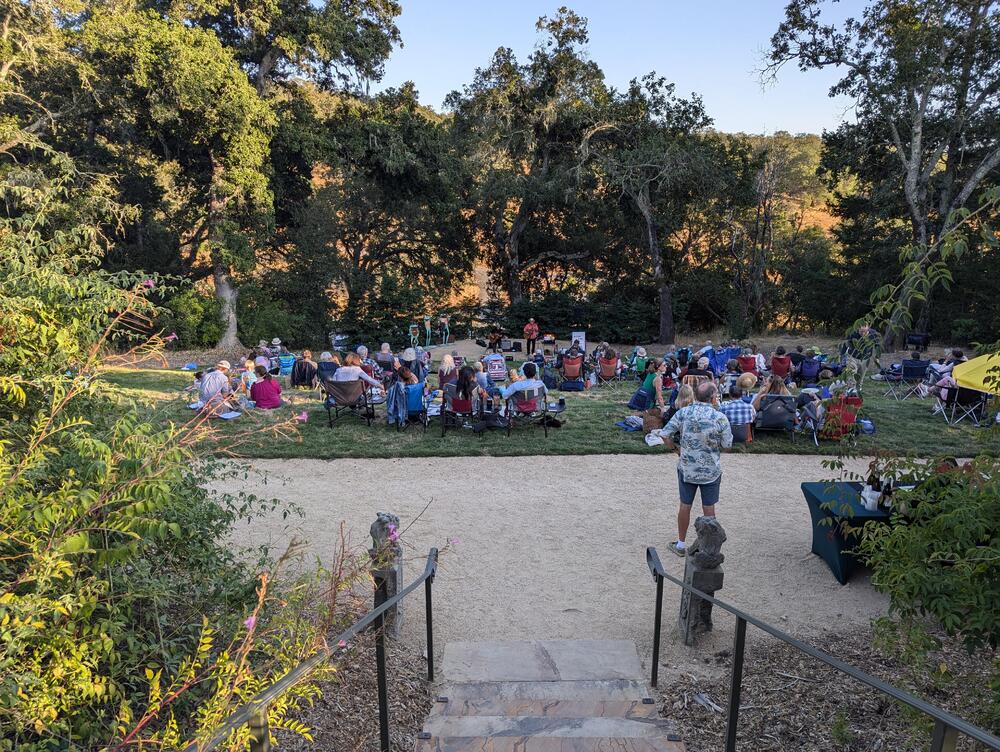
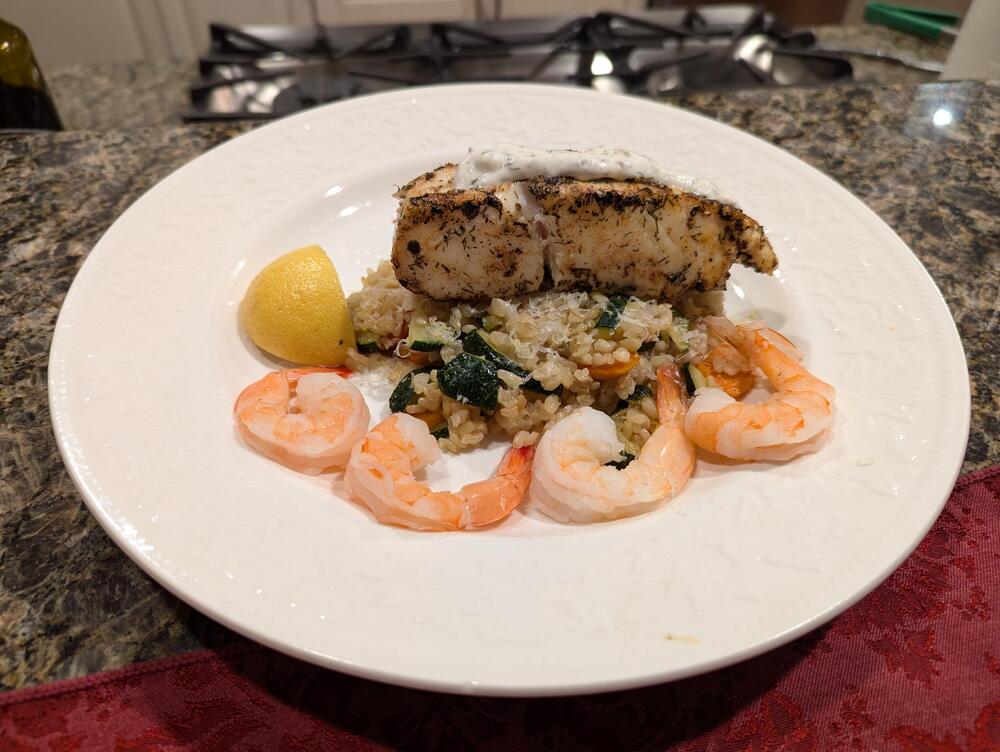
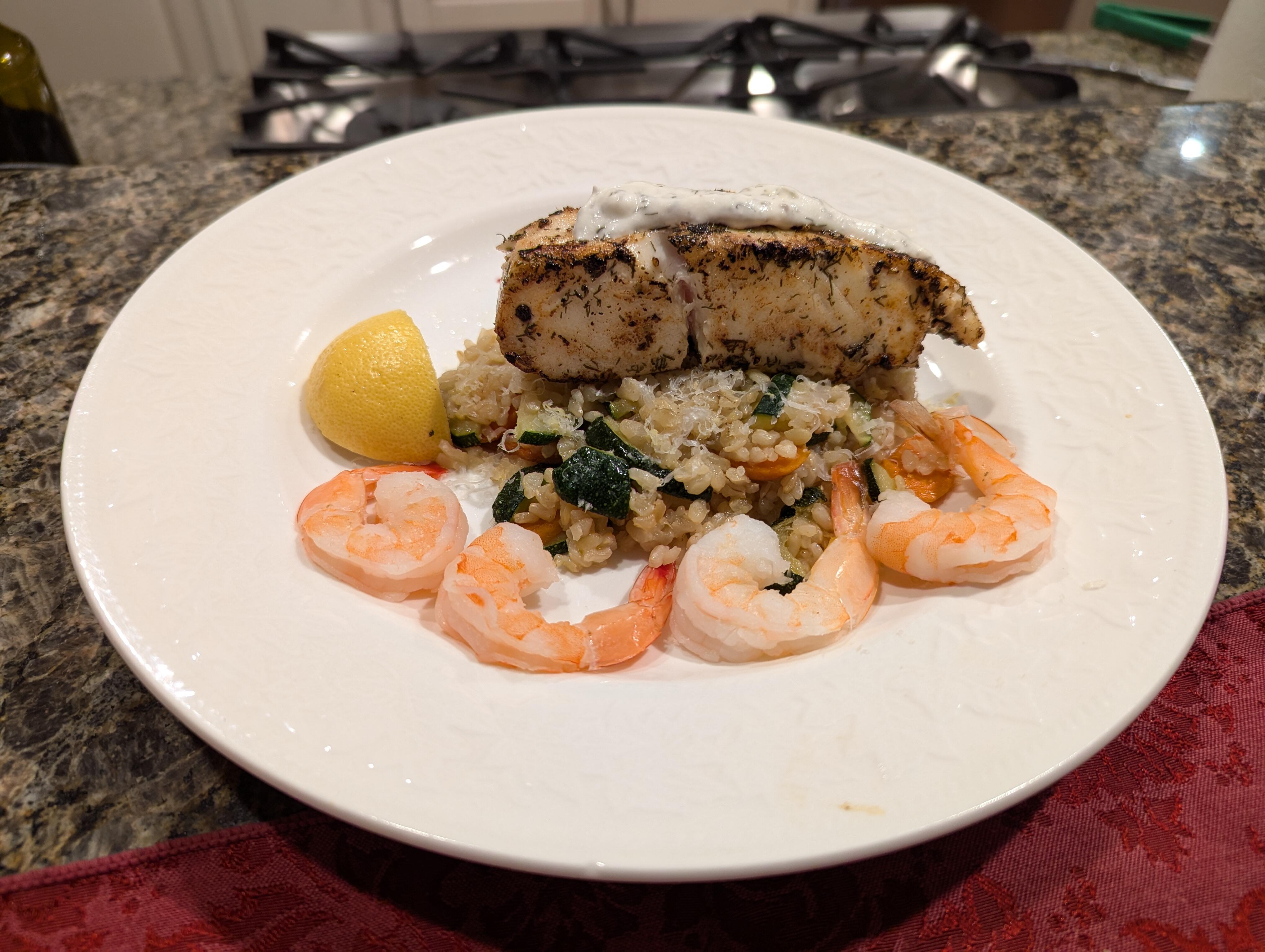
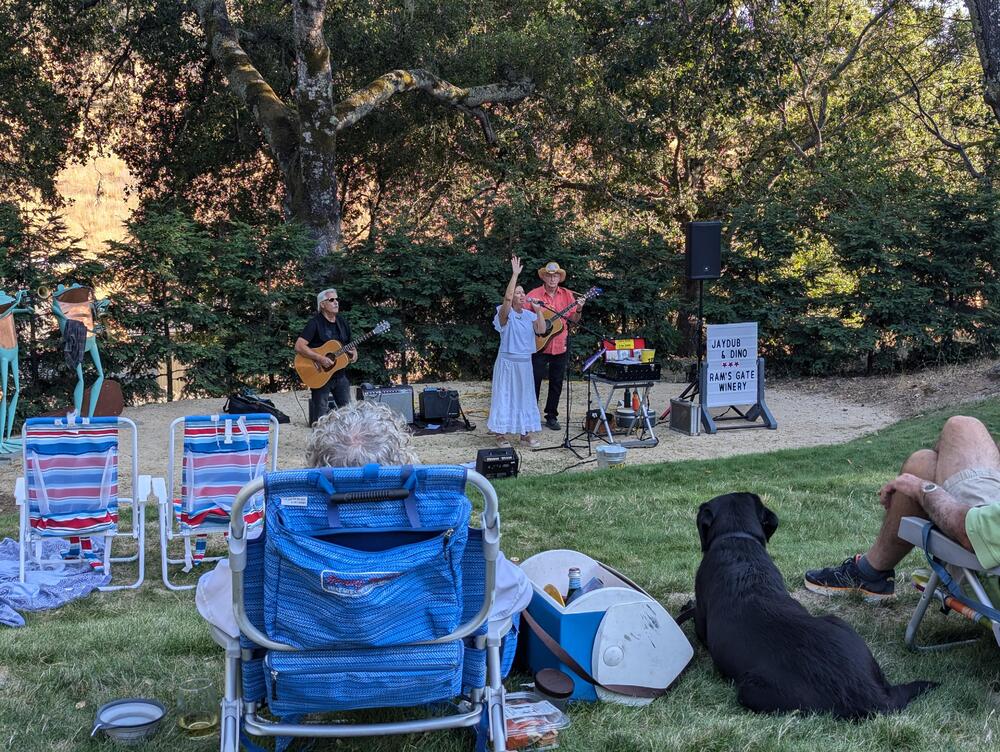 More Halibut, in Sonoma.
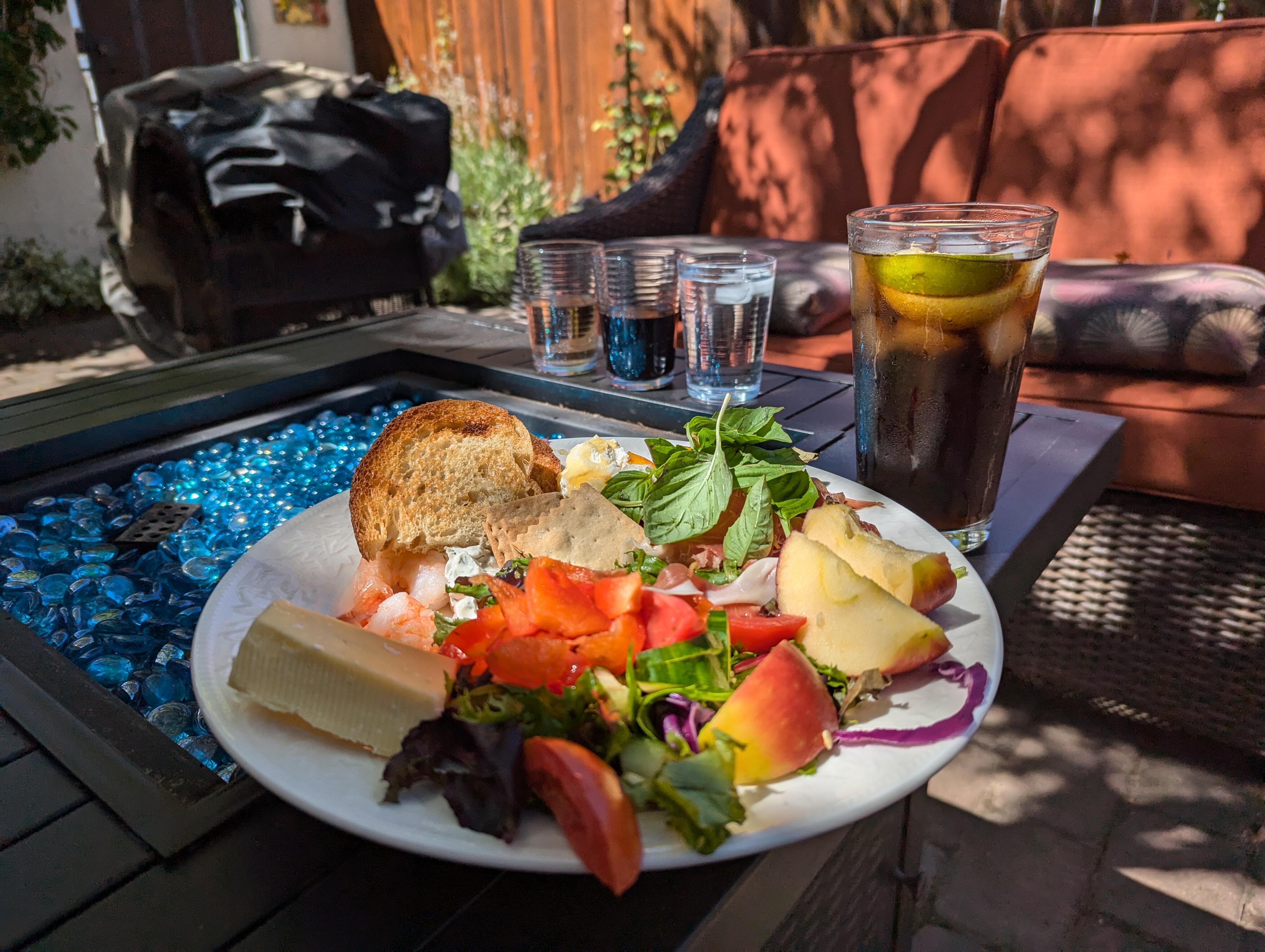
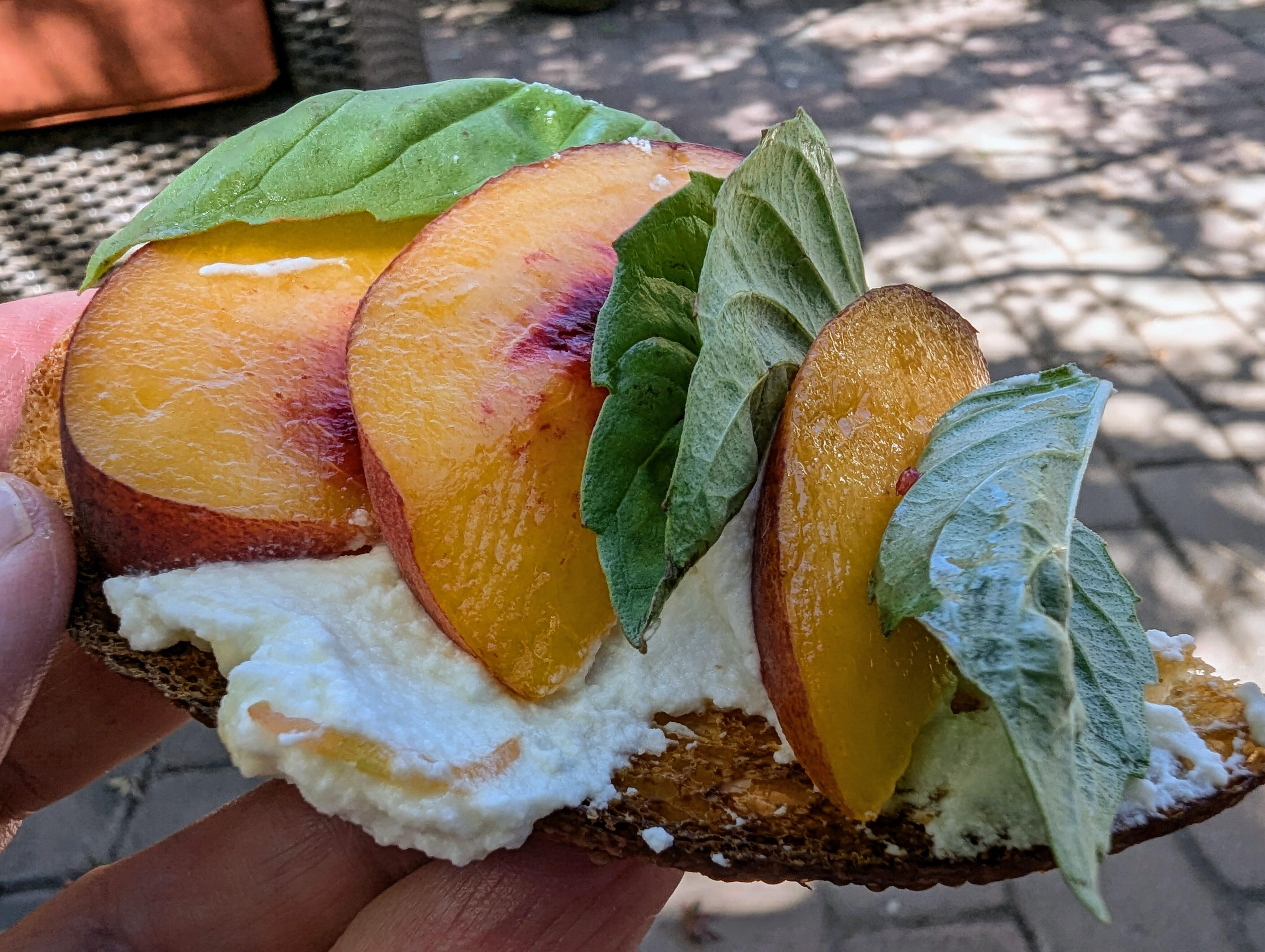
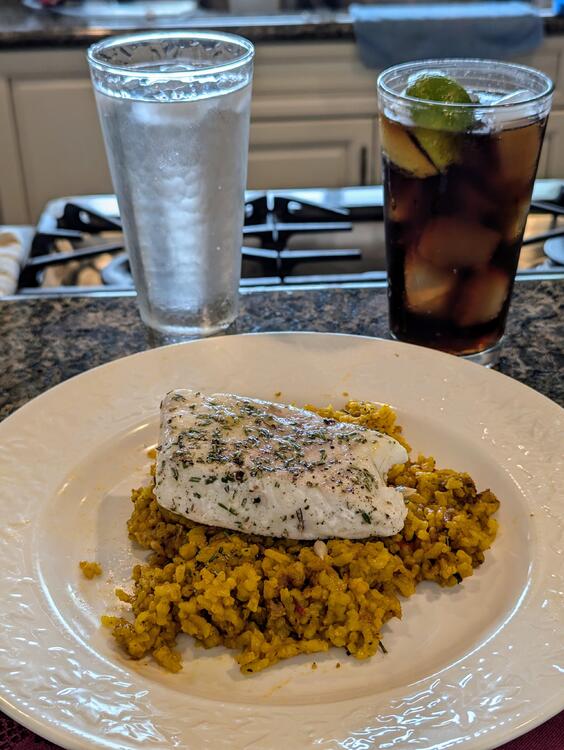 Speaking of which Thanks AI?Sonoma Sampler Including self assembly dessert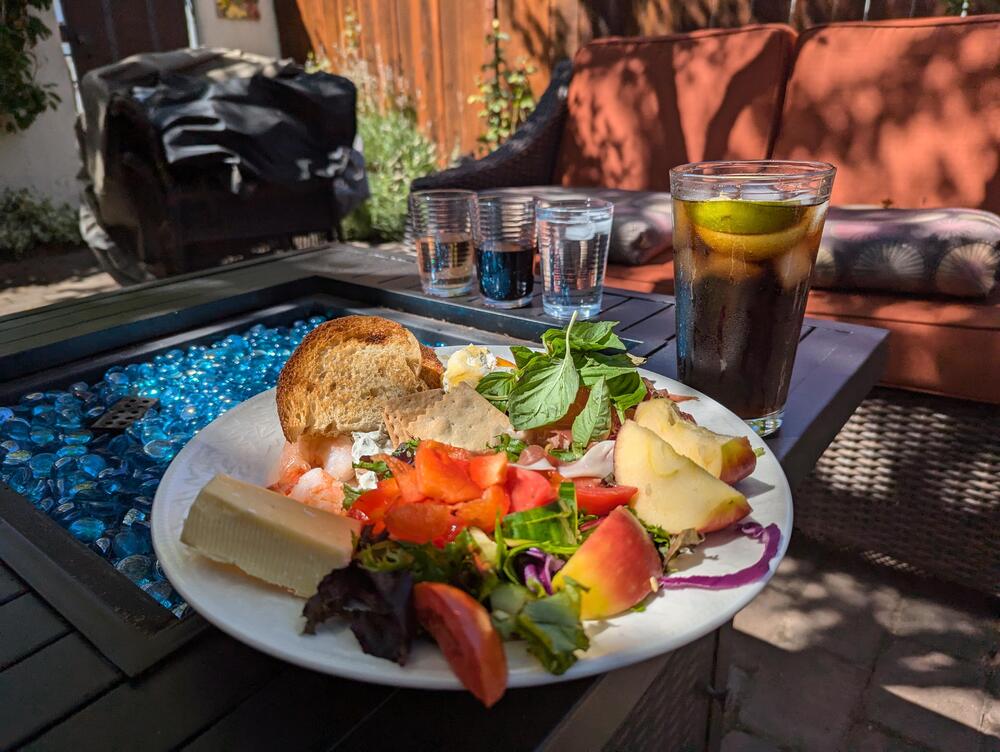
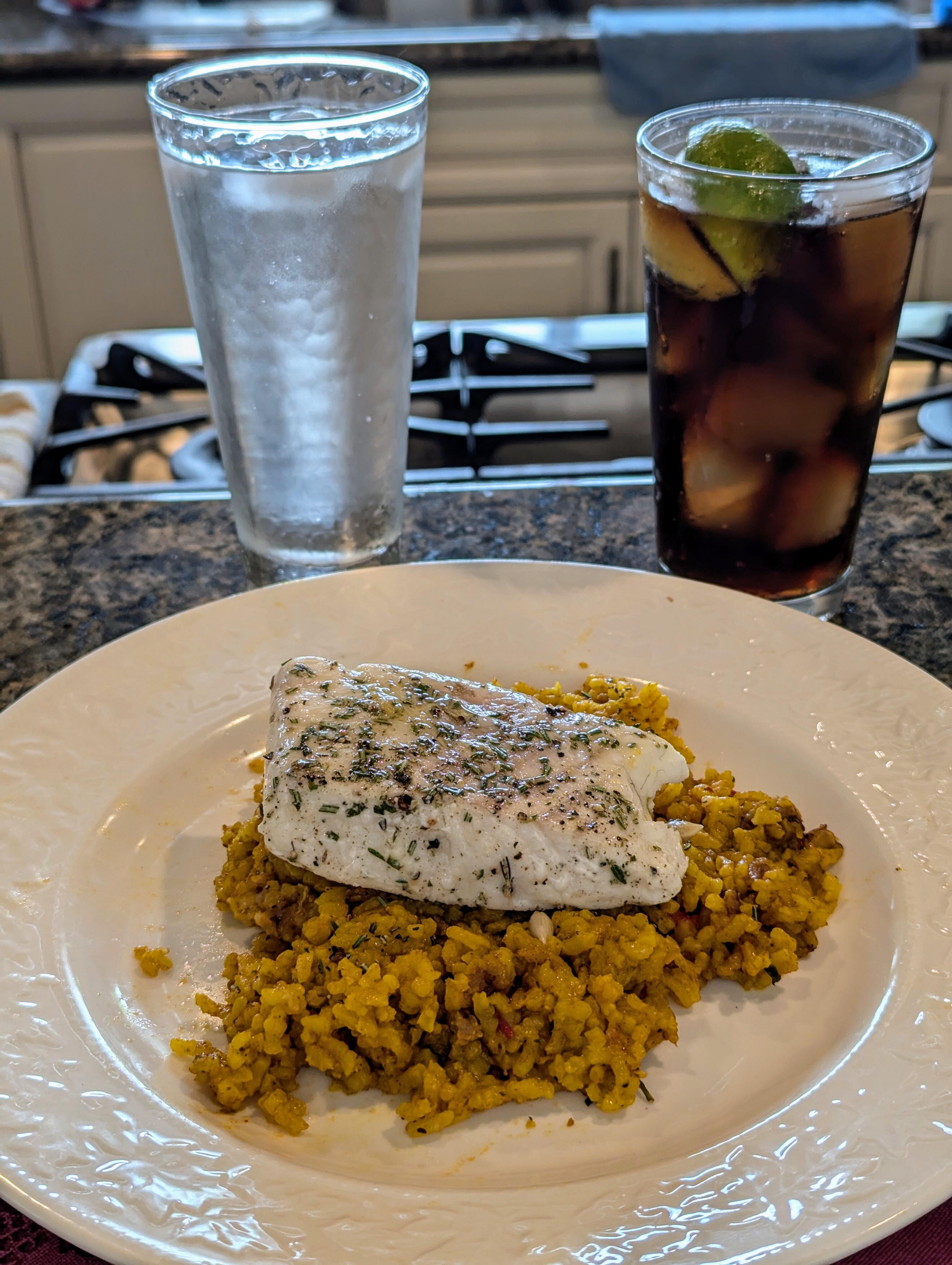
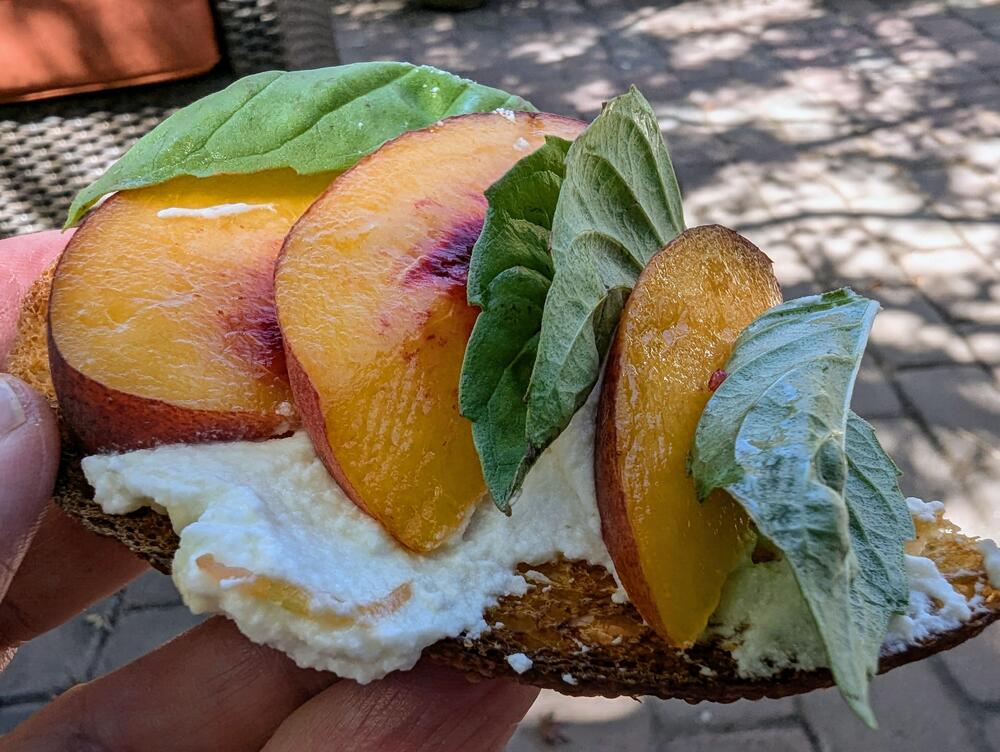 Halibut, in Sonoma.
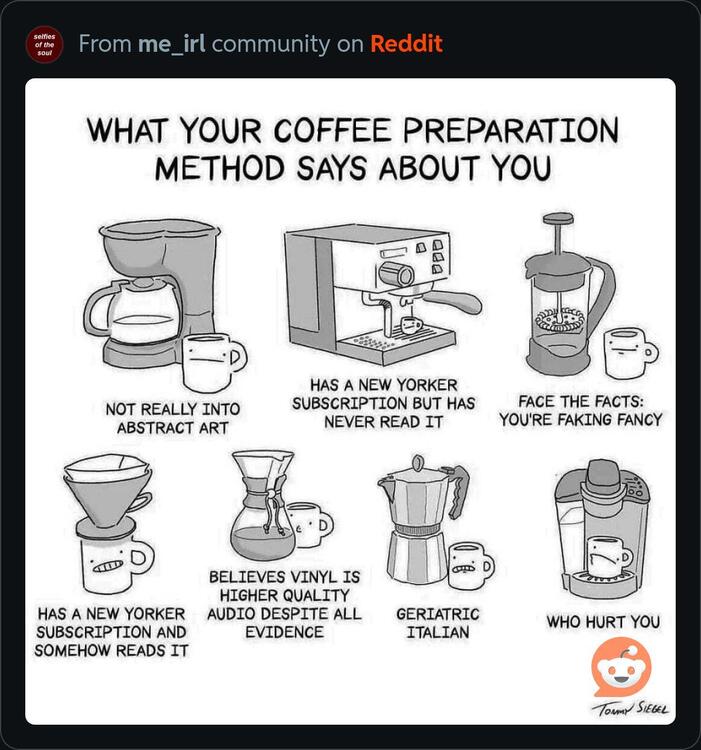
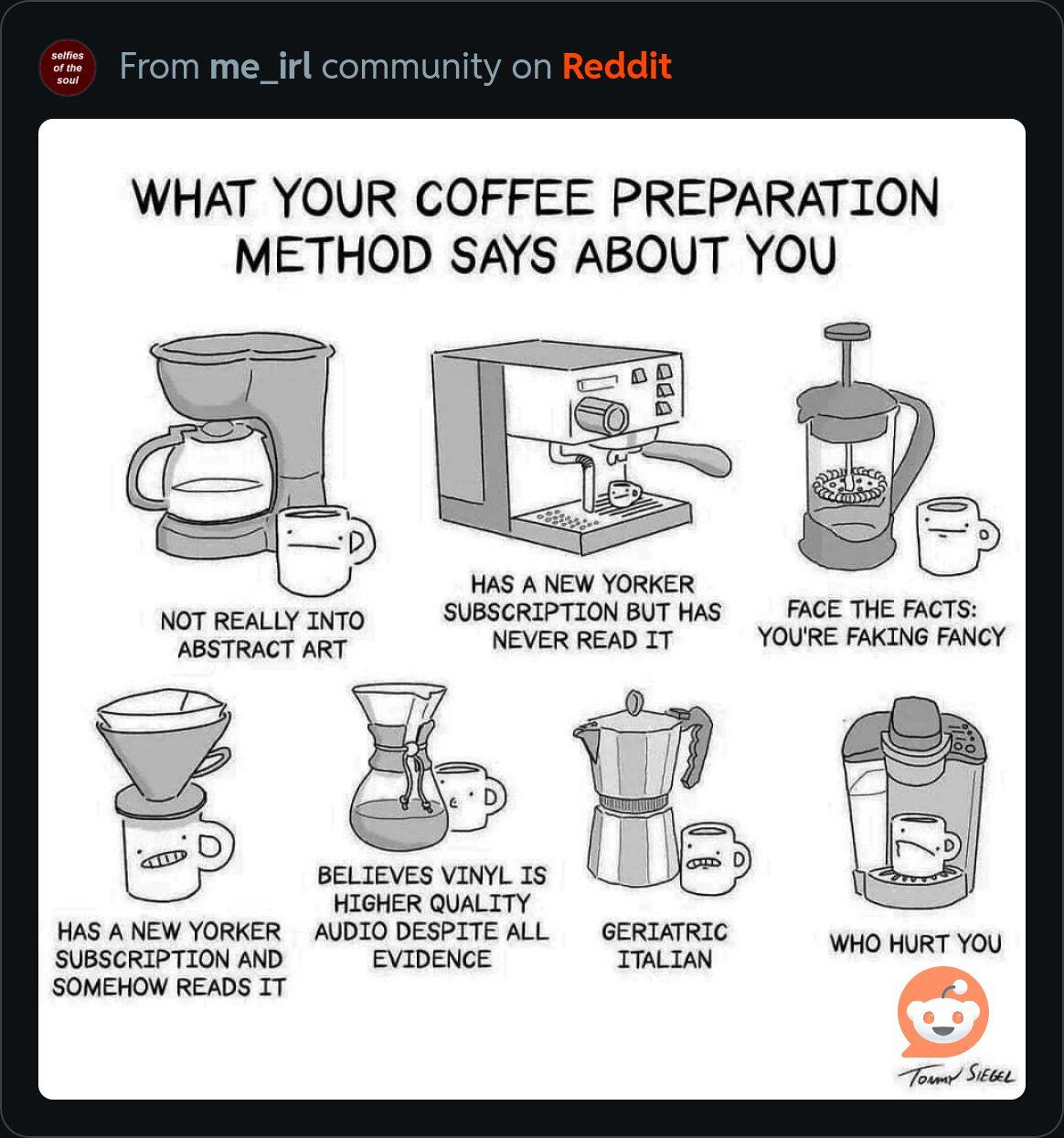
 And barista's to go with it?https://www.reddit.com/r/me_irl/s/6f7ZTjROYH
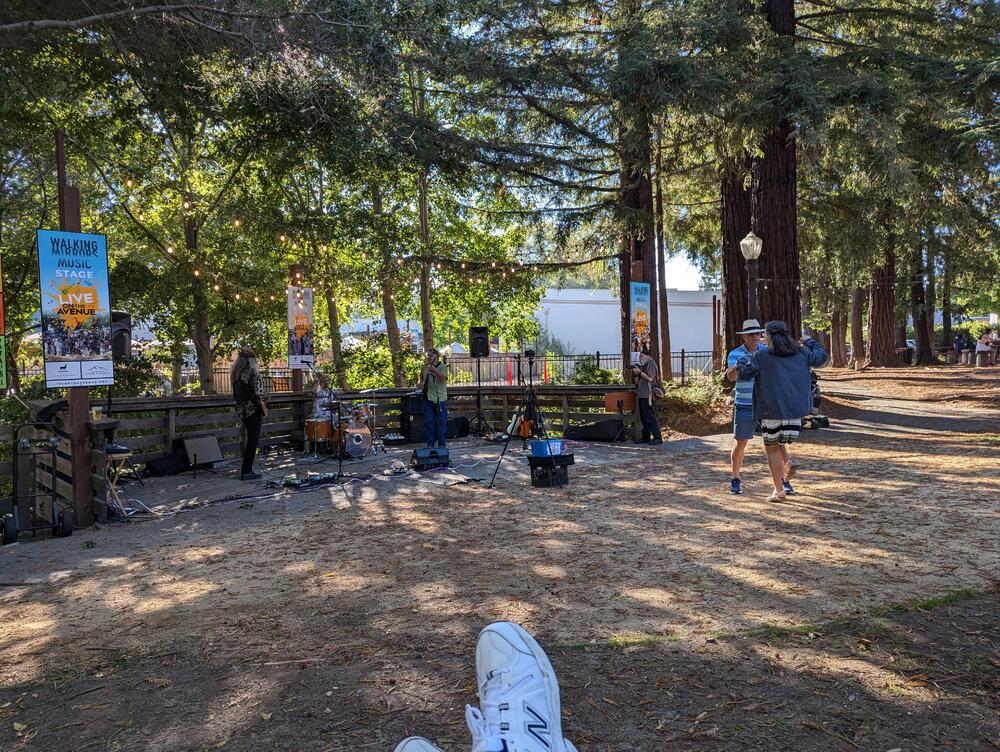
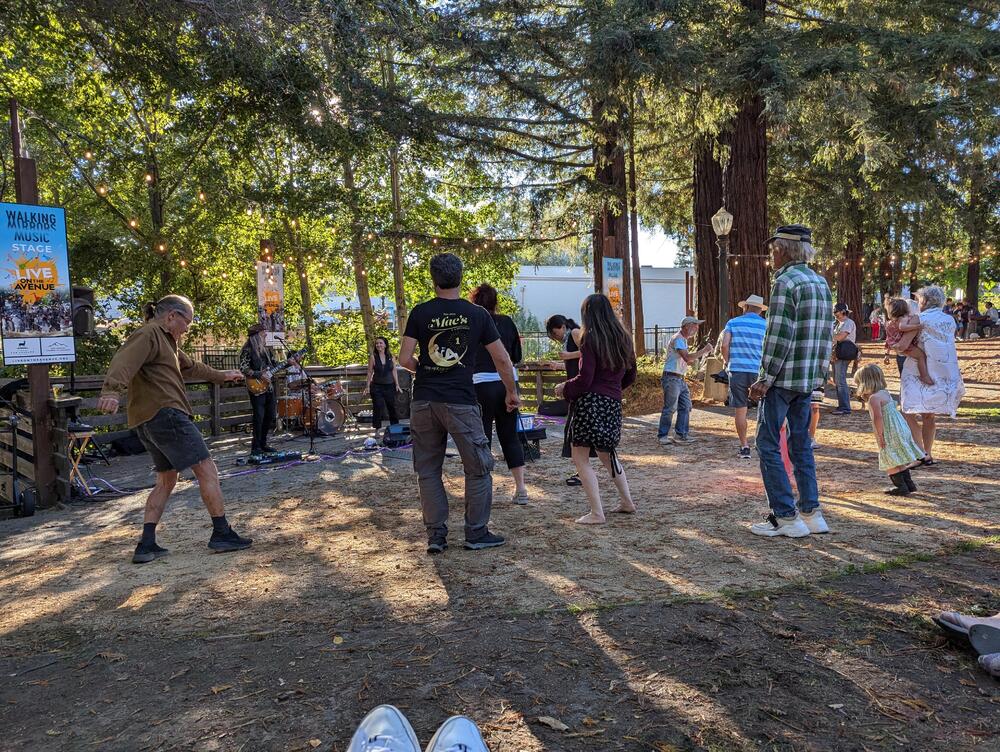
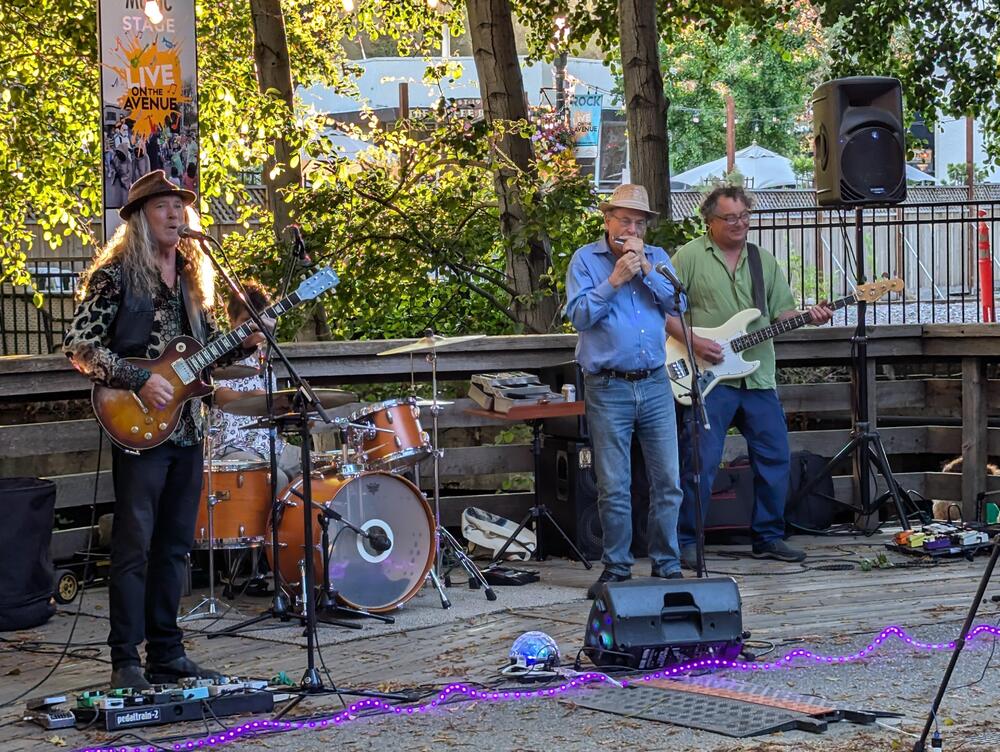
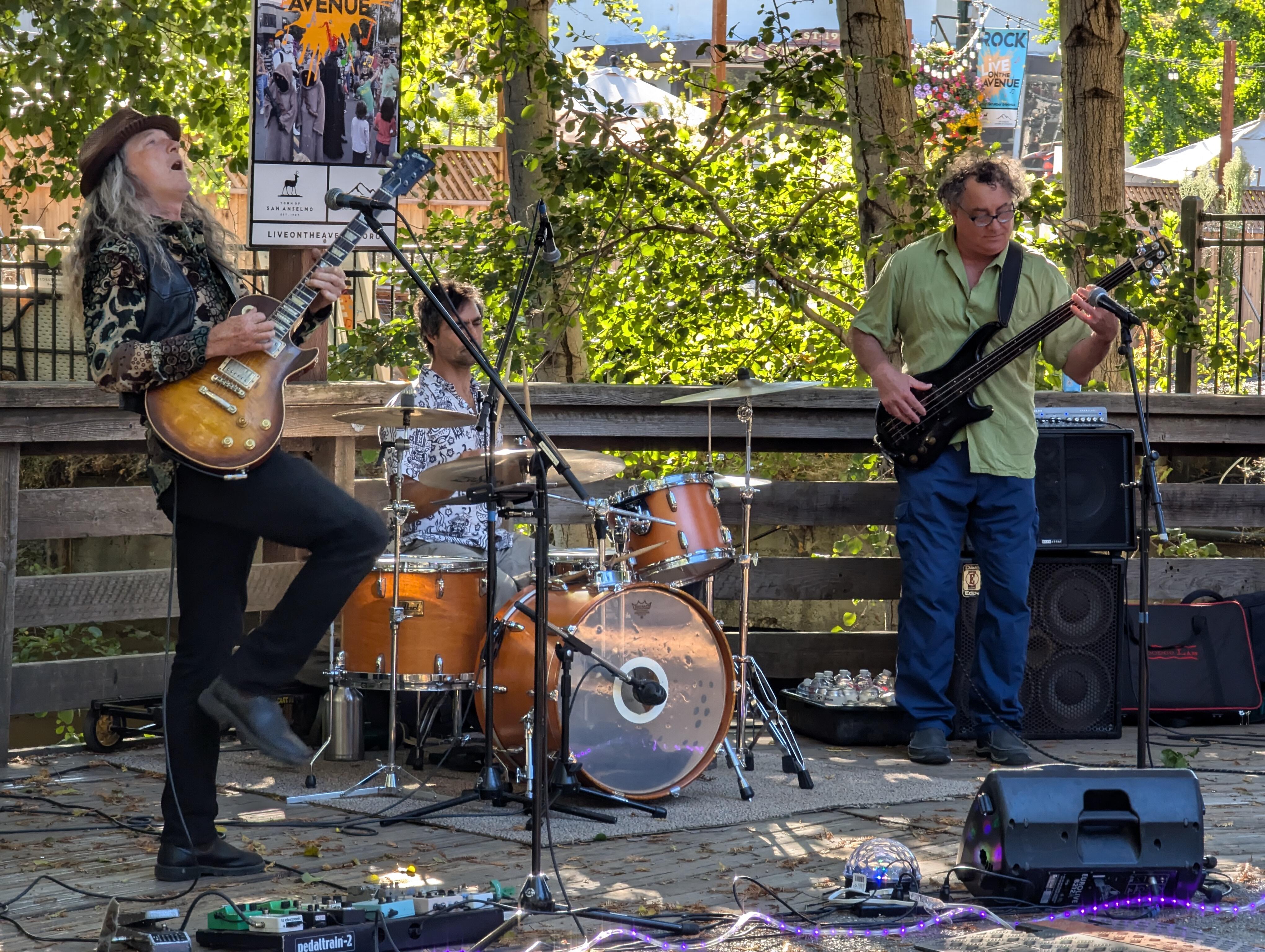
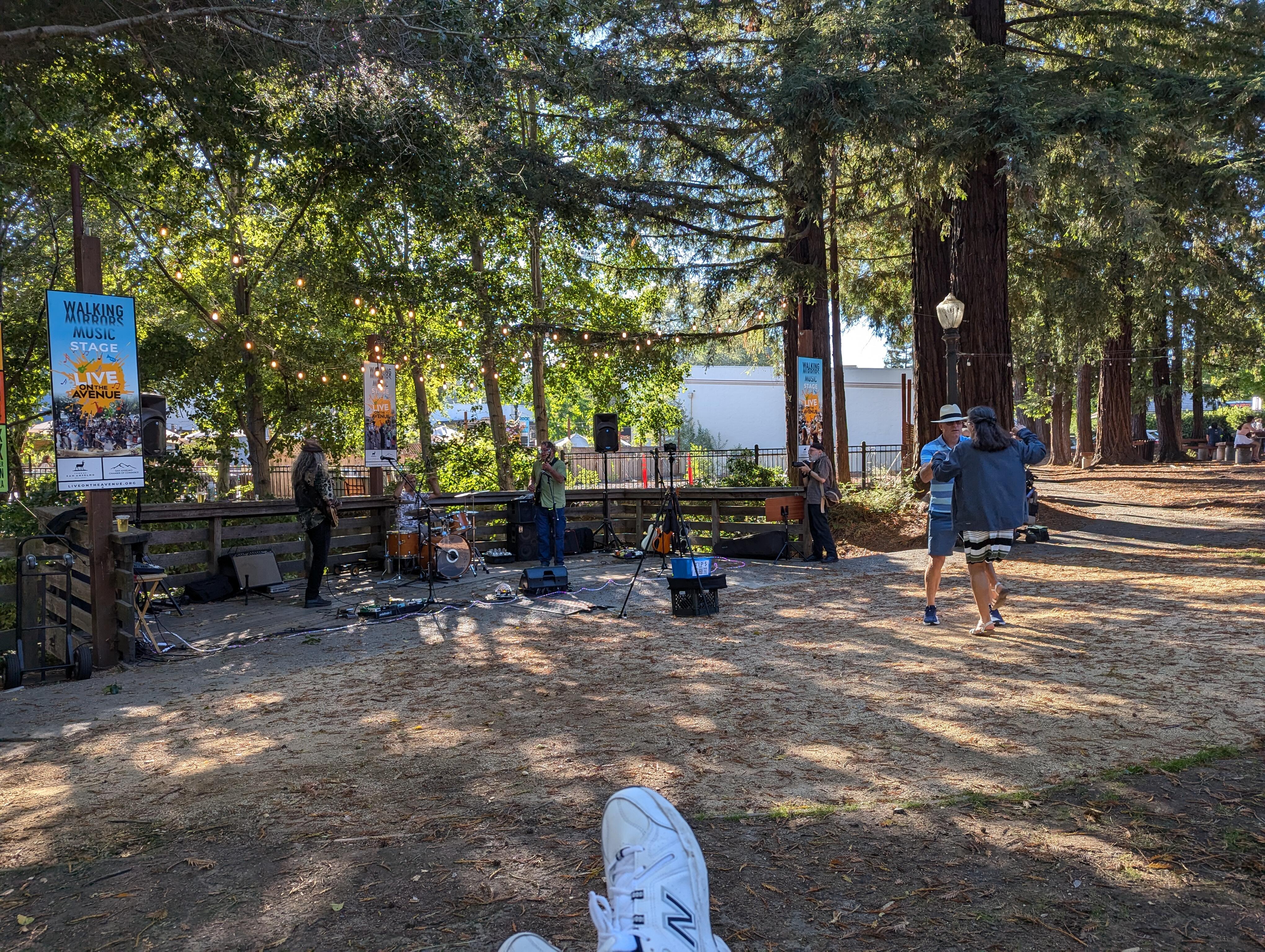
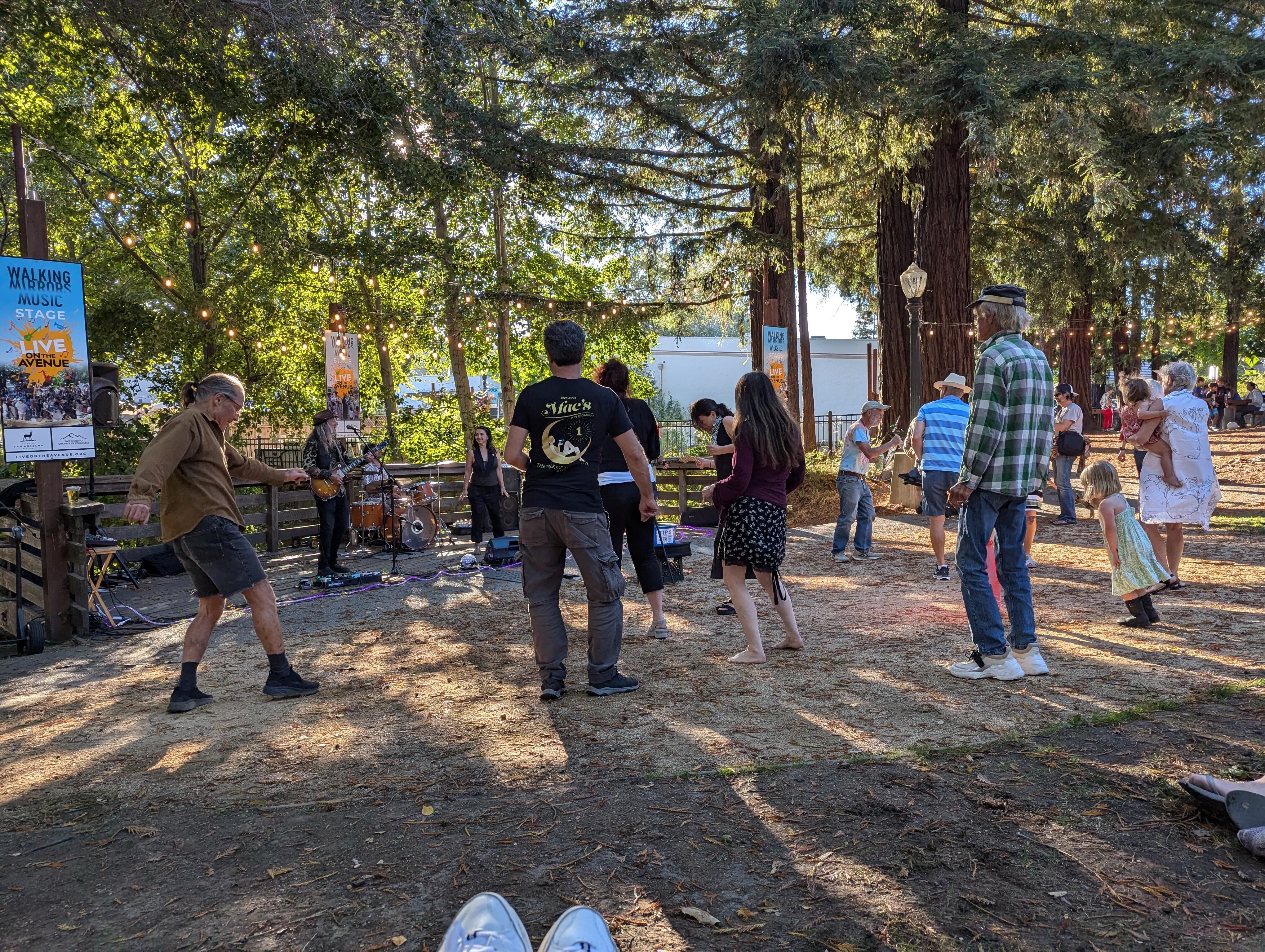
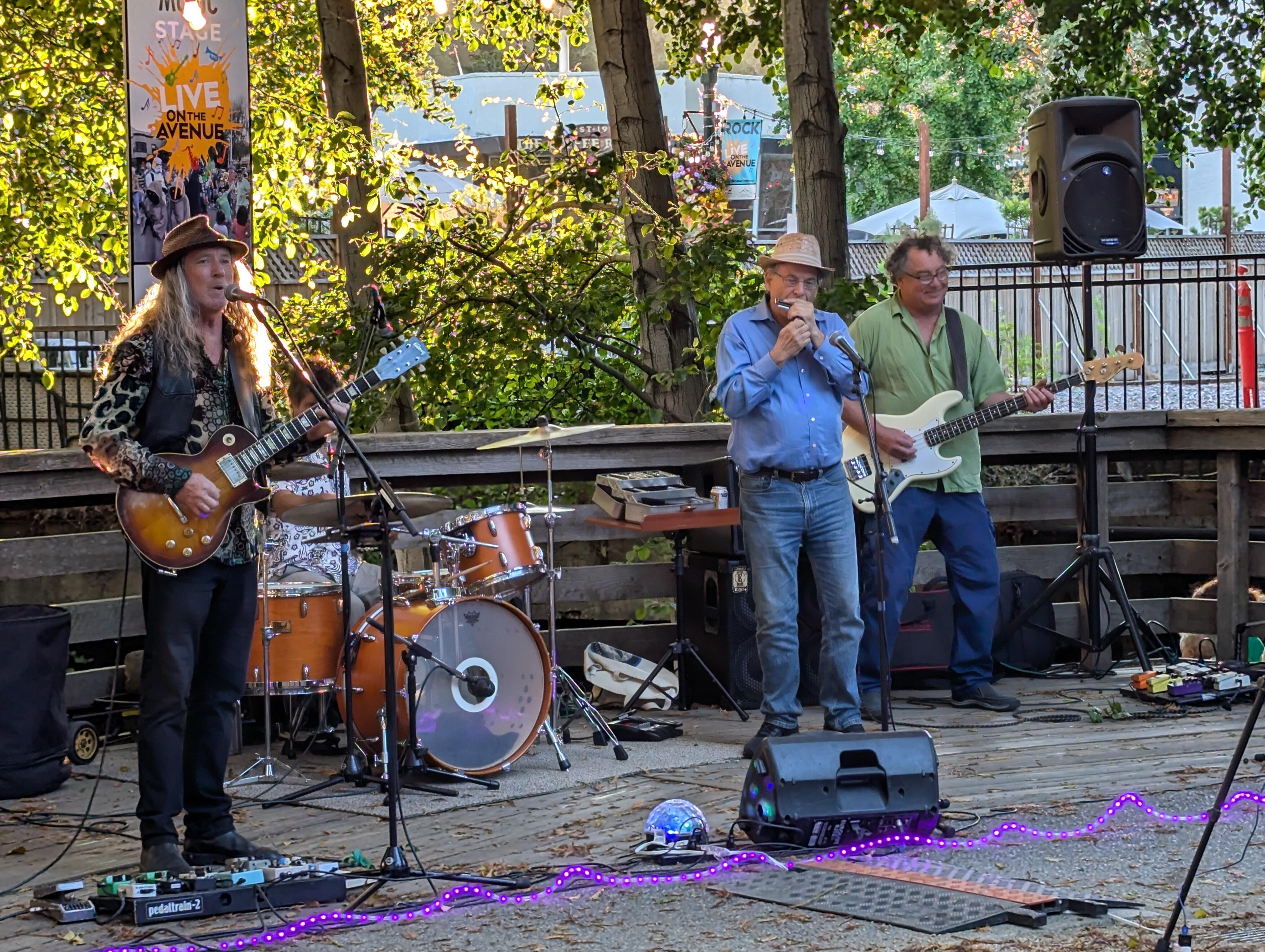
 Welcome San Anselmo! The Tom Finch Group is rockin' Creek Park, And people are dancing like no one is watching https://www.tomfinch.com/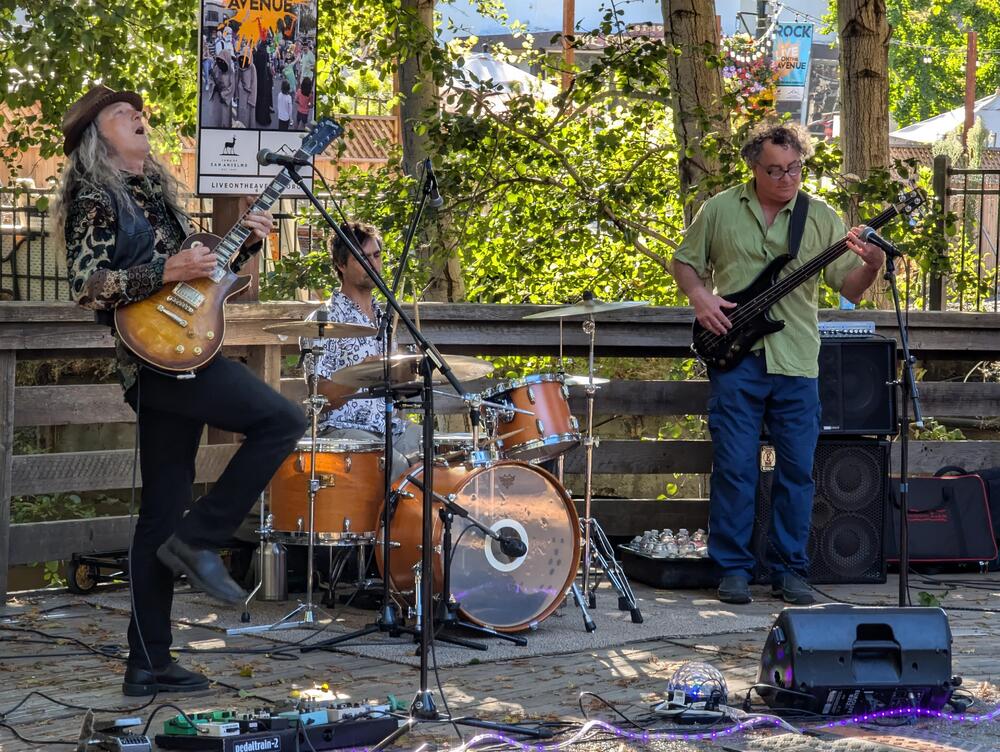






Important Information
By using this site, you agree to our Terms of Use.