


Everything posted by Grahame
-
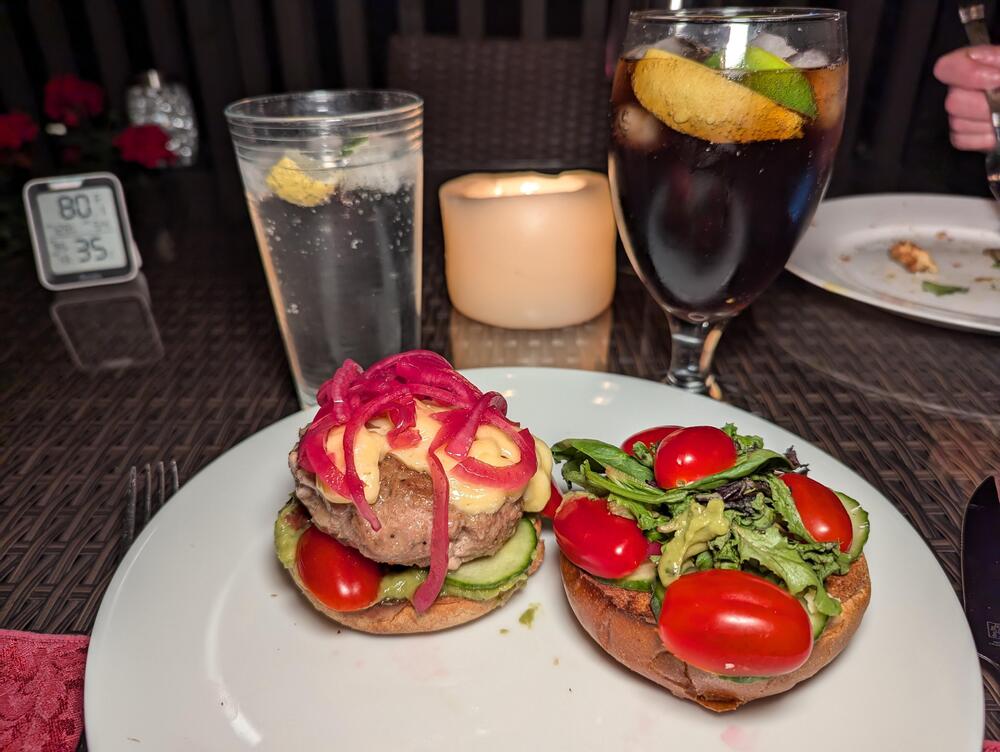
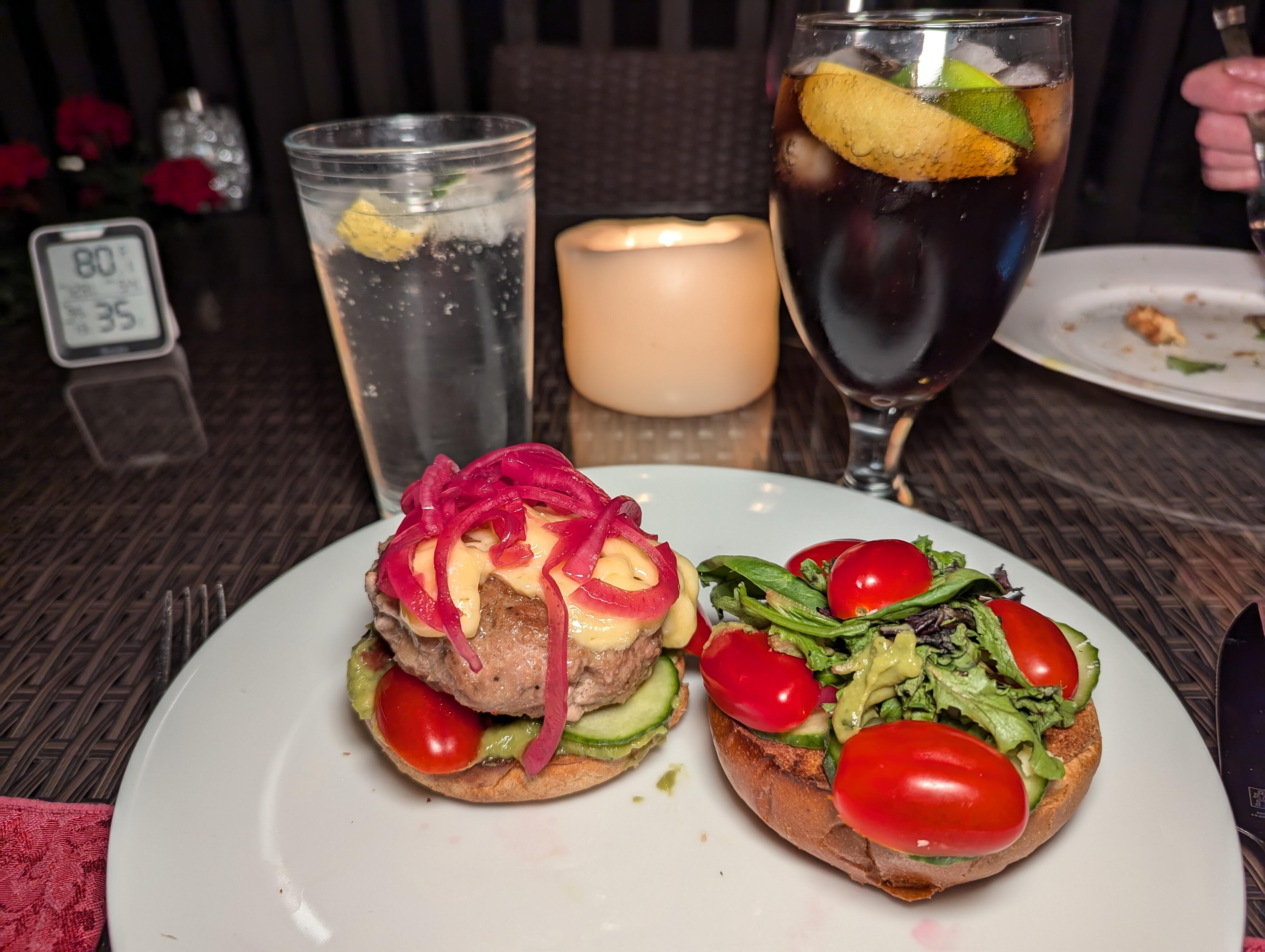
Bay area. Excessive heat warning Deck stacked turkey burger
-
I beg to differ. Should you have mango chutneys with a chicken curry? Yes, mango chutney pairs excellently with chicken curry. Here's why: ## Flavor Complementarity Mango chutney provides a perfect balance to chicken curry dishes: - The sweetness of the mango complements the savory and spicy flavors of the curry[1][5]. - The tanginess in the chutney cuts through the richness of cream-based curries[6]. - The fruity notes add depth and complexity to the overall flavor profile[2]. ## Culinary Tradition Using mango chutney with curry has roots in Indian cuisine: - It's a common accompaniment to curry dishes in many Indian households[1]. - Some recipes incorporate mango chutney directly into the curry sauce for added flavor[3][4]. ## Versatility Mango chutney can be used in various ways with chicken curry: - As a condiment served on the side[1]. - Mixed into the curry sauce during cooking[2][3]. - Used as a glaze for the chicken before adding it to the curry[4]. ## Texture Contrast The chunky texture of mango chutney provides a nice contrast to the smooth curry sauce[6]. While personal preferences may vary, the combination of mango chutney and chicken curry is widely enjoyed and can elevate the dish by adding a delightful sweet and tangy element. If you find it too sweet, you can always adjust the amount used or balance it with additional spices or acidity in your curry recipe[5]. Citations: [1] Fruity Mango Chutney Chicken Curry Recipe - Effortless Foodie https://www.effortlessfoodie.com/mango-chutney-chicken-curry/ [2] Mango Chutney Chicken Curry Recipe - Taste of Home https://www.tasteofhome.com/recipes/mango-chutney-chicken-curry/ [3] Mango Chicken Curry - Creme De La Crumb https://www.lecremedelacrumb.com/mango-chicken-stir-fry/ [4] Easy Weeknight Mango Chicken - No Recipes https://norecipes.com/weeknight-mango-chicken/ [5] Mango Chicken Curry - Simply Recipes https://www.simplyrecipes.com/recipes/mango_chicken_curry/ [6] Chicken curry with mango chutney - Sarah Pflugradt https://sarahpflugradt.com/2020/04/chicken-curry-with-mango-chutney/ https://www.perplexity.ai/search/should-you-have-mango-chutneys-U1KKaQUaTryv8BEyRJ9jFg#0 As for Bannanas https://www.perplexity.ai/search/should-you-have-mango-chutneys-U1KKaQUaTryv8BEyRJ9jFg#2 Have you considered naan bread? Or lime pickle? What would Steve say about that, and being non fruit curious?
-
And now there is Tea and cake!


-
Al fresco Brit Brunch

-
Happy Birthday, Wayne! "Generate a photorealistic image of a Headphone loving Santa enjoying his birthday on grand caman"
-
Disaster, you say? https://www.sfgate.com/sf-culture/article/megalopolis-movie-review-19760949.php
-
RIP Dame Maggie Smith. https://www.theguardian.com/film/2024/sep/27/maggie-smith-oscar-winning-star-of-stage-and-screen-dies-aged-89
-
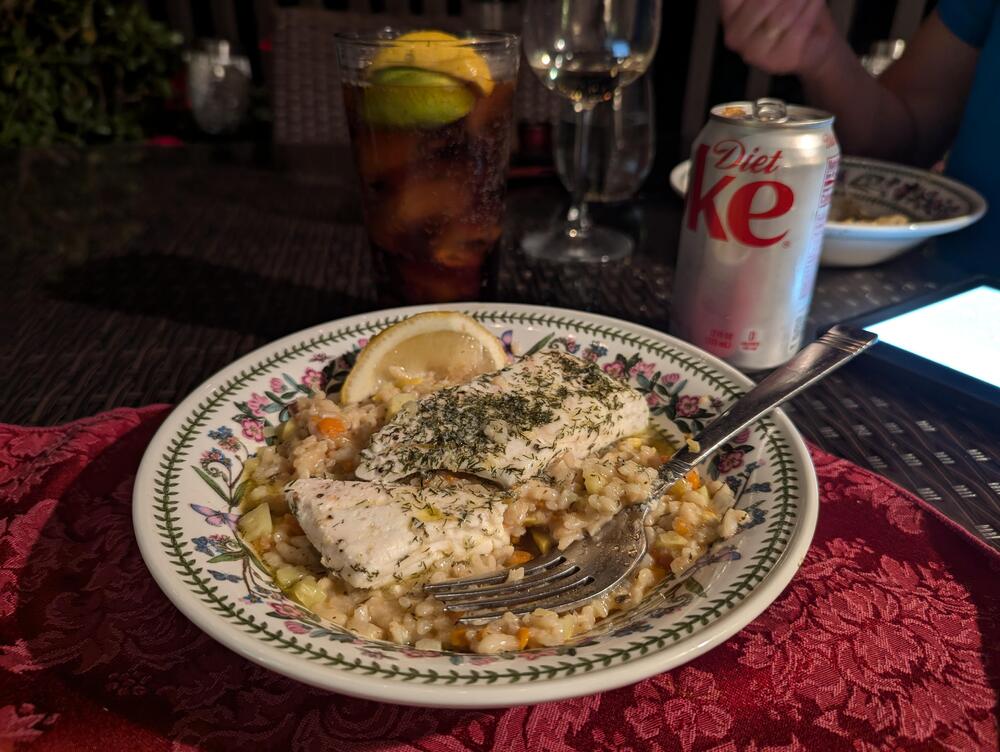
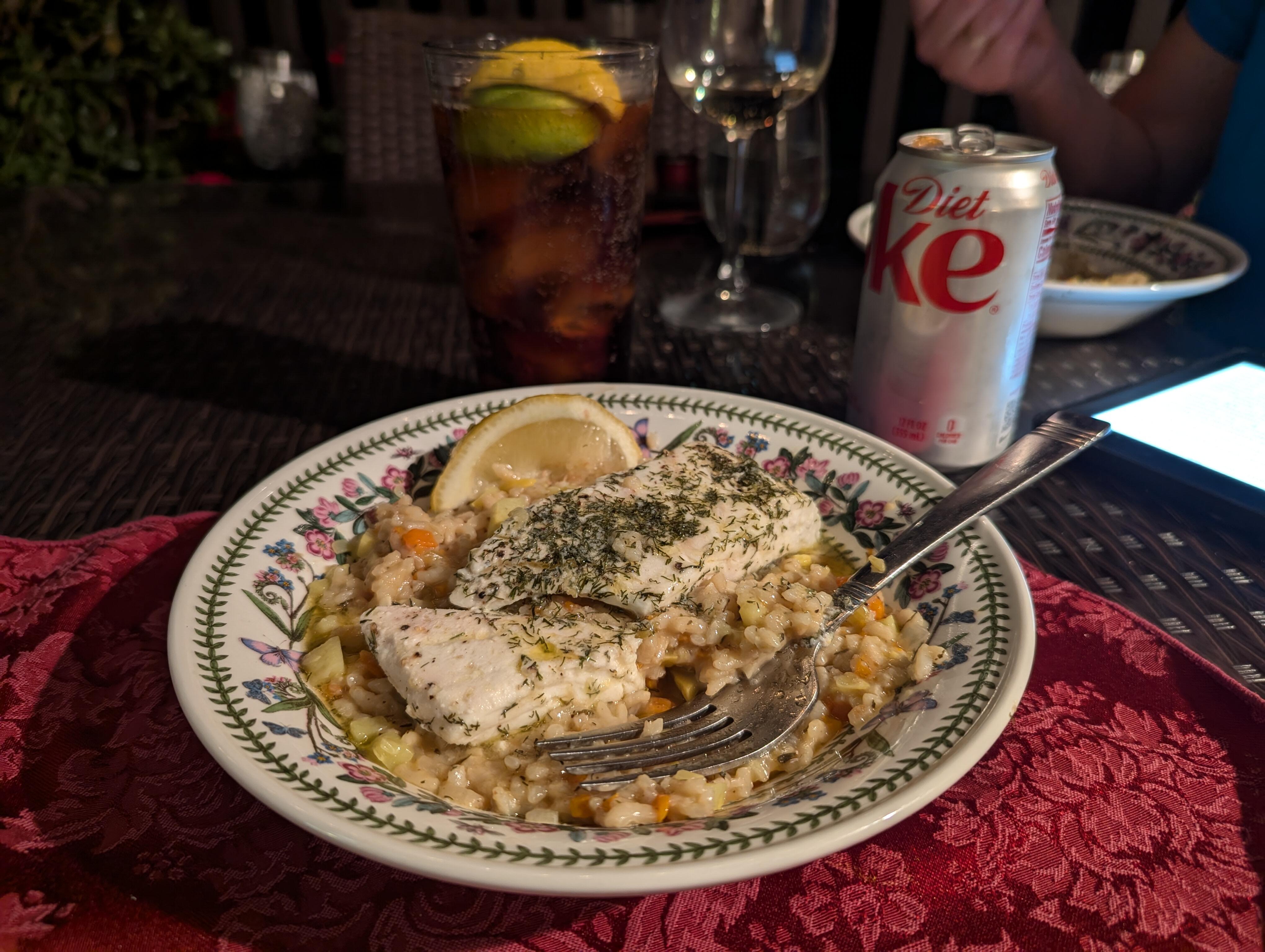
Deck Halibut Mirepoix Risotto
-
Maybe SusRecords would sign you. https://youtube.com/@susrecordsceo Oh look, they're playing your song!
-
-
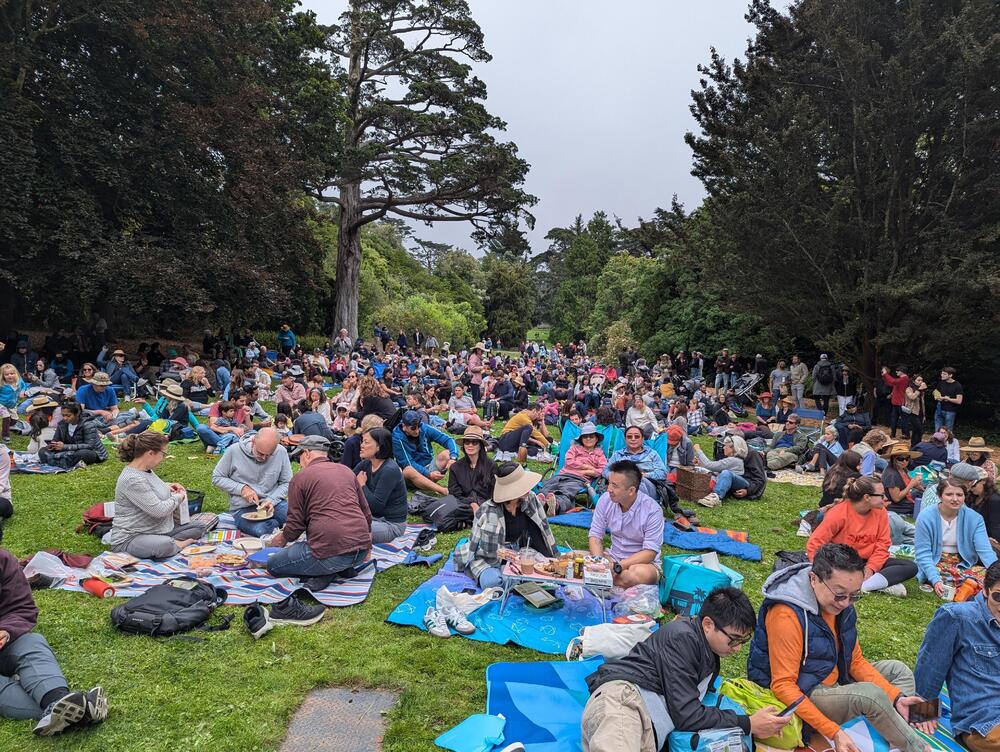
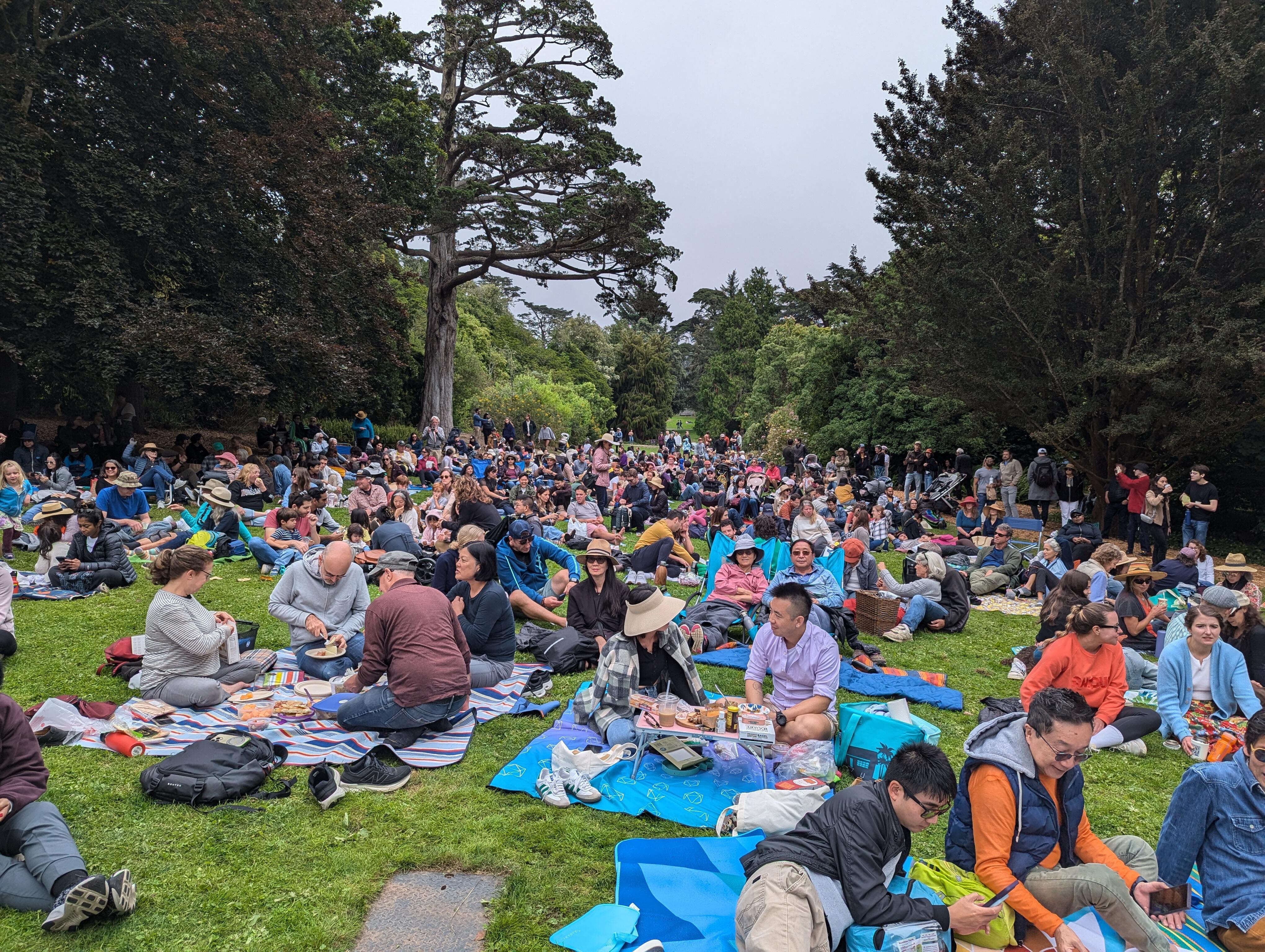
Golden gate Park, Botanical Gardens flower piano 2024 (on the first sunny day!)



-
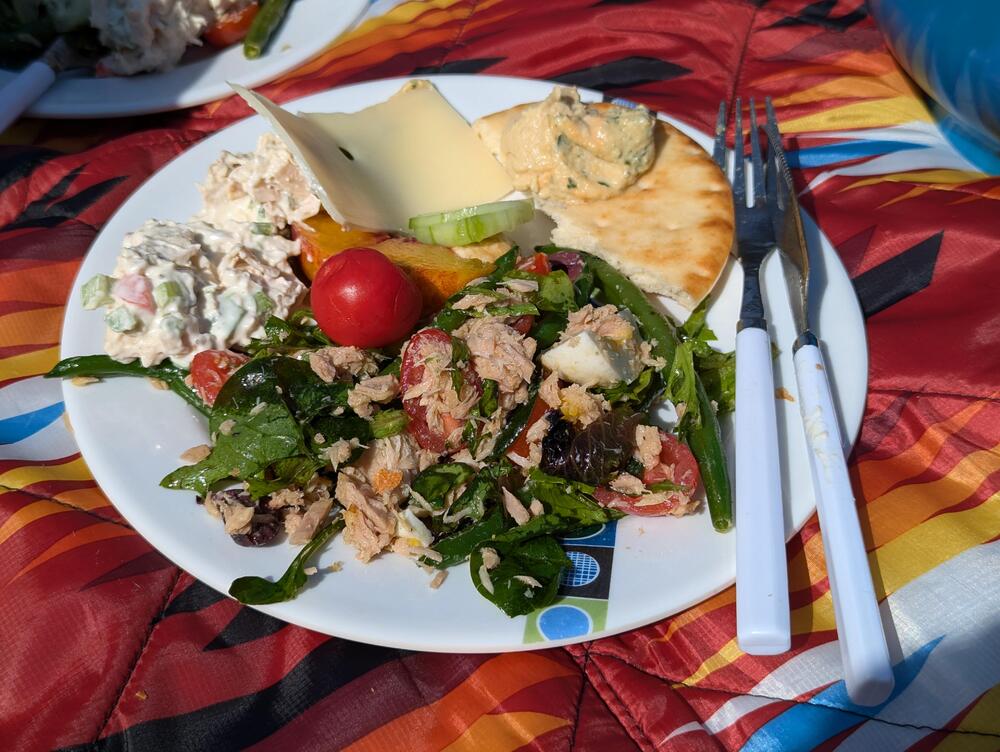
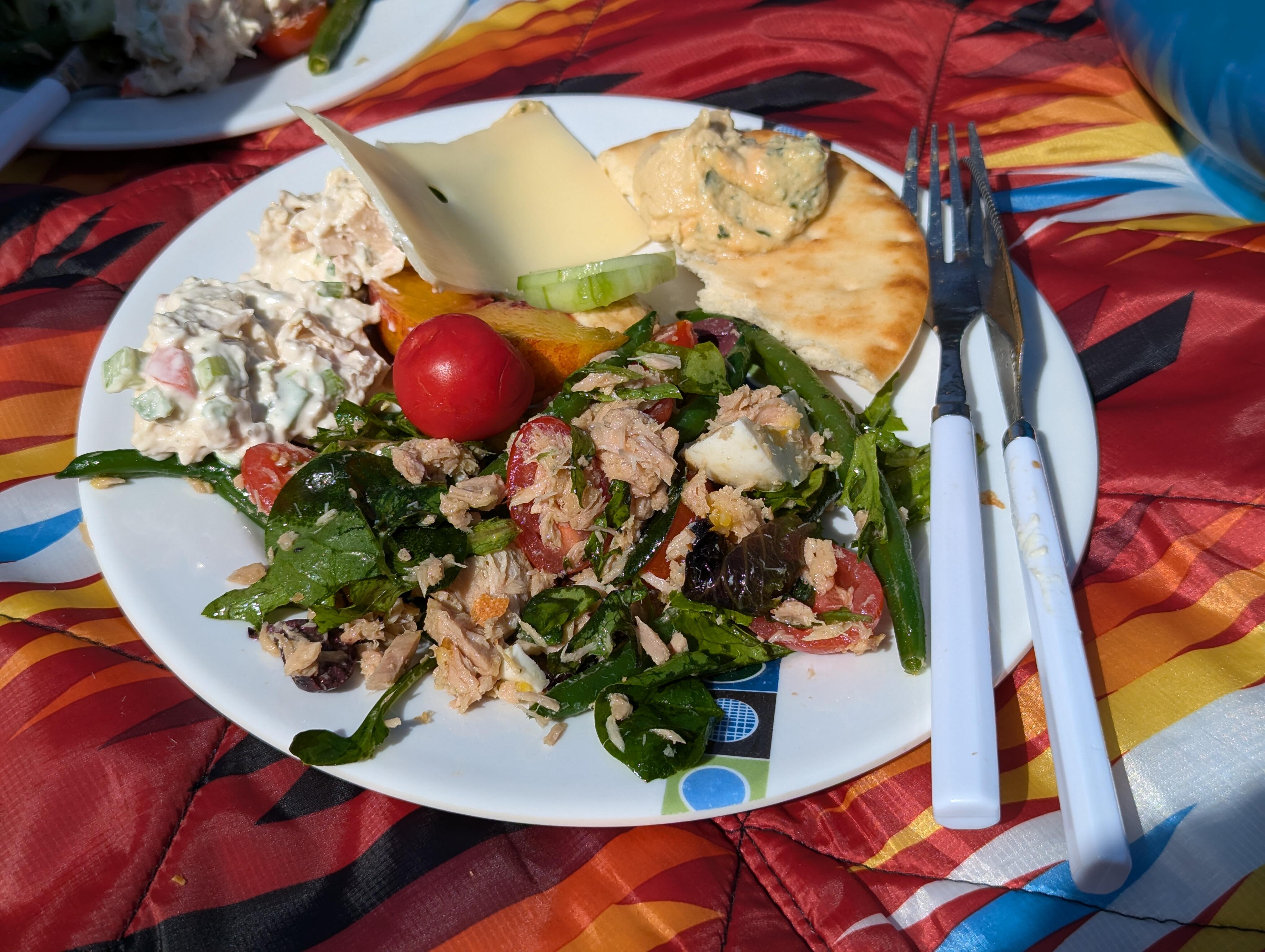
Golden gate Park Botanical Gardens, anti pasta Picnic (with the some of the Brits)



-
https://www.foxla.com/news/los-angeles-record-collector-store-for-sale $5M anyone? The yelp reviews (mentioned in the YT comments) are "interesting" https://m.yelp.com/biz/the-record-collector-los-angeles
-
This. https://www.gov.ca.gov/2024/08/23/californians-can-now-add-their-mobile-drivers-license-to-google-wallet/ Also, to be inclusive. https://www.gov.ca.gov/2024/09/19/californians-can-now-store-drivers-licenses-state-ids-in-apple-wallet/
-
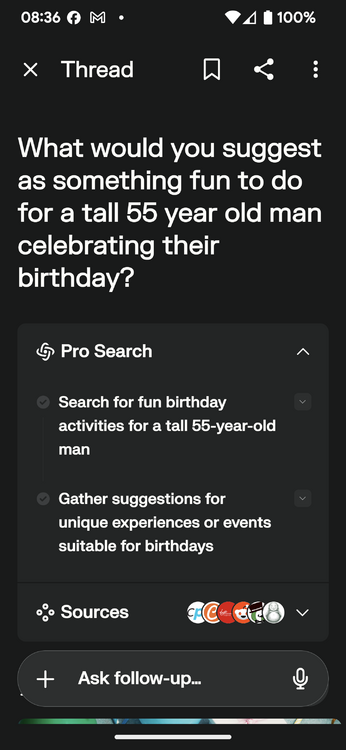
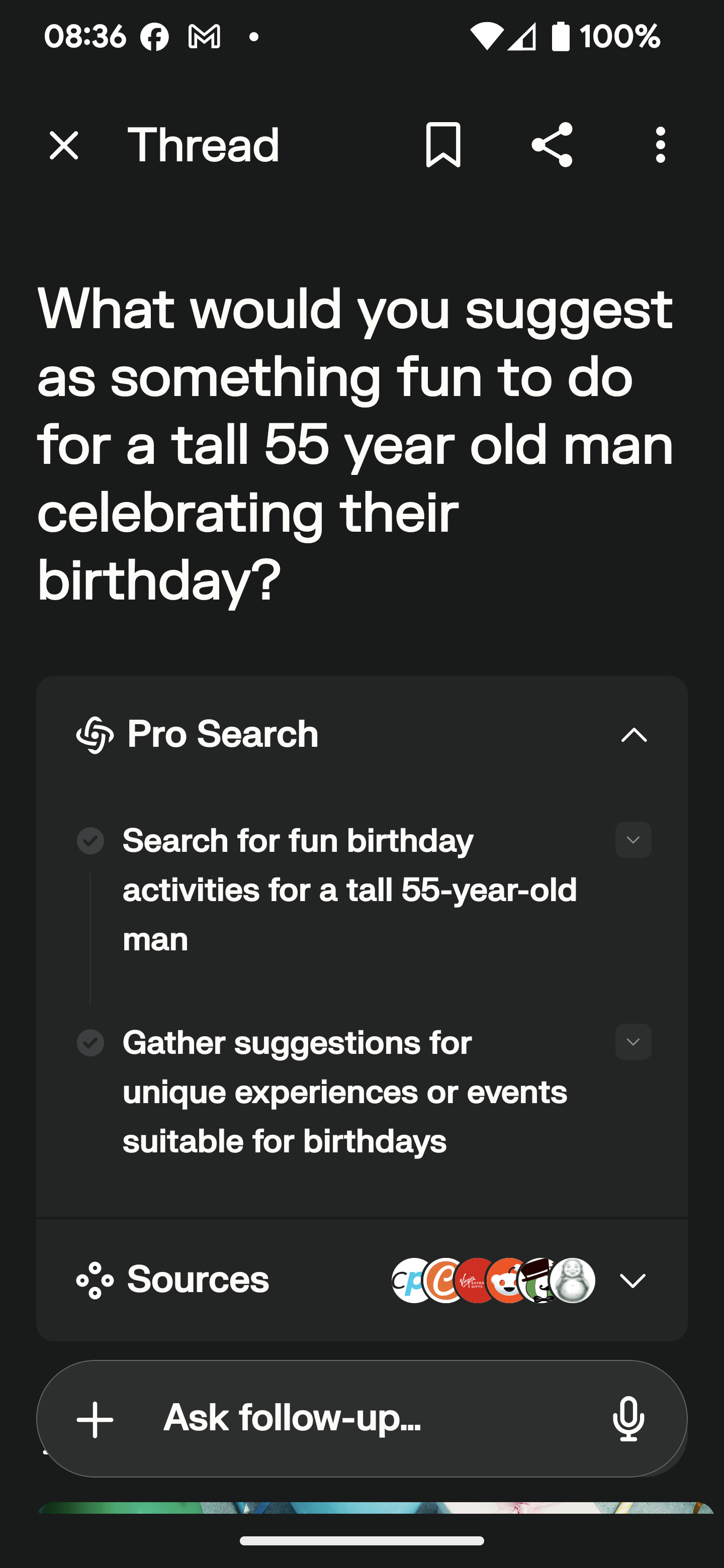
https://apnews.com/article/lebanon-hezbollah-israel-exploding-pagers-8893a09816410959b6fe94aec124461b https://www.bbc.com/news/articles/cd7xnelvpepo Tom Clancy Indeed. Can you say "compromised supply chain" ?Why not combine them? Axe throwing with wine / whisky tasting after skydiving onto a golf course. What could possibly go wrong?Happy Birthday! What would you suggest as something fun to do for a tall 55 year old man celebrating their birthday? For a tall 55-year-old man celebrating his birthday, here are some fun and engaging ideas: ## Adventure Activities ### Zip Lining or Canopy Tour A thrilling zip line adventure could be perfect for someone tall who enjoys heights and adrenaline rushes. Many zip line courses are designed to accommodate taller individuals comfortably[5]. ### Indoor Skydiving For an exhilarating experience without the risks of actual skydiving, indoor skydiving offers the sensation of free-fall in a controlled environment[1]. ## Sports and Recreation ### Top Golf Outing Top Golf combines golf with a social atmosphere and is suitable for players of all skill levels. The bays can accommodate taller individuals comfortably[4]. ### Axe Throwing This trendy activity is great for groups and can be an exciting way to test precision and strength. Many axe throwing venues also offer food and drinks[6][7]. ## Relaxation and Indulgence ### Spa Day A luxurious spa day with massages tailored for taller individuals can be a relaxing way to celebrate. Look for spas that offer specialized treatments for larger frames[5]. ### Whiskey or Wine Tasting Organize a sophisticated tasting event at a local distillery or vineyard. This can be a great way to explore new flavors and learn about the crafting process[5]. ## Unique Experiences ### Escape Room Challenge Gather friends or family for an immersive escape room experience. Many rooms can accommodate taller participants and offer varying difficulty levels[3][5]. ### Cooking Class A hands-on cooking class can be a fun and educational experience. Look for classes that focus on cuisines or techniques he's interested in learning[5]. Remember to consider the birthday celebrant's interests and physical comfort when choosing an activity. Many of these options can be tailored to accommodate taller individuals and can be enjoyed with friends and family for a memorable celebration[5][8]. Citations: [1] 43 Most Unforgettable Experience Gifts for 2024 - Classpop! https://www.classpop.com/magazine/experience-gifts [2] 50 Fantastic 50th Birthday Party Ideas - Cozymeal https://www.cozymeal.com/magazine/50th-birthday-party-ideas [3] 33 Most Fun Adult Birthday Party Ideas for 2024 - Classpop! https://www.classpop.com/magazine/adult-birthday-party-ideas [4] 300+ Of The Best Experience Gifts for Men https://www.virginexperiencegifts.com/gift-ideas-for-him [5] Adult birthday activities that are not centered around food or alcohol? https://www.reddit.com/r/AskSF/comments/12ncx3h/adult_birthday_activities_that_are_not_centered/ [6] What are some fun birthday ideas for men? - Reddit https://www.reddit.com/r/AskReddit/comments/1boqw65/what_are_some_fun_birthday_ideas_for_men/ [7] 35 Fun and Exciting Adult Birthday Party Ideas for Men https://www.groovyguygifts.com/blogs/news/adult-birthday-party-ideas-for-men [8] 55th Birthday Ideas: 6 Must-Try Experiences to Find Your Birthday Blis https://digibuddha.com/blogs/news/55th-birthday-ideas-6-must-try-experiences-to-find-your-birthday-bliss https://www.perplexity.ai/search/what-would-you-suggest-as-some-AmLyMwxuS9SNRaLTrn0j1Q#0
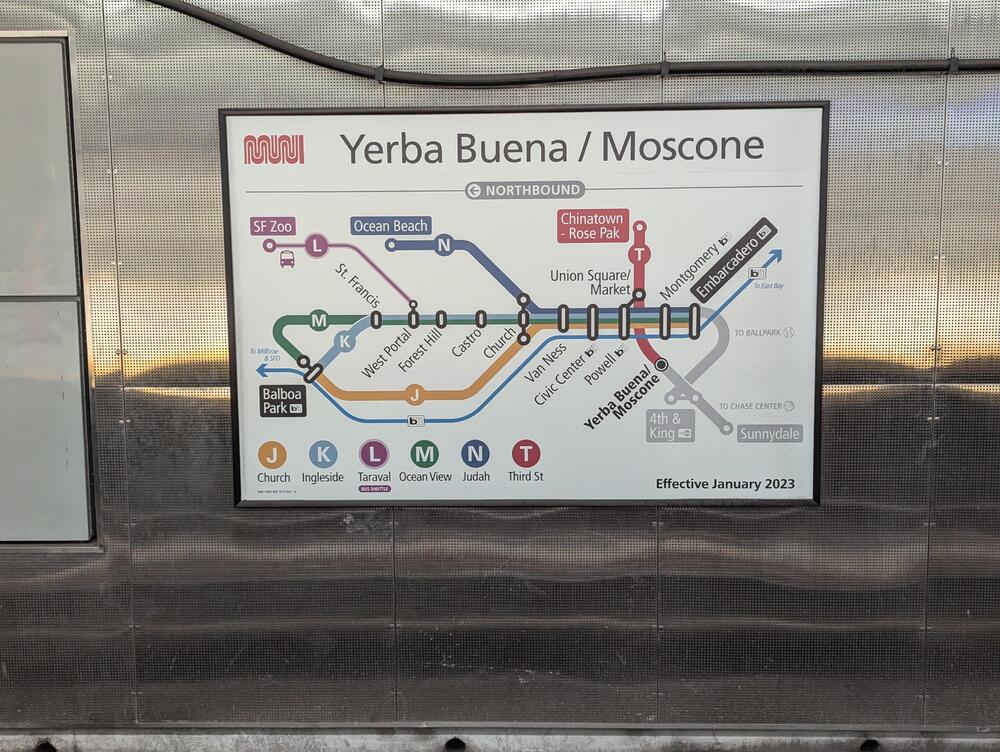
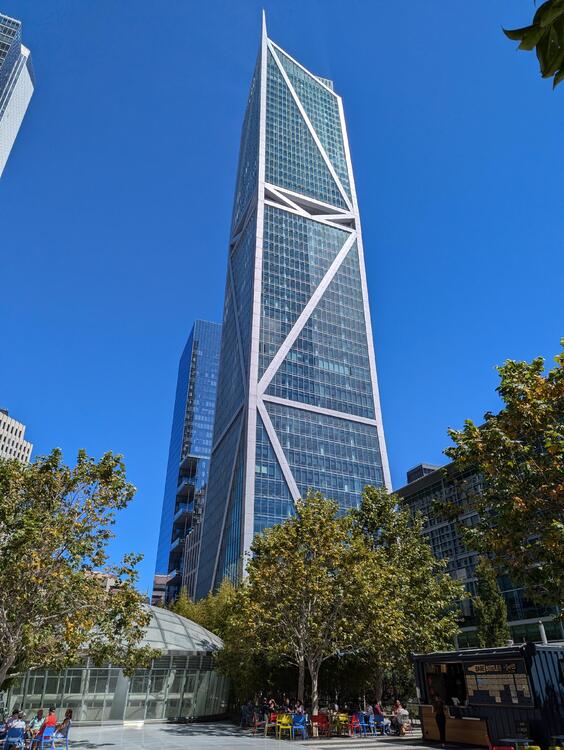
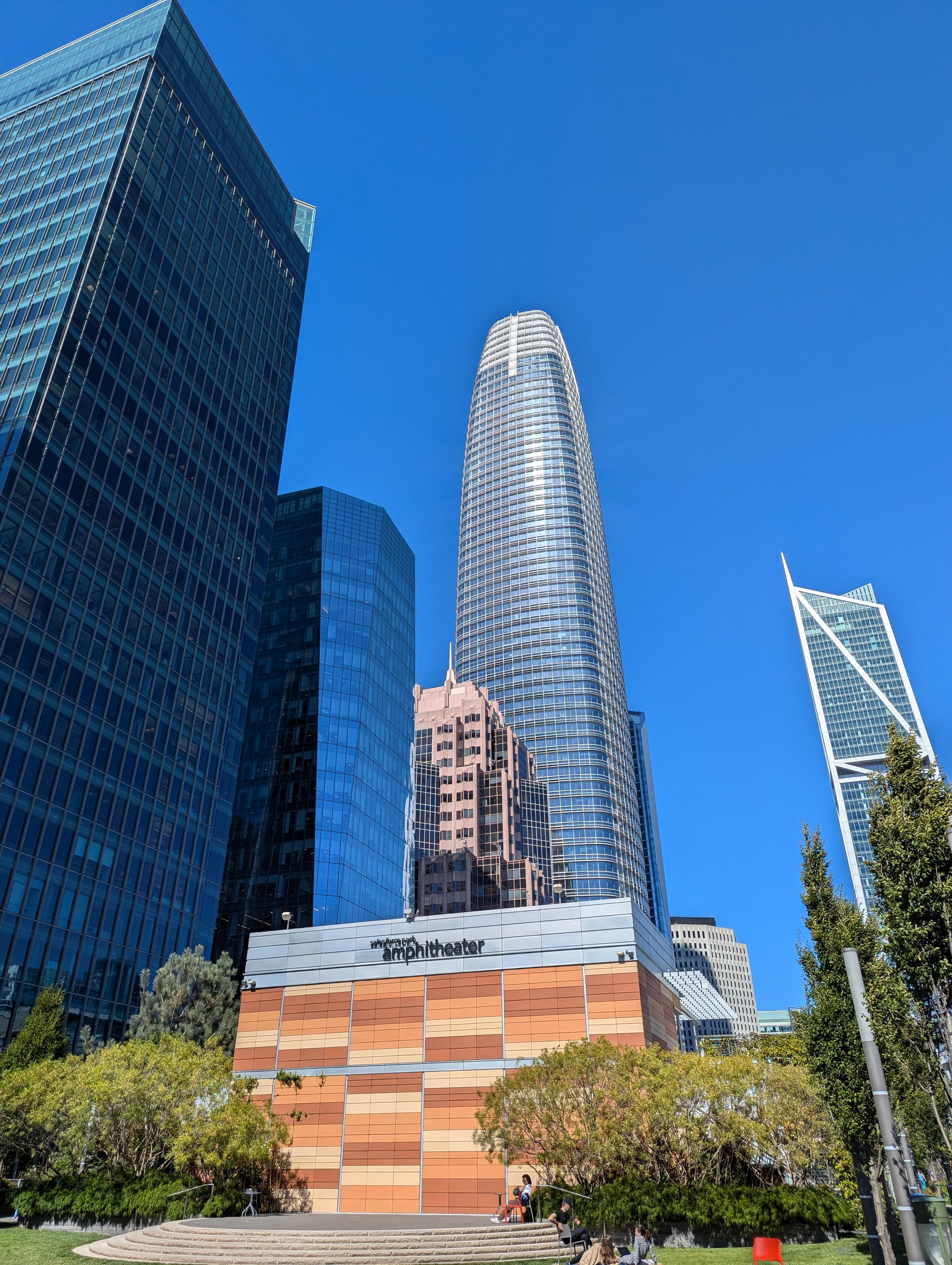
 Maybe they were advised by the folks who renamed OAK. The name of Oakland International Airport in California was changed to San Francisco Bay Oakland International Airport on May 9, 2024. The airport's three-letter code, OAK, remains the same https://oaklandside.org/2024/04/12/oakland-airport-approves-controversial-name-change https://www.travelandleisure.com/oakland-airport-changes-name-san-francisco-bay-8647440 https://sfstandard.com/2024/04/10/oakland-airport-rename-ideas/ EDIT: What could possibly go wrong? https://sfstandard.com/2024/09/17/oakland-airport-renaming-confuses-travelers-sanfrancisco-says-in-lawsuit/https://sfstandard.com/2024/09/16/northern-california-rennaisance-faire-photos/ We expect a field report @blessingx@swt61 ?I was on a boat That crossed the bay To "The City" Where we had a guided tour by a retired lawyer of the TJPA/Salesforce Transit Center and Rooftop Gardens Then saw some art And took the new subway (only $1.9B) to Chinatown, for their night market. And then a short rest* Before taking the ferry home again. *The more eagle eyed of you will spot the token foreground interest, bottom right.




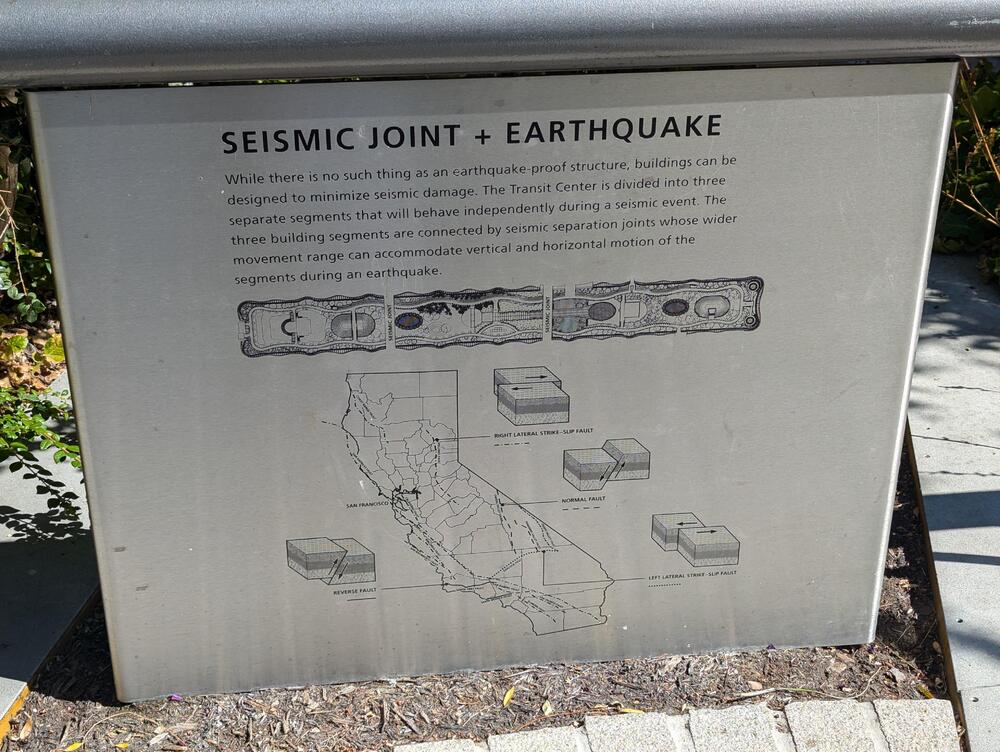
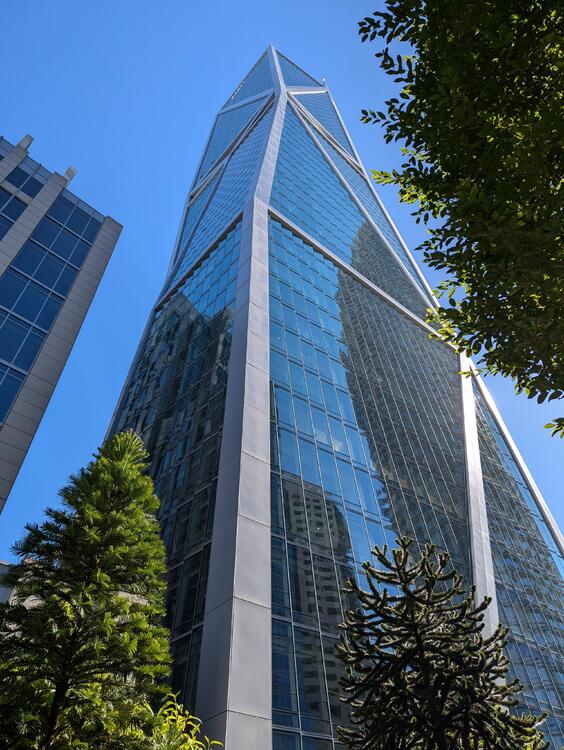

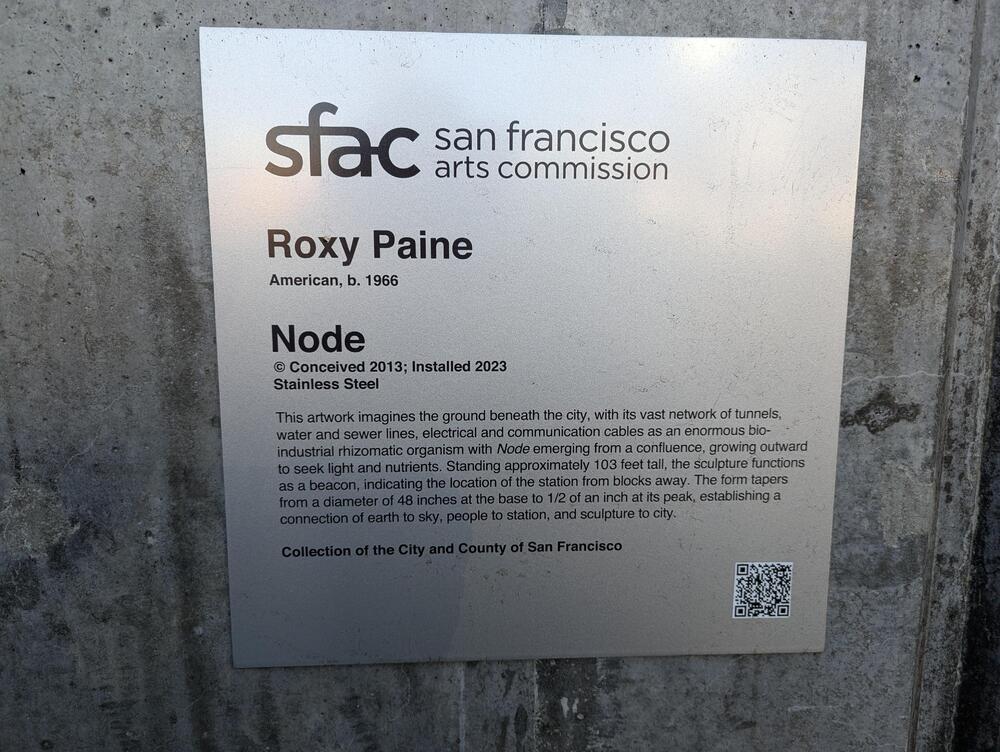






















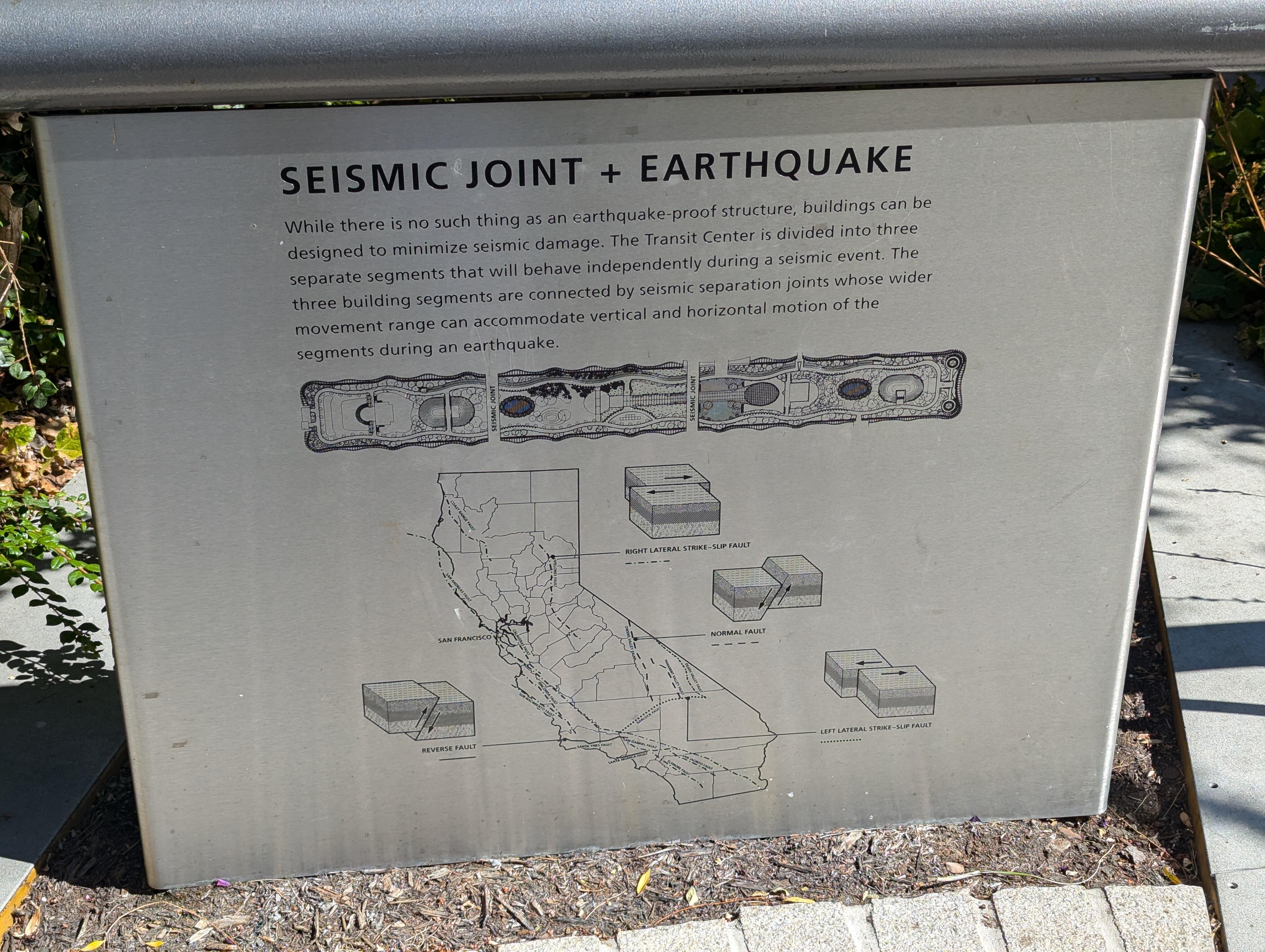
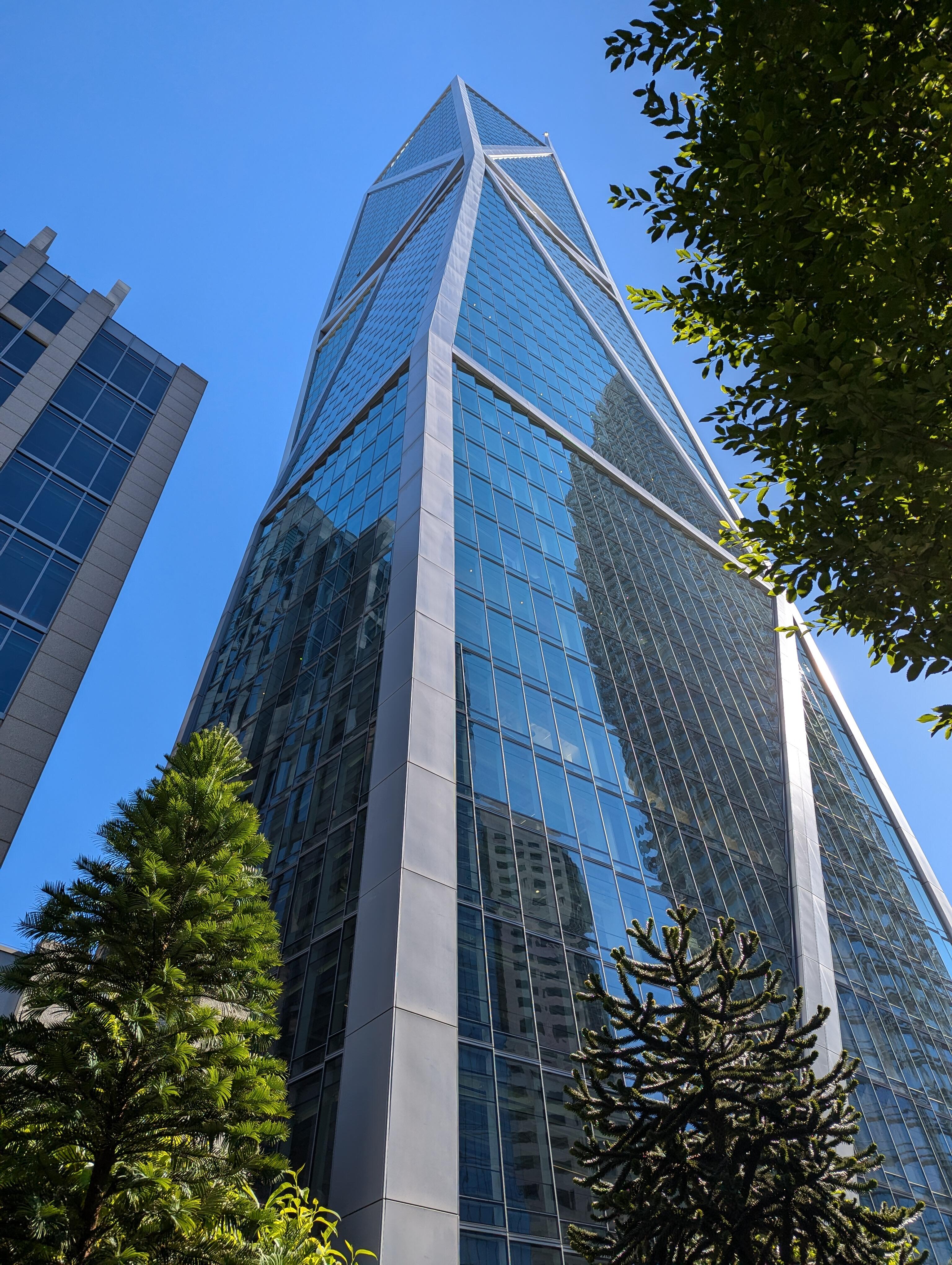

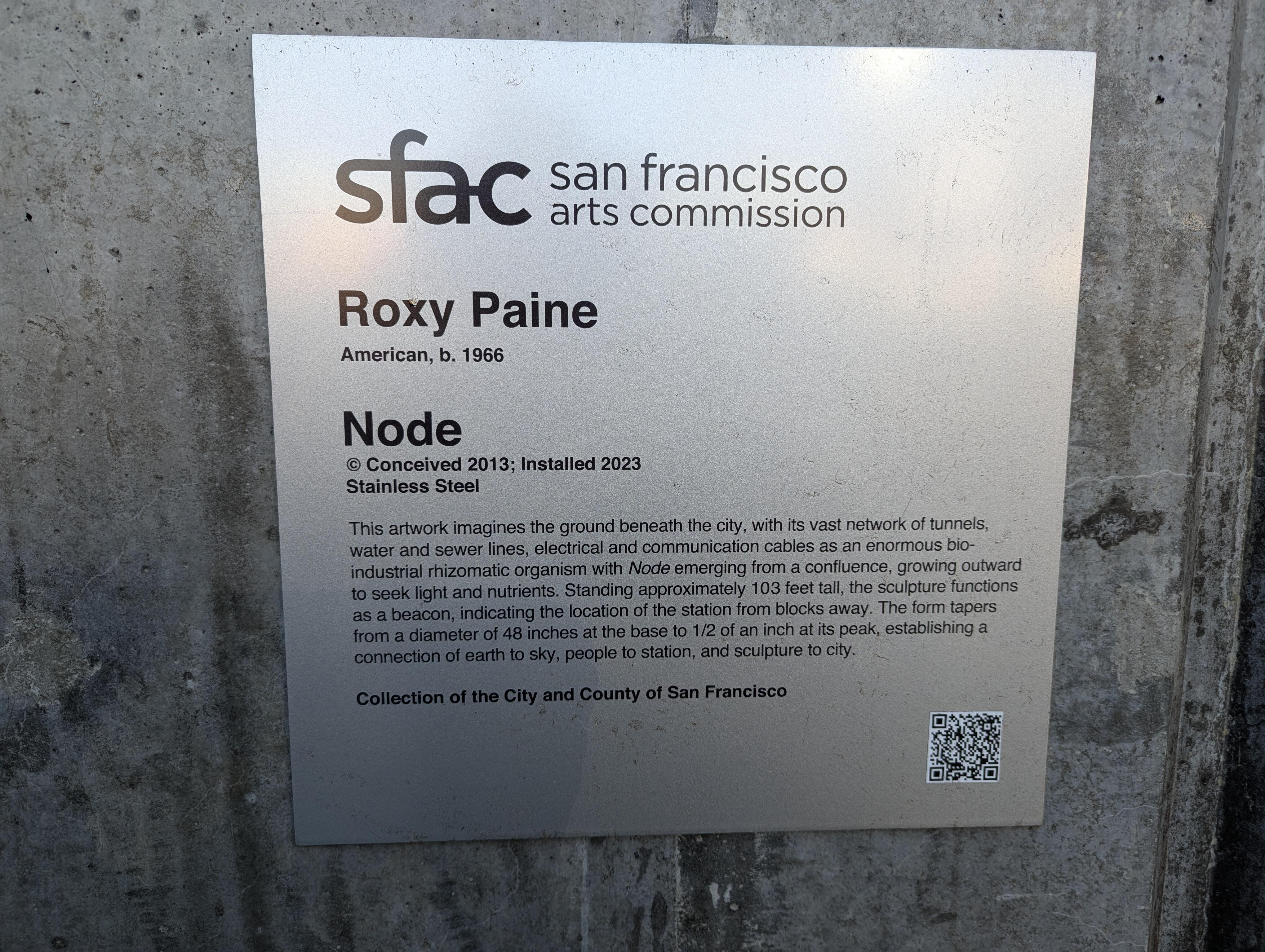




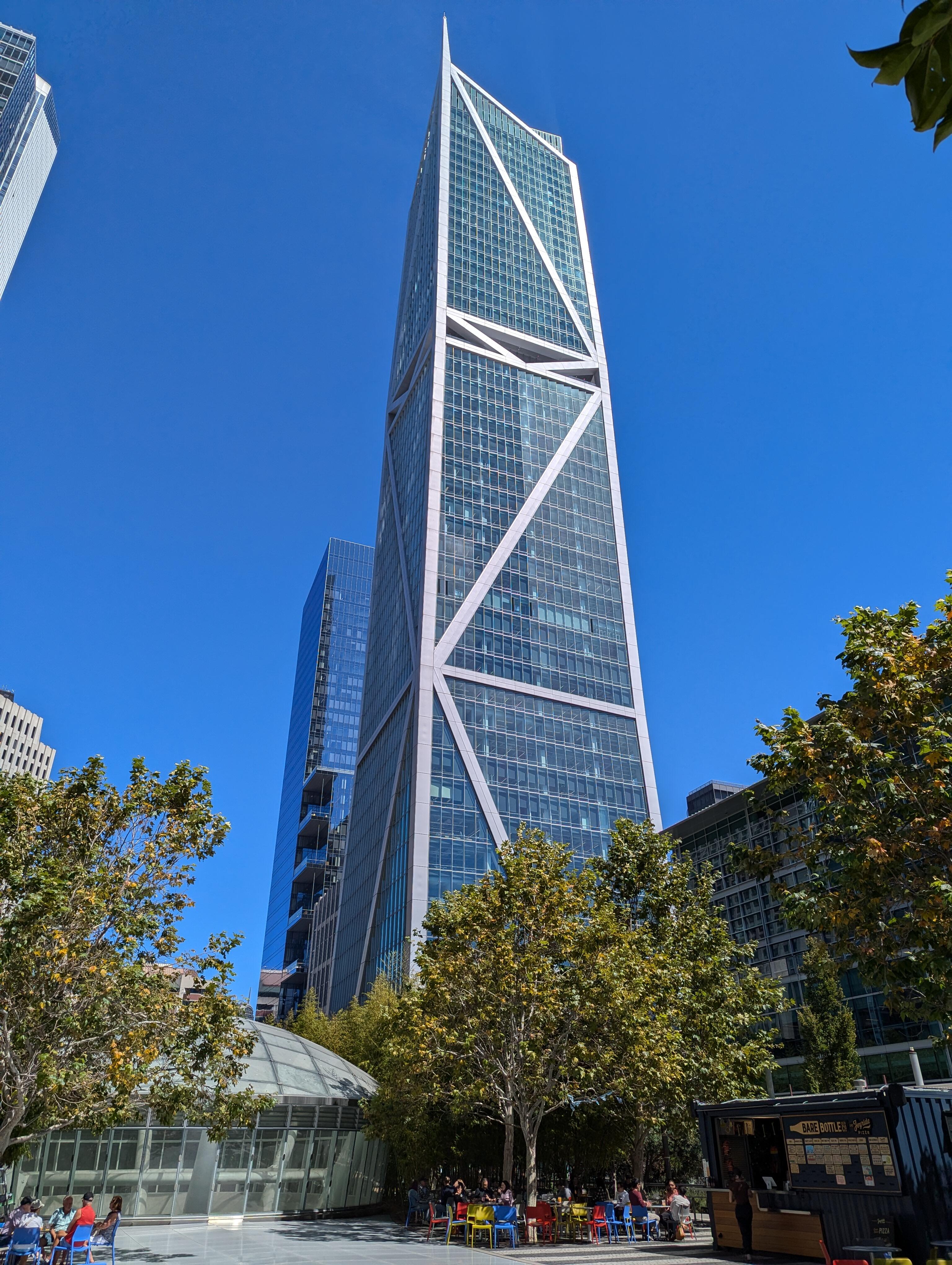
Important Information
By using this site, you agree to our Terms of Use.
Account
Navigation
Search
Configure browser push notifications
Chrome (Android)
- Tap the lock icon next to the address bar.
- Tap Permissions → Notifications.
- Adjust your preference.
Chrome (Desktop)
- Click the padlock icon in the address bar.
- Select Site settings.
- Find Notifications and adjust your preference.
Safari (iOS 16.4+)
- Ensure the site is installed via Add to Home Screen.
- Open Settings App → Notifications.
- Find your app name and adjust your preference.
Safari (macOS)
- Go to Safari → Preferences.
- Click the Websites tab.
- Select Notifications in the sidebar.
- Find this website and adjust your preference.
Edge (Android)
- Tap the lock icon next to the address bar.
- Tap Permissions.
- Find Notifications and adjust your preference.
Edge (Desktop)
- Click the padlock icon in the address bar.
- Click Permissions for this site.
- Find Notifications and adjust your preference.
Firefox (Android)
- Go to Settings → Site permissions.
- Tap Notifications.
- Find this site in the list and adjust your preference.
Firefox (Desktop)
- Open Firefox Settings.
- Search for Notifications.
- Find this site in the list and adjust your preference.