Everything posted by Grahame
-
From the Piddle Brewery, Dorset, that is. Recently when driving through the picturesque and amusingly named village of Piddletrenthide I saw a van similar to this. Subsequent investigation revealed the existence of the Dorset Piddle Brewery and their amusingly named collection of Beers. They certainly know how to work a theme. You can even get They even have merchandise They have even made it into a sorbet So, do you fancy a Piddle, then?
-
^ concur
-
Congrat on the new offspring Chris. So from now on
-
Major suckage there Al. Sounds more like going to Burning Man than Hardly Strictly. I wouldn't like to be them when billing you for work "done". Maybe they'd consider a discount for using you as a reference?, or not EDIT: Cheer up, it could be worse
-
Interesting ... http://www.katebush.com/news/kate-release-brand-new-album-50-words-snow-november December will be magic again
-
Safe journey Peter, it took me all two weeks of my Holiday in the UK to rack up a similar figure, even with the aid of
-
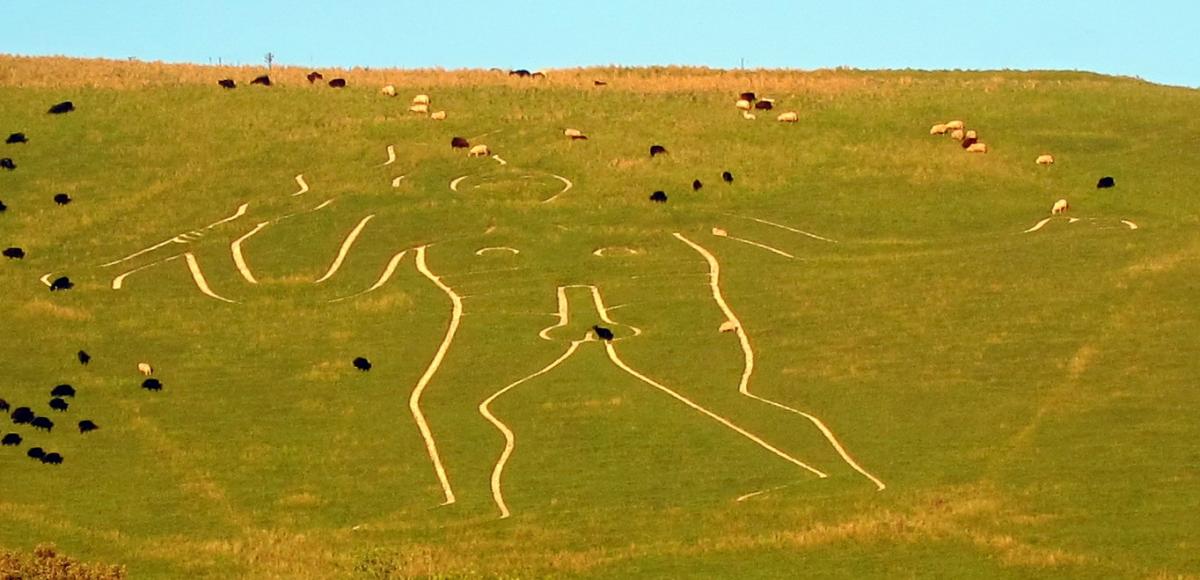
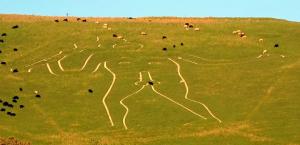
Speaking of Steve, and Size. This is the perfect opportunity to talk about my recent encounter with the Cerne Abbas Giant The NSFW(ish) spoiler shows him illuminated on the hillside as the sun sets. Those are sheep, for scale, if you click. Not everything in England is quaint EDIT: The bing birds eye view at the co-ordinates from the wikipedia link is surprisingly clear if you zoom in.
-
Speaking of interesting signs, I enjoyed the irony of signs such as this on my recent trip to the UK, and actually visited the said "Secret Nuclear Bunker" and very interesting it was too.
-
WTF Japan? Via The Register http://www.theregist...irtual_airbags/ Brings to mind Steve Marin's Quote from LA Story http://www.imdb.com/...es?qt=qt0307508
-
DayQuil. Work. NyQuil. Also observed others devour a 1Kg tin of Cadbury Roses chocolates I bought back in far less time than I expected.
-
Happy infection free birthdays to you both!
-
I particularly liked The Registers description of the back end infrastructure (and its implications)
-
DayQuil, slept, NyQuil.
-
Impending nastiness manifested itself as a cold, enough to make me feel lousy. Lets see what NyQuil will do to it.
-
Good Luck, Ken. I assume it involves javascript.
-
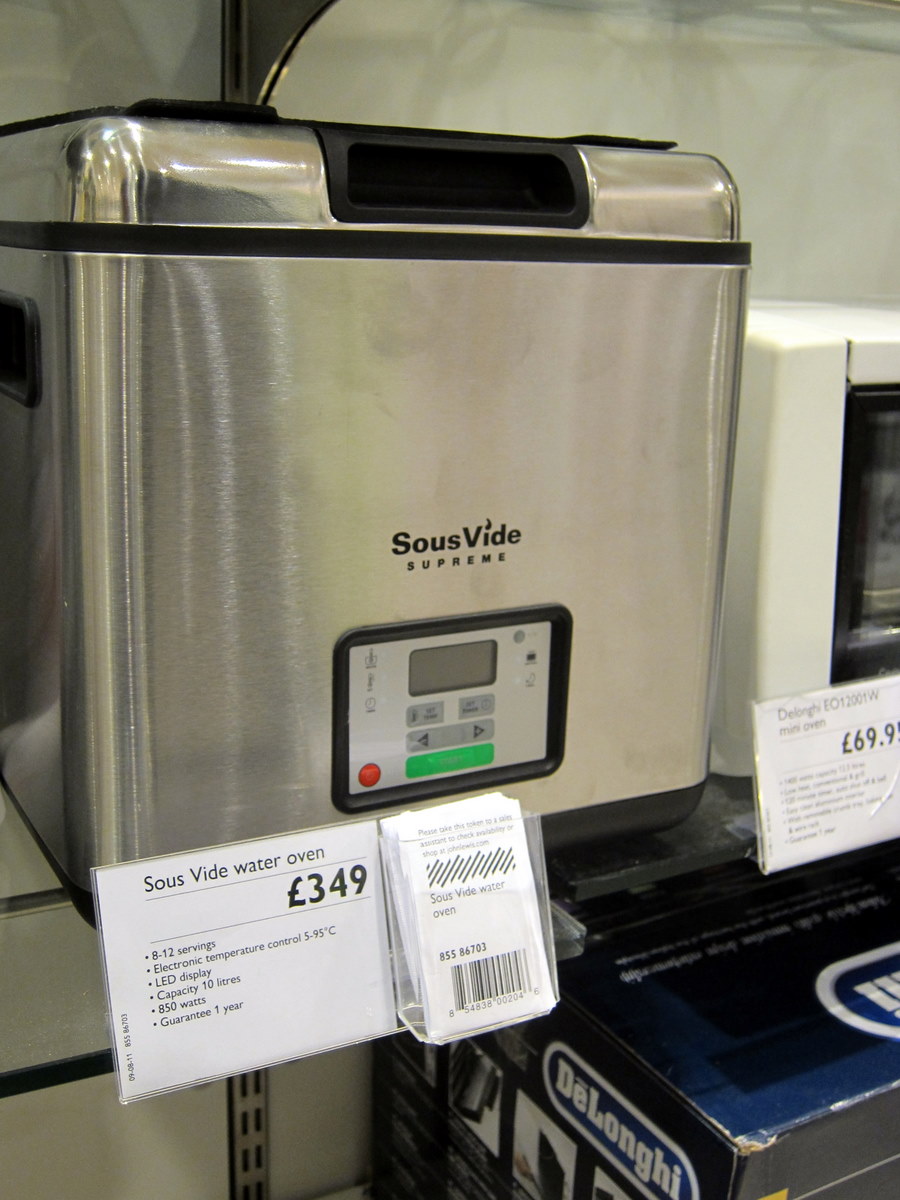
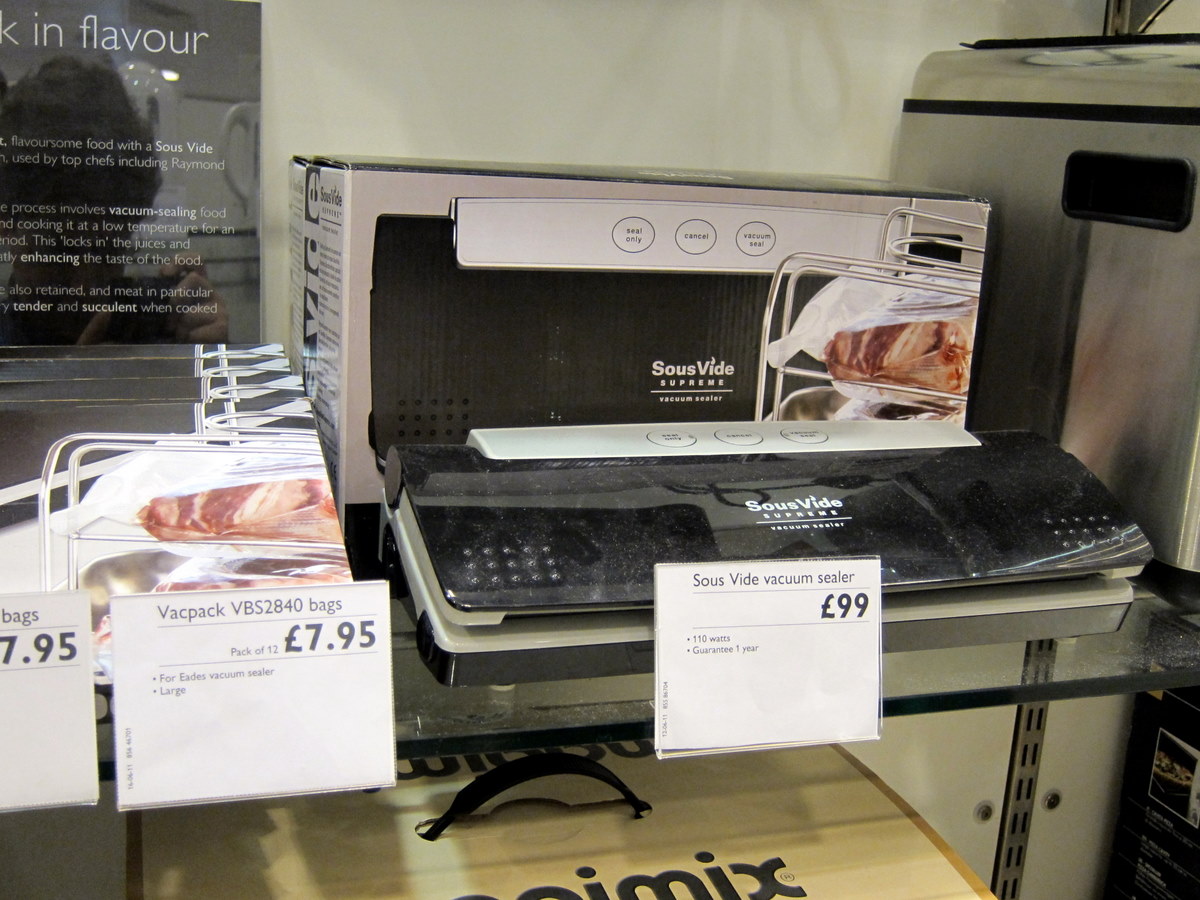
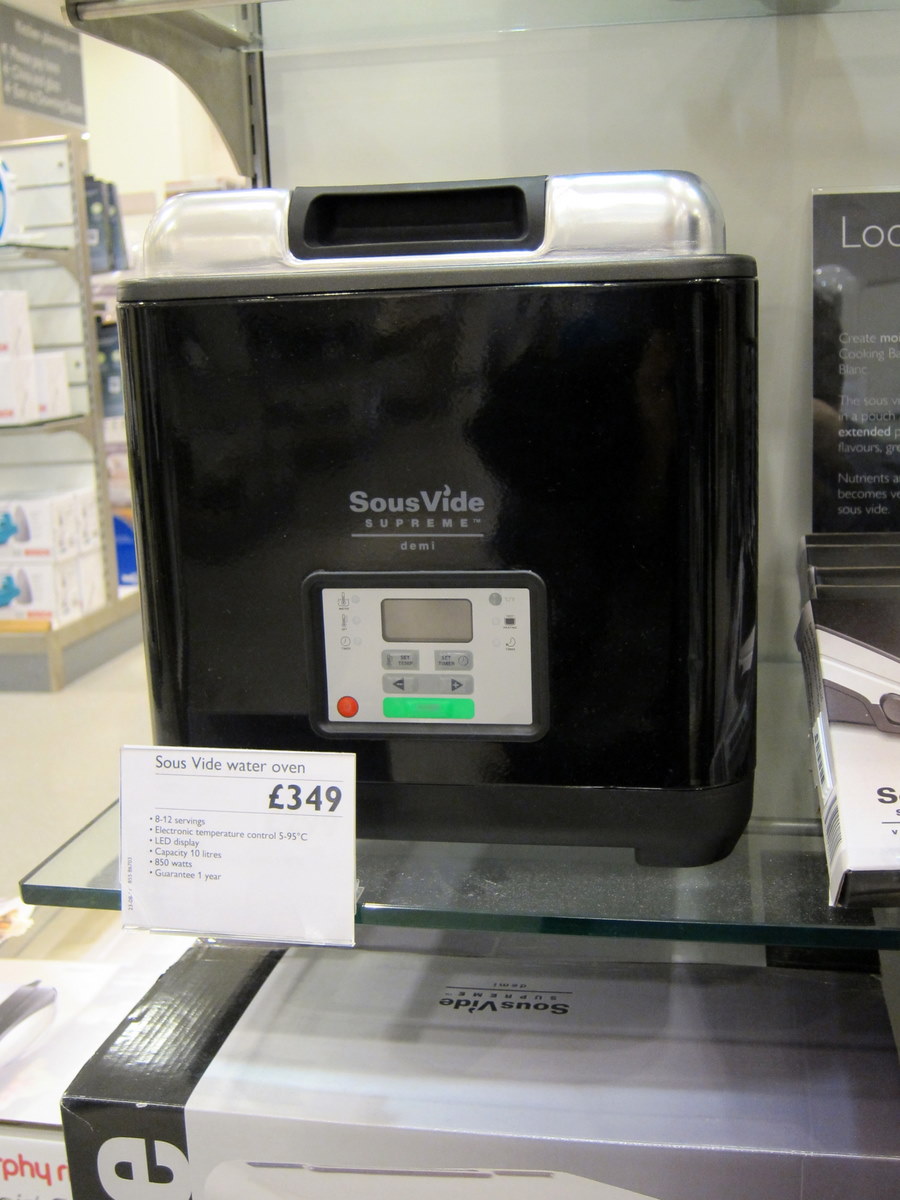
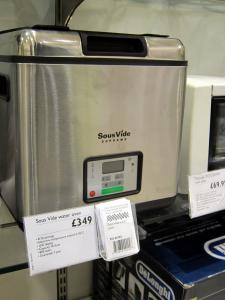
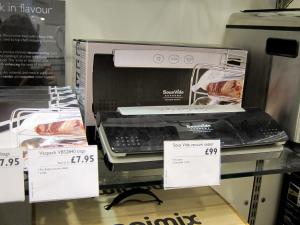
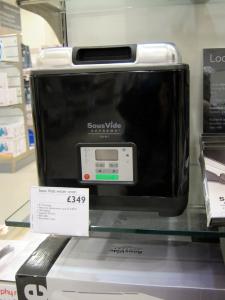
Deal or rather lack of a deal(s) I saw when in John Lewis ("Never Knowingly Undersold" ) in Grand Arcade, Cambridge ( Yes those are the real prices , and they now deliver to the US for only £15 !, bargain! ) Here is the current exchange rate (and a converter) so you can do your own sums Bear in mind that the UK price includes VAT ("sales tax") @ 20% ( up from 17.5%), and "includes free health care with every purchase" Good old Rip Off Britain, eh? Mind you, That's why they can look after their staff, I guess.
-
Oh yes. They even have Clotted Cream Ice Cream. We had this one, http://www.marshfield-icecream.co.uk/our-products/type/ice-cream/clotted-cream-ice-cream?p=12 In Glastonbury ( Think 14th Century Fairfax / Mayberry ) and it was goooood.
-
Back in The New World after two weeks in Blighty . Intermittent internet access compounded by actually spending time with the people and places visited. Slowly catching up - you folks sure post/buy/drink/do a lot Seem to have acquired some impending nastiness from re-breathing the same air as 400 other folks in a tin can for 10 1/2 hours. Lets see how that develops. Far too much to recount now, but plenty of stuff that may be of interest to the group. It appears that general and specific congrats are in order; assume that I have already offered you one in my absence.
-
Happy Belated Birthday from the old country.
-
At my mums now. Just in time for bed. Maybe I'll be able catch up on my HC chums now. p.s. Yes, there has been bacon + chocolate
-
At last, connectivity! Will do for now.
-
Gordon Freeman is reduced to making Infomercials? Guess you didn't get very far in Half-Life then
-
^, but you were really thinking
-
machined from a solid block of aircraft-grade aluminium before being glass-bead blasted, black-anodized and nickel-sealed or Made of 100% silicone
-
^ No, Mr Bond, I expect you to die!, ?