


Grahame
High Rollers
-
Joined
-
Last visited
-
Currently
Viewing Topic: What are you listening to Part the Third
Everything posted by Grahame
-
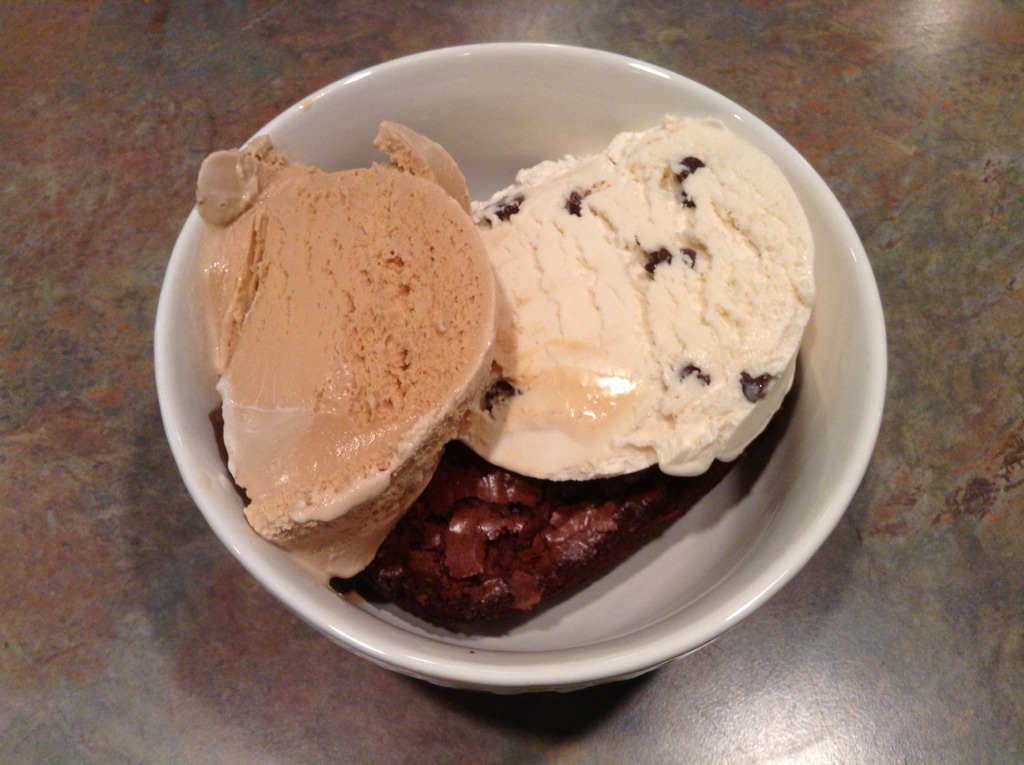
If it ain't broke, don't fix it. Warmed brownie, three twins salted caramel and vanilla chocolate chip ice cream. Again.

-
Later is now
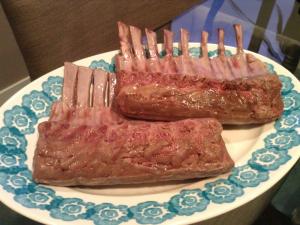
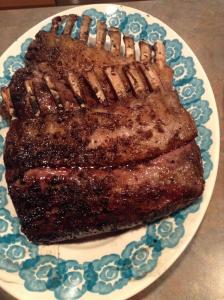
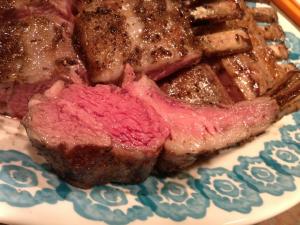
-
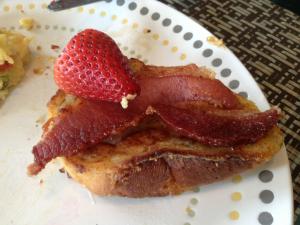
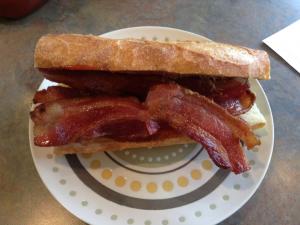
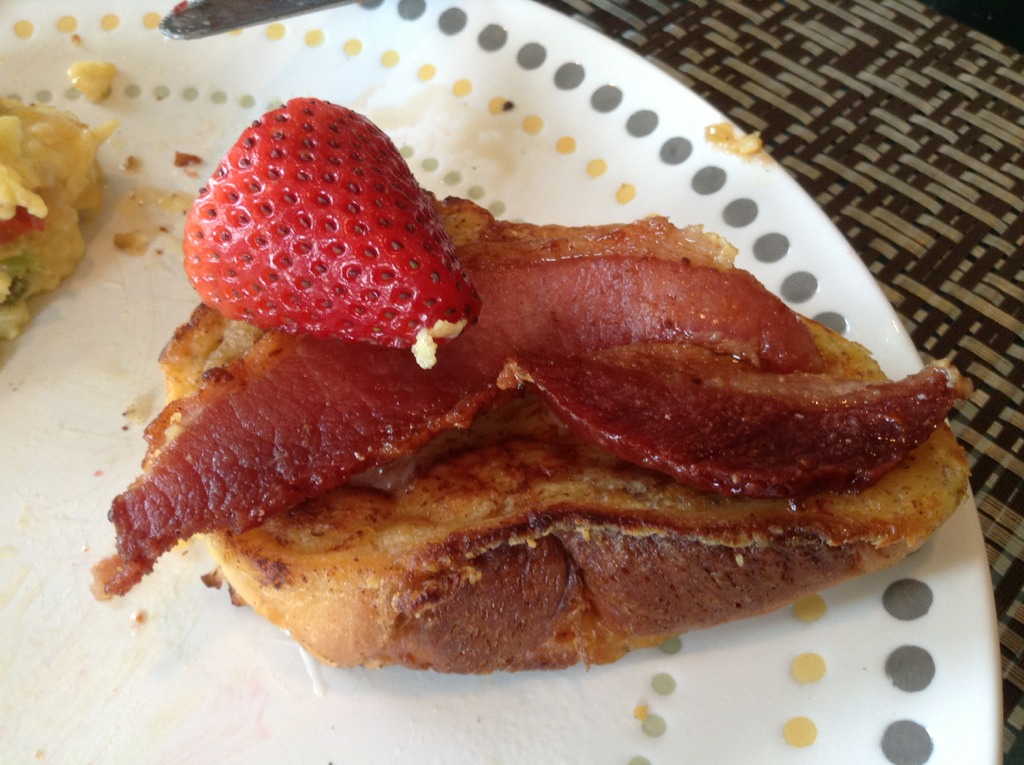
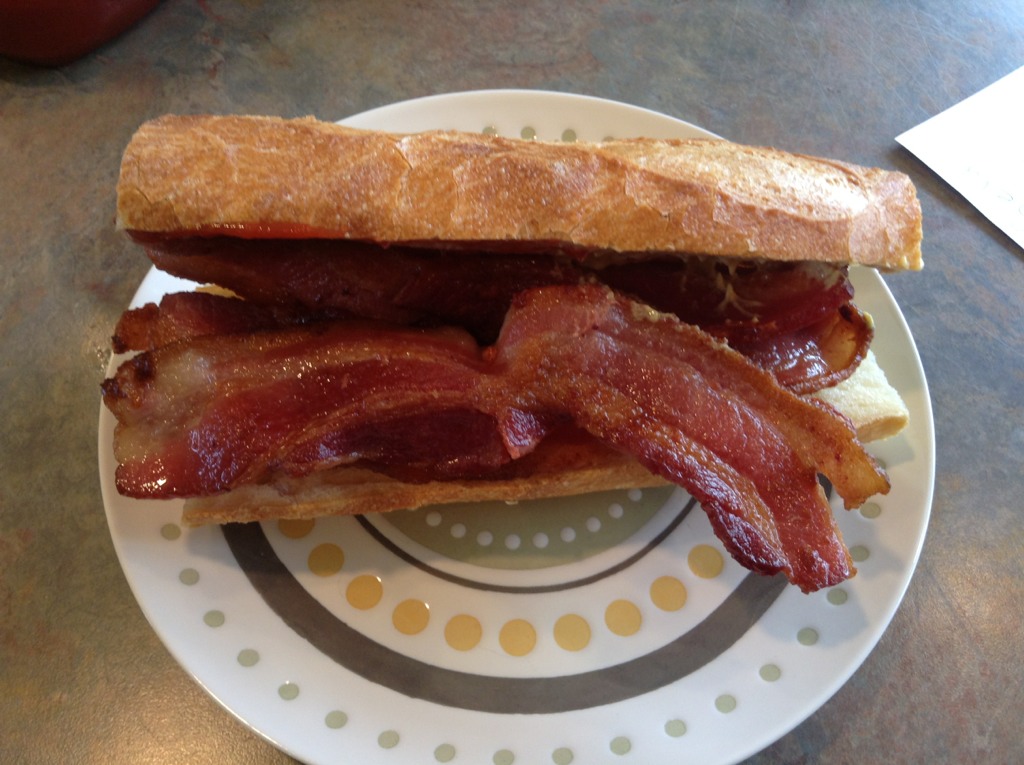
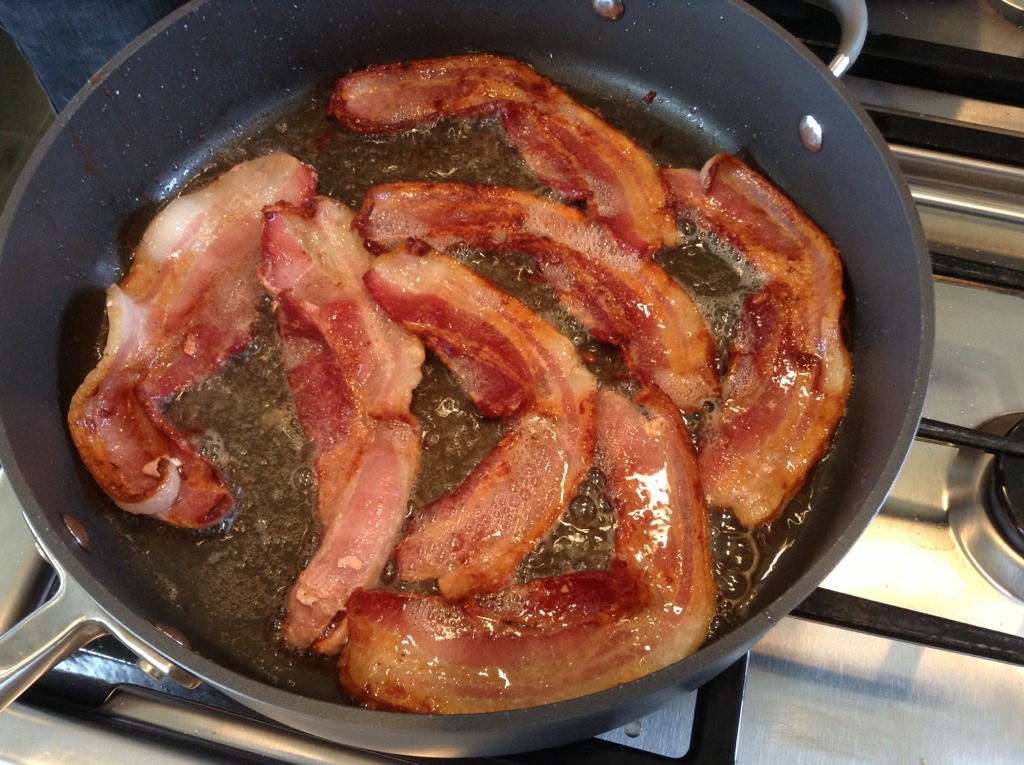
So Moar Bacon > bacon, maple syrup, challah bread French Toast + token strawberry garnish? Concur. (After testing)
-
How about now?
-
Now!
-
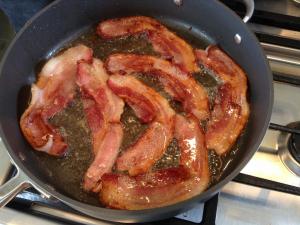
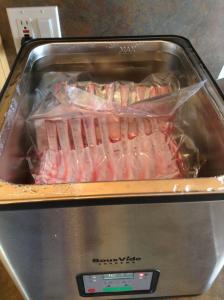
Soon ... For later
-
Happy Birthday squire. Don't forget to post old(er) chap!
-
[H]ardocp got so fed up with newegg, they came up with a browser plugin for chrome and Firefox, [N]ewzon http://newzon.net that let's you shop / browse at newegg, and easily compare prices/purchase at Amazon for the same item. I like the way they think (and their [H]otdeals forum)
-
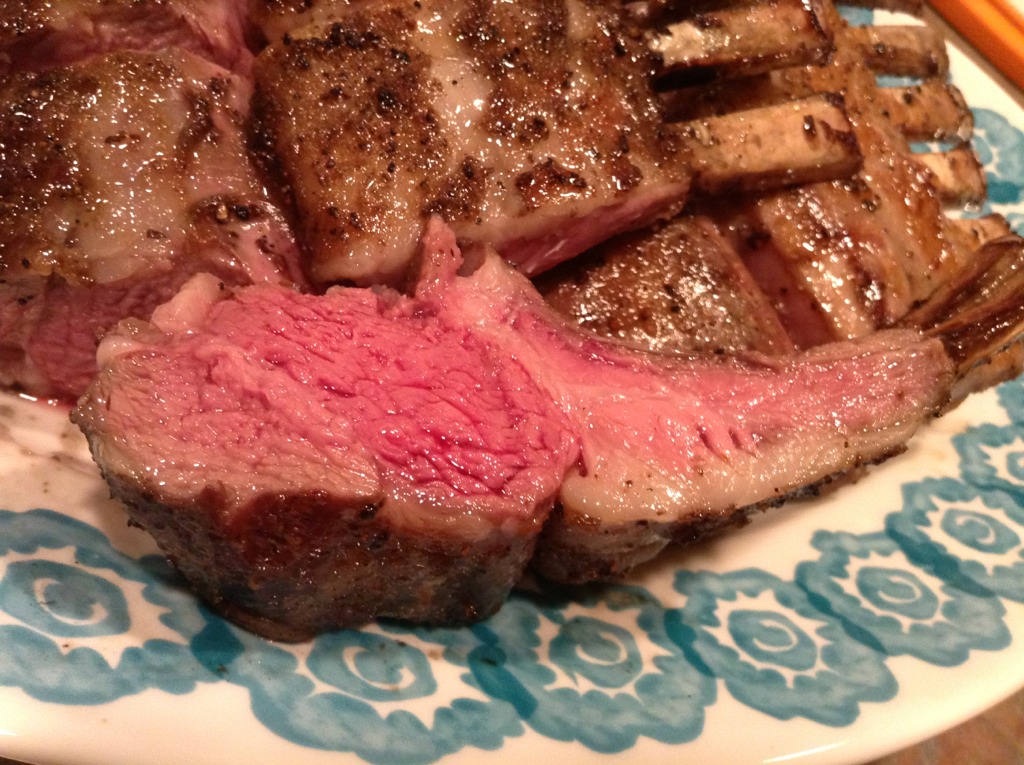
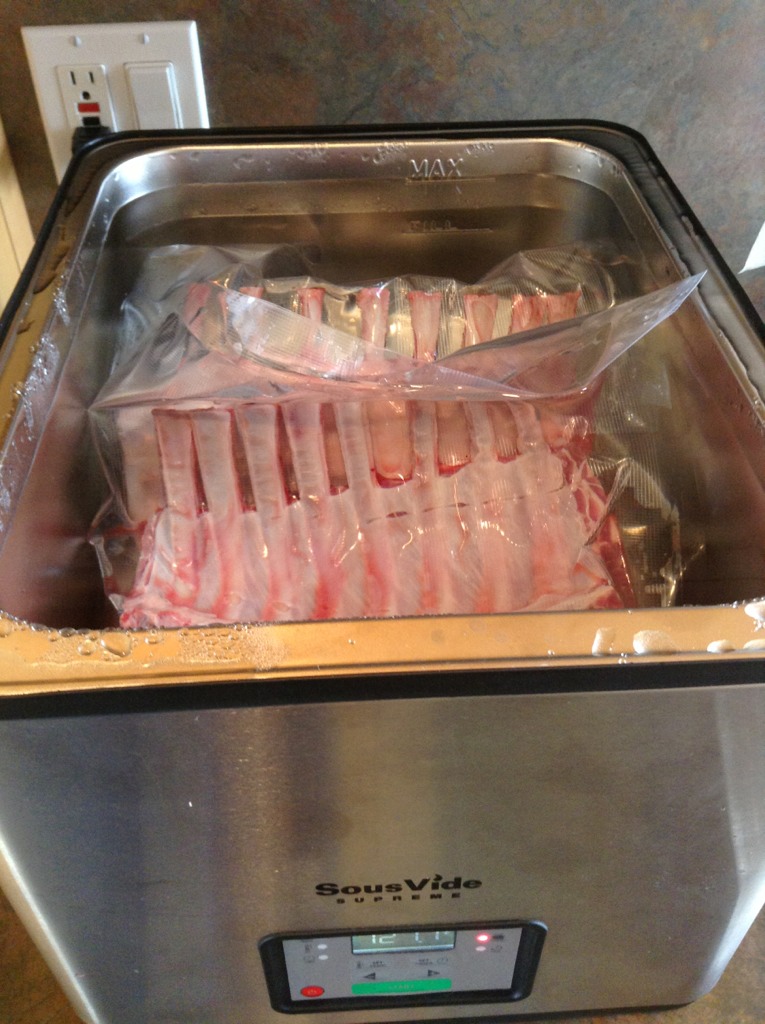
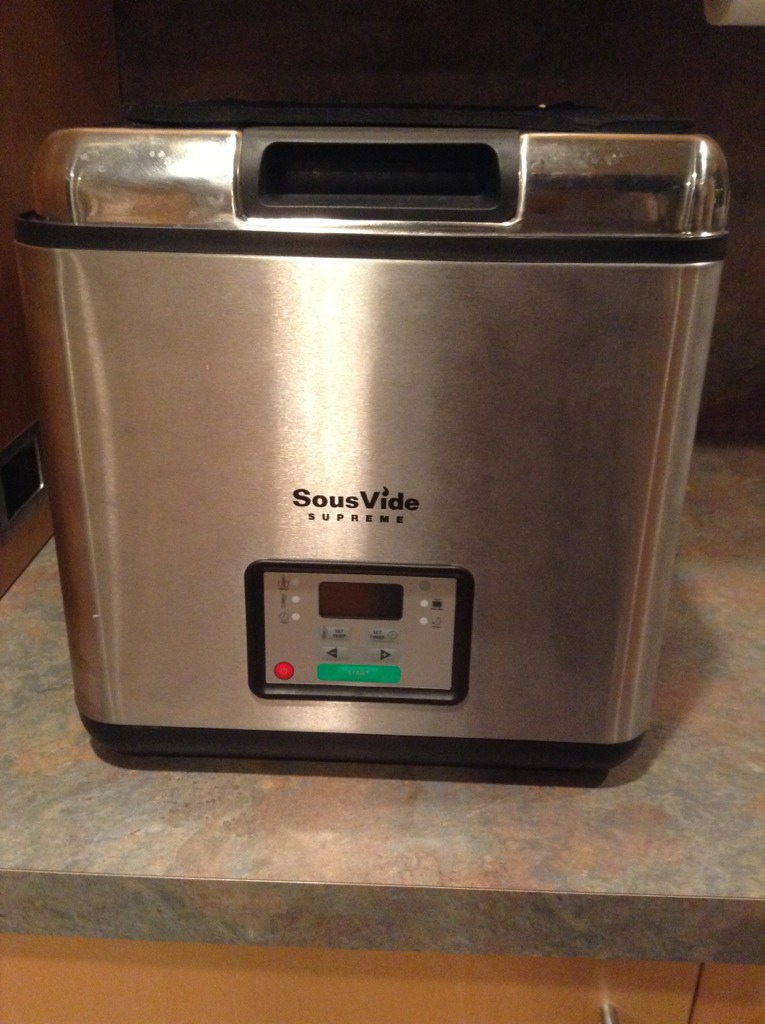
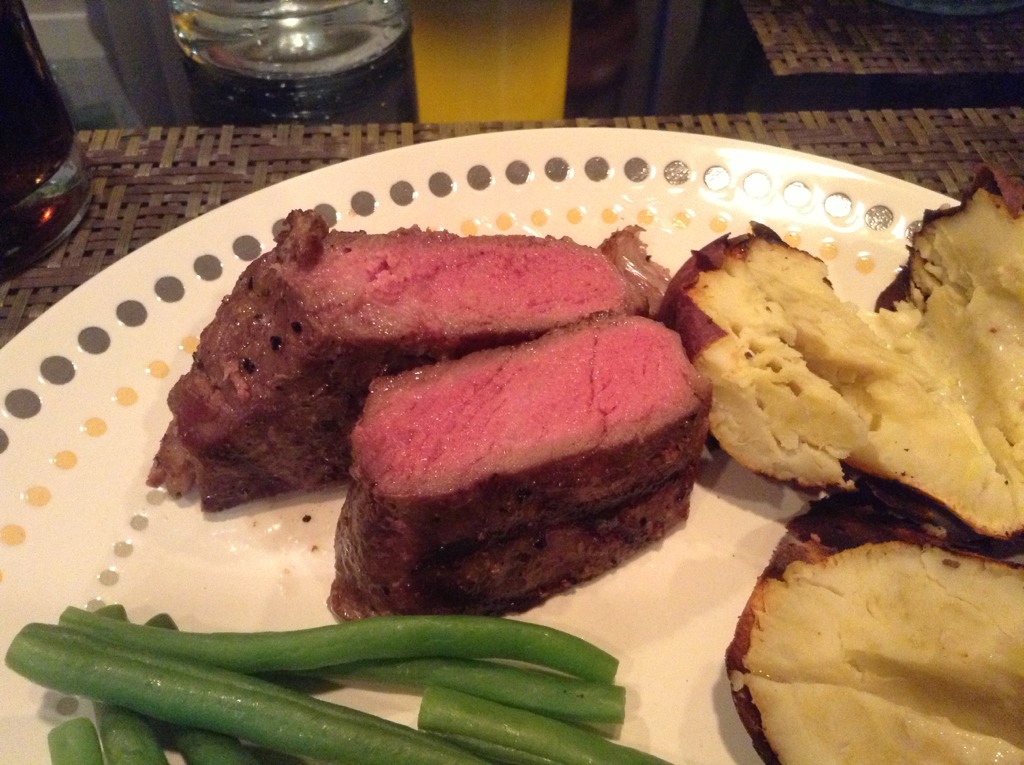
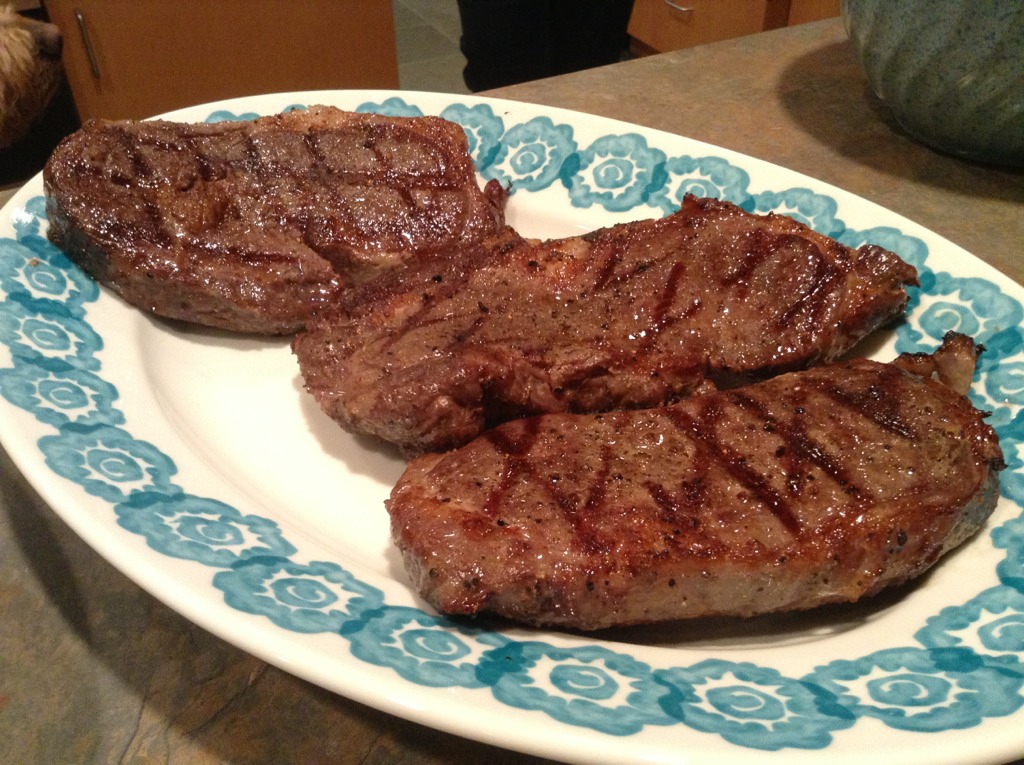
This 134 for 8 hours, then 90 seconds a side on a charcoal grill It worked for me:)

-
Not at home, but they know me well

-
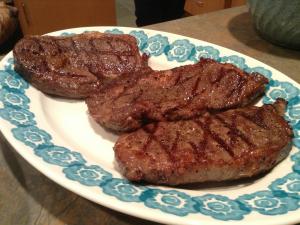
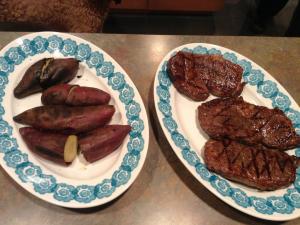
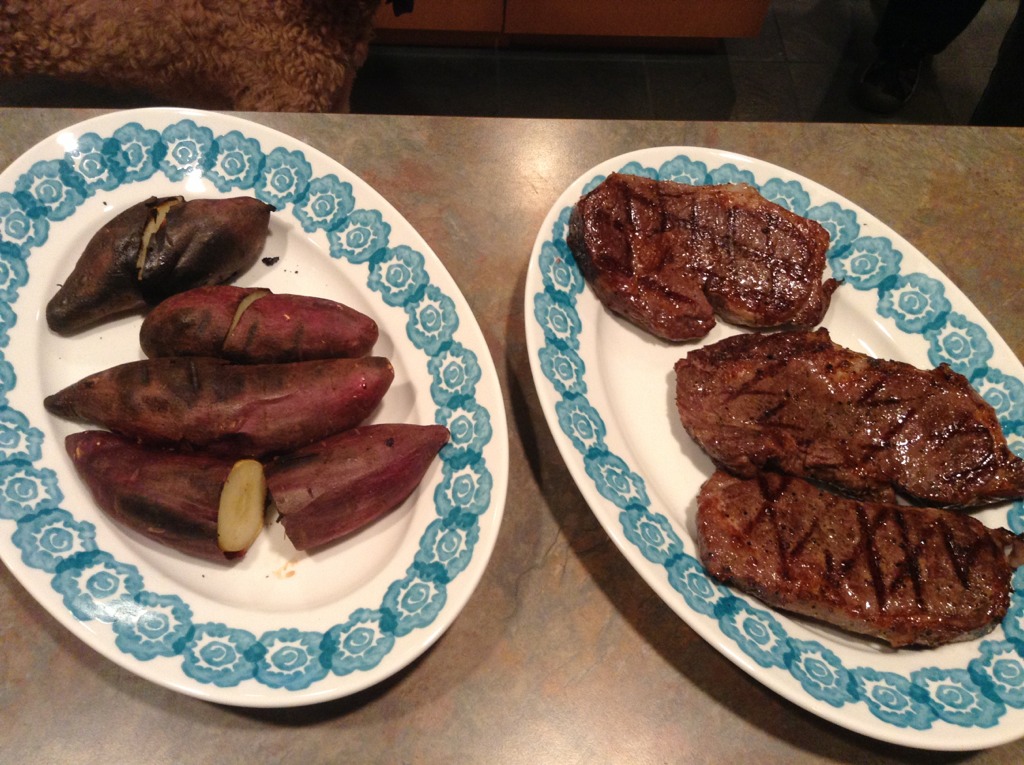
SV'd steaks With sweet potatoes , just to be paleo
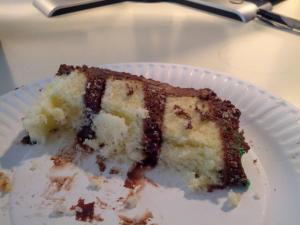
 Kids today.An anecdotal data point for you all. I have a "theoretical" interest in the subject One "book" I've read that resonated with me is The Hackers Diet, written by the founder of AutoDesk who explains in the preface " I'm an engineer by training, a computer programmer by avocation, and an businessman through lack of alternatives. From grade school in the 1950's until 1988 I was fat—anywhere from 30 to 80 pounds overweight. This is a diet book by somebody who spent most of his life fat. The absurdity of my situation finally struck home in 1987. “Look,” I said to myself, “you founded one of the five biggest software companies in the world, Autodesk. You wrote large pieces of AutoCAD, the world standard for computer aided design. You've made in excess of fifty million dollars without dropping dead, going crazy, or winding up in jail. You've succeeded at some pretty difficult things, and you can't control your flippin' weight?” " He takes an approach to weight loss as an engineering problem to be solved, and the human body as a system where Energy In - Energy Out = Energy Change And energy is stored (efficiently) in the body as Fat. A pound of body Fat = ~ 3500 calories - so if you ran a 500 calorie deficit a day, you'd loose a pound of fat a week. I mention this because at the weekend I had an interesting chat with a Brit, who having had uterine fibroids removed, was told by the surgeon to loose 30 lbs. She'd managed to loose 20'lbs this year, so far with the aid of http://www.myfitnesspal.com/ and http://www.mapmyhike.com/ Given her height / weight / age , lifestyle (sedentary) and old diet - 3000 Calories a day , and her intended weight loss rate, it recommended a baseline intake of 1500 calories a day. So she budgeted 400 Calories for breakfast, lunch and dinner. Lunch has been a small Trader Joe's Salad for the last 72 Days. That's the baseline, any extra calories you burn off by exercise, walking etc, you can add to your baseline. So as an example, she gets up early, walks to a coffee shop for some green tea, and the walk covers the calorie cost of the green tea. Myfitnesspal gives you the tools, and lets you keep a food / exercise blog. mapmyhike calculates the calories burned when out walking , which you can feed back into myfitnesspal It all seems to be working, and doesn't involve any magic, just a plan, and tools that let you monitor / manage your execution of the plan. I may even be tempted to take it up, in practice, some timeAmazon < $15 http://www.amazon.com/Infrared-Laser-Non-Contact-Digital-Thermometer/dp/B004KV4DN0/ref=sr_1_15?ie=UTF8&qid=1364425841&sr=8-15&keywords=ir+thermometer Rosewill $25 Neweggs http://www.newegg.com/Product/ProductList.aspx?Submit=ENE&DEPA=0&Order=BESTMATCH&N=-1&isNodeId=1&Description=ir+thermometer&x=-836&y=-112CJ, Doctor recommends Clogs? http://www.medscape.com/viewarticle/565263Just as well there was cake in the break room/kitchen
 Fax Please!^ Didn't pay much attention to the non Brits, other than to notice the parties of students who seemed to think that a trip to Muir Woods was a high-fashion outingMet up with a bunch of Brits and played tourist in Muir Woods. So engrossed in conversation, that our group ended up with a four mile walk rather than the planned two mile loop on the flat. Just for Justin, it was spring-like, in spring.
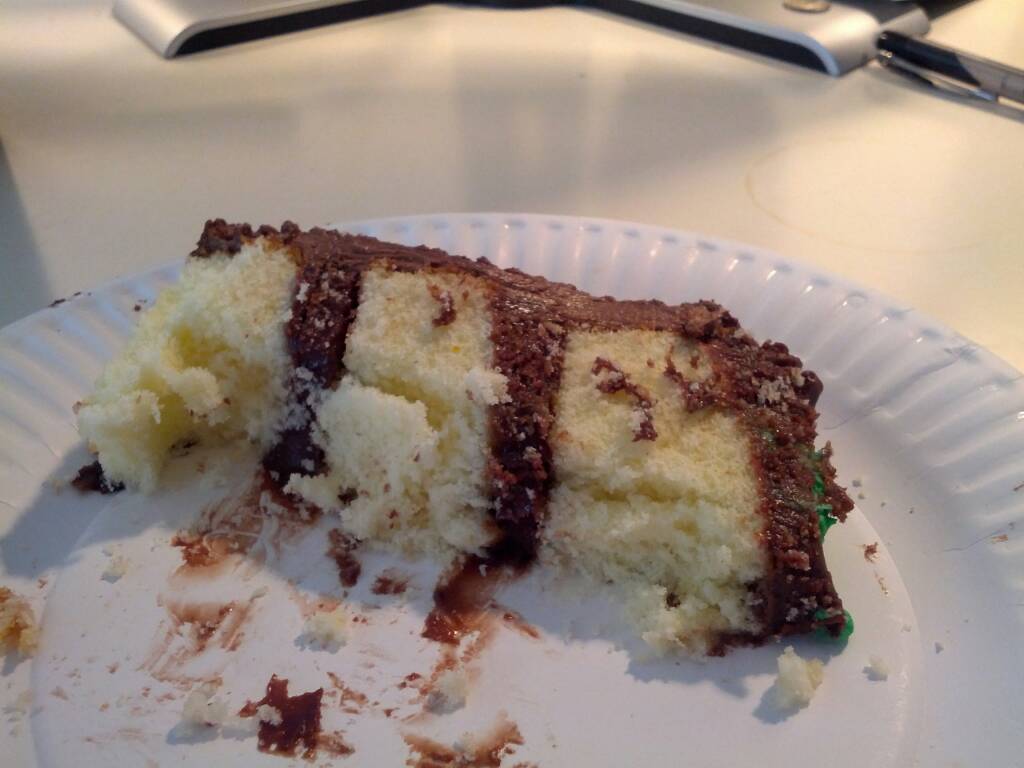
 Good job its not a Spare The Air (If you barbecue, use a gas grill instead of charcoal) day, MikeyIndeed. A fun game for less than the price of a cup of frothy coffee, that will last longer. 4 player co-op with team co-ordination on d-_-b vent, that you host on your (my) machine ... Whats not to like. A different kind of crunchy zombie killing fun than KF. Also has reasonable single player mode to get the game mechanics down.Comcast claimed this in an email this morning Dear Valued Customer, Great news! We've increased your Internet speed! Now the download speed on your Performance Internet service is up to 66% faster with speeds up to 25 Mbps and we have more than doubled your upload speeds up to 5 Mbps. for once they may not be speaking with forked tongue. And all without a cable modem reboot.Helped Joanne make a Space Rocket cake for book club. EDIT: Book Club admires the finished result









Important Information
By using this site, you agree to our Terms of Use.