


Grahame
High Rollers
-
Joined
-
Last visited
Everything posted by Grahame
-
Bananagate? http://www.theregister.co.uk/2014/09/23/iphone_6_plus_tells_fanbois_get_bent/
-
I had luck with http://www.carsdirect.com/ last time I tried this - ended up purchasing in Dublin, vehicle transferred from Stockton, with low interest manufacturer finance on offer at the time. Understand TCO, and the cost of finance. Cars are very much fungible commodities, the purchase of which, dealers use to initiate a transaction where their objective is to extract as much money from you as possible. Know if you're getting a good deal, or when to walk. Canny neighbor did something similar. Got the (distant) cars direct price, then told local dealer, I'm about to set off purchase this car for this price, this afternoon. If you can beat or match the price, the deal is yours. She didn't have to travel as far as she was anticipating.
-
This is Charlie Brooker we're talking about.
-
http://www.dailymail.co.uk/news/article-2764993/F-I-quit-Foul-mouthed-news-reporter-quits-live-air-revealing-viewers-OWNER-medical-marijuana-business-just-filed-report.html
-
Nice Snark from Charlie Brooker http://www.theguardian.com/commentisfree/2014/sep/22/apple-software-updates-iphone-watch-ios-8
-
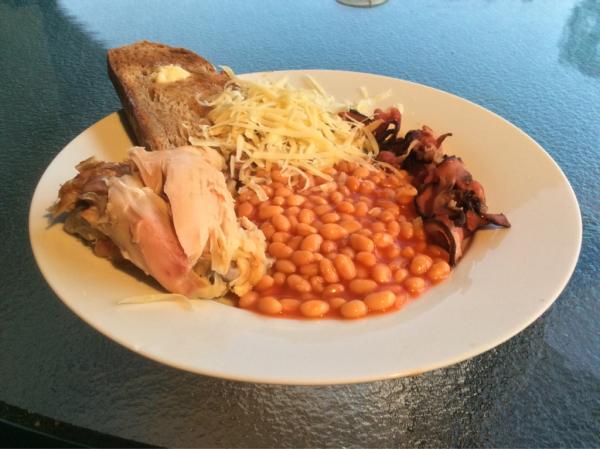
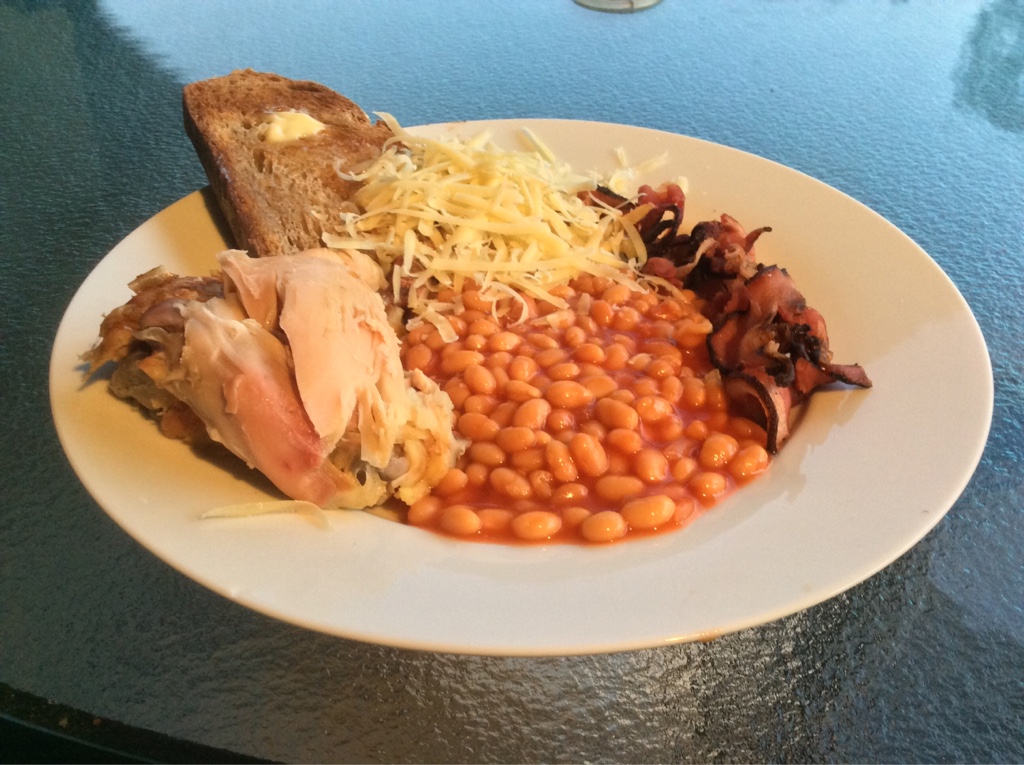
This is what happens when you share with your better half. And if you look closely the salad has bacon. But as you rightly point out, needs moar!
-
Pre film F&C ... And salad
-
Congrat.Such Meme, Very Gif, Many FTW, So Knucks, Wow! http://www.theguardian.com/technology/2014/feb/18/doge-such-questions-very-answered http://gawker.com/doge-is-an-actually-good-internet-meme-wow-1460448782Don't let him read "responses with Al" then.^Ok, so now you're part of the iPhone 6+ UX, who's this "ow" character?The return of "raid on the fridge". But its all gone now.A raid on the fridge
 And in other streaming corporate synergy news ... Internet radio service Pandora will bring music that is “outside the mainstream, yet adventurous and warmly accessible” to Peet’s Coffee & Tea locations nationwide, according to an announcement on Tuesday. Peet's (Tea and Coffee) is partnering with Pandora .. We are partnering with Pandora®, the leading internet radio service, to create a unique music experience in our stores that has been carefully curated by 25-year Peetnik and music aficionado, Patrick Main. This partnership allows us to refresh the music experience in our stores with more music options. In addition, you can access the Peet’s radio stations directly via your Pandora mobile or desktop application. MELODIC INDIE Sweet, bright, and fresh. Indie rock, pop and folk from off the beaten path. LISTEN » JAZZ GIANTS Vigorous, full, and lively. Swing, bebop, hard bop, cool jazz and newer explorations. Only the real stuff. LISTEN » ECLECTIC CLASSICAL Bold, structured, and complex. Music spanning the breadth of the classical tradition, with a special focus on contemporary composers. LISTEN » ORIGINS Rustic, earthy, and vibrant. Folk traditions and new music from around the world. LISTEN » http://www.peets.com/pandora http://investor.pandora.com/phoenix.zhtml?c=227956&p=irol-newsArticle&id=1912256 http://blog.sfgate.com/techchron/2014/03/26/pandora-partners-with-peets-coffee-tea/ in working with Pandora, Peet's set guidelines for each station and selected tracks and artists that pair well with their coffees. For example, according to the company: Peet's Melodic Indie includes indie bands like Pinback, Neko Case and Broken Bells that provide a contemporary, melodic sound and pair well with sweet, bright coffees such as Peet's Kenya Auction Lot and Café Solano Medium Roast. Peet's Jazz Giants reflects Peet's Italian Roast and Espresso Forte Blend with its swing, bebop, hard bop and cool jazz including artists like Miles Davis Quintet, Charlie Parker, Betty Carter and Jason Moran. Peet's Origins enhances Peet's earthy and vibrant blends including Uzuri African Blend and Gaia Organic Blend. Artists include Cesaria Evora (Cabo Verde), Dobet Gnahore (Côte d'Ivoire), Franco (Zaire), Gabby Pahinui (Hawaii), Papi Brandao (Panama) and Armando Garzon (Cuba). Peet's Eclectic Classical pays tribute to the history of classical music while emphasizing contemporary composers, and pairs with Major Dickason's Blend or Peet's French Roast. http://www.fastcasual.com/news/peets-coffee-partners-with-pandora-to-create-branded-radio-stations/ http://www.marketwatch.com/story/peets-coffee-tea-and-pandora-announce-new-partnership-to-enhance-the-coffee-shop-music-experience-2014-03-25Phones and their Os's are just tools. Pick the best tool for the job. Some tools are imperfect. However marketing / branding would like to have us self identify by our purchases. Which leads to polarization. with no room for nuance. "You're either with us, or against us" and absolutism and rejection of facts (and history) "We have always been at war with Eurasia". So then its just a matter of taste, and preference. And we can agree to disagree, can't we.I trust your slippers had been pre-warmed for your return. You should not have to suffer the indignity of chilly slippers at your age.IPad mini took all day at work, yesterday using the guest wifi. Saw "7 hours remaining" at one point.Thoughts? Some People think its a bad idea ... http://www.techradar.com/news/phone-and-communications/mobile-phones/why-the-panasonic-lumix-dmc-cm1-is-a-bad-idea-1265639Looks Very nice, 'Stretch. Pics (very déclassé, I know), or venue?Happy Birthday Tall Man. Best Drink Some Scotch while you can ... http://nypost.com/2014/09/16/price-of-scotch-whisky-could-skyrocket-if-scotland-secedes/Wouldn't you want closed headphones for recording a vocal?Real 1%ers don't have to deal with trivialities like real phones, they have people for that!


Important Information
By using this site, you agree to our Terms of Use.
Account
Navigation
Search
Configure browser push notifications
Chrome (Android)
- Tap the lock icon next to the address bar.
- Tap Permissions → Notifications.
- Adjust your preference.
Chrome (Desktop)
- Click the padlock icon in the address bar.
- Select Site settings.
- Find Notifications and adjust your preference.
Safari (iOS 16.4+)
- Ensure the site is installed via Add to Home Screen.
- Open Settings App → Notifications.
- Find your app name and adjust your preference.
Safari (macOS)
- Go to Safari → Preferences.
- Click the Websites tab.
- Select Notifications in the sidebar.
- Find this website and adjust your preference.
Edge (Android)
- Tap the lock icon next to the address bar.
- Tap Permissions.
- Find Notifications and adjust your preference.
Edge (Desktop)
- Click the padlock icon in the address bar.
- Click Permissions for this site.
- Find Notifications and adjust your preference.
Firefox (Android)
- Go to Settings → Site permissions.
- Tap Notifications.
- Find this site in the list and adjust your preference.
Firefox (Desktop)
- Open Firefox Settings.
- Search for Notifications.
- Find this site in the list and adjust your preference.