


Grahame
High Rollers
-
Joined
-
Last visited
Everything posted by Grahame
-
https://rationalwiki.org/wiki/Affirming_the_consequent Let P = Guitar Wankery ( https://www.urbandictionary.com/define.php?term=wankery , #2) Let Q = Shredding (https://en.wikipedia.org/wiki/Shred_guitar ) All Guitar Wankery is Shredding Not All Shredding is Guitar Wankery Speed / Virtuosity can be an additional articulation to emote. e.g. Does the "Off Piste" Shredding ( say 2:40-3:25, you'll know it when you hear it) help or hinder in the following (from many, many youtube bedroom guitarists) cover(s) of Vinnie Moore's J.S.Bach / April Sky?
-
Another viewpoint ... https://www.theregister.co.uk/2019/06/03/apple_wwdc_macpro_itunes/Almost "Top Shelf Material", You might say. https://idioms.thefreedictionary.com/top-shelfin that case ... full interview ... https://www.bbc.co.uk/programmes/p078tgjd “If you only knew how ridiculous that statement is you wouldn’t have said it, so let’s move on.” "Thank you for your time, and uh, showing that anger is not part of American political discourse." https://www.independent.co.uk/voices/ben-shapiro-andrew-neil-bbc-interview-absolutely-destroyed-a8908791.html https://www.theguardian.com/media/2019/may/12/andrew-neil-questions-to-ben-shapiro-were-legitimate "Meanwhile ... https://moogfoundation.org/projects/the-moogseum/ https://www.fastcompany.com/90340625/how-synthesizer-pioneer-bob-moog-brought-electronic-music-to-the-massesHappy, Birthday, Brent!Happy Birthday, Rob!RIP Niki. See Rush if you haven't. ( It's on Netflix)Smothered hash browns, poached eggs and bacon. Comfort food on a very rainy Saturday
 Stinson Beach Fish and Chips.
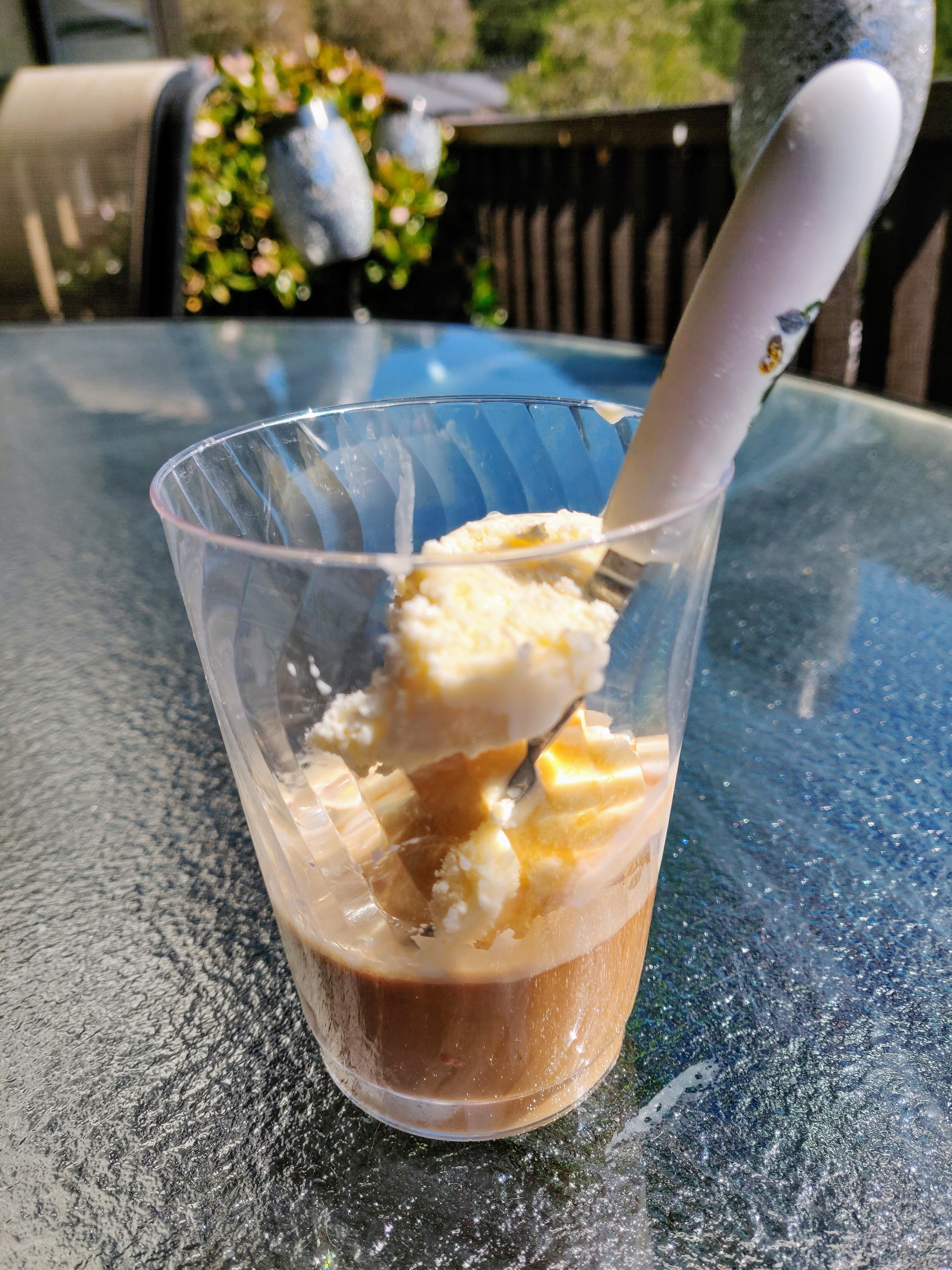
 'appy Birthday 'arry!And if the laptop doesn't have to "be" pink, just "look" pink, there is always the option of (careful now) "pink laptop skins" https://www.cafepress.com/+pink+laptop-skinsWho knew "Best Pink Laptop" was a viable search term? https://www.patchesoft.com/pink-laptops https://www.bestreviews.guide/pink-laptops https://mylaptopguide.com/best-rose-gold-pink-laptops/ https://www.google.com/search?q=best+pink+laptopHappy Birthday, ShellyDeck affogato
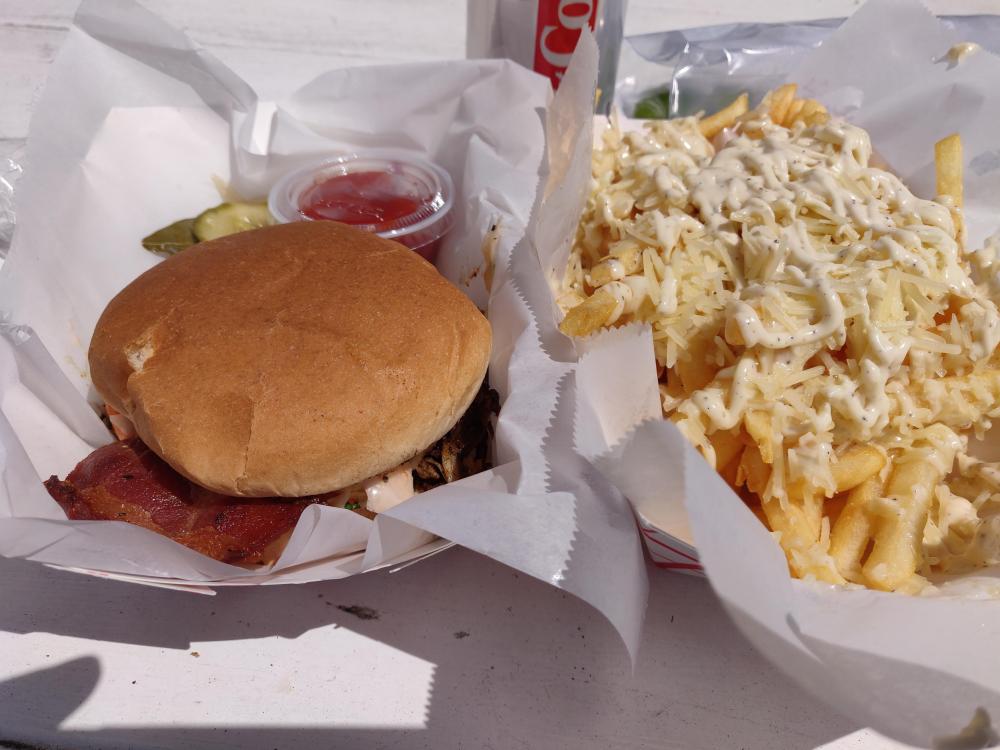
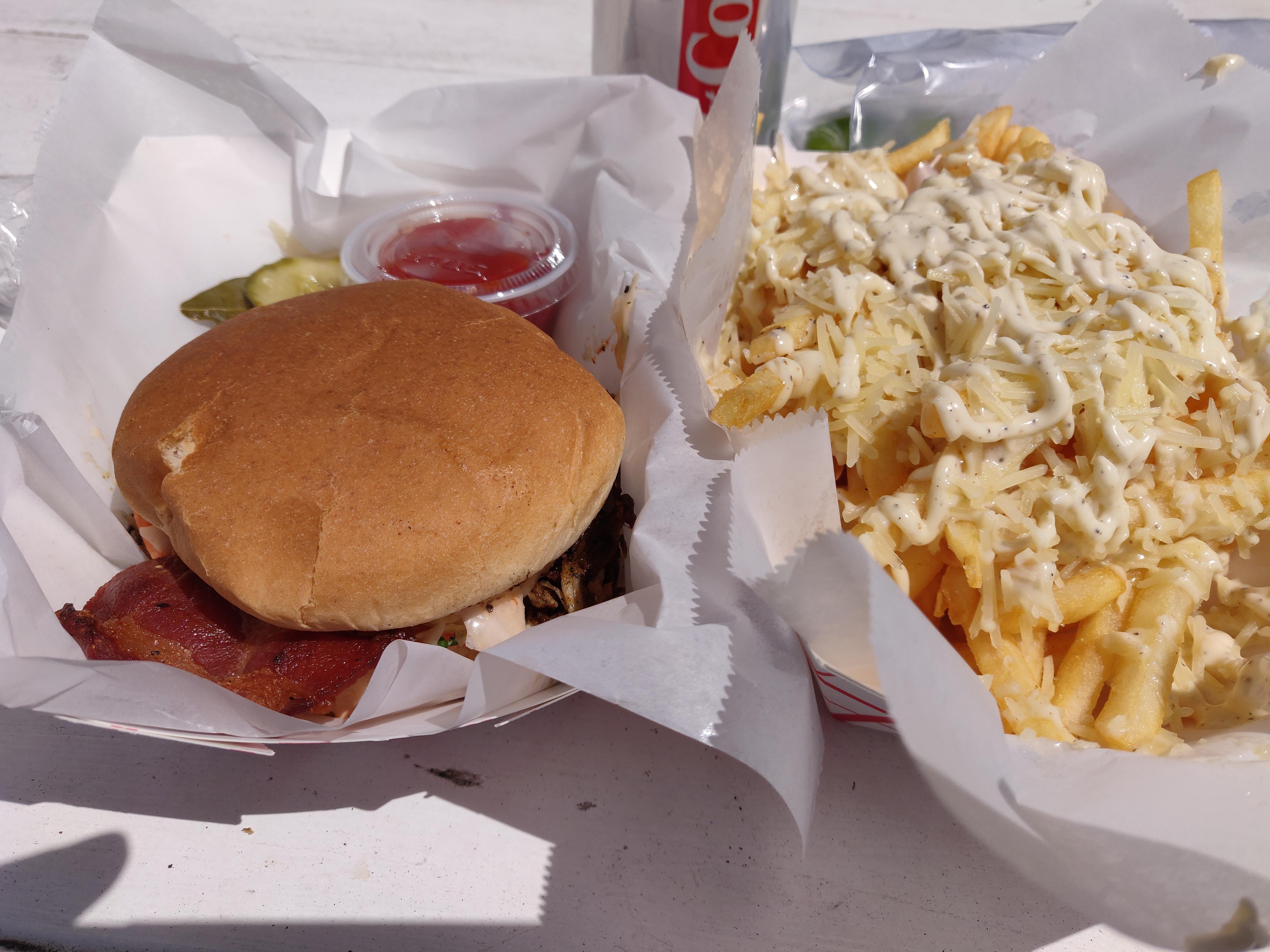
 Larkspur food truck pulled pork and crispy bacon, truffle parm fries
 BBC News - Chewbacca actor Peter Mayhew dies aged 74 https://www.bbc.co.uk/news/entertainment-arts-48142765Fish & Chips Salmon, Mahi-Mahi Tacos

 Sorry to hear Craig, RIP Cheese.Don't forget Pino slappin' on that fretless. oh no siree.








Important Information
By using this site, you agree to our Terms of Use.
Account
Navigation
Search
Configure browser push notifications
Chrome (Android)
- Tap the lock icon next to the address bar.
- Tap Permissions → Notifications.
- Adjust your preference.
Chrome (Desktop)
- Click the padlock icon in the address bar.
- Select Site settings.
- Find Notifications and adjust your preference.
Safari (iOS 16.4+)
- Ensure the site is installed via Add to Home Screen.
- Open Settings App → Notifications.
- Find your app name and adjust your preference.
Safari (macOS)
- Go to Safari → Preferences.
- Click the Websites tab.
- Select Notifications in the sidebar.
- Find this website and adjust your preference.
Edge (Android)
- Tap the lock icon next to the address bar.
- Tap Permissions.
- Find Notifications and adjust your preference.
Edge (Desktop)
- Click the padlock icon in the address bar.
- Click Permissions for this site.
- Find Notifications and adjust your preference.
Firefox (Android)
- Go to Settings → Site permissions.
- Tap Notifications.
- Find this site in the list and adjust your preference.
Firefox (Desktop)
- Open Firefox Settings.
- Search for Notifications.
- Find this site in the list and adjust your preference.