


Grahame
High Rollers
-
Joined
-
Last visited
Everything posted by Grahame
-
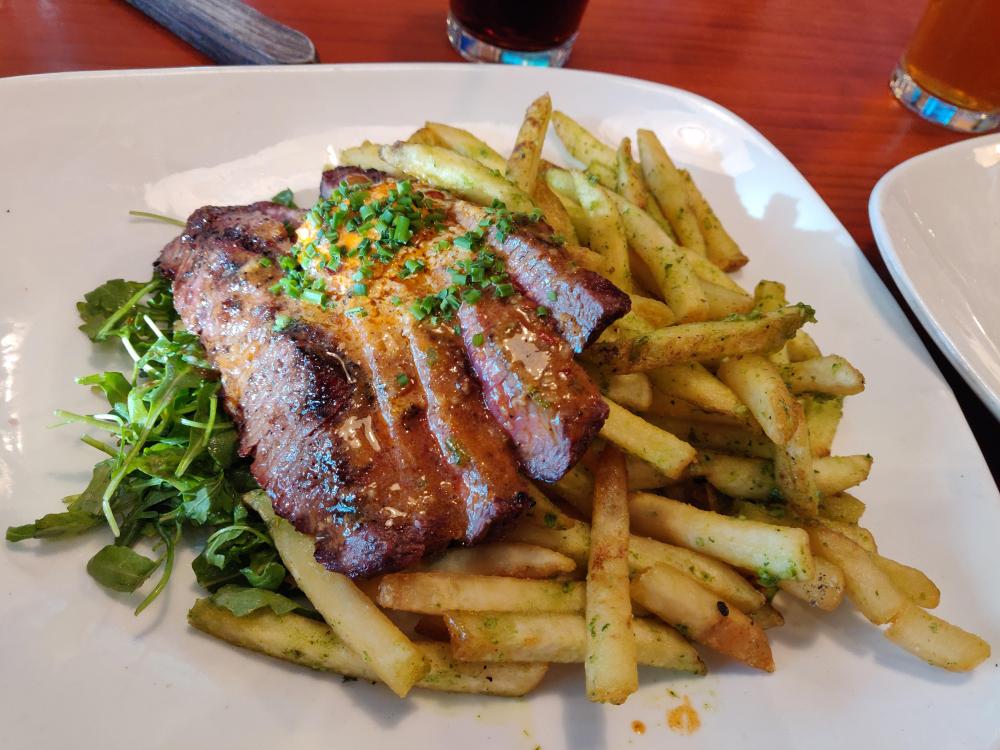
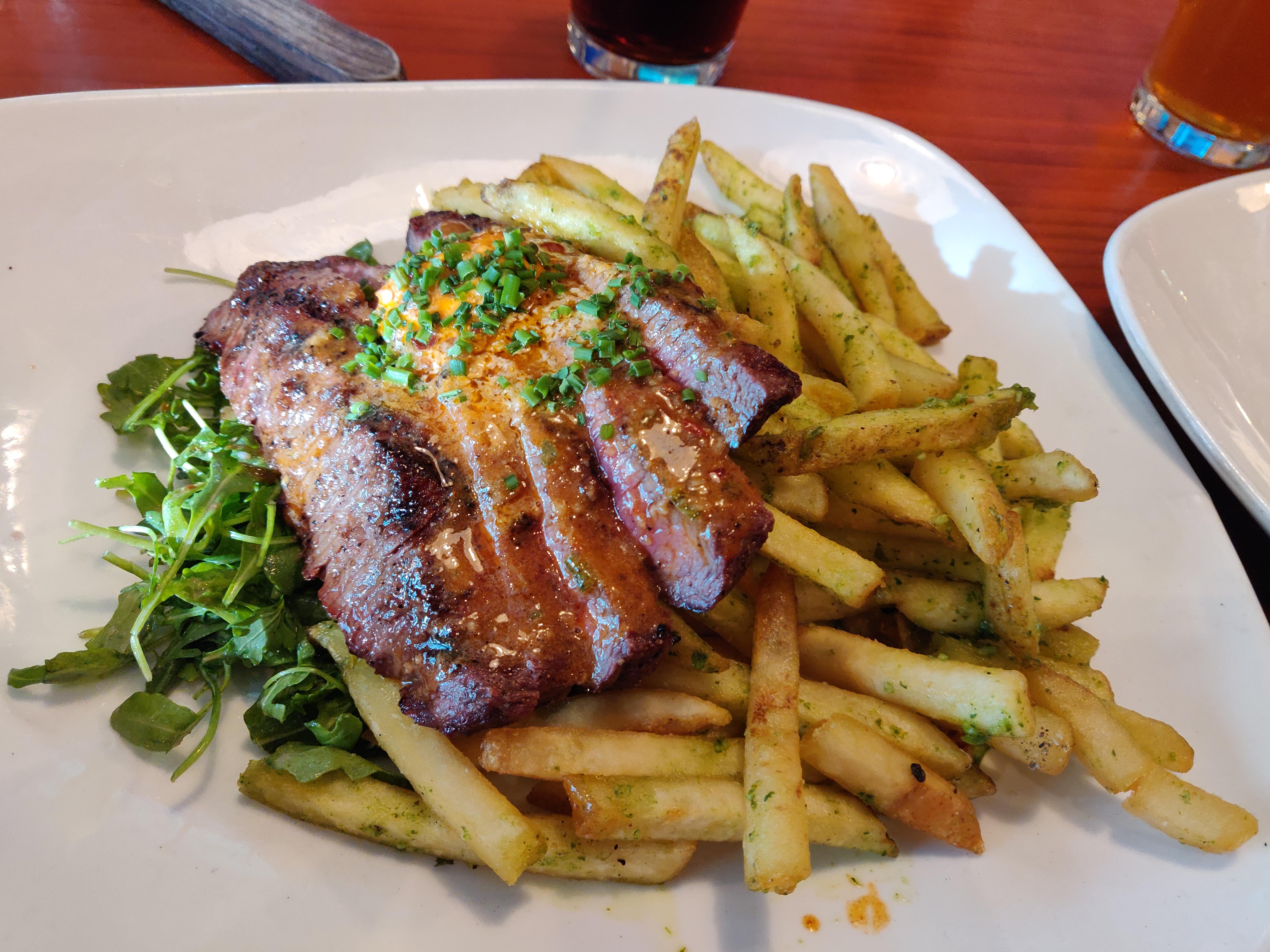
Niman Ranch Flat Iron, Garlic Fries, Arugula, Smoked Chile Butter
-
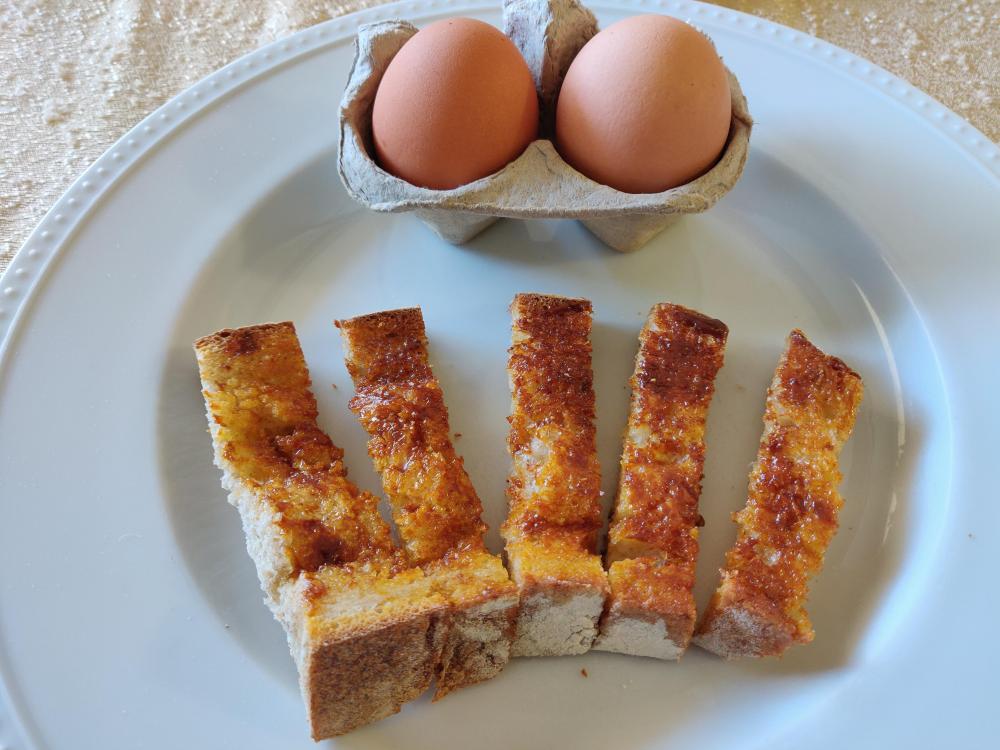
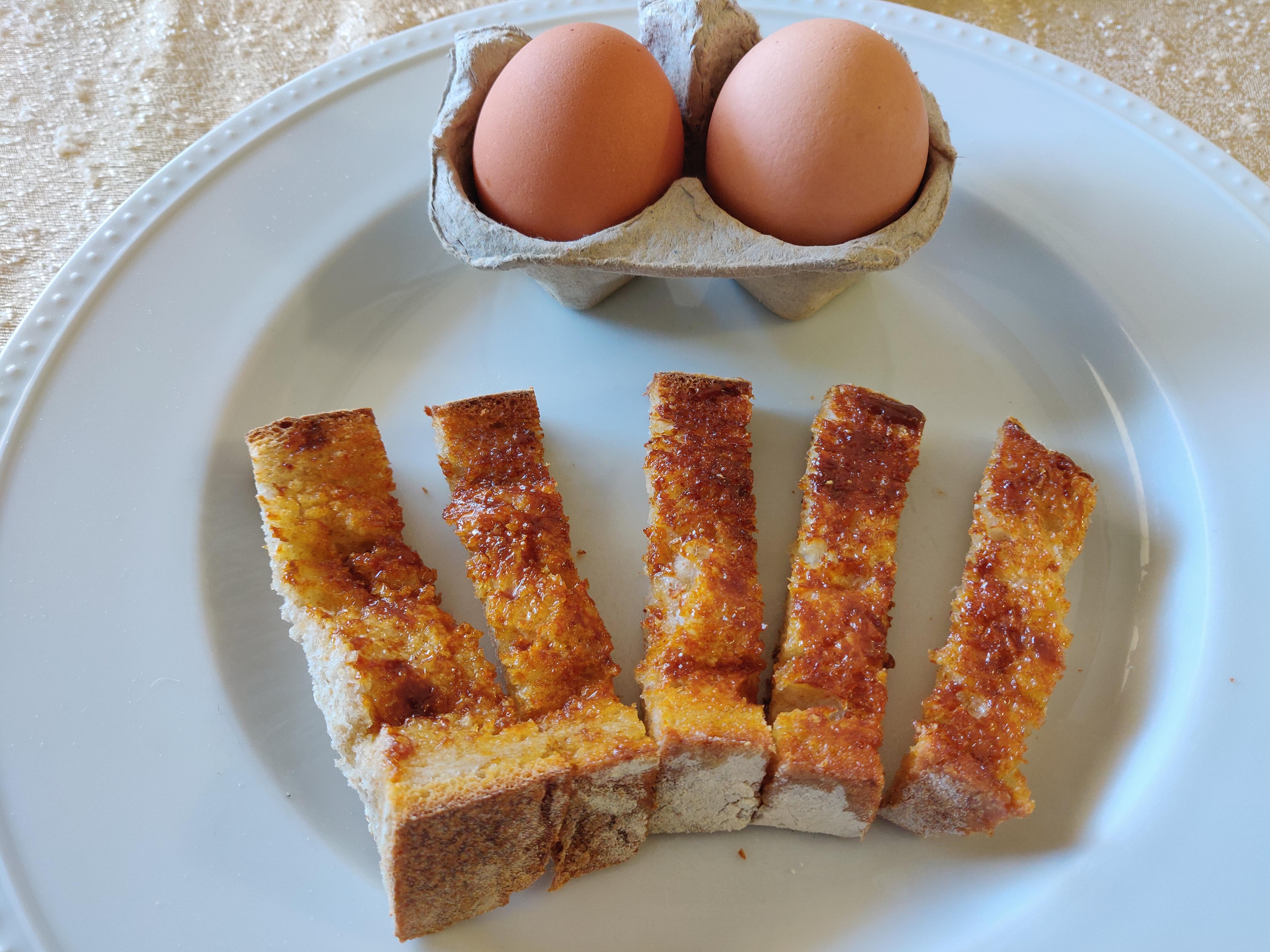
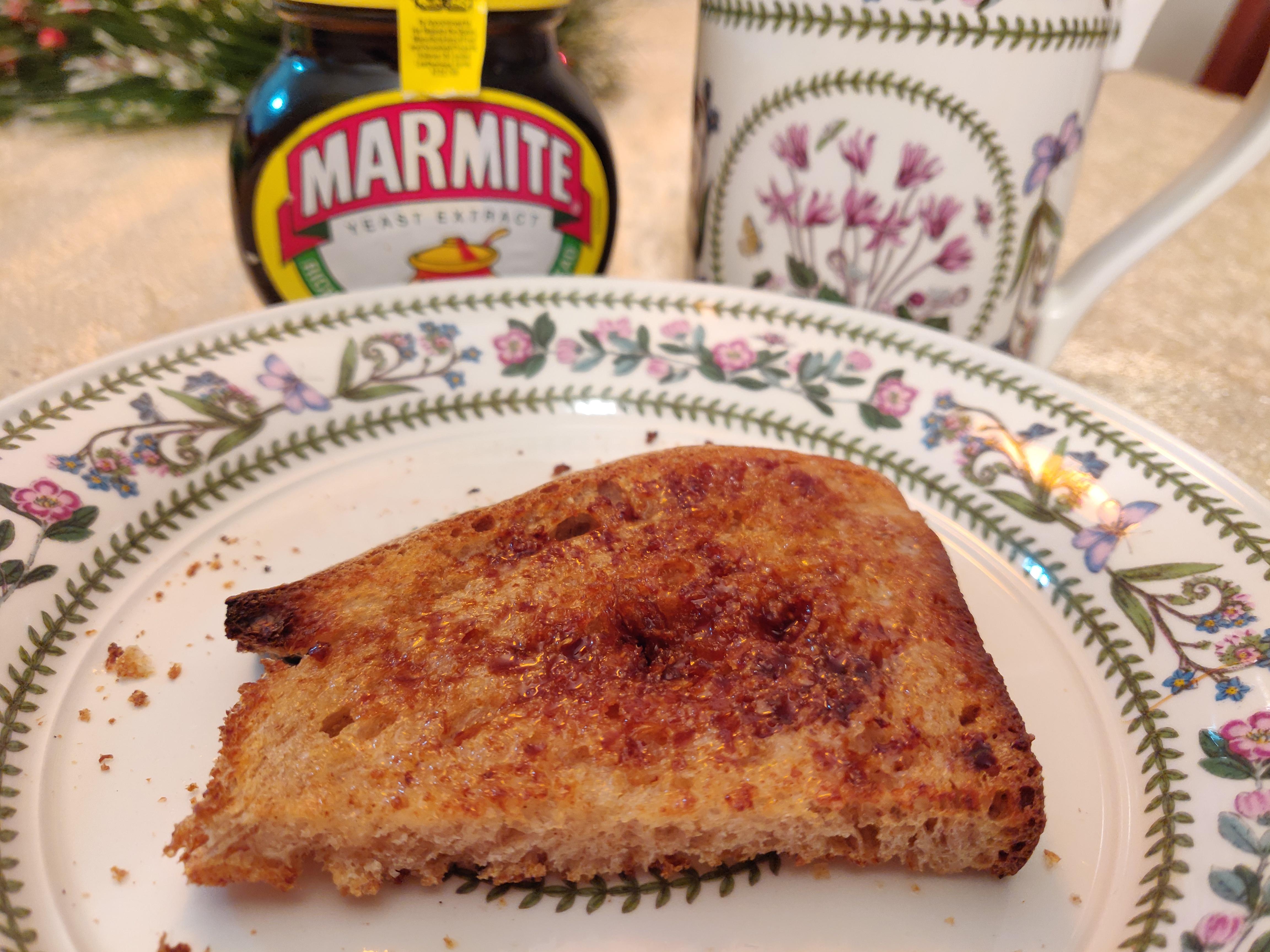
Boxing Day Breakfast. Sous Vided Soft Boiled eggs + Marmite Soldiers
-
Happy Birthday to head cases very own Christmas Miracle, Ric.
-
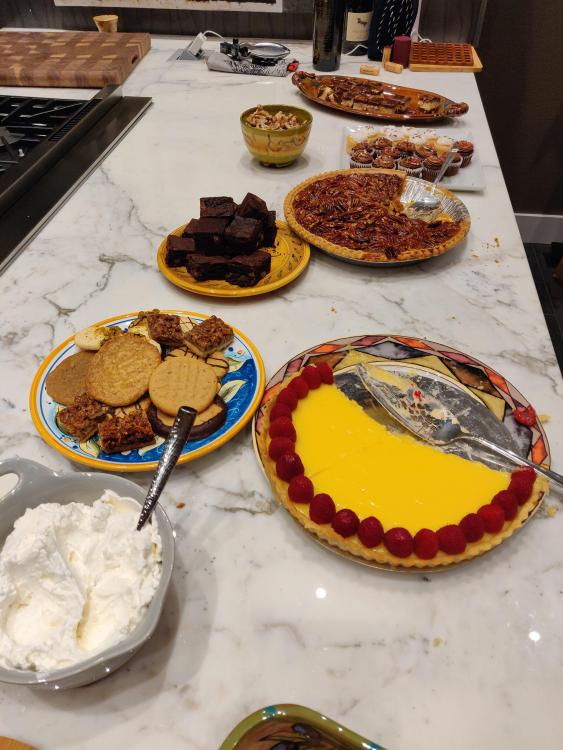
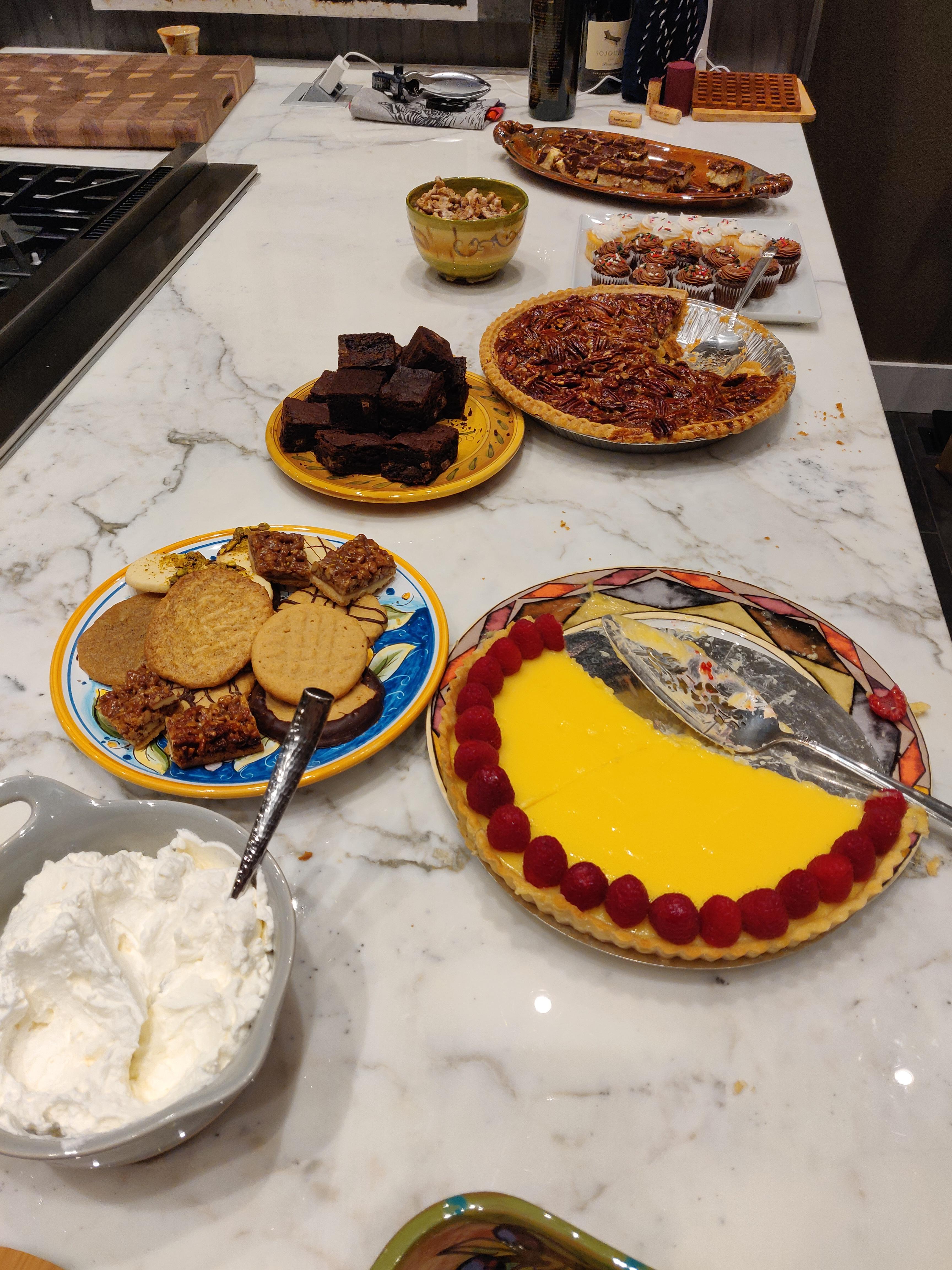
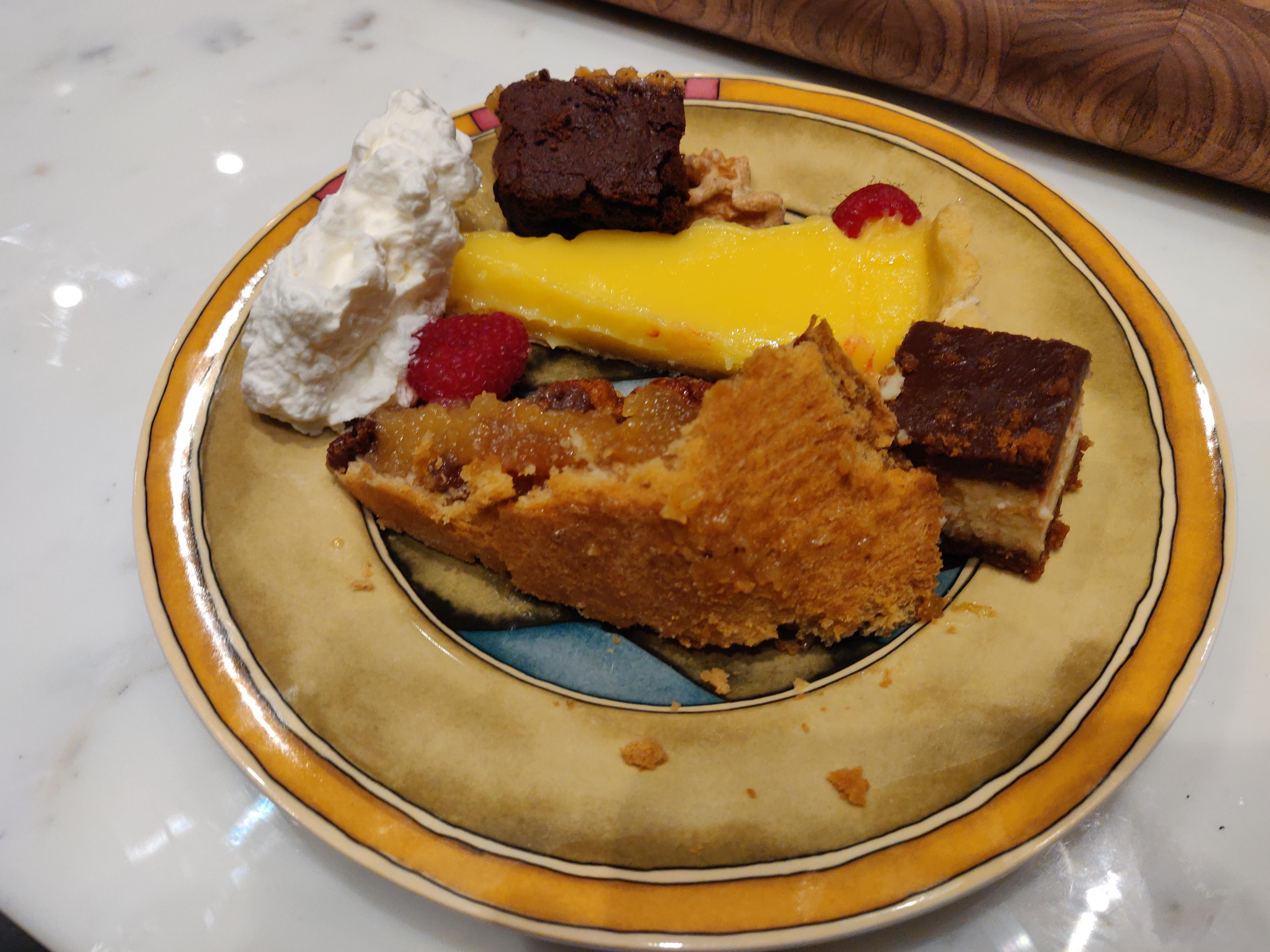
Dessert

-
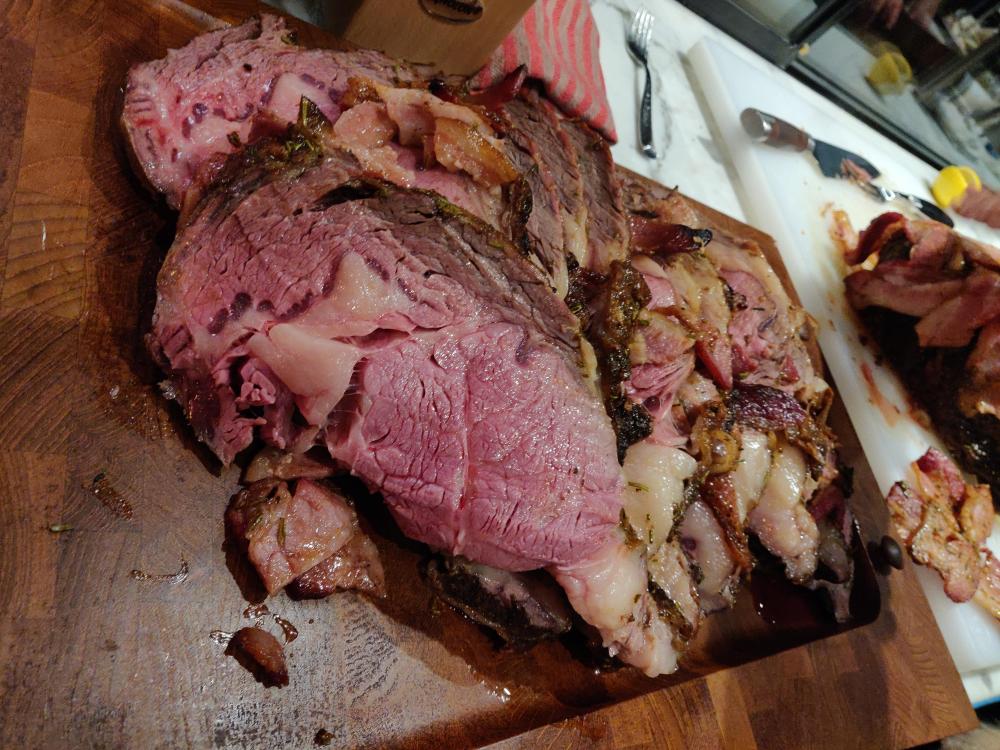
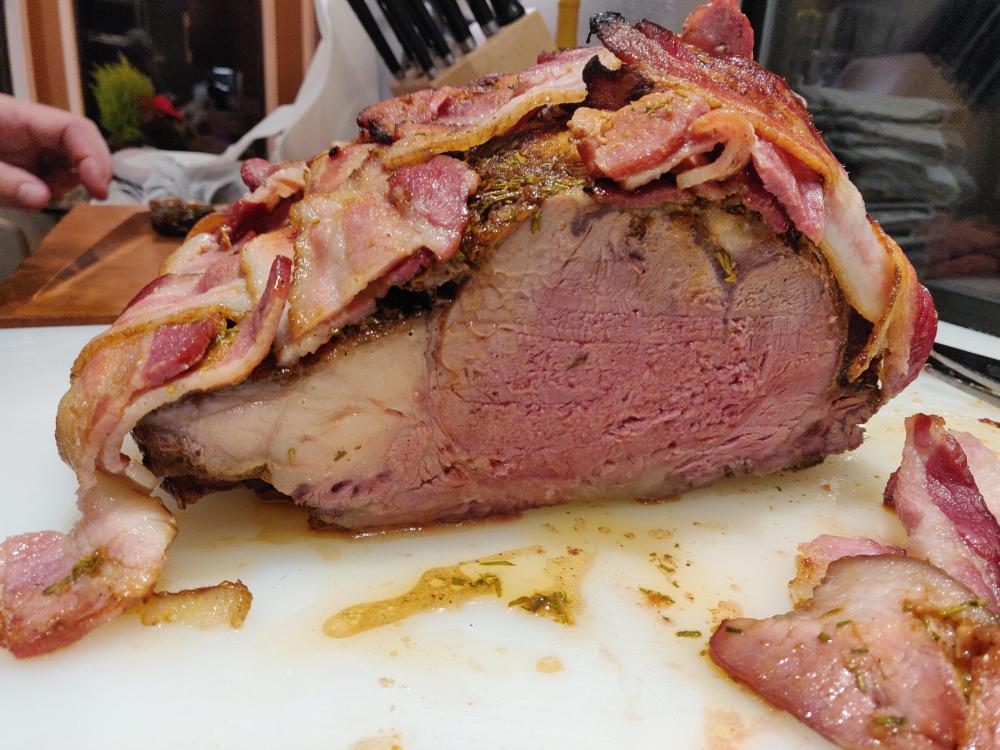
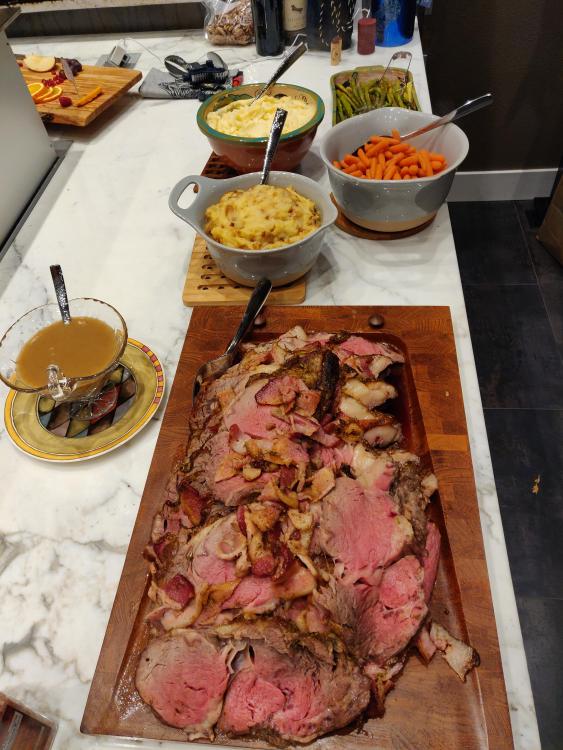
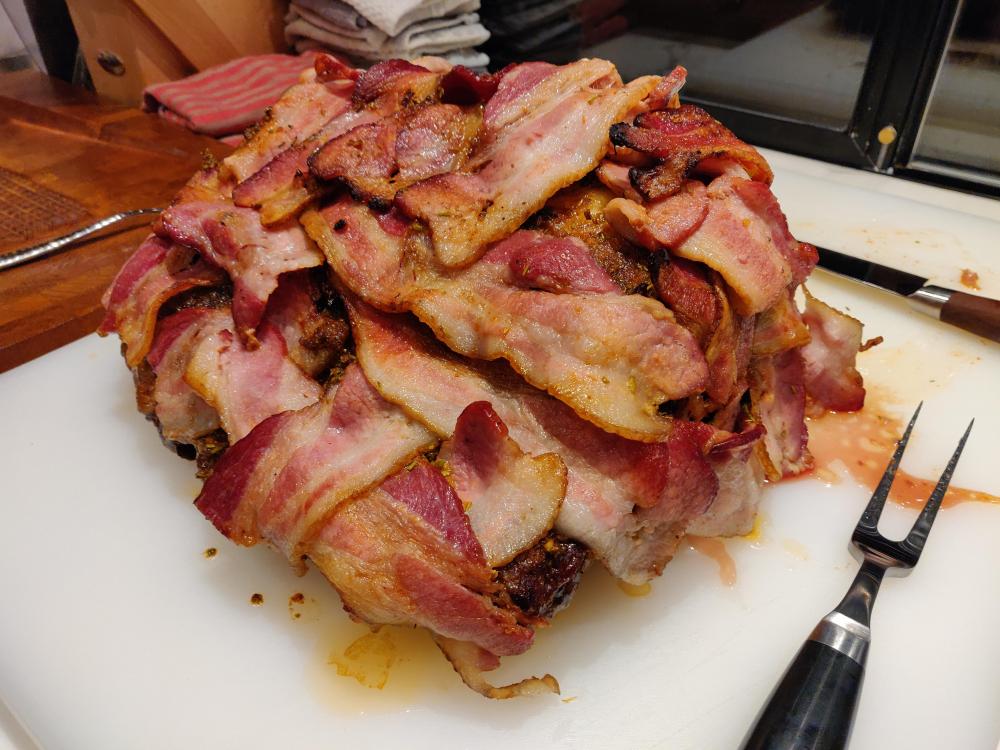
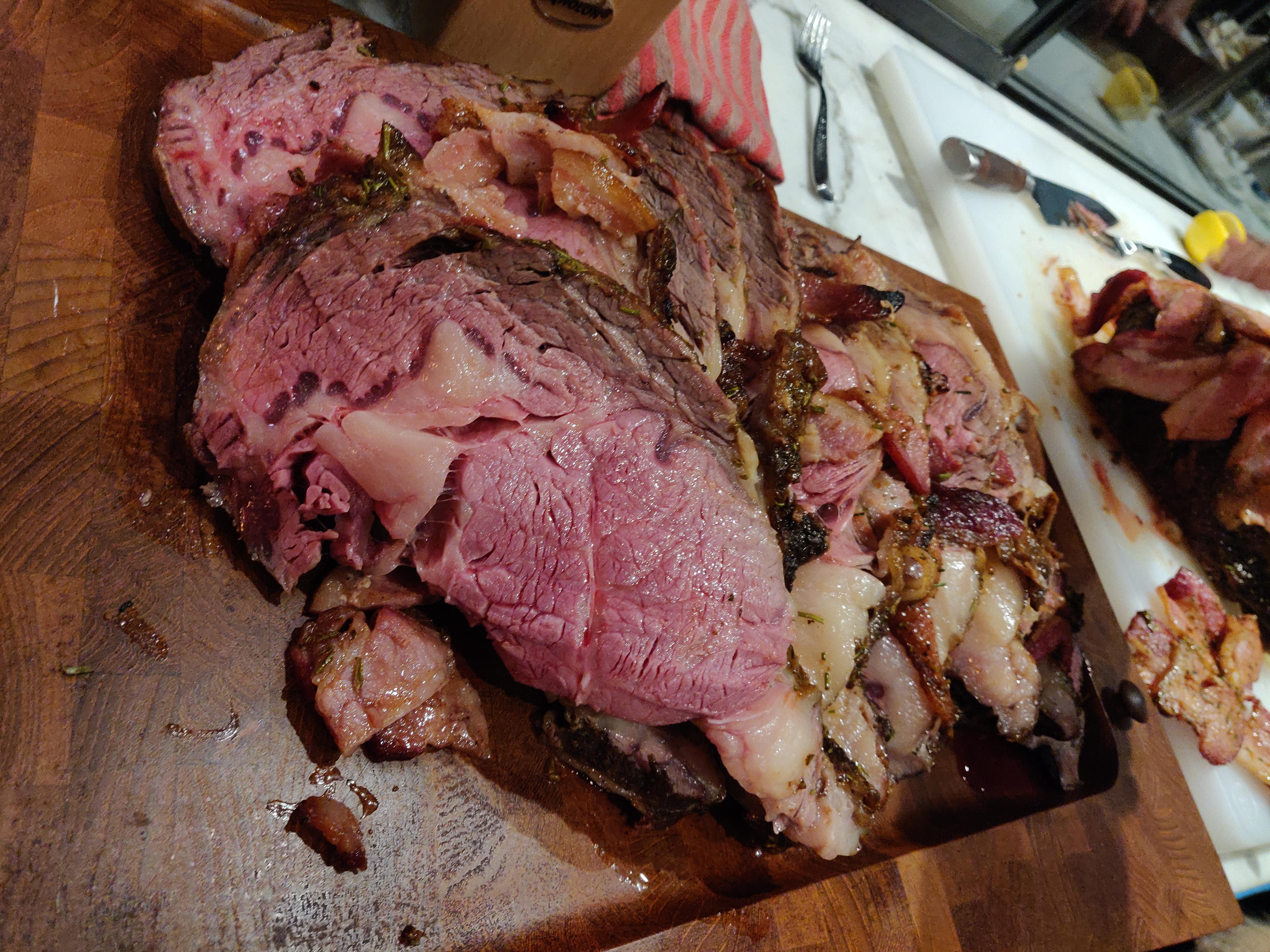
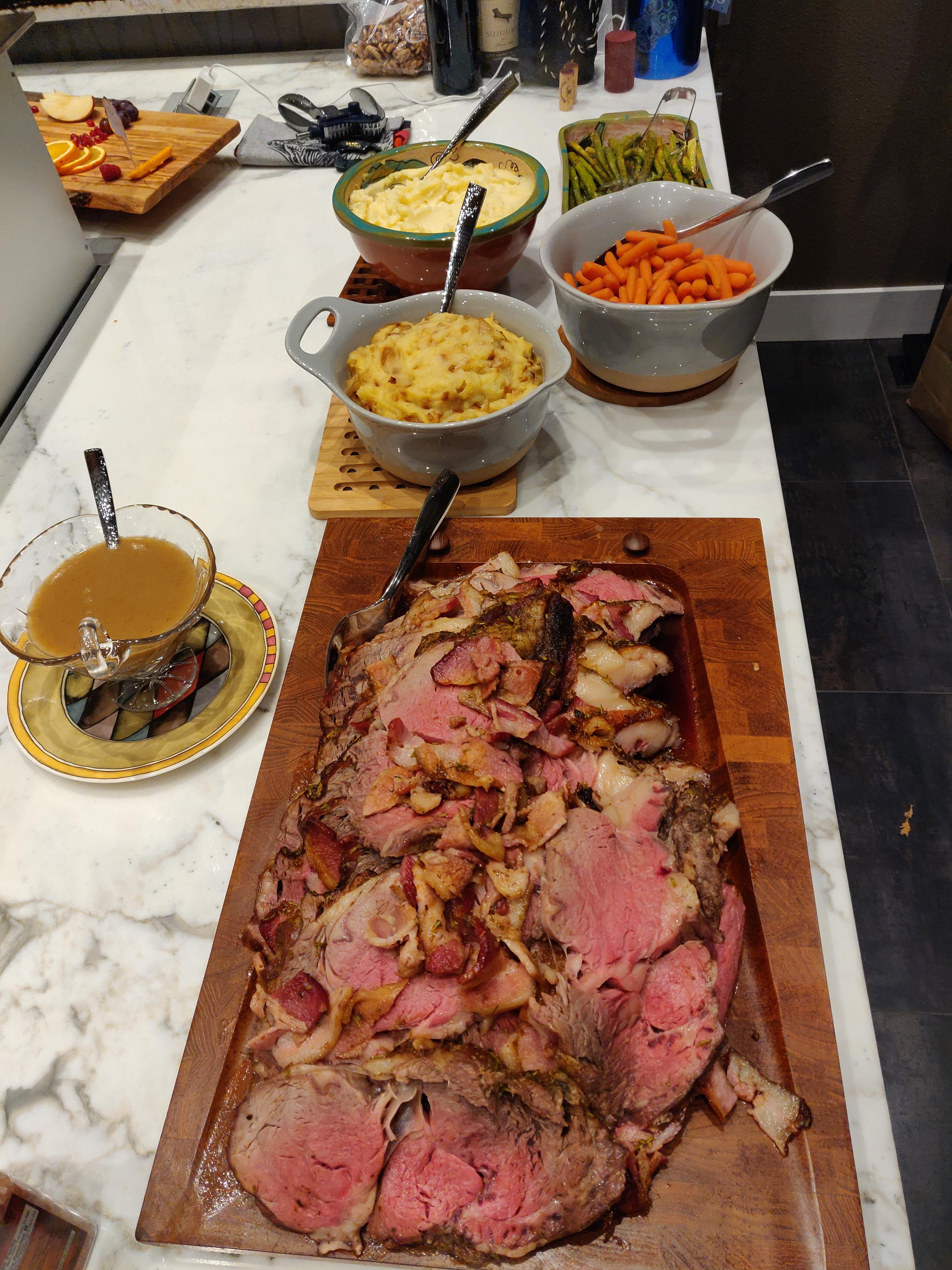
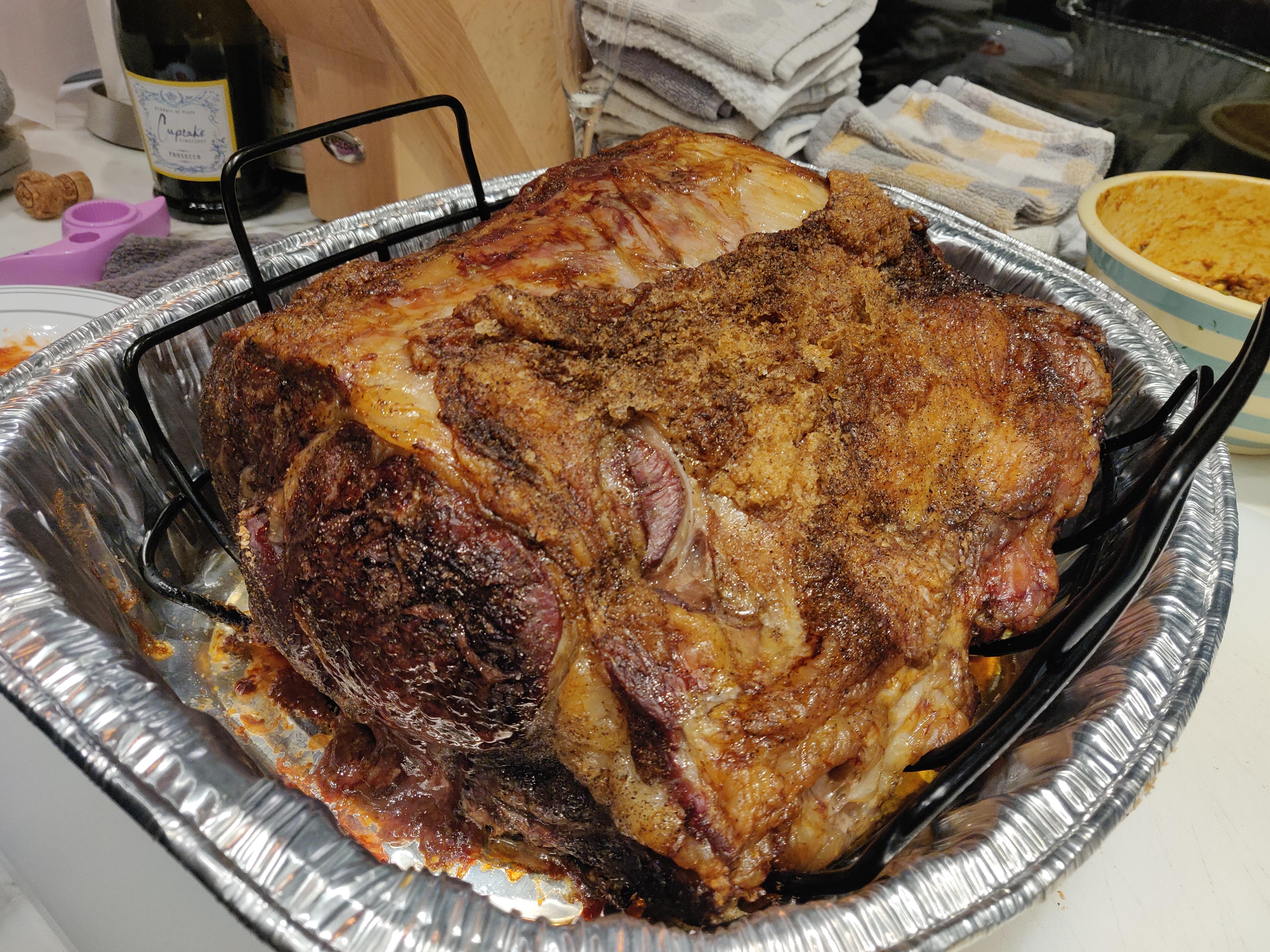
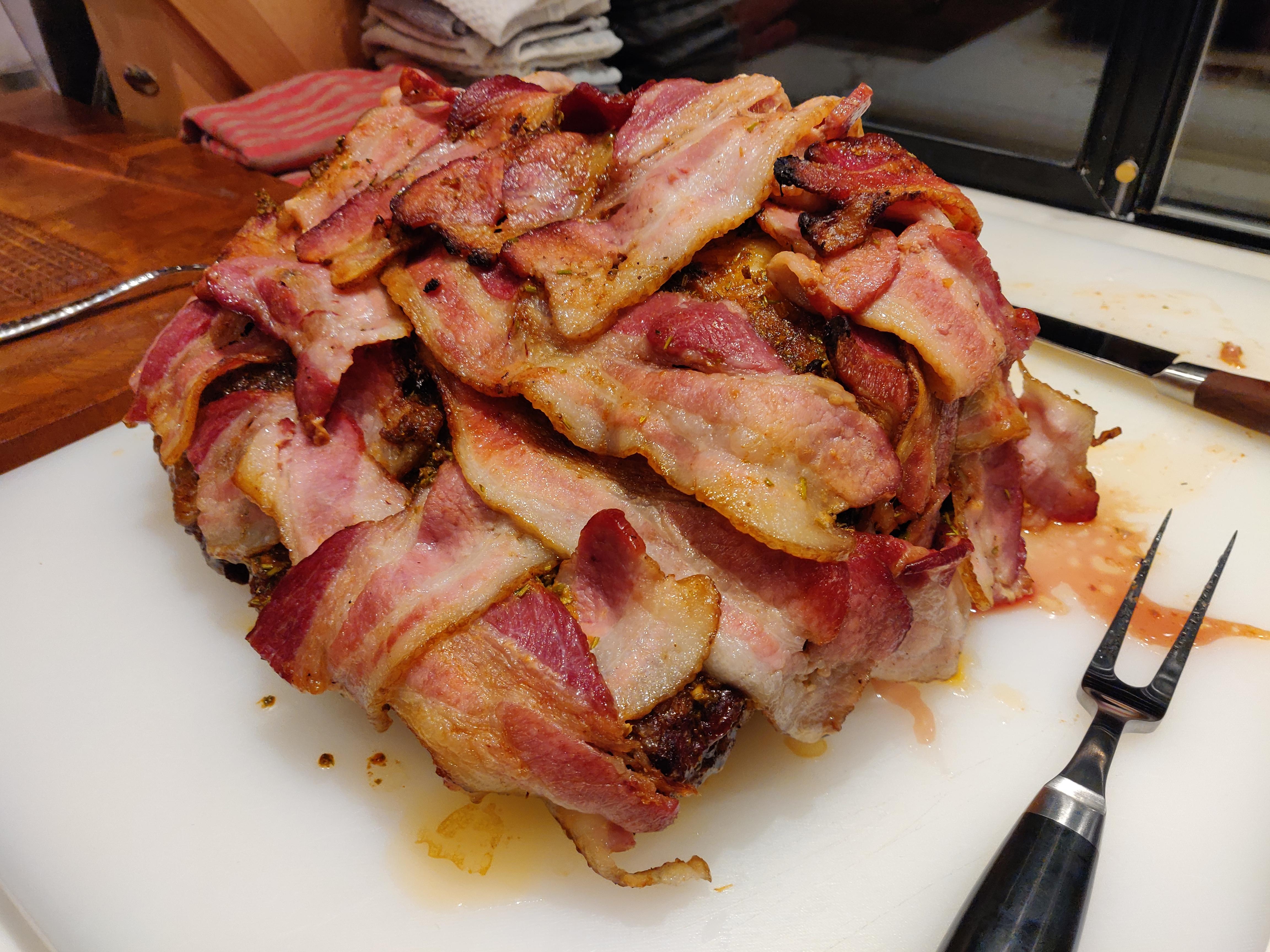
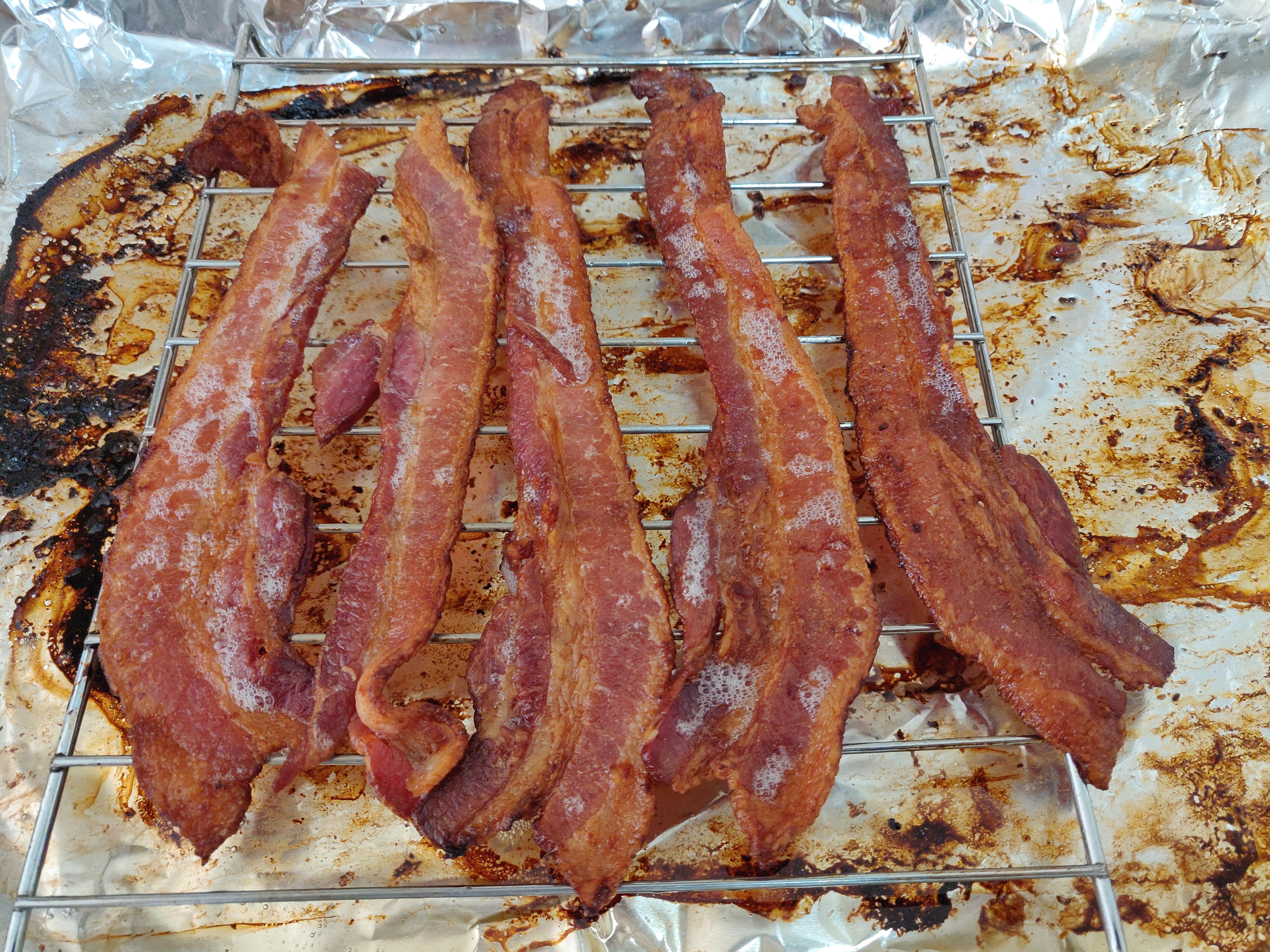
Prime Rib & Bacon ... & fixins
-
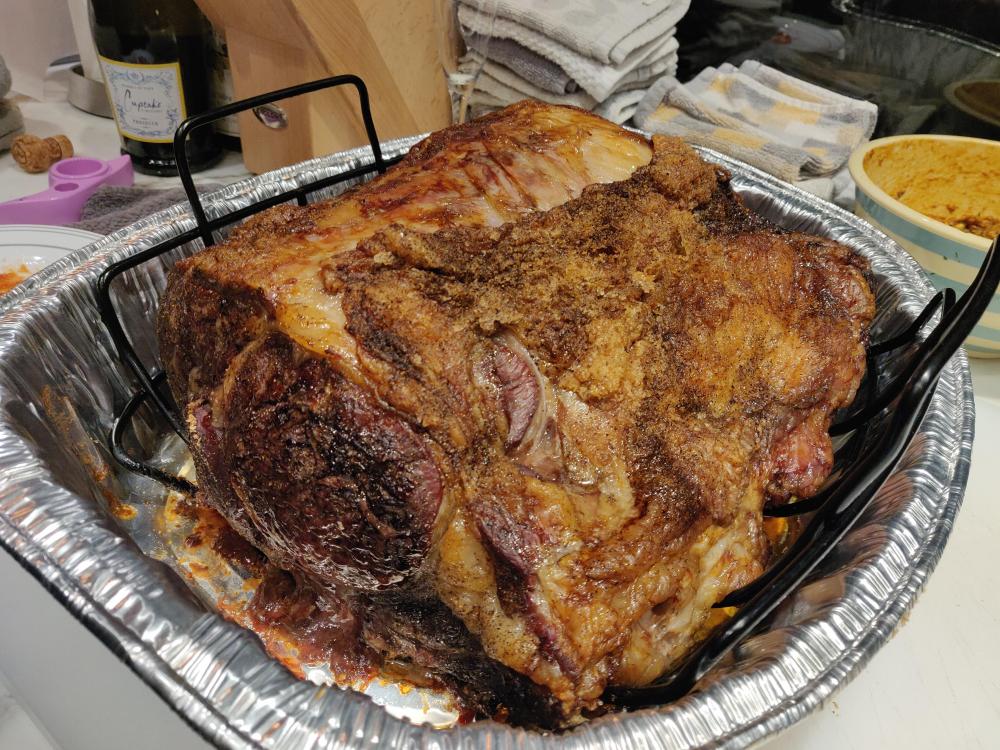
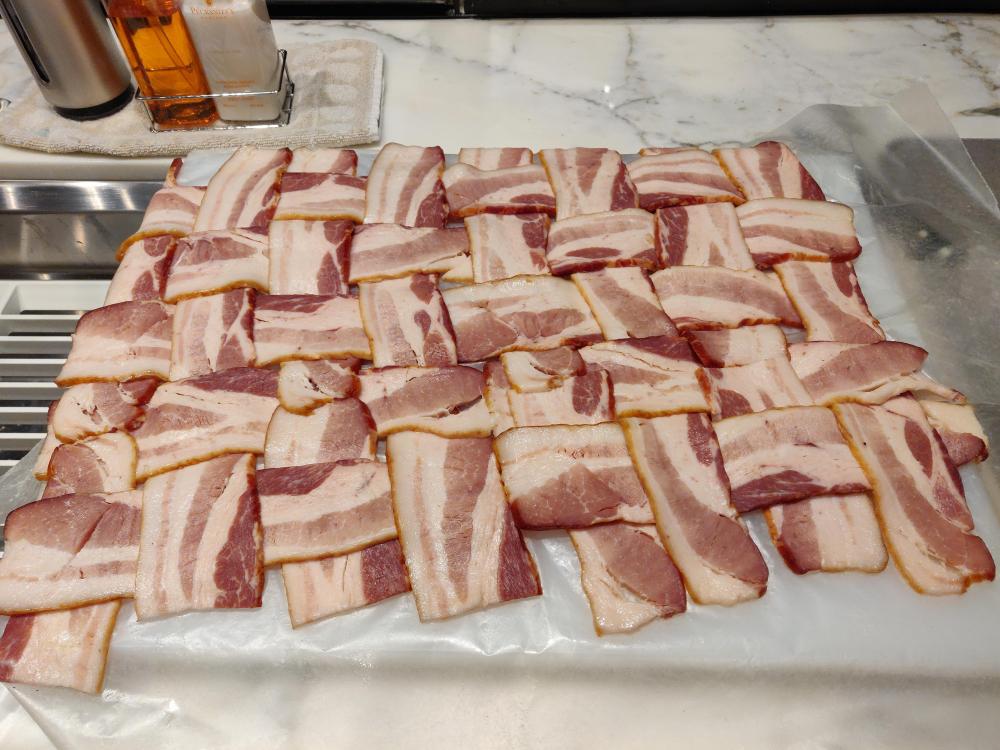
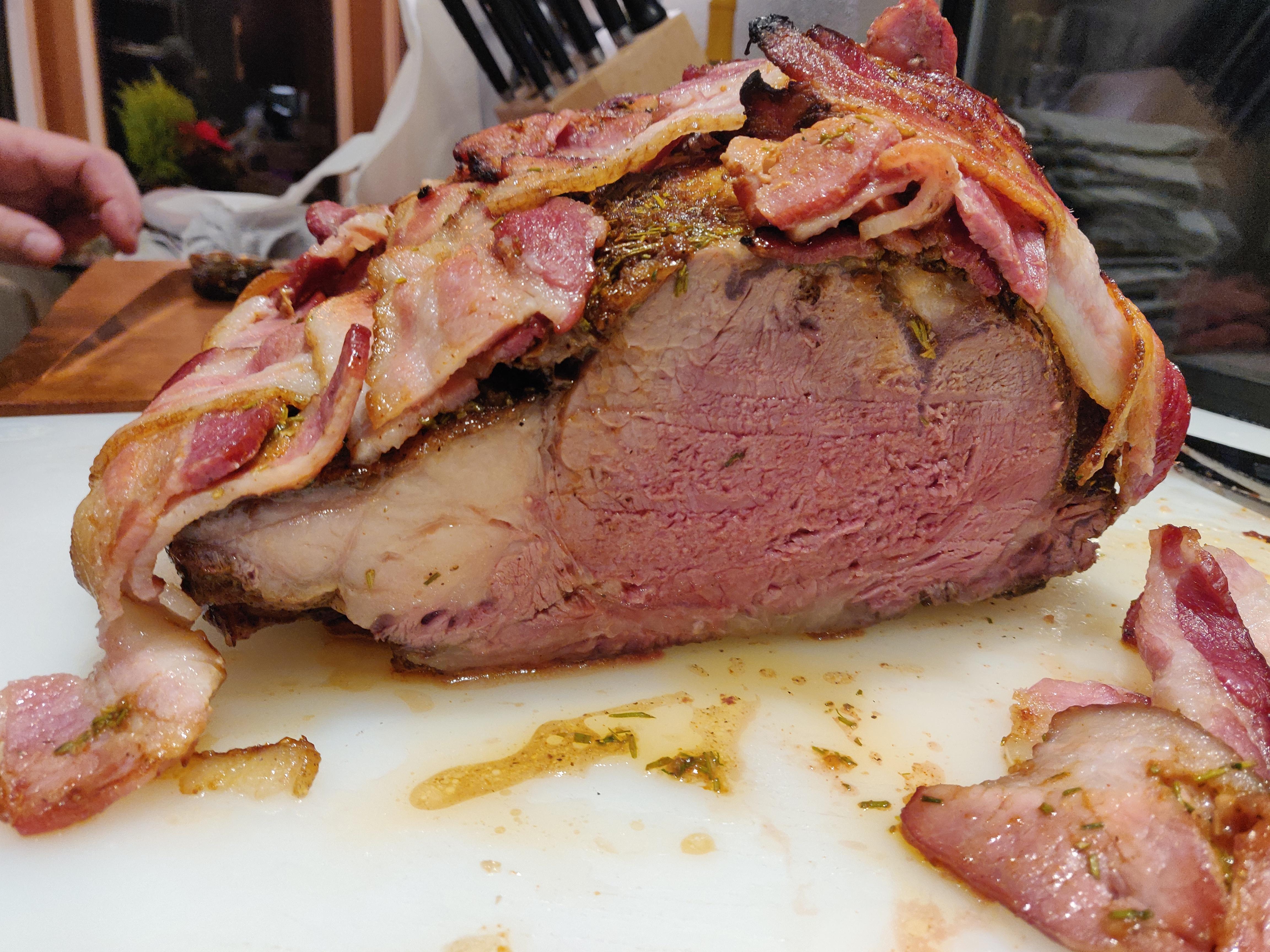
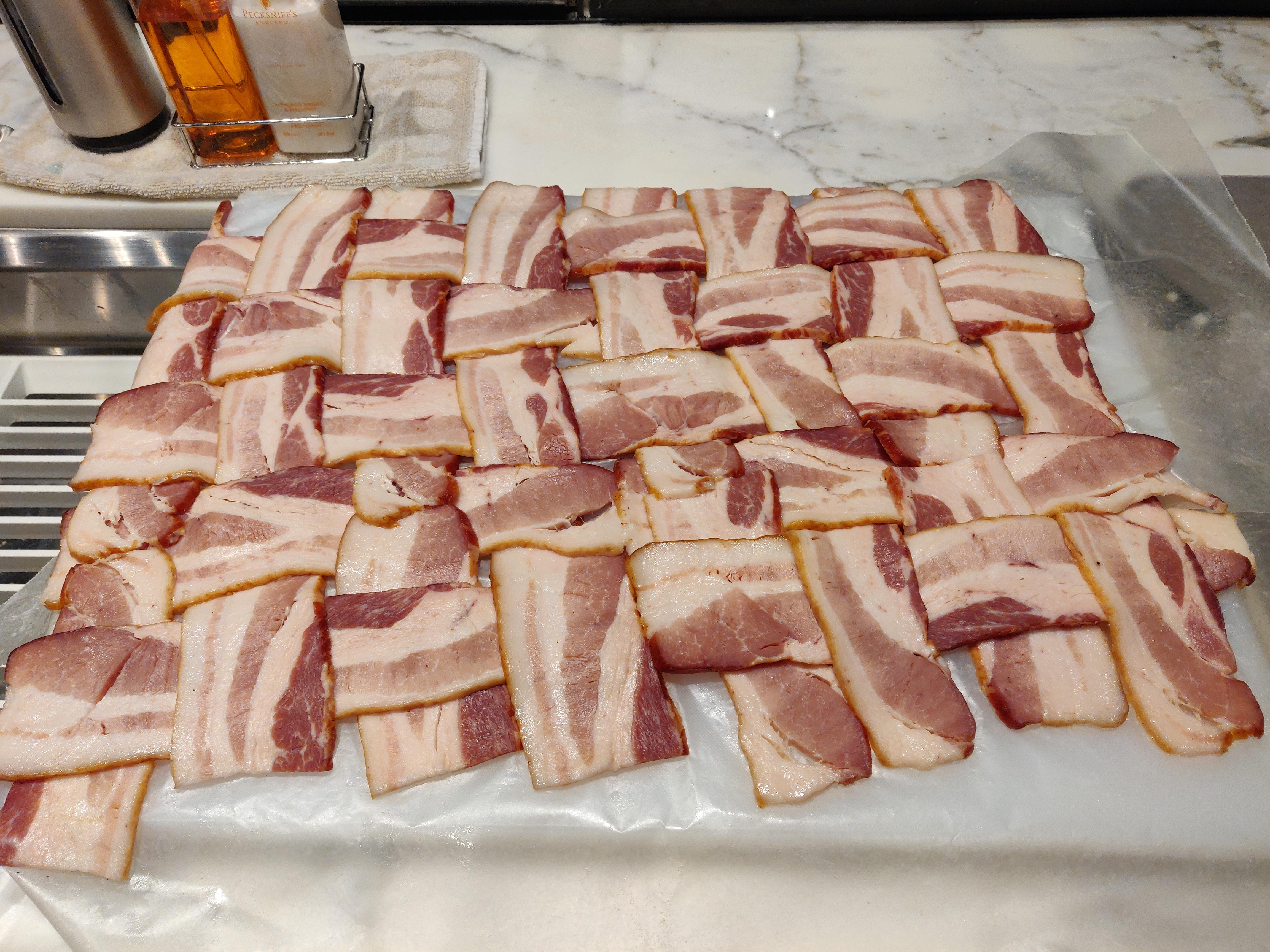
Being cooked for ... Prime Rib + bacon weave =
-
Happy Birthday, Ken.
-
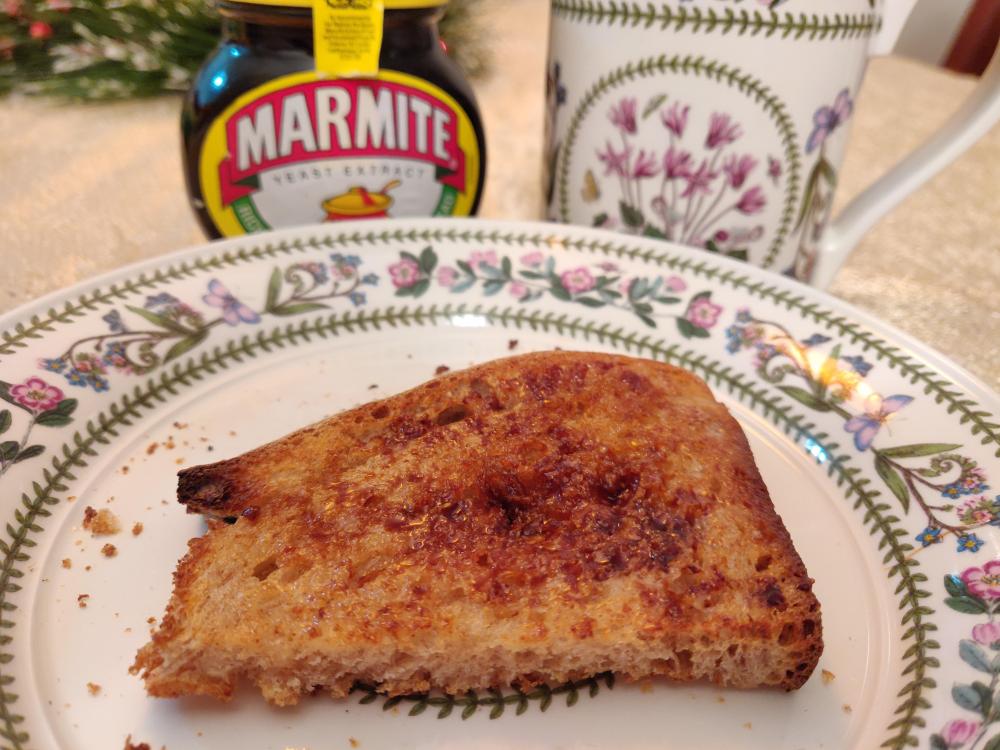
Haters gonna hate ... https://www.wikihow.com/Eat-Marmite
-
Meanwhile .... This turned up on my YouTube feed, for all you Alienated Synthesists https://en.wikipedia.org/wiki/List_of_Britannia_documentaries#Synth_Britannia https://www.musicradar.com/news/tech/review-synth-britannia-223591 If you know where to look (The Possibilities are Boundless, arrr, matey), there,'s a 720p version available. https://docuwiki.net/index.php?title=Synth_Britannia_(BBC) Enjoy.
-
Don't Panic https://www.porkbusiness.com/article/what-you-need-know-about-reports-looming-2020-bacon-shortage
-
The British contribution to the Star Wars saga. http://thegalaxybritainbuilt.co.uk/Well this popped up on my YouTube feed for some reason ... And it took me down what can only be described as a most delightful rabbit hole. Was it really 40 years ago?https://melmagazine.com/en-us/story/the-youths-are-bringing-cds-back/ampOn the contrary, it's been upgraded!Making Salad
 Roxette singer Marie Fredriksson dies, aged 61 https://www.bbc.com/news/entertainment-arts-50730052 RIP MarieSad day. Presumably their bean counters know their target markets and their demand curves. A few high margin sales to non price sensitive individuals may work as well or better for them than more sales to price sensitive individuals. When I think back to my dads SME III , Shure V15 iv, Thorens 160s, Quad 33, 303, Celestion 66 system, and the impact it had on an impressionable younger me. And where are they now / who owns them / the state of engineering led British Hi-Fi Manufacturing. Sad day indeed. Somehow I doubt the current owners have stacked Quad ESL's in their listening room. http://www.quadesl.org/index.php/hard-core/stacked-quads http://www.the-ear.net/features/sme-steyning-west-sussex-englandHappy Birthday, Todd. May your day be better than an Economy flight on United!Exactly as the artist intended. https://www.theguardian.com/music/2011/jan/11/kanye-west-album-coverBear in mind ... https://www.vice.com/en_us/article/gvyj4b/how-the-us-quietly-field-tests-blinding-laser-weapons And rememberMeanwhile ... via: https://www.theregister.co.uk/2019/12/02/amazons_ai_keyboard/ more here: https://aws.amazon.com/blogs/aws/aws-deepcomposer-compose-music-with-generative-machine-learning-models/Happy Birthday, Bryan.





Important Information
By using this site, you agree to our Terms of Use.
Account
Navigation
Search
Configure browser push notifications
Chrome (Android)
- Tap the lock icon next to the address bar.
- Tap Permissions → Notifications.
- Adjust your preference.
Chrome (Desktop)
- Click the padlock icon in the address bar.
- Select Site settings.
- Find Notifications and adjust your preference.
Safari (iOS 16.4+)
- Ensure the site is installed via Add to Home Screen.
- Open Settings App → Notifications.
- Find your app name and adjust your preference.
Safari (macOS)
- Go to Safari → Preferences.
- Click the Websites tab.
- Select Notifications in the sidebar.
- Find this website and adjust your preference.
Edge (Android)
- Tap the lock icon next to the address bar.
- Tap Permissions.
- Find Notifications and adjust your preference.
Edge (Desktop)
- Click the padlock icon in the address bar.
- Click Permissions for this site.
- Find Notifications and adjust your preference.
Firefox (Android)
- Go to Settings → Site permissions.
- Tap Notifications.
- Find this site in the list and adjust your preference.
Firefox (Desktop)
- Open Firefox Settings.
- Search for Notifications.
- Find this site in the list and adjust your preference.