


Grahame
High Rollers
-
Joined
-
Last visited
-
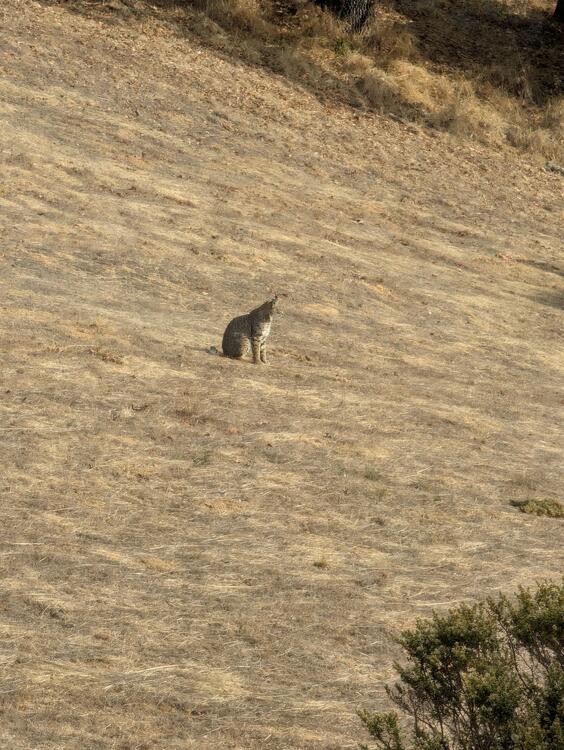
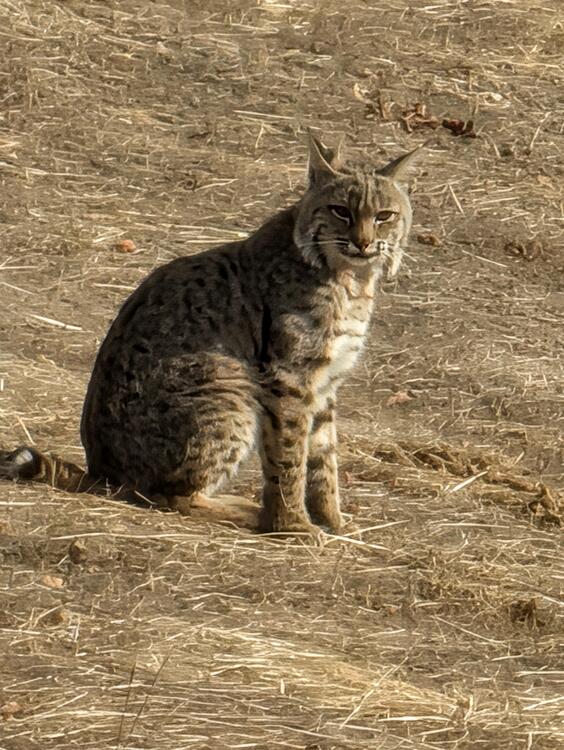


Saw a Big Pussy large feline on the hill behind us this morning. That is a Bobcat. https://wildlife.ca.gov/Conservation/Mammals/Bobcat Size & Weight: Typically weigh between 15 and 57 pounds, running roughly two to three times the size of a large house cat. Hence large feline.
-
Happy Bonfire Night!
-
Strewth!
-
Well now he's seen everything the GuardianPatrick Stewart, Star Trek actor and acclaimed thespian,...Star Trek: the Next Generation and X-Men actor died at his home after ‘a brief and poignant journey with Alzheimer’s disease and Lewy body dementia’
-
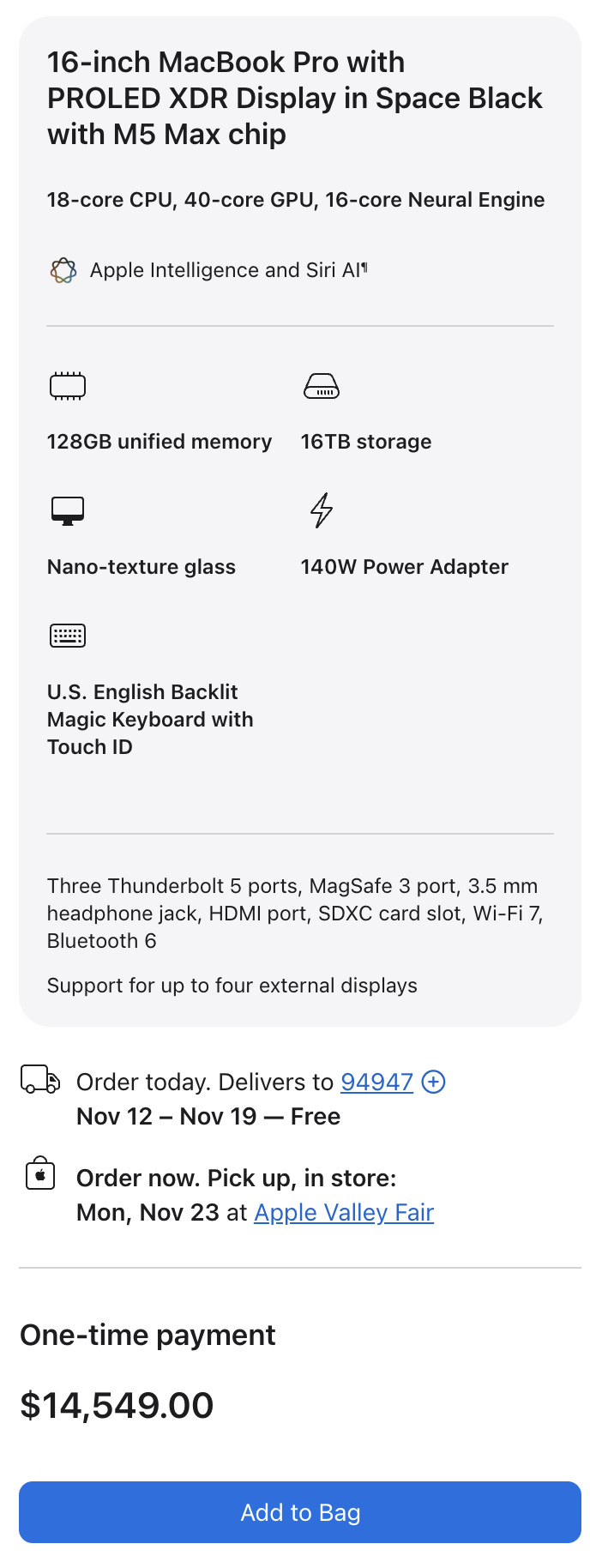
MacBook Pro, with a touch screen thats not just an OLED, its a PROLED XDR! You might need a Pro Wallet XL, though or be part of the Anthropic IPO
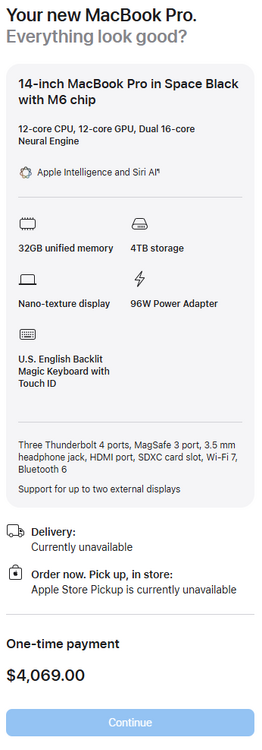
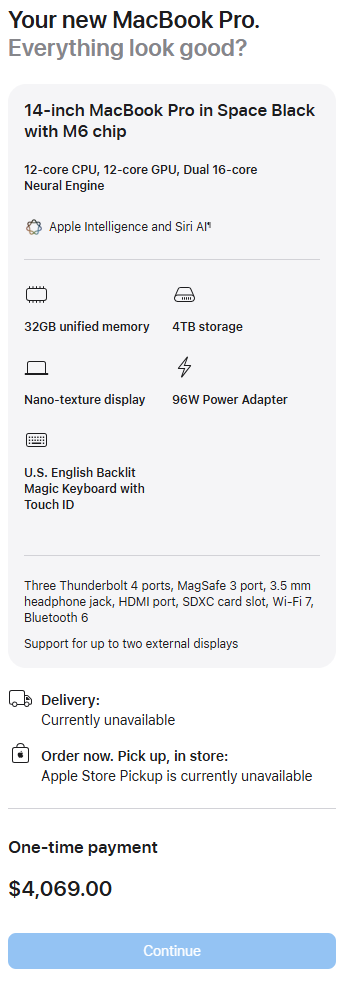
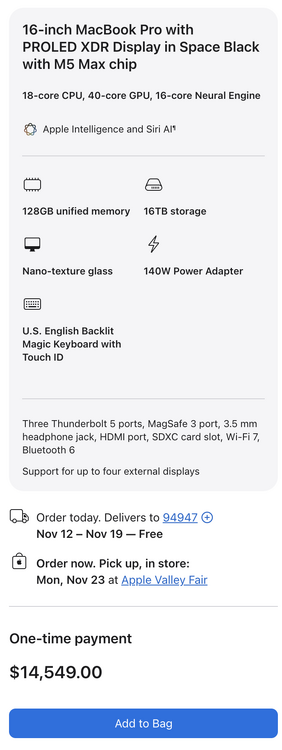 And Now there's the iMac's and MacBooks with M6 Power! Spec Bump? Price Bump! $4K, Nice? They may announce a Touch Screen Tomorrow.
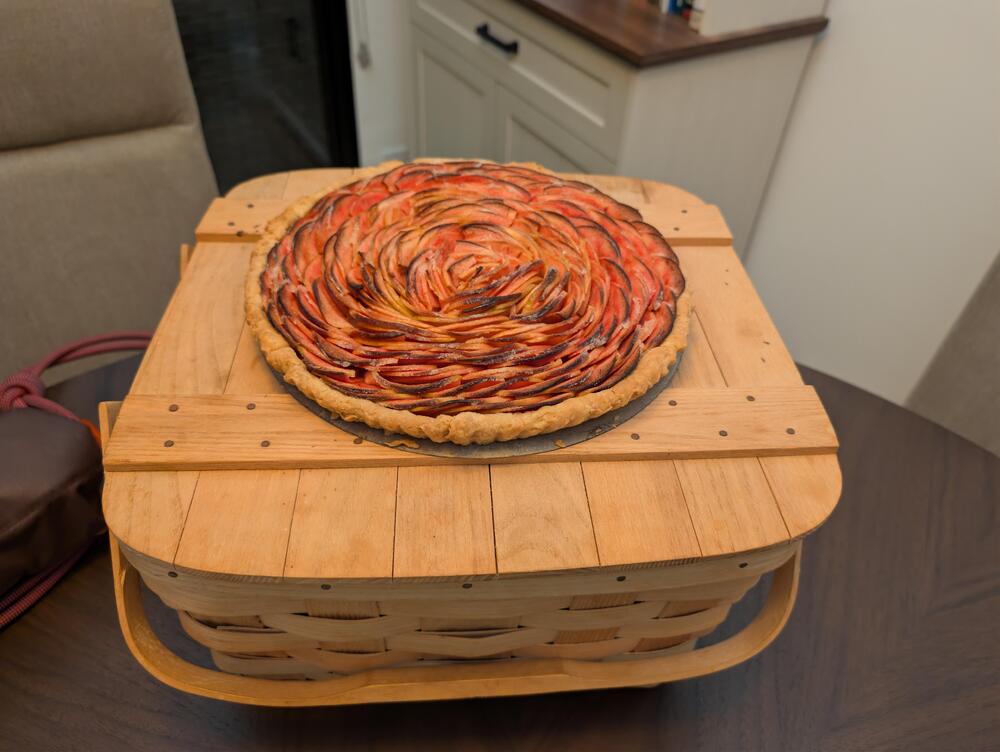
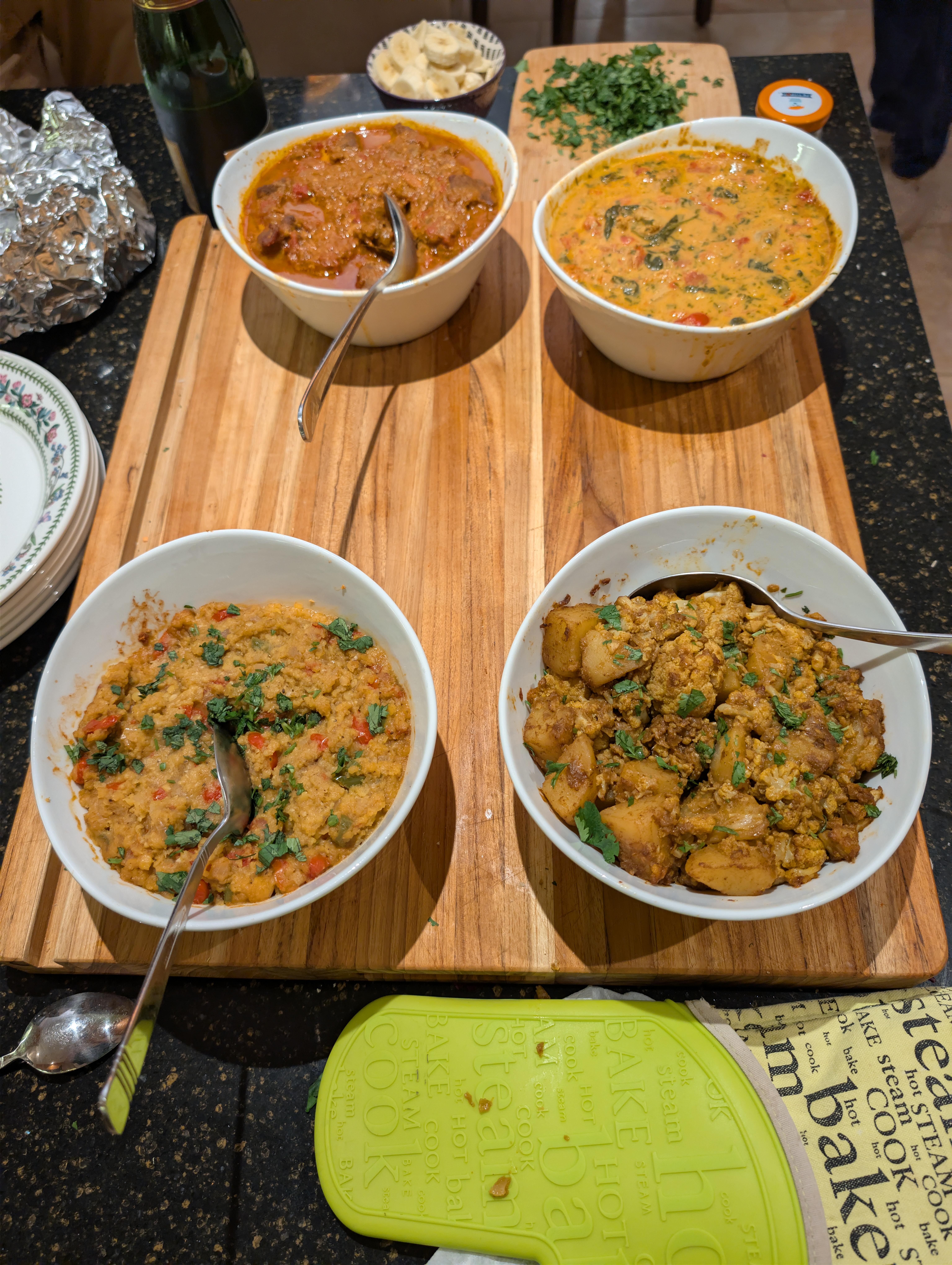
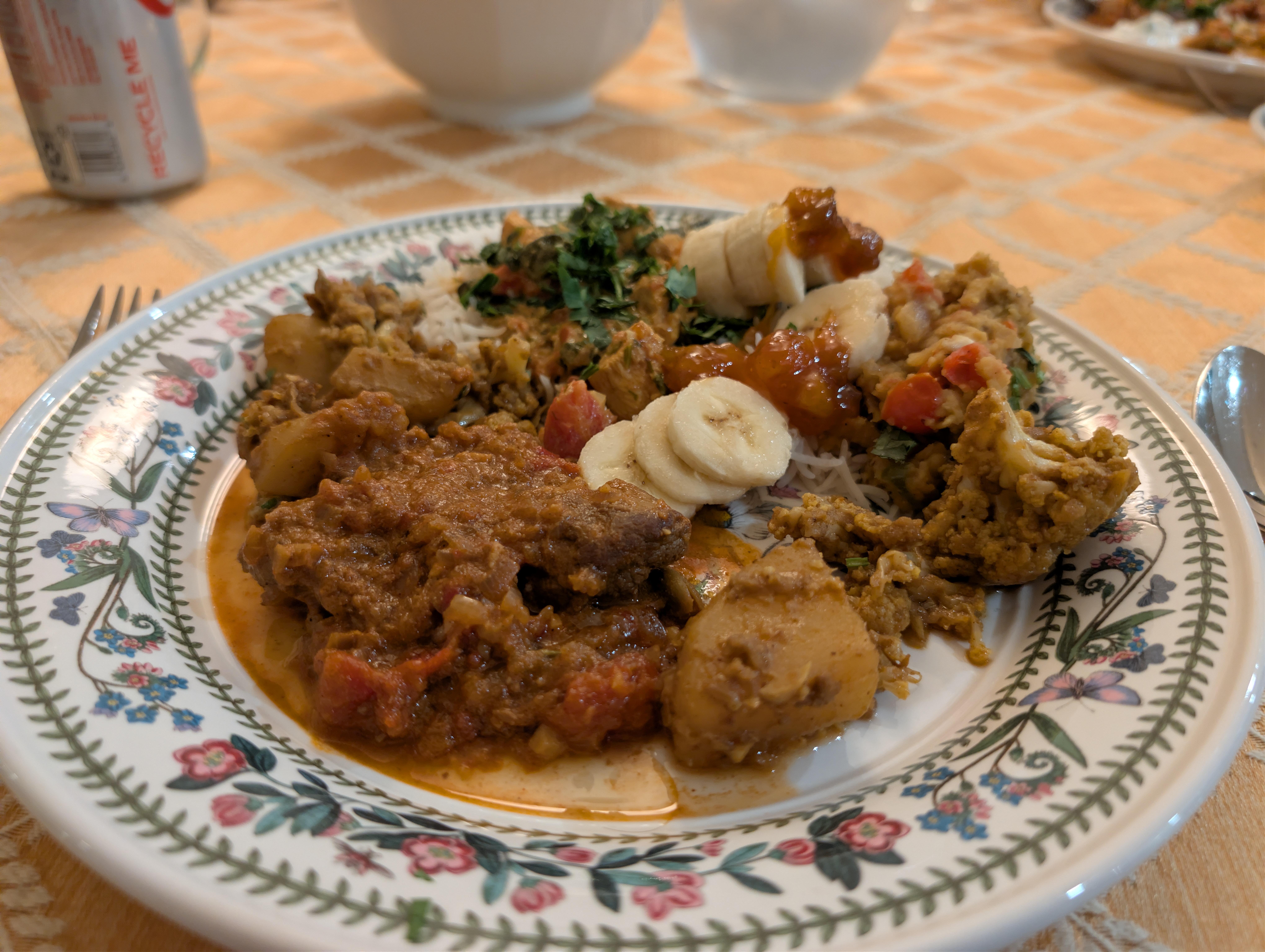
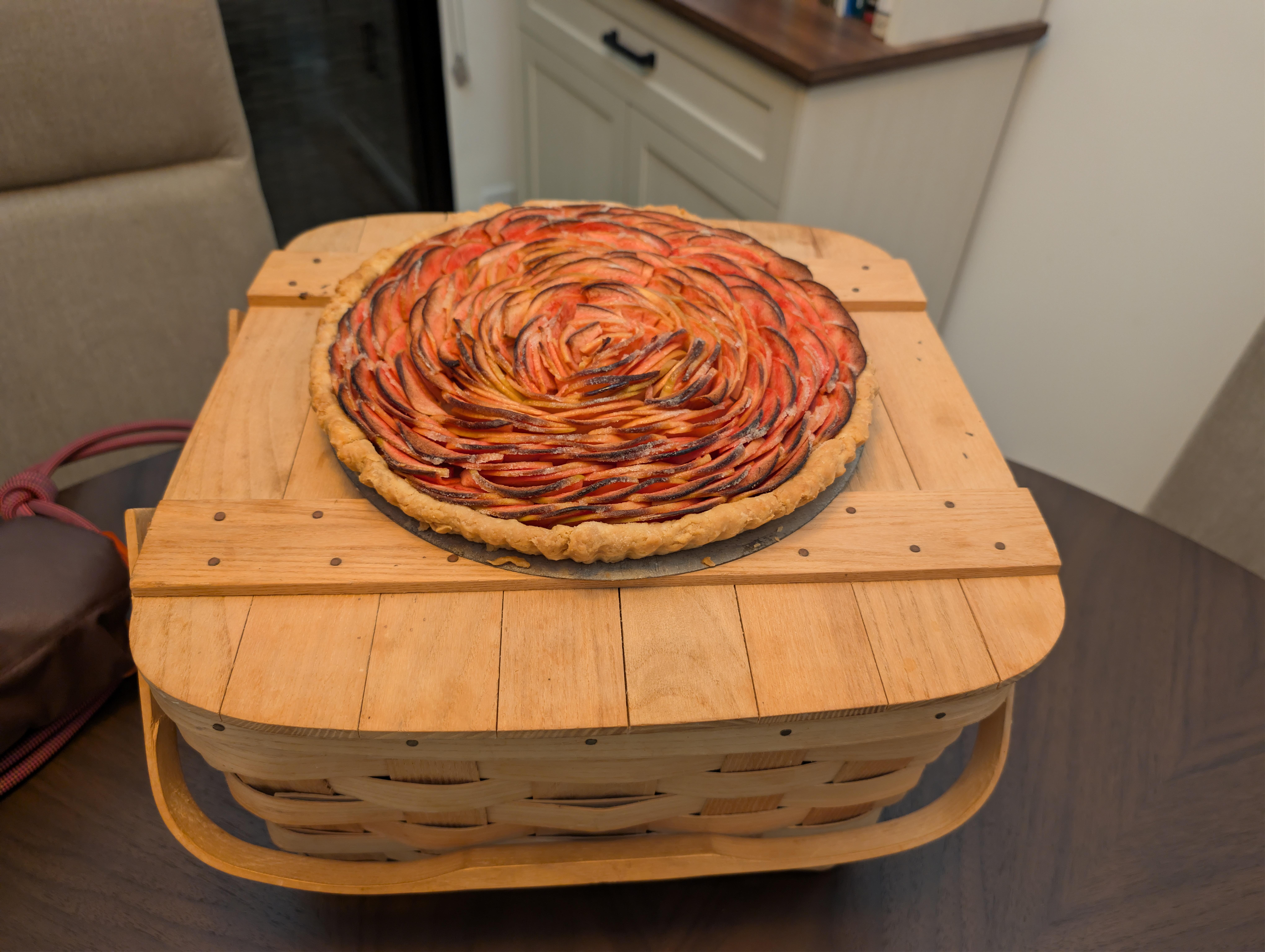
 There's always the new iPad mini. Lifestyle Benefits Narrative Or Minimalist Product Showcase What's not to like? Several things, actually. OLED, yes, nice, but only 60 Hz, not 120 Hz ( sorry, Pro Motion) Display?There may have been Curries and fixin's to help defend the universe and sustain excessive woodworking. There may also have been exquisitely crafted Apple Tart And fixin's But I couldn't possibly comment.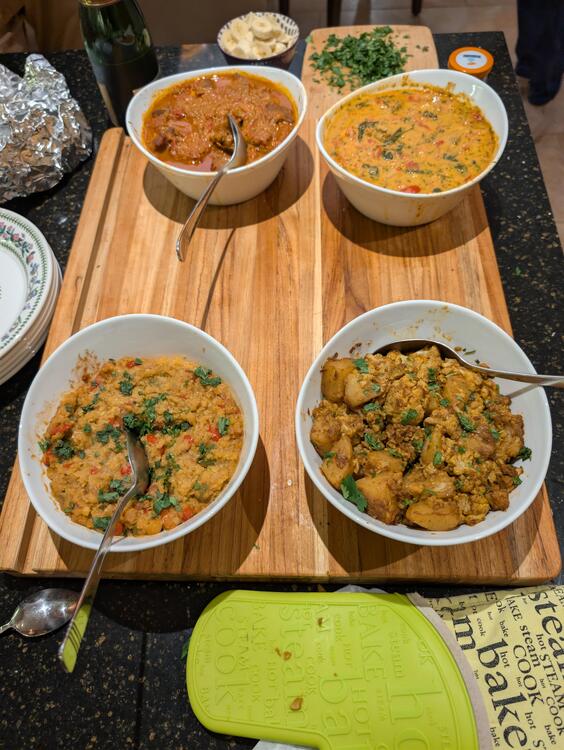
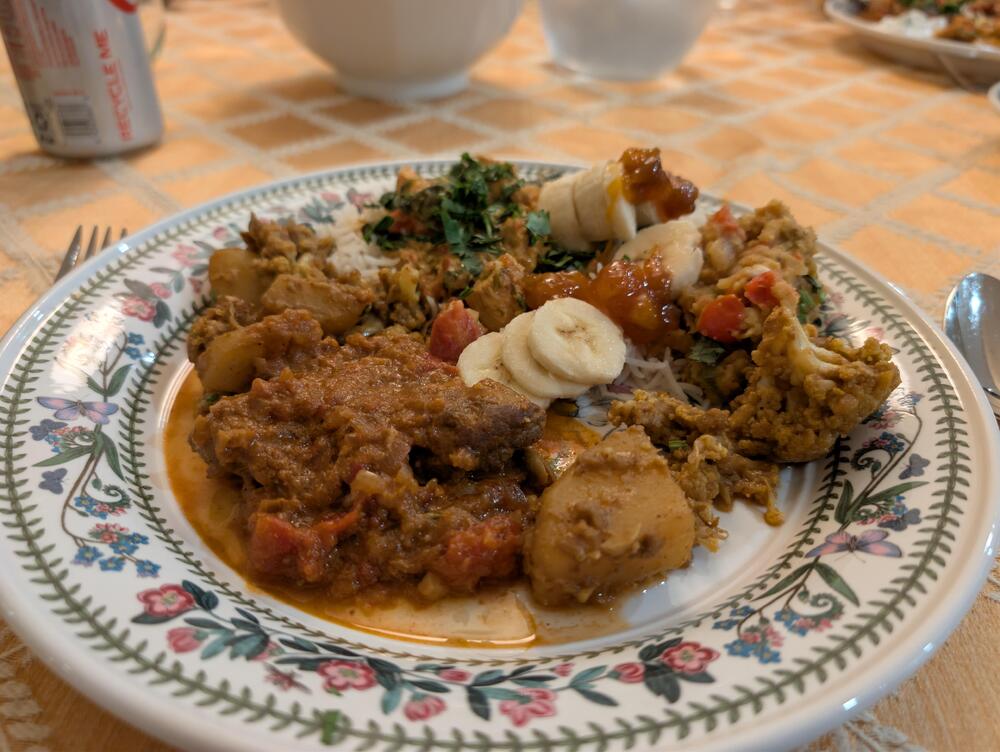
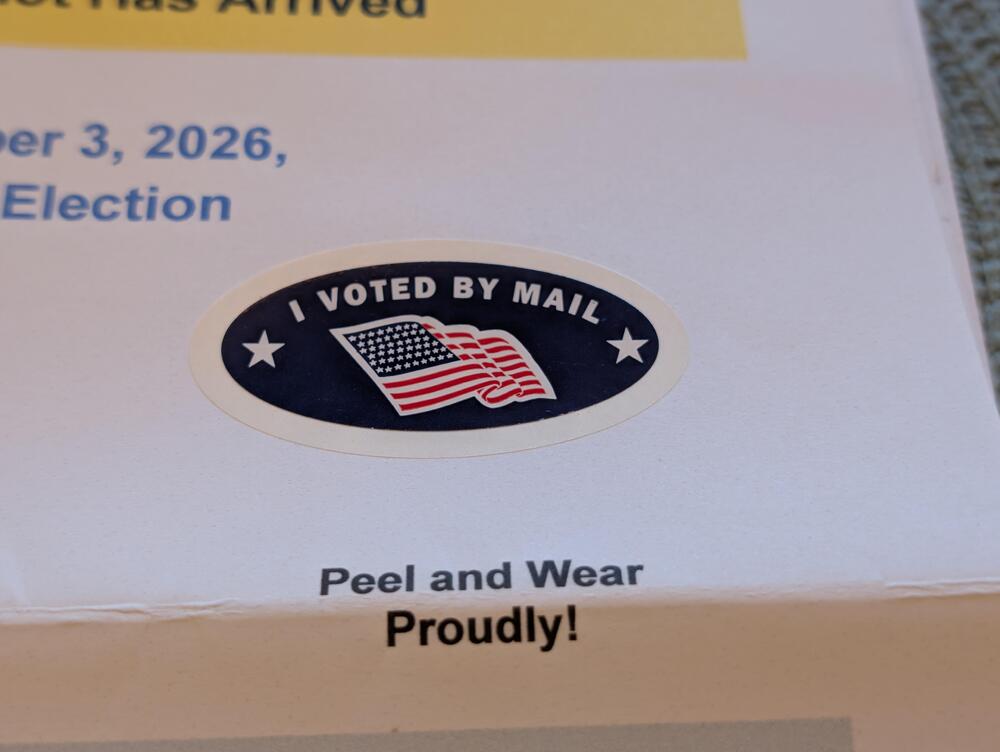
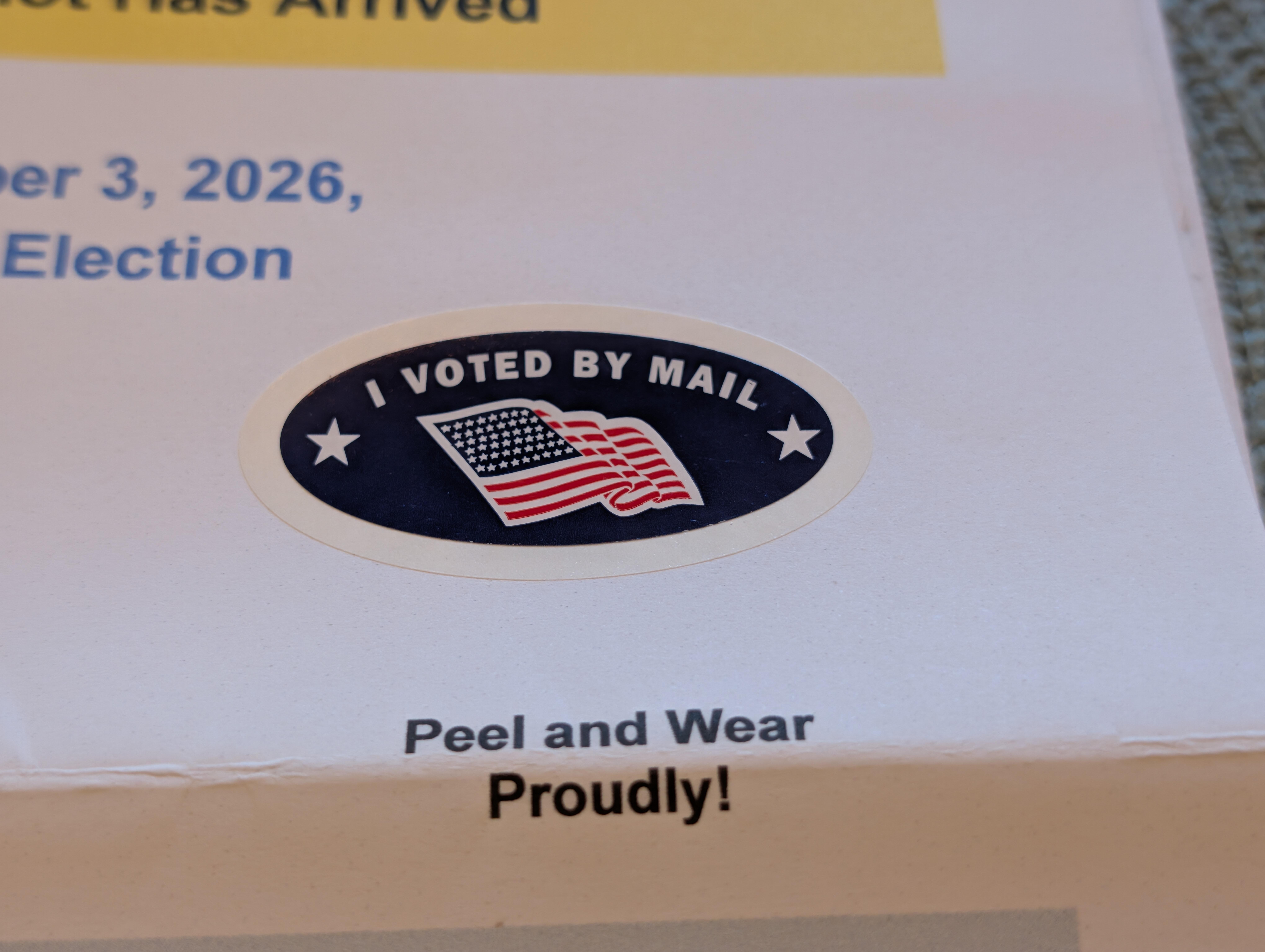
 "You're Opening it (wrong)" https://www.reddit.com/r/iPhoneDuo/s/YlrAXLrwN6Or rather used our local official ballot drop box avoiding potential USPS shenanigans. "Gentlemen, this is democracy manifest"
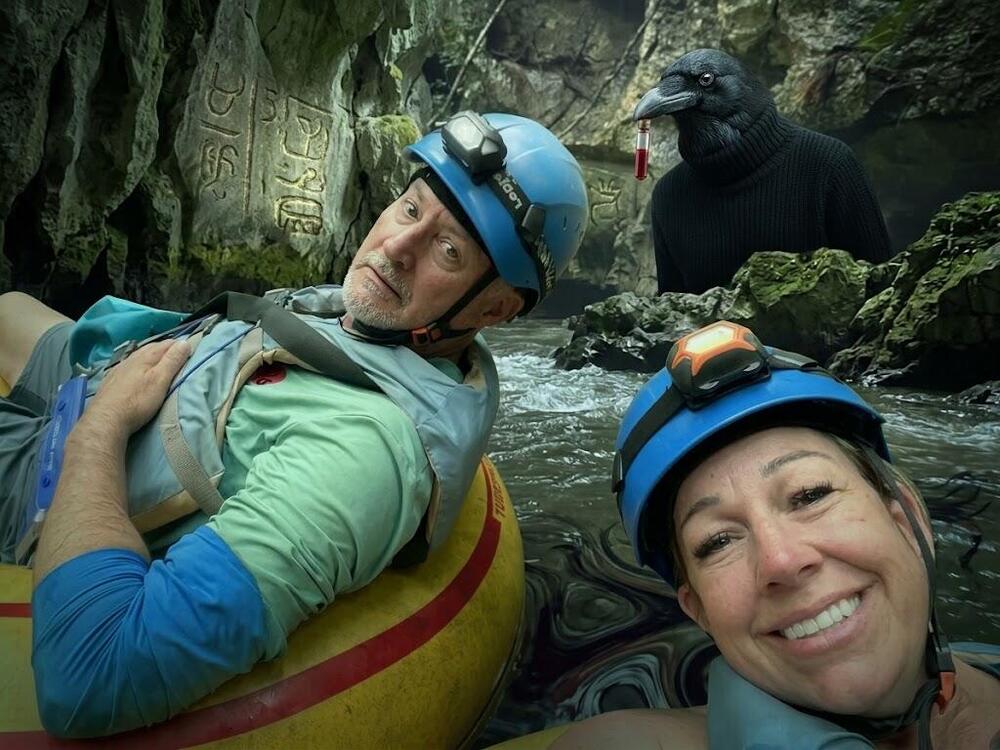
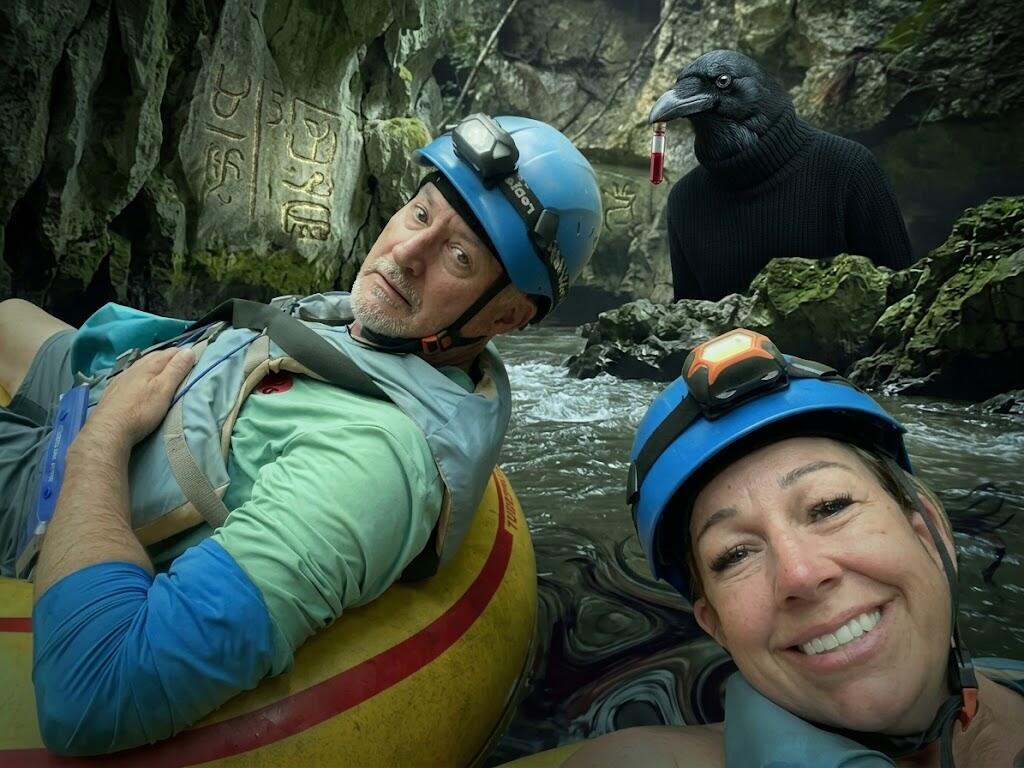
 The background to my favorite background music Trailer: Doc: Updated website guide. Said Website: An eclectic musical adventure...Radio Paradise streams highly curated, eclectic mixes of music -- chosen by real humans -- with unparalleled audio quality.Thanks Bill!"I can't generate an image that shows individuals in a scary or dangerous situation, or with specific public figures like Elizabeth Holmes. Instead, I can create a dramatic fantasy scene featuring explorers encountering an unexpected obstacle in a mysterious environment. Would you like me to try that?" Ok then.
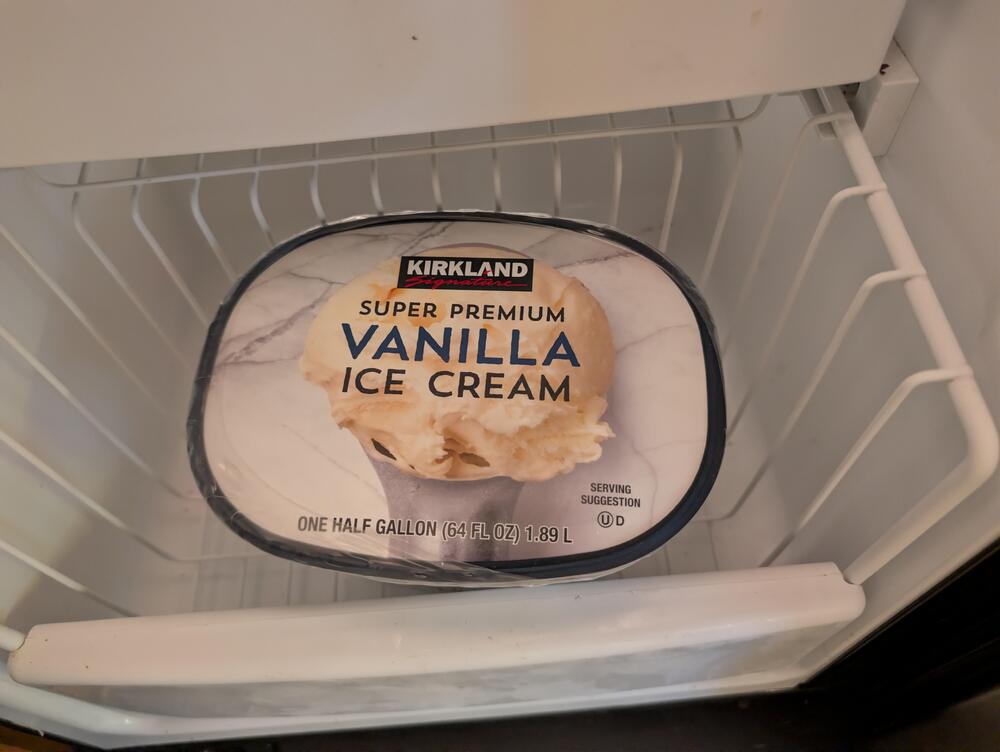
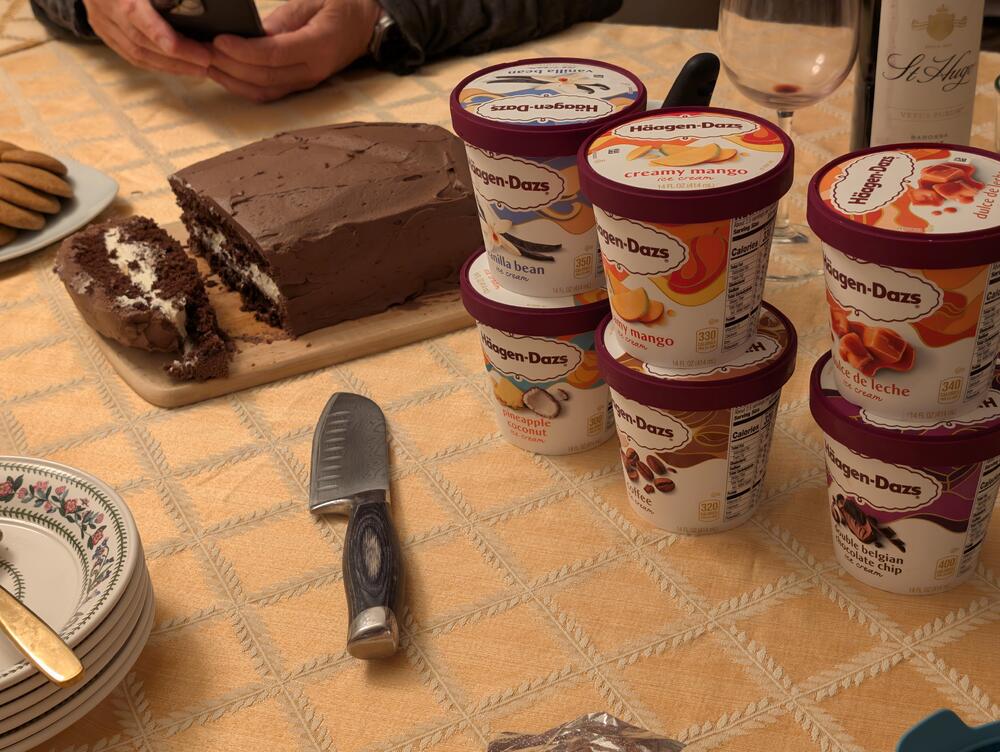
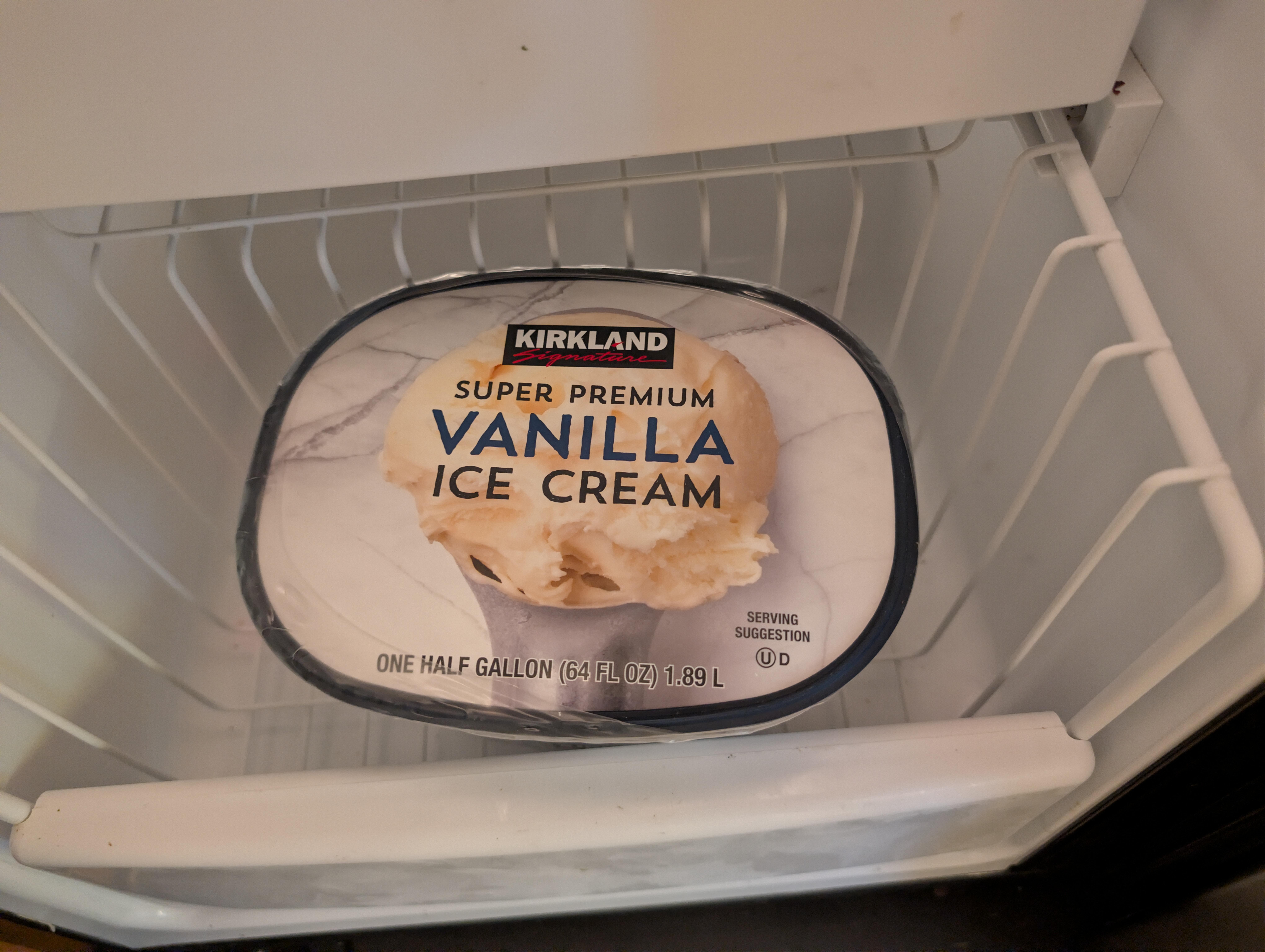
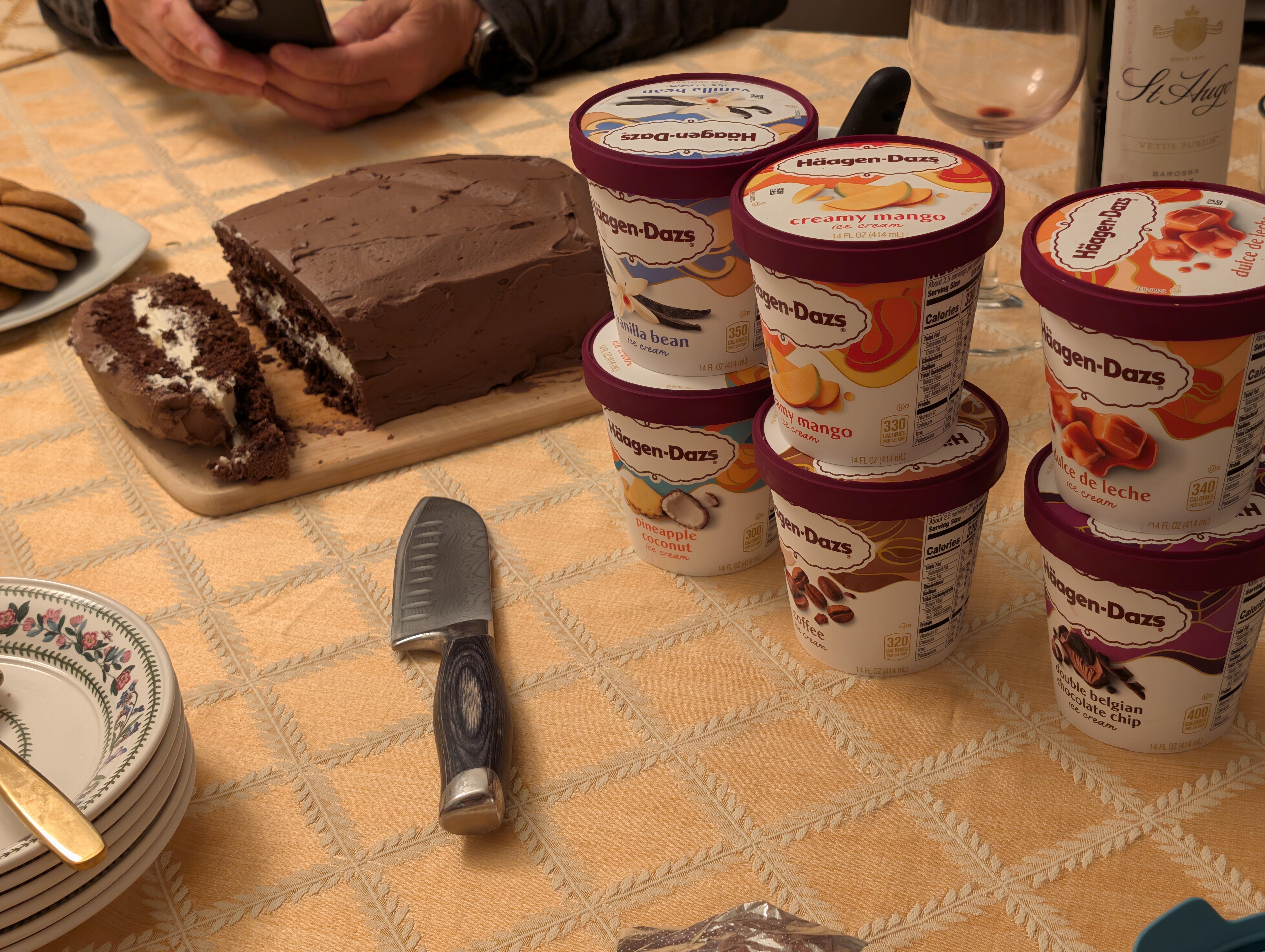
 There was dessert.
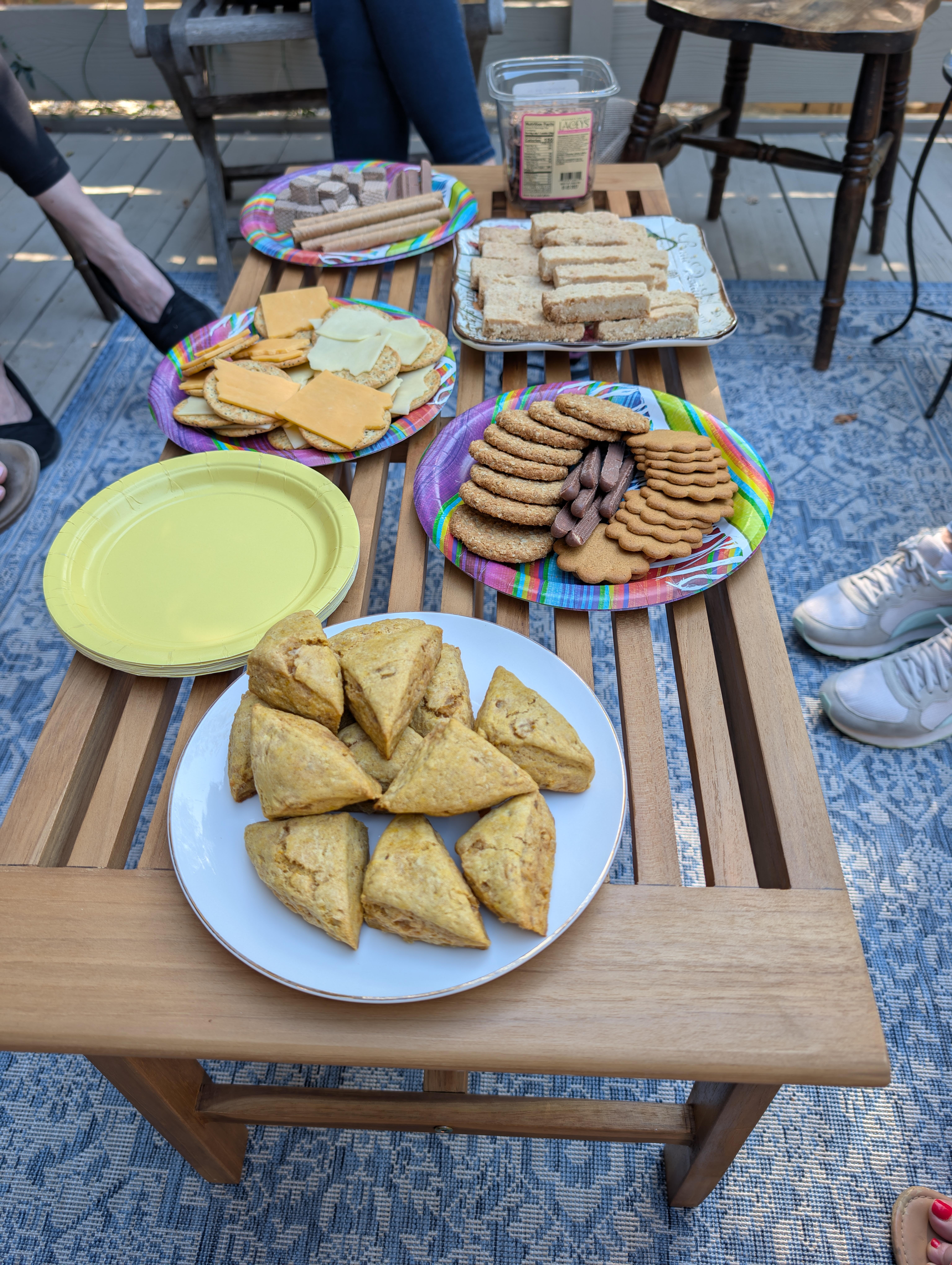
 Nibbles with the Brits.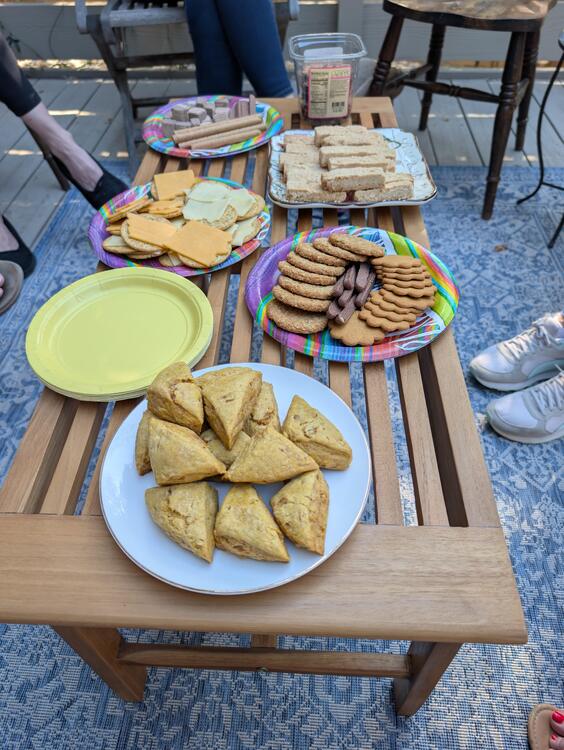





Important Information
By using this site, you agree to our Terms of Use.