


mikeymad
High Rollers
-
Joined
-
Last visited
Everything posted by mikeymad
-
Seems about right...
 holy fuck I am sad --- RIP Ellis...^^ equipment to speaker ratio is high.Thank you Haley...Happily paid, cheers..broccoli soup...
 RIP Curly (the Washington Generals finally have a shot) he was so entertaining.^^^ This one still wins... and thanks to youtube...NIKON D50 - ƒ/3.5 1/500 75mm
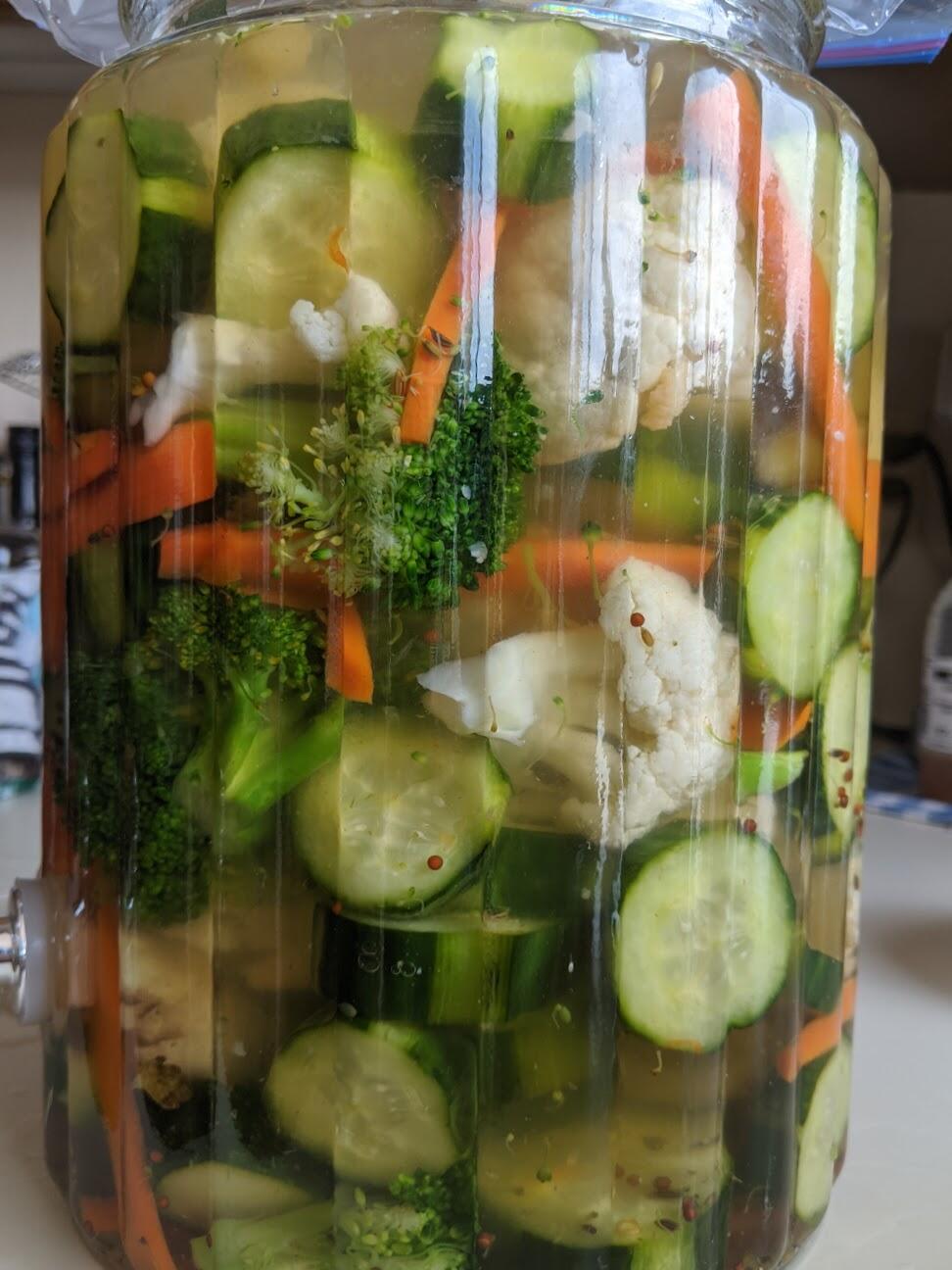
 Stay at home youtube fun..Many thanks Michael - good to go from me..for the opening lines alone.. :)-Watching a combo pack of: Ken Burns - Country Music https://www.pbs.org/kenburns/country-music/ and Ken Burns - Jazz https://www.pbs.org/kenburns/jazz back and forth keeping the timeline roughly in the same spot both worthygood doc with a lot of drama that I didn't expect.last batch came out nice -- more pickling.
 ^^ literally the first 'concert' I ever attended -- back in my Dukes of Hazzard days..And Bob at 72 with a slow groove...If you want a morning dance party....I am not sure how this thing is standing -- 601s are 91.5lbs each!many thanks partially assembled please..








Important Information
By using this site, you agree to our Terms of Use.
Account
Navigation
Search
Configure browser push notifications
Chrome (Android)
- Tap the lock icon next to the address bar.
- Tap Permissions → Notifications.
- Adjust your preference.
Chrome (Desktop)
- Click the padlock icon in the address bar.
- Select Site settings.
- Find Notifications and adjust your preference.
Safari (iOS 16.4+)
- Ensure the site is installed via Add to Home Screen.
- Open Settings App → Notifications.
- Find your app name and adjust your preference.
Safari (macOS)
- Go to Safari → Preferences.
- Click the Websites tab.
- Select Notifications in the sidebar.
- Find this website and adjust your preference.
Edge (Android)
- Tap the lock icon next to the address bar.
- Tap Permissions.
- Find Notifications and adjust your preference.
Edge (Desktop)
- Click the padlock icon in the address bar.
- Click Permissions for this site.
- Find Notifications and adjust your preference.
Firefox (Android)
- Go to Settings → Site permissions.
- Tap Notifications.
- Find this site in the list and adjust your preference.
Firefox (Desktop)
- Open Firefox Settings.
- Search for Notifications.
- Find this site in the list and adjust your preference.