


mikeymad
High Rollers
-
Joined
-
Last visited
Everything posted by mikeymad
-
The Police I will fund

-
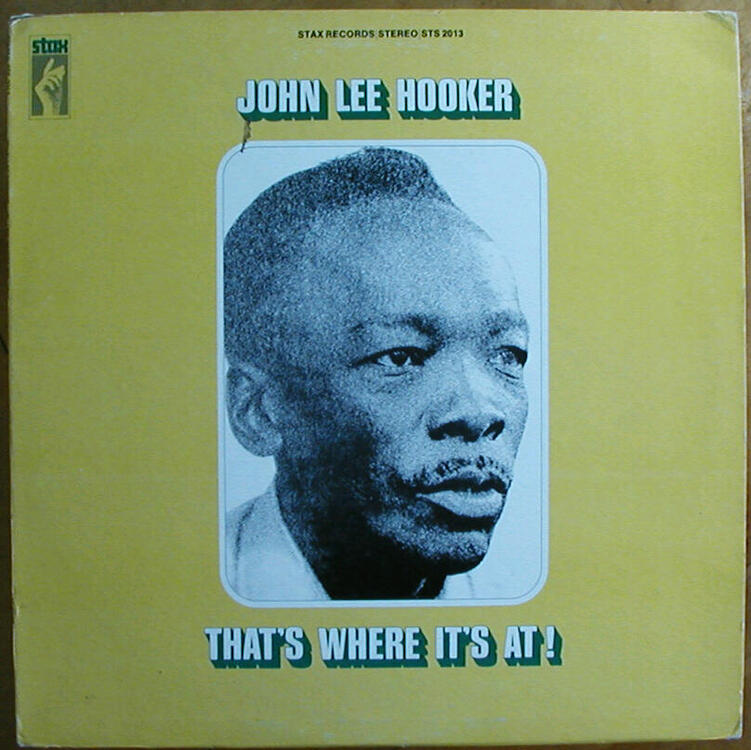
Missed it this week... Monday Blues.....
-
RIP - Hugh Downs, dies at 99
-
RIP Carl - thanks for the funny bits.
-
Mine kind of sounds like that - but for the wrong reasons..😁 Ed: but to see the falcon cut through Eau Rouge and Raidillon is pretty cool.
-
If you have an hour
-
^ this

-
Ha --- Corrected Audio "When I proudly showed my partner Kamilah "Two Suns in the Sunset" on YouTube on Sunday morning, I freaked out because the acoustic guitar entry was a good 5db down in level. This may seem like a small thing to you, but it’s not to me. Call me obsessive-compulsive, but I can’t watch it like that. So for anyone who’s interested, this is a re-post with that small glitch corrected."
-
Exploring new artists... 😎
-
There are more.. There are 900 files in my queue. I do not recommend this strategy.


-
listening to "Standin' in the Rain" so much growing up, probably made me eventually move to Washington... two minute and seven second intro for a 4:19 song -- crazy
-
Cool they made the 5mil mark 1637 items. --- great job team
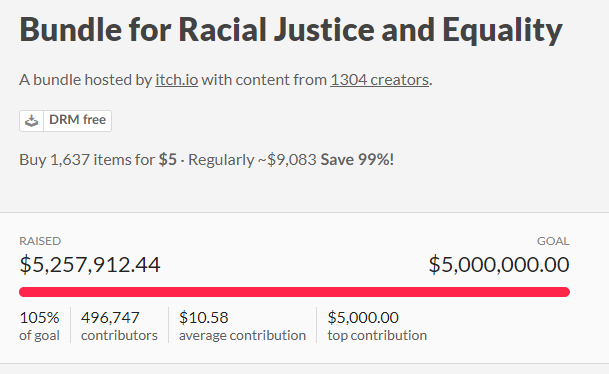 your new rig looks nicejust purchased 1429 games and toolsMorning Prog
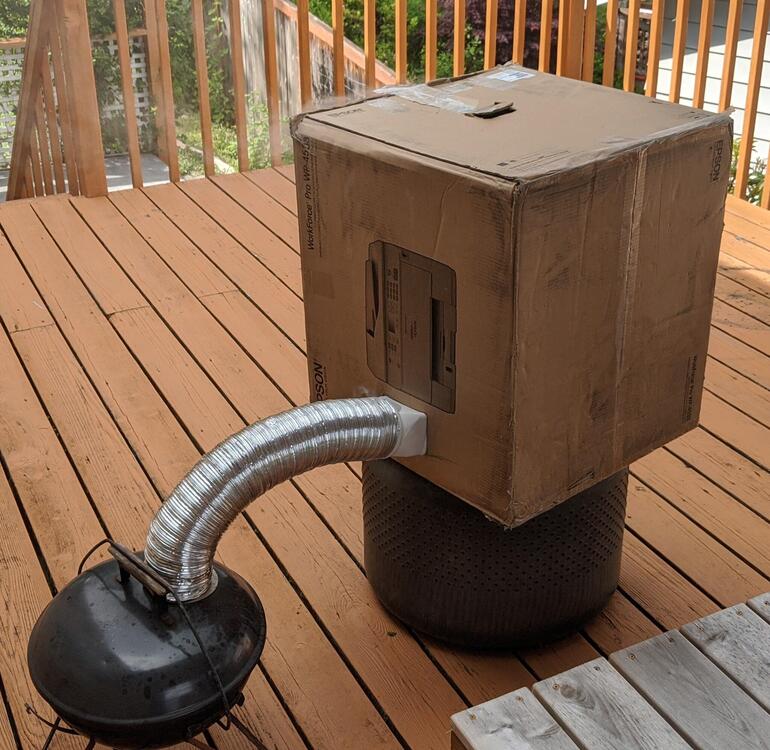
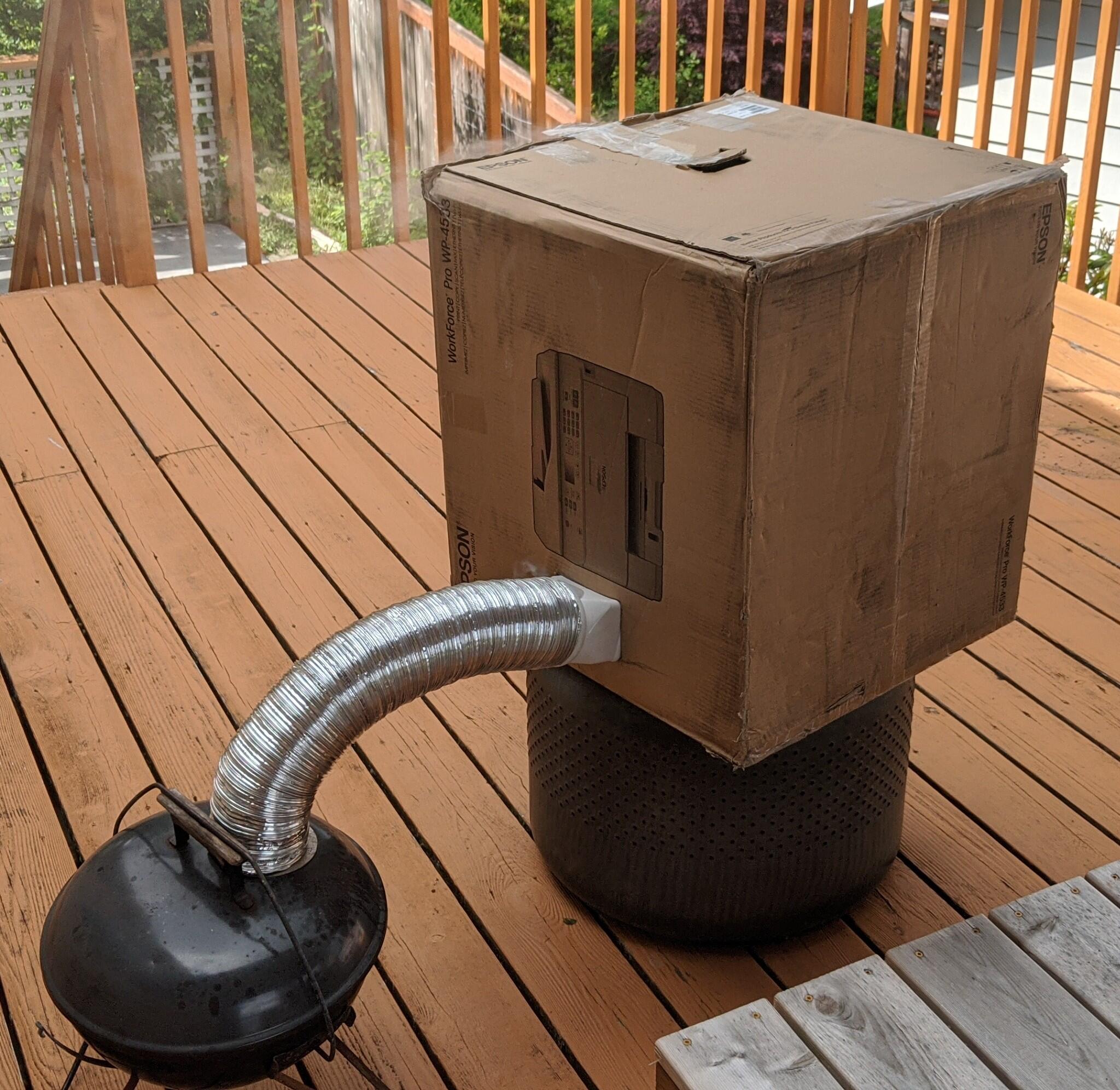
 Not grilling, but cold smoking... 😎 made a zero cost cold smoker with Epson workforce pro ! ... ;} So, my very very old Smoky Joe with a coil burner stolen from an old electric oven wired for 120v {aaa, I just soldered a plug on it} a chunk of drier hose {drier didn't need that much anyway}, built a rack inside box from scrap wood. Cut a hole. Done. Smoked for 20 min on a small charge. 88 degrees in box. Will test it out for real with hickory and smoking rye grains.
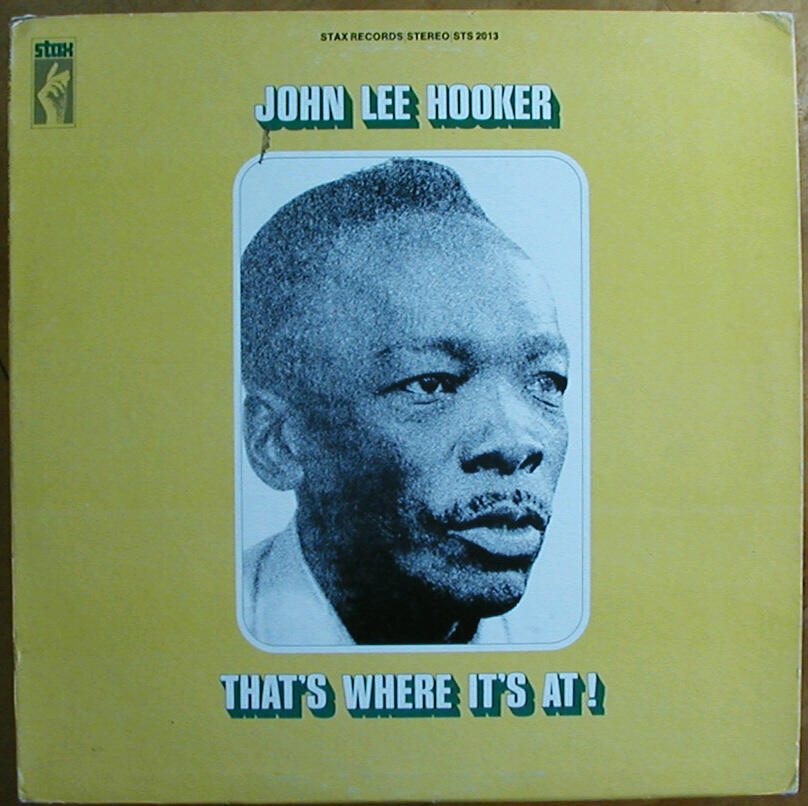
 yasss. Sonja and I have been long fans (since we moved up here) of Nick. He is currently doing 5 livestreams a week on his channel -- https://www.youtube.com/user/GeologyNick/videos got up and watched this livestream this morning.Ed was a good journalist and Rupert music touched many RIP both...Don't want to blow a fuse now, do you? those things are pricy...Seems about the right time for a requiem ...Thanks Knucks - I think we all need these now...










Important Information
By using this site, you agree to our Terms of Use.