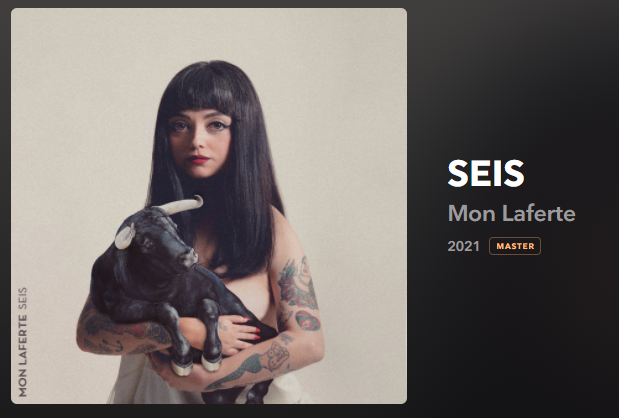
mikeymad
High Rollers
-
Joined
-
Last visited
Everything posted by mikeymad
-
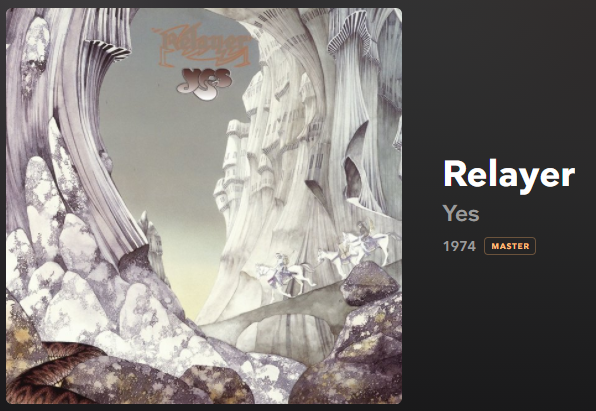
Morning Yes? Yes.
 ah and a track from his channel
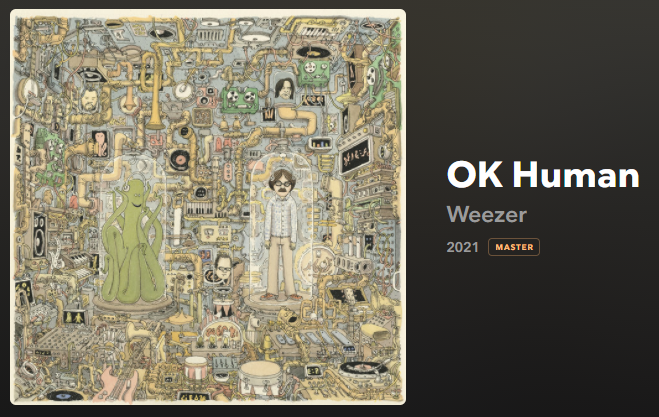
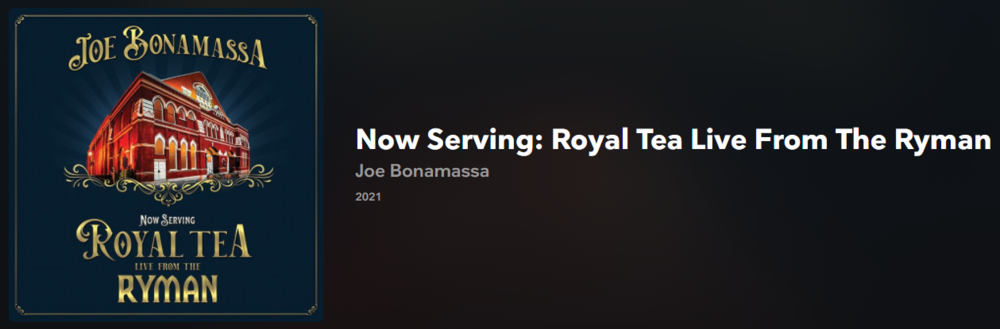 Thanks for the reminder Ric. I do remember that show when it came out. but probably worth going back and taking a second listen now that I have refreshed my palate.Evening Weezer
 Sunday afternoon jazz
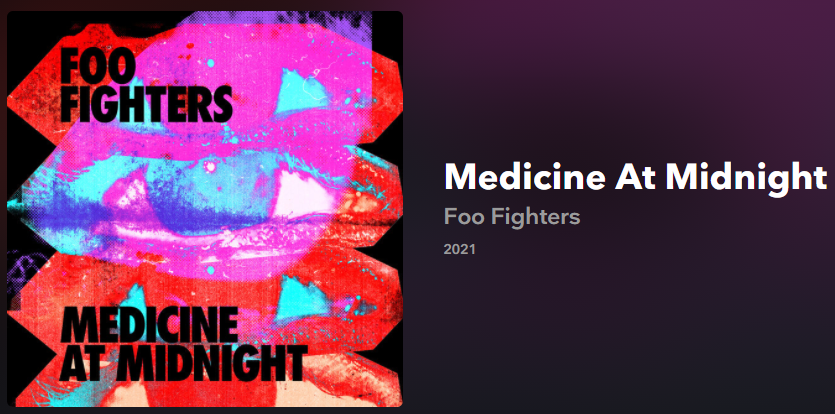
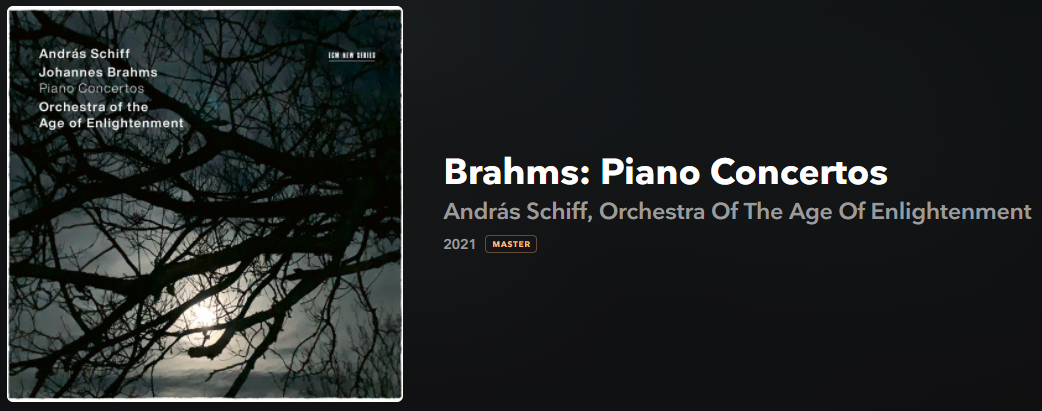
 Two recent Tiny Desks that I really liked.Someone that I always wished I had seen. pure artHappy Birthday Shelly - I know that you started it right with a beverage. Cheers^^ love the vocal integration of that album (added to playlist) me
Important Information
By using this site, you agree to our Terms of Use.
Account
Navigation
Search
Configure browser push notifications
Chrome (Android)
- Tap the lock icon next to the address bar.
- Tap Permissions → Notifications.
- Adjust your preference.
Chrome (Desktop)
- Click the padlock icon in the address bar.
- Select Site settings.
- Find Notifications and adjust your preference.
Safari (iOS 16.4+)
- Ensure the site is installed via Add to Home Screen.
- Open Settings App → Notifications.
- Find your app name and adjust your preference.
Safari (macOS)
- Go to Safari → Preferences.
- Click the Websites tab.
- Select Notifications in the sidebar.
- Find this website and adjust your preference.
Edge (Android)
- Tap the lock icon next to the address bar.
- Tap Permissions.
- Find Notifications and adjust your preference.
Edge (Desktop)
- Click the padlock icon in the address bar.
- Click Permissions for this site.
- Find Notifications and adjust your preference.
Firefox (Android)
- Go to Settings → Site permissions.
- Tap Notifications.
- Find this site in the list and adjust your preference.
Firefox (Desktop)
- Open Firefox Settings.
- Search for Notifications.
- Find this site in the list and adjust your preference.