


mikeymad
High Rollers
-
Joined
-
Last visited
Everything posted by mikeymad
-
RIP Fats.. http://www.bbc.com/news/entertainment-arts-41753839
-
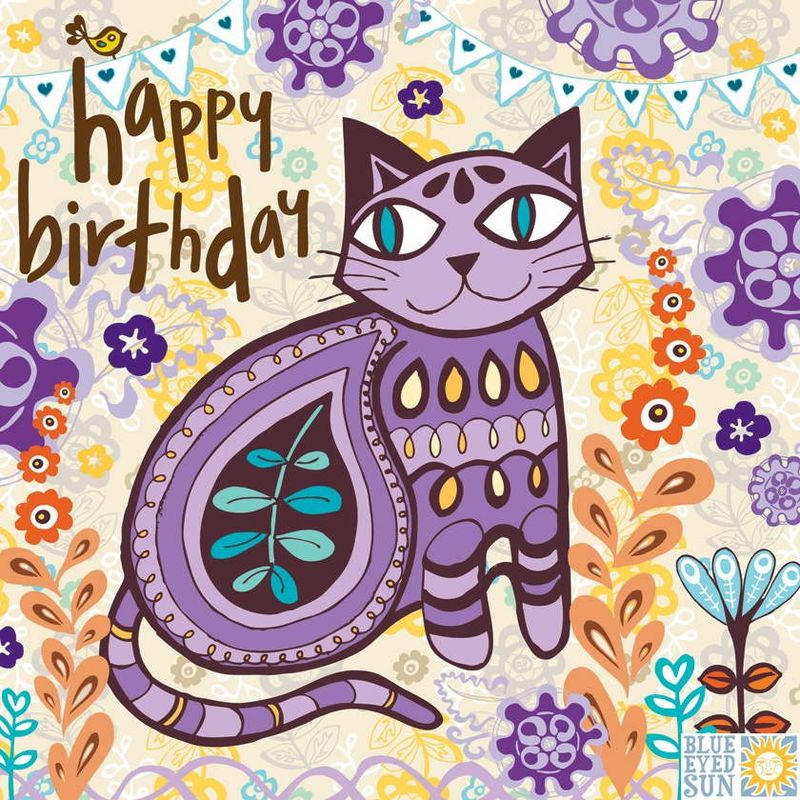
Cheers Peter - Wishing a Happy Birthday...!!Nice Rig TomYou can give the tracks a listen - https://courtneybarnettandkurtvile.bandcamp.com/album/lotta-sea-liceHappy Birthday + one year.. and many to come. Cheers Vicki!!yeah - not in a fire storm... sad. from FB - the buildings Vista 1-2 at Keysight are gone - but their main campus is still there - but remain closed today.
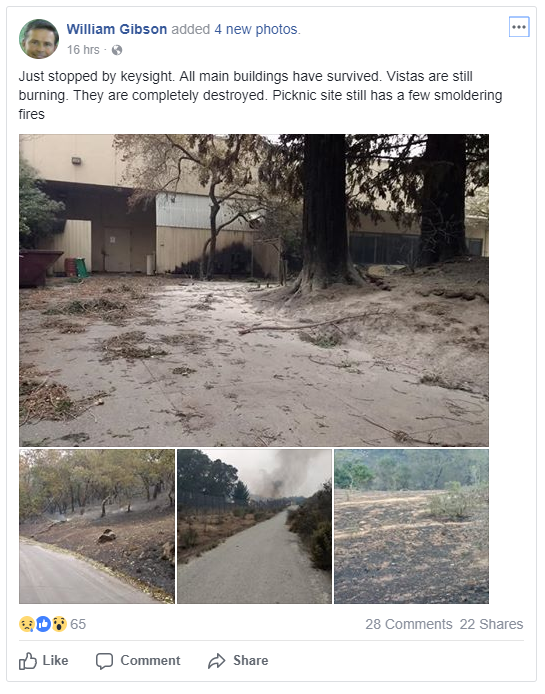 My Company (keysight) is on Fountaingrove in Santa Rosa - no power or back-up power at this point - some damage reported - but no real reports yet. But here are a couple pics from the parking lot...
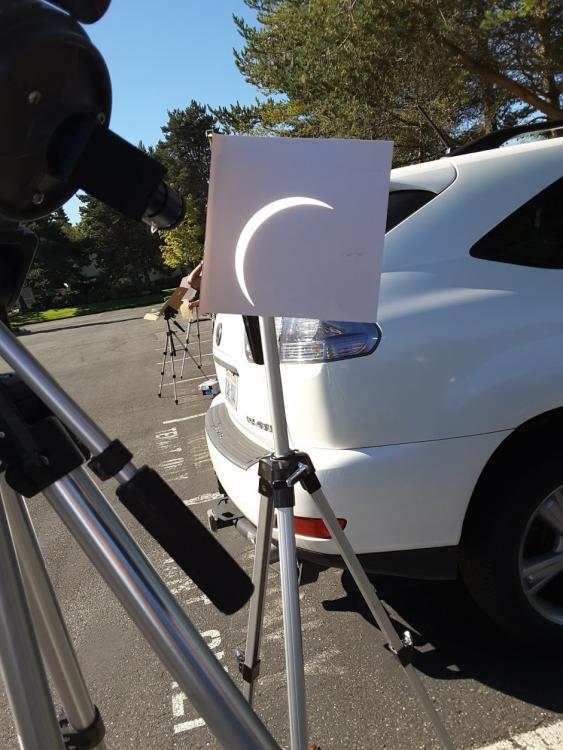
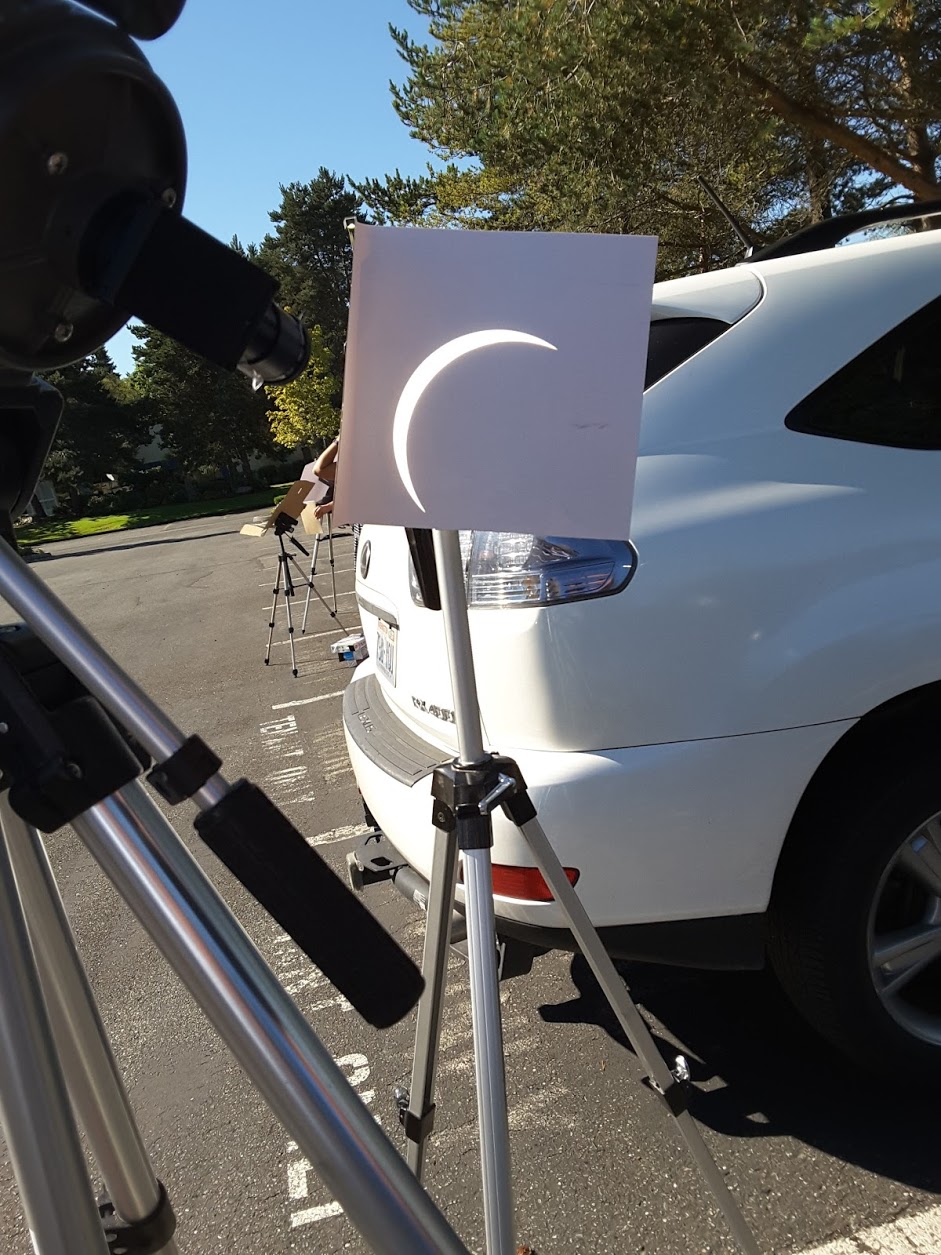
 Cheers Steve - Happy Birthday...looks correct to me...Thanks, Vihart was one of my fav YouTubers. I either forgot or missed this one.Michael in the Morning - still marvel at the engineering of tracks like thisAlso I just watched this on Netflix - American-Experience-Command-Control pretty good tale about an oops RIP Stanton and PetrovCheers Stretch!! - Have a great Birthday in the bay area....Mozart while fixing supperGreat to see the rigs.. Team analog!Cheers Matt - (missed)co-worker telescope - around 90%
 Never have I seen it - looked and could not find. -- but some cover images (you probably found) - https://goo.gl/XKMuLm lots of circles. But, it really looks like the results of a prop department. Of course, I always look at scotch bottles in shows/movies - they are almost always fake.listening to Tubes....Mo jazz this evening, smooth jazzSome additional heavyweight





Important Information
By using this site, you agree to our Terms of Use.
Account
Navigation
Search
Configure browser push notifications
Chrome (Android)
- Tap the lock icon next to the address bar.
- Tap Permissions → Notifications.
- Adjust your preference.
Chrome (Desktop)
- Click the padlock icon in the address bar.
- Select Site settings.
- Find Notifications and adjust your preference.
Safari (iOS 16.4+)
- Ensure the site is installed via Add to Home Screen.
- Open Settings App → Notifications.
- Find your app name and adjust your preference.
Safari (macOS)
- Go to Safari → Preferences.
- Click the Websites tab.
- Select Notifications in the sidebar.
- Find this website and adjust your preference.
Edge (Android)
- Tap the lock icon next to the address bar.
- Tap Permissions.
- Find Notifications and adjust your preference.
Edge (Desktop)
- Click the padlock icon in the address bar.
- Click Permissions for this site.
- Find Notifications and adjust your preference.
Firefox (Android)
- Go to Settings → Site permissions.
- Tap Notifications.
- Find this site in the list and adjust your preference.
Firefox (Desktop)
- Open Firefox Settings.
- Search for Notifications.
- Find this site in the list and adjust your preference.