


mikeymad
High Rollers
-
Joined
-
Last visited
Everything posted by mikeymad
-
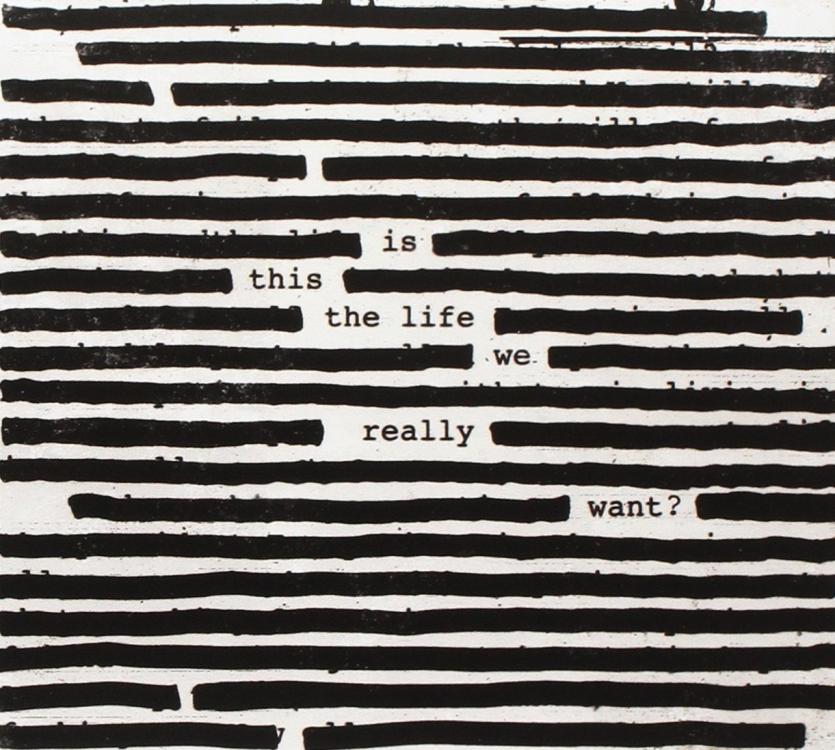
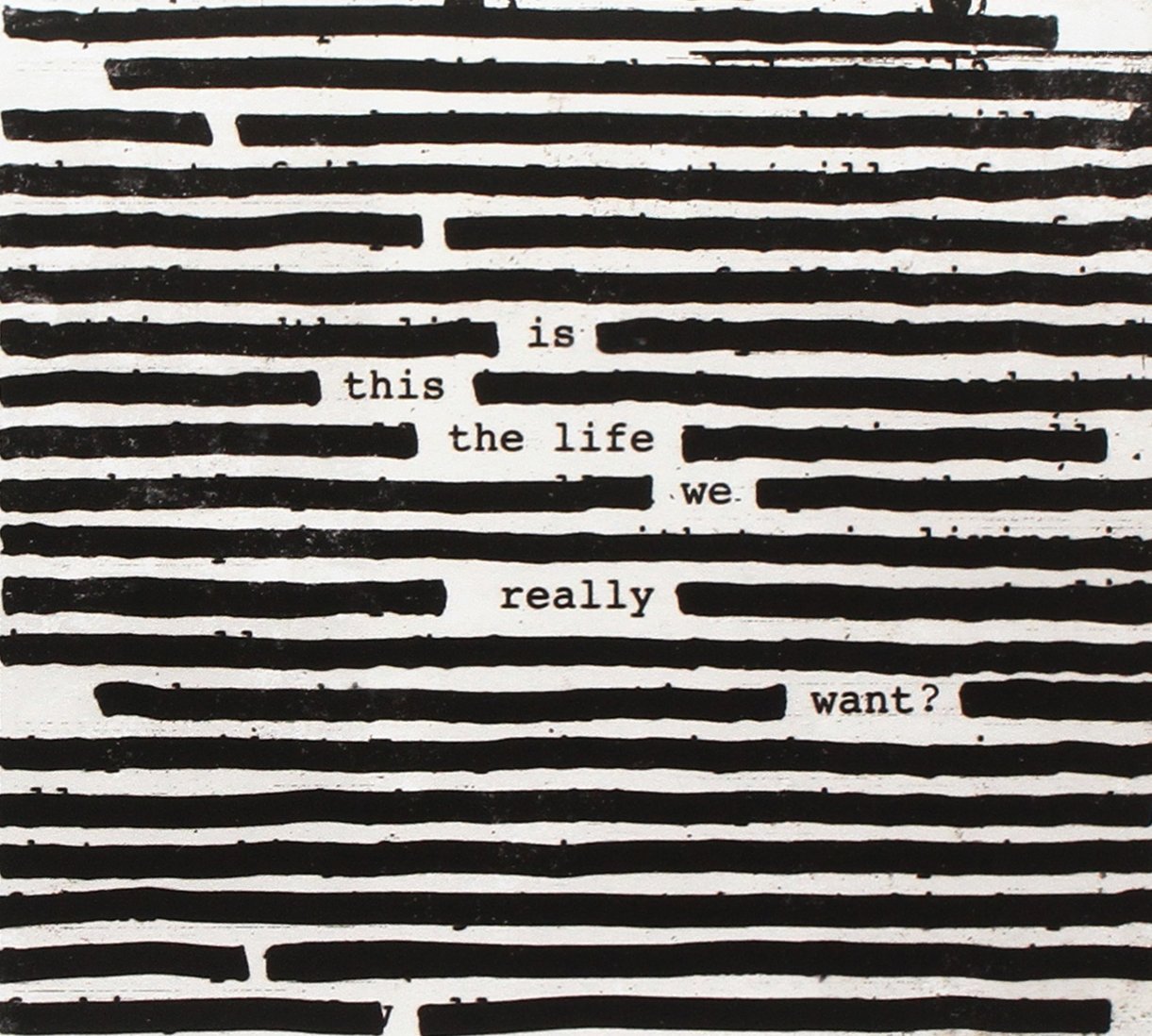
Cheers Little Bro... --- Will cheers with a beverage later... Happy Birthday....Miles n MilesWell that is the ottoman... Stuck in holiday Traffic .... but I like it.While sorting lps...Gerry and Ben talkin together nicely... thx omr.Monk's MisteriosoLinda's Lush LifeHmmmm .... Sting in qsound.. While sorting whiskyABWH prog-givingNeed to run this Harry through the cleaner, but it is a fun album.Some Bach testing. Many notes..cheers jp -- happy birthday...Woot - again....Woot. Wishing I was there to listen too.A few more things, and I guess I missed taking a photo of the things from Friday..Cheers team, I had a good birthday, many wishes, baked German breads most of the day, and hung out with Marin folks, was a treat being back in the area for my 50th. Thanks all...Cheers Chris. Happy birthday.Today's lotBaking bread this week, more to come.... San Francisco baking institute German bread class with Sonja Good fun More baking in the morning5 1/2 whats to get to the 'dry men'? -- looks pretty moist out there to me.. BTW - I like the little Glengoyne sign at the bottom of the post. One of my fav distilleries.And the new Roger (yeah I am older)
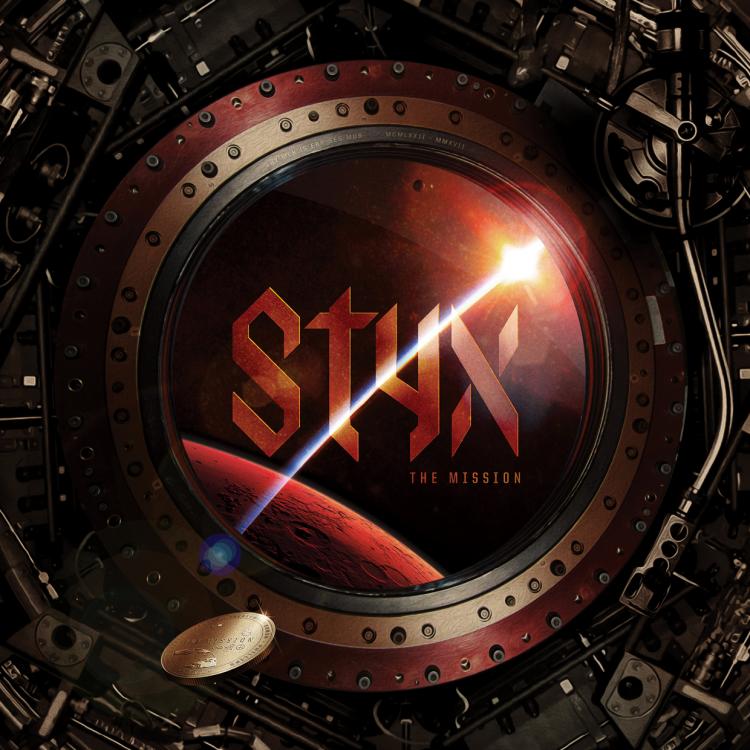
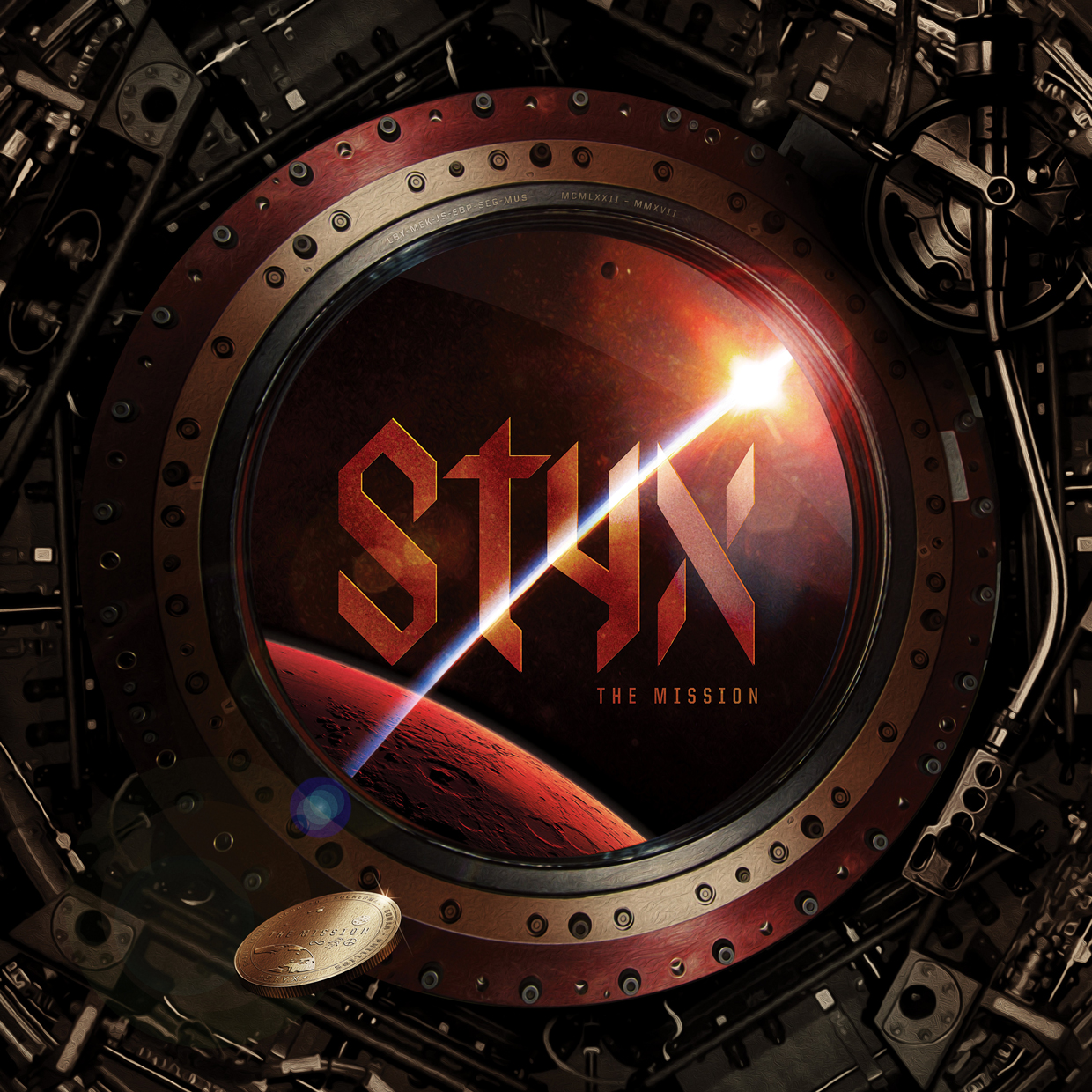
 Really enjoying my second listen to the new(er) styx prog album....
 Google could only guess at it ..





Important Information
By using this site, you agree to our Terms of Use.