


mikeymad
High Rollers
-
Joined
-
Last visited
Everything posted by mikeymad
-
His London work was otherworldly RIP
-
sad - so many bottles - never to be opened. unless they were in the HC or PLOWED groups. "as I reach for a pour of the mortlach 1936/50yo - and shake my head"
-
Wow the first pic is so wonderfully abstract that I could not see the ball until the second shot
-
wax
-
^^ he get it
-
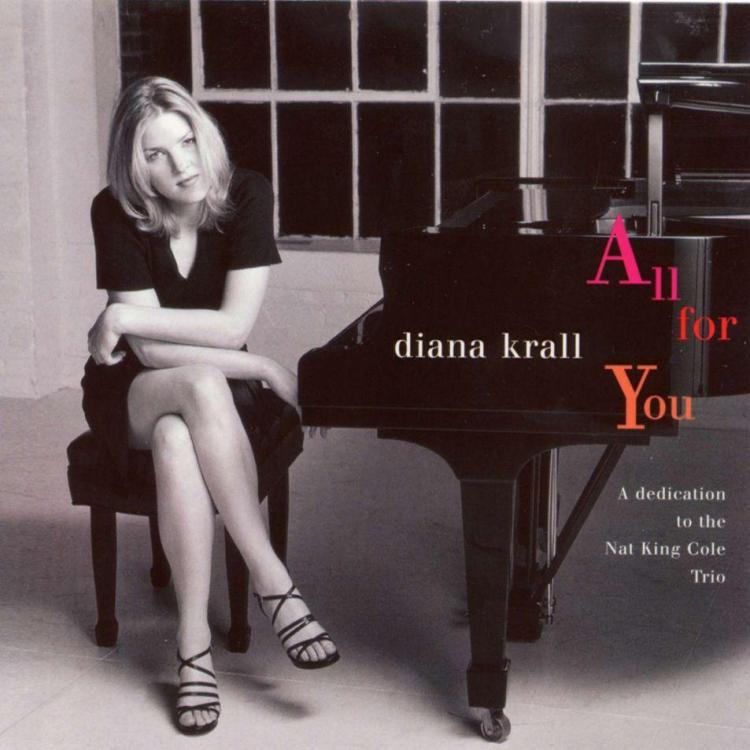
Unpacking and setting up house music. Loaded up and played on Random... good day Today's load up and Random Now - some Sade...






-
RIP Jessi - GodSpeed. I remember her well from Overhaulin and the like.
-
Very cool Steve - I really liked the multi multi layered themes, various overlaps and highlights. Some Tangerine Dream/Philip Glass moments. Well done.
-
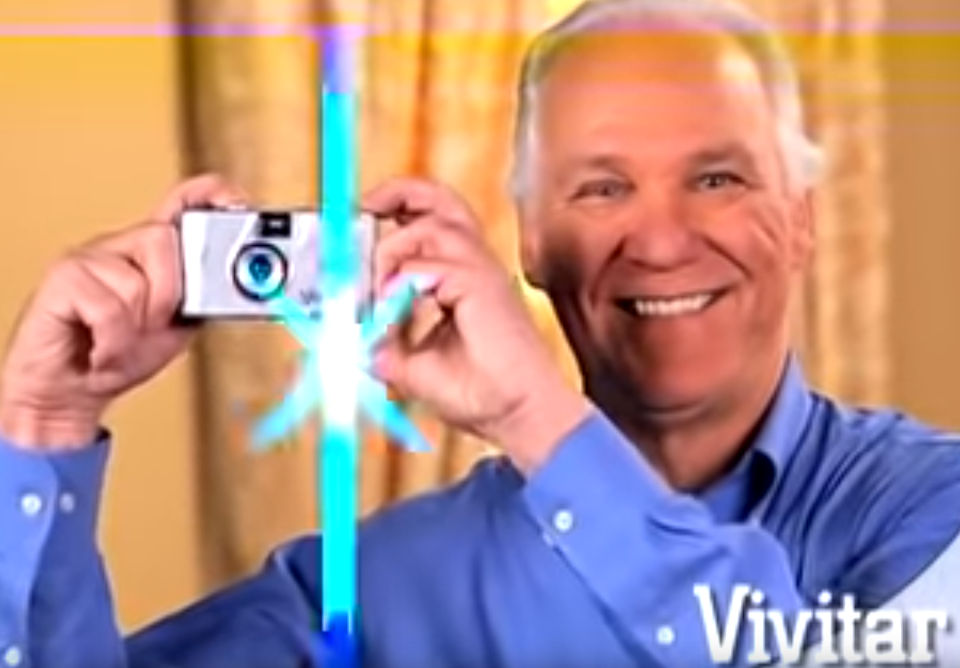
I know how to photograph.... !! And where in the hell is that flash coming from!? (took me a while to get that screen cap) - Thanks Vivitar...
-
Next up should of course be.. And I understand about the prog barrier - but you are pretty close with Plays live - I might recommend going forward starting with Trespass. Not as proggy as Foxtrot with the epic Supper's Ready.
-
That's 18 minutes of starting the day right... thx
-
^^ and holy poop. Downloading all... How did you know that I always wanted to mix my own Beatles tracks.. ?? thanks!!! --
-
kids just playing around. (oh and they kind of kick ass) https://www.youtube.com/watch?v=q8VRQuFll7s (argh - no embedding - so click to see - Devil in I by Slipknot (Studio Version) / O'Keefe Music Foundation)
-
Circle Service! Wait.... What??
-
Not my build - but a great restoration. https://imgur.com/gallery/GxZE9x8?too much cute!!! Happy Belated..Apparently a pile of 'hornlets'?How did I miss the middle finger emoticon for so long? (fuck!)aah.. it's art... ..charge whatever you want..So from the toe-in angle of those 801s and the distance that they are apart - I would guess the listening position is about 6-7 feet away (in a room that is not much bigger). One thing I know from being an 802 owner for 20+ years - They need to Breath!.. anyway - nice rig...Yeah - thought of you while we were there of course. Terrace was split with sax (including an extended 7+minute solo in the 25 minute first song) and keys most of the time, he was a little out of view so there could have been additional actions taken. And Lionel - we could not figure out what the hell was going on, was that voice, guitar, synth, choir, other, all. Crazy. and 79yo herbie with the guitar keyboard jumping around on stage? more than either of us ever expected.Thanks Steve - yeah the Washington set was great - just rode on a wave of notes the entire time. The Herbie set was masterful - Band: Herbie Hancock, Vinnie Colaiuta, James Genus, Lionel Loueke, Terrace Martin. Experimental - Musical - Engaging (first time seeing him - fan since I found his music in the 80s)Herbie Hancock & Kamasi Washington preshow...just want to be free. rip Peter





Important Information
By using this site, you agree to our Terms of Use.