Skip to content
View in the app

A better way to browse. Learn more.

www.Head-Case.org

A full-screen app on your home screen with push notifications, badges and more.

To install this app on iOS and iPadOS
  1. Tap the Share icon in Safari
  2. Scroll the menu and tap Add to Home Screen.
  3. Tap Add in the top-right corner.
To install this app on Android
  1. Tap the 3-dot menu (⋮) in the top-right corner of the browser.
  2. Tap Add to Home screen or Install app.
  3. Confirm by tapping Install.

guzziguy

High Rollers
  • Joined

  • Last visited

Everything posted by guzziguy

  1. Happy Boxing Day, Grahame.
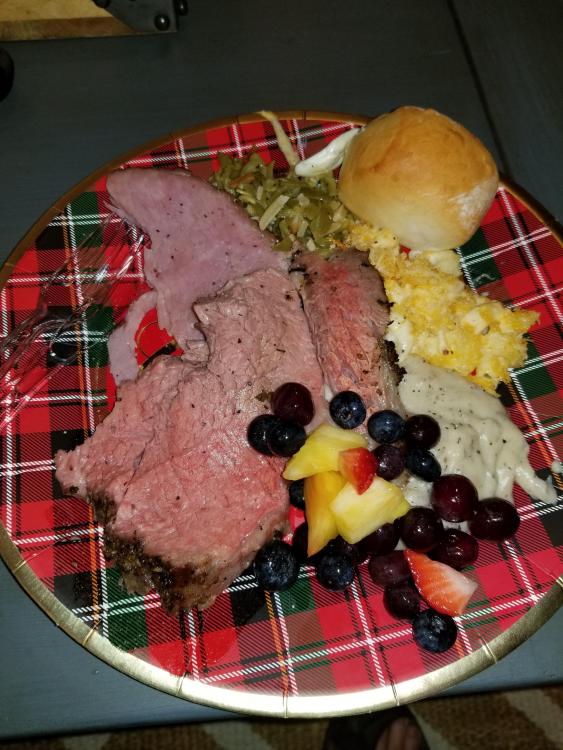
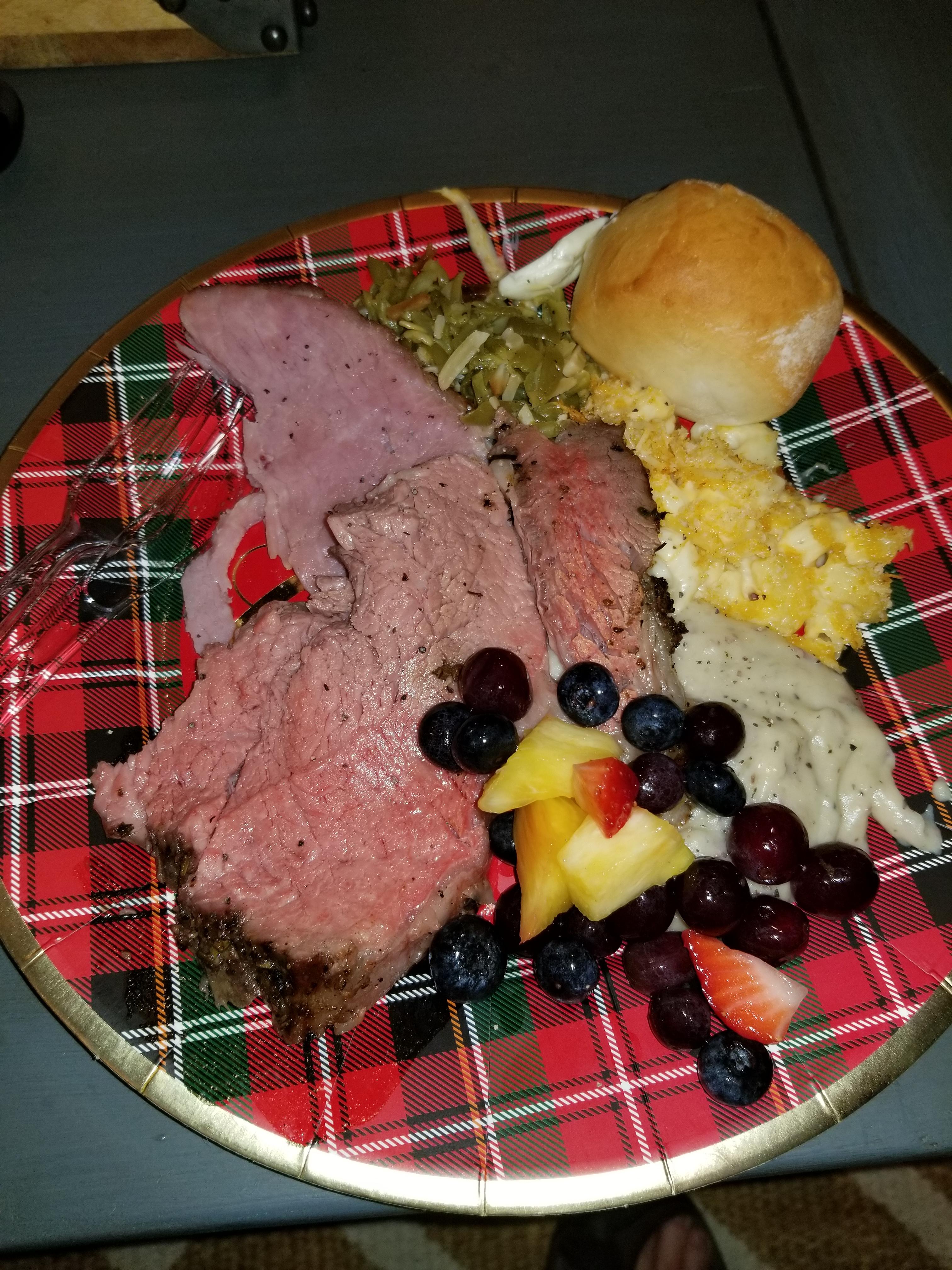
  2. Christmas dinner.
  3. Thanks all. I had my usual quiet day with my family in Hemet.
  4. Happy Birthday, Ric!
  5. guzziguy replied to Hopstretch's topic in Speakers
    No.
  6. guzziguy replied to Hopstretch's topic in Speakers
    I wonder what the bathrooms look like?
  7. Happy Birthday, Todd! Enjoy the moment.
  8. Happy Birthday, Bryan! Have a wonderful day.
  9. RIP Michael J. Pollard
  10. guzziguy replied to TMoney's topic in Meets
    ^This. Thanks guys.
  11. guzziguy replied to swt61's topic in Off Topic
    Belated Happy Birthday, John!
  12. What, no Gandalf or Magneto?
  13. Happy Birthday, Chris! Have a wonderful day.
  14. Happy Birthday, Mikey! Hope you have a wonderful whisky today.
  15. Belated Happy Birthday, Marc! Hope it was a great one.
  16. Happy Birthday, Peter! Hope you're having a great one.
  17. Belated Happy Birthday, Vicki! Sure wish you'd come back to HC.
  18. Belated Happy Birthday, Peter!
  19. guzziguy replied to Voltron's topic in Off Topic
    Belated Happy Birthday, Carl!
  20. Belated Happy Birthday, Iain!
  21. guzziguy replied to Hopstretch's topic in Speakers
    Erm, the cream chair isn't in the first picture.
  22. Like for the "Four Treasons" and the Edsel.
  23. RIP Ginger.
  24. Last night, went to LobsterFest!
  25. Happy Birthday, Wayne! Hope you have a great one.

Important Information

By using this site, you agree to our Terms of Use.

Account

Navigation

Search

Search

Configure browser push notifications

Chrome (Android)
  1. Tap the lock icon next to the address bar.
  2. Tap Permissions → Notifications.
  3. Adjust your preference.
Chrome (Desktop)
  1. Click the padlock icon in the address bar.
  2. Select Site settings.
  3. Find Notifications and adjust your preference.