


swt61
High Rollers
-
Joined
-
Last visited
Everything posted by swt61
-
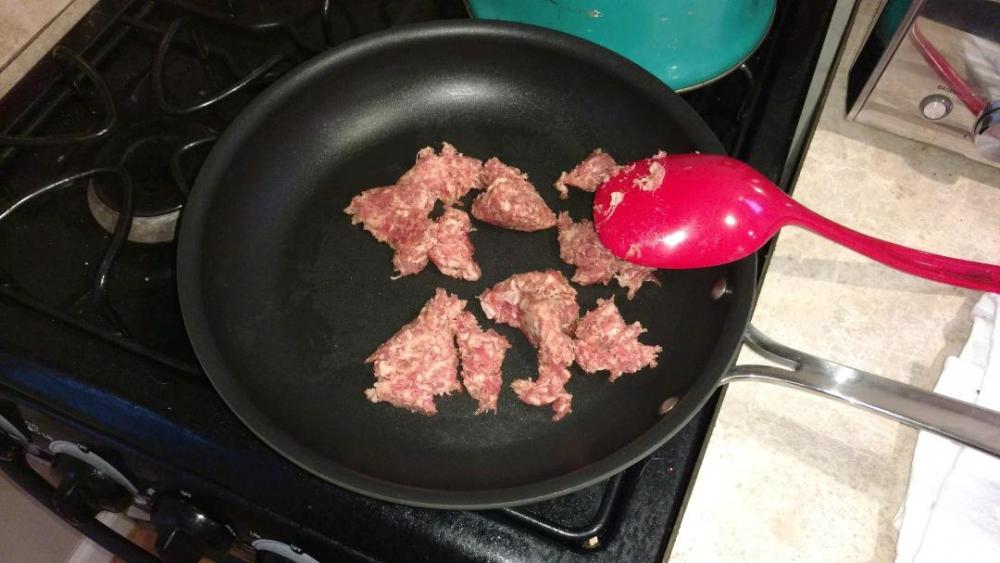
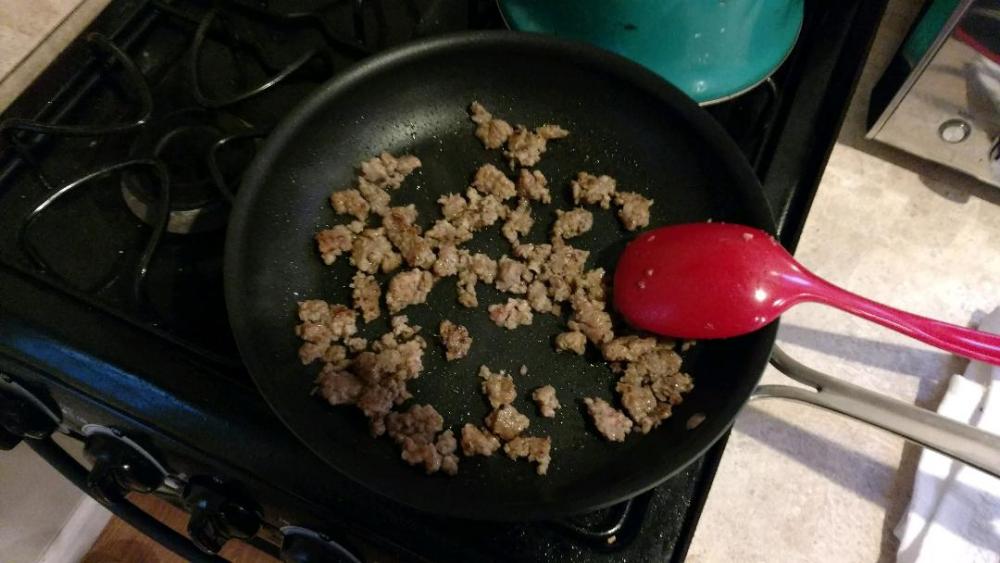
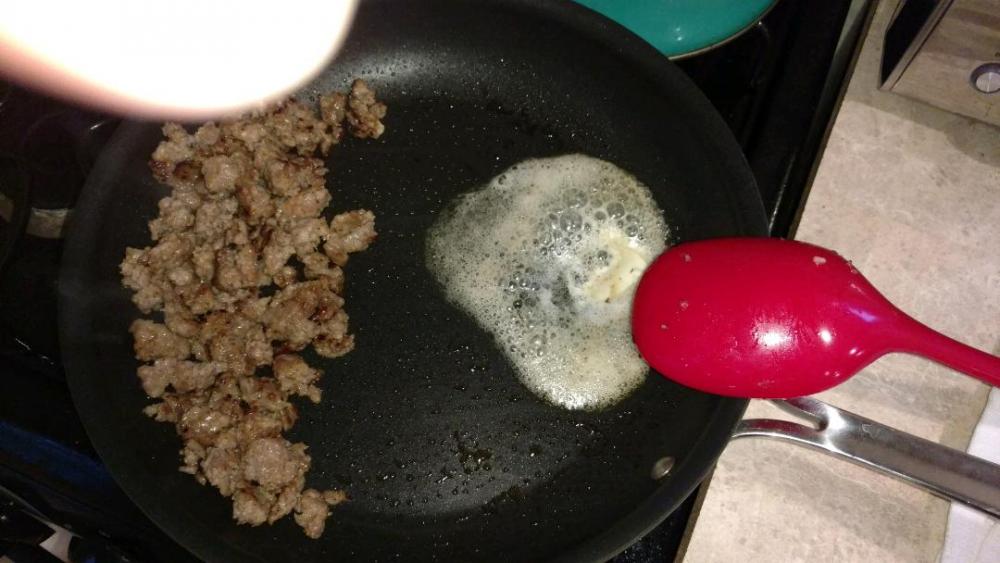
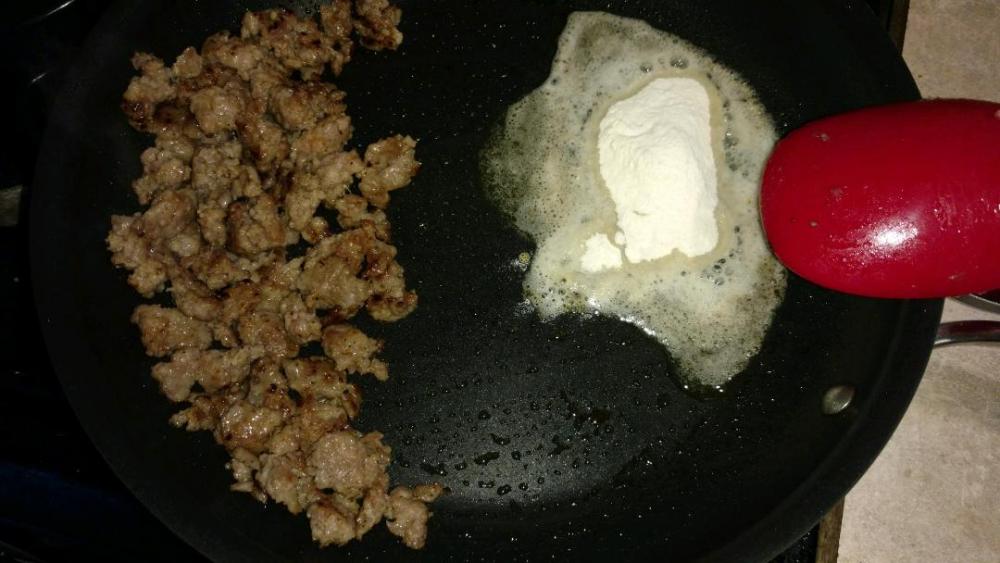
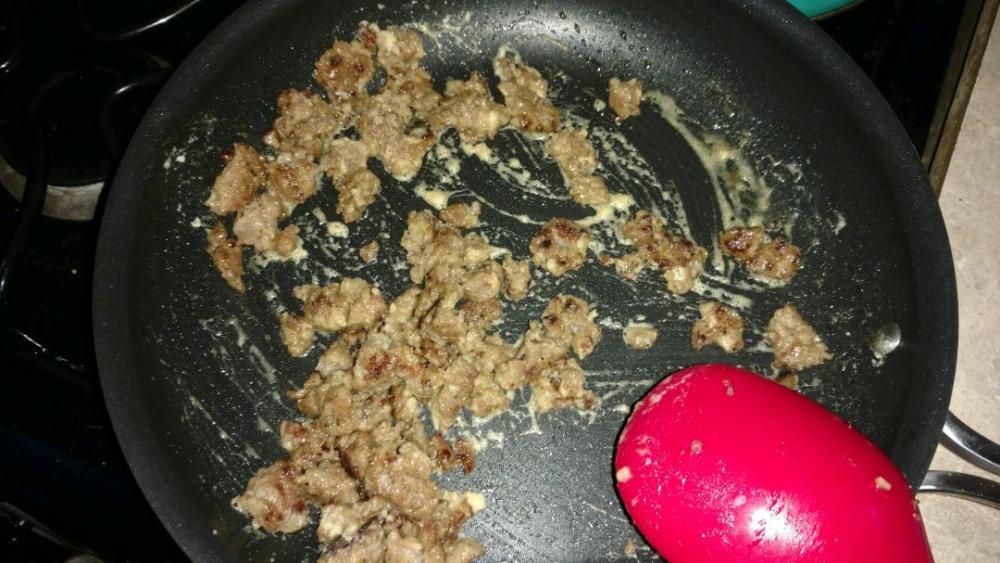
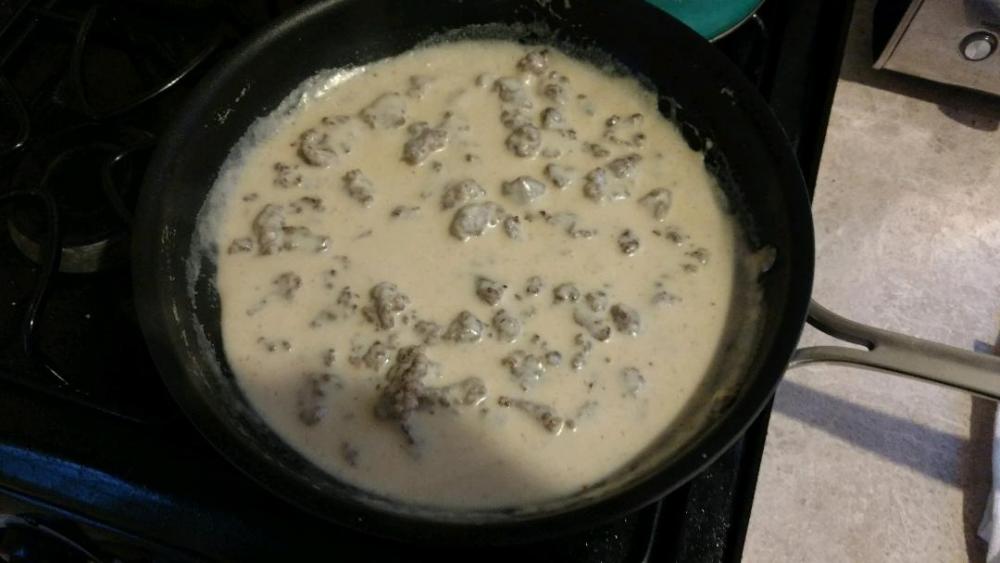
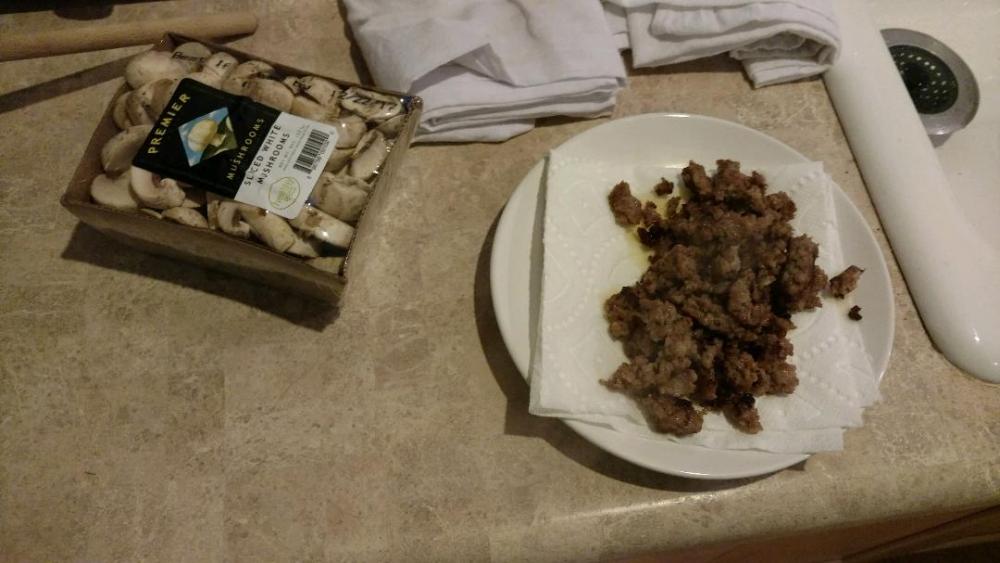
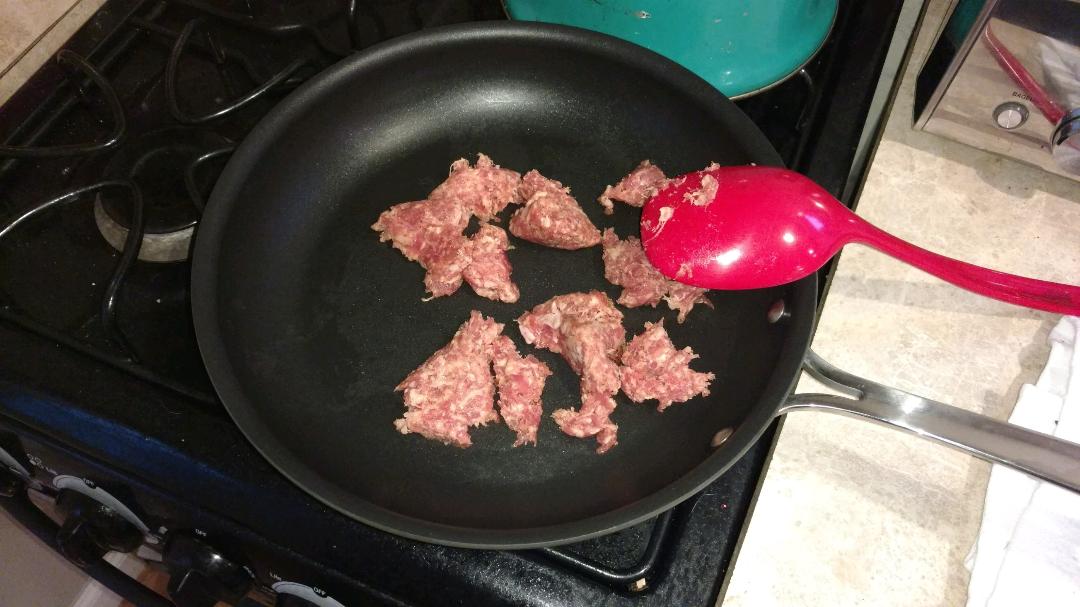
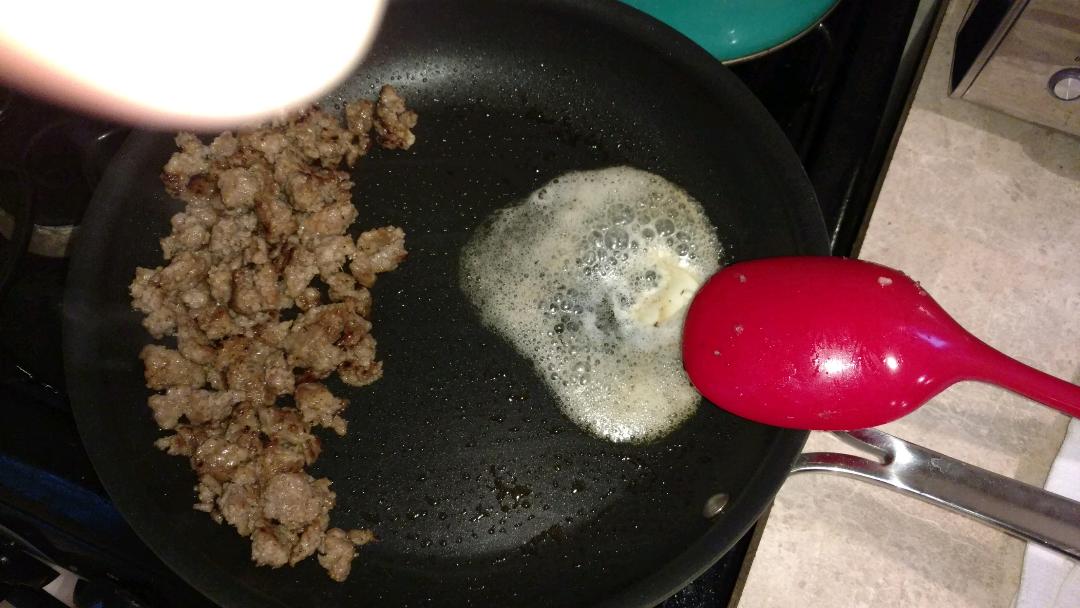
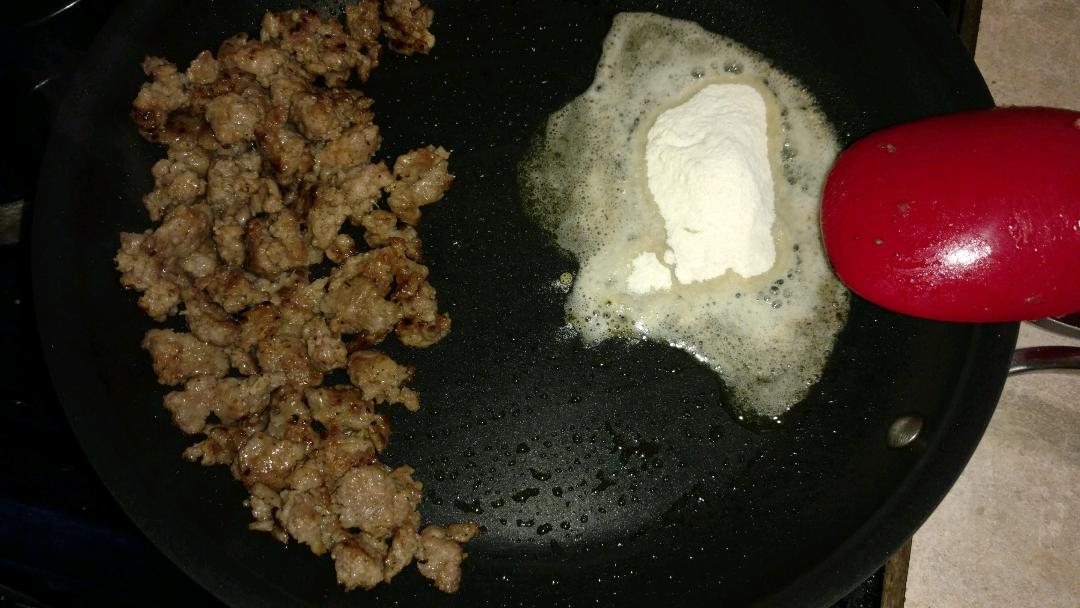
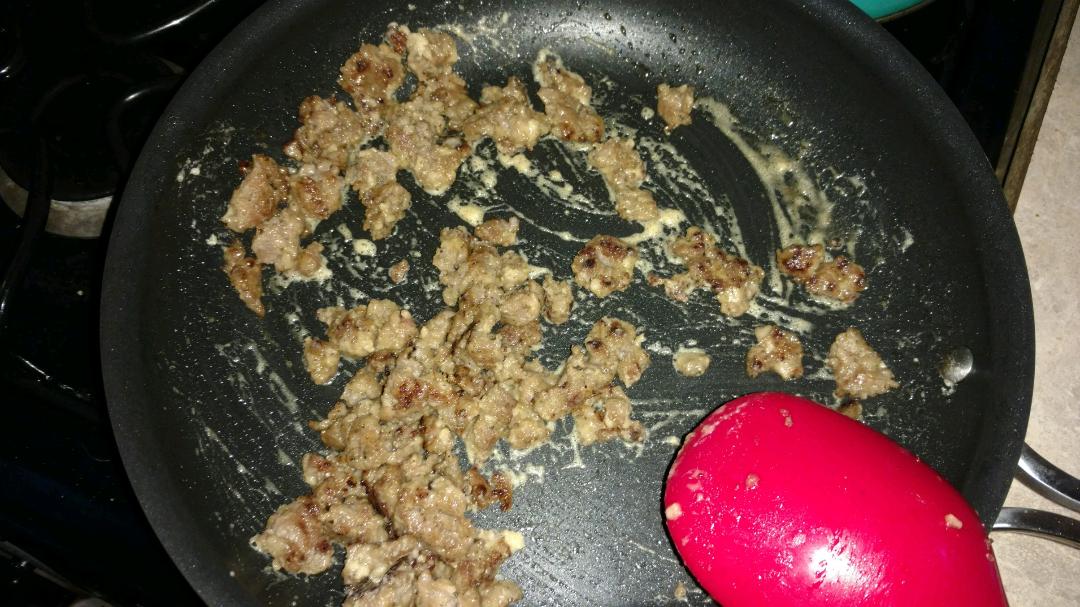
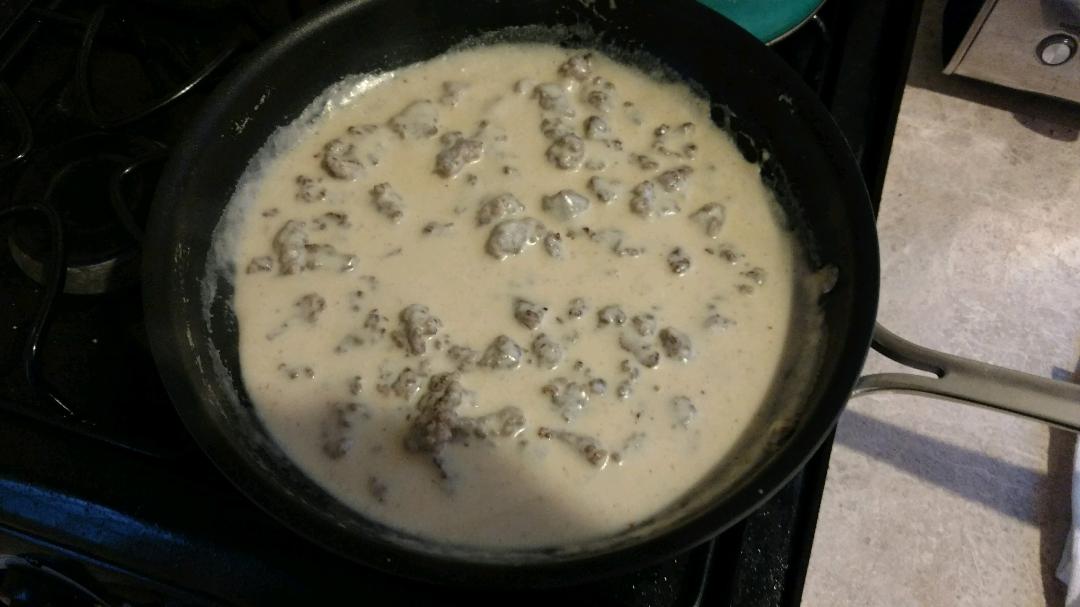
One positive thing about having Texan parents and living in Texas was learning to make "proper" biscuits and gravy. Start with pork breakfast sausage of choice... Cook until nicely browned... You may need to add fat, if your sausage doesn't leave you with enough. I prefer butter, though my Aunt keeps a bowl of bacon fat on hand just for such occasions... Add flour and stir into fat until a nice roux is formed. Cook roux until a nice golden brown color is achieved. Mix into sausage... Add milk and stir near continuously, until roux thickens milk to a nice consistency.

-
You've finally reached retirement age! Happy 65th Birthday my friend! I hope you have a wonderful day Ken!

-
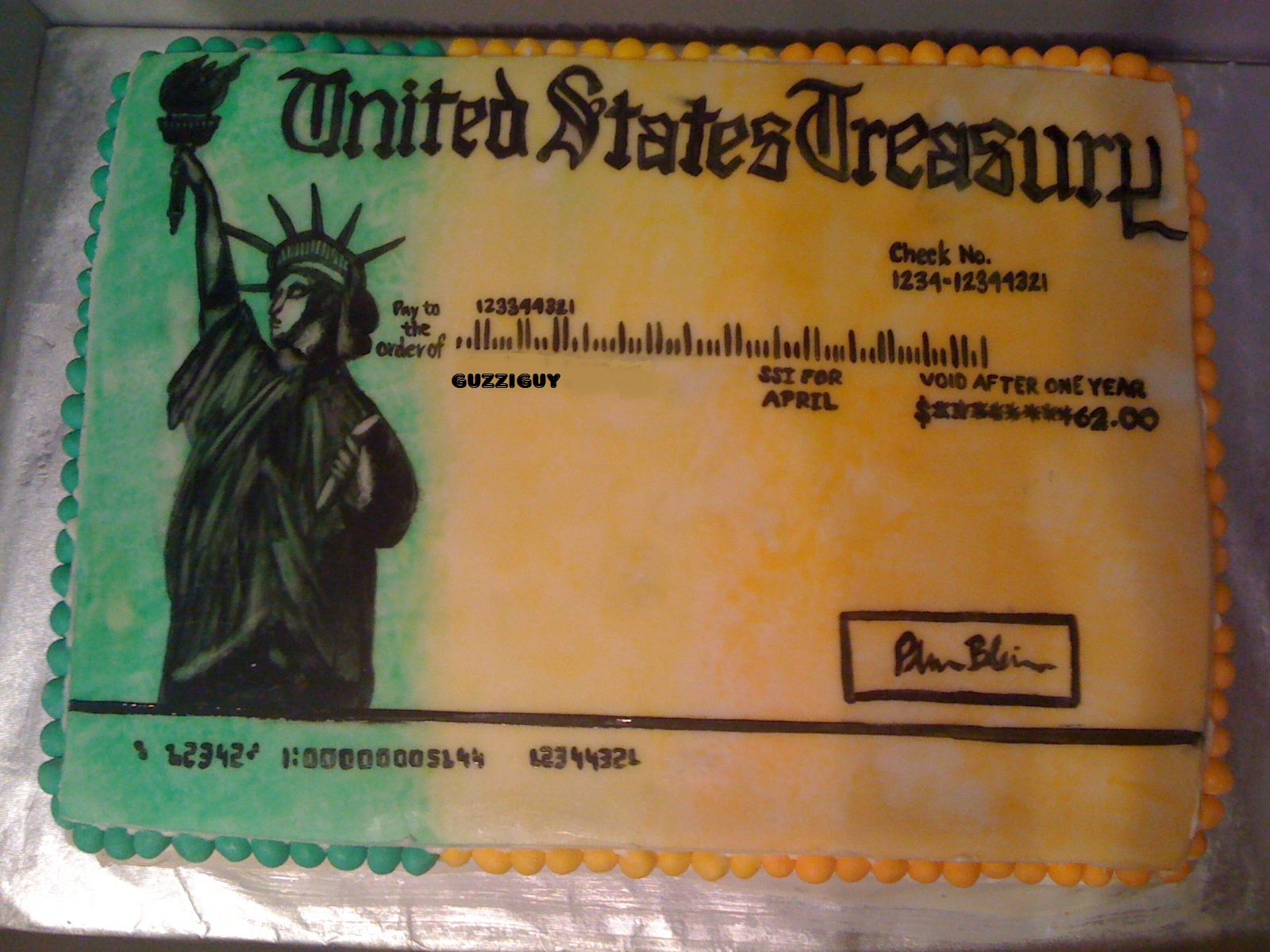
Nice Justin! If you need a schill...
-
-
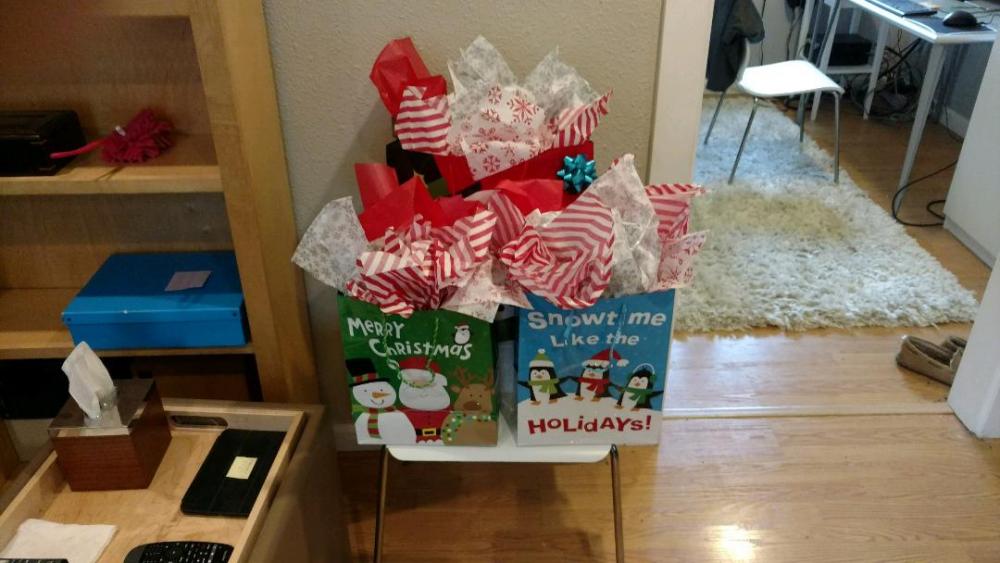
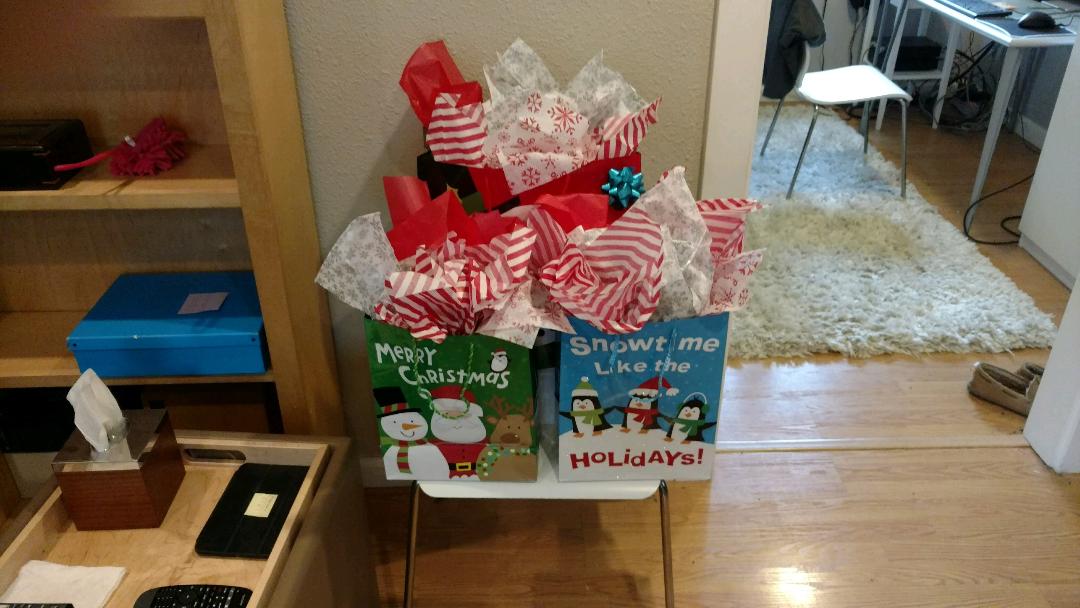
Wrapped (bagged) Suzy's presents, and Suzy's presents to Penny and May because Suzy is all paws. It's gettin' festive in Fairfax!
 You can have all the muff that comes my way Tall Man! ^ It was inevitable that Patrick182 would eventually sell headphones.Red Lane was an icon in Country music. He penned many hits, including Merle Haggard's Hungry Eyes and Tammy Wynette's 'Til I Get It Right. He was also known for Train songs and it seems his has left the station. RIP Red.^ That reminds me that I'm pretty in pink.These are best for trolling forums...
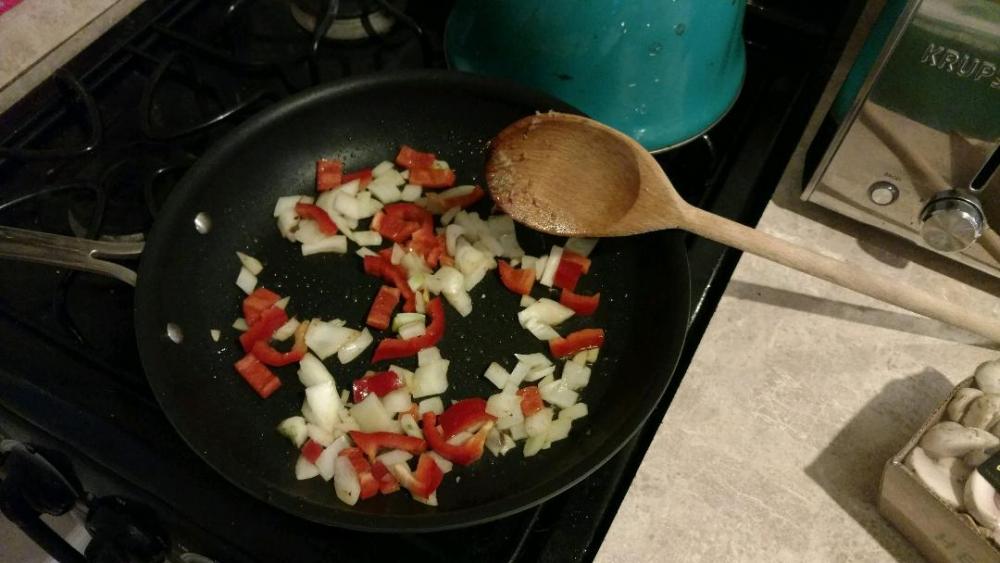
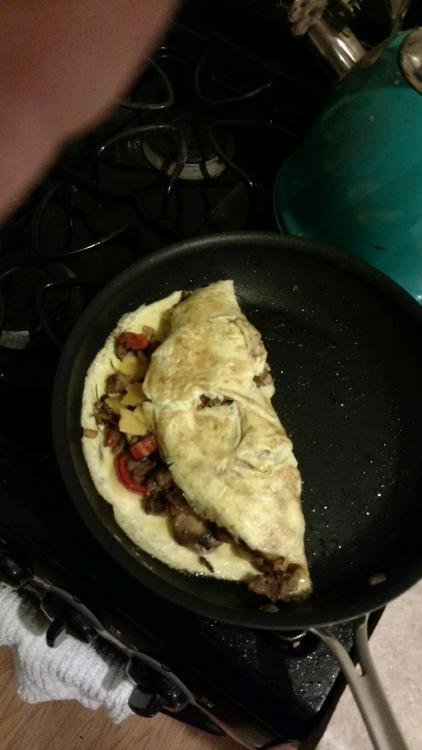
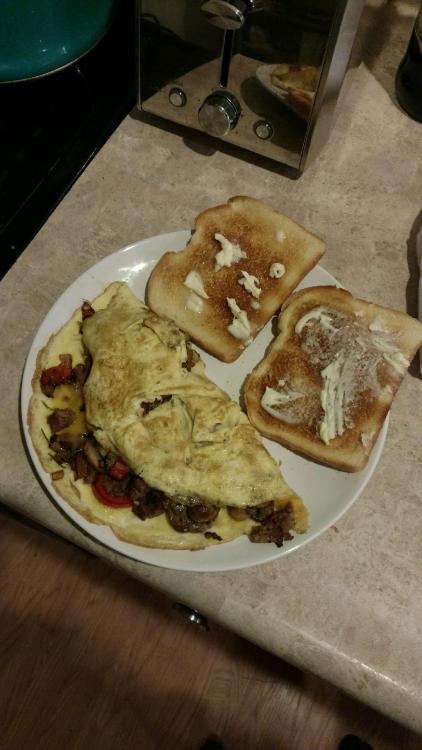
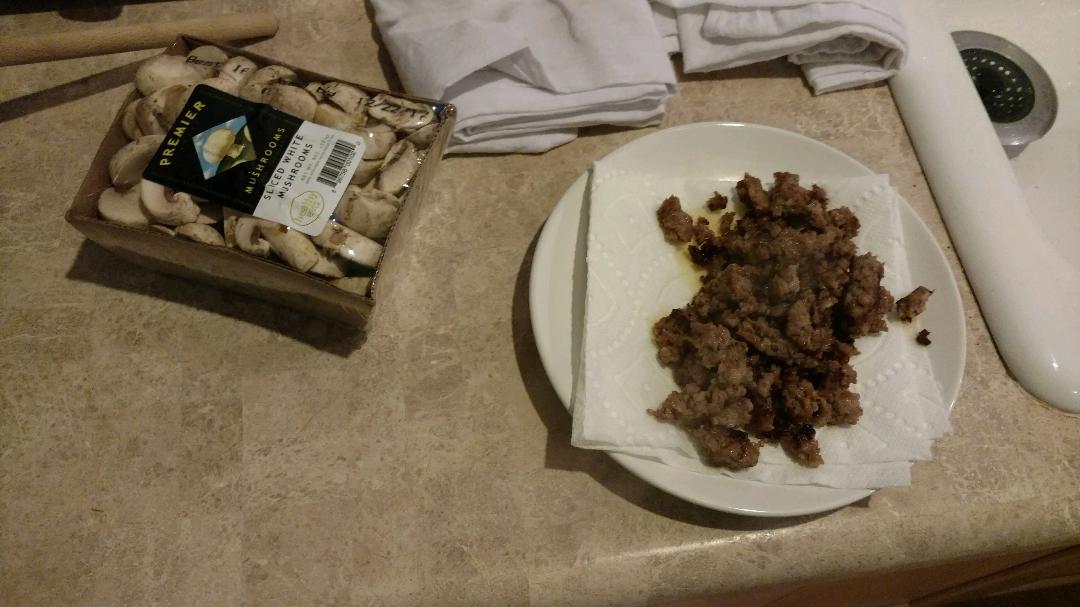
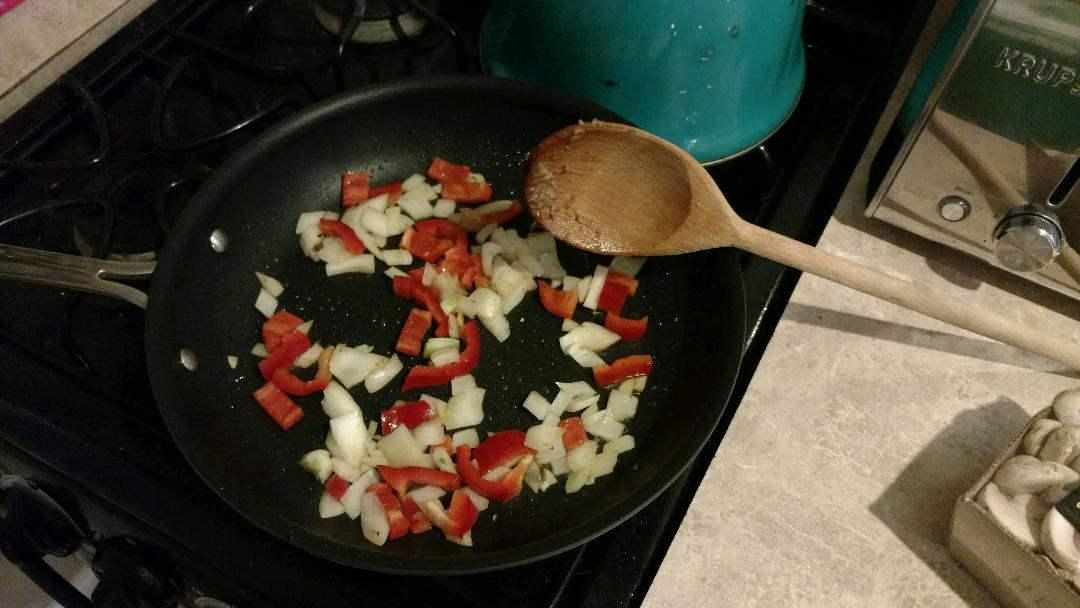
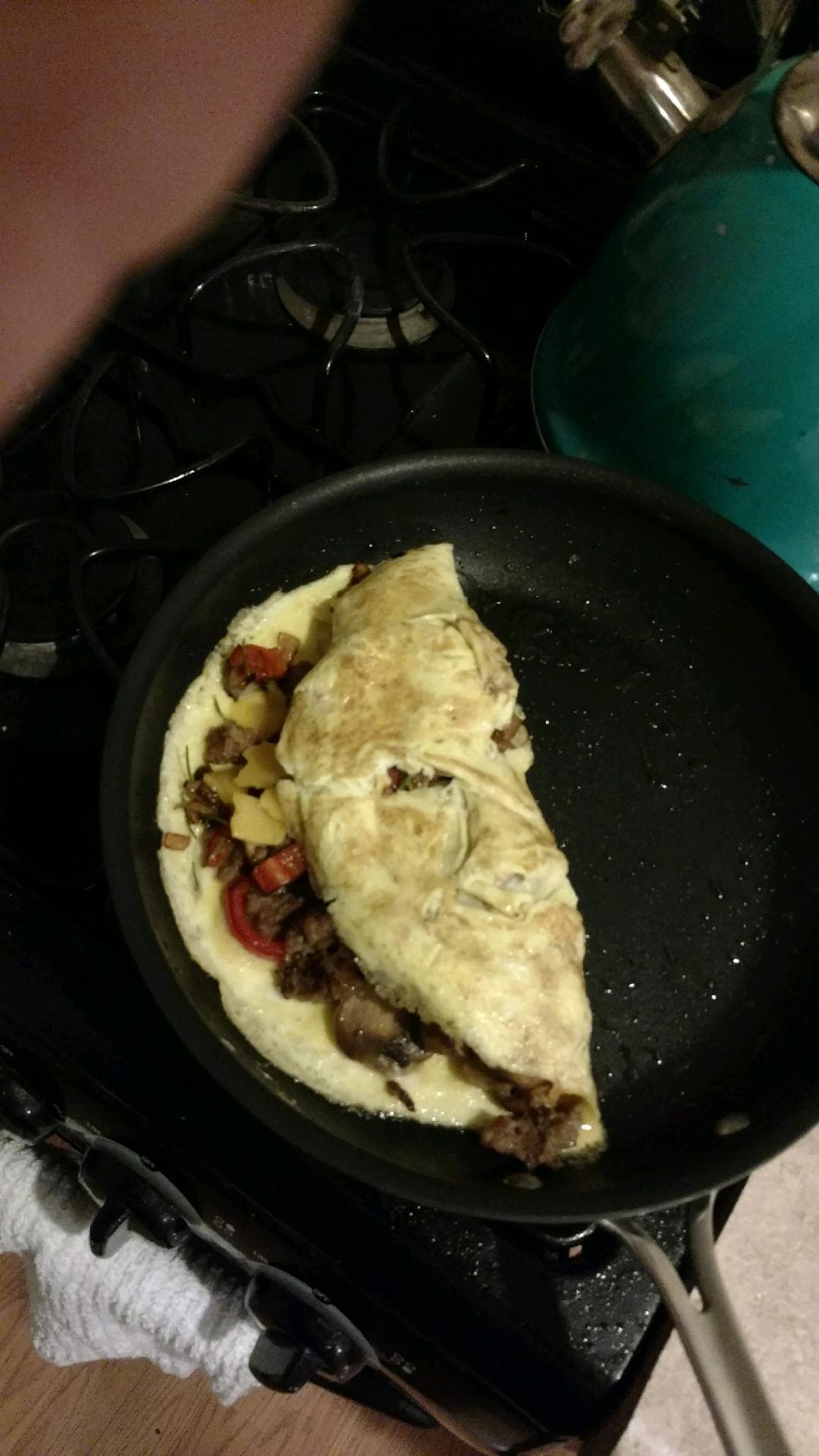
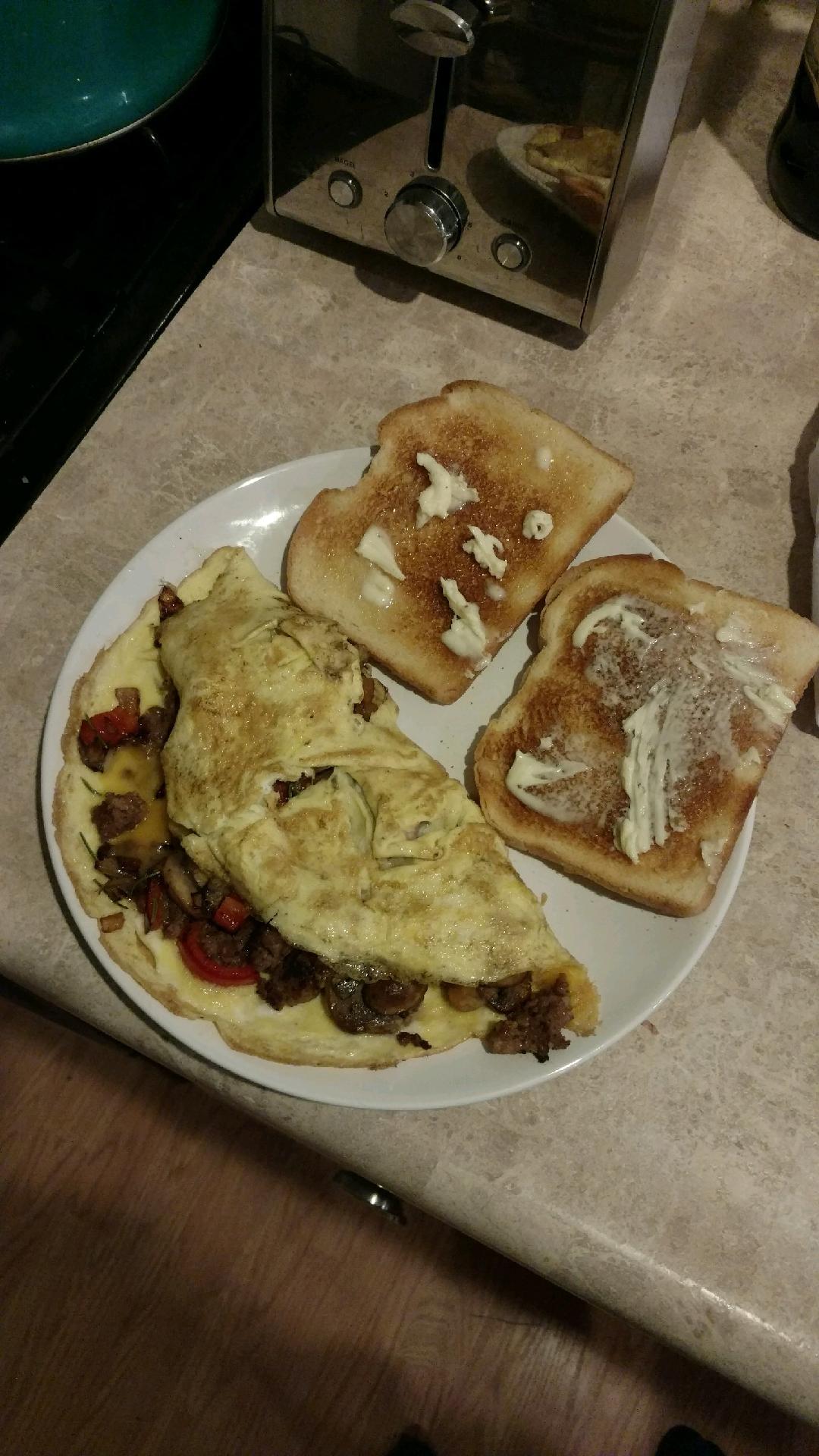
 Dinner omelet...
 Who said anything about Trump?Cheesy.Took Suzy for her two week follow up with the Vet. I really like this Dr.! She's so thorough and so caring. Suzy is looking fantastic. Everything is normal and she's lost two more pounds. Just 3 lbs. to go for a healthy weight. She also got Suzy caught up on her vaccines today, and that was very reasonable, and without any office charge. She will need her teeth cleaned, but she can wait until February, which is dental month and $100 off.Like bacon was hard to cook, to begin with?I find Animal FF a bit disturbing.You've been blessed with both Greg!Fixed a very expensive window that was installed slightly out of square. The sash would not close all the way at the bottom, letting water in when it rained. Put a shim under the middle of the bottom of the window, forcing the bottom of the window to narrow just enough to line up. Old school carpenter tricks FTW! Impressed a few. Sometimes just being around longer can make the difference, as I'm by far the oldest guy on the crew.Todd's trifecta FTMFW!!!








Important Information
By using this site, you agree to our Terms of Use.
Account
Navigation
Search
Configure browser push notifications
Chrome (Android)
- Tap the lock icon next to the address bar.
- Tap Permissions → Notifications.
- Adjust your preference.
Chrome (Desktop)
- Click the padlock icon in the address bar.
- Select Site settings.
- Find Notifications and adjust your preference.
Safari (iOS 16.4+)
- Ensure the site is installed via Add to Home Screen.
- Open Settings App → Notifications.
- Find your app name and adjust your preference.
Safari (macOS)
- Go to Safari → Preferences.
- Click the Websites tab.
- Select Notifications in the sidebar.
- Find this website and adjust your preference.
Edge (Android)
- Tap the lock icon next to the address bar.
- Tap Permissions.
- Find Notifications and adjust your preference.
Edge (Desktop)
- Click the padlock icon in the address bar.
- Click Permissions for this site.
- Find Notifications and adjust your preference.
Firefox (Android)
- Go to Settings → Site permissions.
- Tap Notifications.
- Find this site in the list and adjust your preference.
Firefox (Desktop)
- Open Firefox Settings.
- Search for Notifications.
- Find this site in the list and adjust your preference.