


robm321
High Rollers
-
Joined
-
Last visited
Everything posted by robm321
-
RIP Hank, a true legend of baseball.
-
-
That whole album is perfection. The best Doors album IMO
-
Happy Birthday, Grahame!
-
Tuna casserole https://www.allrecipes.com/recipe/86069/tuna-noodle-casserole-from-scratch/

-
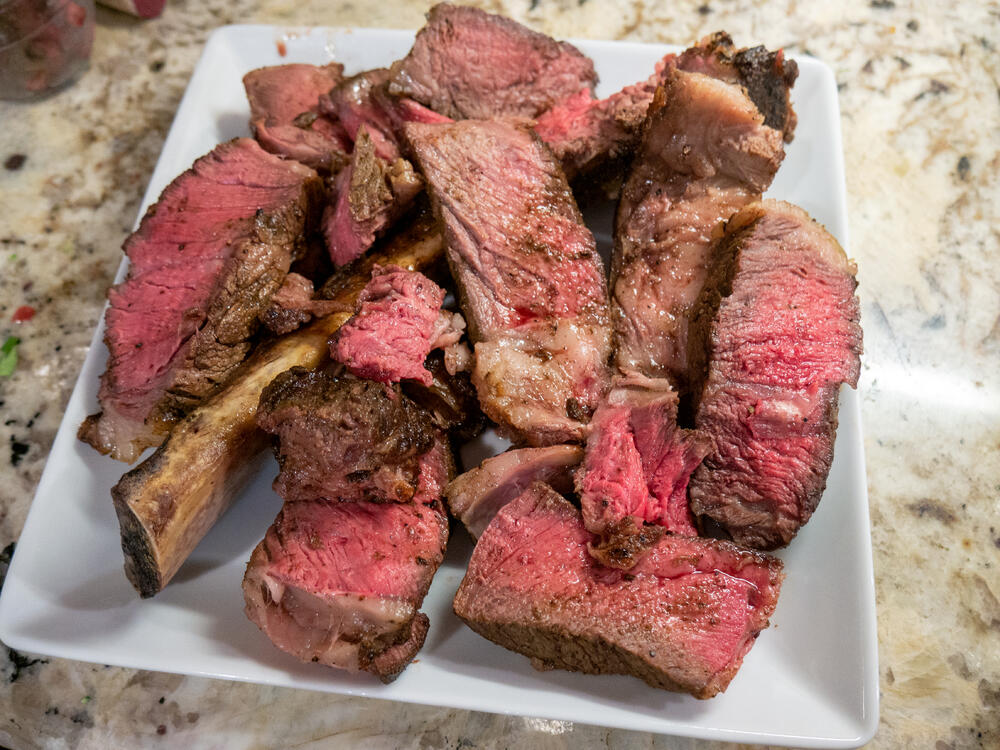
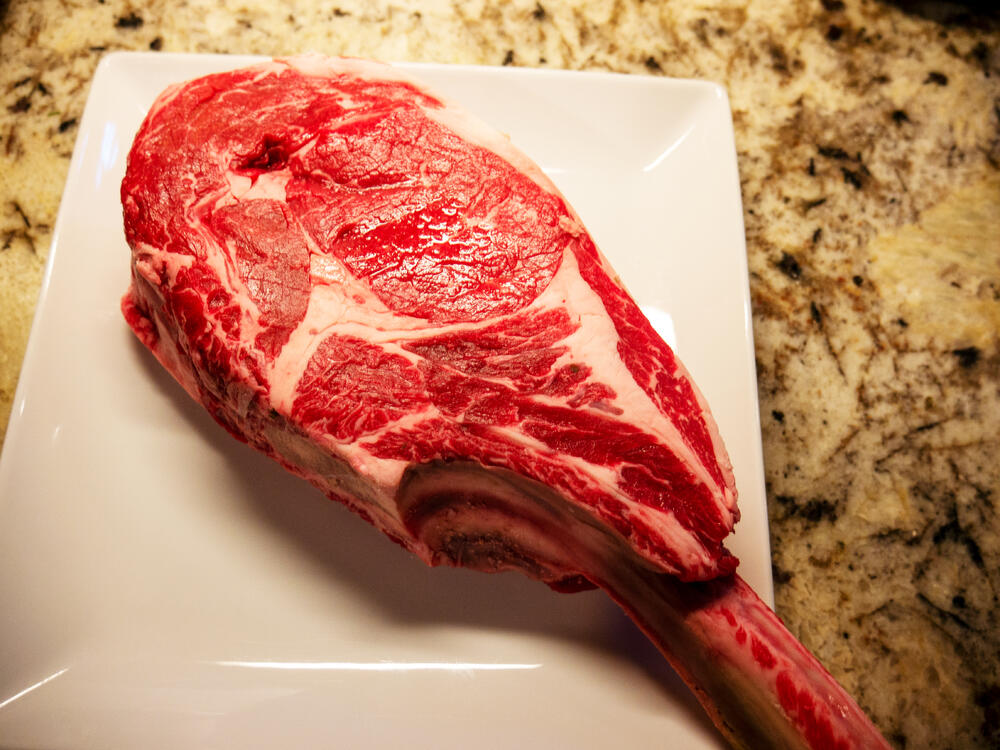
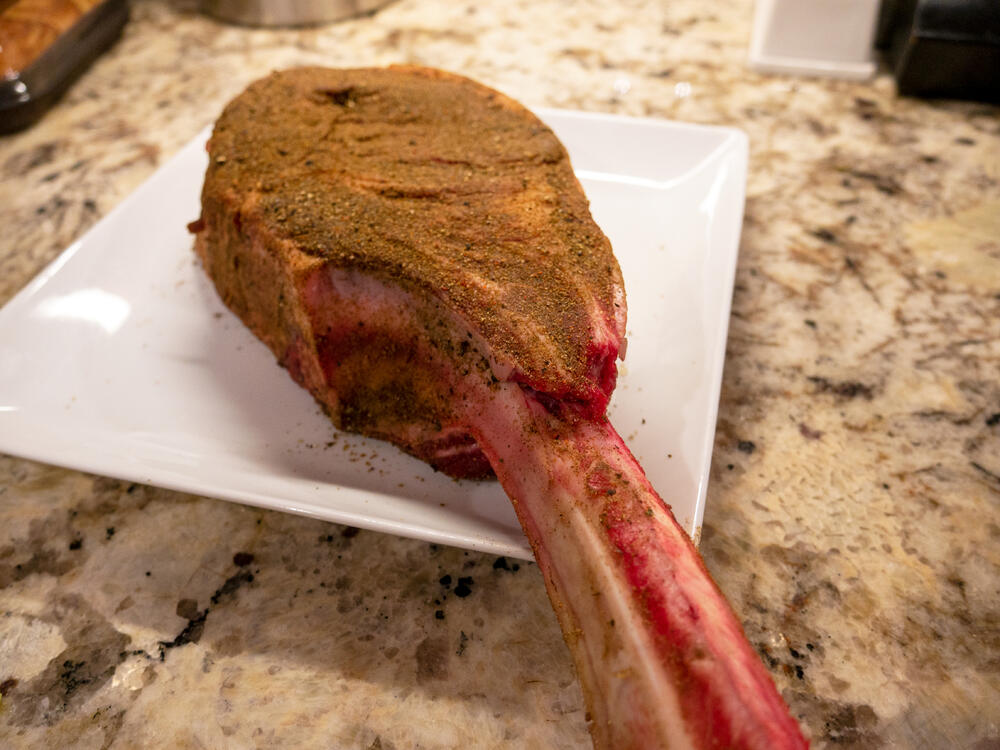
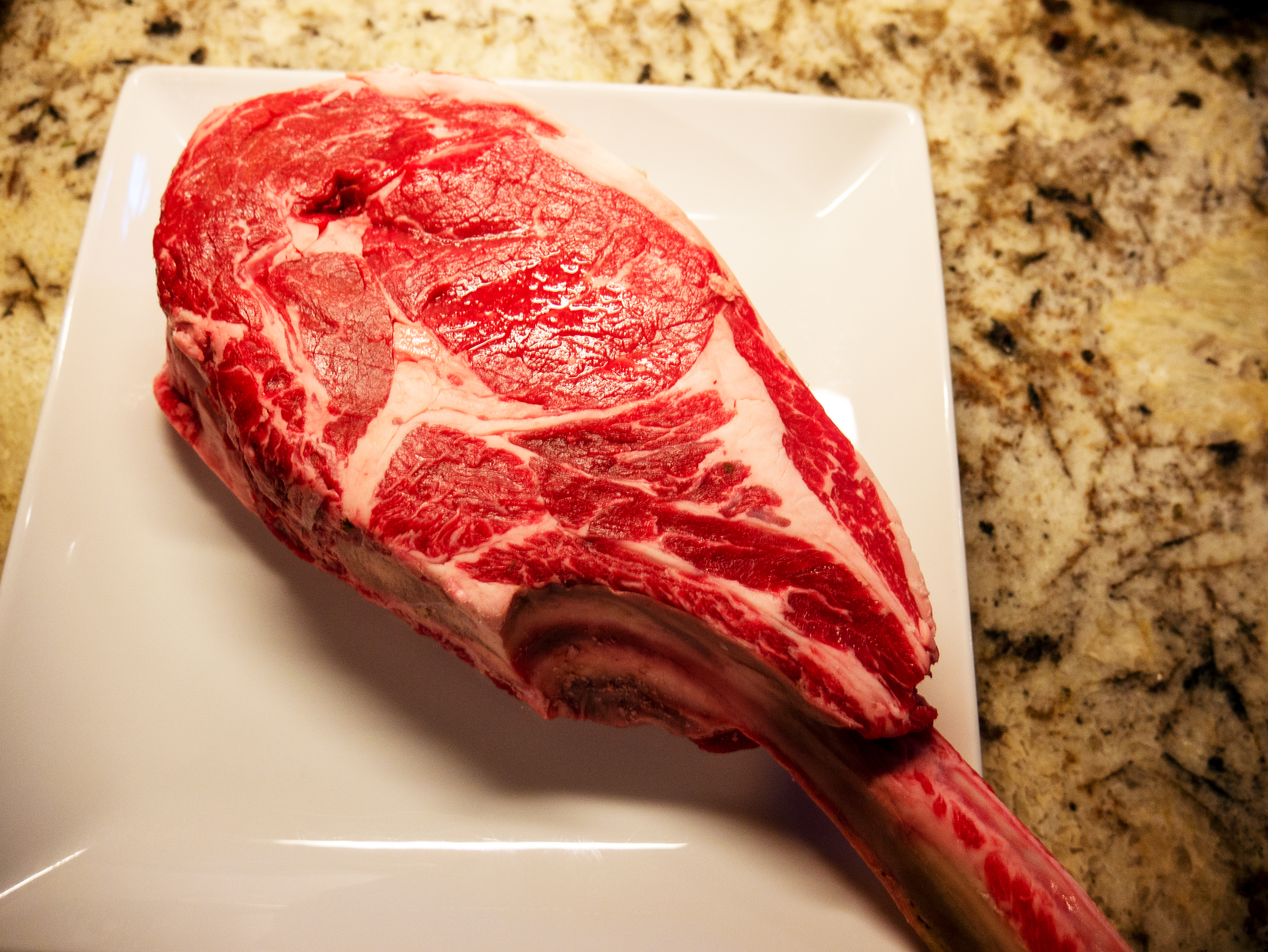
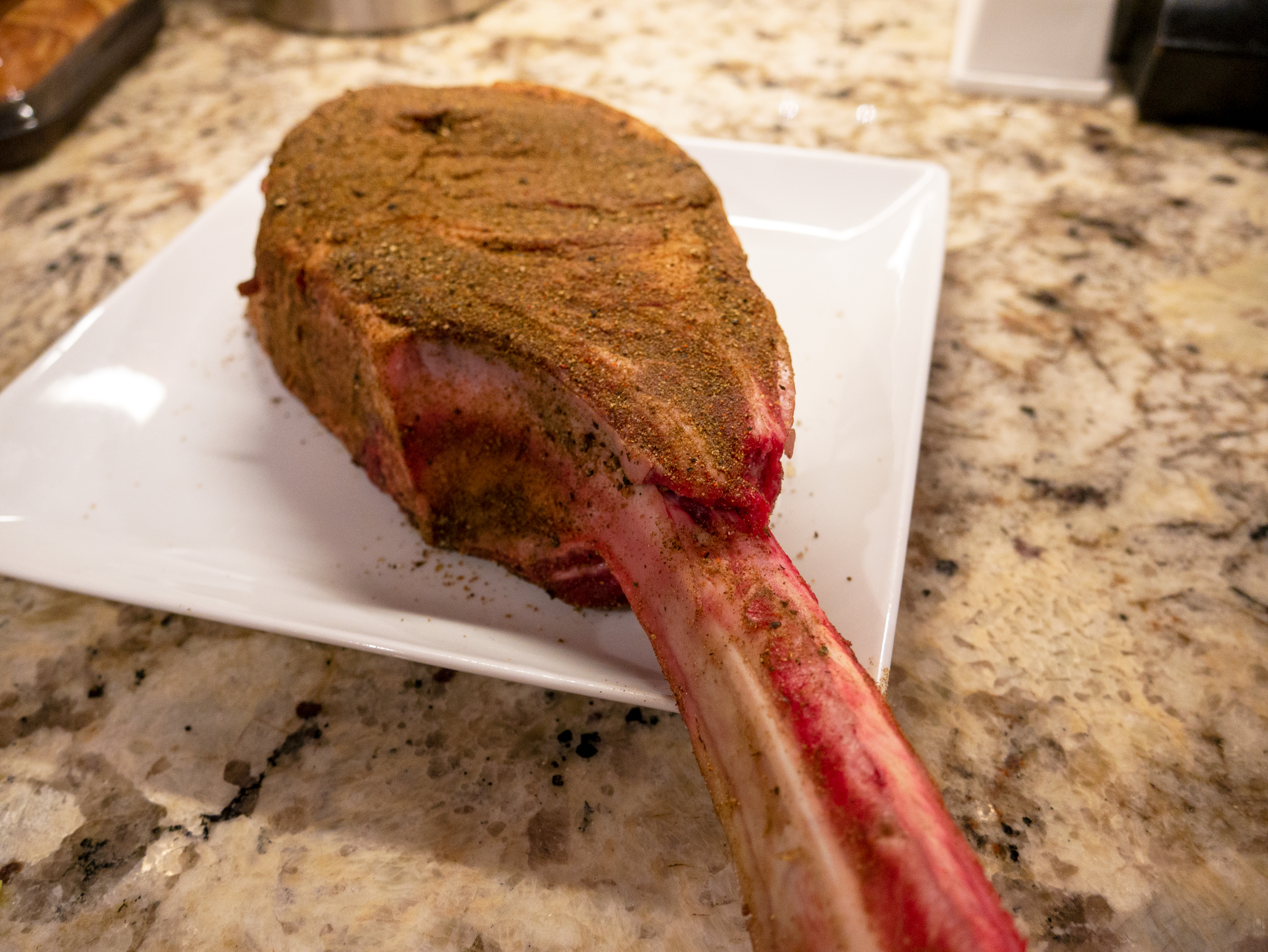
Happy Birthday!Thanks for your crumpet recipe post. I'm going to make a bunch and freeze them. Well, if I don't eat them all first.Yeah, she was the hot one. RIP Marry Ann.Yesterday's Meat
 VPN?Merry Christmas, all!Happy Birthday, Ric!Happy Birthday!RIP Kevin Greene. Great on and off the field. I'm glad I got to see him play with the 49ers back in the day.Very cool 😎It looks like a Slinky was included with the Erecter Set.Sadly, Brian retired and closed the analog room this year. He moved to southern California to be closer to his kids and help his son in law start an audio dealership.3080 struggling 😦 I've decided to wait until the bugs are worked out. It'll probably be a few months.RIP Squiggly and General Chuck Yeager.







Important Information
By using this site, you agree to our Terms of Use.
Account
Navigation
Search
Configure browser push notifications
Chrome (Android)
- Tap the lock icon next to the address bar.
- Tap Permissions → Notifications.
- Adjust your preference.
Chrome (Desktop)
- Click the padlock icon in the address bar.
- Select Site settings.
- Find Notifications and adjust your preference.
Safari (iOS 16.4+)
- Ensure the site is installed via Add to Home Screen.
- Open Settings App → Notifications.
- Find your app name and adjust your preference.
Safari (macOS)
- Go to Safari → Preferences.
- Click the Websites tab.
- Select Notifications in the sidebar.
- Find this website and adjust your preference.
Edge (Android)
- Tap the lock icon next to the address bar.
- Tap Permissions.
- Find Notifications and adjust your preference.
Edge (Desktop)
- Click the padlock icon in the address bar.
- Click Permissions for this site.
- Find Notifications and adjust your preference.
Firefox (Android)
- Go to Settings → Site permissions.
- Tap Notifications.
- Find this site in the list and adjust your preference.
Firefox (Desktop)
- Open Firefox Settings.
- Search for Notifications.
- Find this site in the list and adjust your preference.