


robm321
High Rollers
-
Joined
-
Last visited
Everything posted by robm321
-
UK Town Cancels New Year Fireworks For Walrus Only For It To Masturbate And Leave
-
-
This too. Serious talent and very expressive.
-
RIP Pelé. The GOAT.
-
Not a fan of TCIC after listening to Hyper... It just sounds like techno. I guess because they sample a sax, that makes it jazz?
-
The label is Westminster mono. link to more info https://www.popsike.com/MOZART-PIANO-CONCERTO-K466K488-PAUL-BADURASKODA-WESTMINSTER-XWN-18225-MEX/122977170864.html
-
vinyl
-
Happy Birthday!
-
Merry Christmas all!
-
-
-
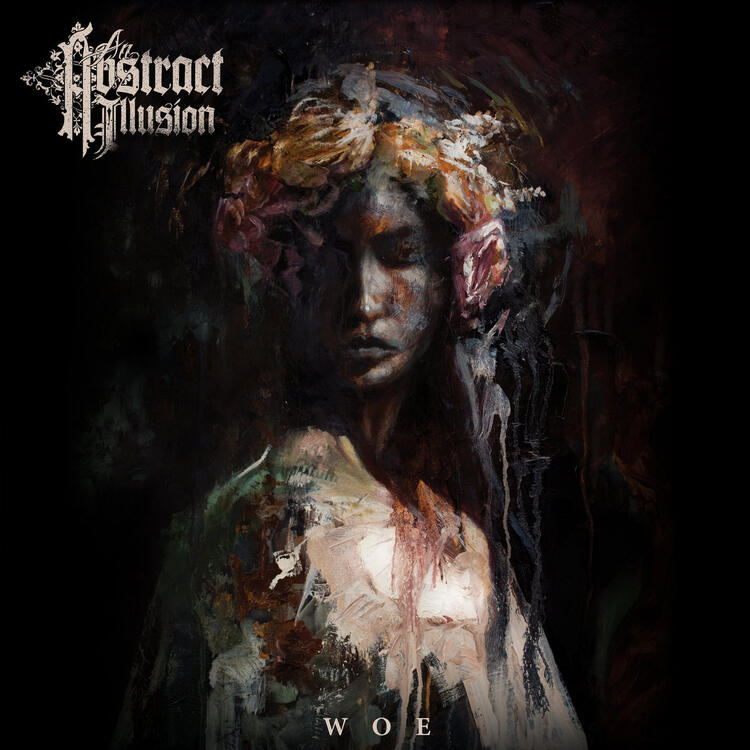
^ Agreed. I have the LP.^ I bought it awhile ago. It's one of the few physical books I've purchased in the last few years. I know what I'm reading next.Yesterday... Frank Sinatra - Watertown Because of this recent Pitchfork review. Now... This album is fantastic. Maybe there is hope for modern metal ex.
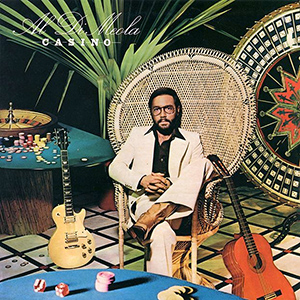
 ^ One of the greatest ever. So thankful he got recorded before he died. I honestly think rock music would sound different if that didn't happen. When discussing greatest composers/musicians of all time, he stands behind no one. But I digress 😁^ Wait he's 55 and has twins young enough to be in car seats? I guess that would cause anyone to listen to Kenny G.I don't listen to enough Korsakov. Great performance.None of their album covers used the peacock chair, so yeah they sucked.RIP Kirstie Alley. Only 71.Hey, that chair looks familiar.
 Happy Birthday!





Important Information
By using this site, you agree to our Terms of Use.