

robm321
High Rollers
-
Joined
-
Last visited
Everything posted by robm321
-
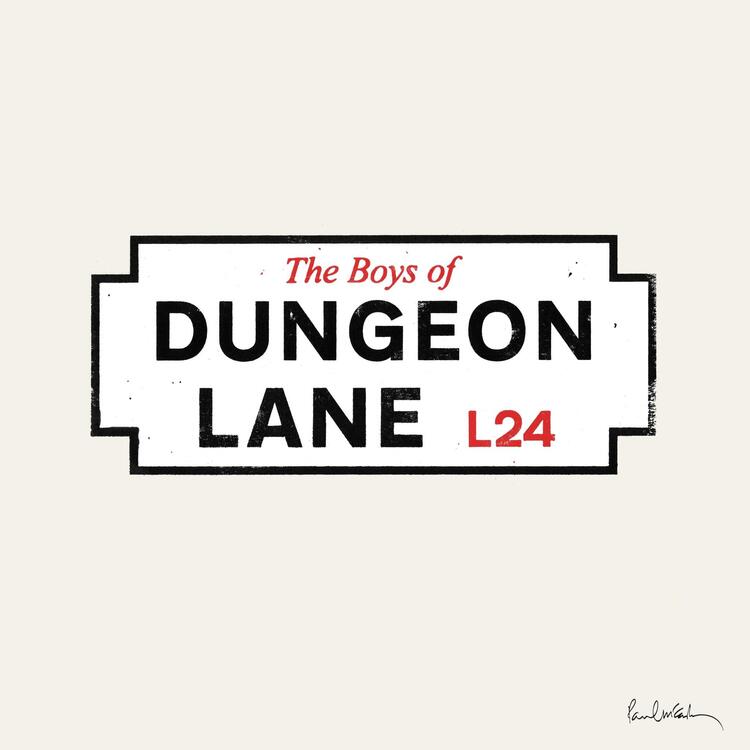
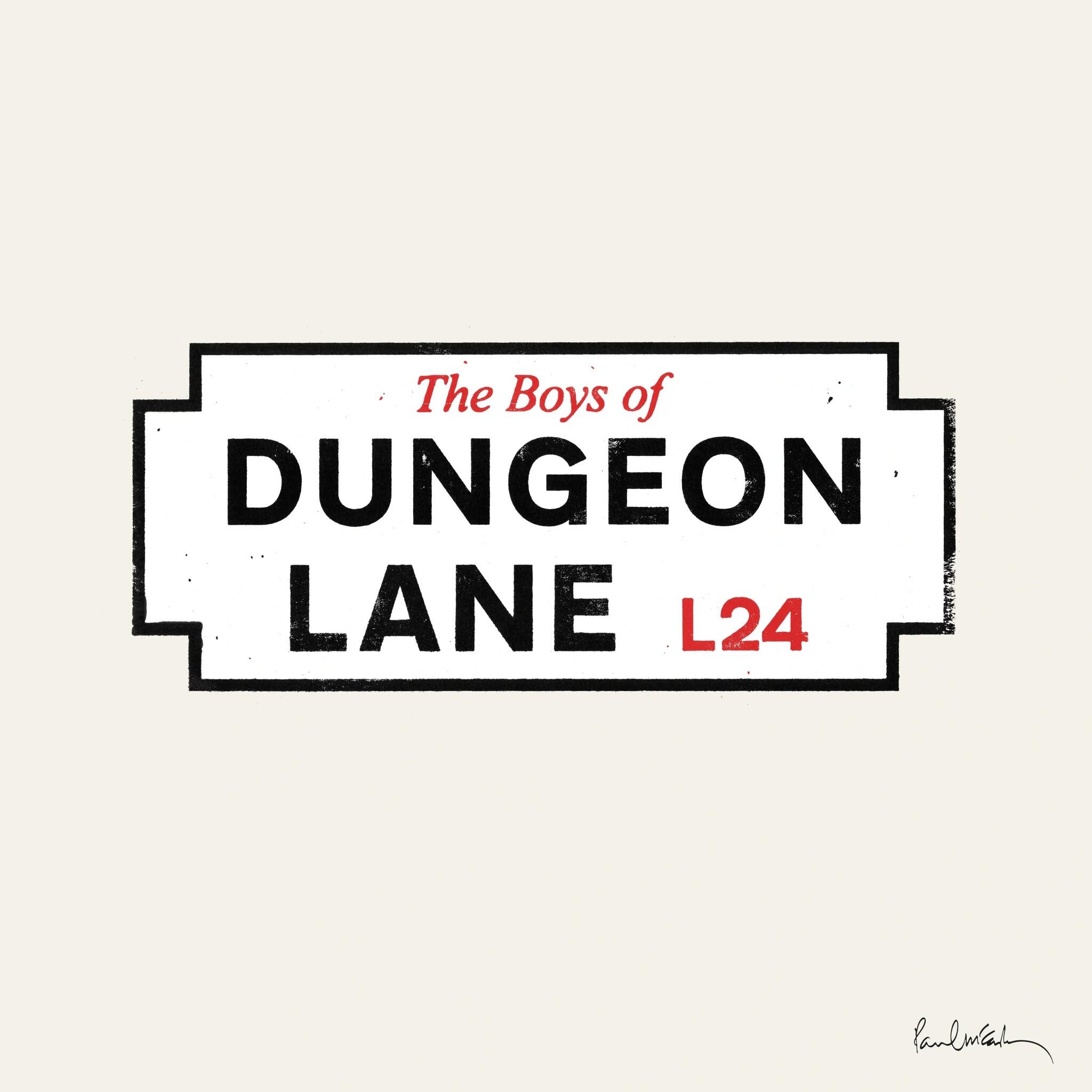
Paul Mcartney - The Boys of Dungeon Lane I'm not going to say it's great. In fact, I never actually listened to a Paul Mcartney album before. I've just heard the popular songs on the radio, movies or wherever else they get played, but I thought he's in his 80s, the fact that he has a new album out made me curious and maybe nastalgic that arguably the most talented Beetle is still creating new stuff. With low expectations you might enjoy it.
-
^ I enjoyed this too. BTW, Eva Hummingbird is a fictitious character set in 1940's war torn Europe who is a violinist, composer and double agent. The actual producer, composer and violinist is, Ceskie. Vinyl
-
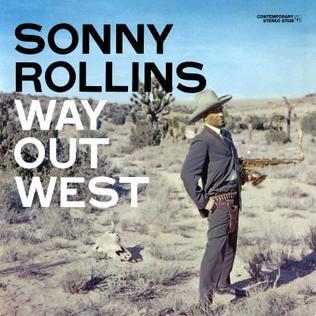
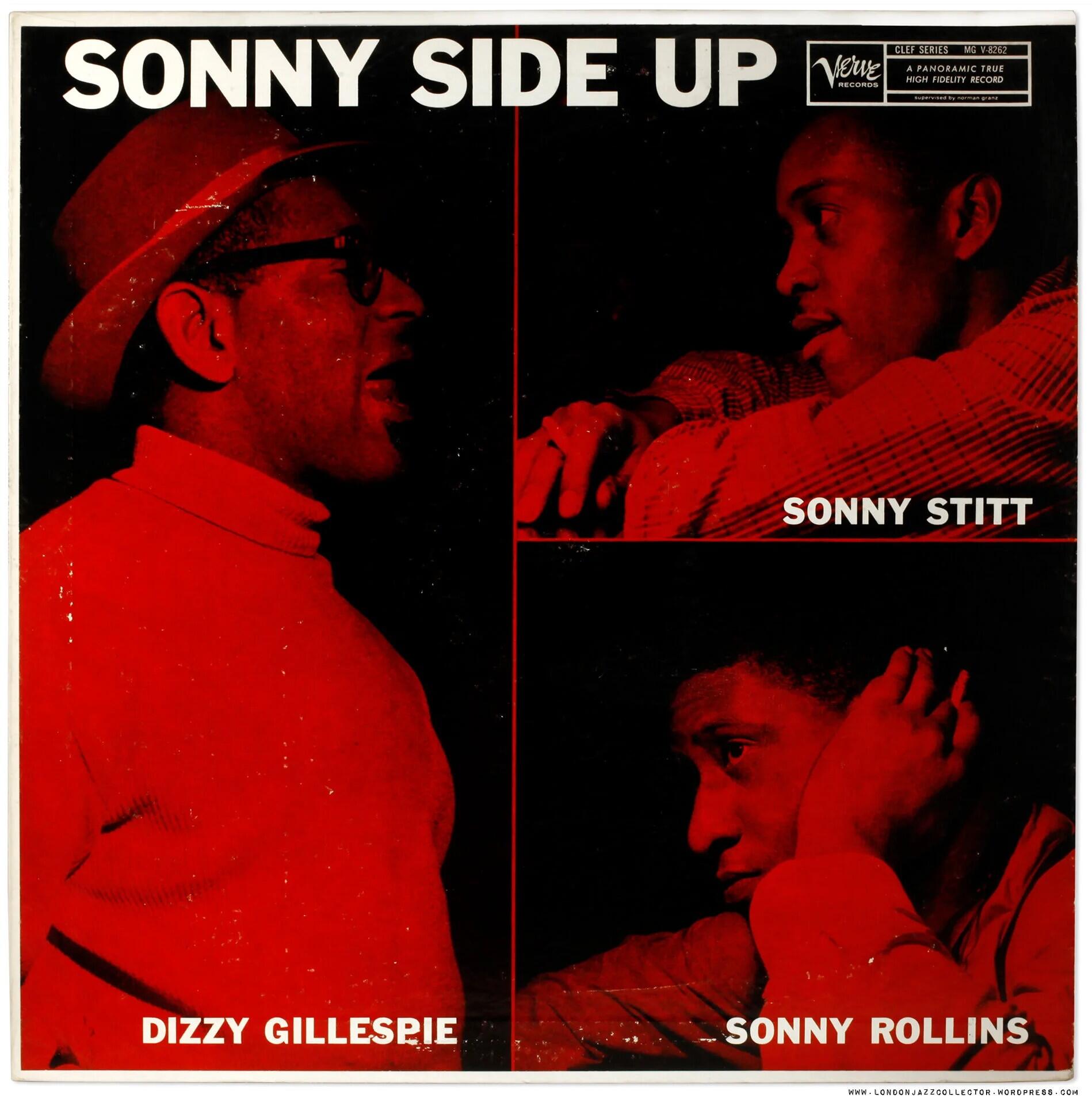
A guilty pleasure, but a pleasure nonetheless.I'm finally getting around to listening to Sonny Rollins. We've been at the lake house for a few weeks. Will listen to, Way Out West, when I get back to my vinyl rig. Till then, Qobuz will have to suffice.
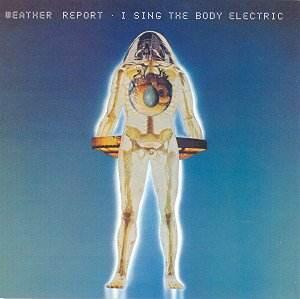
 Sorry to hear that, Jose. Hoping for the best outcome for Cora.Hard to believe this came out in 1972. It still seems ahead of its time in 2026. Ex.
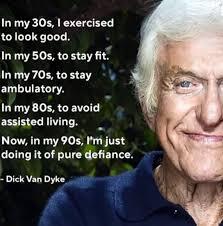
 Happy Birthday!Ha! Listened to this yesterday. Was going to post but now I don't have to. I like him more than SRV.My condolences.I thought of Dick Van Dyke too.
 Happy Birthday, Shelly!Back to the raw and gritty style of their early stuff. Enjoyable, if not remarkable. Qobuz: https://open.qobuz.com/album/gkphye0rw4wtb ex.Beck will depress you and make it feel so damn good.Agreed. This year is such a disaster that they did something they've never done and changed the rules mid season. I'll keep my expectations low but we'll see.Impressive.Happy Birthday!Agreed, listened to it a couple of days ago.A reminder that I need to listen to that album again. Early 1980's vibes are always appreciated.This. Thanks for the rec. Yum indeed.





Important Information
By using this site, you agree to our Terms of Use.
Account
Navigation
Search
Configure browser push notifications
Chrome (Android)
- Tap the lock icon next to the address bar.
- Tap Permissions → Notifications.
- Adjust your preference.
Chrome (Desktop)
- Click the padlock icon in the address bar.
- Select Site settings.
- Find Notifications and adjust your preference.
Safari (iOS 16.4+)
- Ensure the site is installed via Add to Home Screen.
- Open Settings App → Notifications.
- Find your app name and adjust your preference.
Safari (macOS)
- Go to Safari → Preferences.
- Click the Websites tab.
- Select Notifications in the sidebar.
- Find this website and adjust your preference.
Edge (Android)
- Tap the lock icon next to the address bar.
- Tap Permissions.
- Find Notifications and adjust your preference.
Edge (Desktop)
- Click the padlock icon in the address bar.
- Click Permissions for this site.
- Find Notifications and adjust your preference.
Firefox (Android)
- Go to Settings → Site permissions.
- Tap Notifications.
- Find this site in the list and adjust your preference.
Firefox (Desktop)
- Open Firefox Settings.
- Search for Notifications.
- Find this site in the list and adjust your preference.