jpelg
High Rollers
-
Joined
-
Last visited
Everything posted by jpelg
-
Happy birthday!
-
-
-
-
For existing ER4 owners, I'm not seeing the compelling reason to get a new model, especially at or near retail.
-
Tragic. I am deeply saddened. RIP Christina.
-
I always find the last 25% of every ride to be to toughest, no matter the actual total distance. Probly more psychological than anything *shrug*.
-
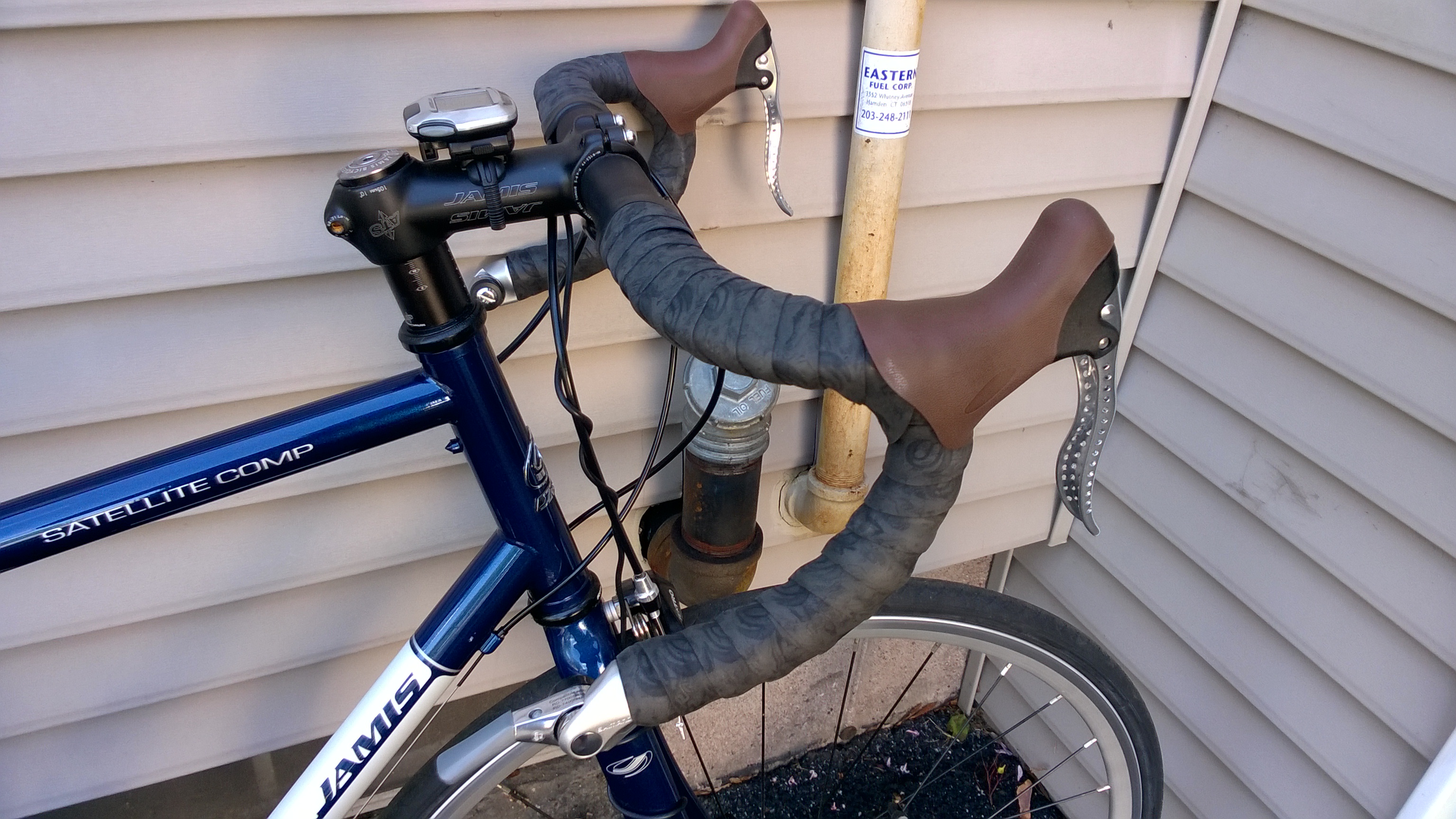
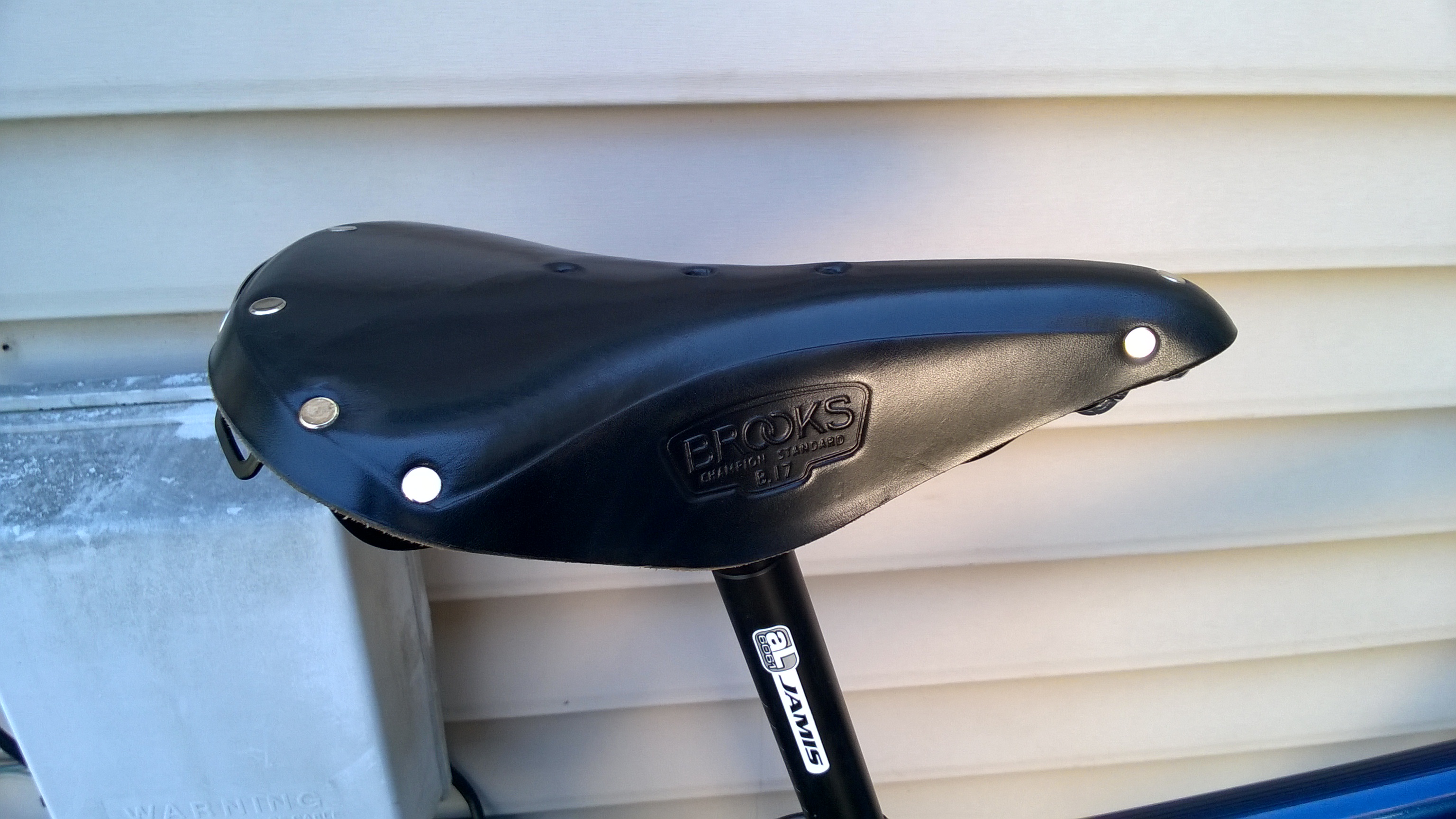
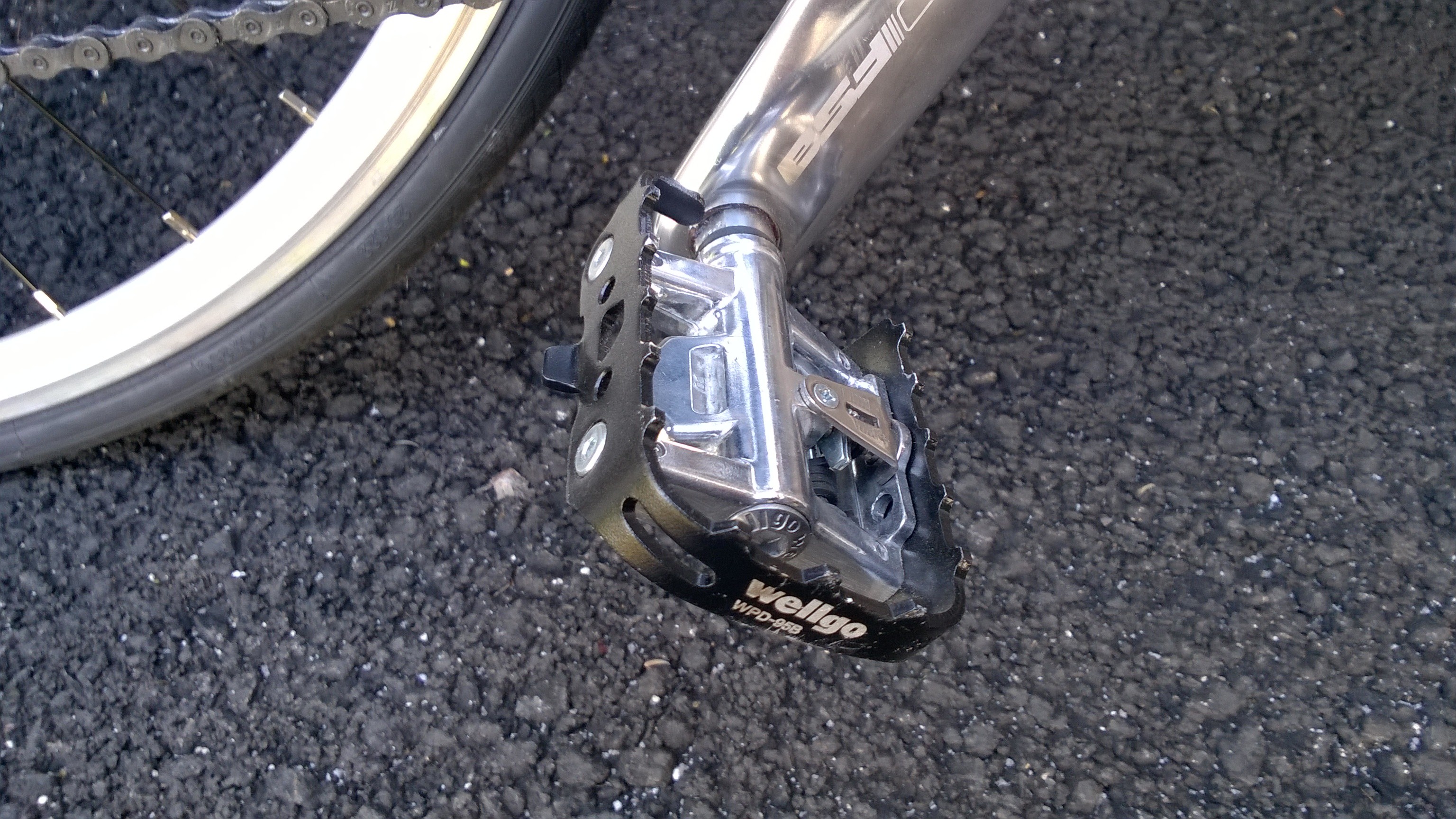
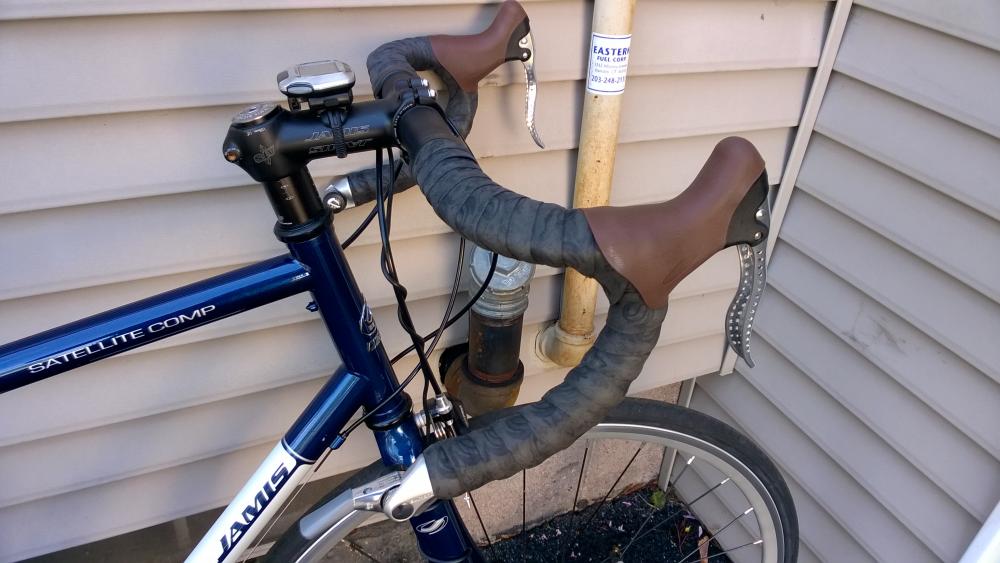
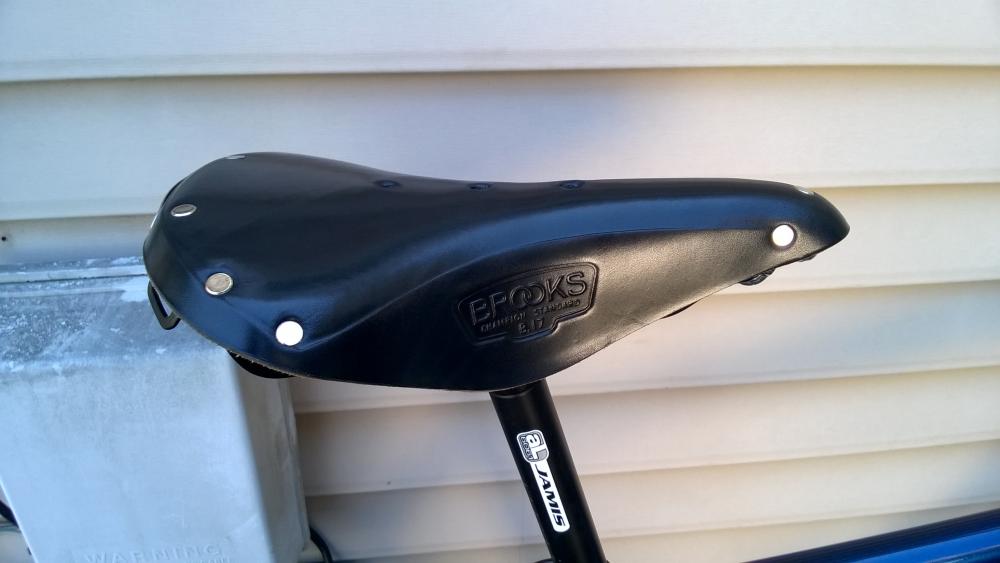
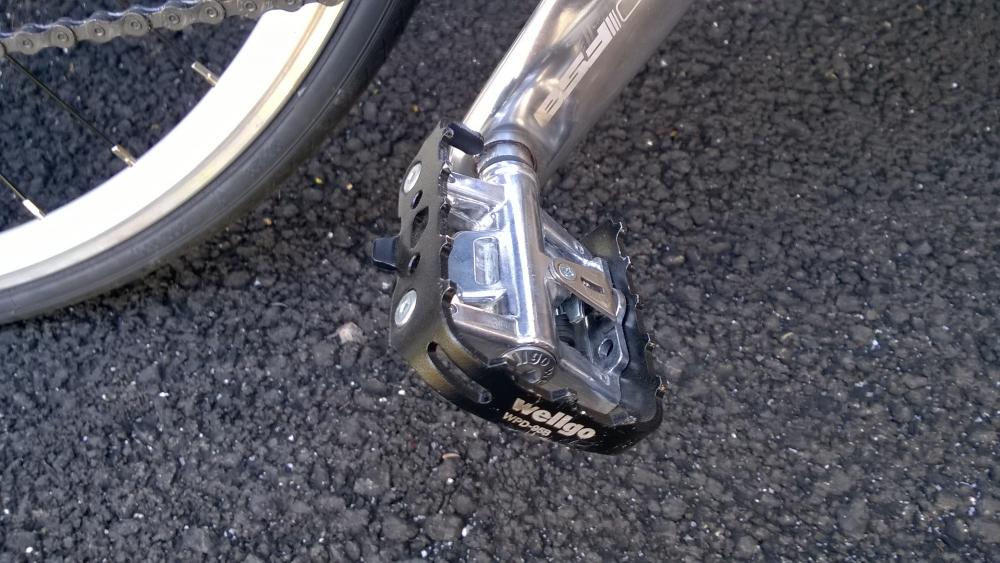
Got my Jamis back yesterday after having my LBS swap out the stock seat & brifters with a Brooks B17, some Shimano bar-end friction/index shifters, & shiny new Origin8 Classique Sport brake levers & hoods. Also put back a set of Wellgo combo pedals I had prior to the racing-style clipless pedals I've used for the past several seasons. Taking the steel-framed Jamis out today felt great, and all the oldschool-like parts played well together:
-
Happy birthday buddy!
-
-
Happy birthday purk!
-
Happy Birthday!
-
Esperanza Spalding - Emily's D+Evolution tour at the College Street Music Hall.
-
Would strategically placed silica gel packets help?
-
-
Happy Birthday Nate!
-
-
Ooohhh, hope the amp is ok Tom. It has a special place in my heart since I first heard it 15 years ago. Maybe have the guy who did the mods on it have a look?
-
-
Belated Happy Birthday Ed!
-
Happy Birthday!
-
-
^I see what you did there
-
Happy Birthday!
-
HB to both y'all!