


blessingx
High Rollers
-
Joined
-
Last visited
Everything posted by blessingx
-
One more diversion point. When I was a kid on a family friends boat on Lake Erie and crossing over to the Canadian island Pelee, literally all I remember about any cultural differences were that KitKats had a different name (at the time), Rowntree. It seemed so sophisticated. For a few years in this brain KitKats were THE global brand.
-
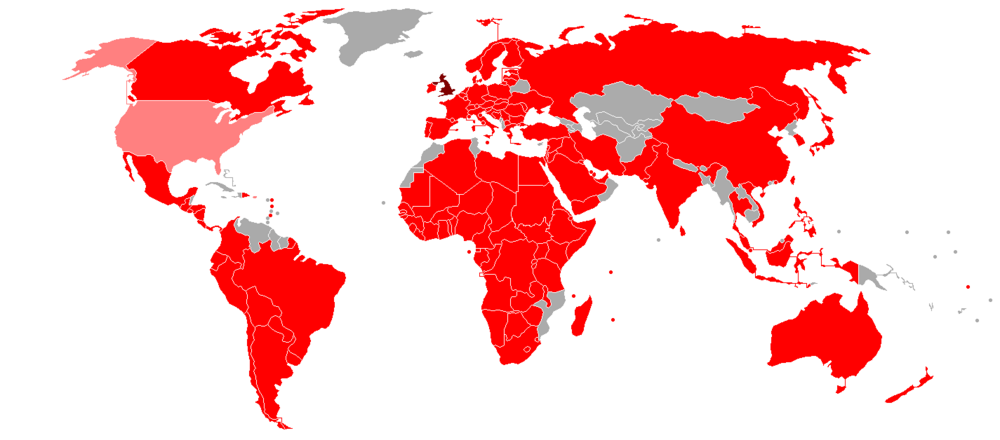
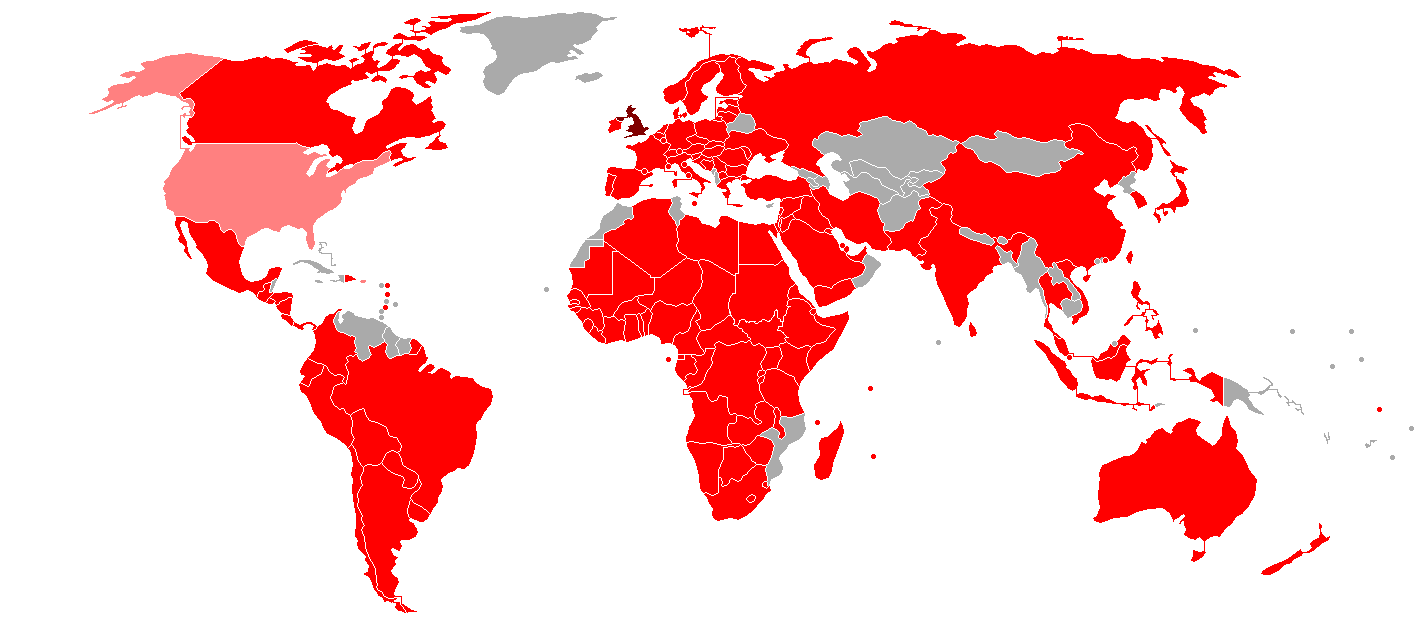
You still have a possibility. KitKat is handled by Hershey, Nestle's rival, in the US. So maybe avoid elsewhere, but stock up from US and double the economic damage to Nestle. Map of countries where Kit Kat is marketed. Dark Red: UK (country of origin). Red: Countries with KitKat products owned by Nestlé. Light Red: Countries with KitKat products manufactured by Hershey (US).
-
Drone Mass Johann Johannsson

-
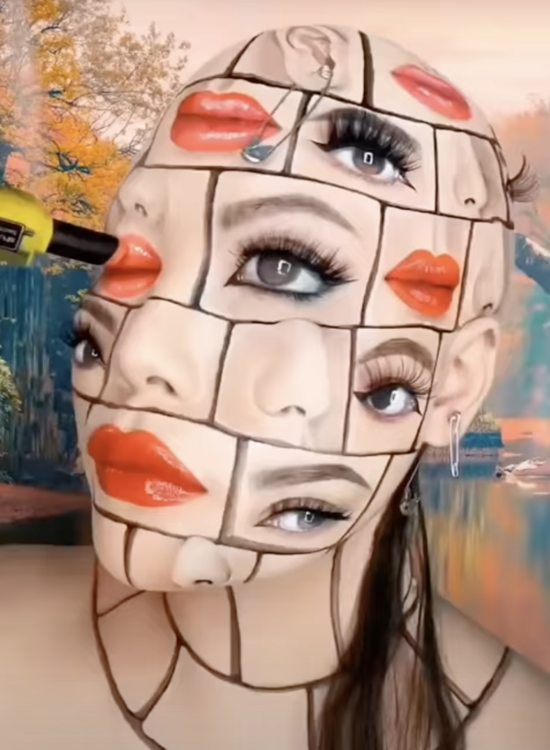
That first image is impressive, but still seems like lots of tuning left from the second.
-
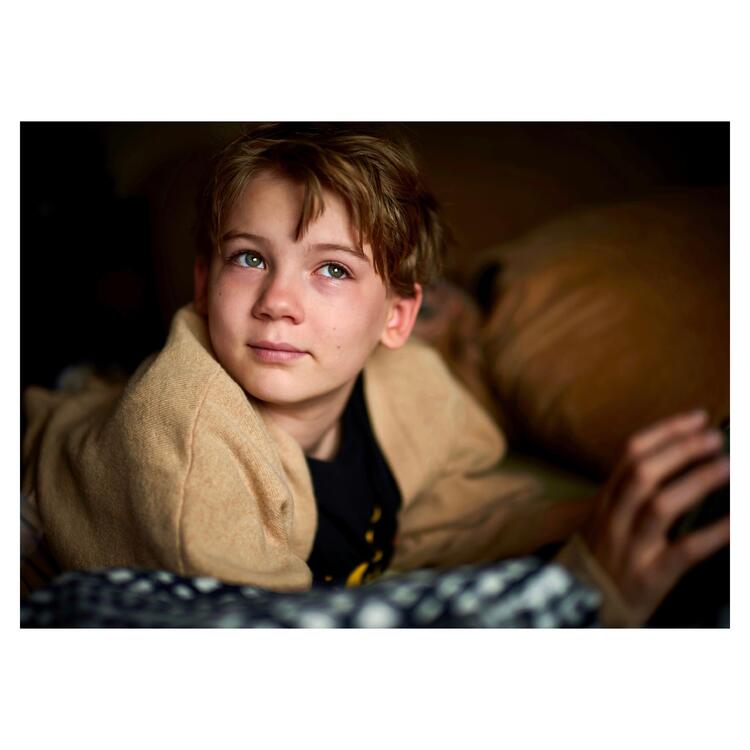
Best lens is of course dependent on a lot including what you shoot, and some of these are only available to specific mounts and in specific mounts there are many other options, but favorite? That's easy. Ignoring the CV 50 APO-Lanthar (new and suffering due to second lens choice below) and CV 50 Nokton 50 f/1 (arrived Friday, but first results are encouraging**), the clear winner is the only lens mentioned twice (different mounts), but actually three times. I bought the Voigtlander Nokton 40 f/1.2 E for a Sony system with electric coupling. Although the A7III was my least favorite camera (skin tones under mixed lighting and controls from a Fuji analog control fan), that lens-camera combo was my favorite. When I moved to the M240 I went with the 50mm VM equivalent due to frame lines with the rangefinder. And then when I traded the M240 for a SL, I re-ish bought the Nokton 40mm f/1.2, VM version this time. And of course I haven't sold any of them 'cause I'm lazy. Those Noktons are the perfect balance between character and accuracy in my book. Just pick the 40 or 50 based on FL you prefer. And don't take my word for it. Take a glance at the longest running single lens review thread over at FM (if you run through all you'll even see a birthday boy's appearance in bubble popping fun). There's an argument the Noktons are when Voigtlander went from third behind Leica and Zeiss, to equals (and of course many of Zeiss lenses are also made by Cosina, Voigtlander's owner). And if you discount the Leica approved/branded Panasonics and Zeiss approved/branded Sonys, Voigtlander has released the most lenses and experiments in the last seven or so years. Less expensive is a plus too. Two lens prime option? A smarter person would spread out the focal lengths, but you're talking to me. I'd go for the Sigma Art 40mm f/1.4 (aka Beyond Art - one lens cine specs in a still body experiment - c'mon Sigma do it again!). The Noktons opposite. Big, heavy, 16 elements/12 groups, optically near perfect and will pull resolution out any sensor behind it. Also that auto-focus thing. And watch the pricing as it rotates mounts sales often. Currently Canon and Nikon users are in luck (Adorama a little cheaper than B&H). Check out the below video. I love talking about camera gear and hate doing comparison shots, but you can see examples on IG and less frequently updated Flickr. Same user name and lens always mentioned in IG description at least. Using rangefinder lenses without info sent to camera doesn't help on the Flickr side and again, did I mention I'm lazy? Ha! I'm a big believer in body-lenses combinations. Lenses are creeping up in price (approaching/matching older bodies used cost) and with sensor resolution jumps the old lens-body relationship isn't what it quite was ("date the body, marry the lenses"). If you don't mind using different systems, maybe find magic combos, instead of spreading out to all focal lengths. Or go with zooms which invalidates pretty much everything above. Please! I'm always curious about cases/bags/straps experiences. Recently for me it's been Clever Supply straps and Stone or LATZZ drawstring bags for each lens/body and then whatever non-descript backpack my company gave me or Timbuk2 messenger bag I picked up on sale, that doesn't scream camera(s) inside. ** This is one of the 13 shots I've taken so far. Momentary Roblox disruption yesterday. Again, this is mostly family stuff so anything I say has likely zero benefit to landscape, sports, street... pretty much everything, shooters. But typing this did allow putting off cleaning house for a bit!
-
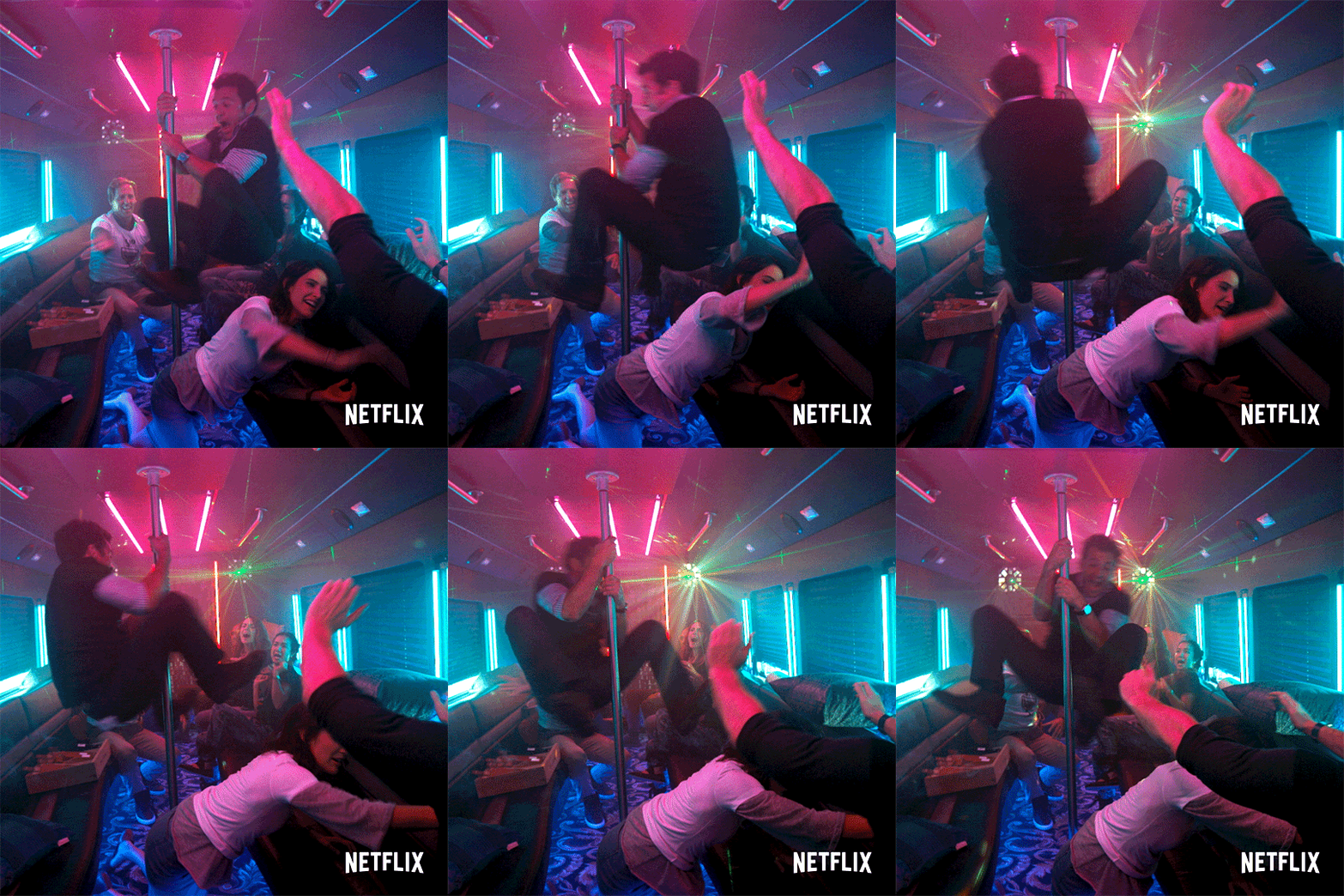
Happy birthday Al. Assuming your car’s vibe is currently…
-
Maybe I should aim for "comprehensive"? And still not sure on that second question.
-
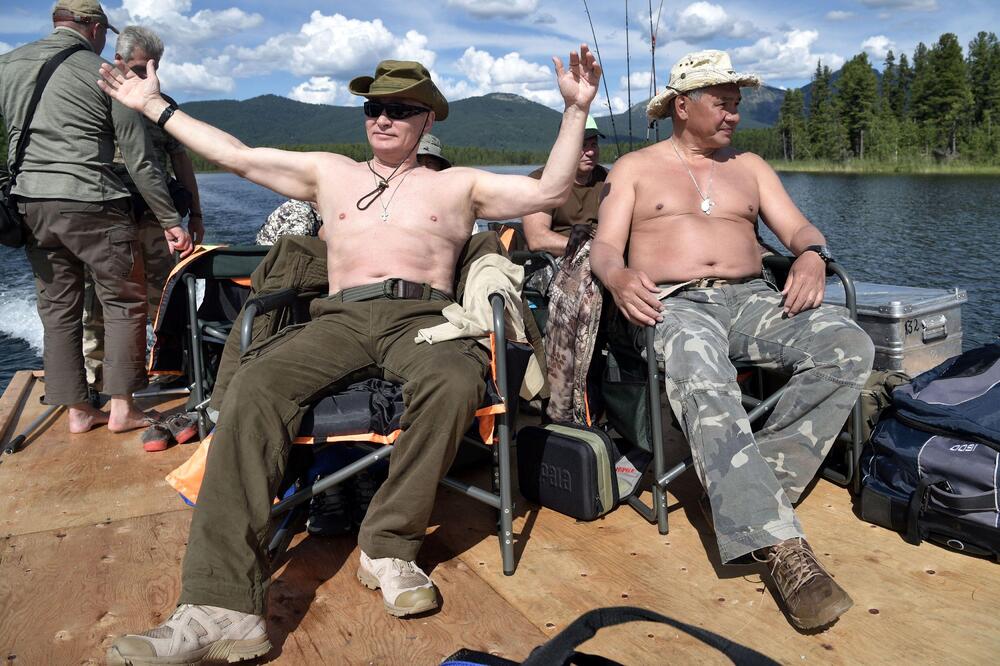
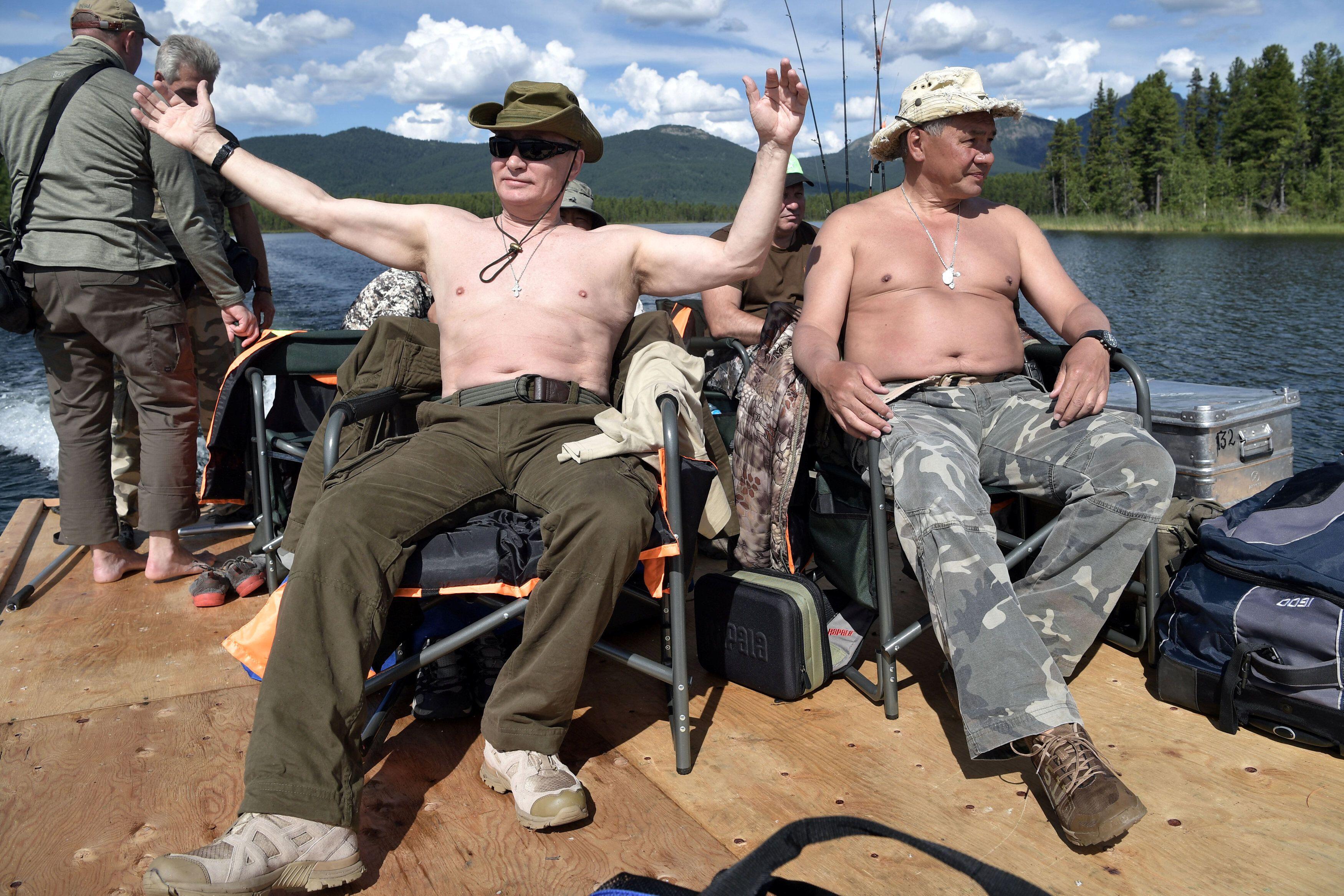
Putin the ascetic
-
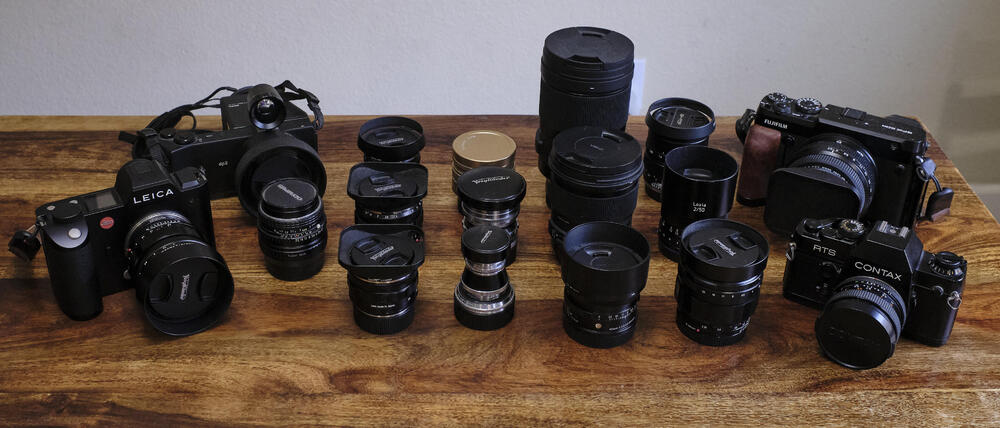
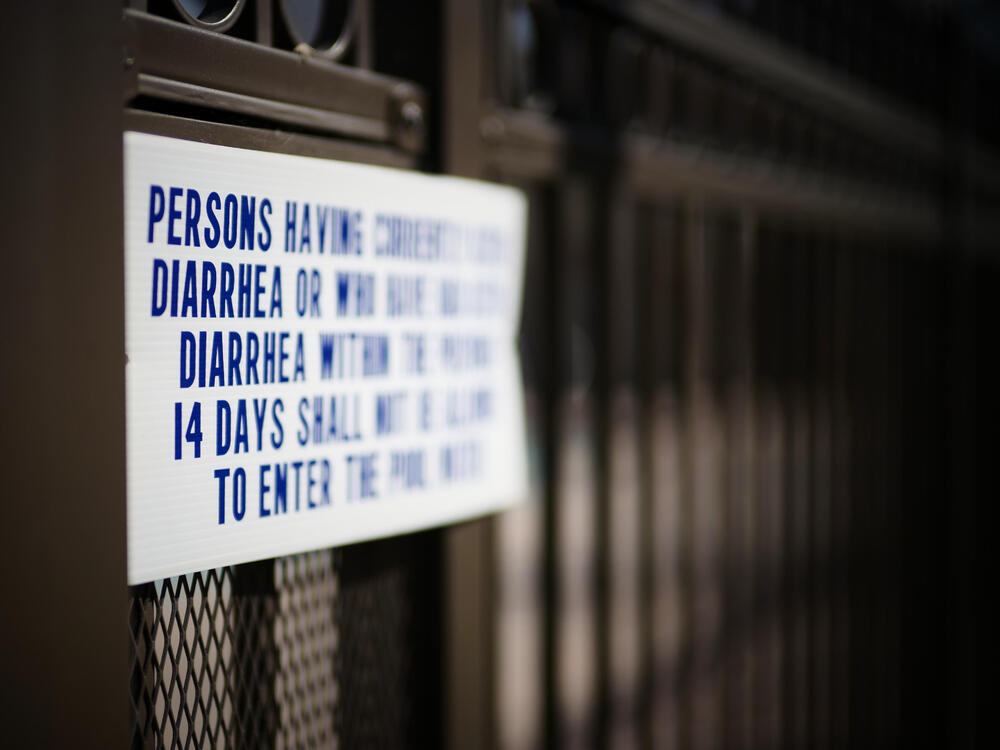
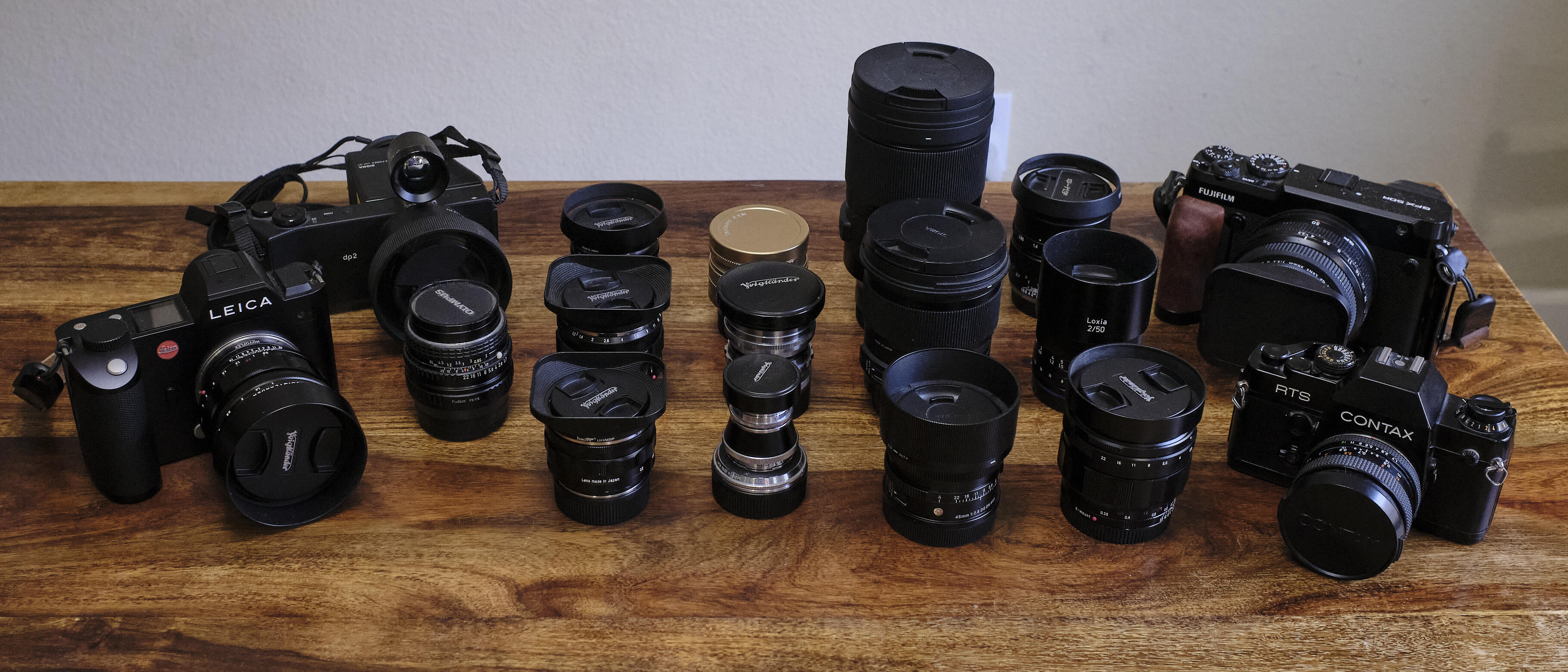
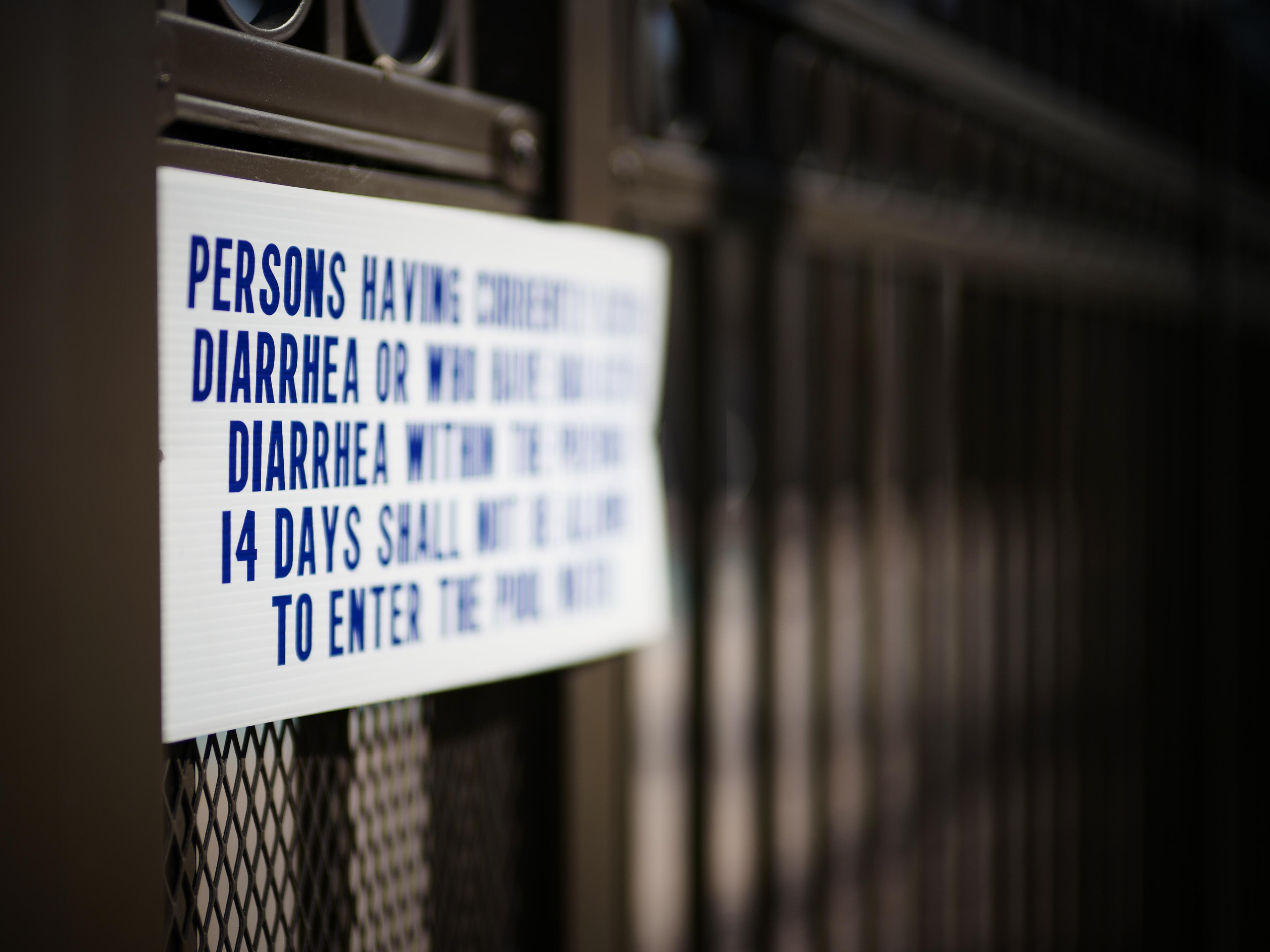
So if there's one thing I learned from the headphone hobby it's if you don't have too many headphones and amps you're going to have to collect dust somehow else. With the addition of the CV 50mm f/1.0 arriving yesterday (and today a blah and rainy day to test instead), doing more buying than selling during the pandemic, and knowing that has to change (I have lenses that have no corresponding bodies at this point), decided I needed to lay out the worst offenders to survey the damage (and offer you a laugh). I'm pretty much a prime, "normal" focal length shooter. Prefer 50mm to 35mm, though have drifted somewhat to 40mm over time. Well, 40 is the cine's normal to photography's 50 after all. Anyway, including only lenses at these focal lengths, not 35s or wider or 55 or above teles or any zooms, this is what sickness looks like. 17 lenses covering the same-ish view. "All the shots look pretty much the same!" Yeah, kinda, mostly, not completely, but I know. Don't harsh my buzz. A purge will come. Left to right and front to back... Voigtlander Nokton 50mm f/1.0 (m-mount) Sigma dp2 Quattro [Foveon] camera fixed 30mm (45mm equivalent) f/2.8 Asahi Pentax SMC-M 50mm f/1.7 (k-mount) Voigtlander Nokton 40mm f/1.2 (m-mount) Voigtlander Nokton 50mm f/1.2 (m-mount) Voigtlander APO-Lanthar 50mm f/2.0 (m-mount) Voigtlander Heliar 50mm f/3.5 (m-mount) Voigtlander Nokton 50mm f/1.5 mkI (m-mount) 7Artisans [Photoelectric] 50mm f/1.1 gold-baby! (m-mount) Sigma Contemporary I 45mm f/2.8 (l-mount) Sigma Art 50mm f/1.4 (sa-mount) Sigma Beyond Art 40mm f/1.4 (l-mount) Voigtlander Nokton 40mm f/1.2 (e-mount) Zeiss Loxia 50mm f/2 (e-mount) Mikaton Zhongyi Speedmaster 35mm (50mm equivalent) f/0.95 (x-mount) Contax Zeiss T* Planar 50mm f/1.7 (c/y-mount, thanks @dsavitsk) Fujinon GF 50mm (40mm equivalent) f/3.5 (g/gf-mount) sd Quattro H and Fujifilm X-pro2 cameras not shown for those lenses. And here's a quick shot of a diarrhea sign testing the new lens last night before the sun went down. Buy high, sell low. I do love those Noktons. Maybe just settle on the CV 21 f/1.8 Ultron, and Noktons CV 40 f/1.2, CV 50 f/1.0, and CV 75 f/1.5 and one system? But the GFX is so fun with those Lomo lenses and color manipulation. Maybe two systems? And a basic zoom for each? Oh, that GF35 is so light, basically a X100 on steroids. And that CV f/3.5 so fun at that aperture. And I still have film aspirations. And I'm not going to get much cash at this point for those Foveon cameras anyway. I dunno, is minimalism still in?
 I'm not sure he knows much about respect. Peter Schiff Slams 'Brainwashed' Son for Turning Entire Portfolio Into Bitcoin, Publicly Threatens to 'Disinherit' Him https://www.entrepreneur.com/article/366964 ... also... https://schiffgold.com/buy/It's being positioned as opening up to artistic nudes. Still Flickr is owned by SmugMug and SmugMug HQ is a small crumbling building with a permanent for sale sign about 2000 feet from my house. Every time I pass it I'm always amazed they're still going. So I guess, they're trying? It’s an interesting compromise at least compared to Instagram (high bar I know). I suppose all discussions of nudity are colored generationally. Certainly the Art/art-porn divide is. In other shilling, DxO just released PureRaw 2. PureRaw has without a doubt changed the way I shoot in high ISO situations or even just general clean up. I don't often have matching body/lens combos to use optical fixes (nor LR workflow mentioned in below review), but the denoise and sharpening during demosaicing is pretty amazing. Seriously. And they like to support older cameras. Anyway you may want to give if a free trial try. https://www.imaging-resource.com/news/2022/03/16/dxo-pureraw-2-hands-on-reviewScum & Traitors sounds like a cool Pogues album, but nope, that’s Putin’s description of those not supporting the invasion. Seems dissent is being publicly acknowledged. https://www.theguardian.com/world/video/2022/mar/17/scum-and-traitors-putin-threatens-russians-who-oppose-war-in-ukraine-video?CMP=Share_iOSApp_OtherDeath cult updateNo, but added to list. Thanks. Interesting, it’s a HBO original only available on Amazon.Putin’s prewar moves against Google and Apple laid groundwork for crackdown on free expression https://www.msn.com/en-us/news/world/putin-s-pre-war-moves-against-us-tech-giants-laid-groundwork-for-crackdown-on-free-expression/ar-AAUYy5rHe also never seemed to get the looks worked out. .
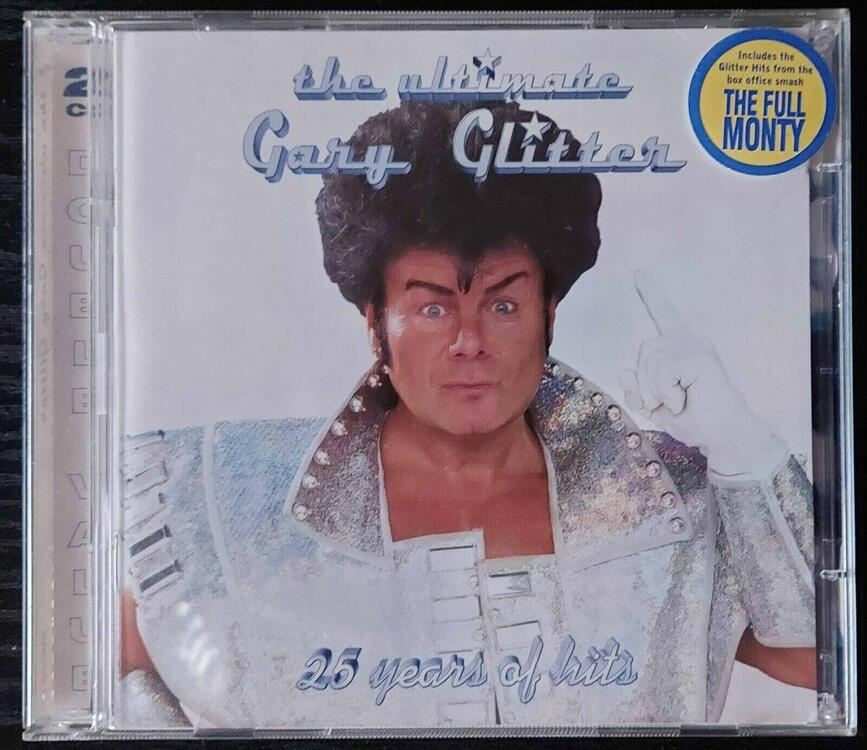
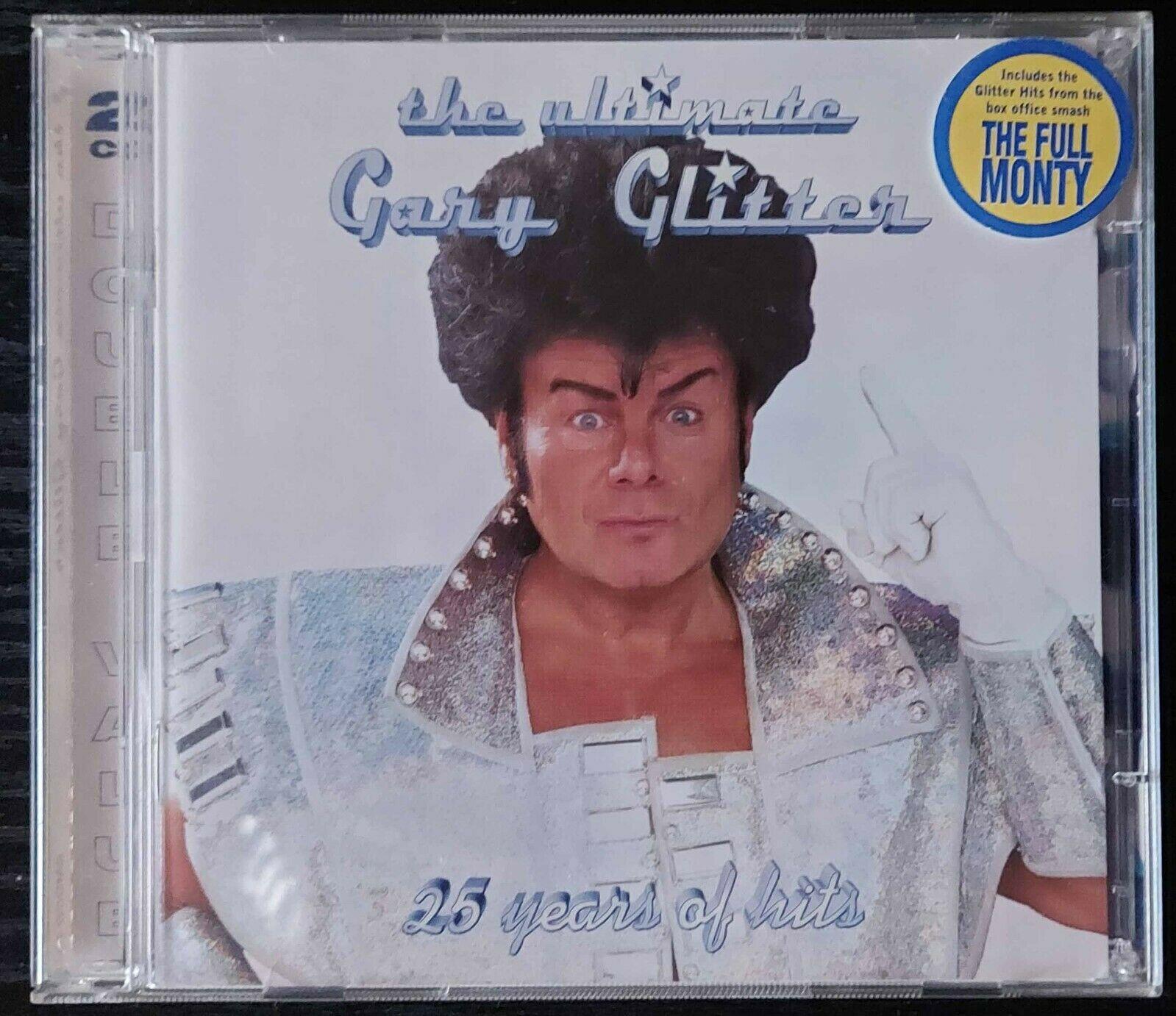
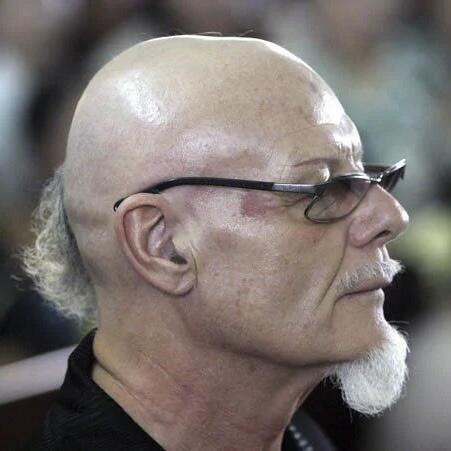 Awkward listening this morning. Continuing the choices by cover hit The Ultimate Gary Glitters. I knew Rock & Roll (Part 2), but little else on it (which is pretty bad). Have ton of holes in my musical history, but wondered why he had multiple greatest hits collections so jumped on Wikipedia. Man, that's a downfall and an awful lot of people hurt.
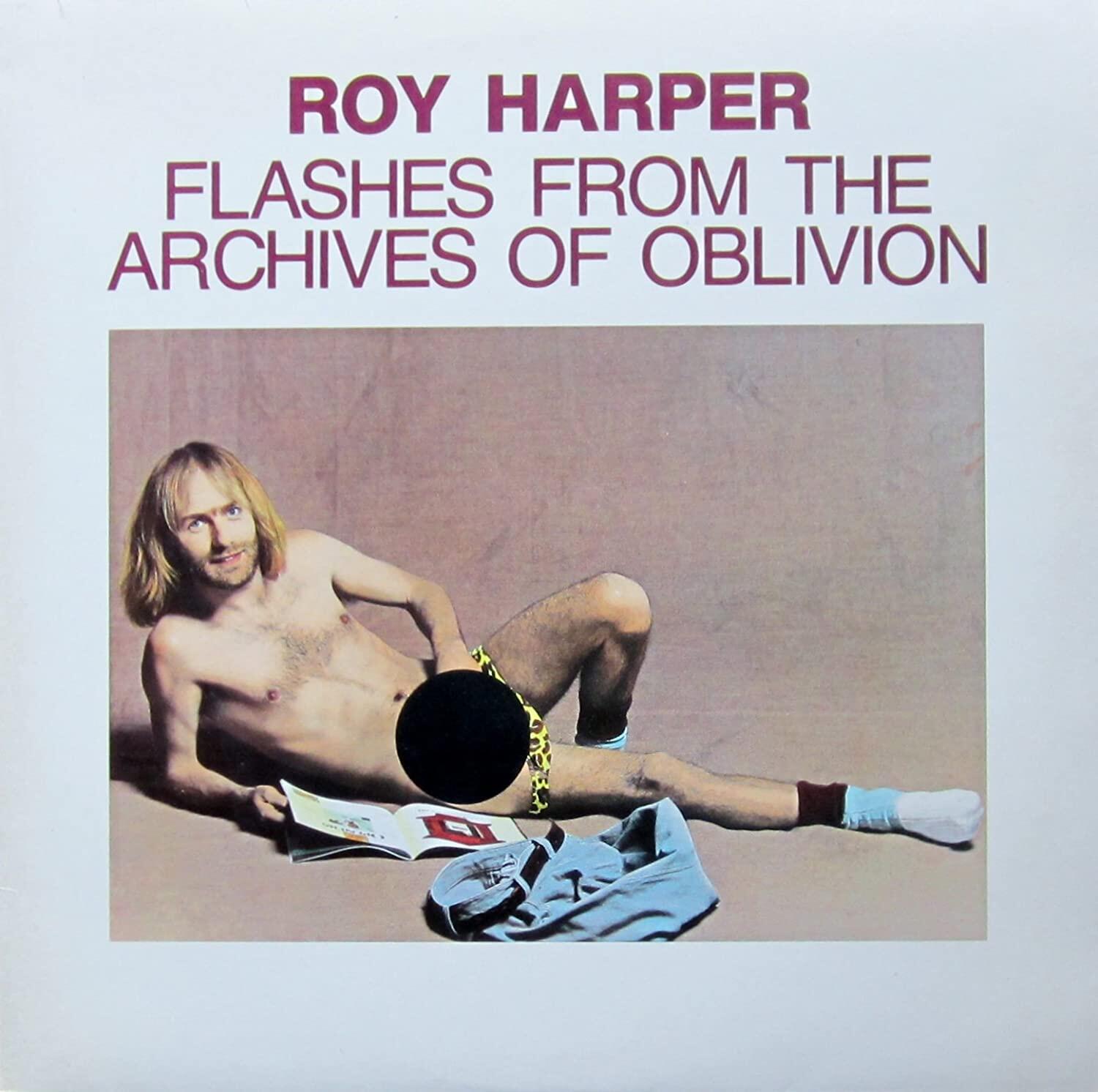
 No Year's Model. Better than it's cover.
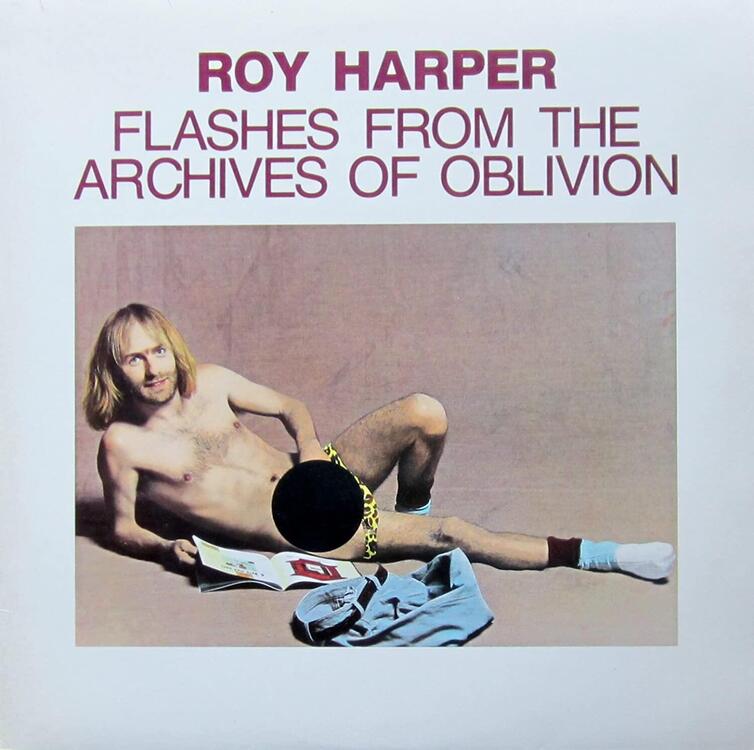 More Blue Coast. As always prettied up, melancholy covers from a likely sparse basement just a little while ago.I don't know what this means either, but I'm following Al's lead. Hope it's a great birthday.
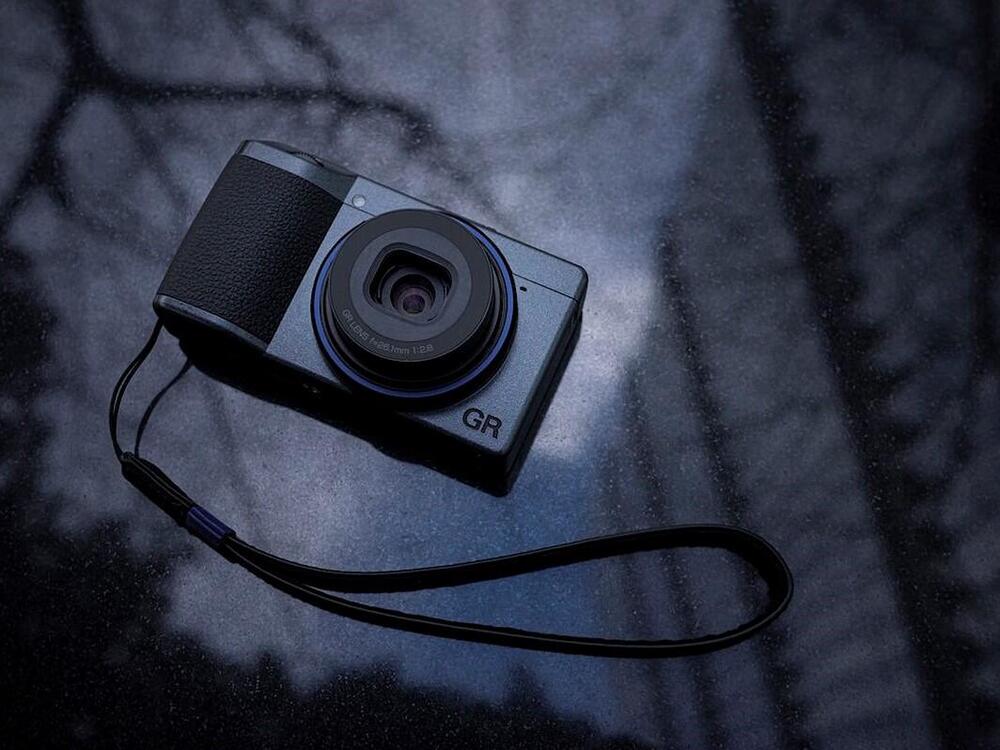
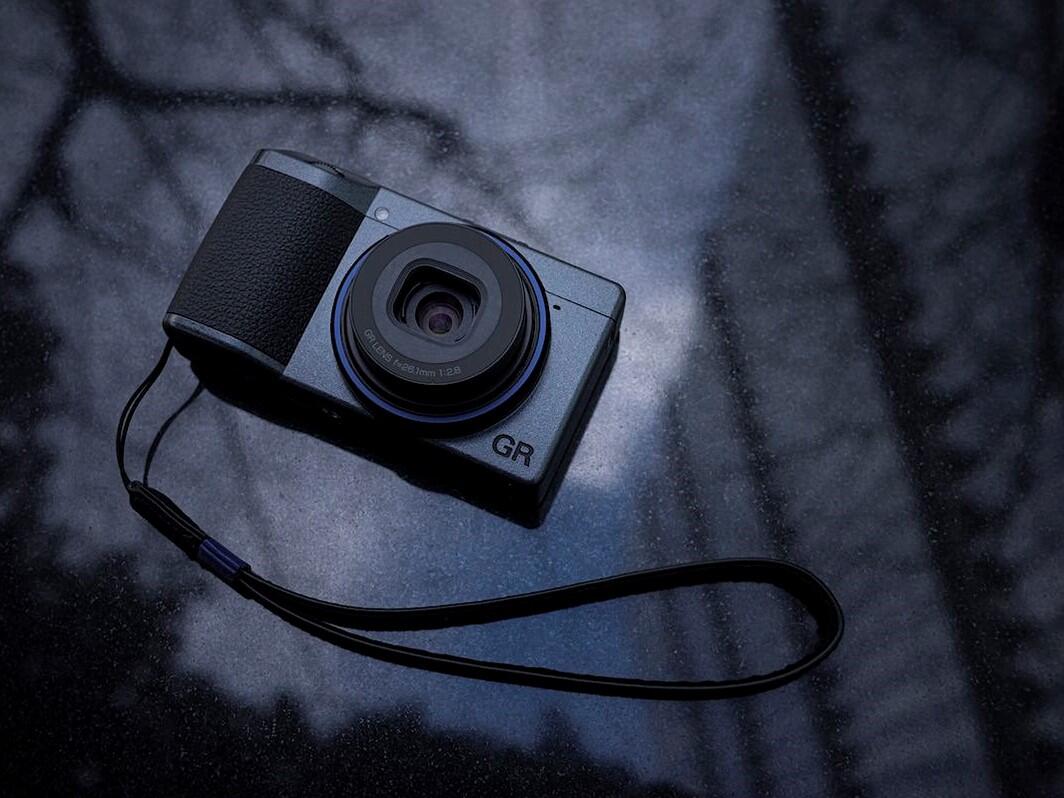
 Interesting move... Russia says its businesses can steal patents from anyone in ‘unfriendly’ countries https://www.washingtonpost.com/business/2022/03/09/russia-allows-patent-theft/ Also probably worth a listen... The Russian War in Ukraine: A Conversation with Garry Kasparov https://www.samharris.org/podcasts/making-sense-episodes/275-the-russian-war-in-ukraine https://itunes.apple.com/us/podcast/waking-up-with-sam-harris/id733163012?mt=2 orNo big news here (Ricoh releases a new edition of a model that's just a focal length change from another model), but check out someone exercising their marketing muscles! | Main Features of the RICOH GR III Street Edition Special Limited Kit | The RICOH GR IIIx Urban Edition camera body is accented by a navy-blue ring around the lens barrel. This color was selected to represent typical street shooter imagery such as deep blue skies reflected in a puddle following a rainfall or the bright neon signs of a never-sleeping city. The camera body is finished in metallic gray, reminiscent of the gritty tones of the urban landscape. https://www.prnewswire.com/news-releases/ricoh-announces-ricoh-gr-iiix-urban-edition-special-limited-kit-301499622.html
 The geographic divide https://www.theguardian.com/commentisfree/2022/mar/10/russia-ukraine-west-global-south-sanctions-war







Important Information
By using this site, you agree to our Terms of Use.