


blessingx
High Rollers
-
Joined
-
Last visited
Everything posted by blessingx
-
Not directly related to the subject of this thread, but may hint at unusual ways to attack Russia financially. https://www.npr.org/2022/07/16/1111824873/opinion-wicket-bad-bet
-
-
Britsit? Bitesit? Britsit Bitesit?
-
So binged The Bear last night-this morning. The whole season is pretty damn good.
-
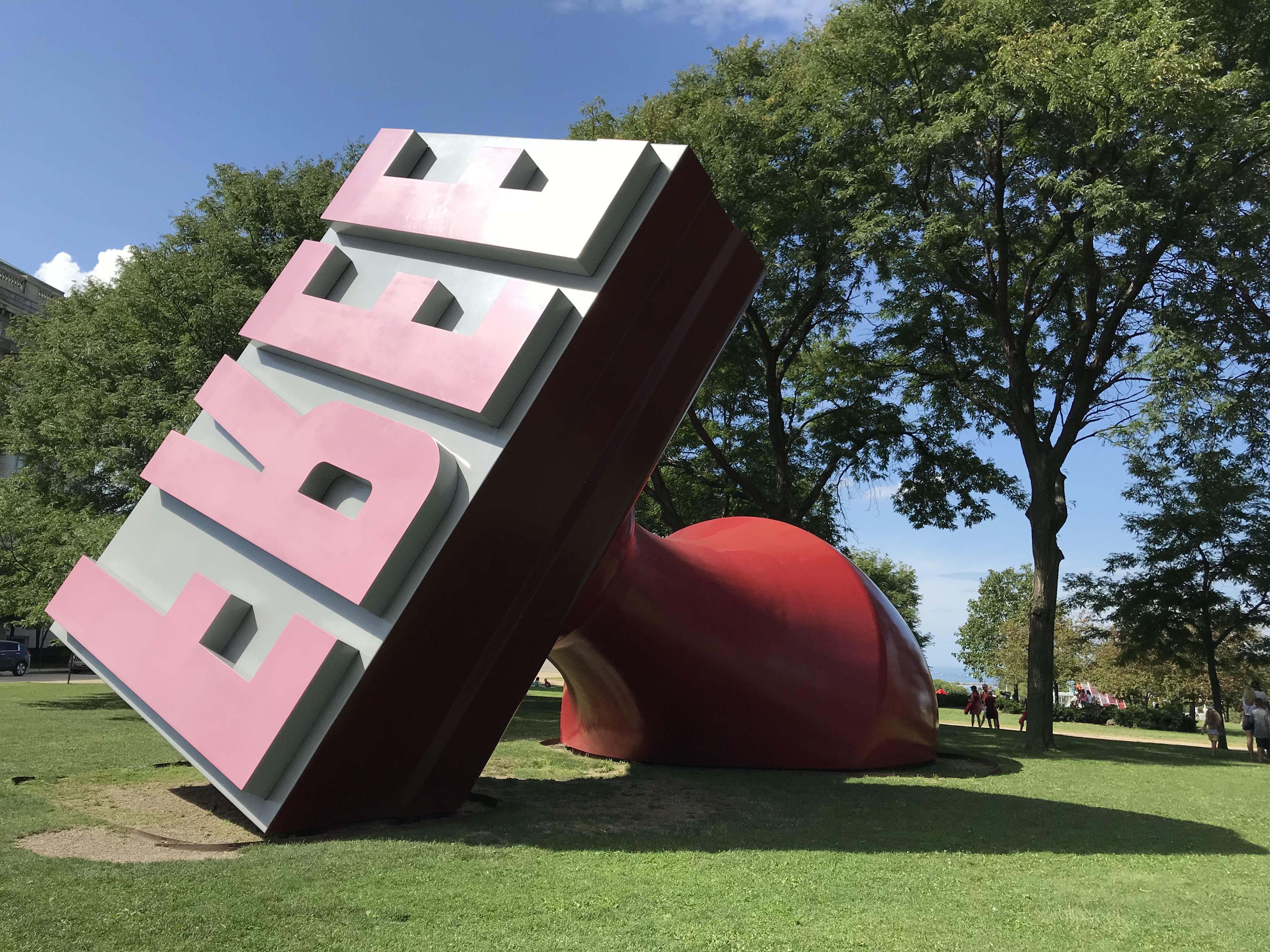
The sign and location were cool. 😜 EDIT: Also... I Worked in Michelin-Starred Kitchens. The Bear’s Depiction of Trauma Is Painfully Real https://www.bonappetit.com/story/the-bear-hulu-toxic-restaurant-culture
-
Possible untapped next food trend, but I’m guessing it’s for queue lines… beef (signature sandwich) | deli.
-
The Bear (Hulu/FX). I don't know how this is going to hold up, but damn, is it a strong pilot.
-
Probably those famous still life motion blurs.
-
First 200MP Samsung sensor photo posted, for future Motorola phone, shot in 50MP mode, and "most impressive when viewed at less than 100%." Some potential, maybe. https://petapixel.com/2022/07/14/the-first-photo-taken-with-motorolas-upcoming-200mp-smartphone-camera/

-
Pentax and Leica waves your direction.
-
Thanks for the suggestion. Have you ever run video (laptop, AppleTV) to it and does it keep sync? Not sure if AirPlay2 solved this for all devices, but some AirPlay didn't and it's unfortunately rarely discussed in reviews.
-
^ I use several tracks for walk-in music for events. Like a few Bill Wither tunes, they never fail.
-
First invent the universe.
-
Russian Politicians Want To ‘Take Back’ Alaska 💂♂️ https://www.popularmechanics.com/military/a40547937/russian-politicians-want-to-take-back-alaska/
-
Watched the pilot of HBO's The Anarchists. A bunch of American Anarchists get together in Acapulco and live happily ever after.

-
The bokeh is okay, I guess.
-
Anyone need a MS Office license for Mac or PC? Lots of other options out there, but probably the best deal if you need one. https://shop.popsci.com/sales/microsoft-office-home-business-for-mac-2021-lifetime-license-2
-
On that note, well worth 12 minutes of everyone's time...
-
RIP Joe Turkel, worlds most famous bartender and replicant creator. I didn't realize you played both (among others). https://www.yahoo.com/entertainment/joe-turkel-actor-shining-blade-034336342.html
-
As vintage digital cameras get mentioned here often, fun purge video from this morning (with buying options). Her goal was getting down to two. Good try.I think Sony went for a different solution.
 Posting in case there are other Kaufman fans. Currently stuck in a YT loop with some stuff I've never seen.BTW, that’s the soundtrack for the short that led to the feature. If you haven’t seen the short…










Important Information
By using this site, you agree to our Terms of Use.