


blessingx
High Rollers
-
Joined
-
Last visited
Everything posted by blessingx
-
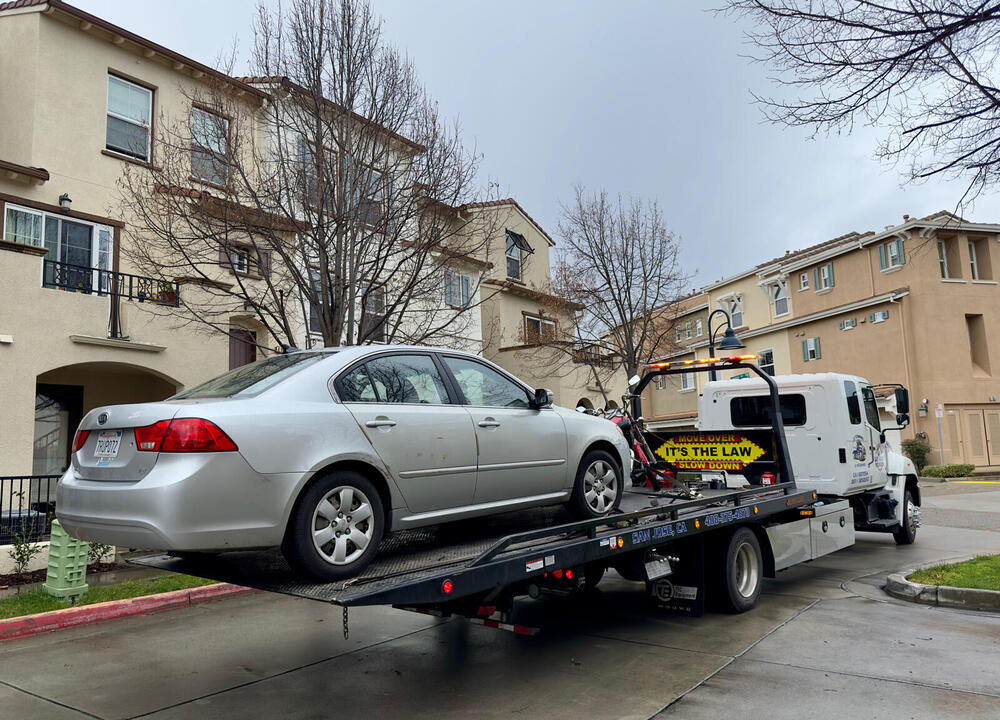
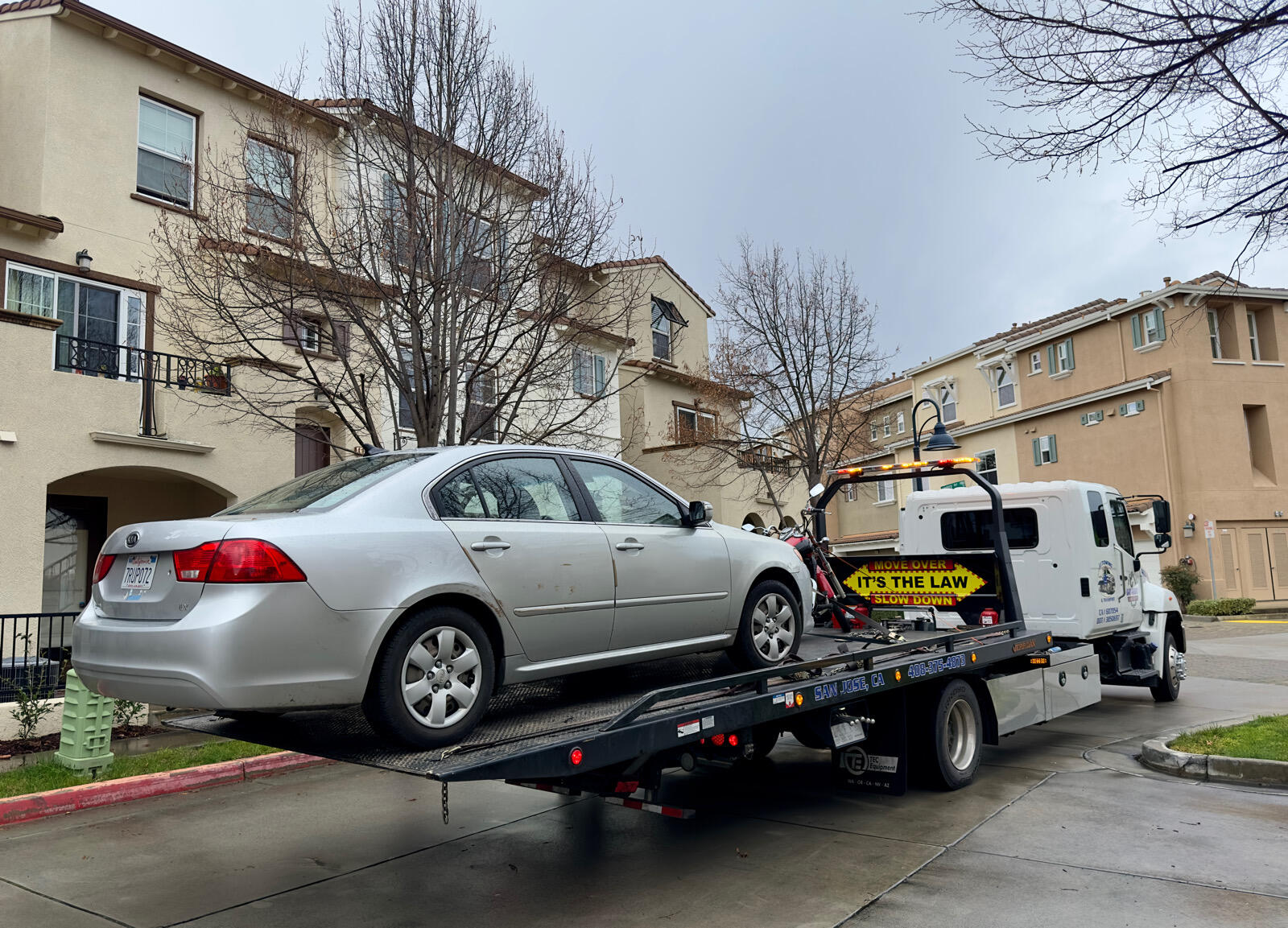
Celebrating Run It Into the Ground Day
-
I never mentioned the Pixii+ didn't work out for me. The rangefinder arrived severely misaligned so I never really got a chance to test it out and keeping the camera off wifi to conserve small battery life eliminated much of it's forward thinking phone connected ecosystem, but this recent interview is worth a listen if you're interested. Ironically the return was lengthy and a bit of a headache and when it was finally completed the same week it was announced B&H started stocking, eliminating some off the risk of overseas back and fourth. Anyway...
-
When CDs first came out there were a few CDs packs (two LPs in one CD purchase!). This was part of a Trane double and along with a Marvin Gaye double, the most memorable.
-
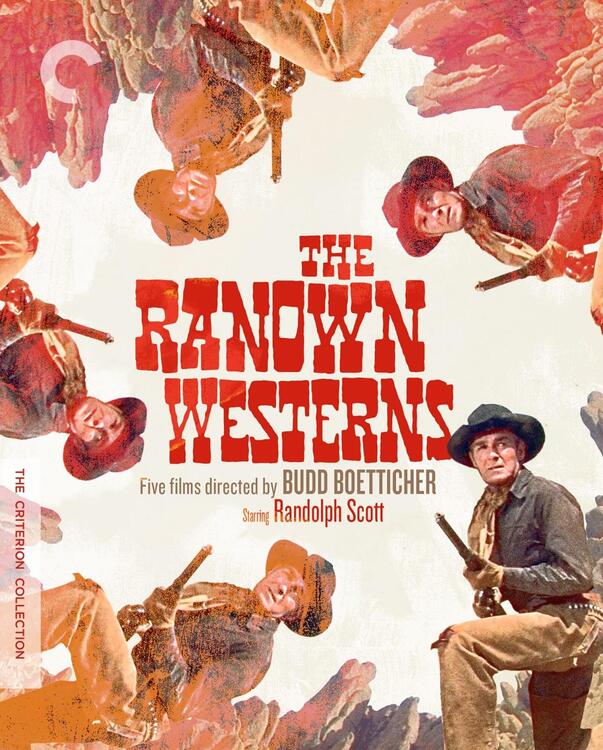
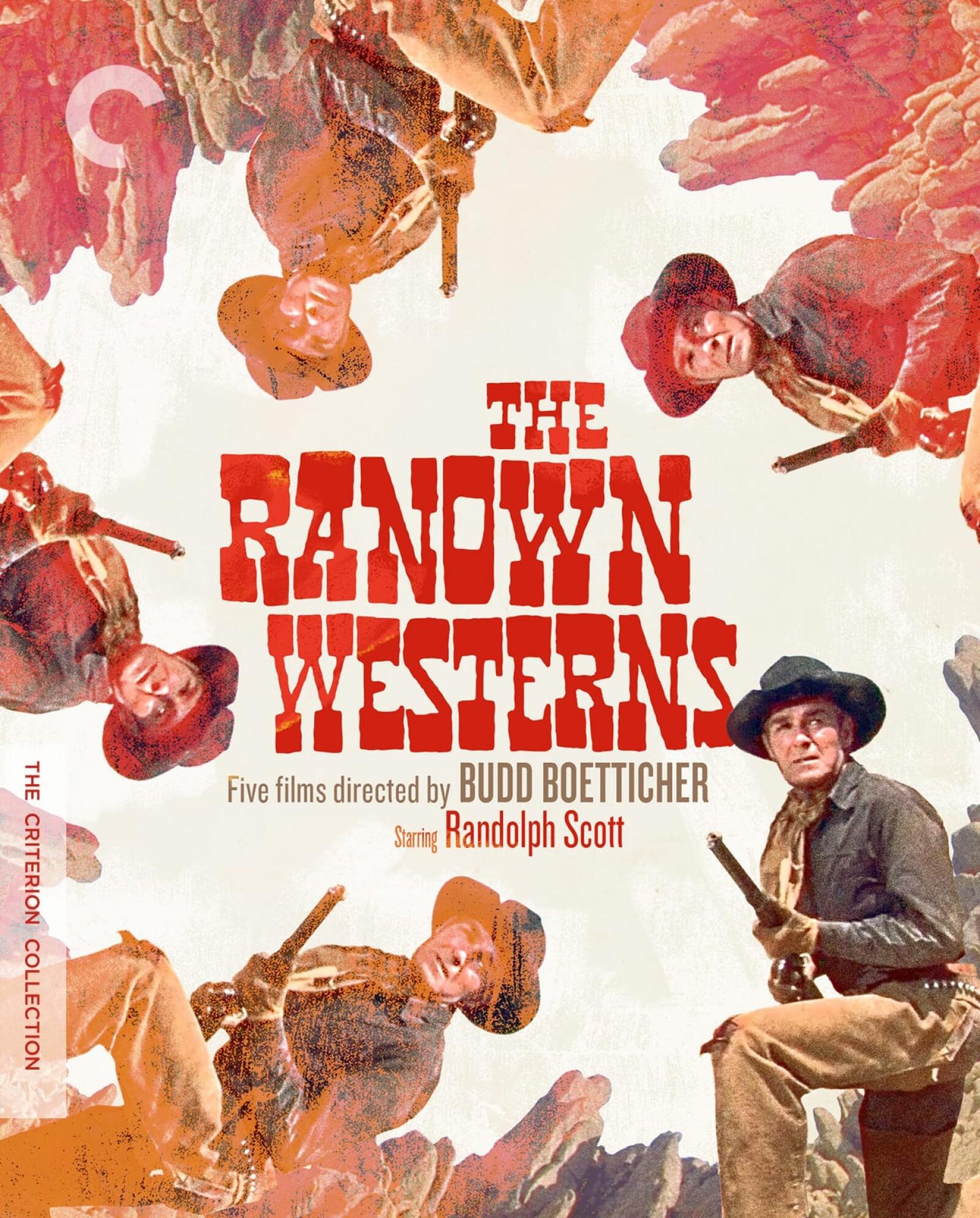
50% off Criterion discs for 20 more hours, including collector box sets. https://www.criterion.com/shop/browse/list?sort=spine_number&popular=collectors-sets%2Cin-print
-
Hope it's a great one.

-
Happy belated.
-
If you need a cheap Schiit Magni+ or Magni Heretic… https://www.schiit.com/products/magni-plus
-
-
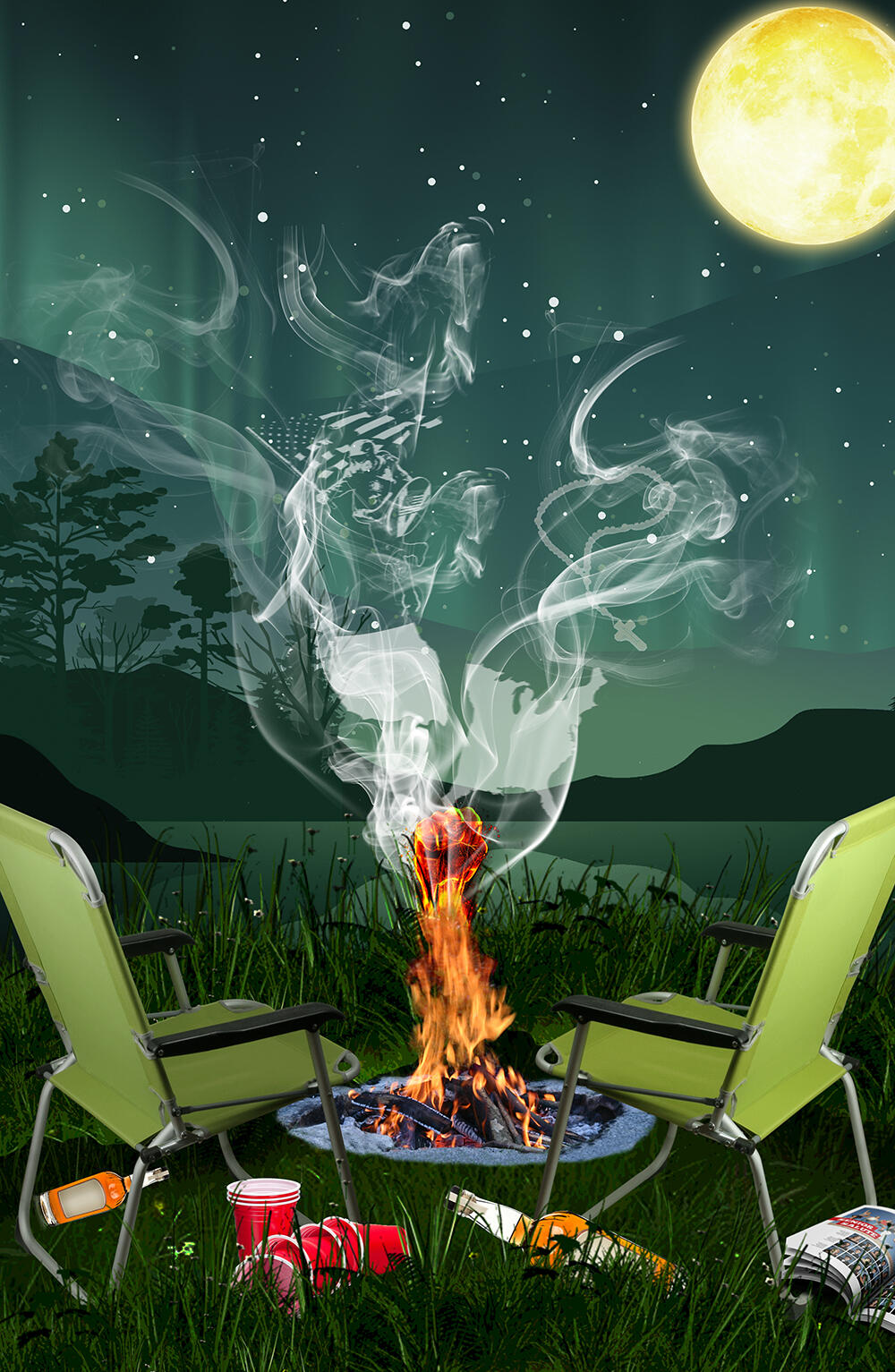
Lots of Viagra Boys tonight.Wanted time to let Tucker report on the upsides of Russian assassinations?Alexei Navalny has died, Russia's prison service says https://www.axios.com/2024/02/16/alexei-navanly-dies-russian-prisonKim Gordon - I'm a Man EDIT: When I get over this flu I'll start posting in the right thread.Second season of Tokyo ViceSometimes there’s a happy ending. They eventually found Gary Oldman’s legs.Was just listening to this...Paul Simon sued H.R. Pufnstuf?It was supposed to be Ray Romano, though he was fired on the second day. #alternativeuniverseAs with all things, no moderation is key.But I thought Andy Sidaris movie buffering were compassionate cosmic mini-pauses to reaccess one's direction in life?If anyone wants a little more info (NYT gift article)Early Valentine's evening out at the theater. Local production of Will Arbery's Heroes of the Fourth Turning. I had low expectations and was very wrong. "On the edge of the Wyoming wilderness, the last guests linger late into the night at a celebration for the new President of their conservative Catholic college. Reunited after seven years, the friends toss back whiskey and name-check Thomas Aquinas, Hannah Arendt, Steve Bannon, even Bojack Horseman, tracking their distance from each other and the people they thought they’d be by now. Will Arbery’s portrait of white conservatives trying to make sense of where they, and their country, stand is an incisive yet personal look at the intelligence and despair of the Catholic right."
 More Laufey / More Tiny Deskex.










Important Information
By using this site, you agree to our Terms of Use.