


dsavitsk
High Rollers
-
Joined
Everything posted by dsavitsk
-
I saw him live at least 2, maybe more times back in the 90s. He's really great.
-
I'll see your yellow song and raise you one red one...
-
Good God! How on earth am I going to unsee that?
-
Sometimes things can be two things I mean, who makes a "mono" headphone amp?https://www.theguardian.com/tv-and-radio/2025/may/30/loretta-swit-actor-deadHappy Birthday.Alan Alda is a national treasure. He has a podcast called Clear+Vivid where he talks to interesting people. It's great. And it's a nice diversion from everything being political.Last year I sold a domain I had for 20 years or so. It quickly became into a crypto site, but has now turned into an AI site.It's custard night. Quiche with chevre, potatoes, and chives. And a tarte with creme pat and peach compote.

 Happy birthday+1.Happy birthday!Eincorn wheat flatbread with onion, shallots, asparagus, smoked Gouda and herbs.
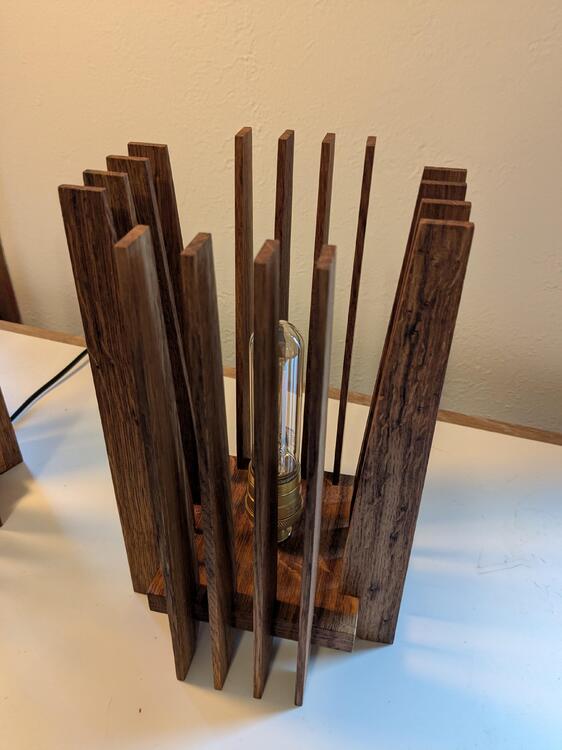
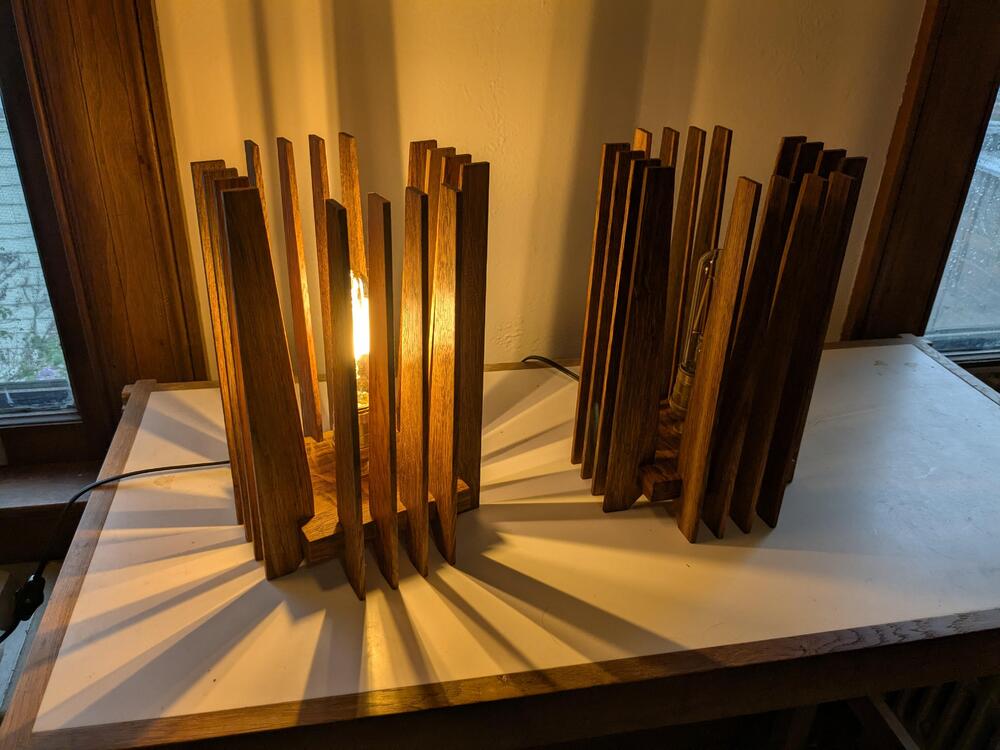
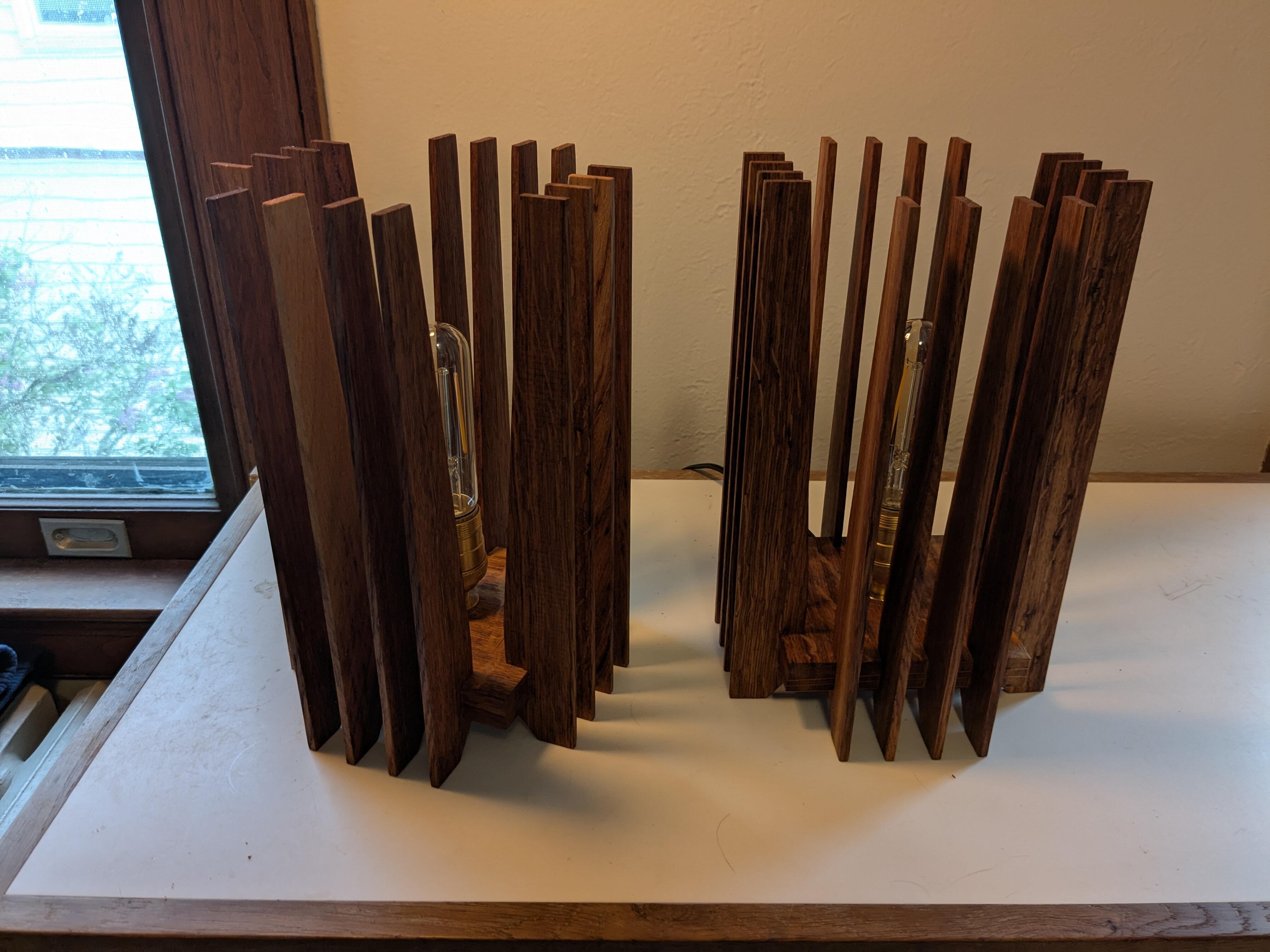
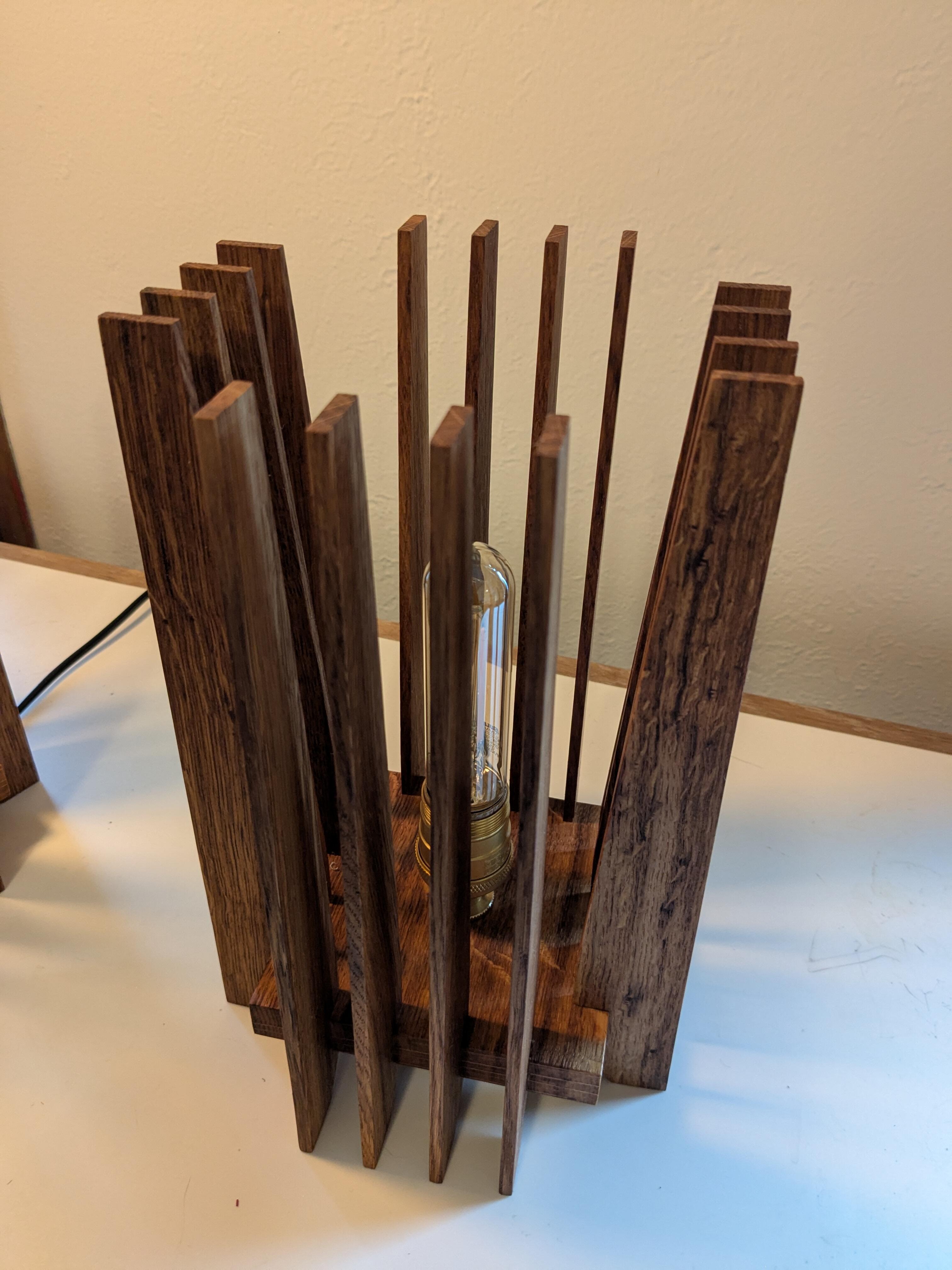
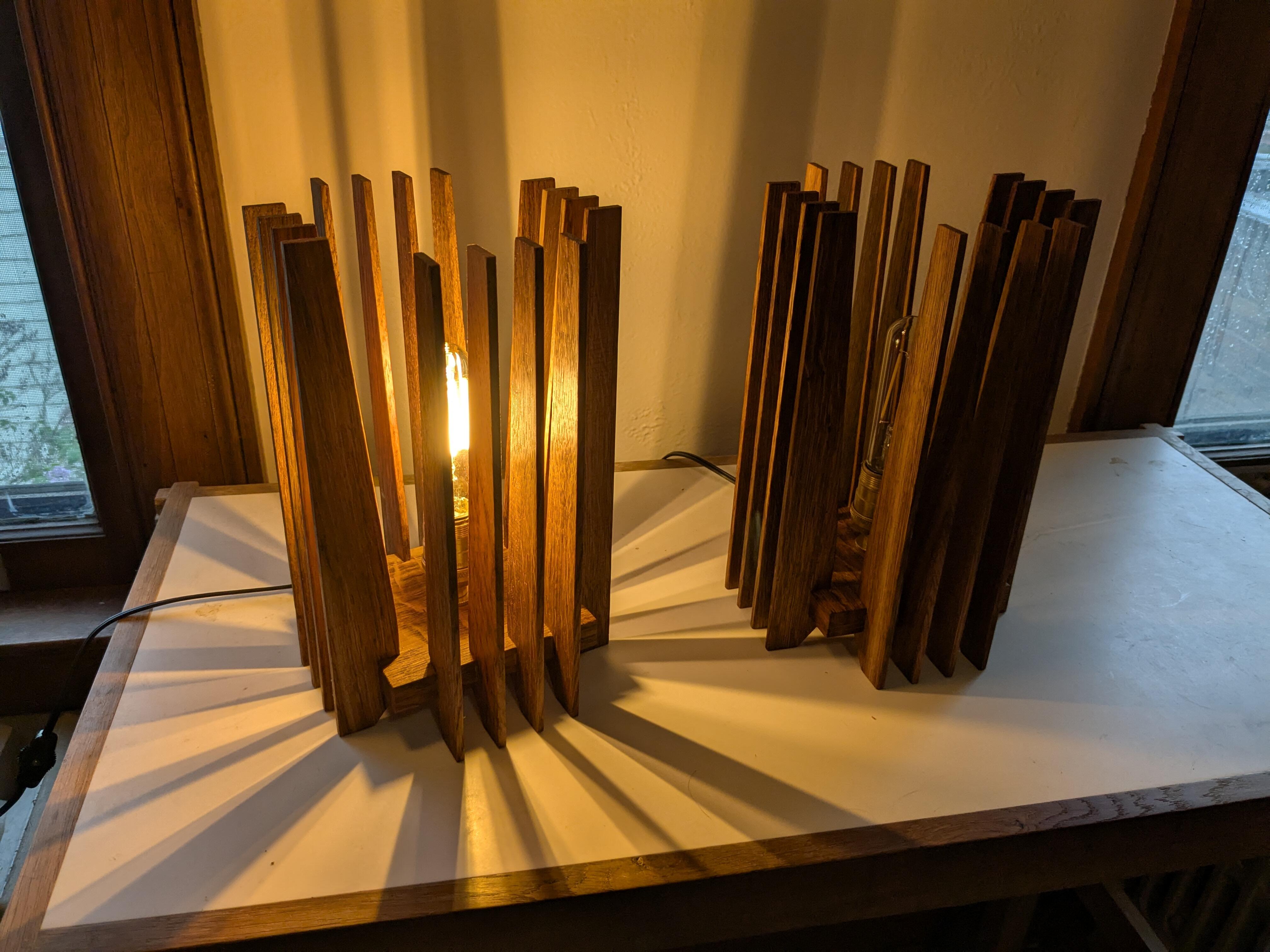
 Two wins.The cats broke the glass lamp in our entryway, so I needed a non-glass replacement. Similar to a design I made a few years ago, but smaller and with some refinements.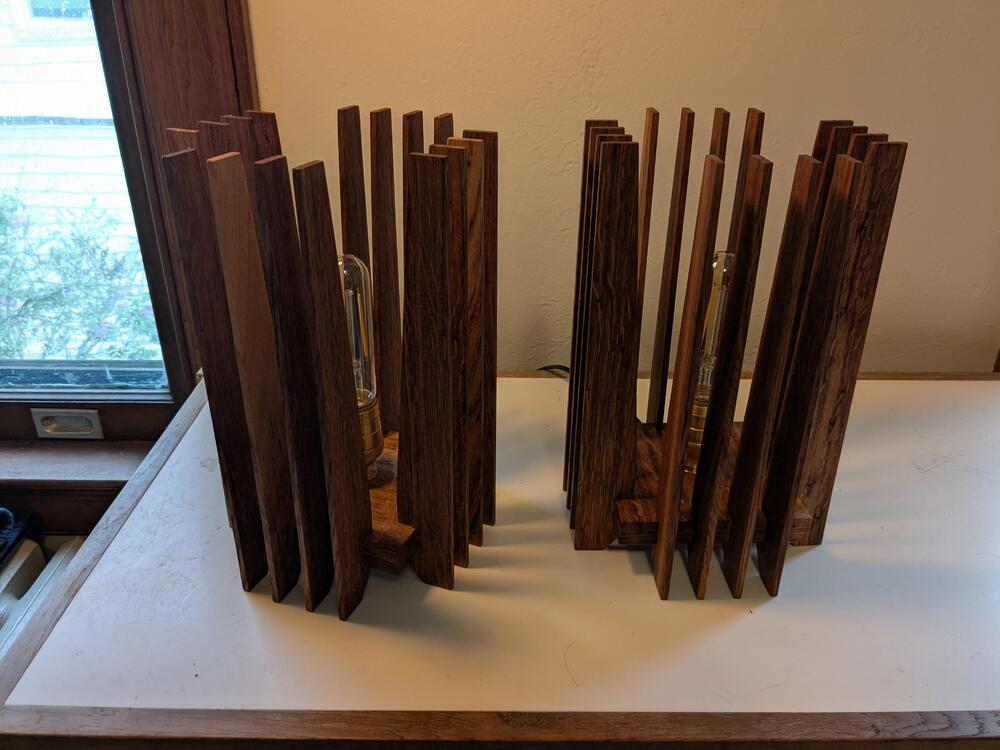
 https://youtu.be/Pmq4S2_7_S8?si=o0yixaE6Wk7Lz0dZ Youtube won't allow embedding, but clicking it is worth it.









Important Information
By using this site, you agree to our Terms of Use.
Account
Navigation
Search
Configure browser push notifications
Chrome (Android)
- Tap the lock icon next to the address bar.
- Tap Permissions → Notifications.
- Adjust your preference.
Chrome (Desktop)
- Click the padlock icon in the address bar.
- Select Site settings.
- Find Notifications and adjust your preference.
Safari (iOS 16.4+)
- Ensure the site is installed via Add to Home Screen.
- Open Settings App → Notifications.
- Find your app name and adjust your preference.
Safari (macOS)
- Go to Safari → Preferences.
- Click the Websites tab.
- Select Notifications in the sidebar.
- Find this website and adjust your preference.
Edge (Android)
- Tap the lock icon next to the address bar.
- Tap Permissions.
- Find Notifications and adjust your preference.
Edge (Desktop)
- Click the padlock icon in the address bar.
- Click Permissions for this site.
- Find Notifications and adjust your preference.
Firefox (Android)
- Go to Settings → Site permissions.
- Tap Notifications.
- Find this site in the list and adjust your preference.
Firefox (Desktop)
- Open Firefox Settings.
- Search for Notifications.
- Find this site in the list and adjust your preference.