


dsavitsk
High Rollers
-
Joined
Everything posted by dsavitsk
-
This just aired on PBS about 4 days ago: https://en.wikipedia.org/wiki/Brian's_Song
-
https://www.politico.com/story/2018/06/04/scott-pruitt-trump-hotel-mattress-592165I've had surprisingly good luck with spade bits in aluminum. Did you use cutting oil? Can't tell from the pics.1983 Mazda 626, hatchback.
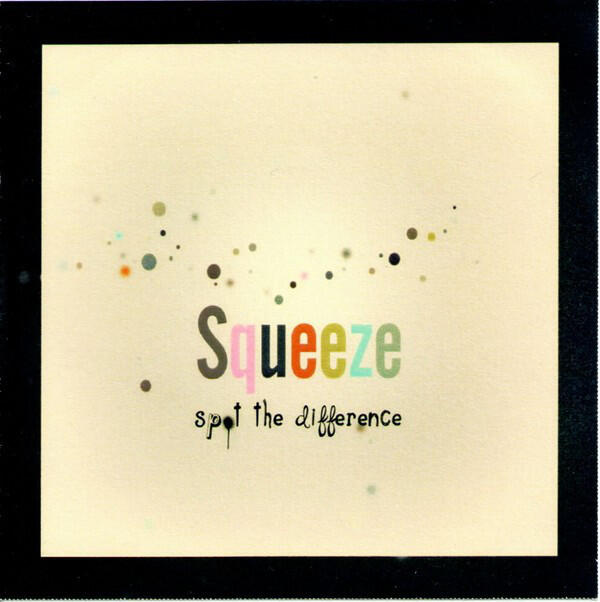
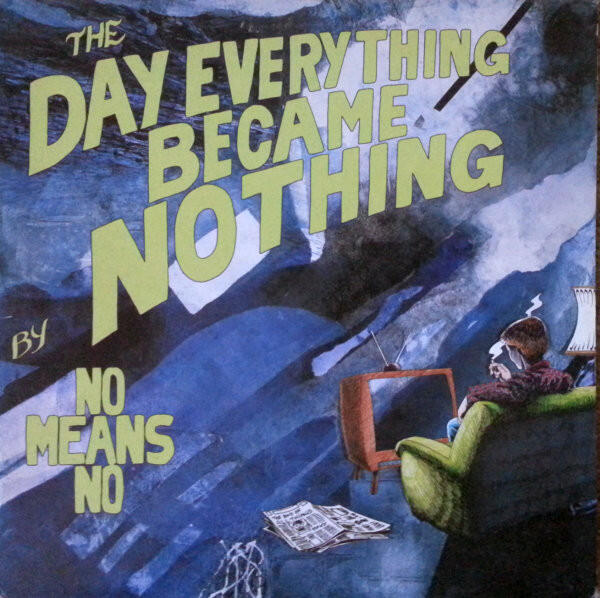
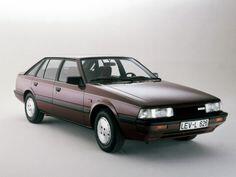 When I was in high school, I went out on a very cold day to start my car and let it warm up while I got ready for school*. I started the car, but it was so cold that the door mechanism was frozen and the door wouldn't latch. I figured that if I locked it, it might latch upon closing. And since it was one of those locks where you had to hold the handle for it to stay locked upon closing, I didn't think it was a problem. Upon closing, it did stay closed, but it also stayed locked. Having a spare key, I went inside to finish getting ready. When I came out, I put the spare key in the door and promptly broke it off. So I was left with a locked, running car and no key (and a mother who was not going to let me stay home). I don't remember how I got to school, but I do remember that when I got home the car had run out of gas and the battery had died. * my car had a special feature that if it was really cold, the levers on the steering wheel would lose tension which turned on the wipers, turn signal, etc.David Graeber. https://www.theguardian.com/books/2020/sep/03/david-graeber-anthropologist-and-author-of-bullshit-jobs-dies-aged-59 Edit: A favorite Graeber article: https://thebaffler.com/salvos/whats-the-point-if-we-cant-have-funAll transformers hum. The less they are taxed, the less audible it is. So oversized is your best bet.One of the best professors I ever had, who went on to become president of Cornell, died from colon cancer at 52, literally weeks after being diagnosed.I don't know what you mean by ink, but I'd tend to do this sort of thing on a laser over a CNC. https://www.ponoko.com/ also, probably vellum, not velumPossibly the best track by the best MC of the 90's. One of those songs that I'm sad when it ends, and I usually listen to it again (and again). Kind of obscure, but if you listen to other 90's rap, you'll recognize this as being sampled all over the place. to witMy primary these days are the 3M Peltor Optime 105's.My dad was famous for always preferring the cheapest wine offered, even in blind taste tests. Saved him a lot of money over the years.They are good for baking at that point. Throw them in the freezer until it cools down.Do any of these work as a wireless soundcard, or are they all streamers that need to be controlled with an app and that pull things from various places (like the old squeezebox model)?Haven't heard this in years ...https://en.wikipedia.org/wiki/Katko_v._Briney






Important Information
By using this site, you agree to our Terms of Use.
Account
Navigation
Search
Configure browser push notifications
Chrome (Android)
- Tap the lock icon next to the address bar.
- Tap Permissions → Notifications.
- Adjust your preference.
Chrome (Desktop)
- Click the padlock icon in the address bar.
- Select Site settings.
- Find Notifications and adjust your preference.
Safari (iOS 16.4+)
- Ensure the site is installed via Add to Home Screen.
- Open Settings App → Notifications.
- Find your app name and adjust your preference.
Safari (macOS)
- Go to Safari → Preferences.
- Click the Websites tab.
- Select Notifications in the sidebar.
- Find this website and adjust your preference.
Edge (Android)
- Tap the lock icon next to the address bar.
- Tap Permissions.
- Find Notifications and adjust your preference.
Edge (Desktop)
- Click the padlock icon in the address bar.
- Click Permissions for this site.
- Find Notifications and adjust your preference.
Firefox (Android)
- Go to Settings → Site permissions.
- Tap Notifications.
- Find this site in the list and adjust your preference.
Firefox (Desktop)
- Open Firefox Settings.
- Search for Notifications.
- Find this site in the list and adjust your preference.